

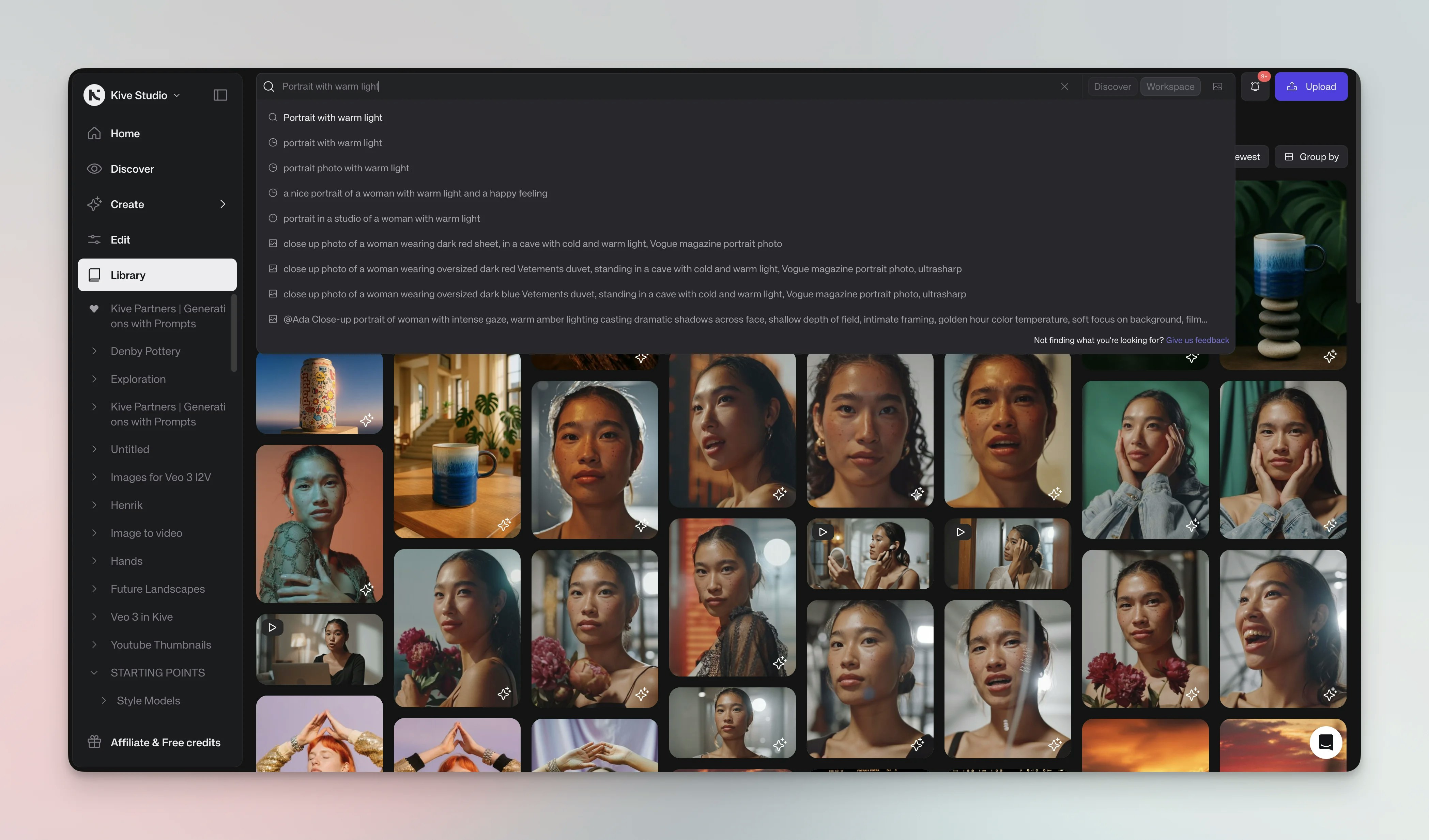
Use search
Type natural descriptions in the search bar to find assets. No exact filenames or manual tags needed.Search by image
To find similar images, click the camera icon in the search bar and upload a reference image or pick one from your library. Kive will return visually similar assets.1
Search bar method
- Click the camera icon in the search bar 2. Upload a reference image or select from your library 3. Browse visually similar results
2
From existing assets
- Hover over an asset and open the … menu 2. Choose Search similar items 3. Browse results that match the style and content
Filters
Click Filter to refine results by:- Item type (images, videos, GIFs)
- Color
- Upload source
- Added by (team members)
- Custom properties
- Board associations
Manage assets
Organize and manage your found content
Upload assets
Learn how to add new content to your library