

How it works
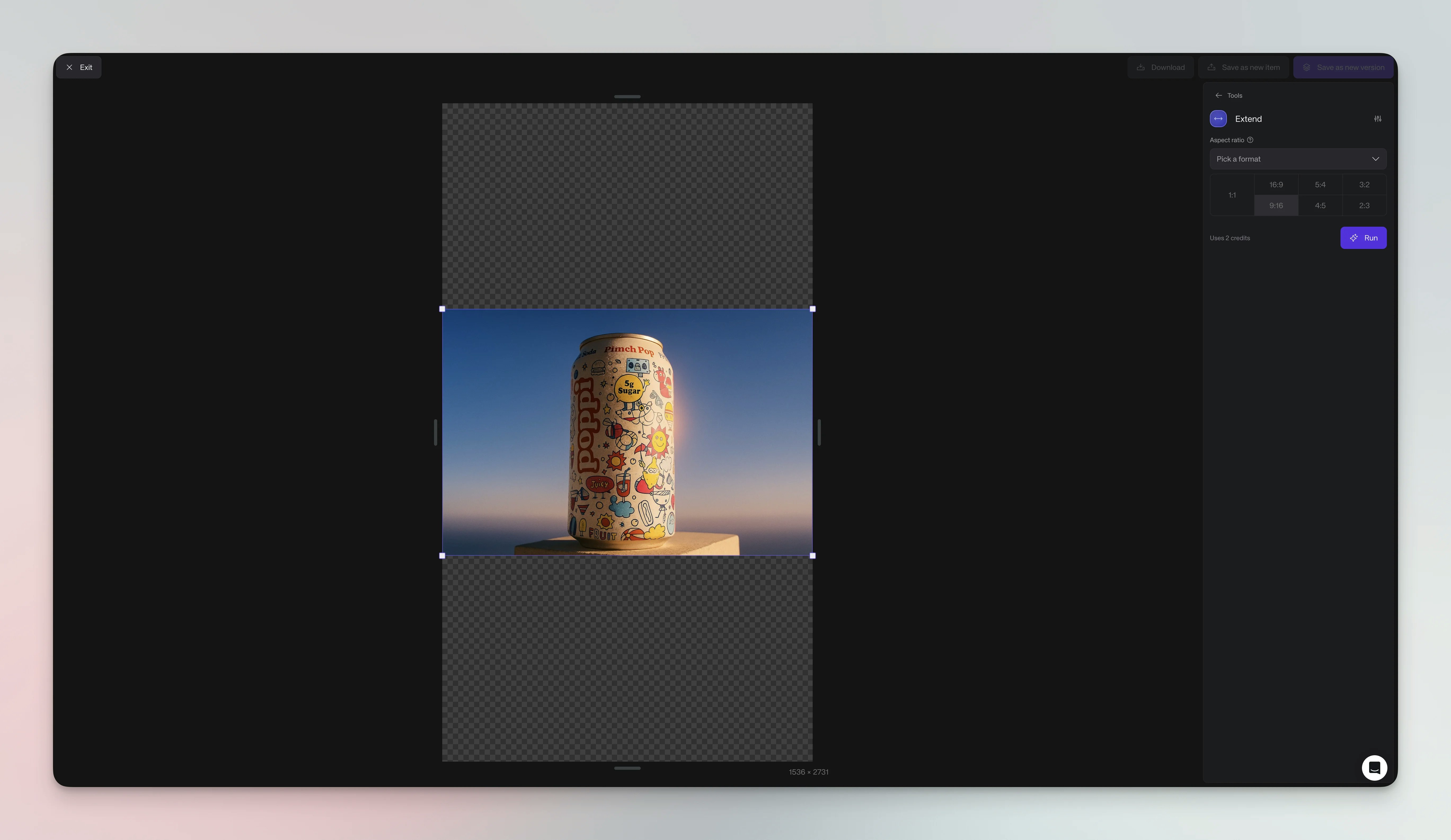
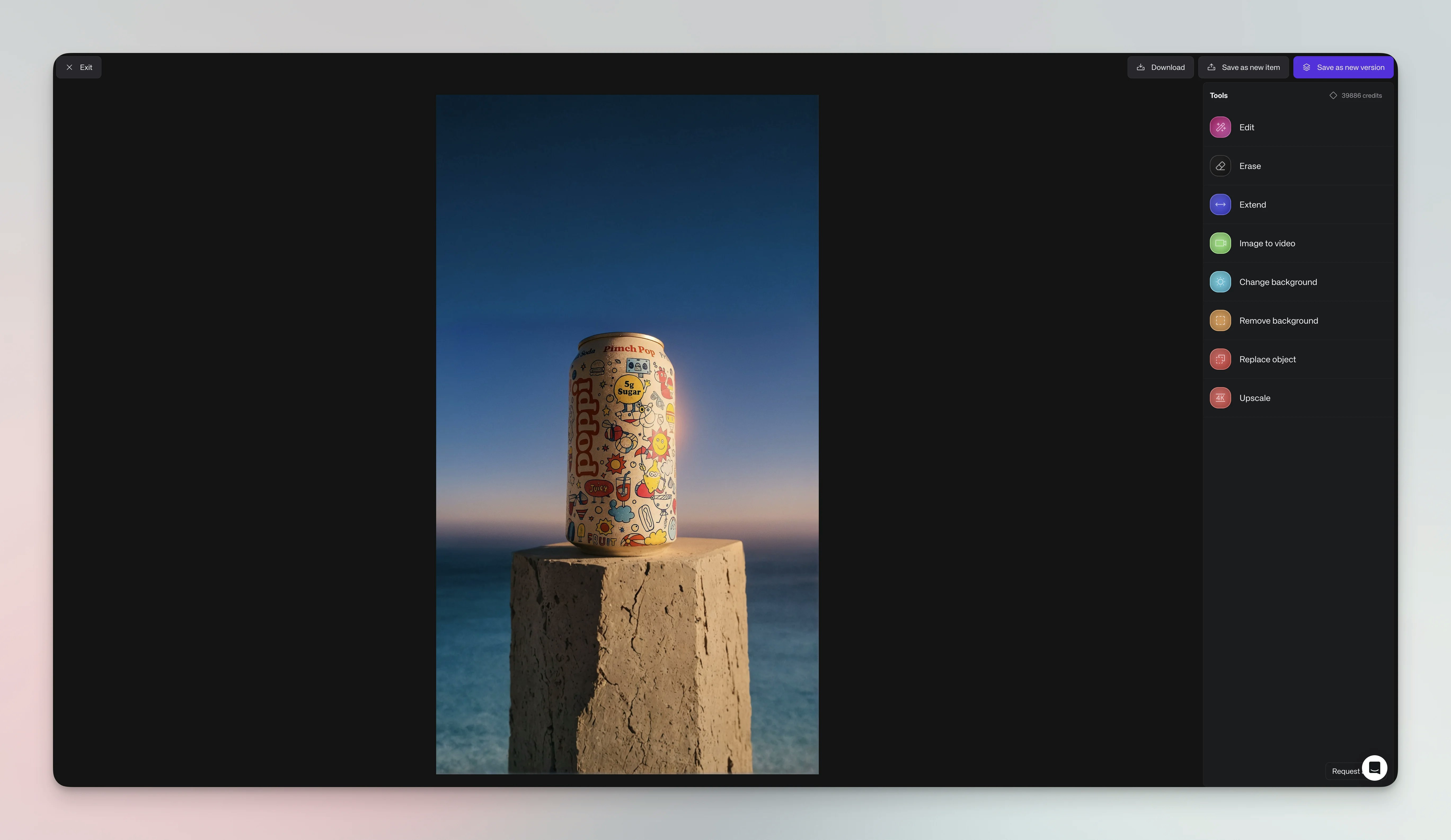
The AI analyzes existing patterns, textures, and colors to generate natural extensions. This outpainting process maintains visual consistency while offering smart pattern recognition, texture continuation, lighting preservation, and multiple aspect ratio presets.Visual examples
Steps
Expand your image boundaries in seven steps:- Open your image - Navigate to the image in your Library or board and click to open it in detail view
- Open Agent - Click Edit in the item detail view, or open Agent and attach the image manually
- Choose dimensions - Ask for a preset aspect ratio like 16:9, 1:1, etc.
- Set extension direction - Specify which sides to extend (top, bottom, left, right, or all)
- Send request - Send the request to create the additional canvas area
- Review results - Check that the new areas blend naturally with your original image
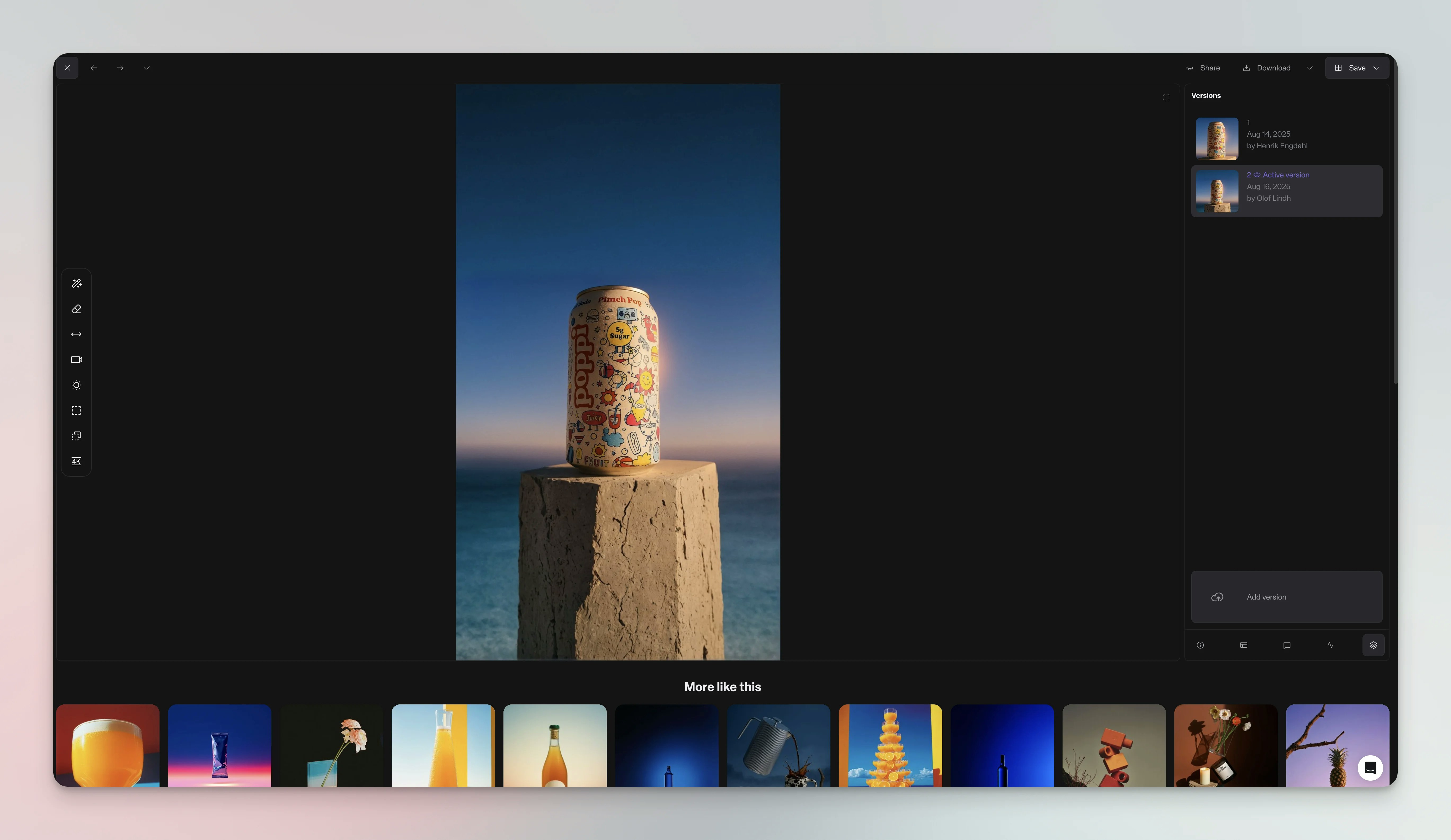
- Save the result - Click Save to add the extended result to your Library
Options
Canvas extension offers preset ratios like 16:9, 1:1, etc. Expand all sides equally or focus on specific directions. The tool works best with simple, repeatable background patterns.Use cases
Common applications span social media, professional presentations, and print media. Social Media - Convert square posts to Stories, adapt portraits for covers, or create landscape headers. Presentations - Expand product shots, add space around portraits, or create panoramic views. Print - Adjust to standard frame sizes, create poster layouts, or add borders without cropping.Tips
Simple backgrounds extend most naturally—solid colors, gradients, and basic textures work best. Avoid complex patterns or text that won’t extend seamlessly. Consider your subject placement and test small extensions before major changes.Credit usage
Each canvas extension uses 2 credits regardless of size, making it equally efficient for minor adjustments or major aspect ratio changes.See also
- Change Background - Replace entire backgrounds
- Edit images with Agent - Make localized modifications
- Editing with Agent - Complete guide to editing requests and credit costs