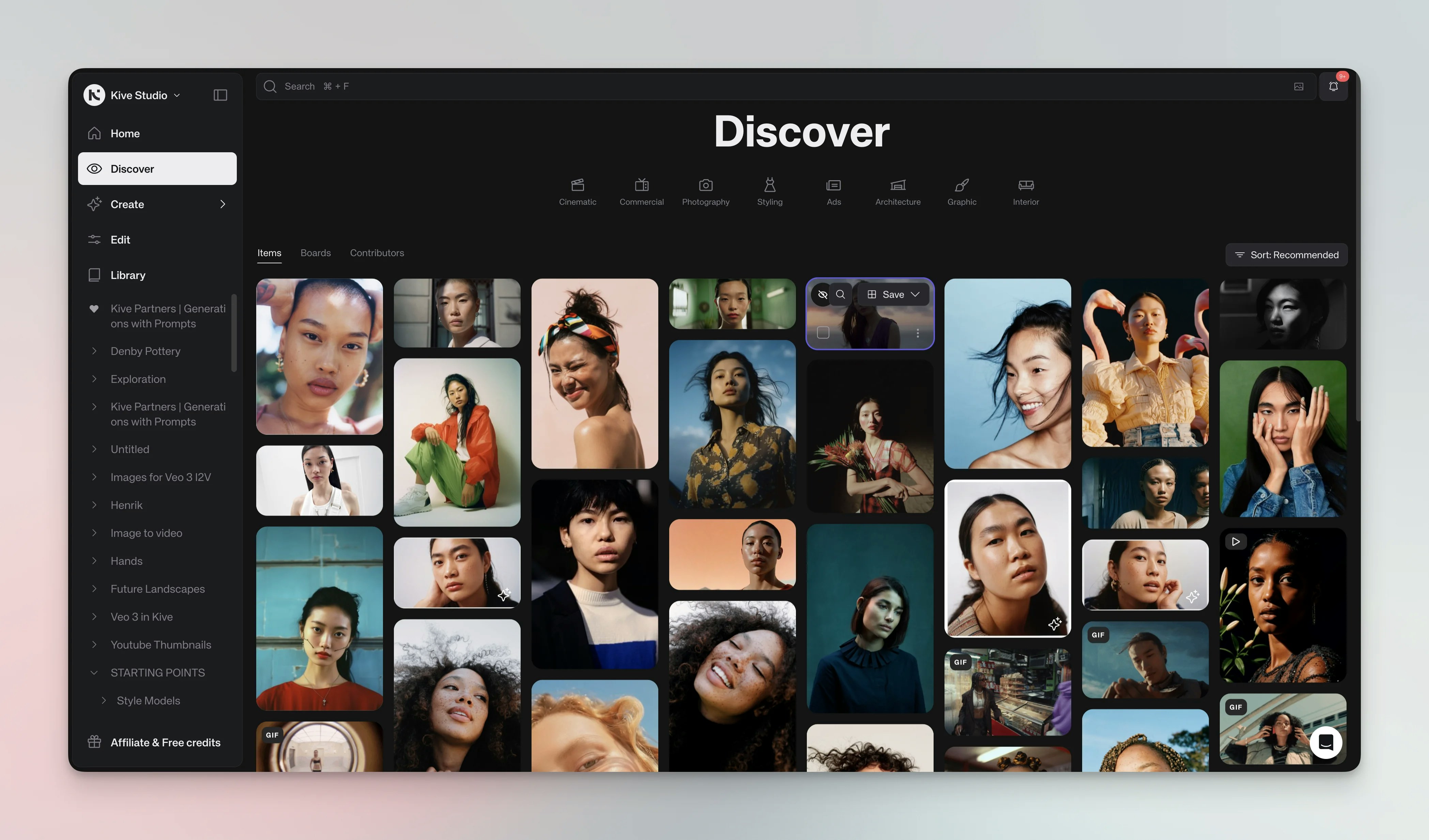
Discover is a curated library of images, videos, and boards from the community and the Kive team. Use it to gather inspiration, study prompts, and find style references. You can save items to your boards or generate new content from them. Discover page showing curated content

Browse

Discover has three tabs:
  • Items: Browse individual images and videos. Hover to Quick save, View details or use the item’s style or prompt.
  • Boards: Explore themed collections created by other users. Open a board to see all items and copy prompts or style references.
  • Contributors: Follow creators whose style you like. Click Follow to see their new work in your feed.
Categories on the left separate content into creative (e.g., cinematic, photography) and commercial (ads, architecture) themes.

Use discovered content

Open item details

Click an image or video to see metadata, the prompt used, and the style model. You can save it to a board or generate similar content by copying the prompt. Item detail view with generation options
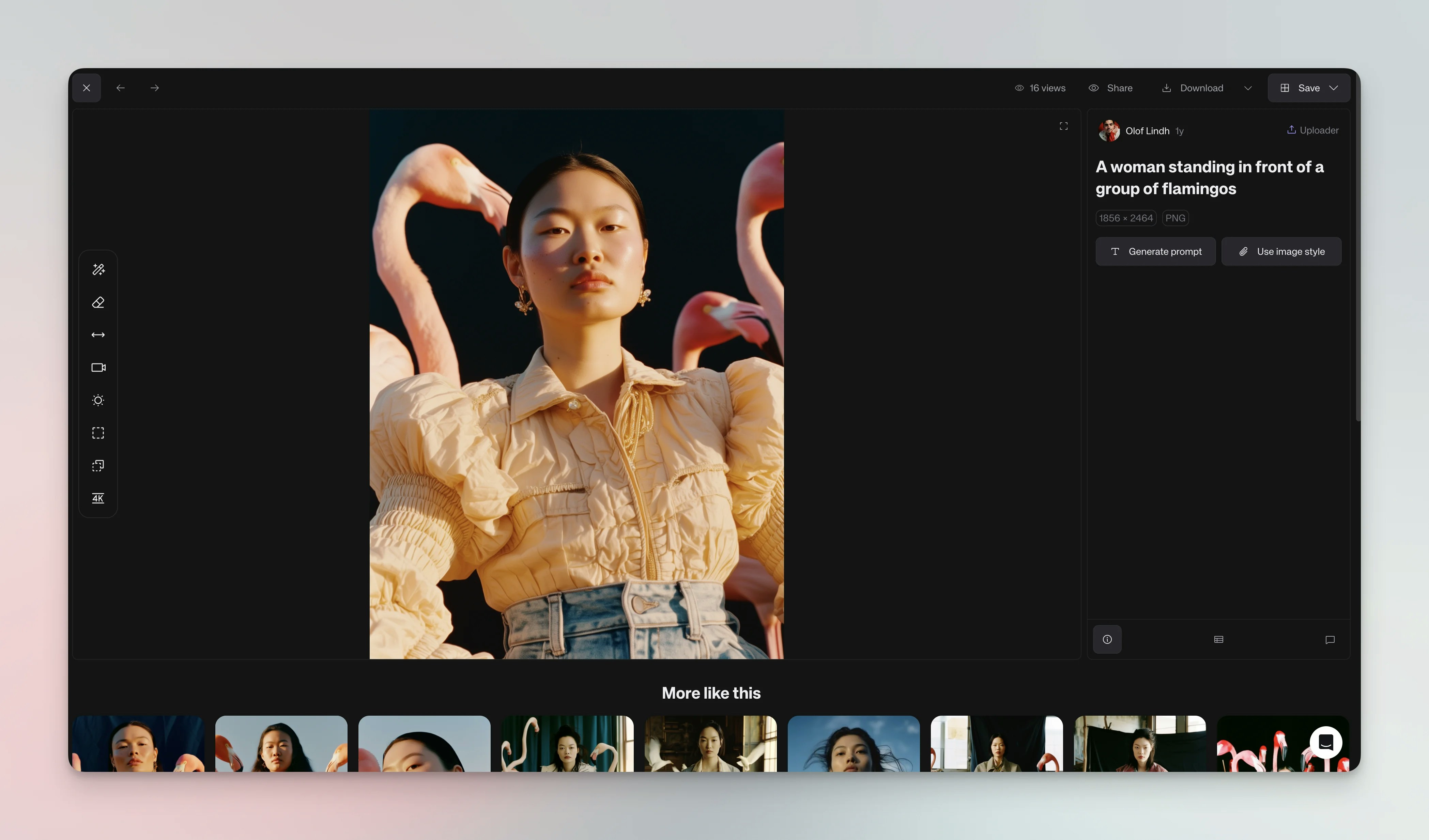
Generate from style

When viewing an item’s details, you’ll see different options:
  • Use style - Available on all images. Applies just the visual aesthetic to your new generation.
  • Use prompt - Available on AI-generated images. Loads the complete original settings including prompt and parameters.
  • Generate prompt - Available on uploaded (non-AI) images. Creates a starting prompt based on the image.
Right-clicking any image also provides access to Use style and other relevant options.

Quick save

Hover over an item and click the bookmark icon. Choose a board and optionally add it to multiple boards at once.

Search & filters

Use natural language or visual search by uploading an image. Filter by item type, color, upload source, creator or custom properties to refine results.

Tips

Tip: Build reference boards by saving items that match your aesthetic. Refer back when writing prompts or training models. Tip: Follow contributors whose work inspires you; their updates appear in your feed. Tip: Study prompts attached to images you like — they’re great examples for your own prompting.

See also