5 Pebblely Alternatives for AI Product Photos in 2026
By Olga Stogova
11 min read
Cut the product out and set it on a warm orange ground, in your browser, for free.
Click "Start from a photo" and pick a PNG or JPG of any size. The cutout runs in your browser, so the image is never uploaded to a server.
Orange (#ff9500) is already selected once the background is gone. Swap it for any other color with the swatches or the picker.
Download a PNG with the background already composited in, ready for a listing, a deck or an ad.
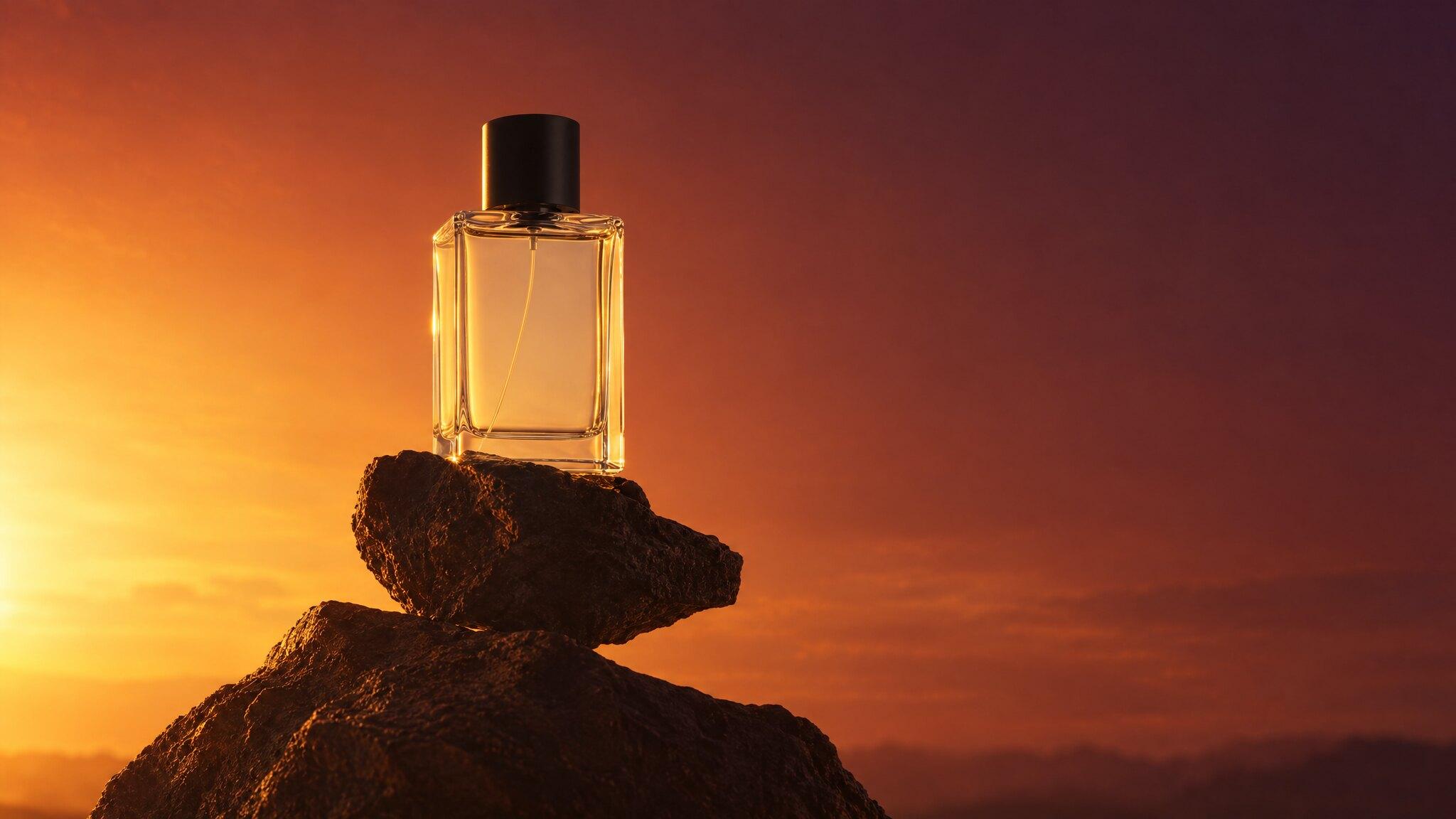
Orange carries the energy of red with none of the alarm. It is a warm, appetizing, physical color, which is why food, sport and activity brands keep returning to it when a frame needs to feel like movement.
Food and takeaway, sports nutrition, outdoor and activity gear, autumn ranges, and any creative that should feel warm rather than urgent.
It is a warm cast on everything nearby. Skin tones go ruddy, white packaging goes ivory, and a cool-toned product placed on it can look like it belongs to a different set. Mind the pairing with red and pink in the same grid.
Orange or red for a food campaign?
Which orange is this?
Does it work for beauty?
Backgrounds are the easy part
Kive generates the whole product shot — scene, lighting and all — from photos of what you actually sell.