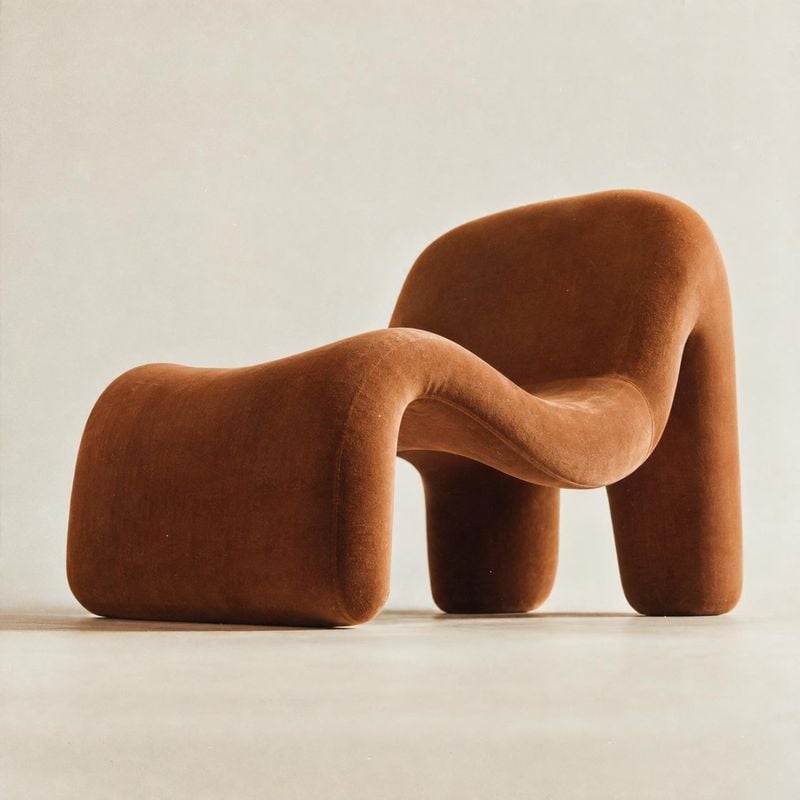
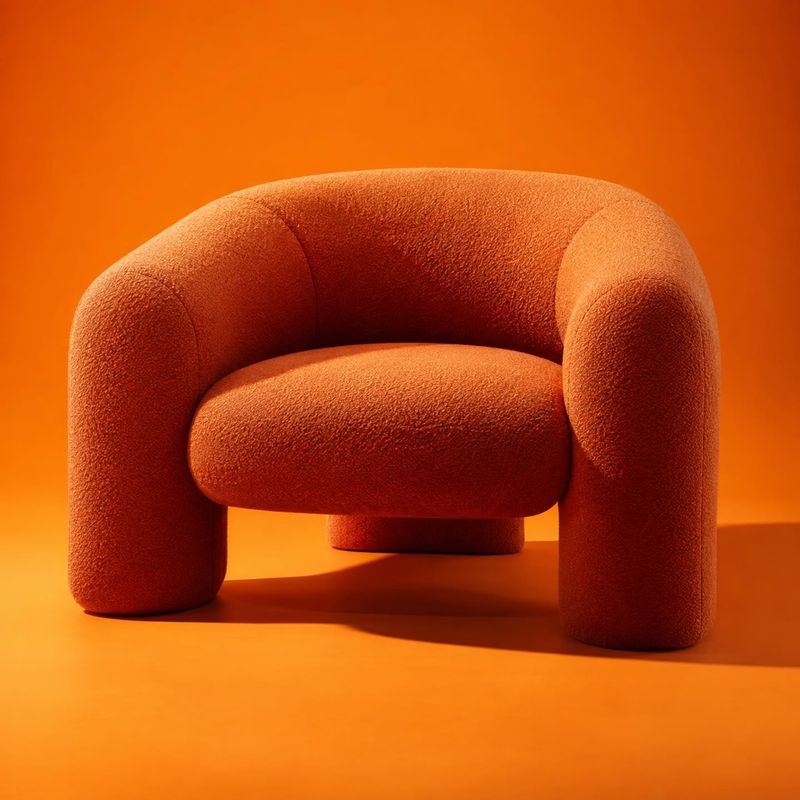
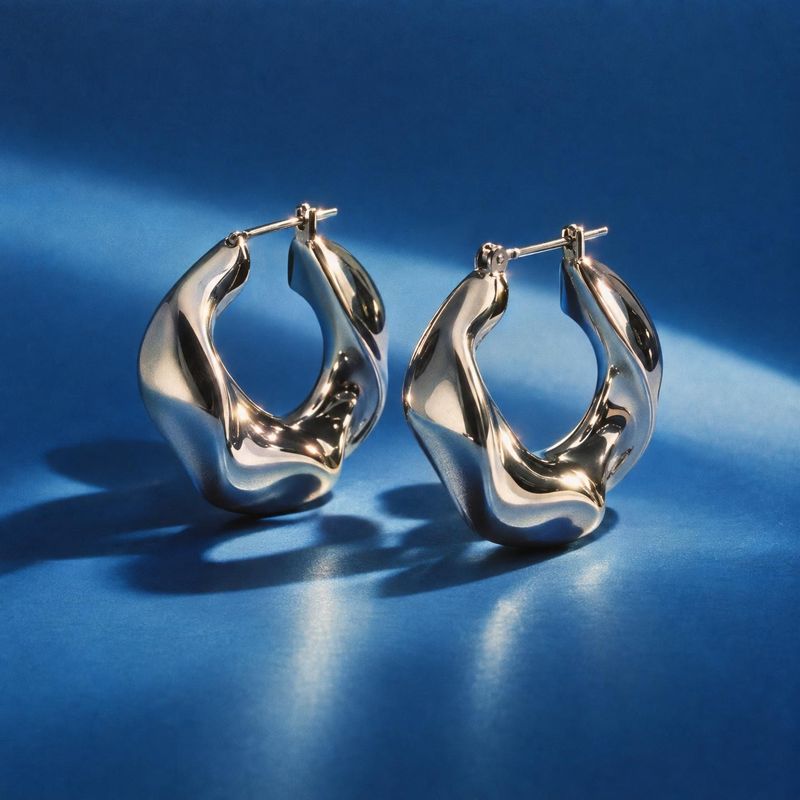
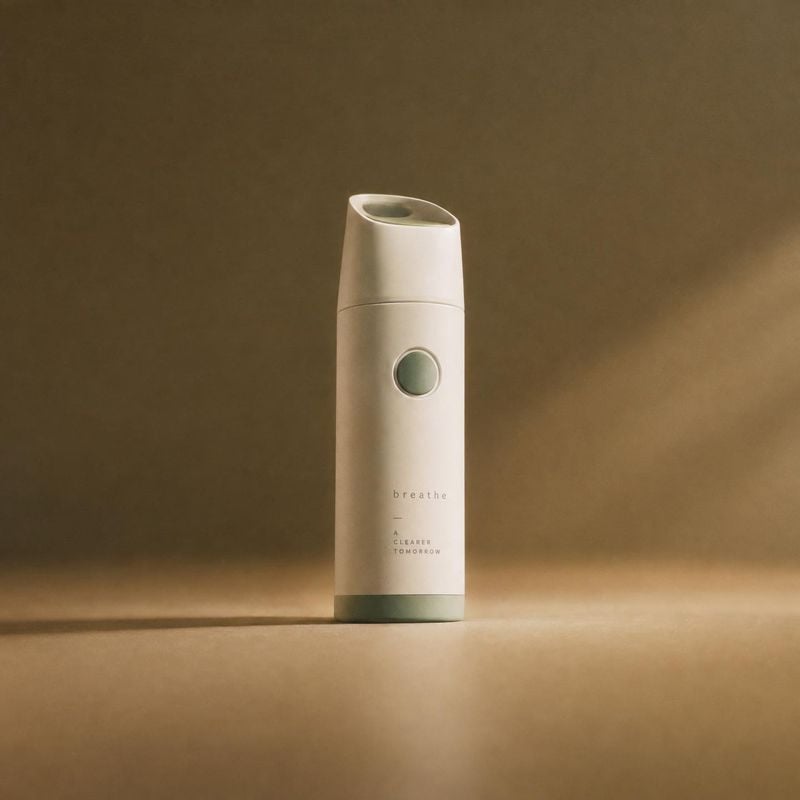
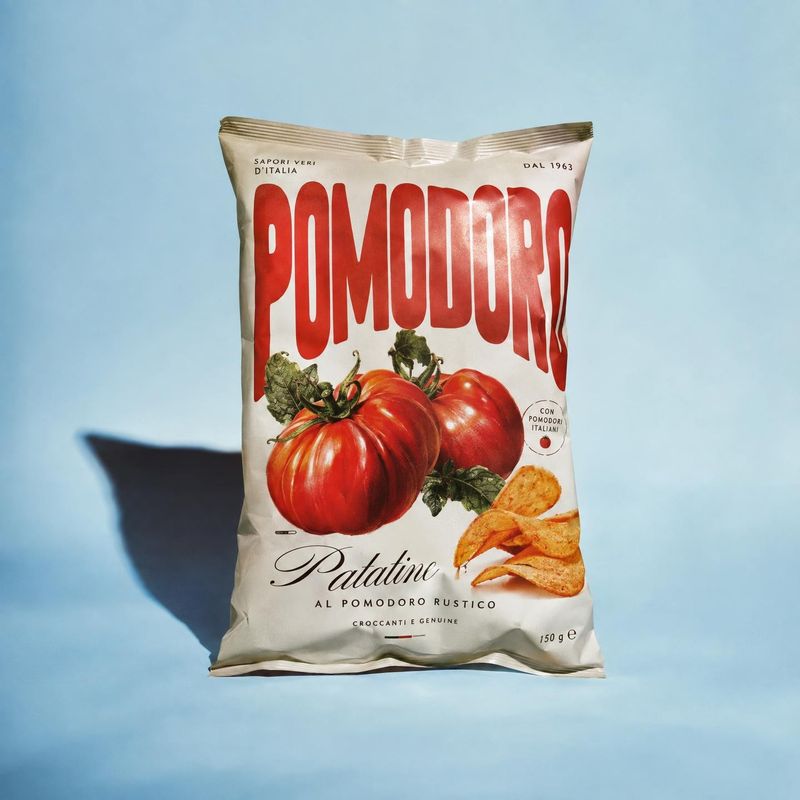
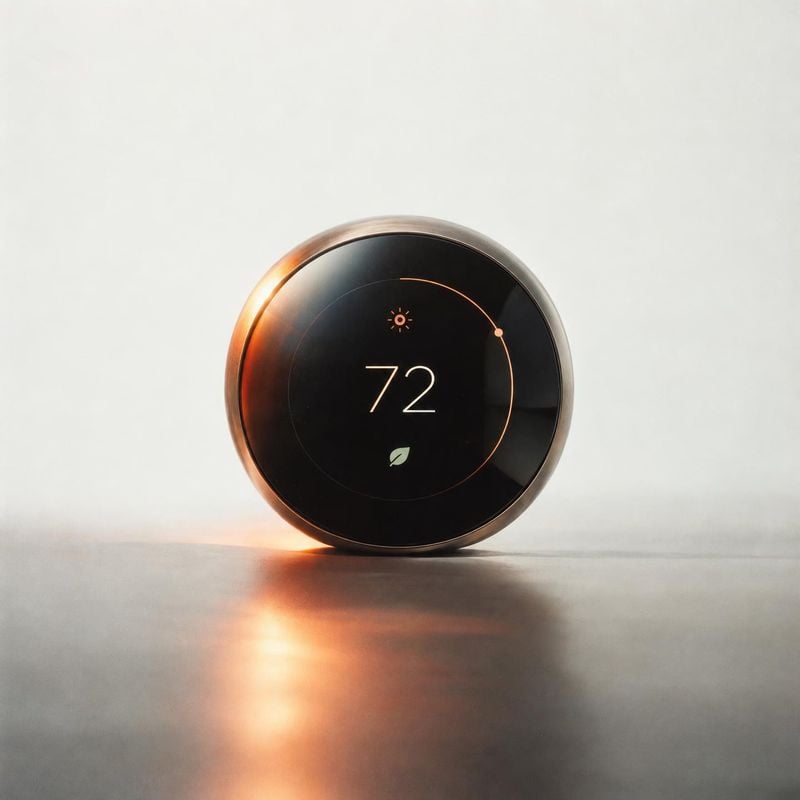
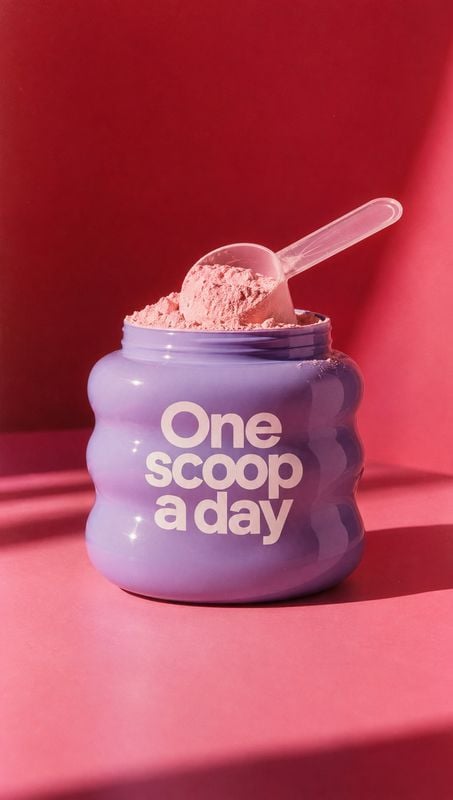
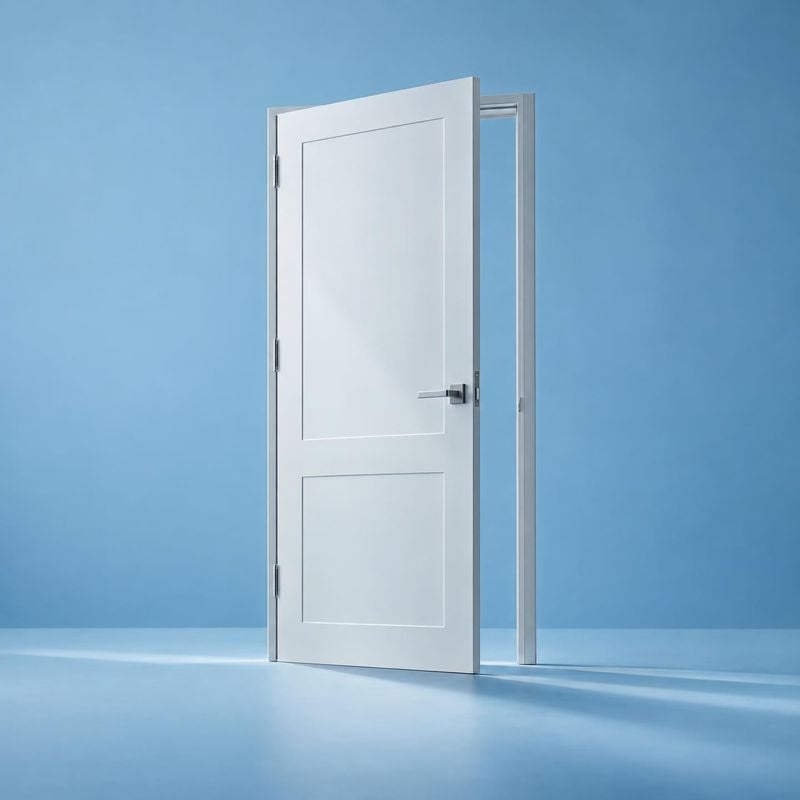
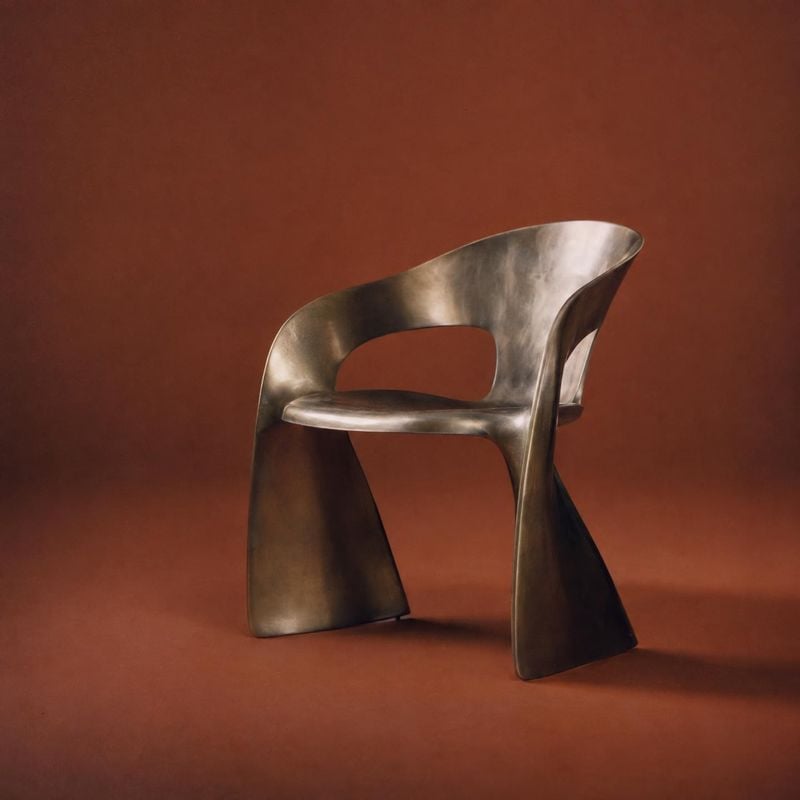
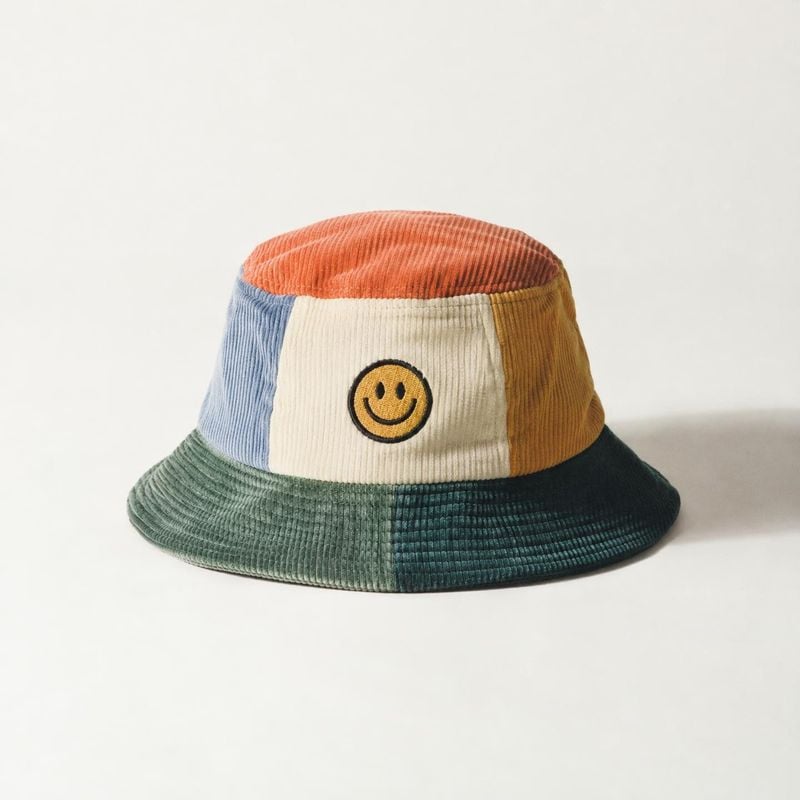
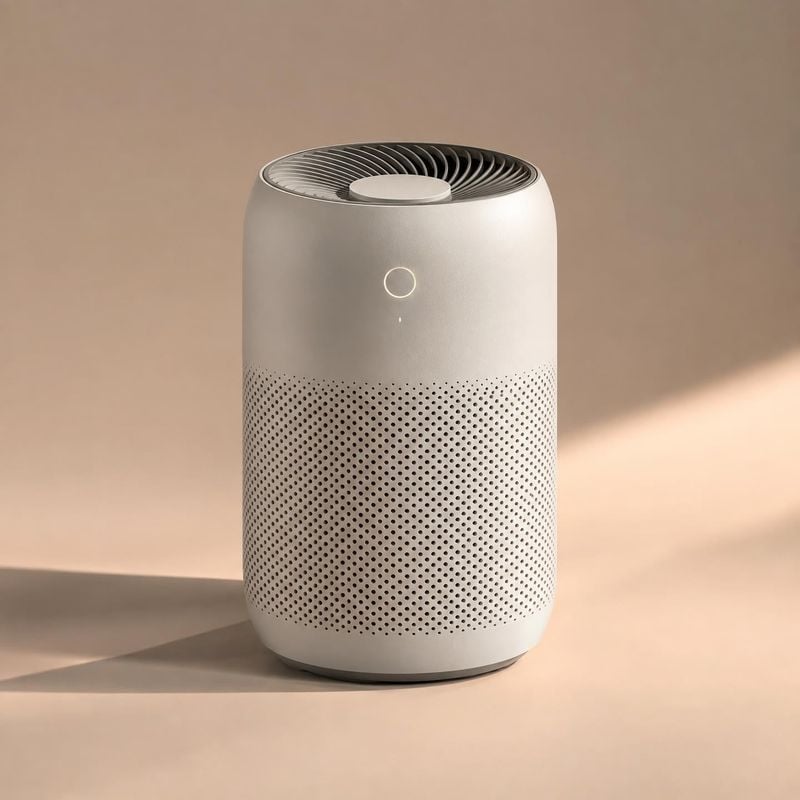
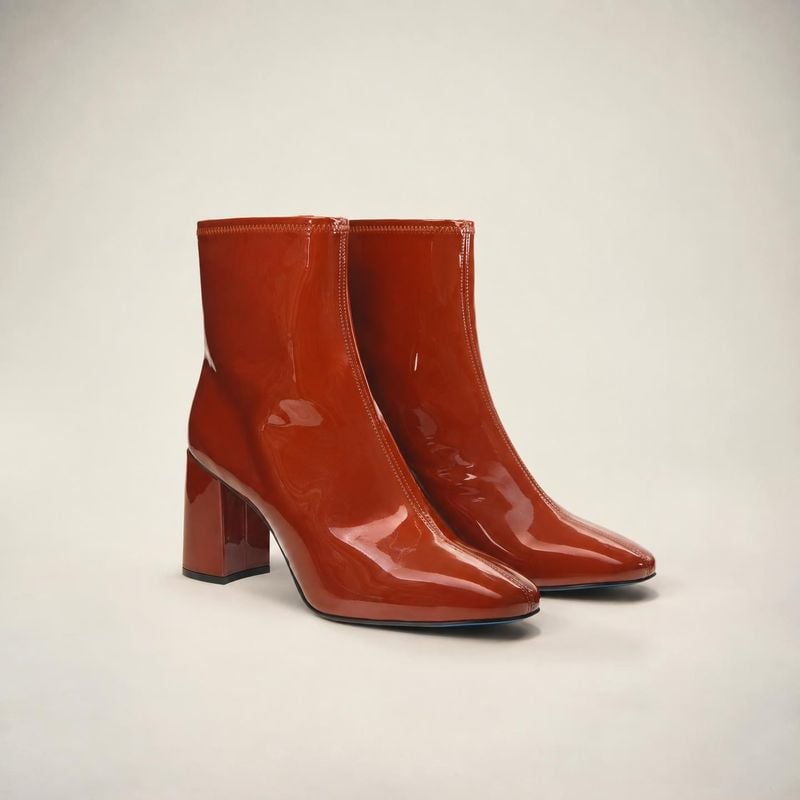
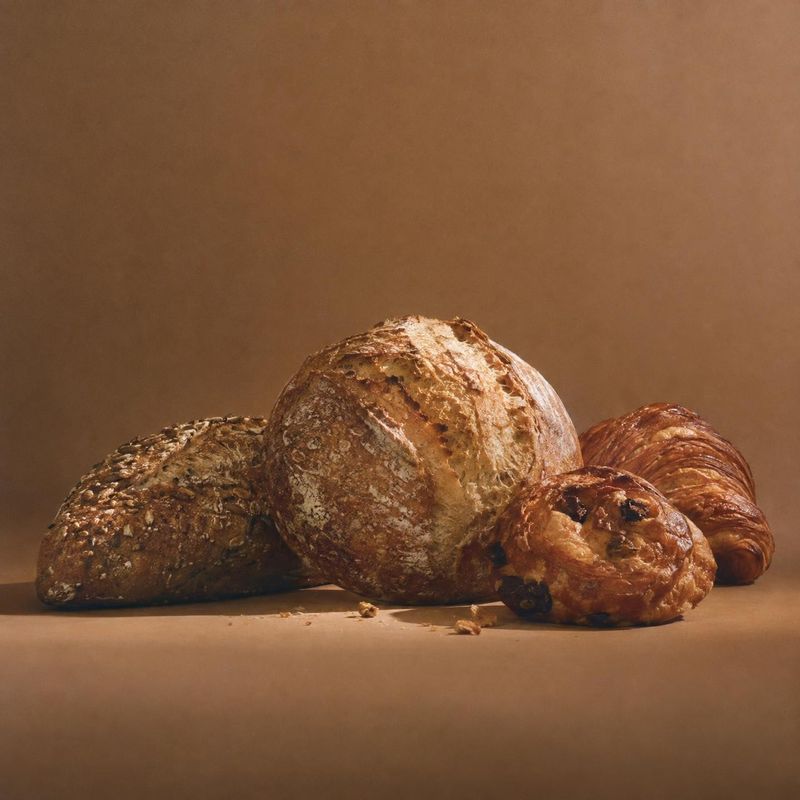
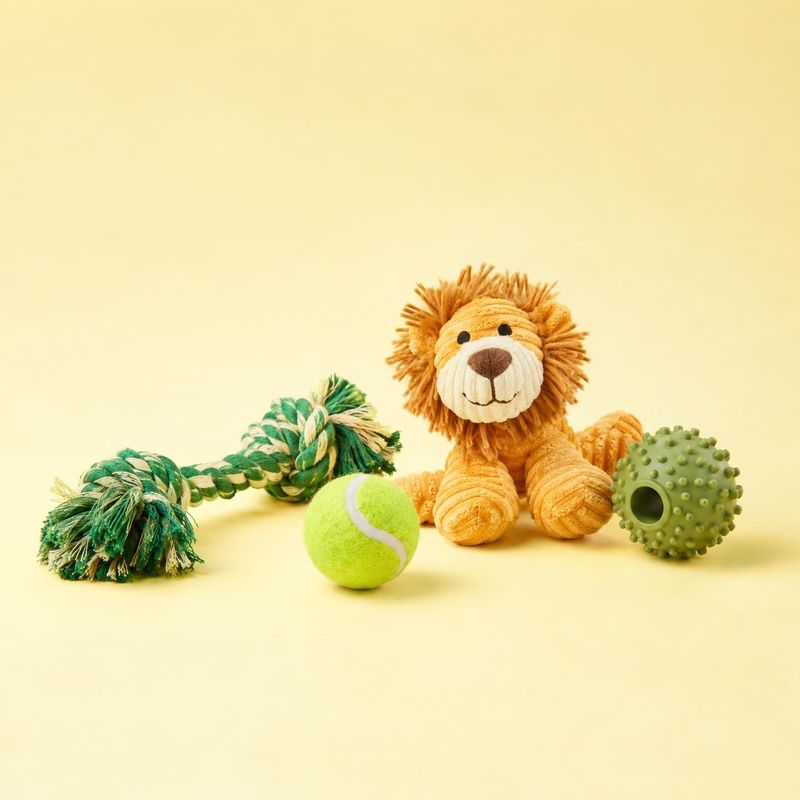
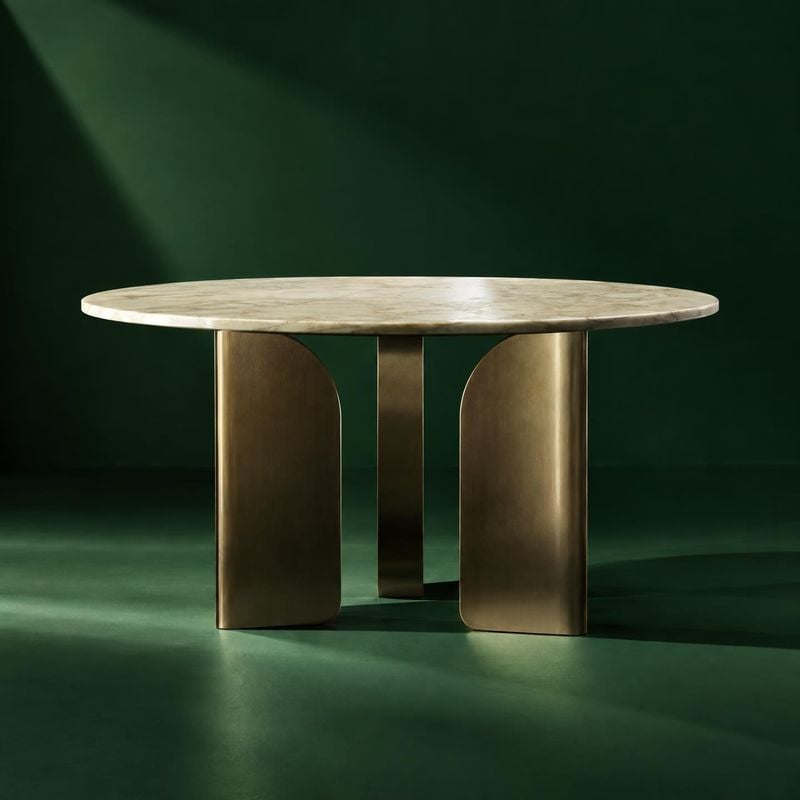
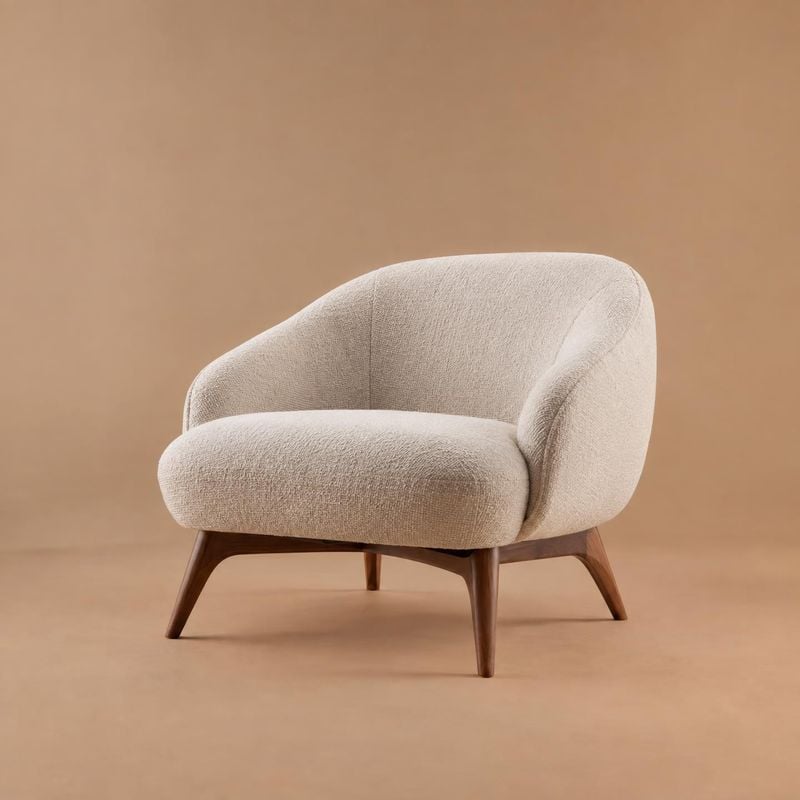
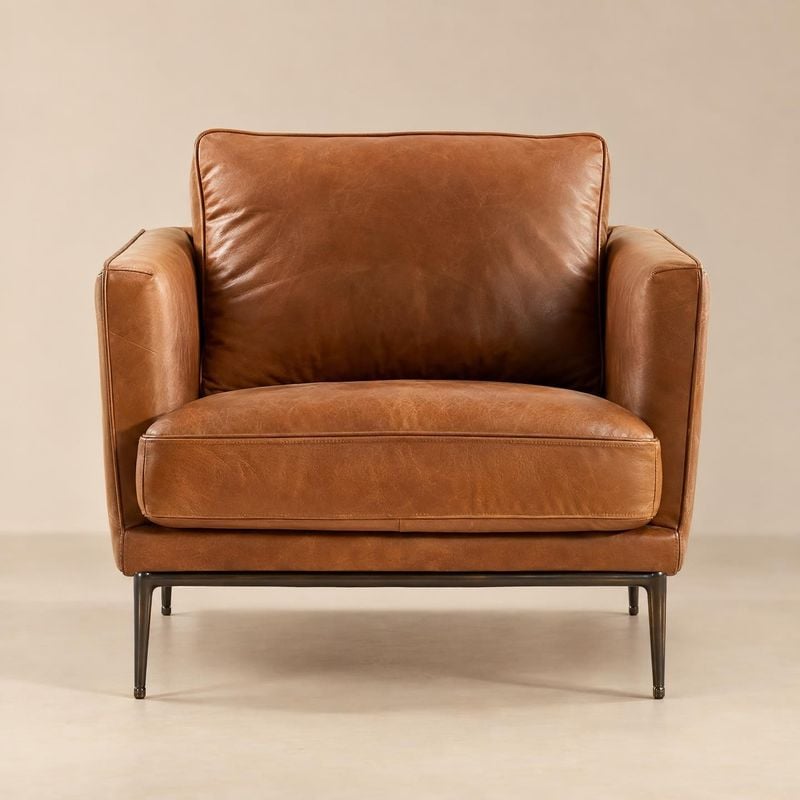
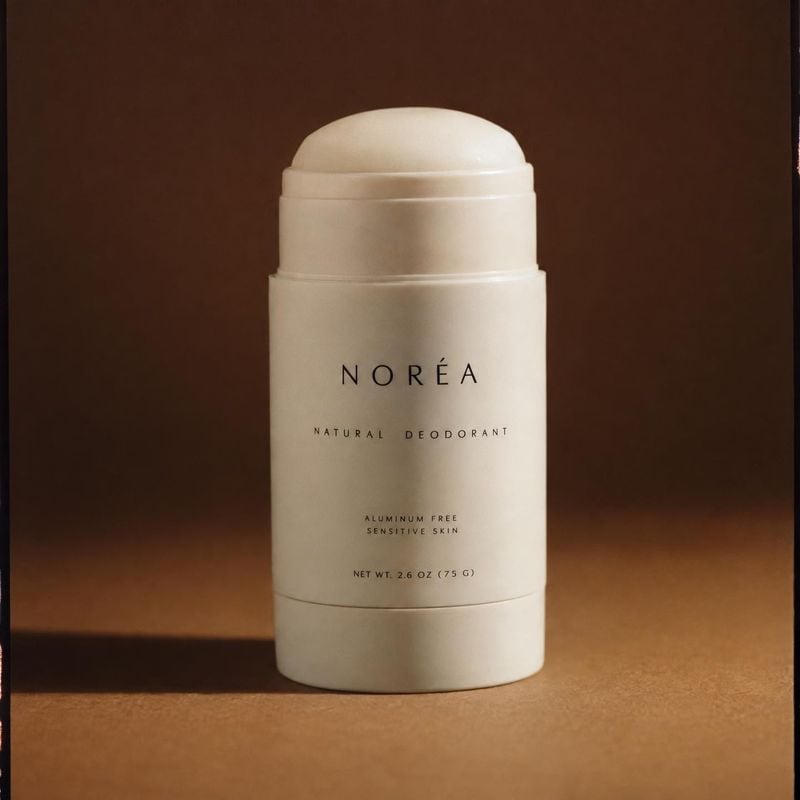
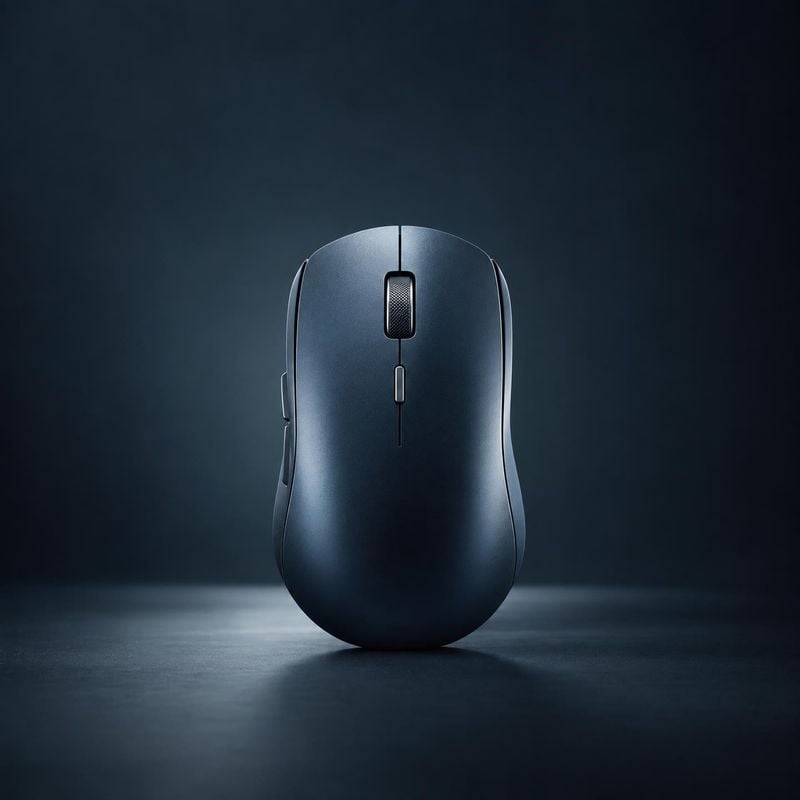
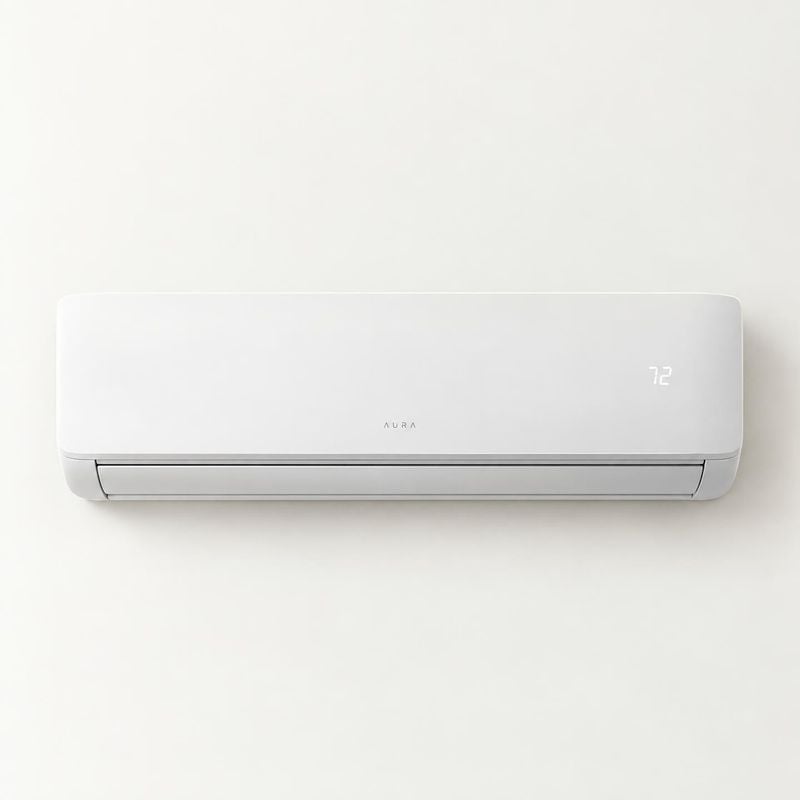
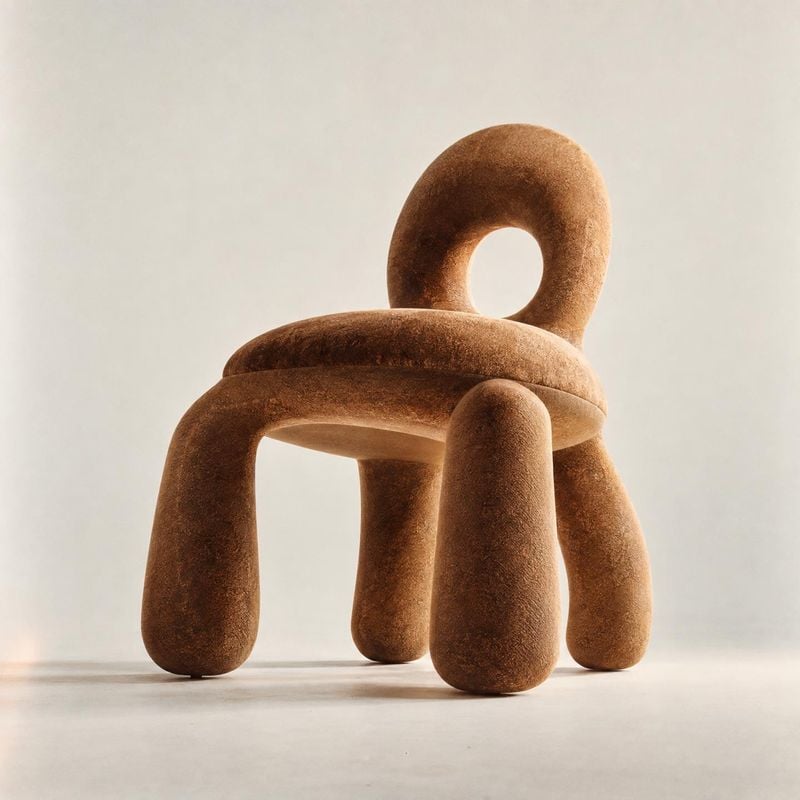
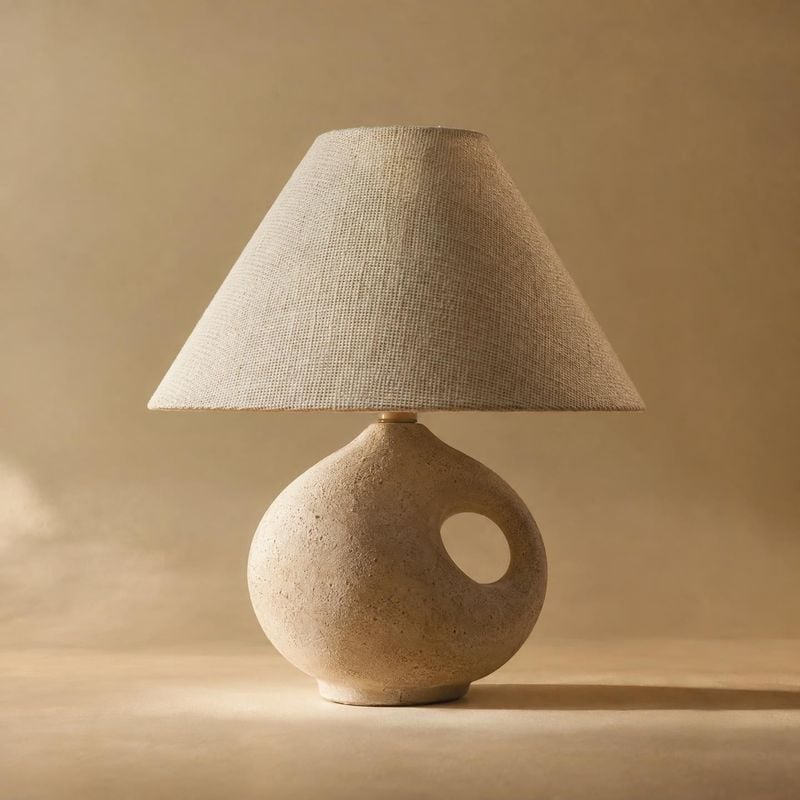
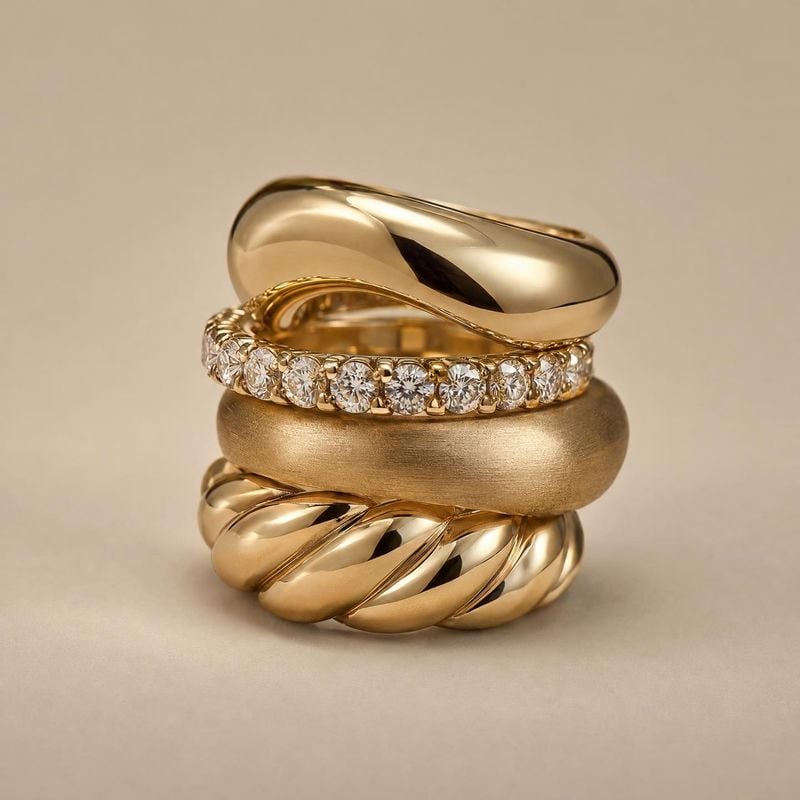
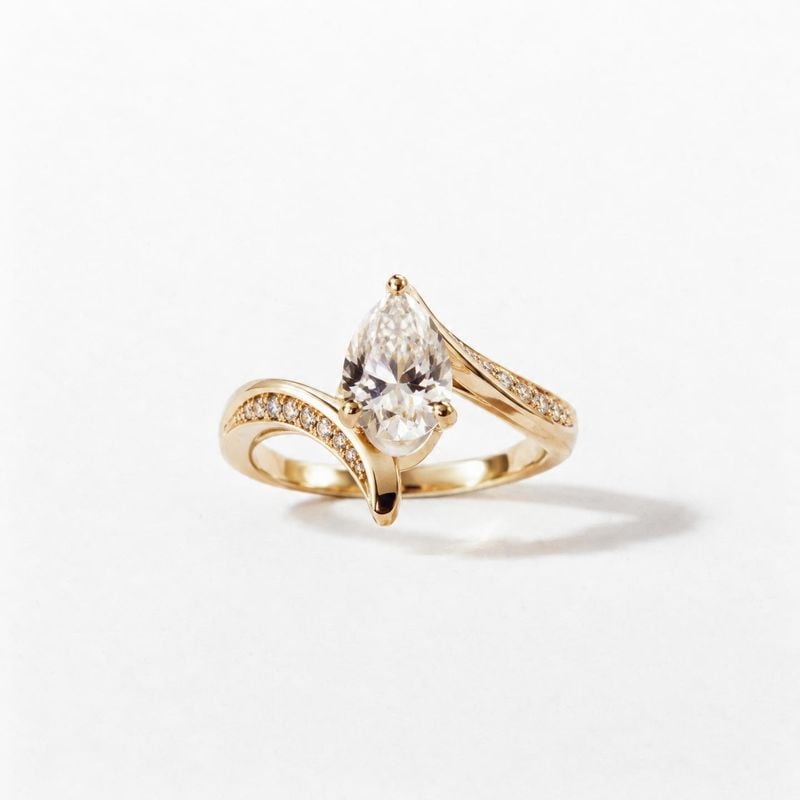
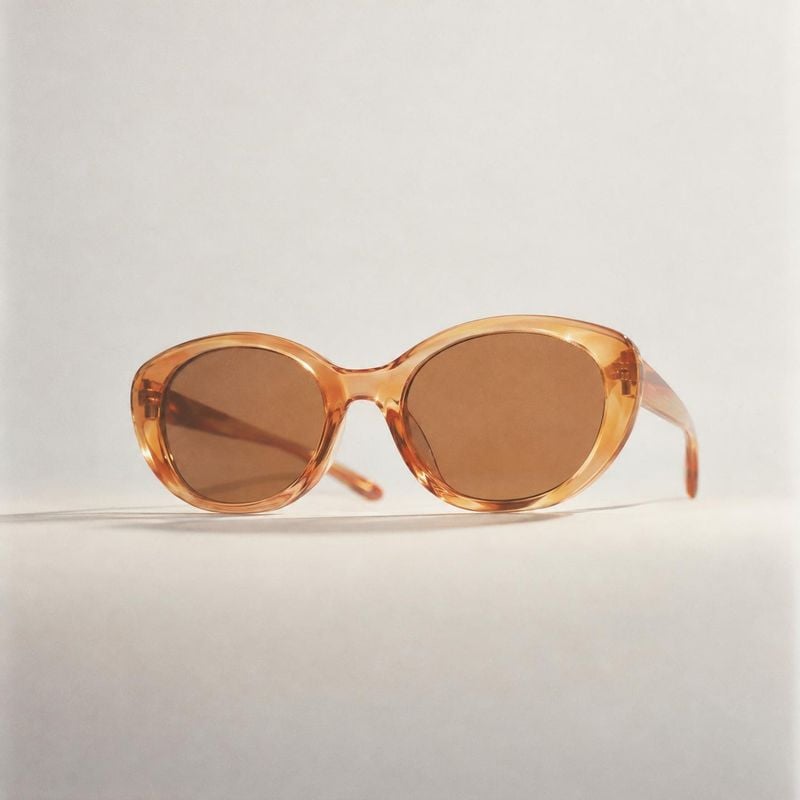
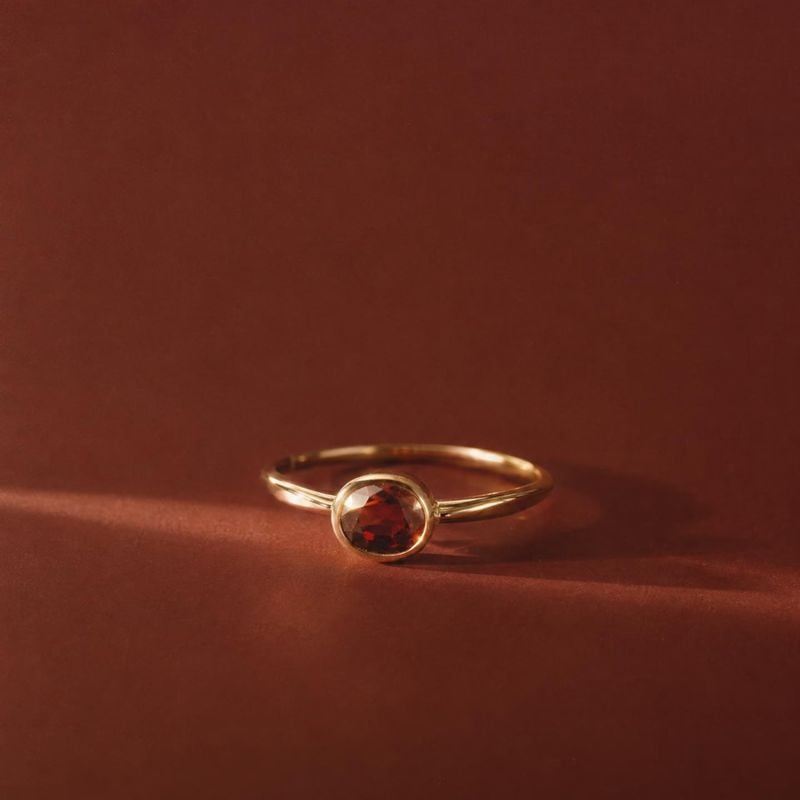
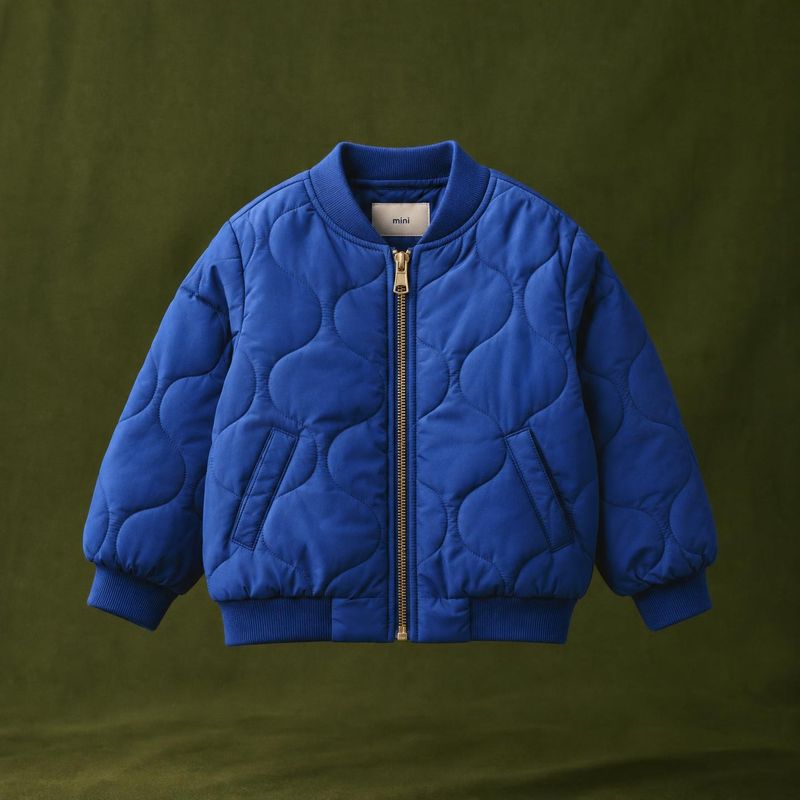
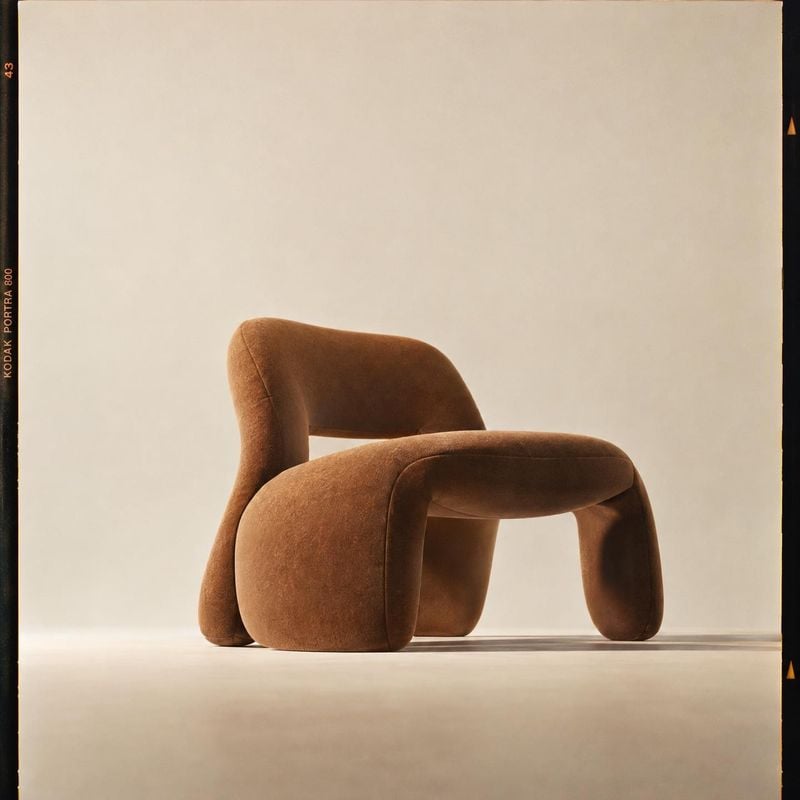
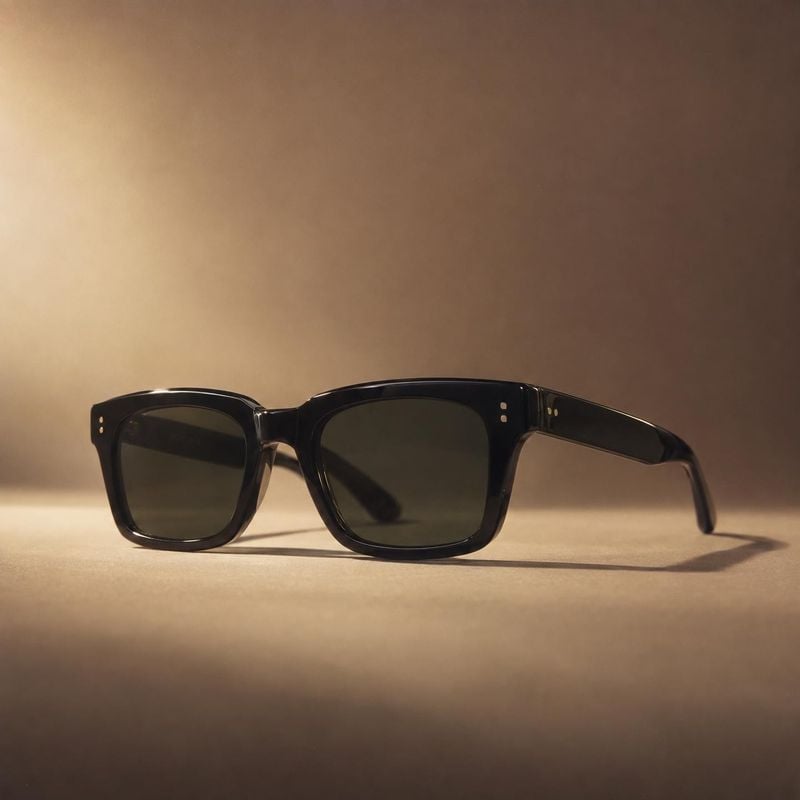
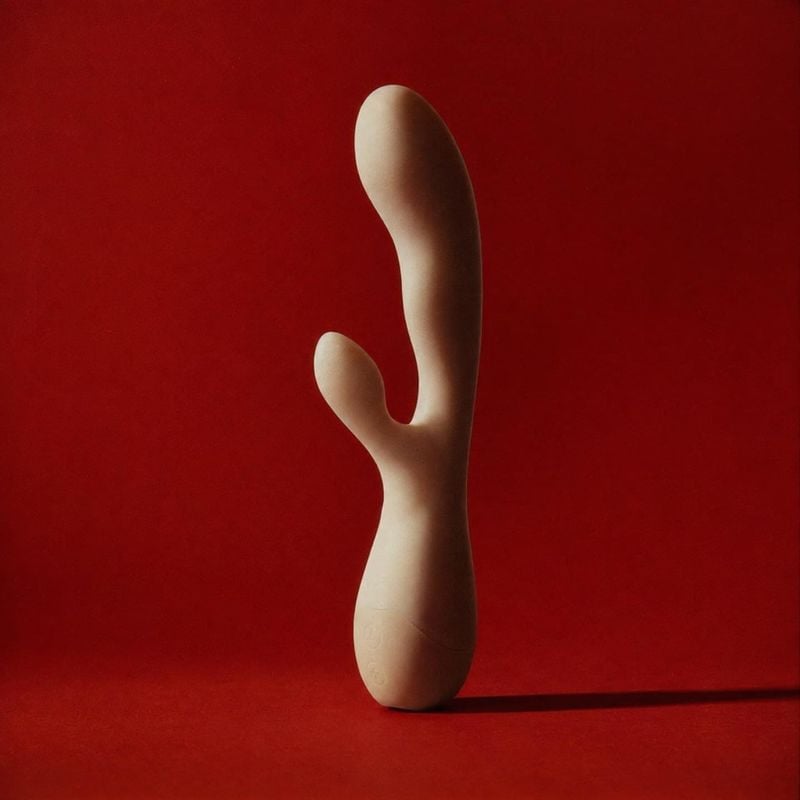
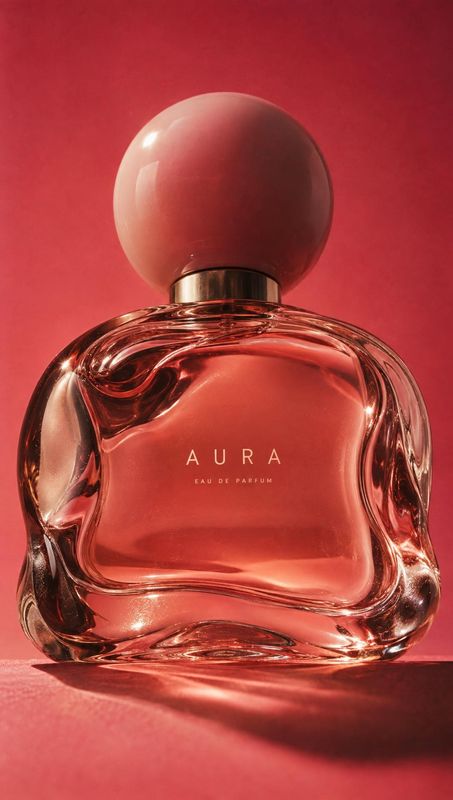
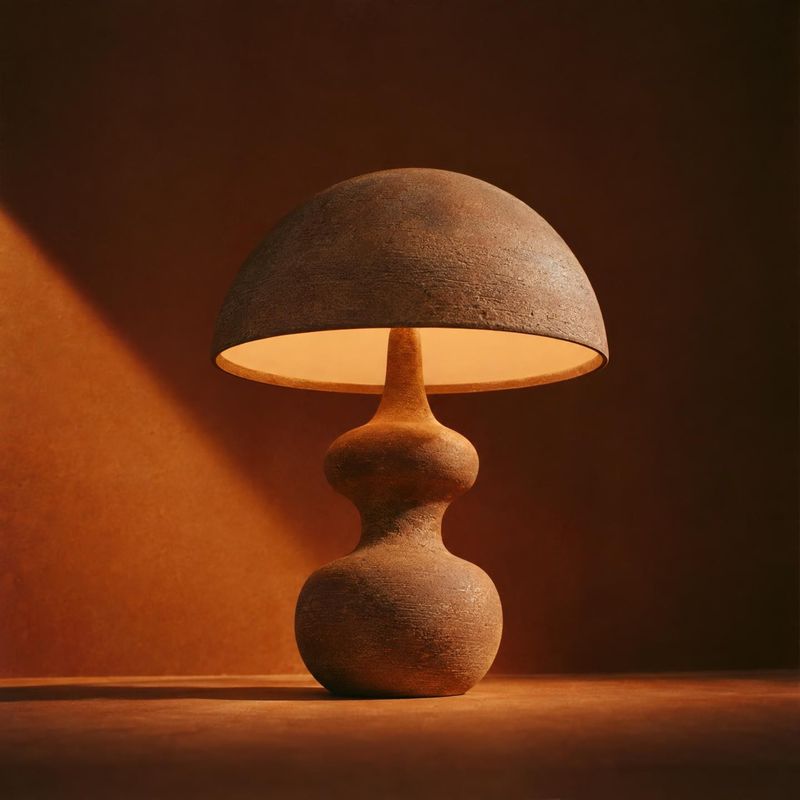
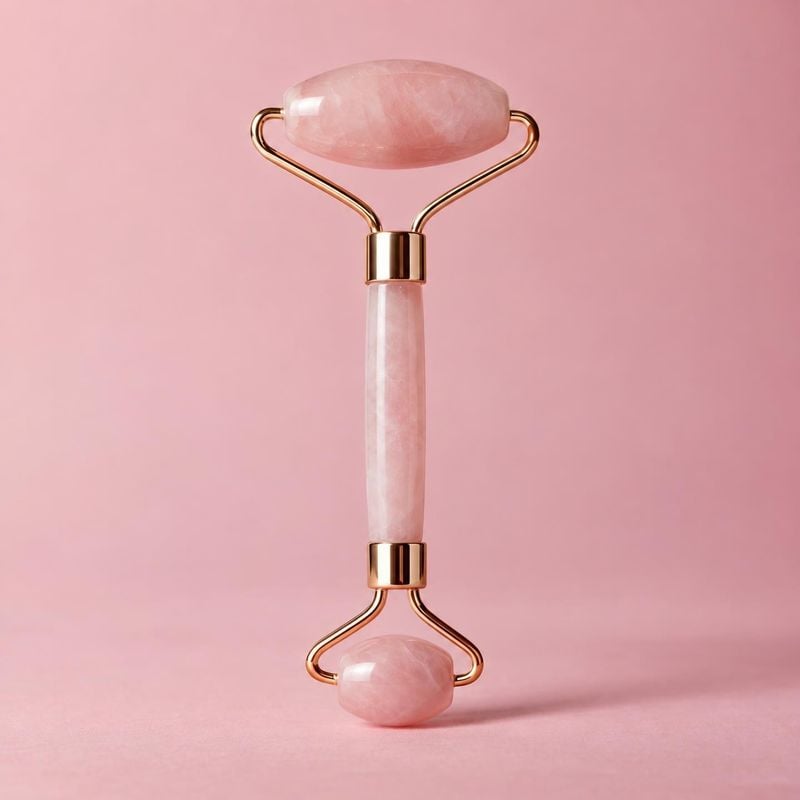
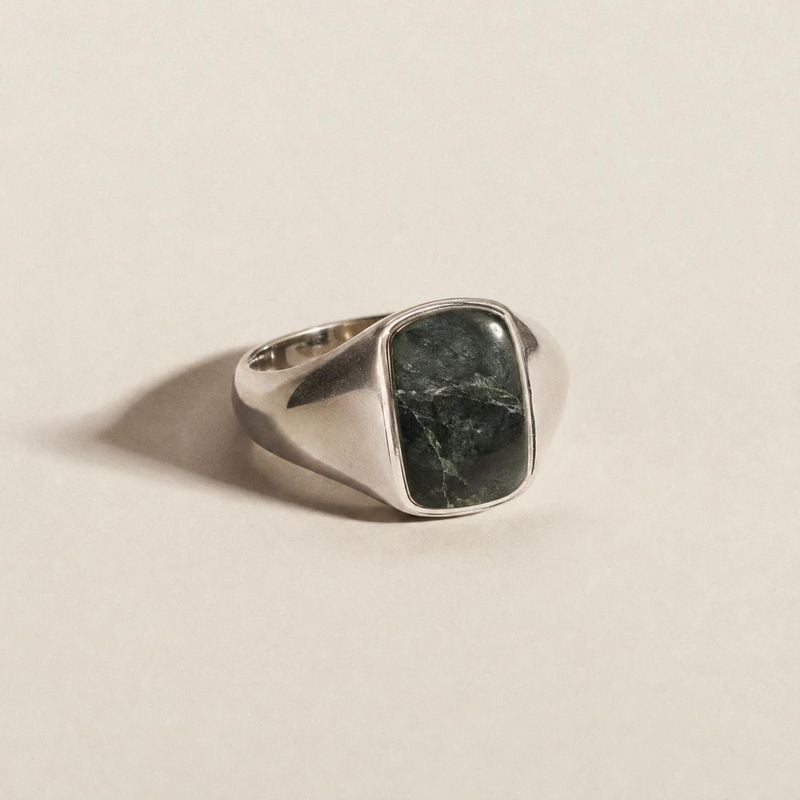
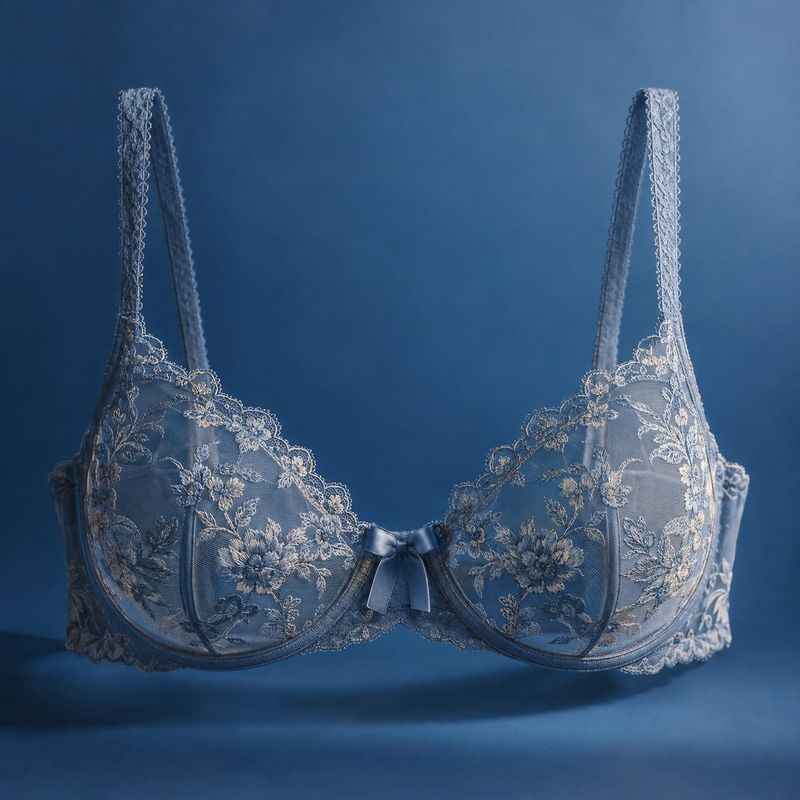
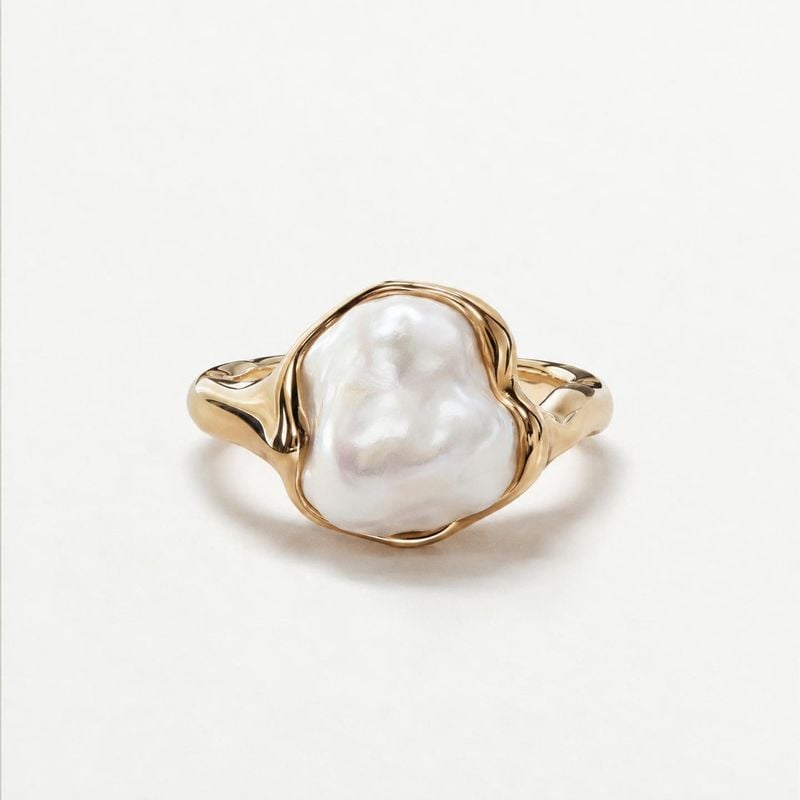
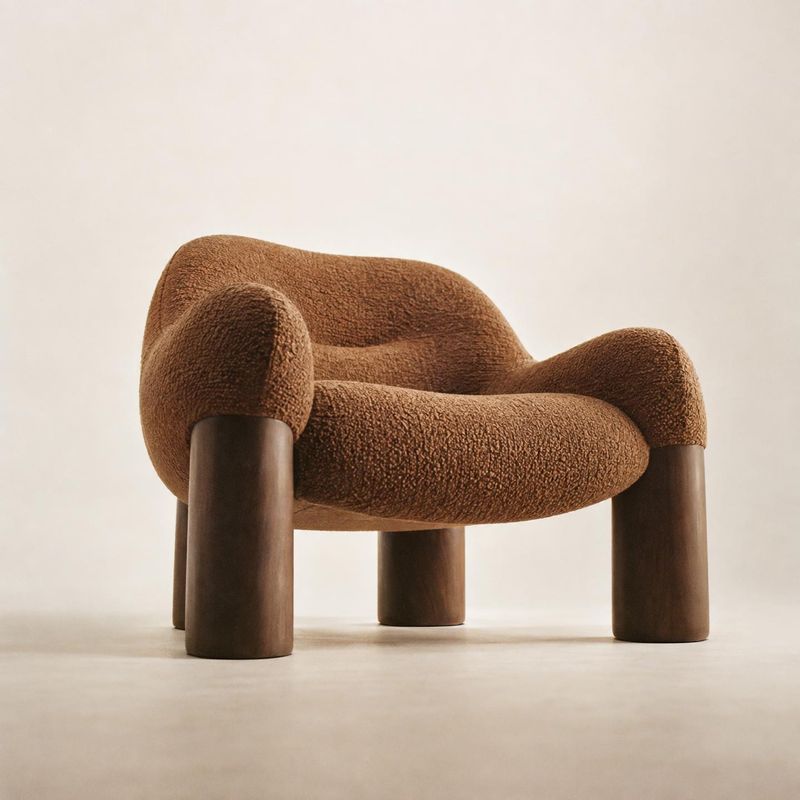
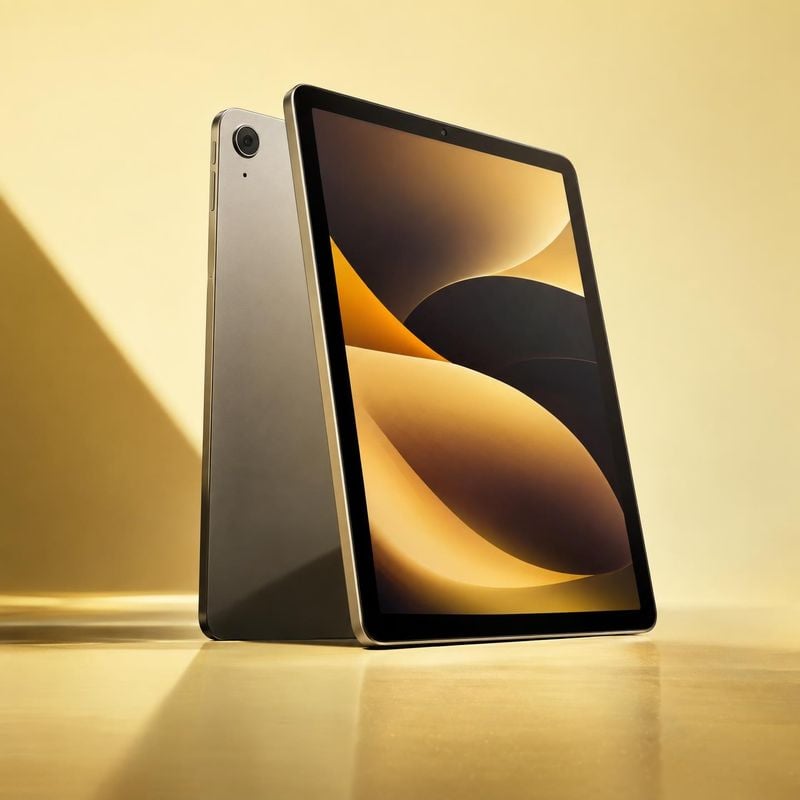
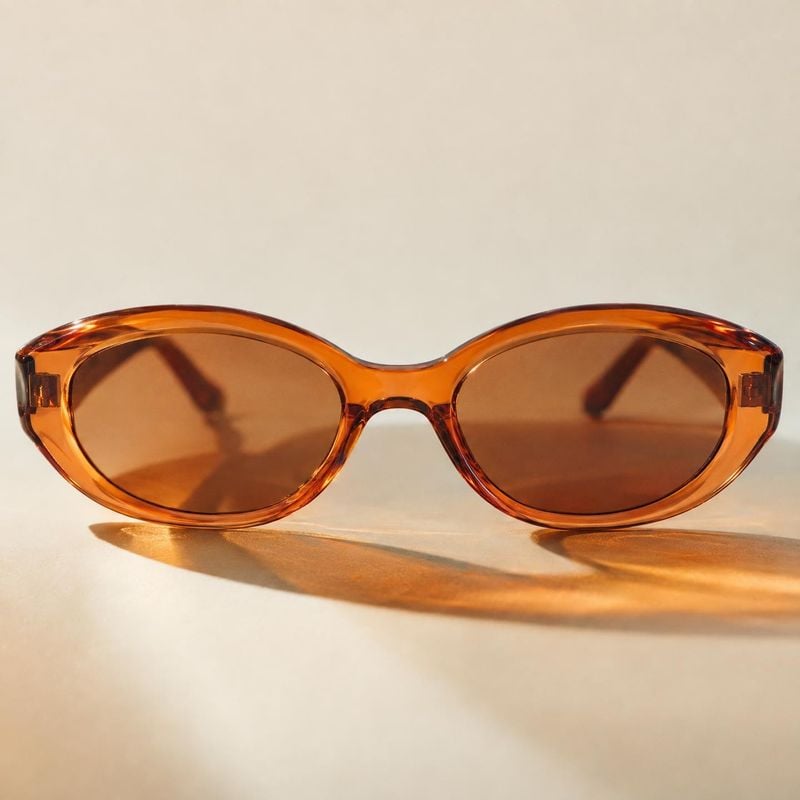
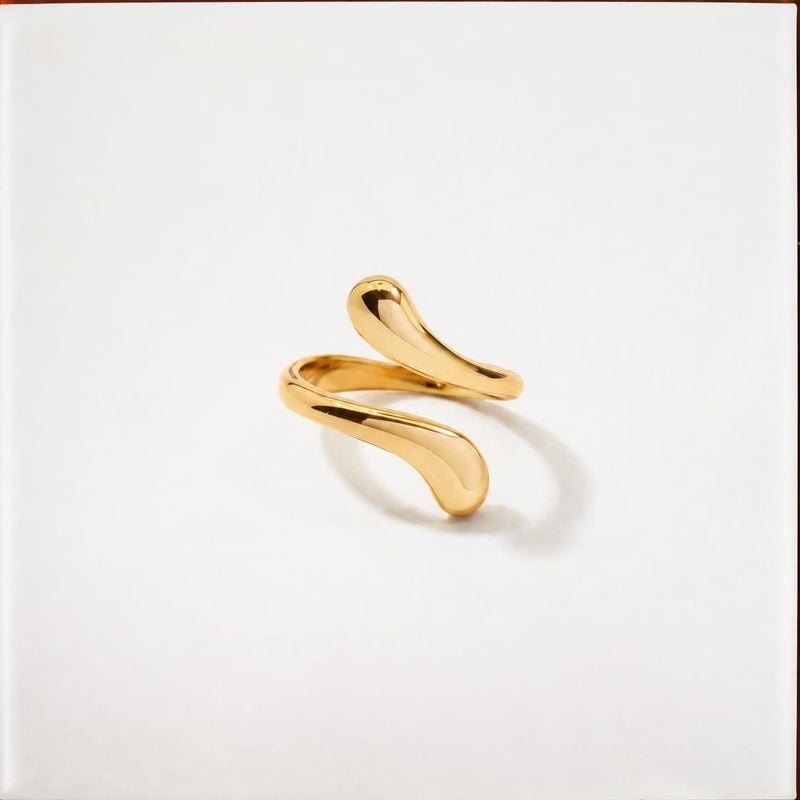
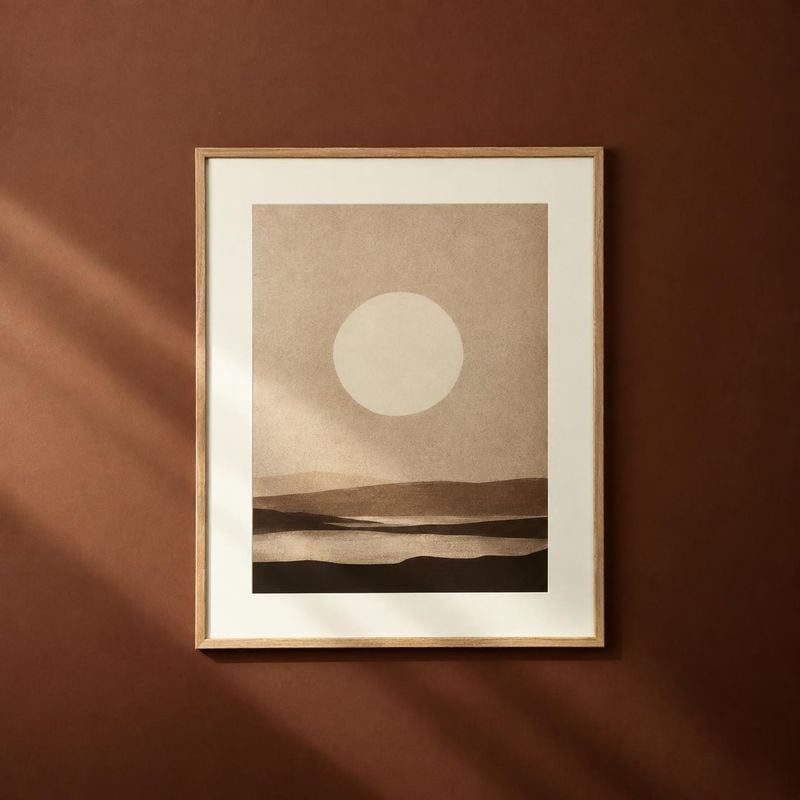
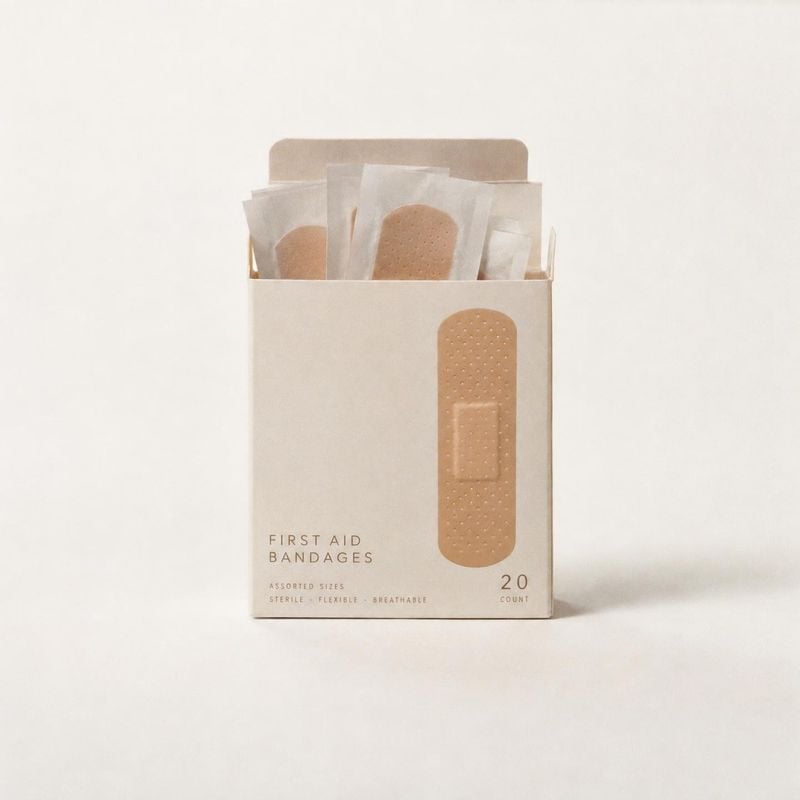
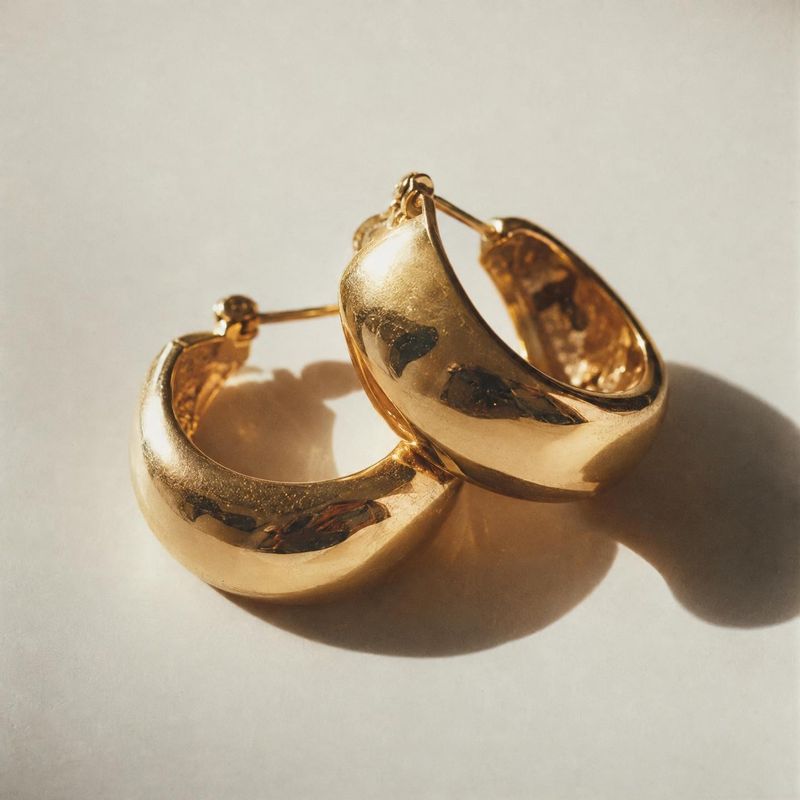
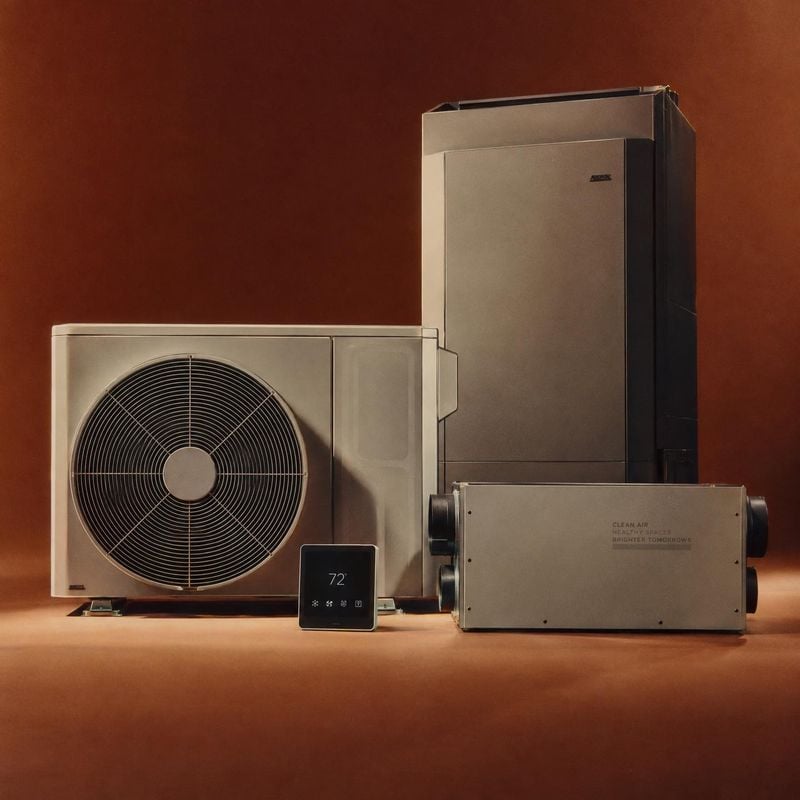
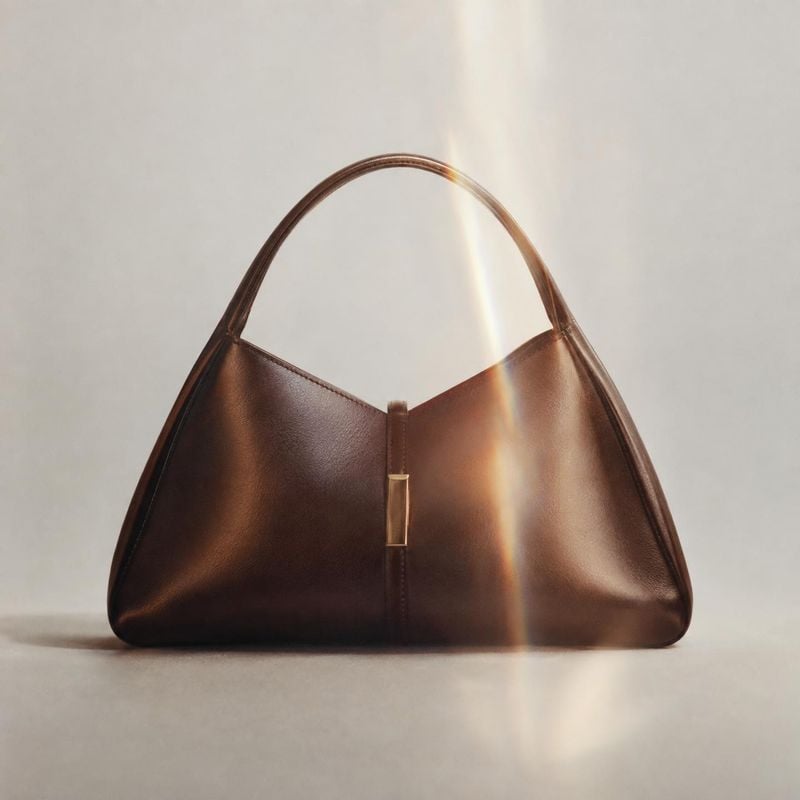
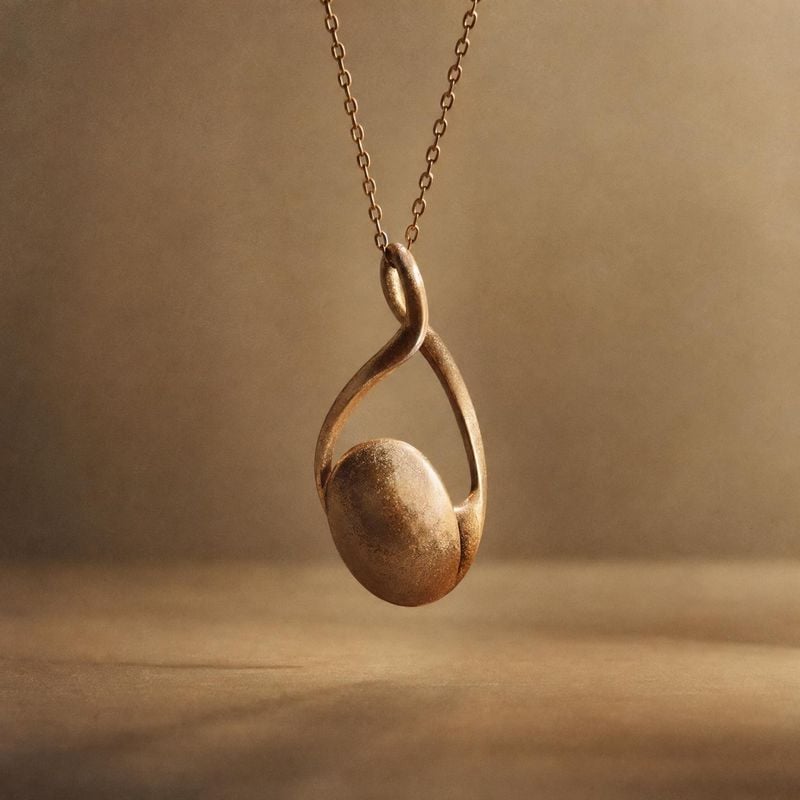
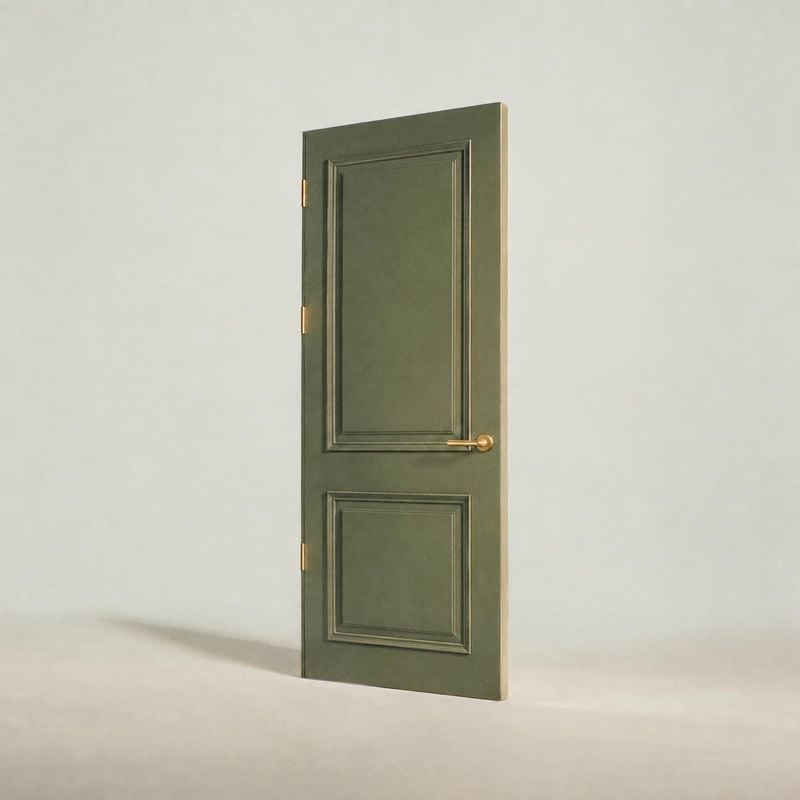
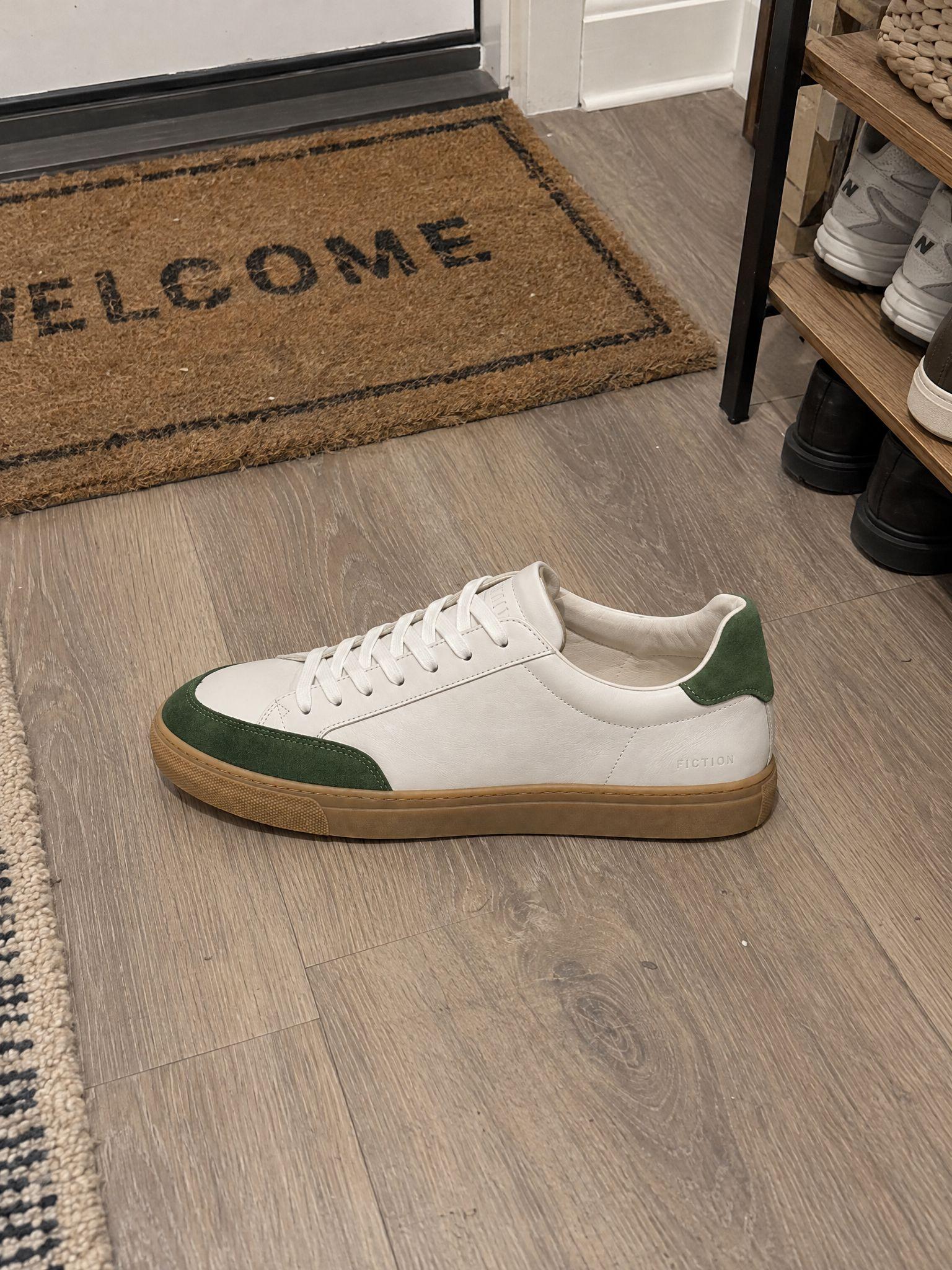
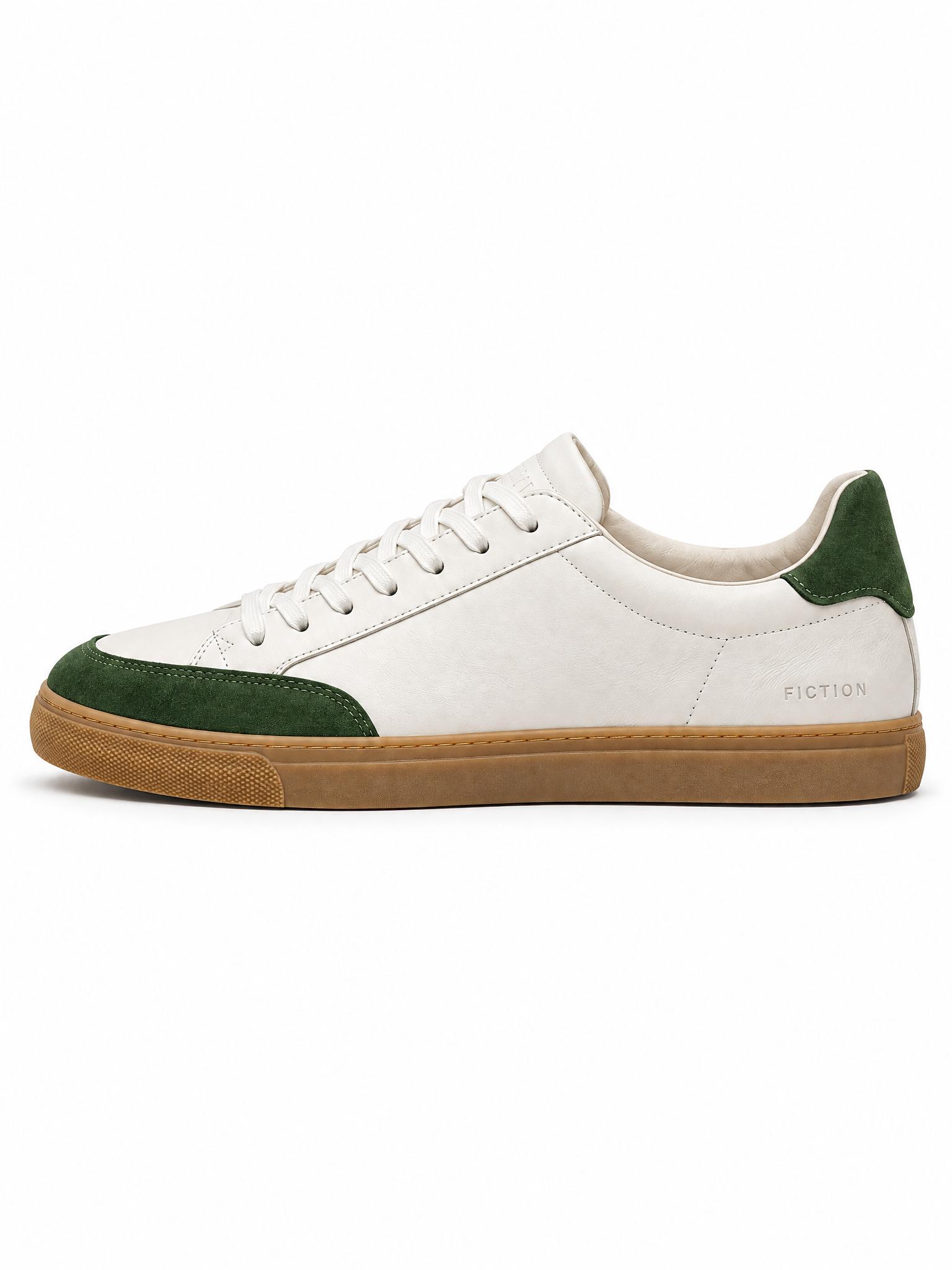
A packshot is the plain product image that leads a product page or a marketplace listing: the product alone, front and center, on a white or neutral background. Shooting one usually means a lightbox, a tripod and retouching for every item.
Kive makes the packshot from the photo you already have. The product is taken from your photo, so its shape, color and label carry over, while the room, the props and the light are replaced with a studio setup.
How it works
1Upload a photo of the product with the whole item in frame. A phone photo works.
2Ask for a packshot on white in your own words, or press Try to start with the prompt filled in.
3Check the label, edges and small details at full size, then download.
Packshot ideas to match
Packshots are clean, catalog-ready product photos on a plain or softly lit background: the product, its true colors and nothing else. These packshot ideas show how lighting, shadows and surface choice turn a plain cutout into a listing image people trust.
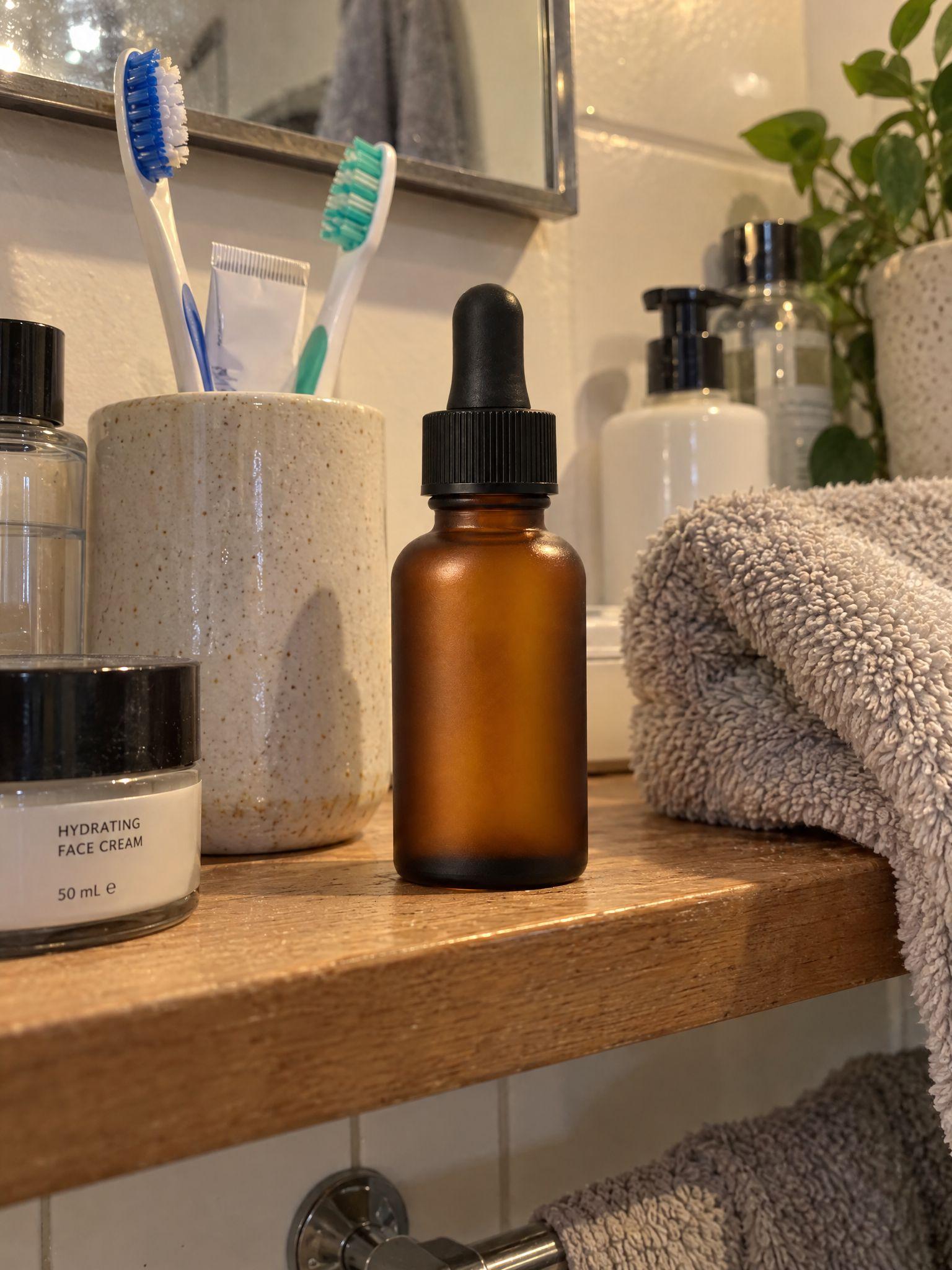
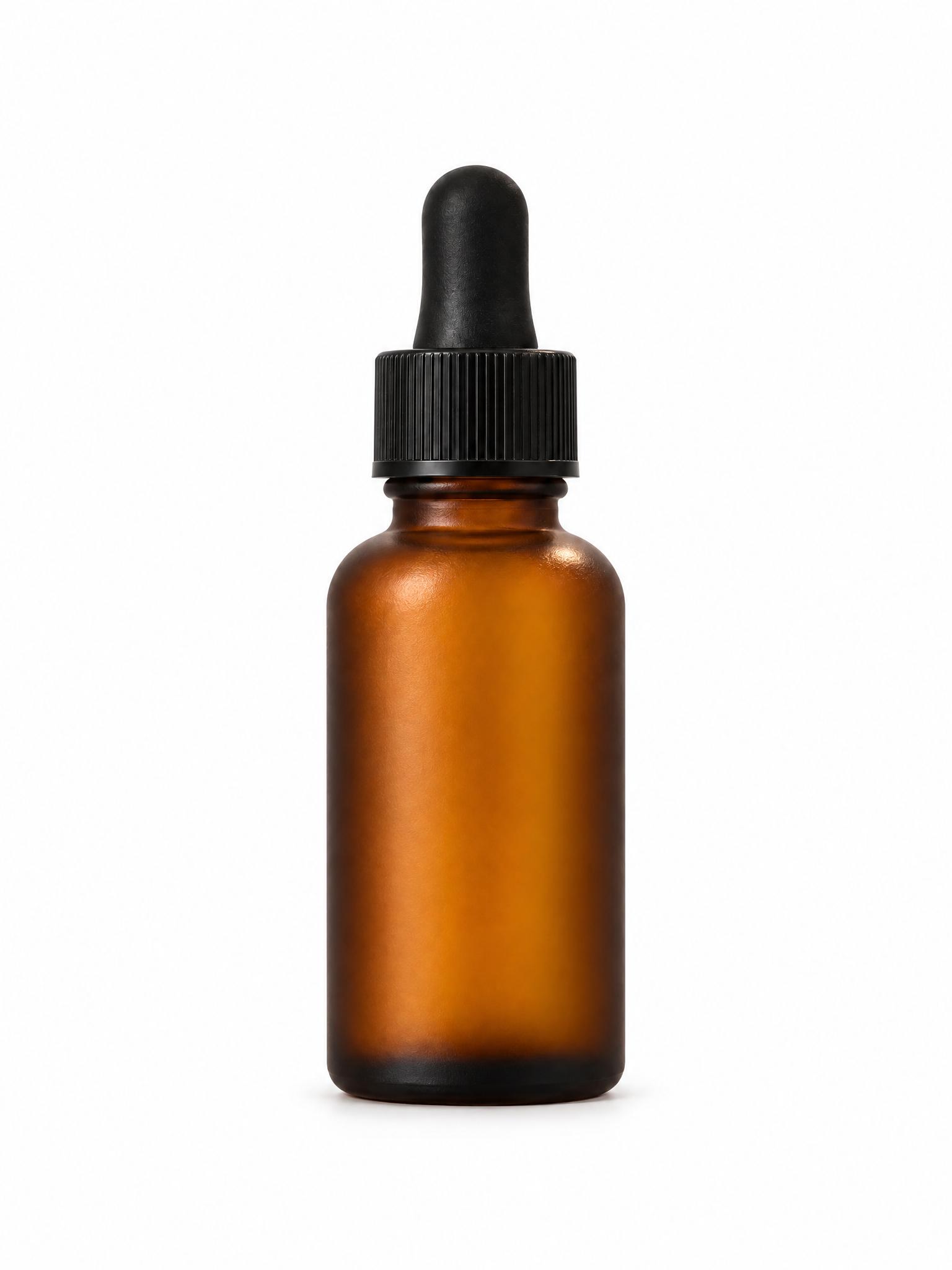
The shelf, the towel and everything else in the frame go. The bottle stays, centered on white with a soft shadow under it.
Before / after
Before
After
Small products, sharp details
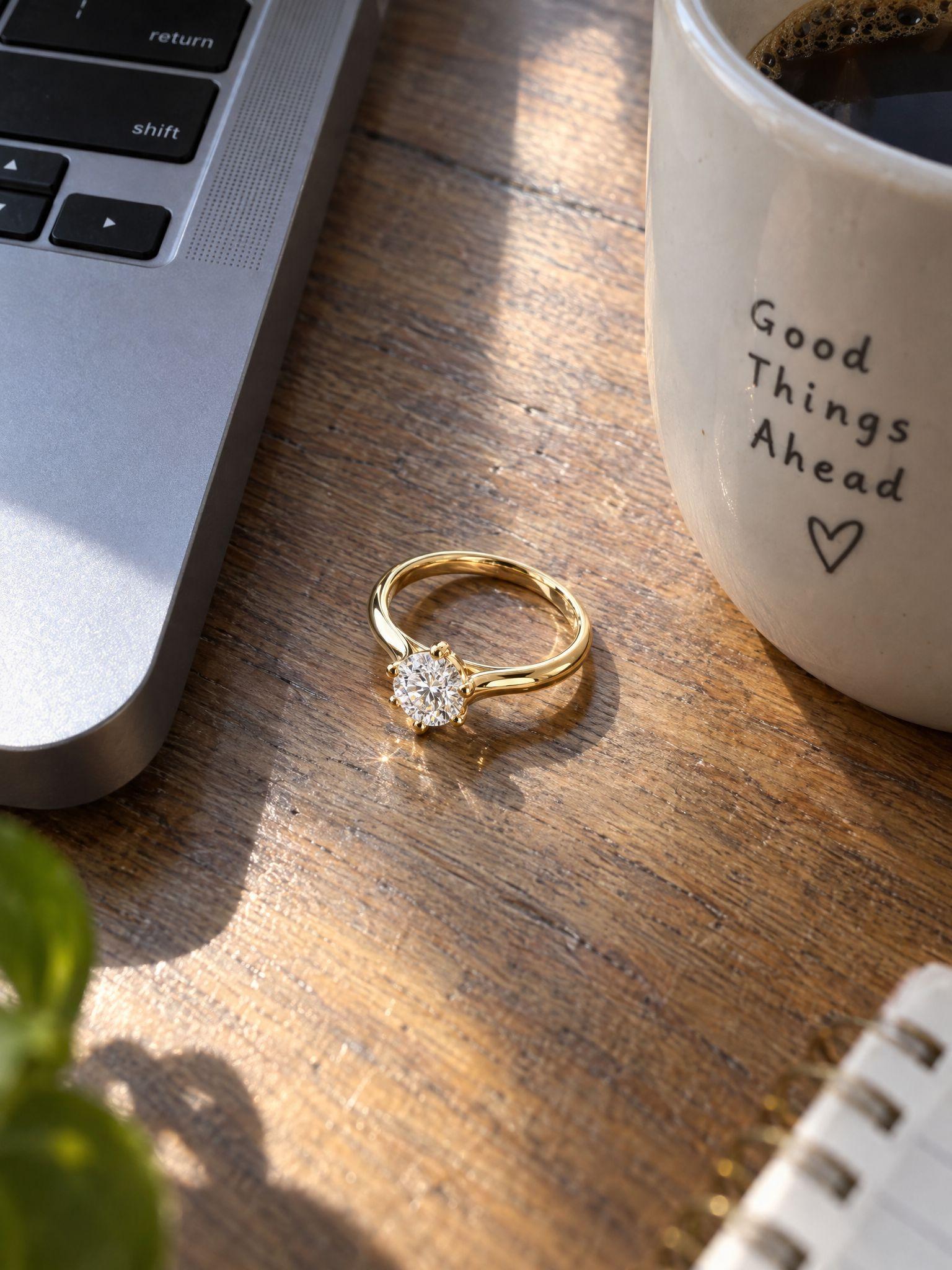
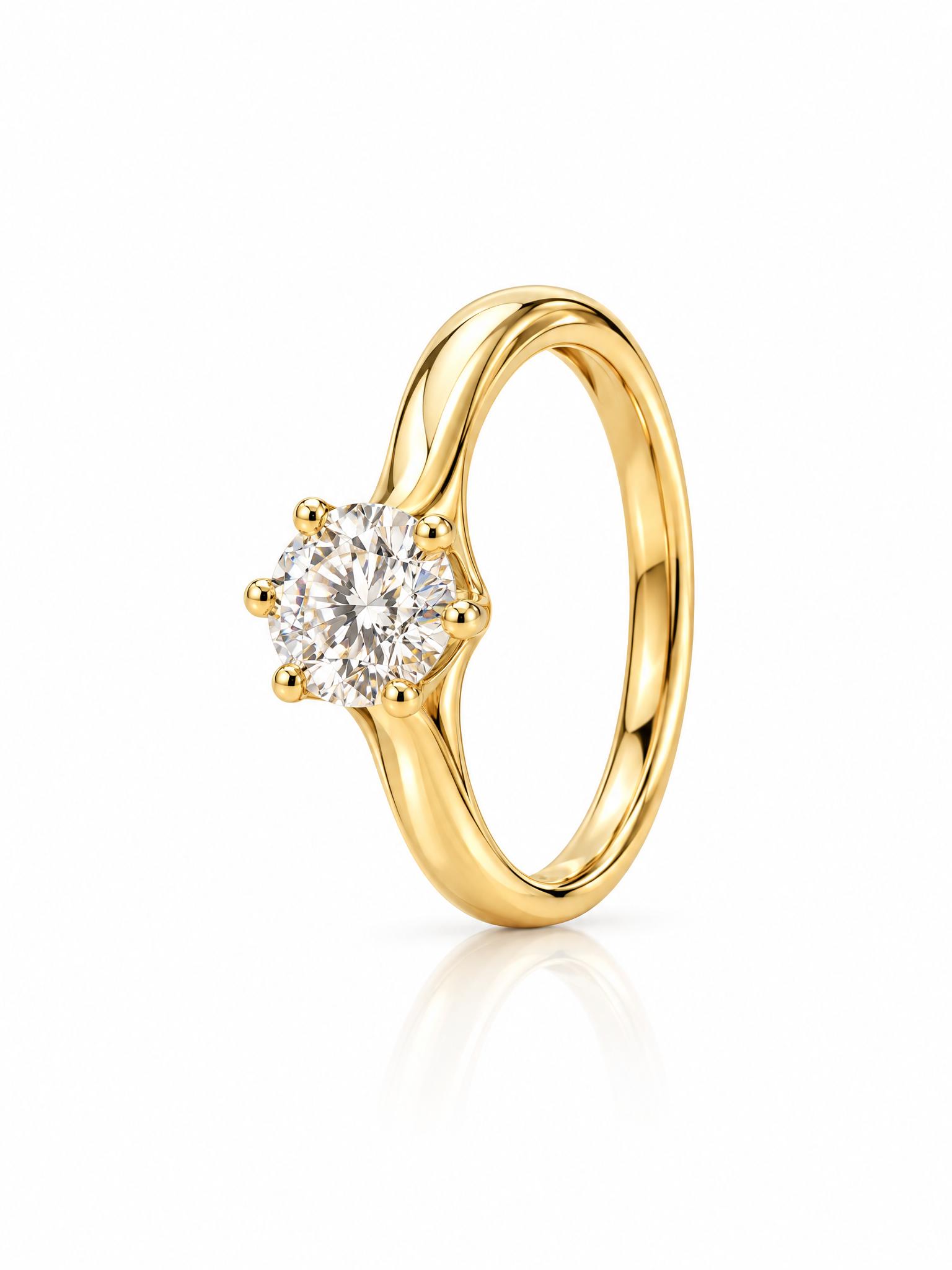
A ring photographed on a desk becomes an upright packshot. The stone, the prongs and the band come from the original photo.
Before / after
Before
After
The same look for every item
Products photographed in different rooms end up on the same white background with the same soft light, so a catalog page looks consistent.
Before / after
Before
After
Common questions
A packshot is a plain product photo: the product alone, usually centered on a white or neutral background, with even light and no props. It is the main image on most product pages and marketplace listings. The name comes from photographing packaged goods.
Yes. Upload the photo and ask for a packshot on white. Kive removes the room and the props, centers the product and relights it as a studio shot. The product is taken from your photo rather than redrawn from a description, so its shape, color and label carry over.
Usually, but check it. Small text, fine patterns and reflective details can shift, so look at the label and edges at full size before you publish, and regenerate if anything drifted. A sharp, evenly lit photo gives a more faithful result.
No. Ask for light gray, a brand color or a soft gradient instead. For a cut-out on a transparent background, use background removal, which costs 1 credit.
Amazon asks for a pure white main image (RGB 255, 255, 255) with the product filling about 85% of the frame. A generated background can land a shade off pure white, so for the main image cut the product out with background removal, fill it with white and crop. Packshots on near-white suit the other image slots. Kive does not check marketplace rules for you.
Kive Shot at kive.ai/shot turns a product page link into four free product shots without an account. To make packshots from your own photos, sign up and use the image generator.
Ideas from the Kive library are royalty-free and yours to use commercially. When the starting image is someone else’s photo or ad, treat it as a reference: replace their product, logo and copy. Anything you add, such as your product, text or logo, is your responsibility. This is general information, not legal advice.
Yes. The try button opens Kive’s image generator with the prompt filled in, and an image made with your saved product costs 10 credits. The Free plan includes 40 credits once you verify your email; Basic is $40 a month for 2,000 credits.
Make your first packshot
Sign up for free and upload a photo of your product.