
5 Pebblely Alternatives for AI Product Photos in 2026
By Olga Stogova
11 min read
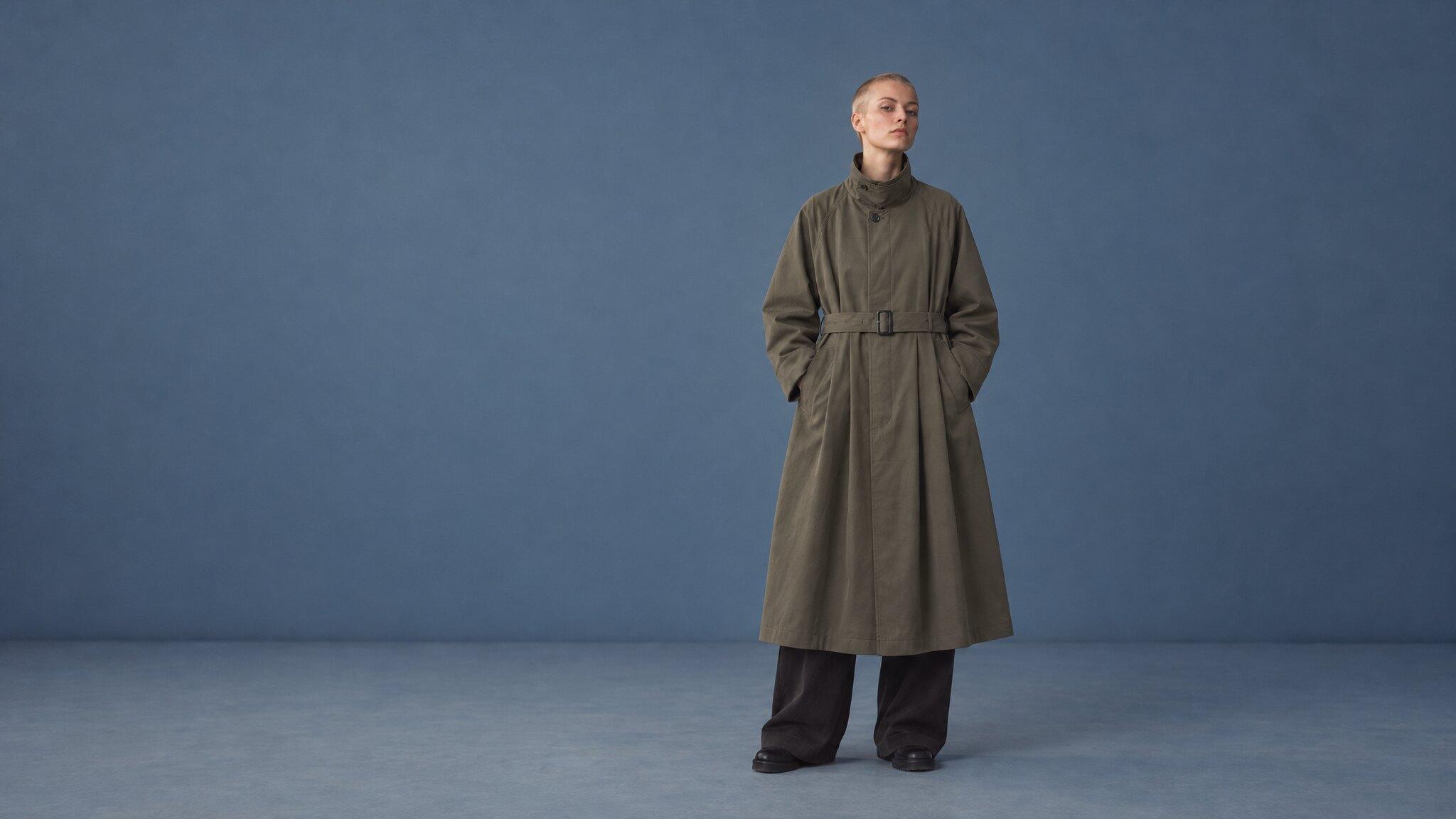
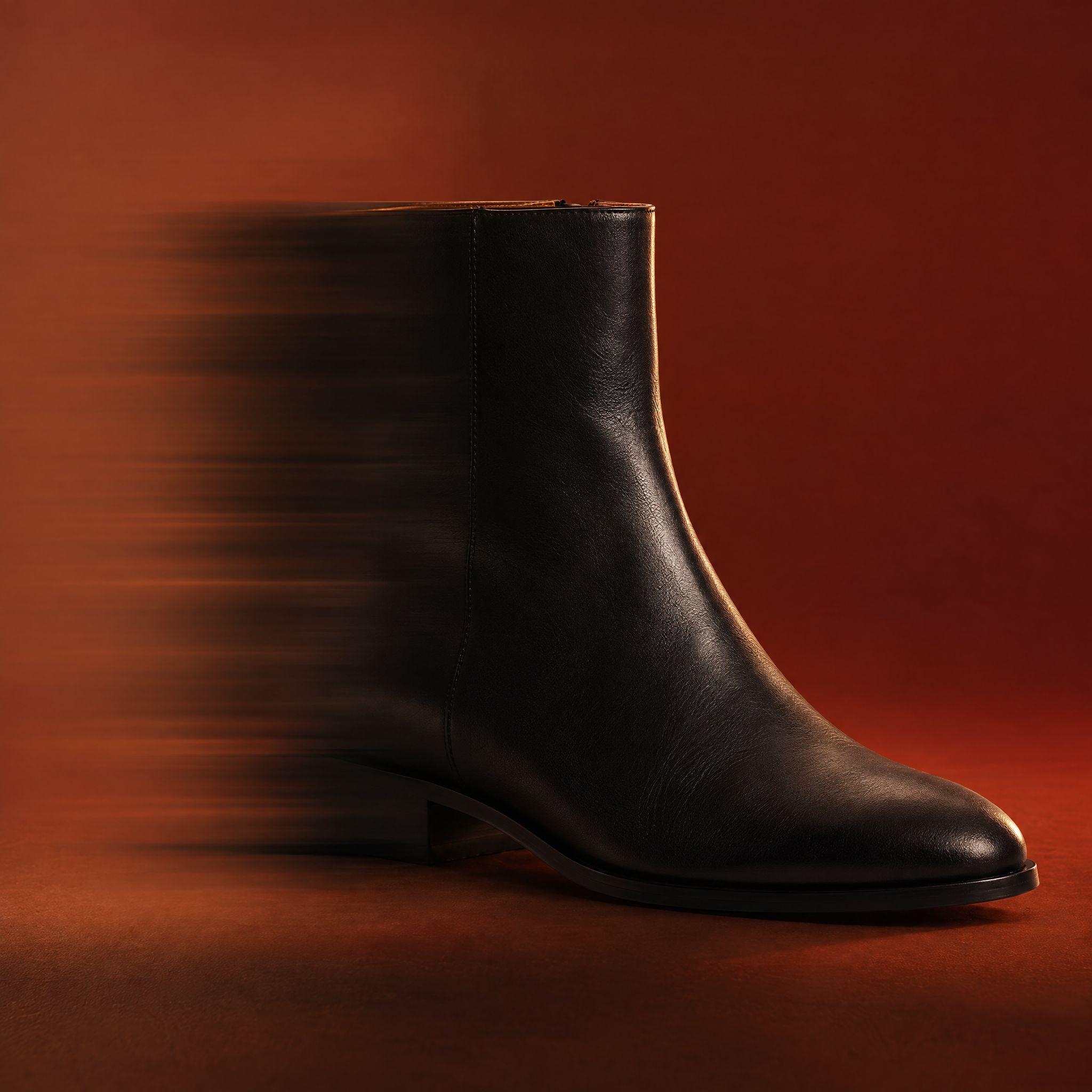
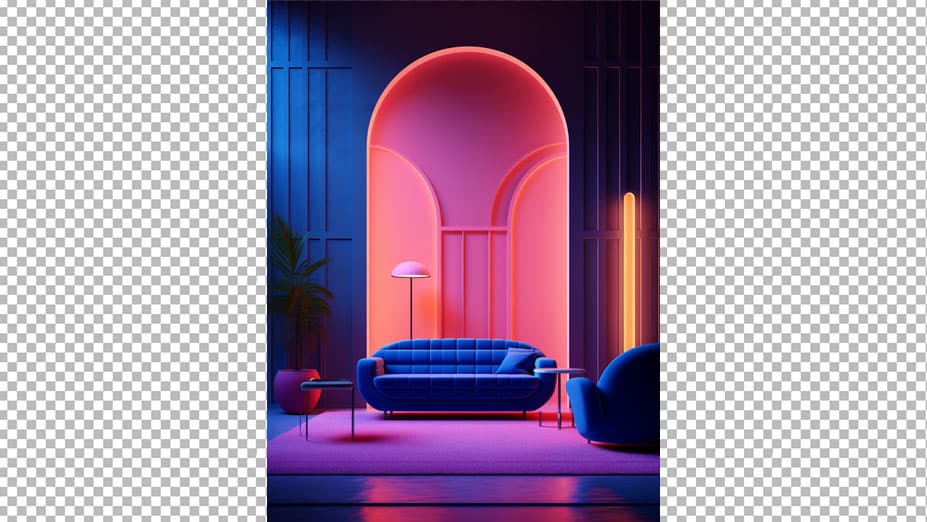
Cut the product out and set it on a strong blue ground, in your browser, for free.
Click "Start from a photo" and pick a PNG or JPG of any size. The cutout runs in your browser, so the image is never uploaded to a server.
Blue (#007aff) is already selected once the background is gone. Swap it for any other color with the swatches or the picker.
Download a PNG with the background already composited in, ready for a listing, a deck or an ad.
Blue is the color brands pick when they want to look dependable rather than exciting. It is the default of tech, sport, finance and household goods, and it holds attention in a feed without the urgency that red brings.
Electronics, tools, sportswear, household products, and any ad where the frame has to look confident rather than discounted. Warm products — orange, yellow, wood, skin tones — pop hardest against it.
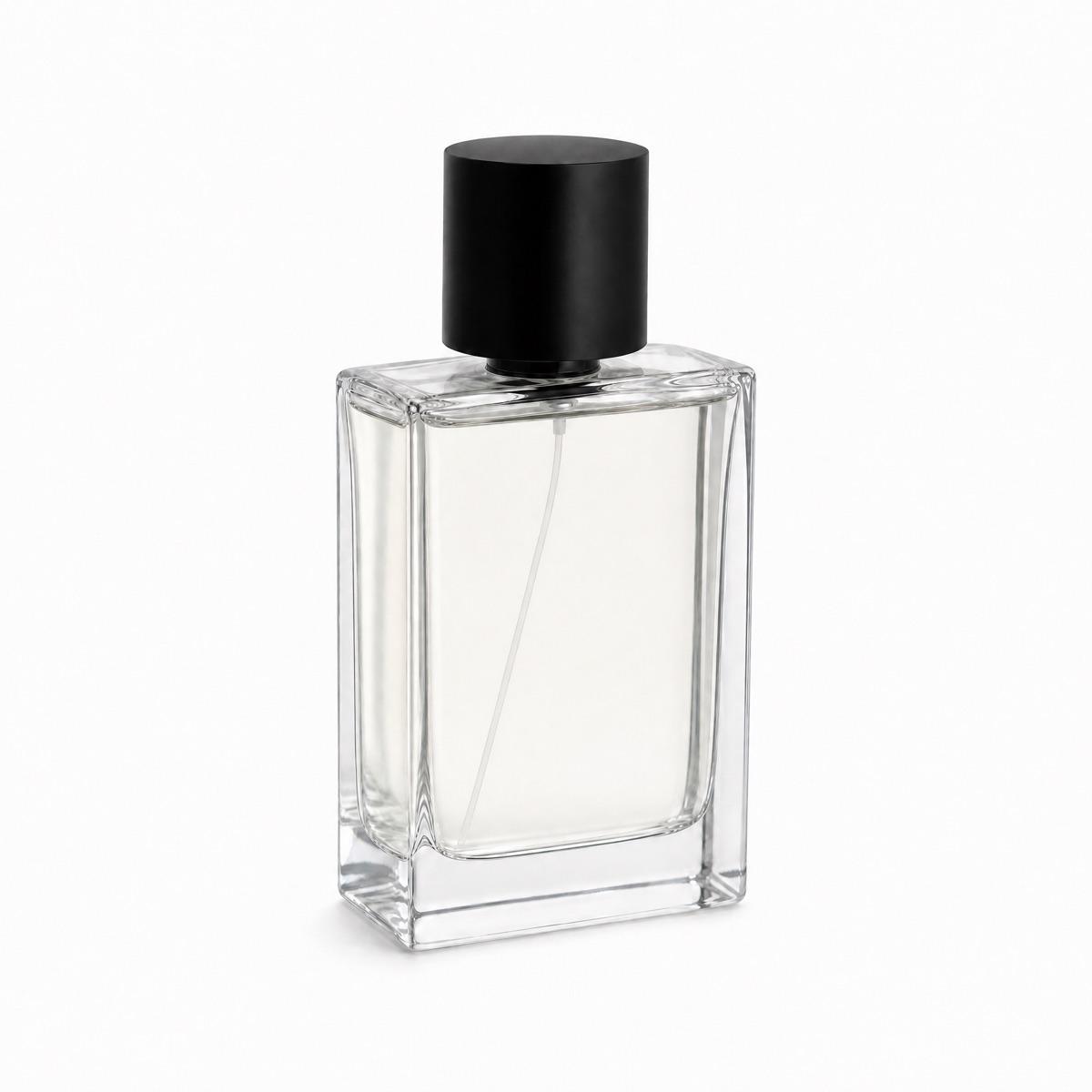
Blue is a cold cast. White packaging photographed against it can read grey-blue, and silver hardware picks up a tint that makes it look colder than the real thing. Check any white element in the frame after the fill.
Which blue should I use?
Can I use a blue background on a product listing?
Why does my white product look blue-tinted?
Backgrounds are the easy part
Kive generates the whole product shot — scene, lighting and all — from photos of what you actually sell.