5 Pebblely Alternatives for AI Product Photos in 2026
By Olga Stogova
11 min read
Cut the product out and drop it on a clean white ground, in your browser, for free.
Click "Start from a photo" and pick a PNG or JPG of any size. The cutout runs in your browser, so the image is never uploaded to a server.
White (#ffffff) is already selected once the background is gone. Swap it for any other color with the swatches or the picker.
Download a PNG with the background already composited in, ready for a listing, a deck or an ad.
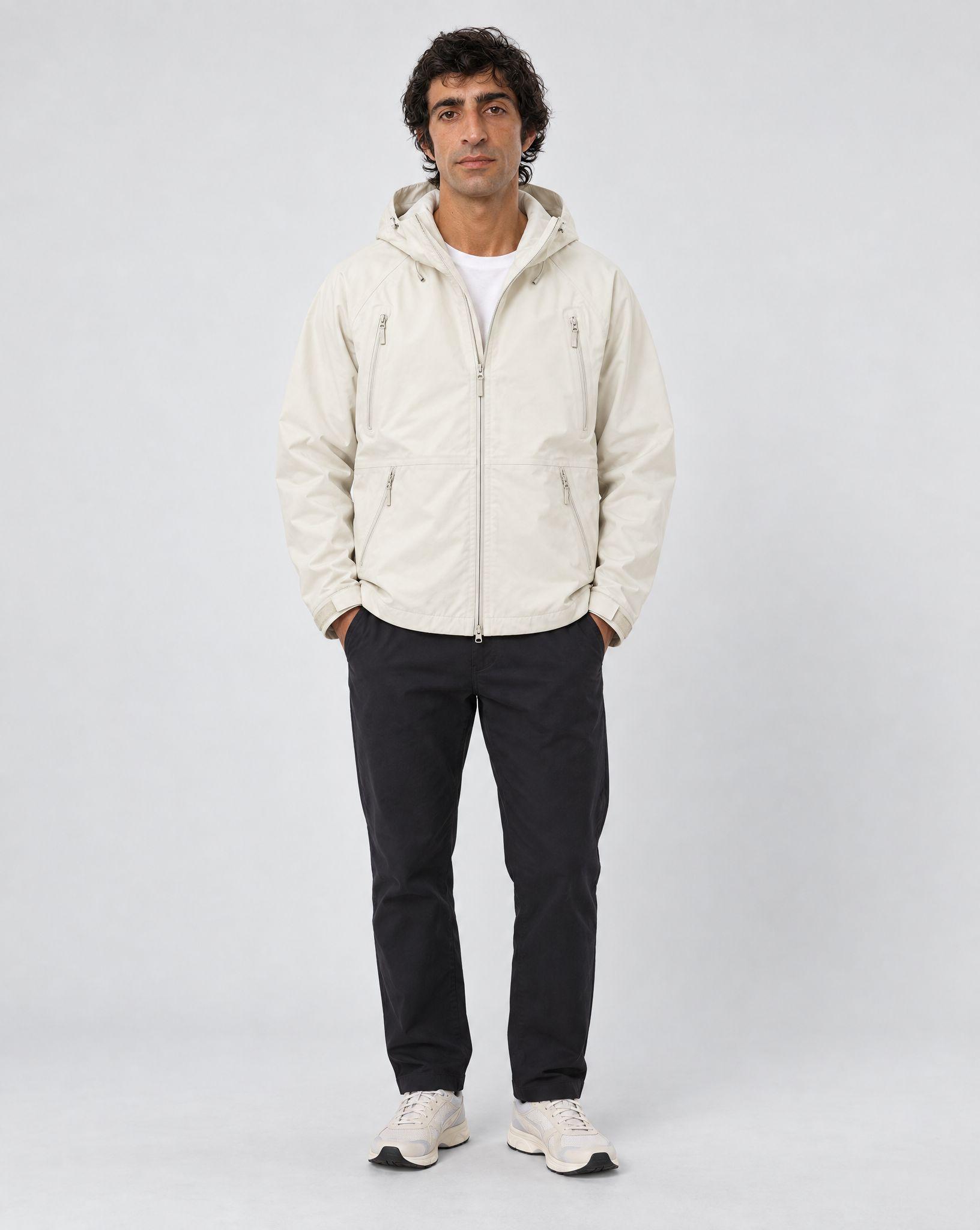
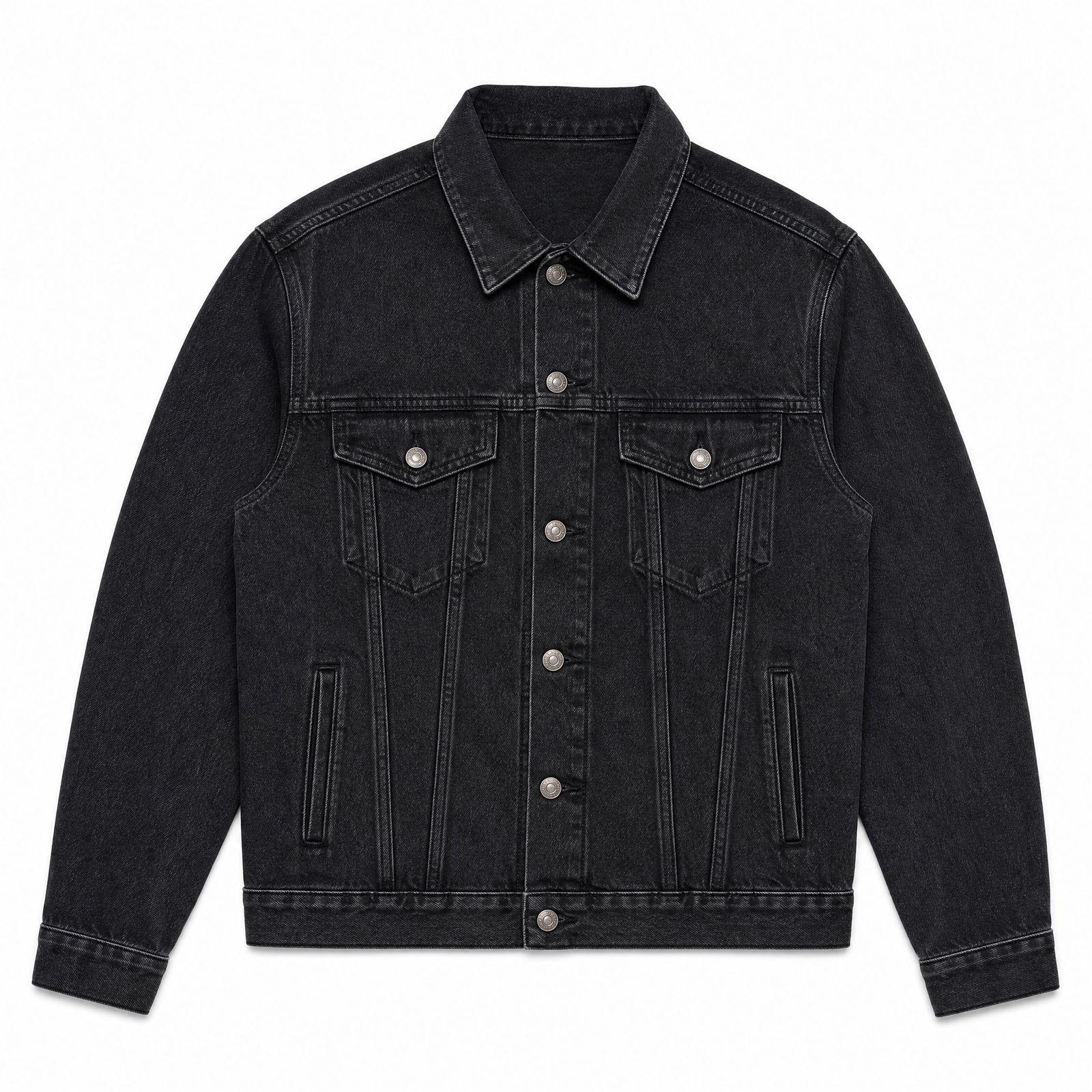
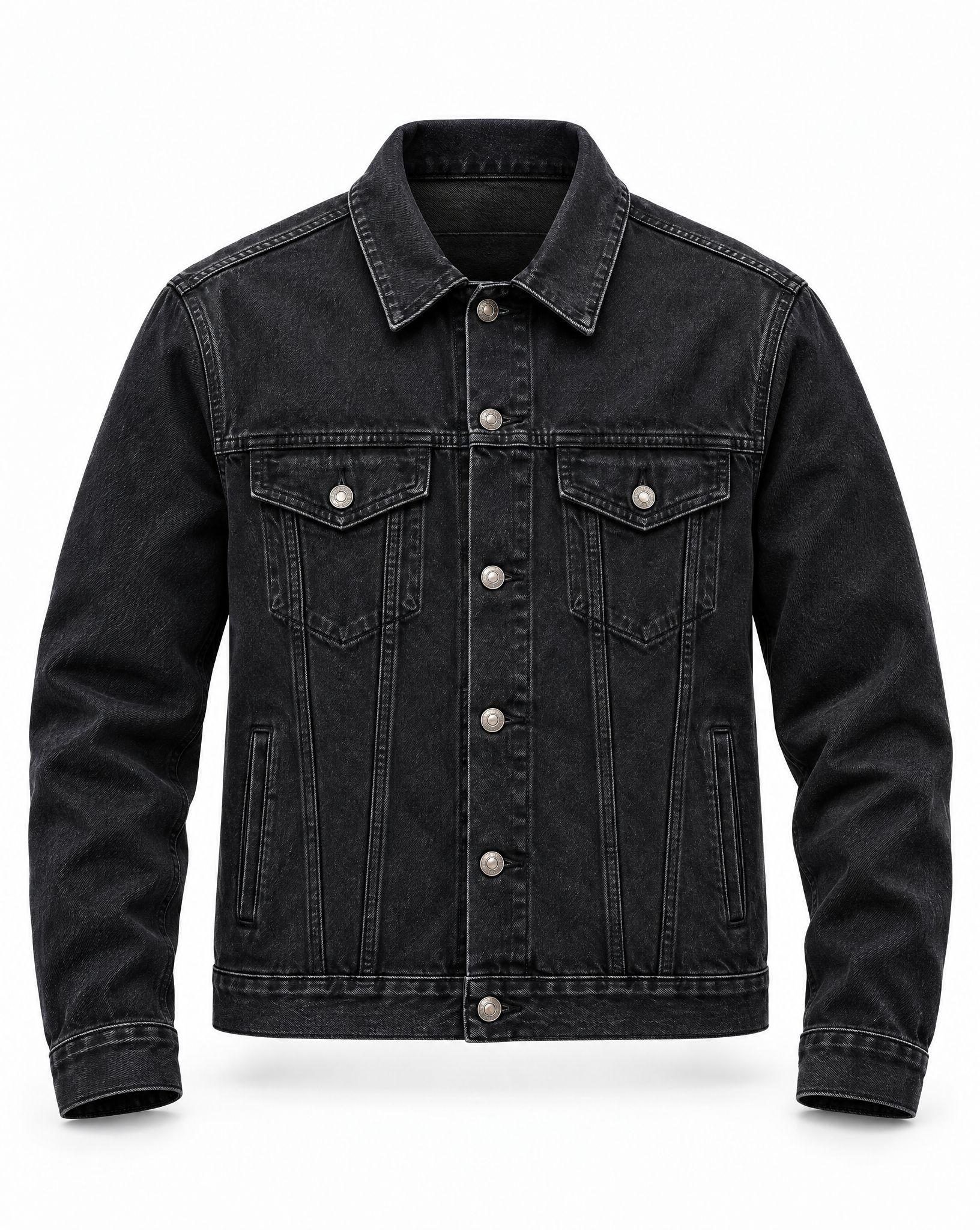
White is the default ground of e-commerce because it removes every question except the product. Amazon requires the main image of a listing to sit on a pure white background — RGB 255, 255, 255 — and most other marketplaces either ask for the same thing or accept it without comment, which makes one white export the safest file in a product folder.
Main listing images, marketplace feeds, comparison grids and anywhere a product has to read next to competitors without its setting arguing for it. Colored, textured and dark products all separate cleanly from white.
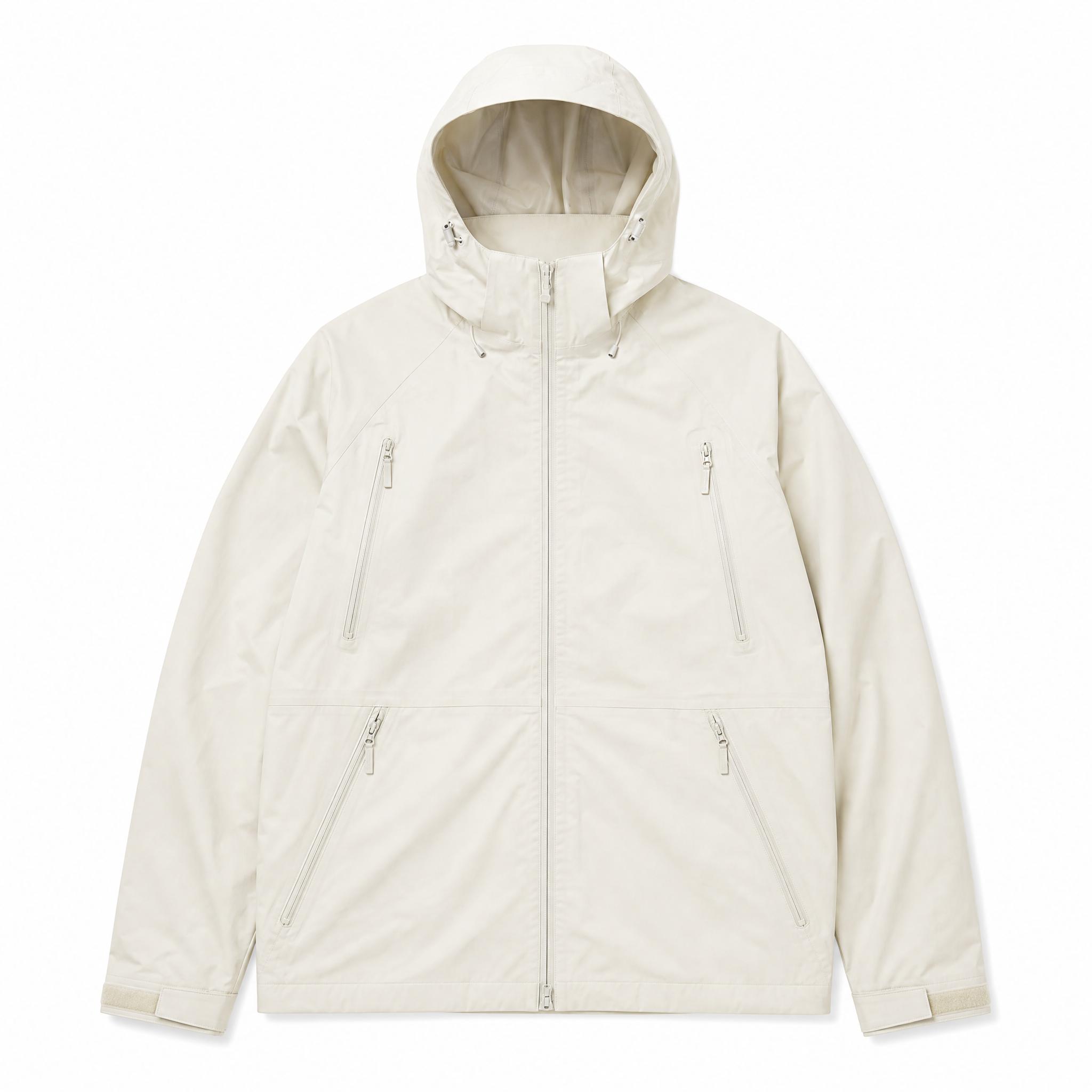
White products disappear into it. A white bottle, a cream garment or a silver case needs a soft shadow or a faint edge to stay a shape rather than a silhouette — check the export at full size before it goes on a listing.
Is this the white background Amazon asks for?
Why does my white product vanish?
Can I download it as a JPG?
Backgrounds are the easy part
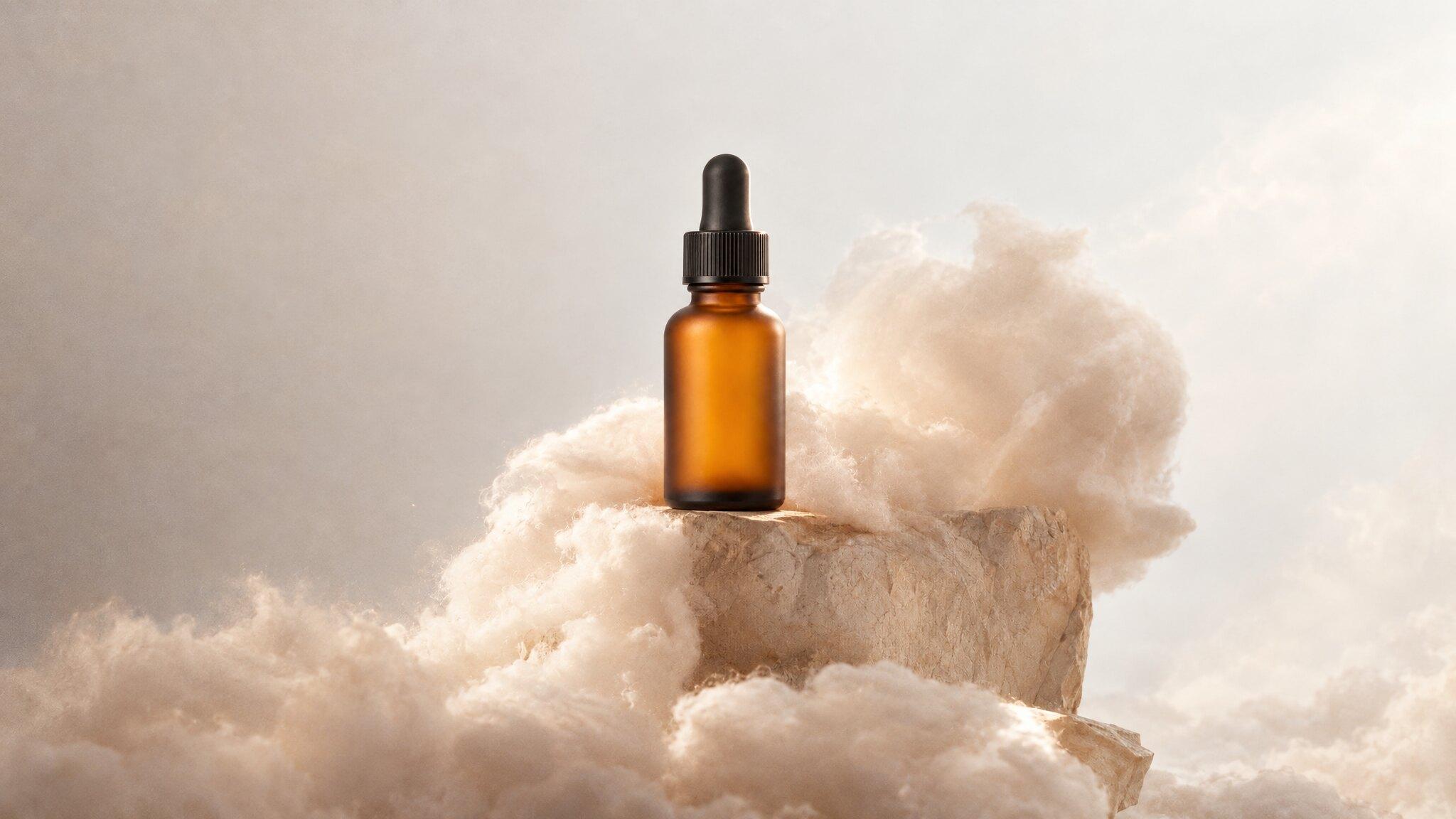
Kive generates the whole product shot — scene, lighting and all — from photos of what you actually sell.