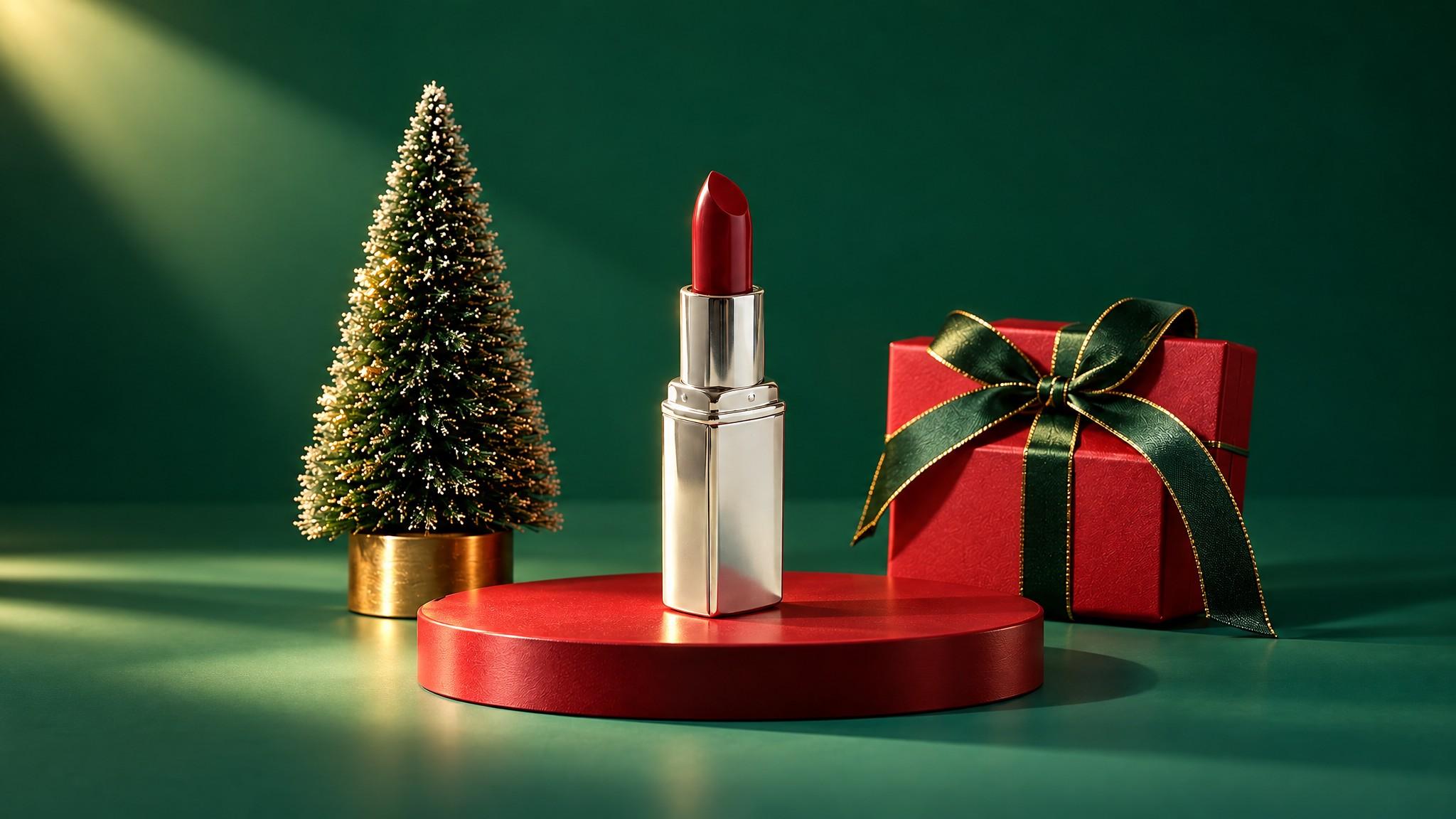
Christmas Product Photos With AI: 6 Looks, Prompts, Workflow (2026)
By Olga Stogova
11 min read
Cut the product out and set it on a soft light blue ground, in your browser, for free.
Click "Start from a photo" and pick a PNG or JPG of any size. The cutout runs in your browser, so the image is never uploaded to a server.
Light blue (#afd9f2) is already selected once the background is gone. Swap it for any other color with the swatches or the picker.
Download a PNG with the background already composited in, ready for a listing, a deck or an ad.
Light blue does what white cannot: it stays quiet while still separating a pale product from its background. Skincare, wellness, water and clean-label products live here, because the color reads as calm and clinical without the hard emptiness of pure white.
Skincare and wellness products, white and frosted packaging, summer campaigns, and any frame where the product should feel fresh rather than dramatic.
It is a low-contrast ground. Pale blue, white and silver products can drift into it, and the frame loses impact in a busy feed. Add a shadow, or step to a stronger blue when the image has to compete for attention.
Why choose light blue over white?
Does it work for food?
Can I fine-tune the shade?
Backgrounds are the easy part
Kive generates the whole product shot — scene, lighting and all — from photos of what you actually sell.