Your clothes, on a model
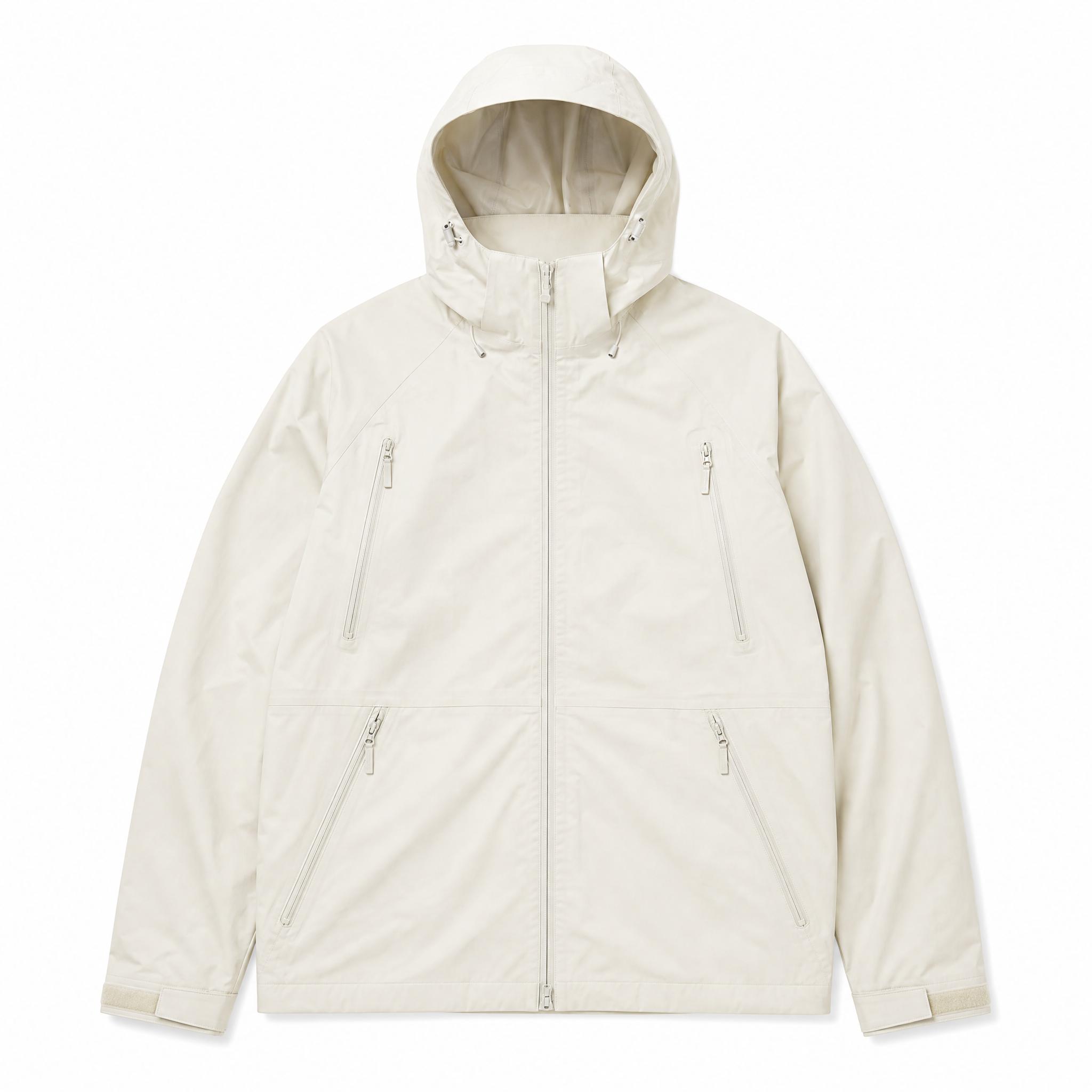
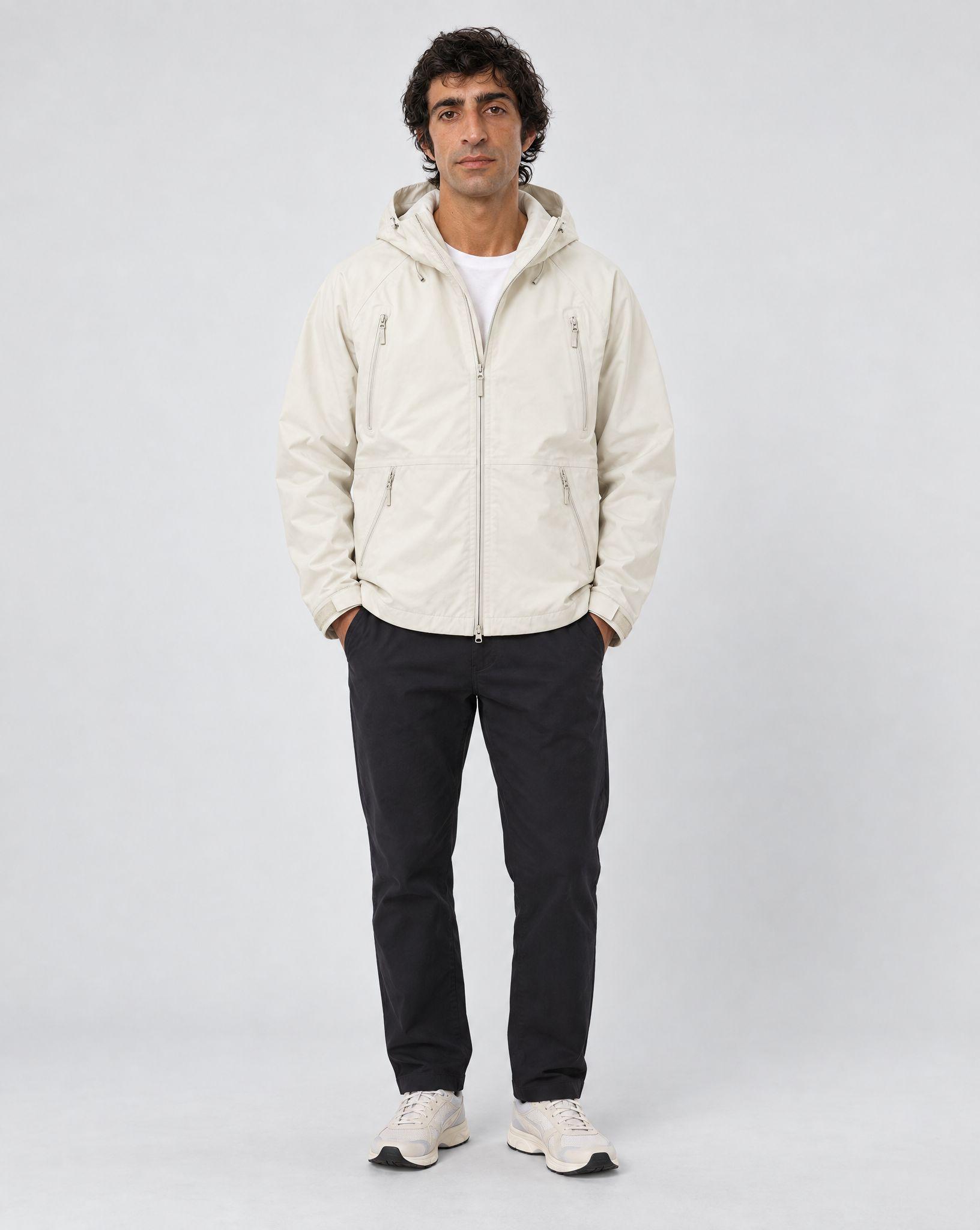
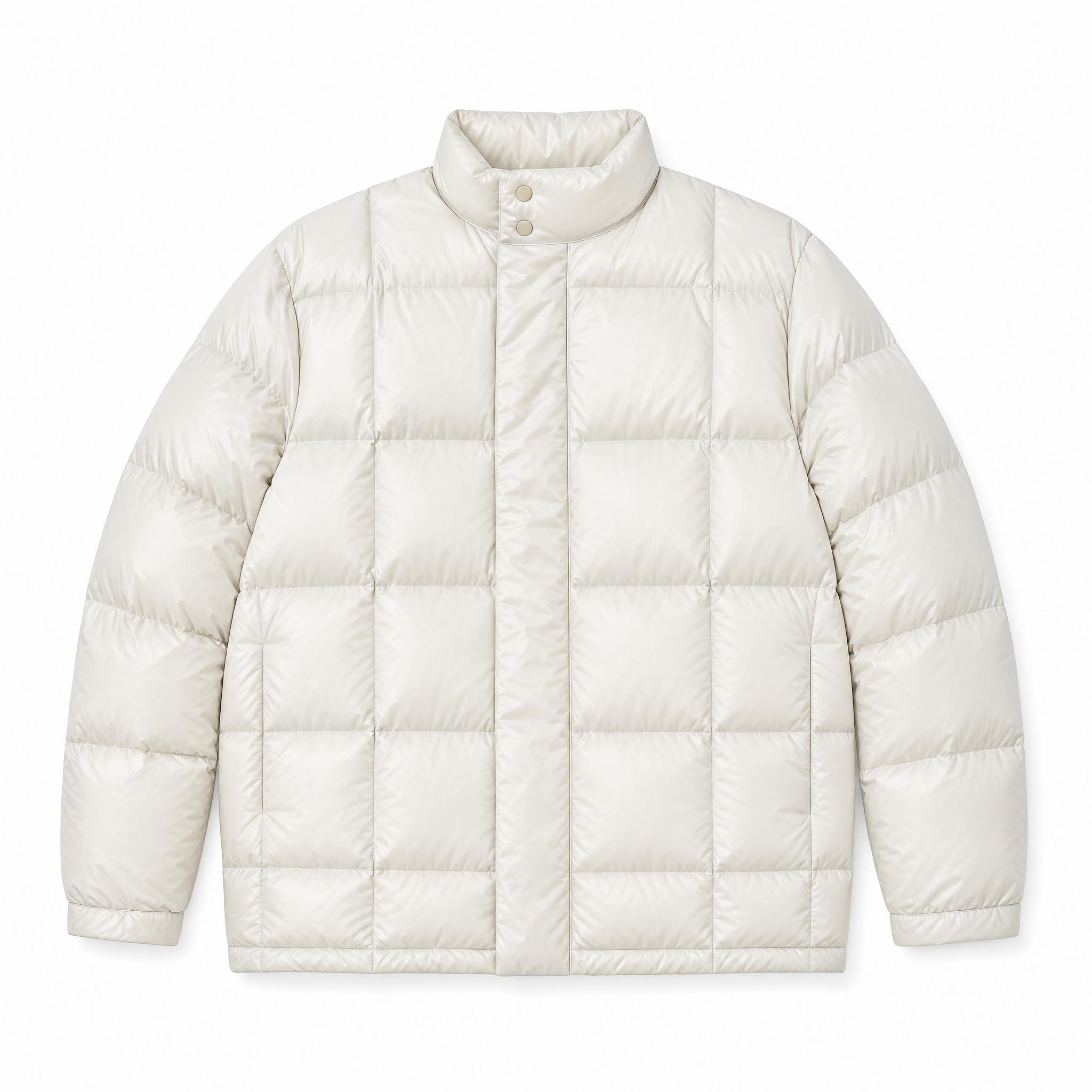
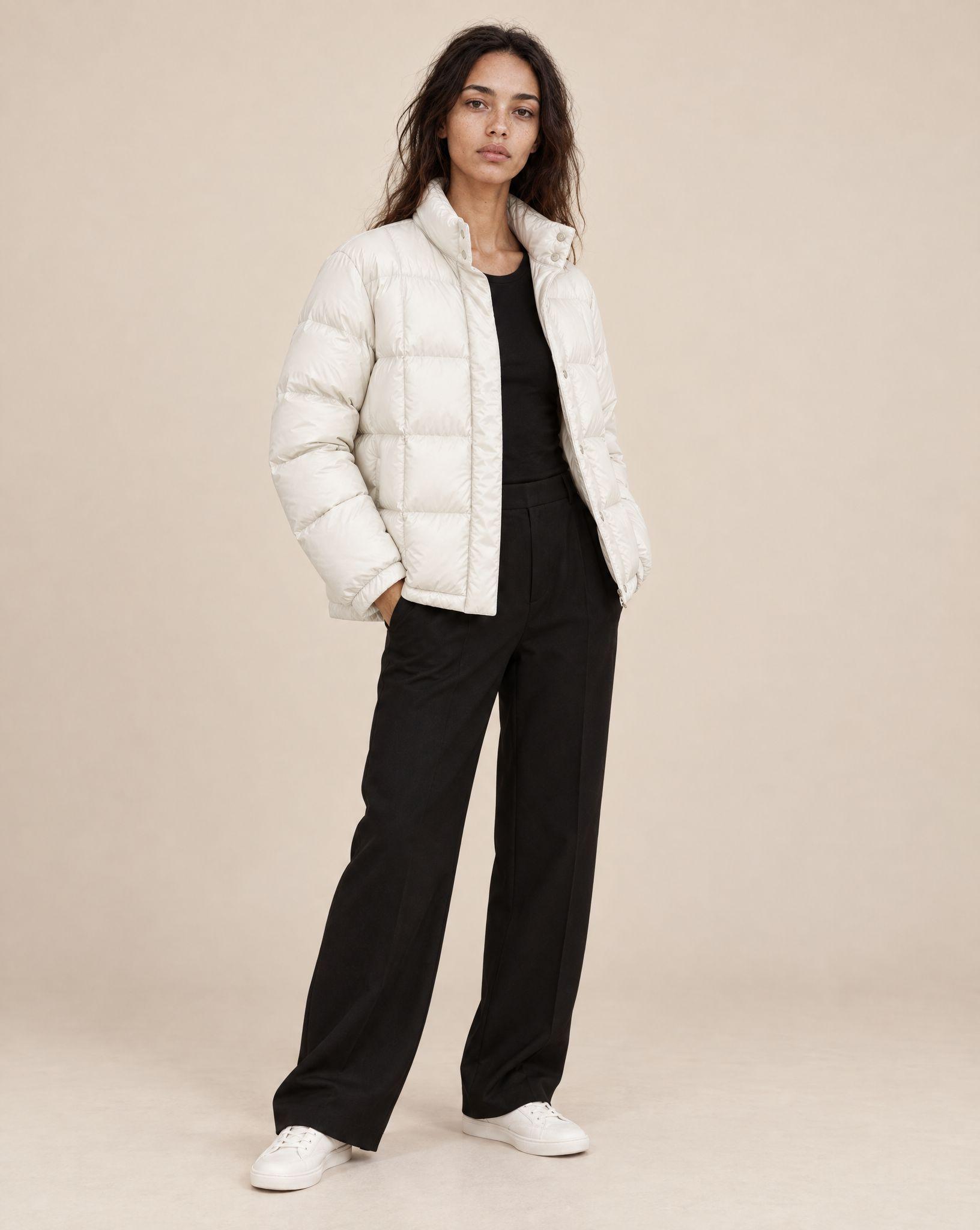
Kive puts a garment from a flat lay or mannequin photo on a model. The clothes stay accurate to your photo while the person, pose and set are generated.
From flat lay or mannequin to a model, without a shoot
A garment on a person shows fit, length and drape in a way a flat lay cannot. Booking a model, a studio and a stylist for every drop is what keeps most catalogs on flat lays.
Kive generates the on-model shot from your product photo. Save a character model once and reuse the same person across the catalog, so a collection page reads as one shoot.
How it works
- 1Upload the garment: a flat lay, a hanger shot or a photo on a mannequin. Kive saves it as a product.
- 2Pick a character model, one you trained from a few photos of the same person, and describe the pose and setting.
- 3Check the print, seams and length against the real garment, then generate the next look with the same model.
On-model ideas to put your clothes into
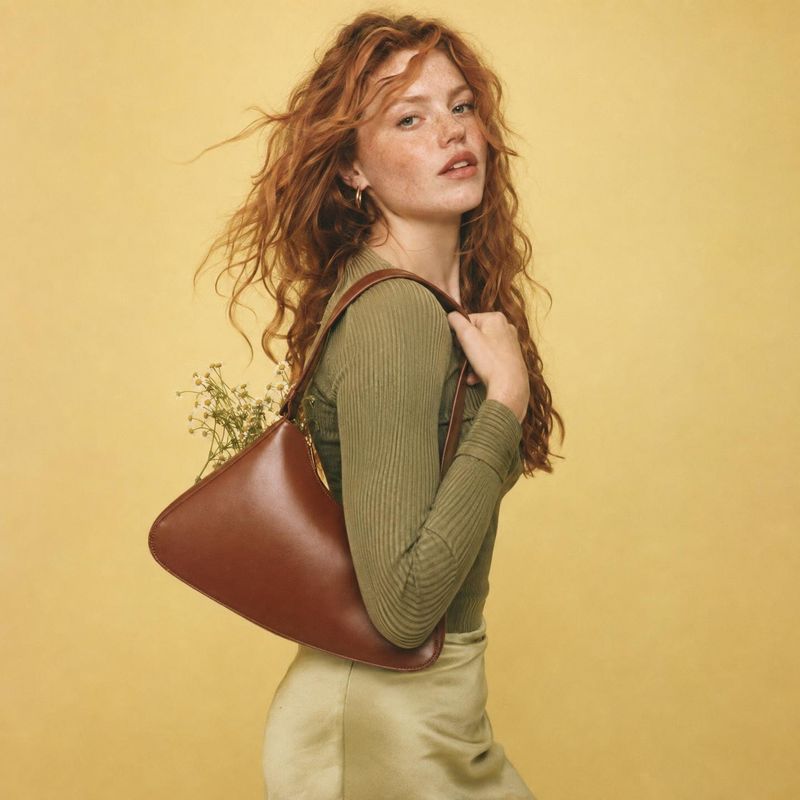
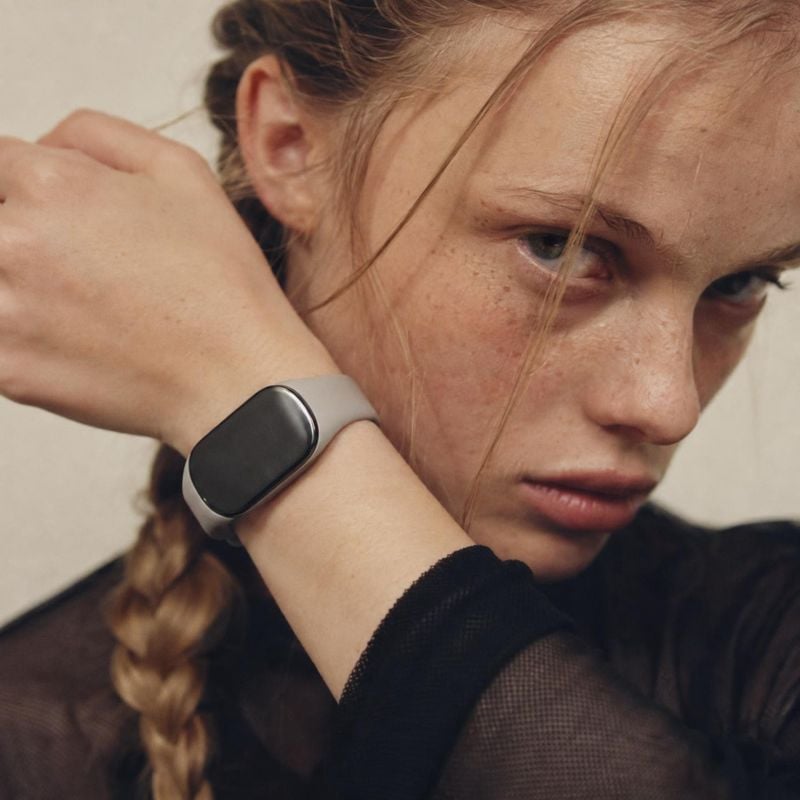
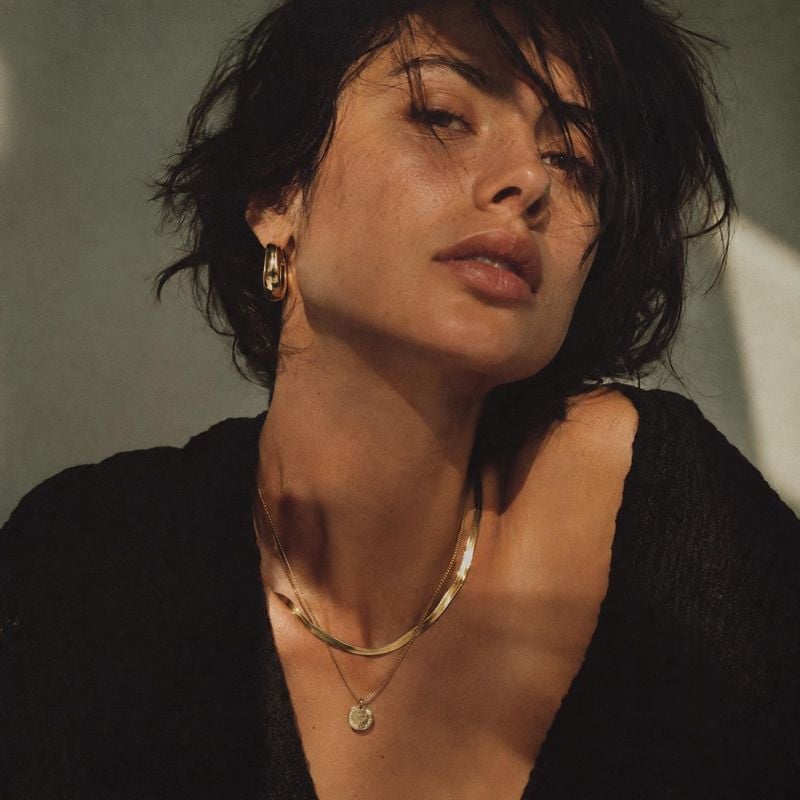
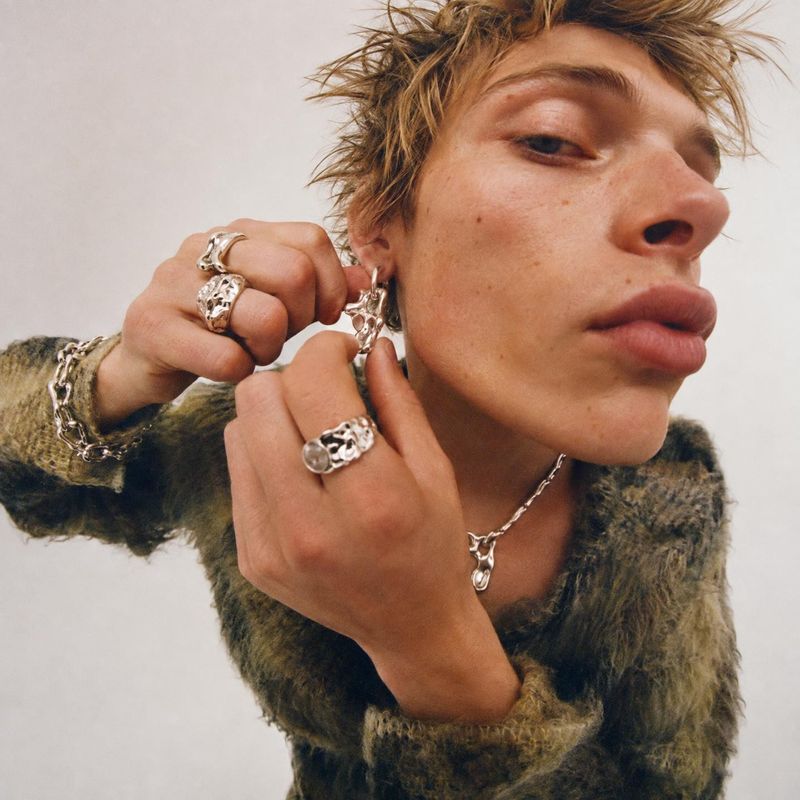
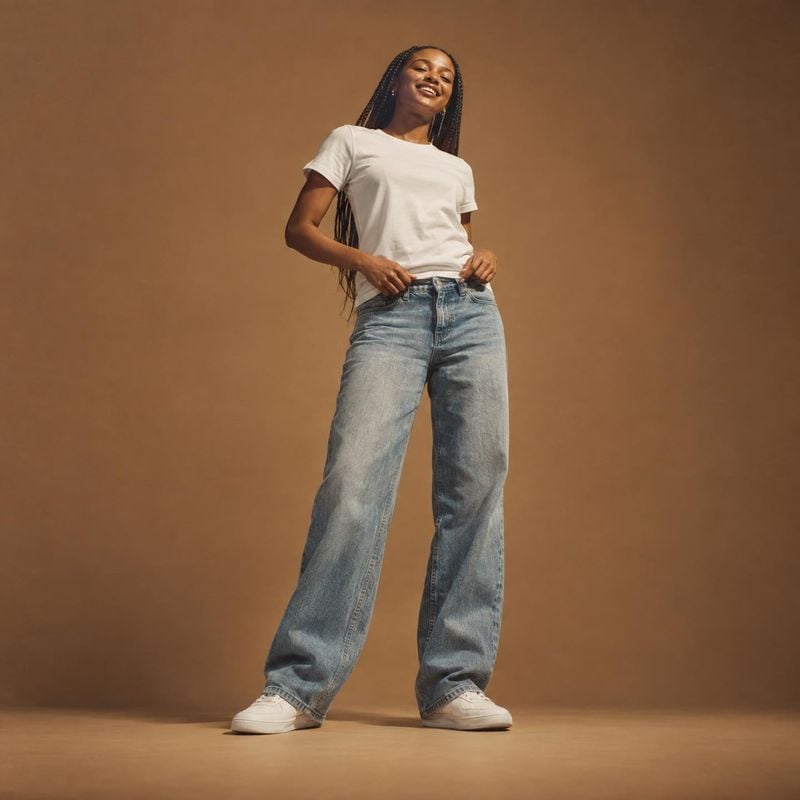
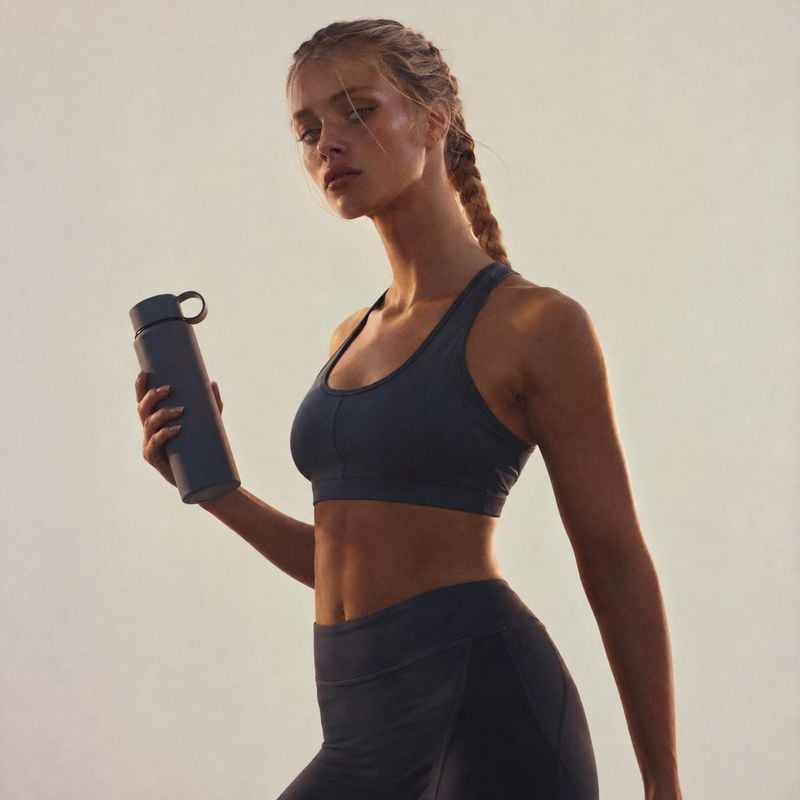
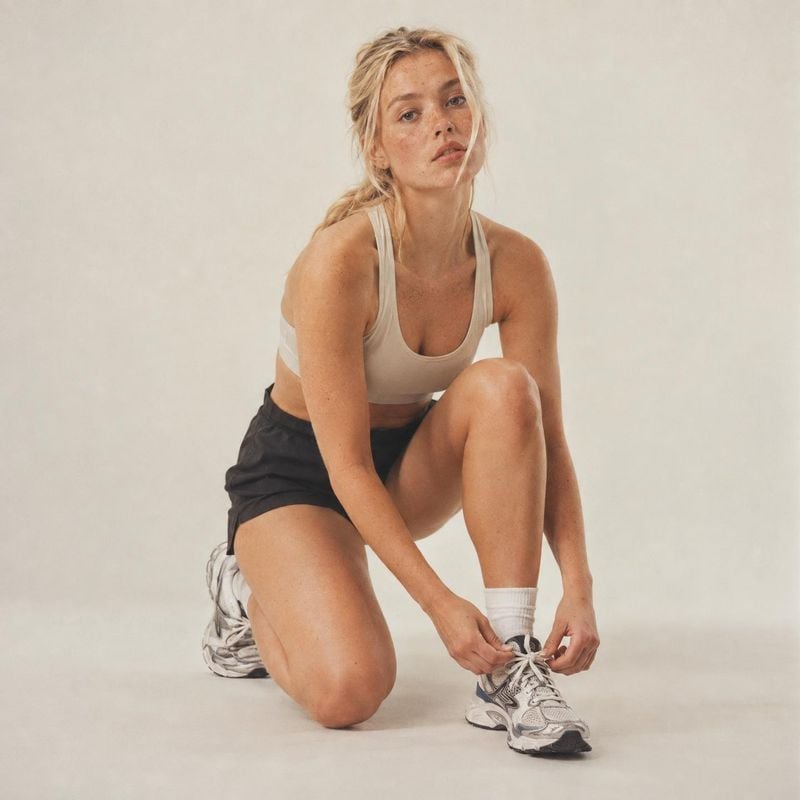
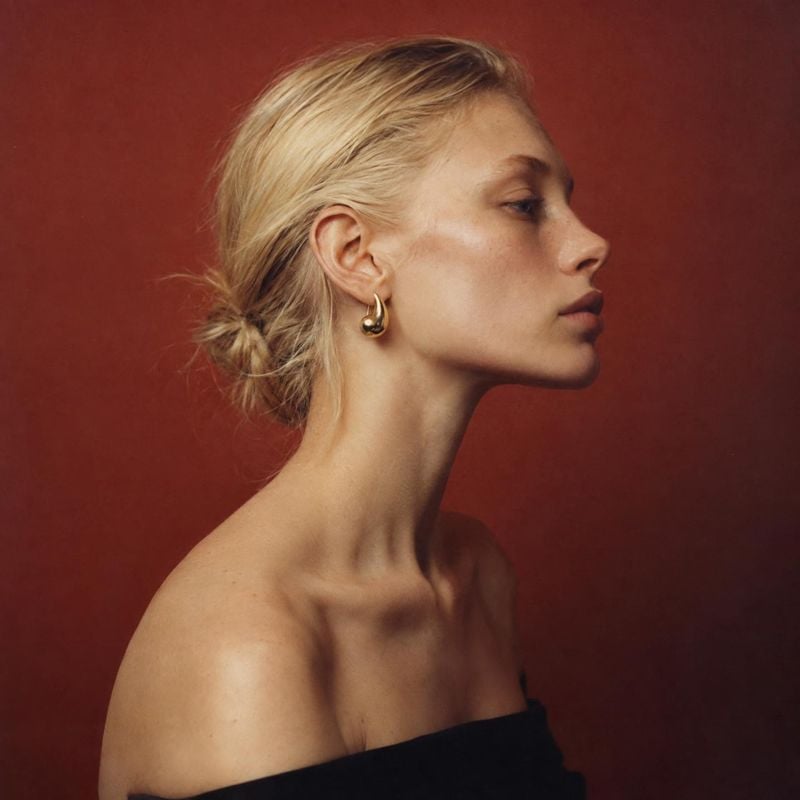
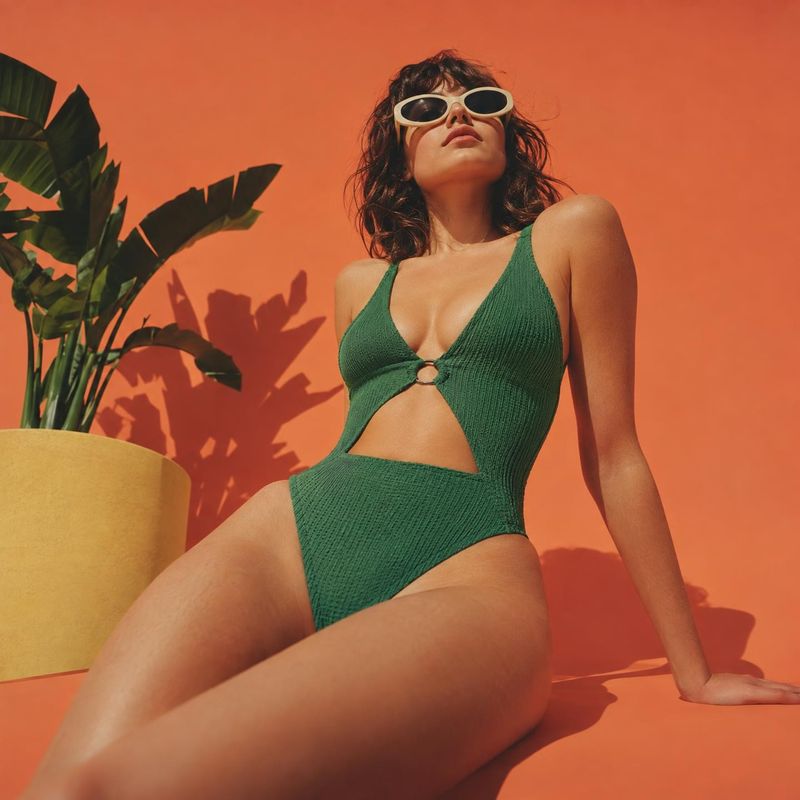
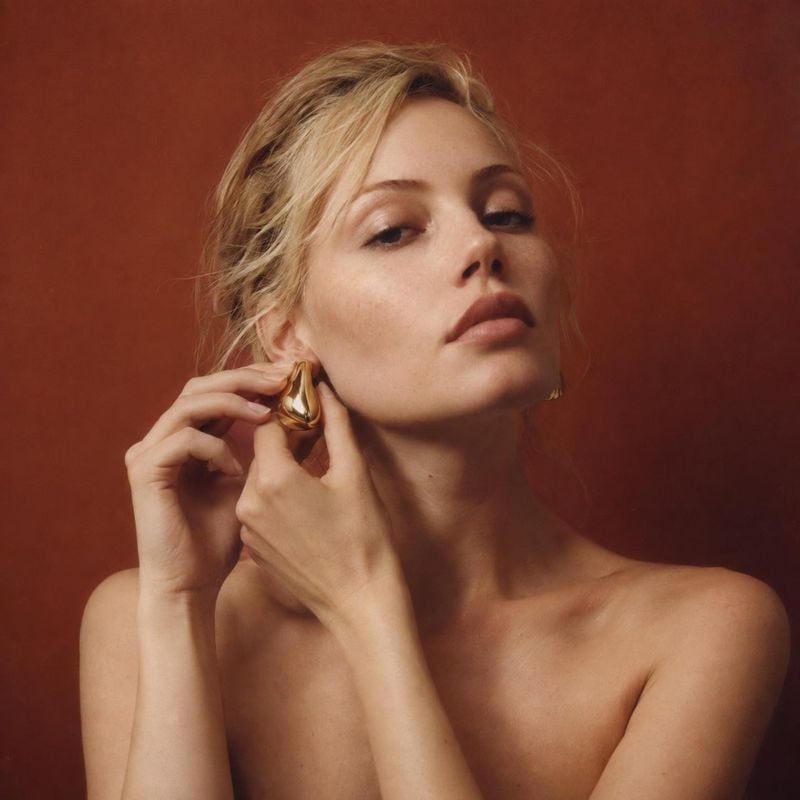
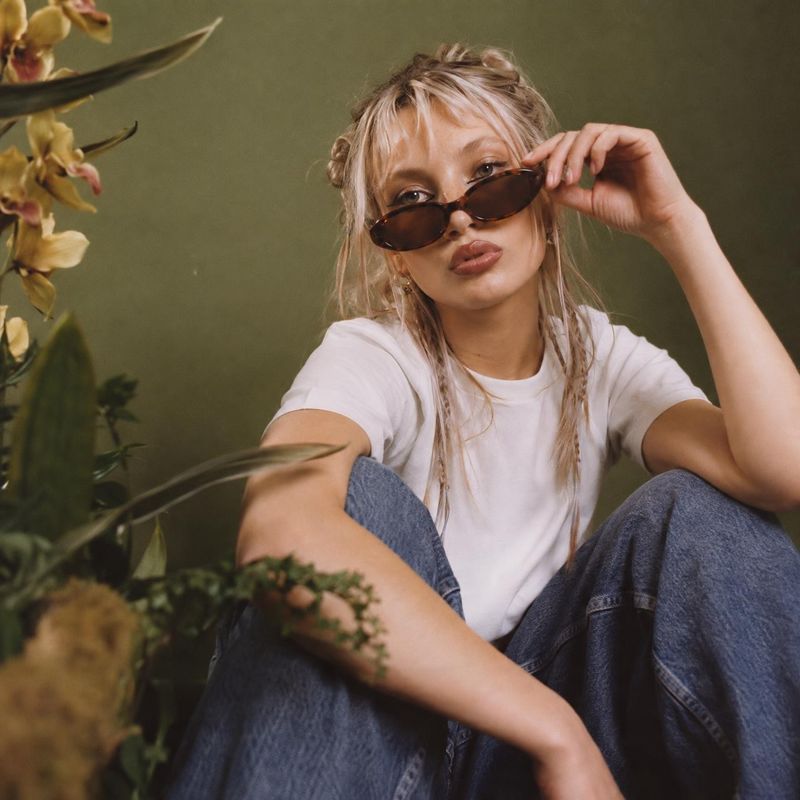
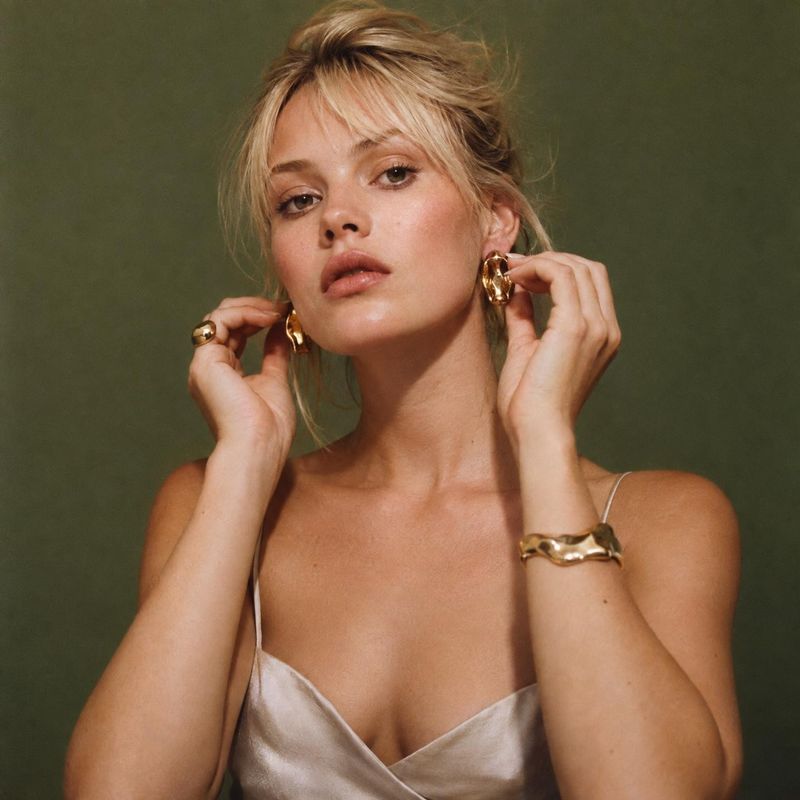
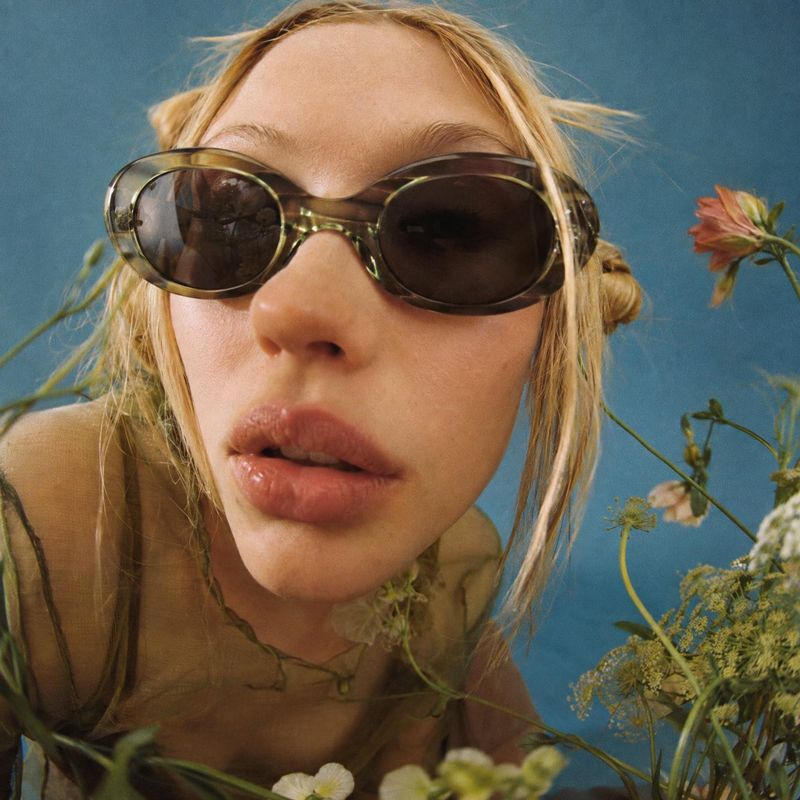
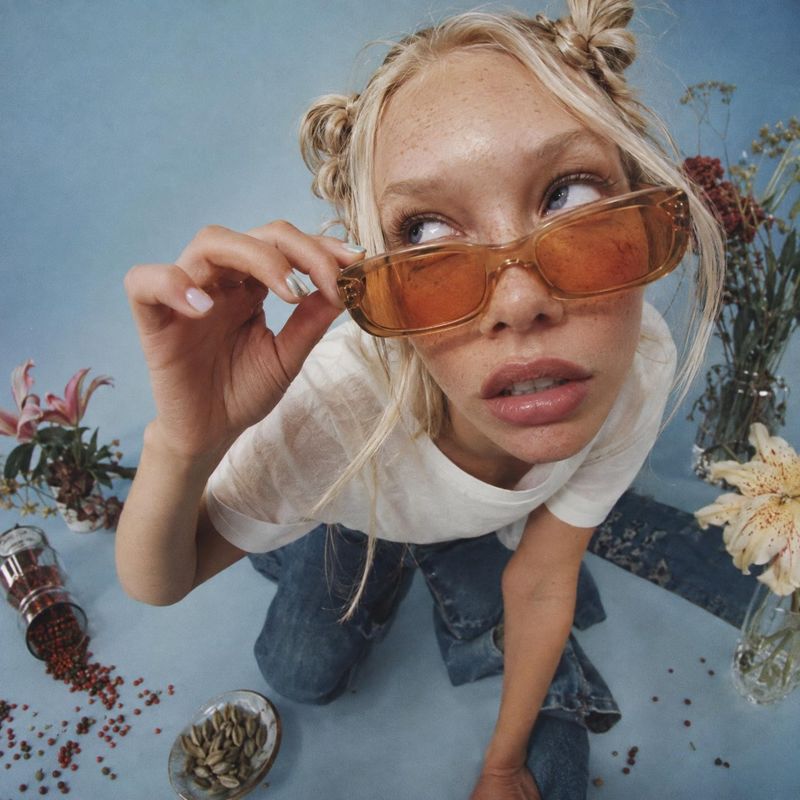
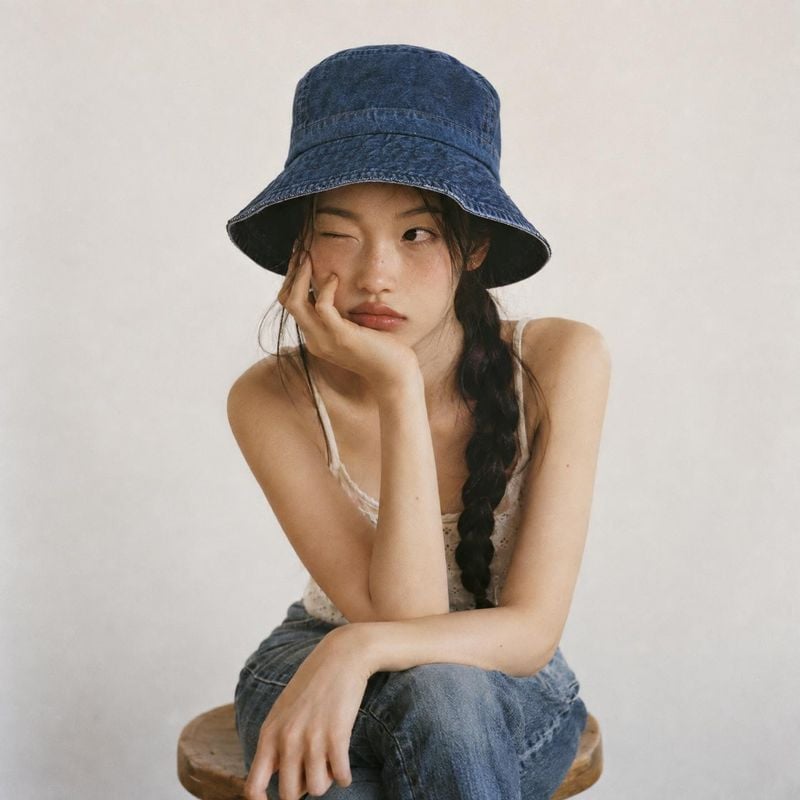
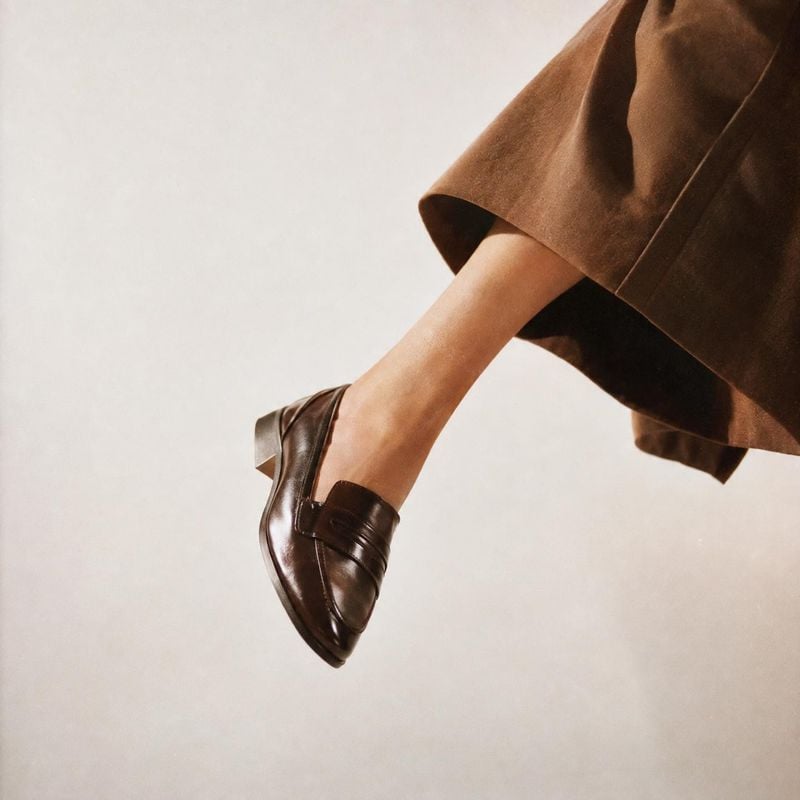
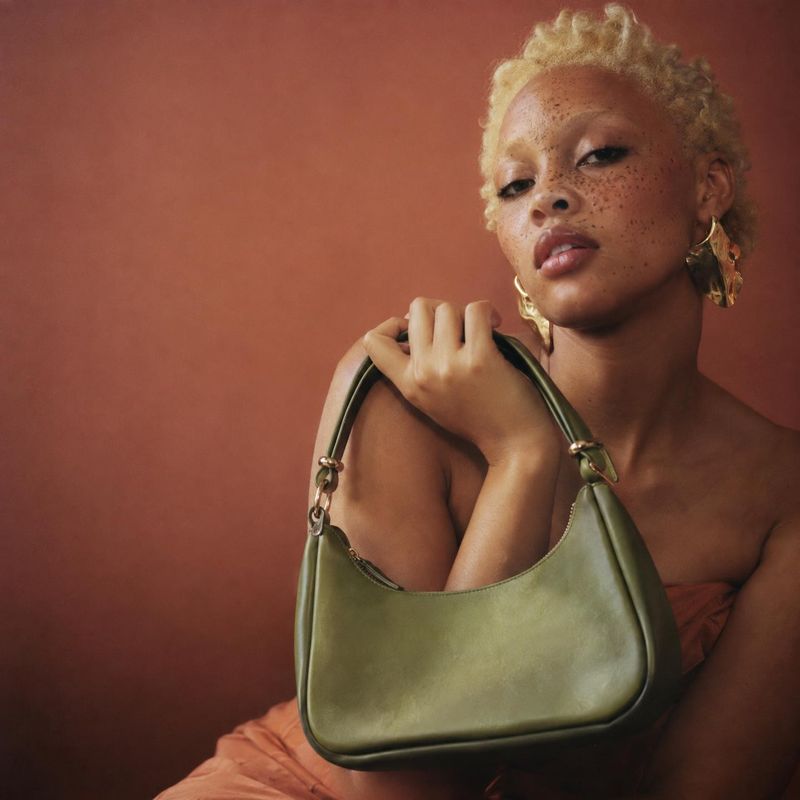
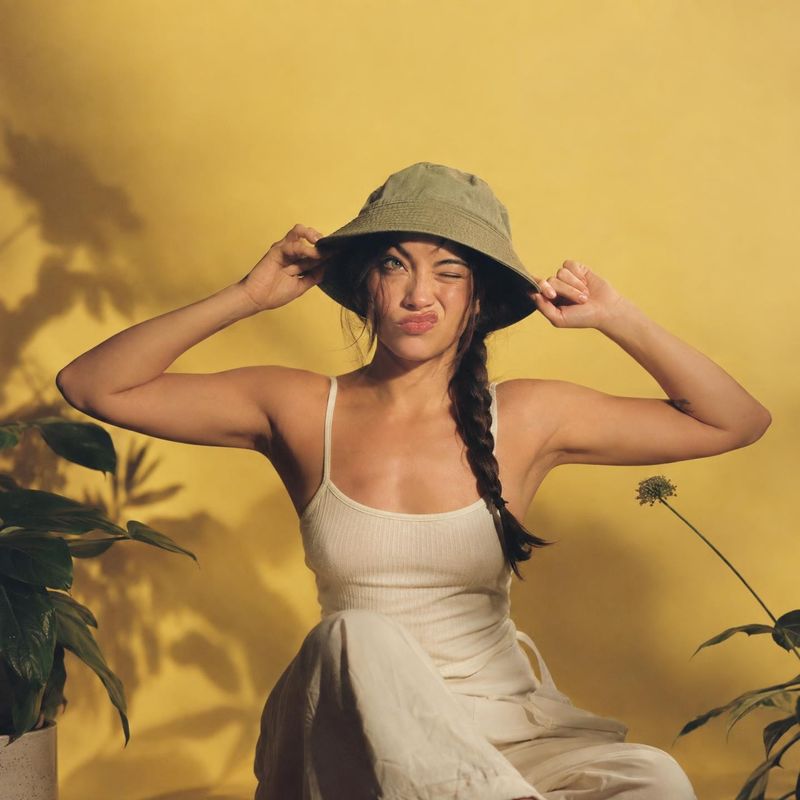
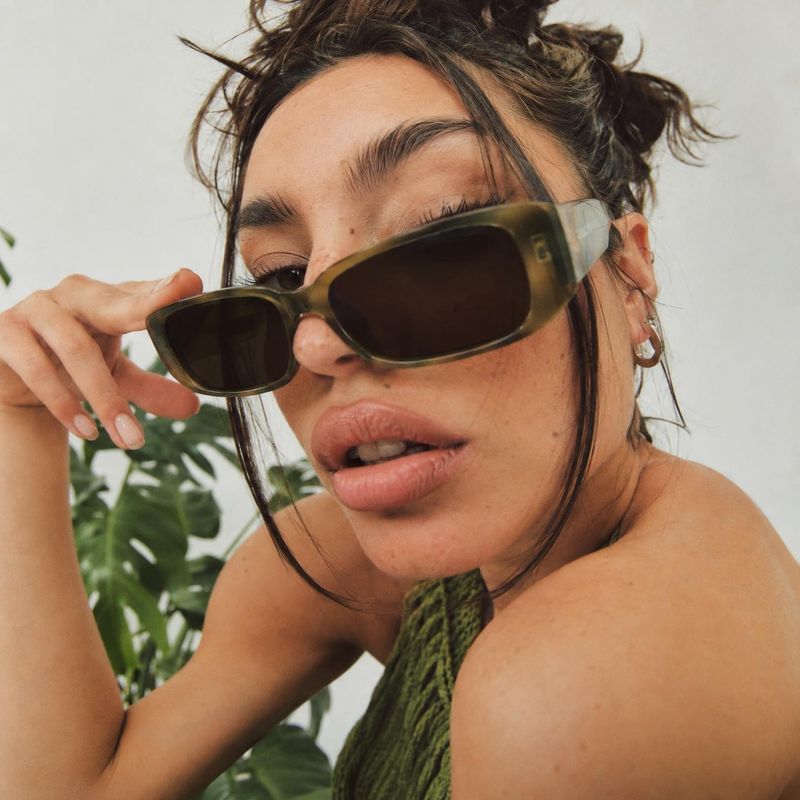
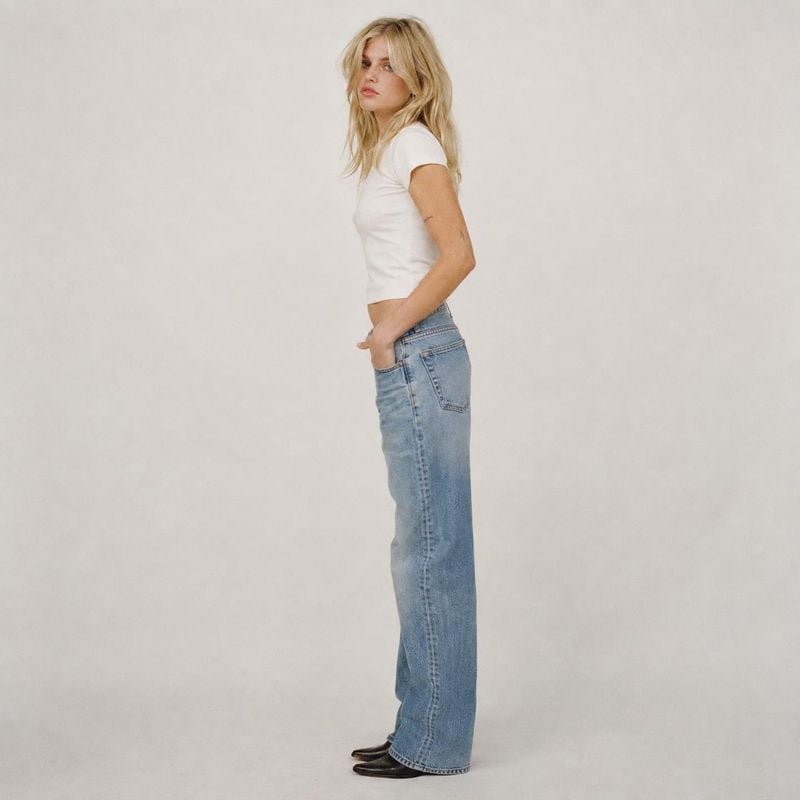
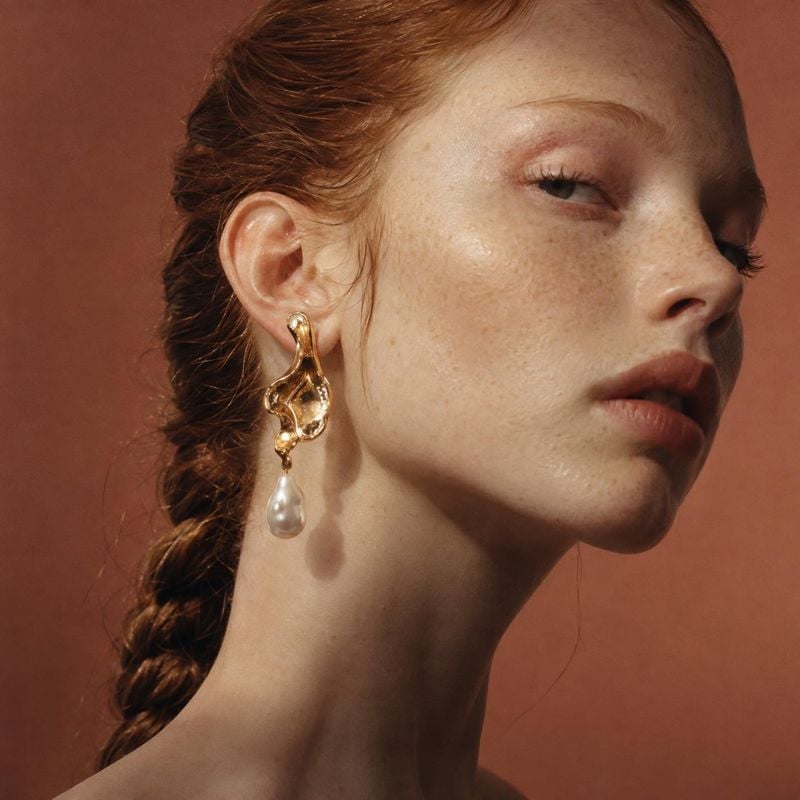
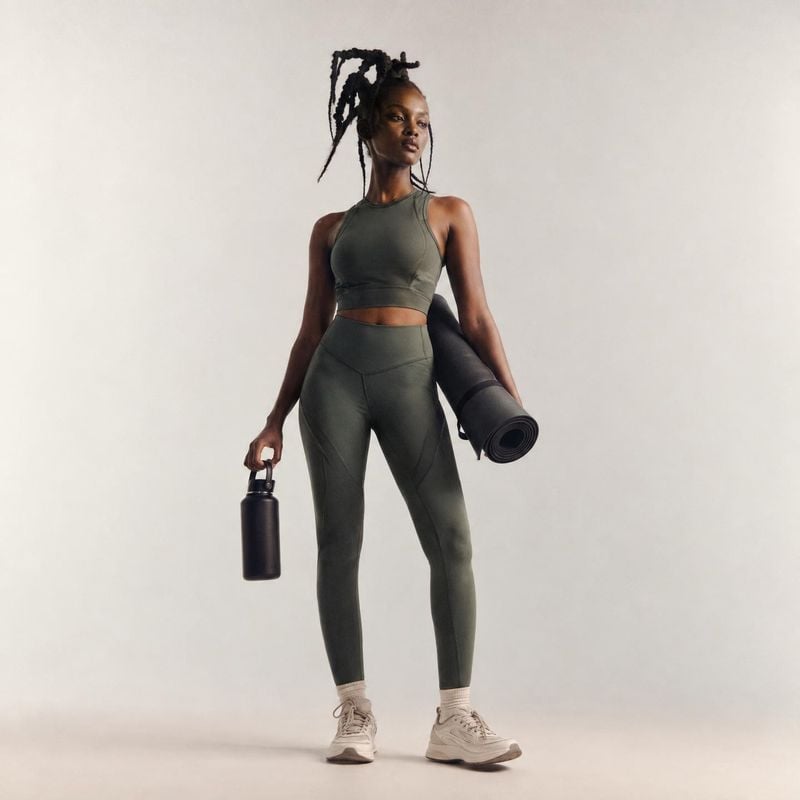
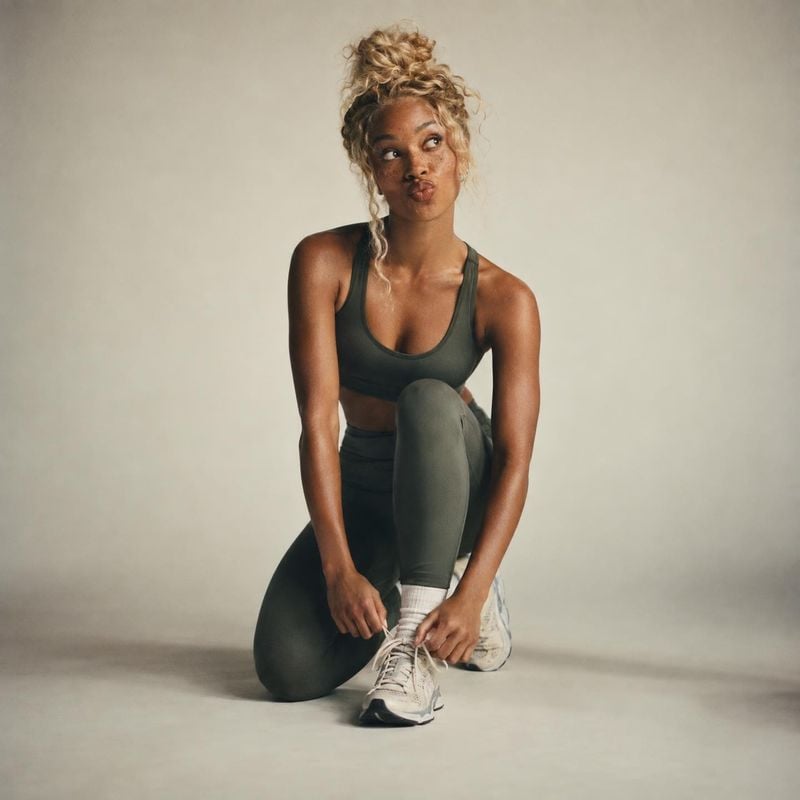
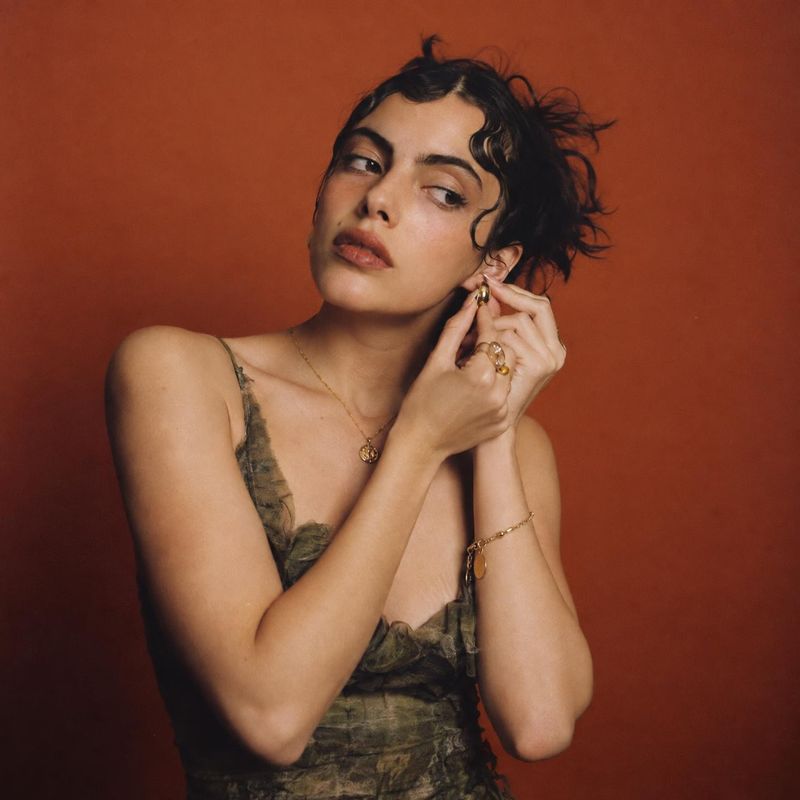
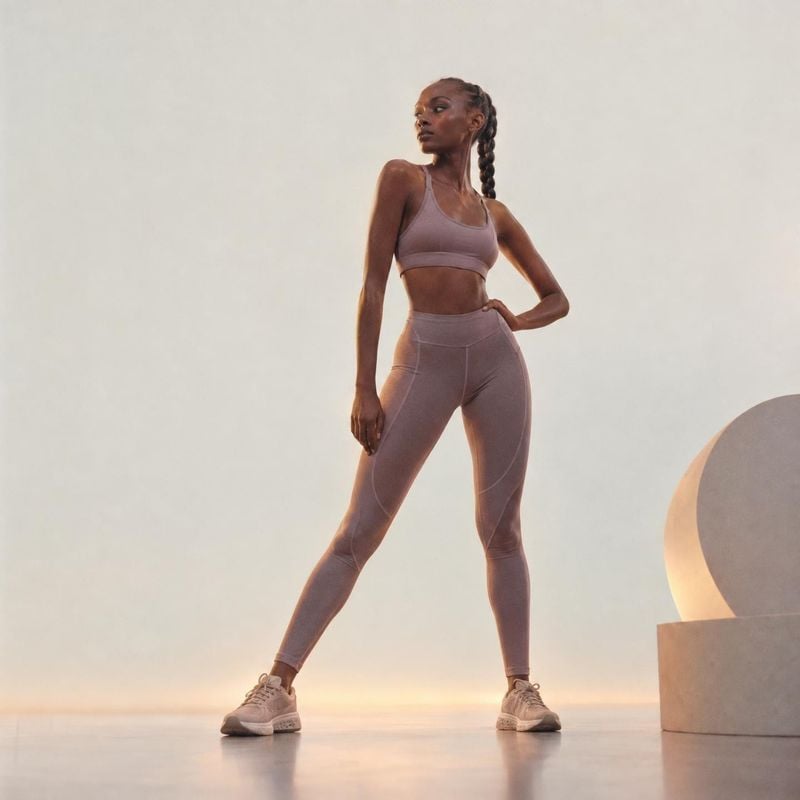
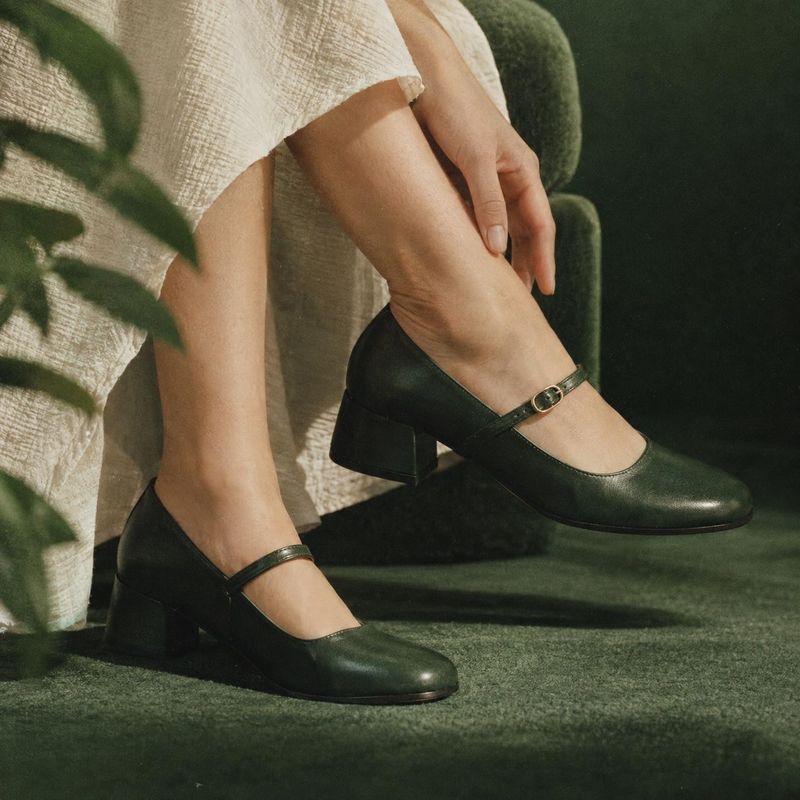
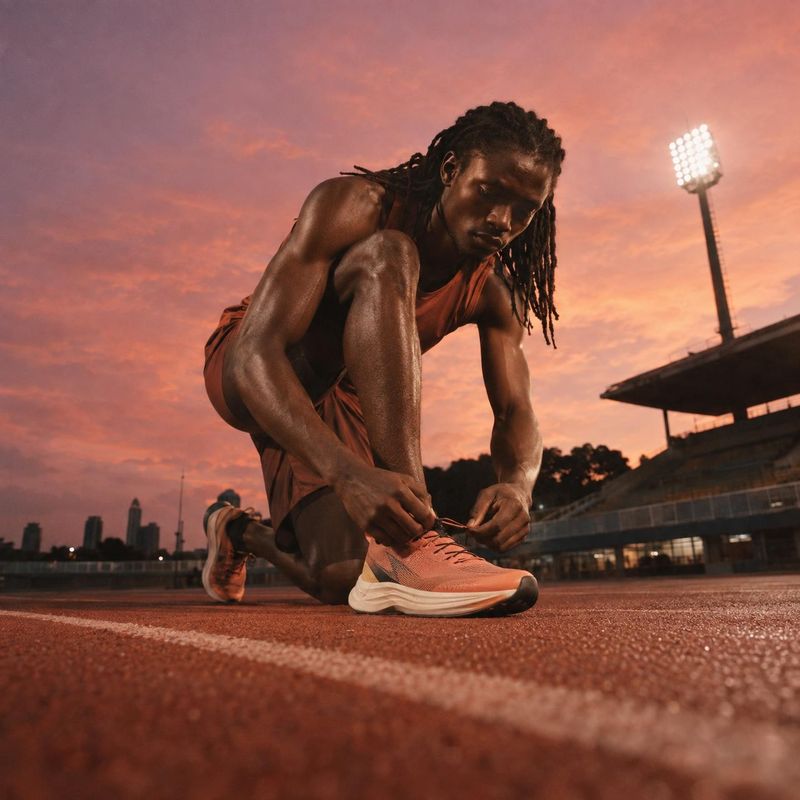
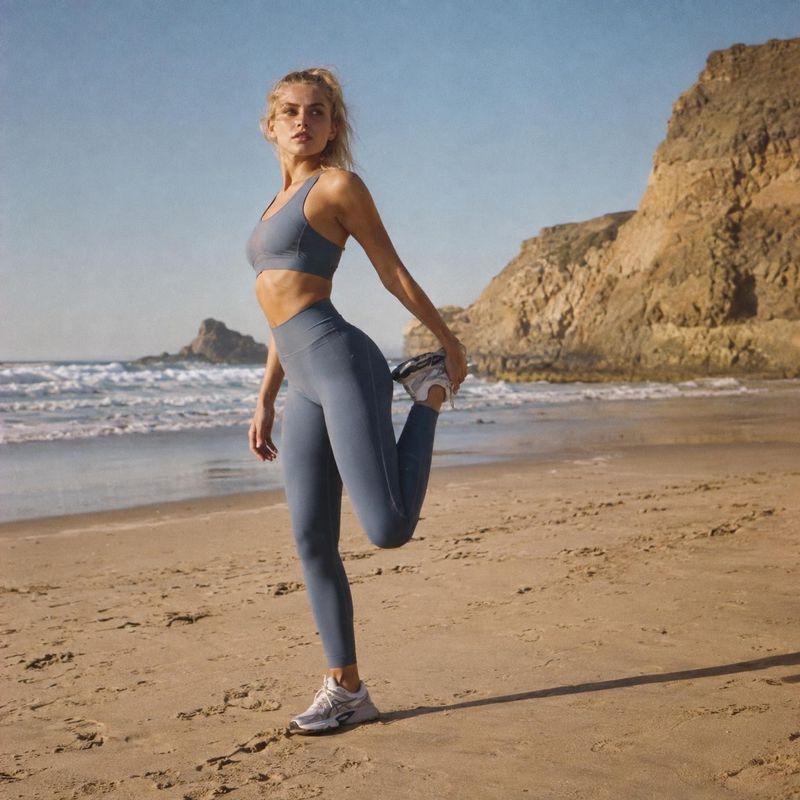
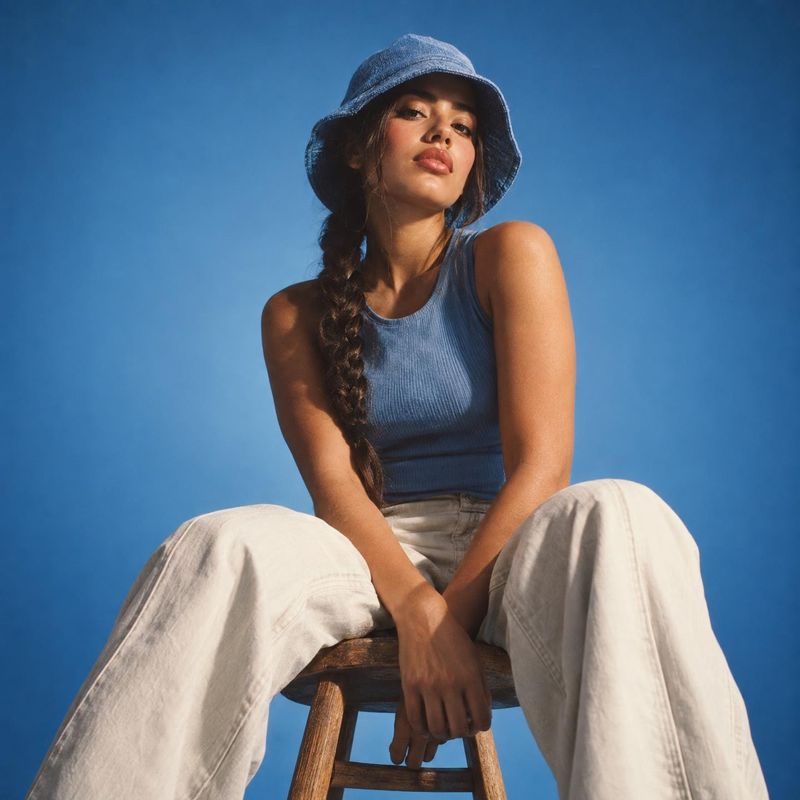
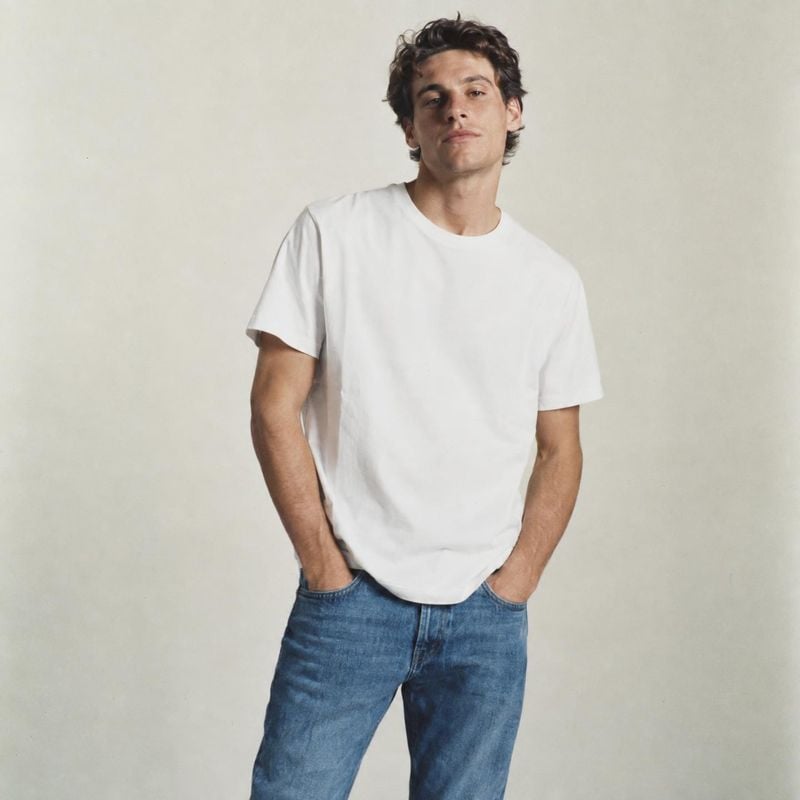
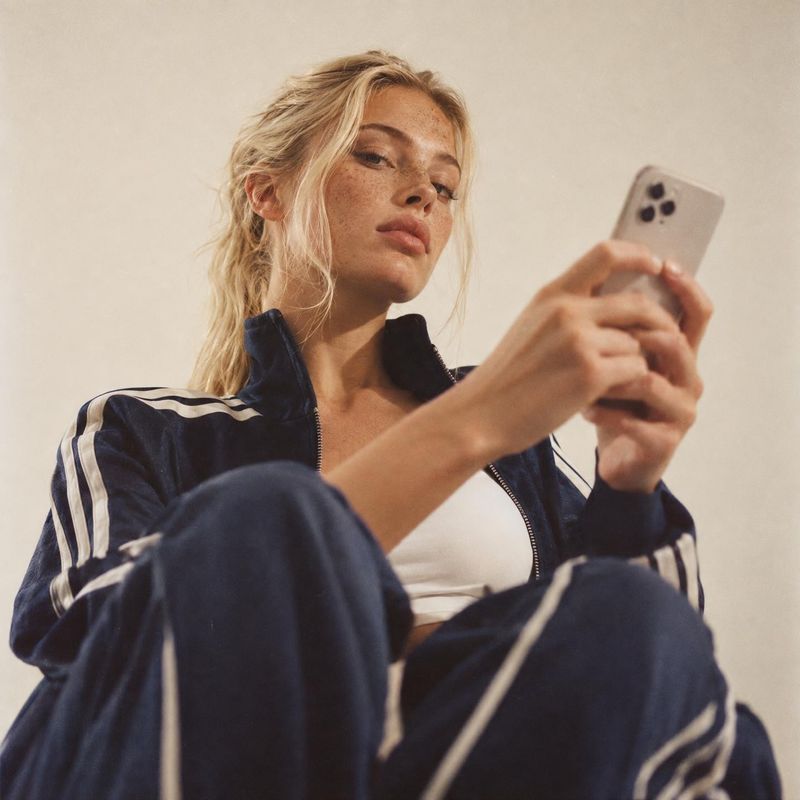
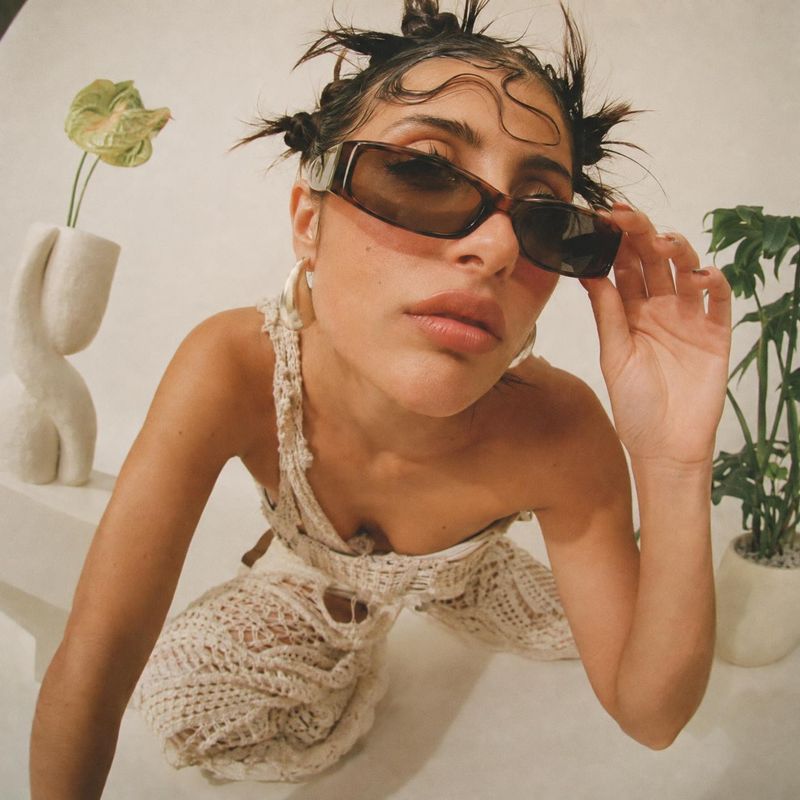
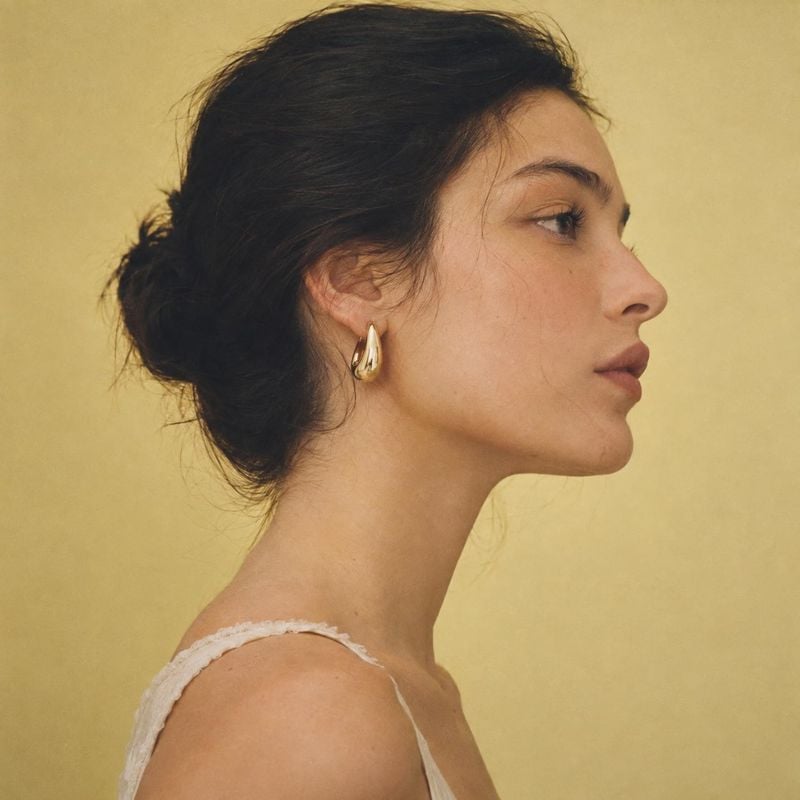
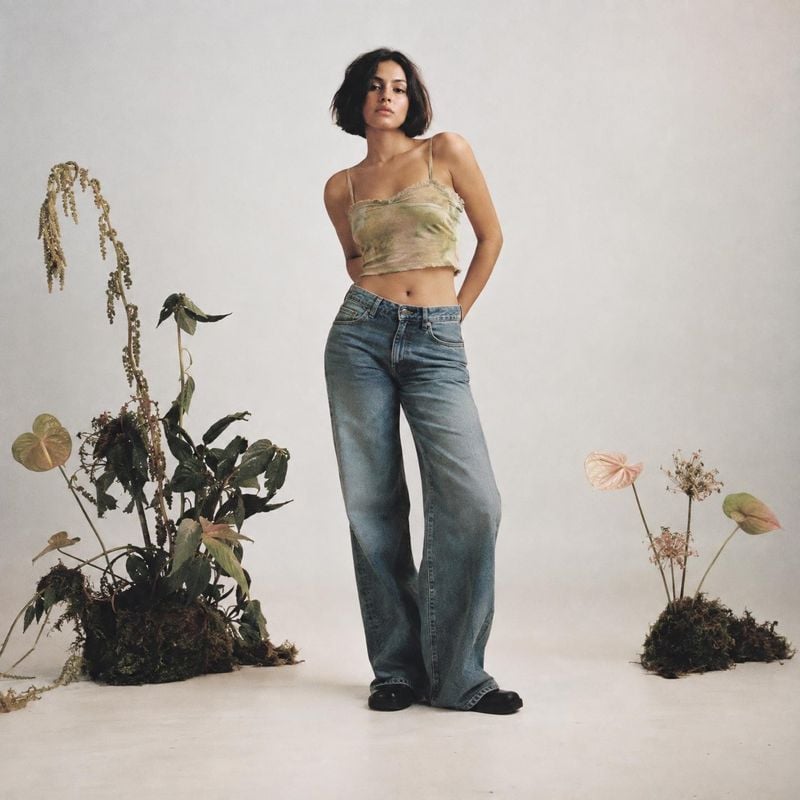
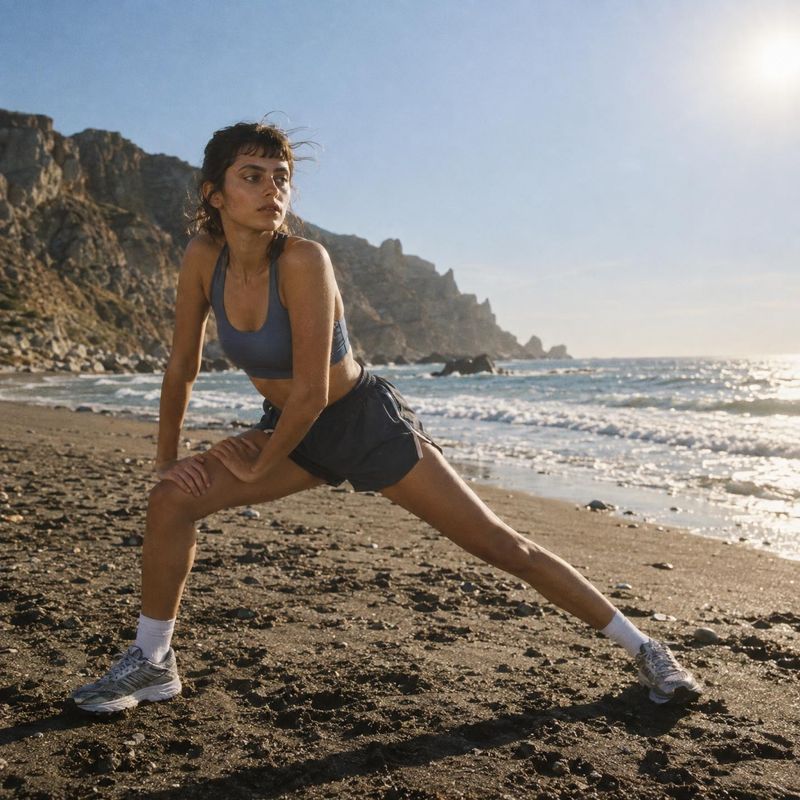
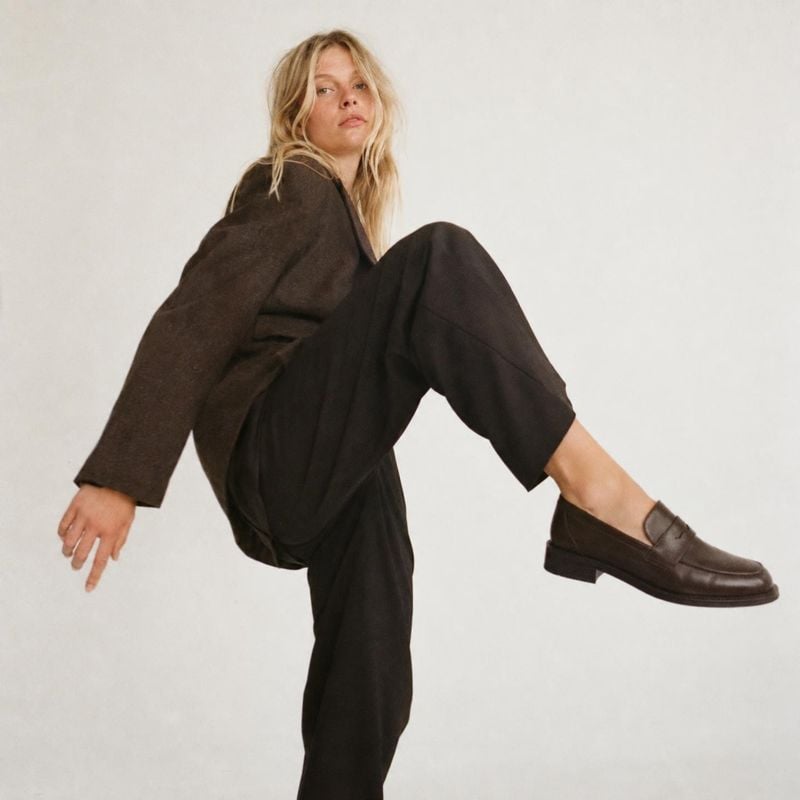
Model try-on photos show clothing, jewelry and accessories worn by a person, front and center. These ideas cover studio and location looks, different poses and framings, so you can show fit and drape without booking a model shoot.
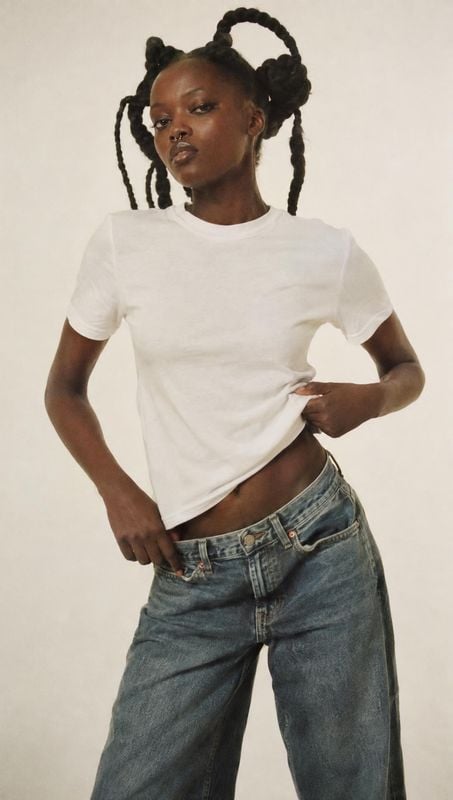
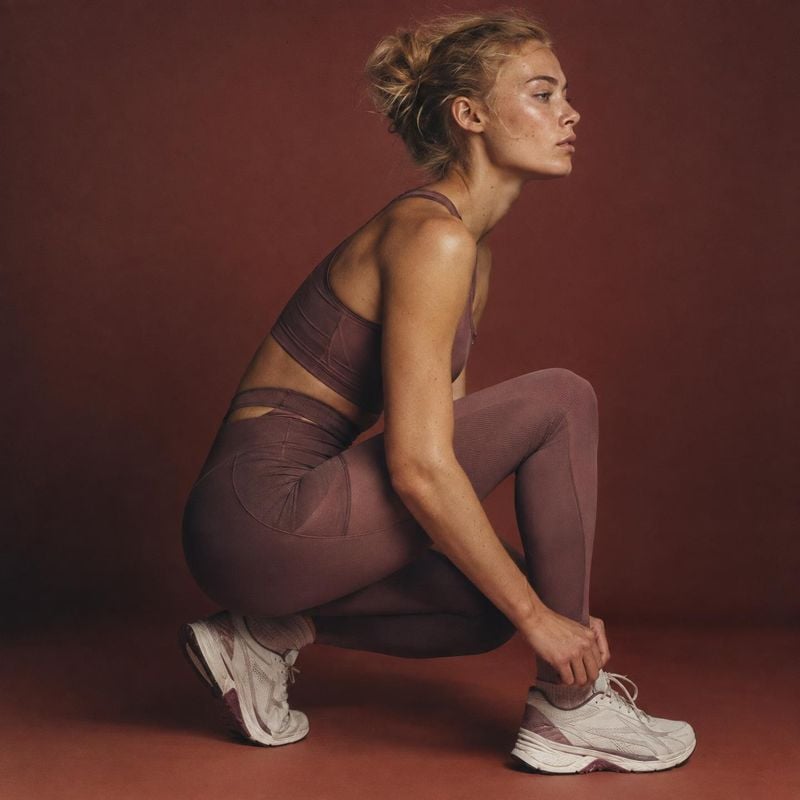
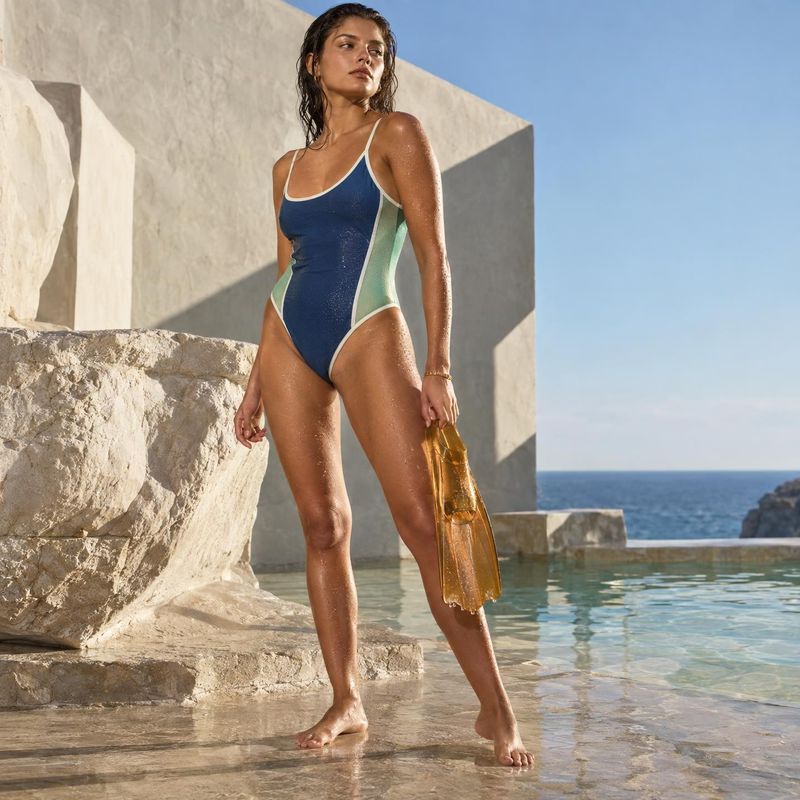
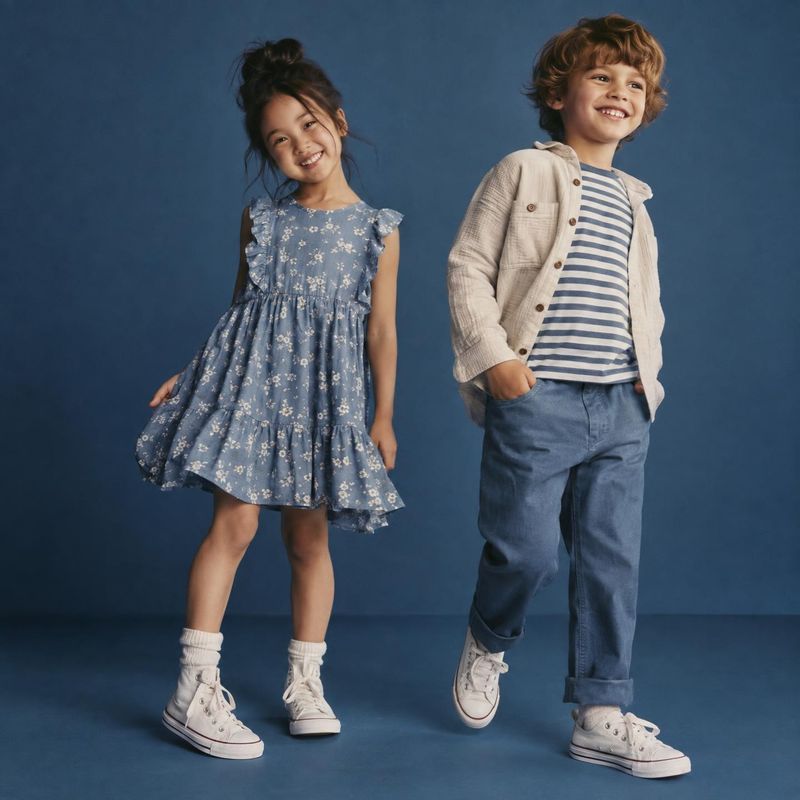
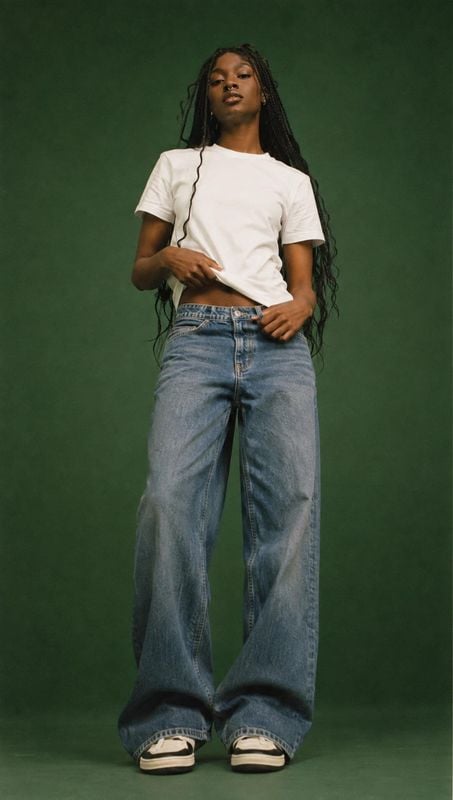
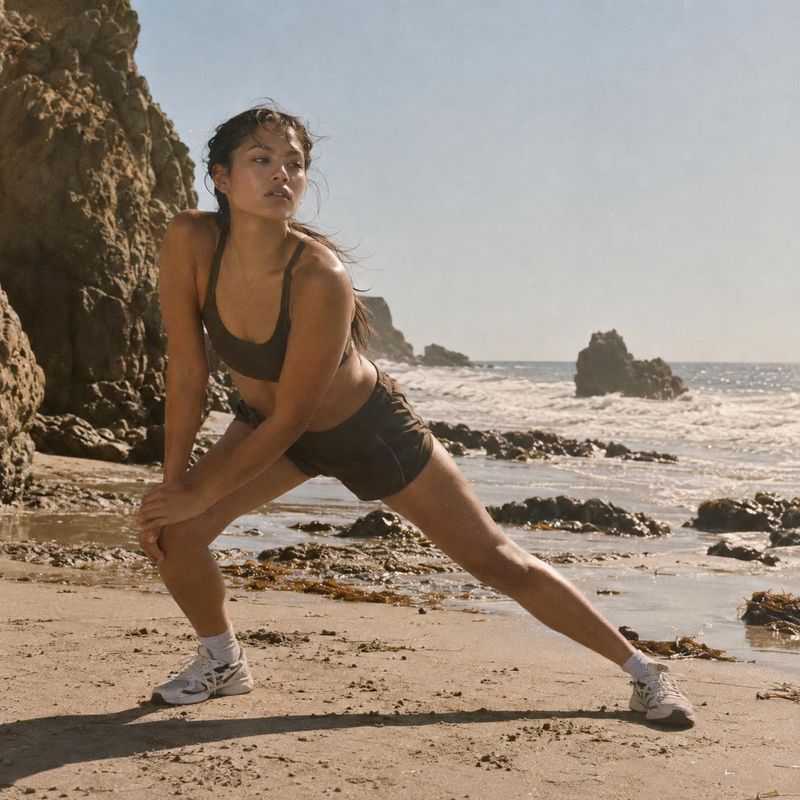
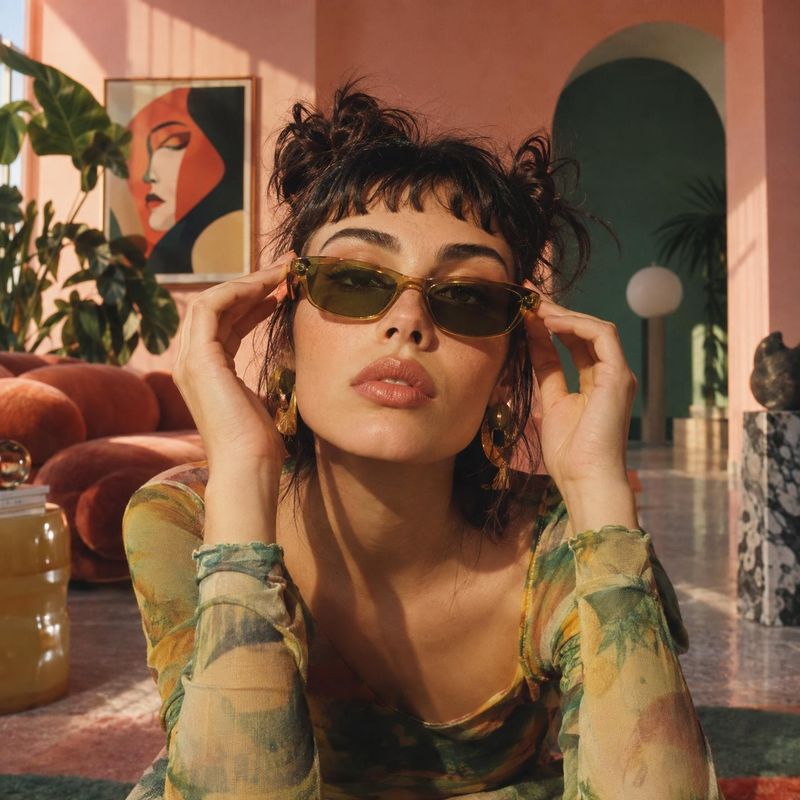
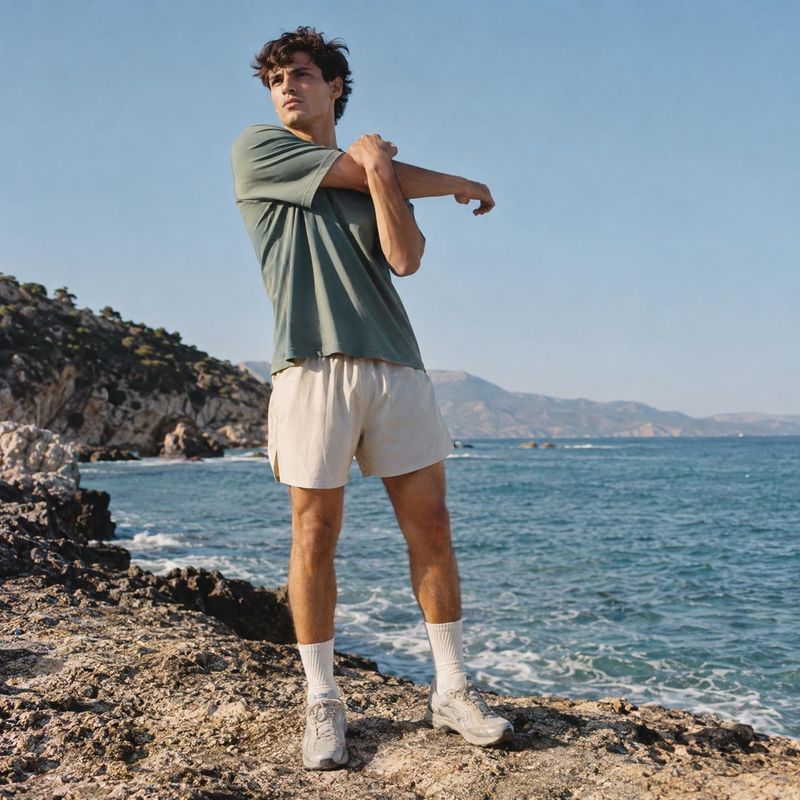
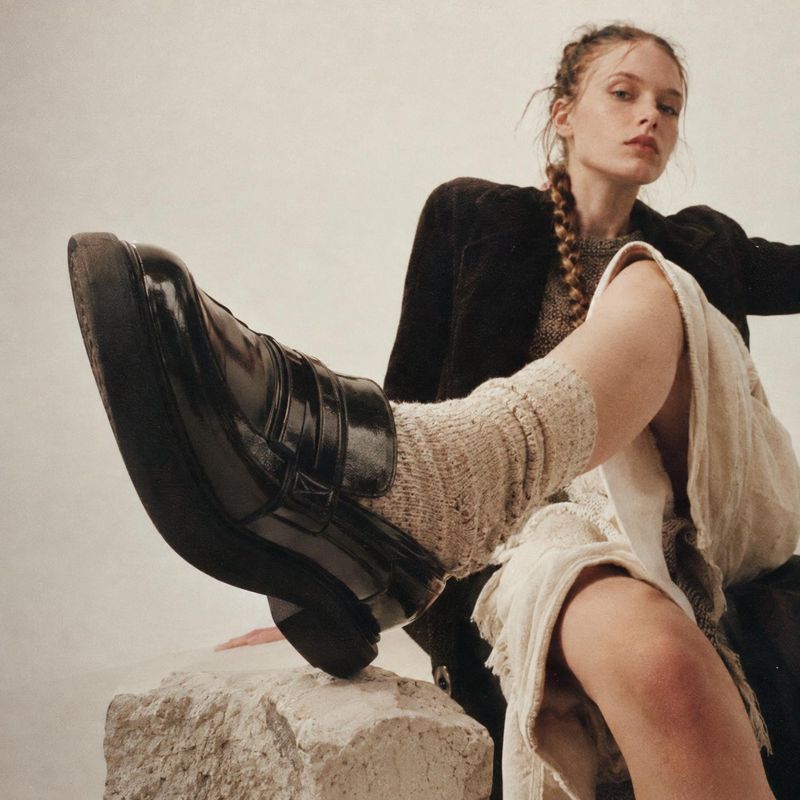
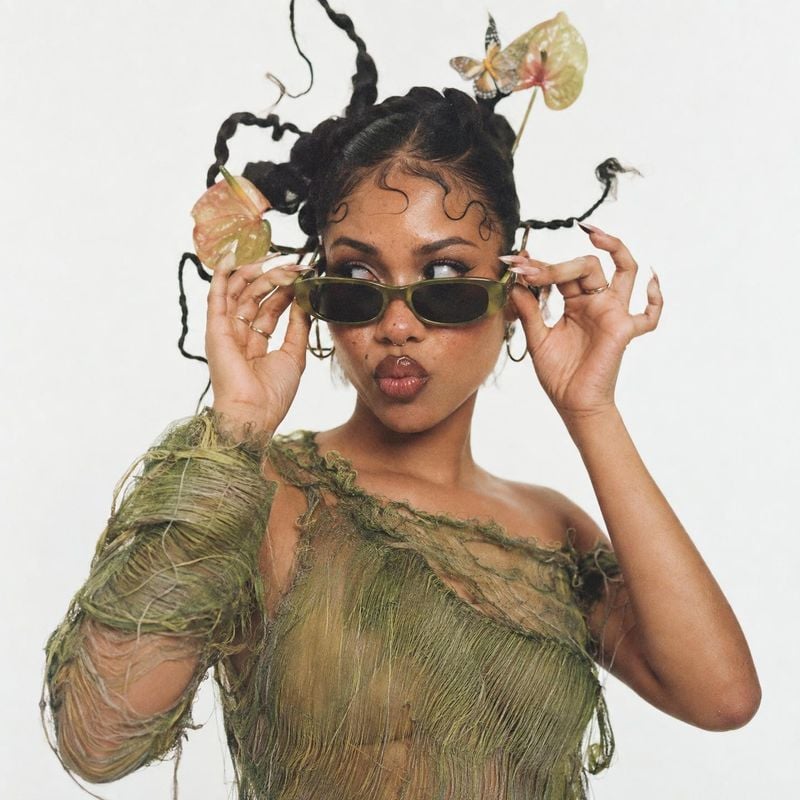
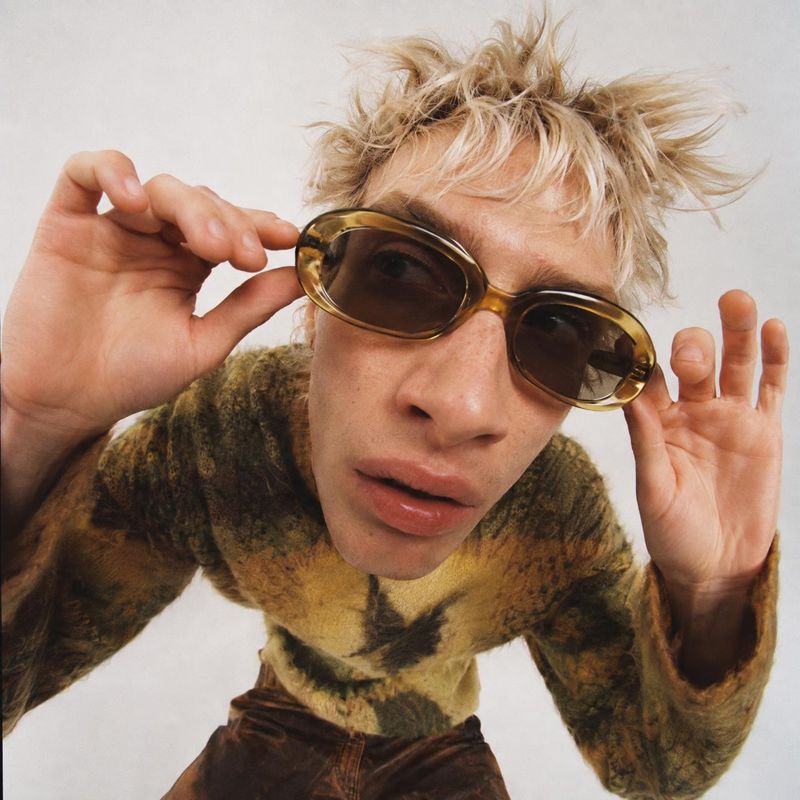
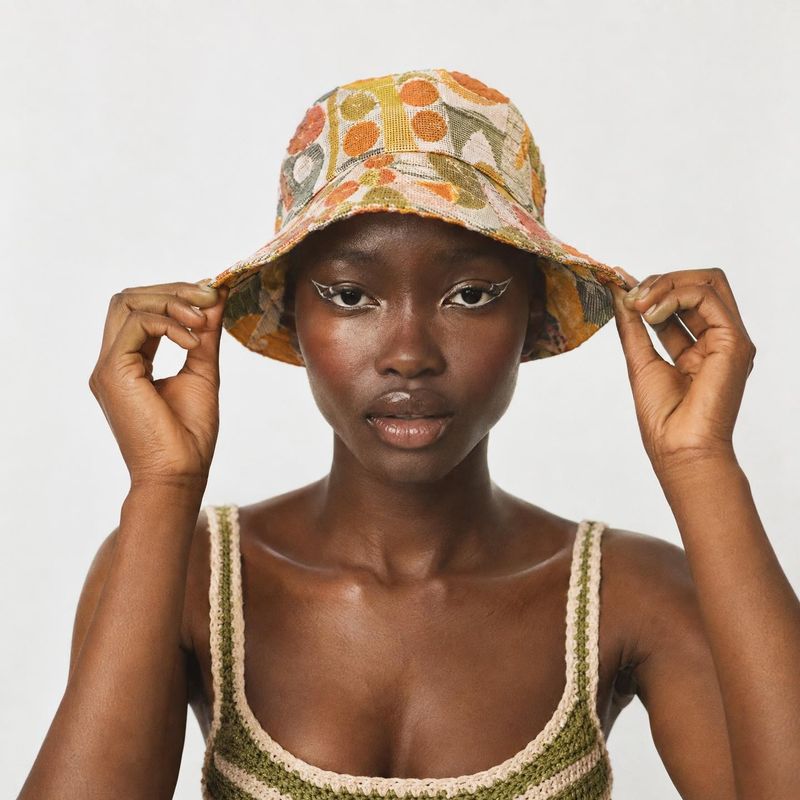
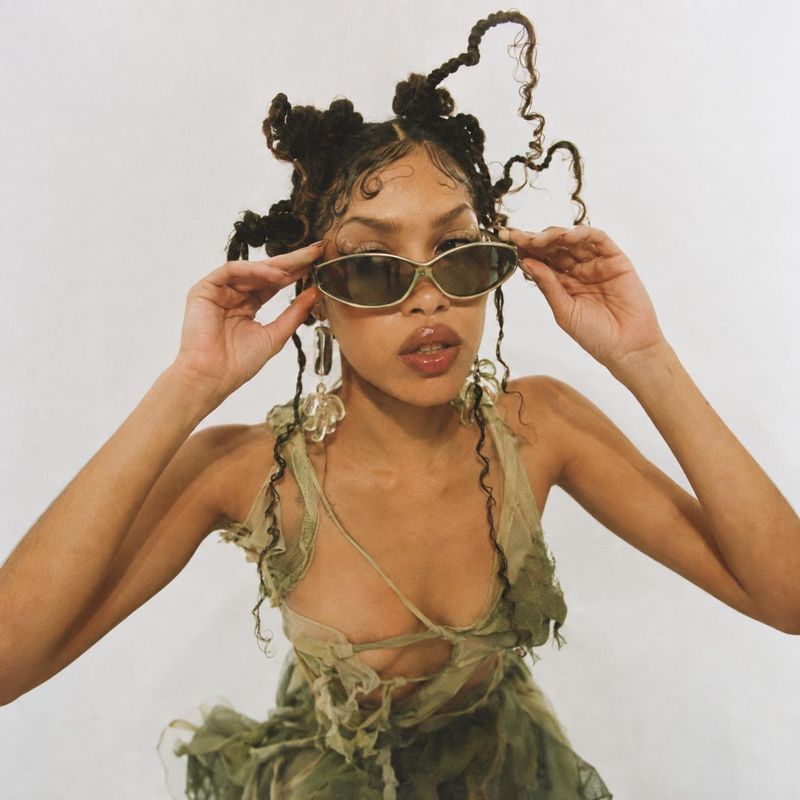
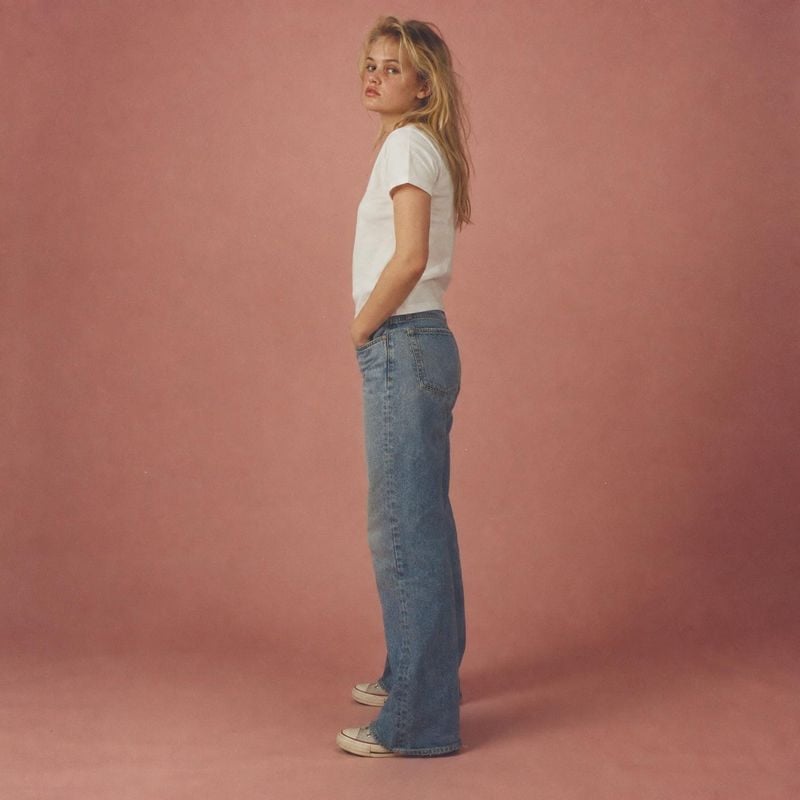
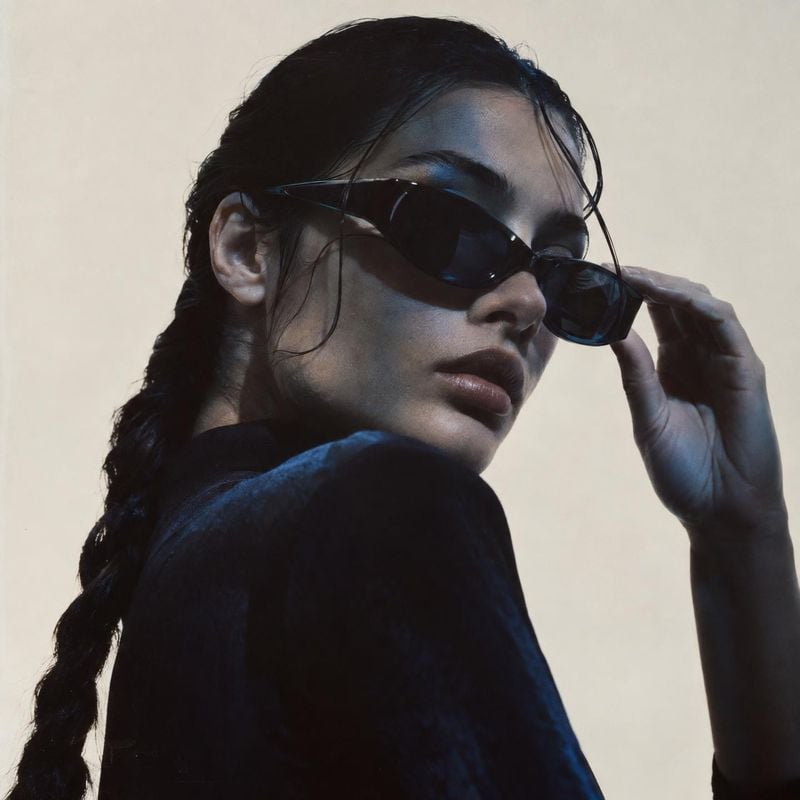
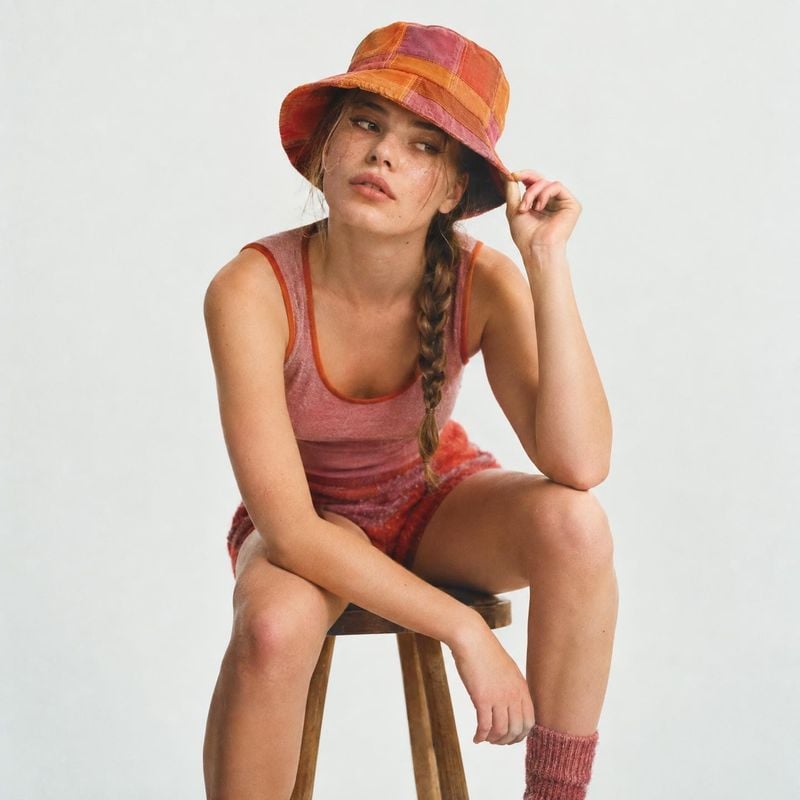
Sign up to see thousands of ideas
Flat lay to full look
The garment goes onto a person with an outfit around it, so shoppers see the length, the fit and how it hangs.
Before / after
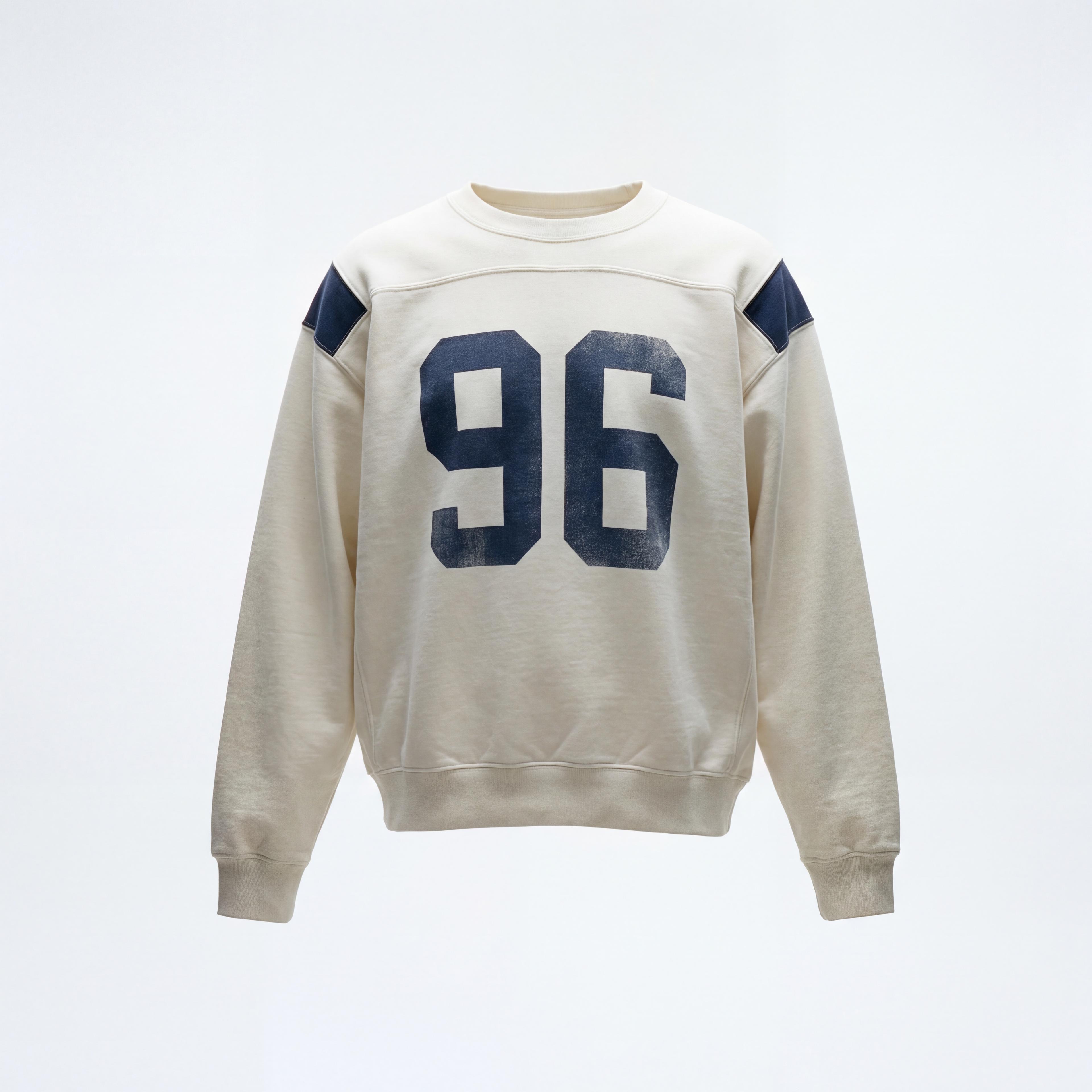
Prints and panels stay put
The print, the shoulder panels and the neckline carry over from the product photo instead of being redrawn from a description.
Before / after
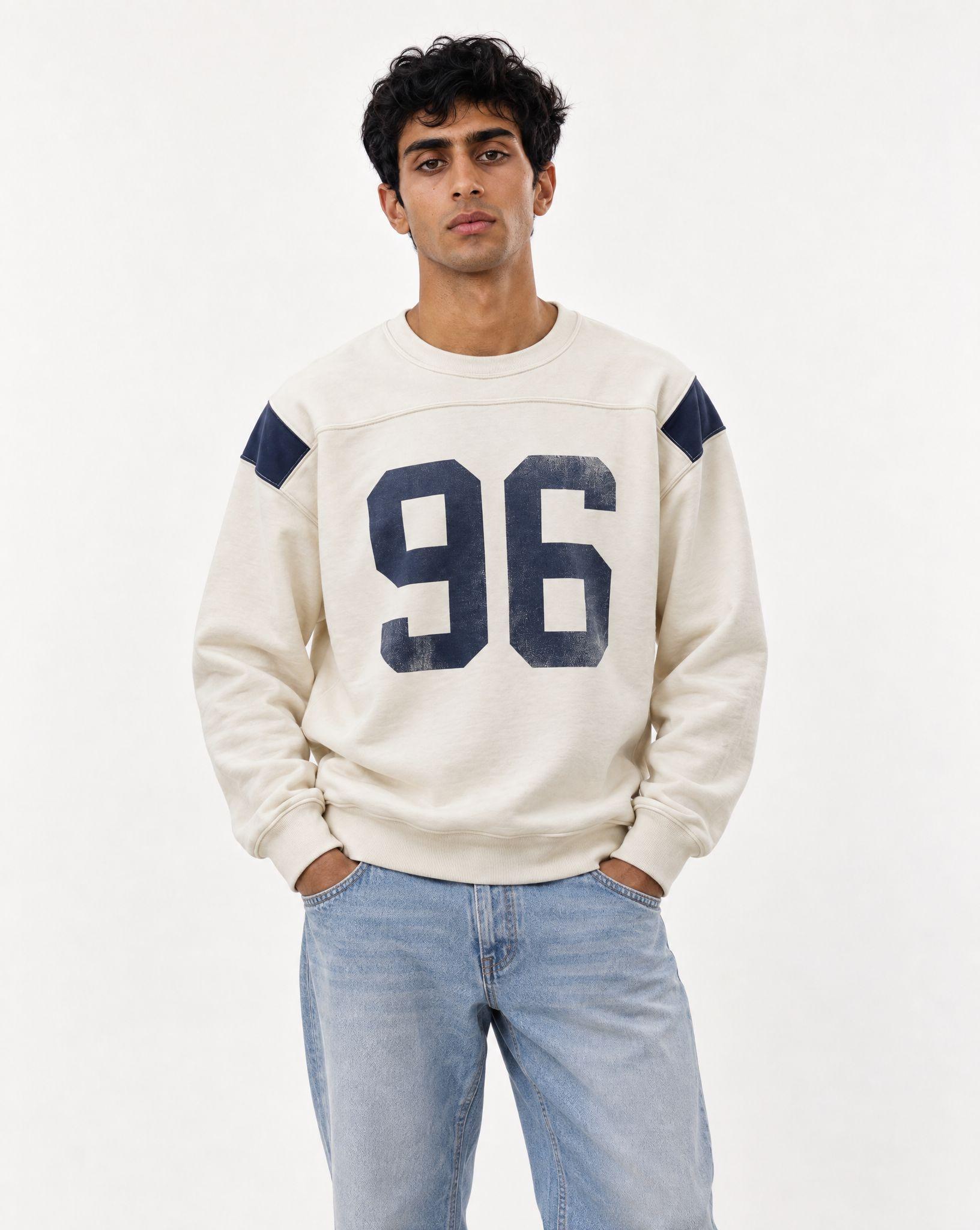
One model across the catalog
Save a character model once and dress it in every item, so a collection reads as one shoot rather than a mix of strangers.
Before / after
Common questions
Put your first garment on a model
Sign up for free and upload a photo of the garment.