Ghost mannequin photos without a mannequin
Kive turns a flat photo of a garment into a ghost mannequin shot: the piece keeps the shape it has when worn, with nobody inside, on a clean white background.
From flat lay to invisible mannequin
A ghost mannequin shot shows how a garment sits on a body without showing the body. The usual way is to shoot the piece on a mannequin, shoot the inside of the neckline separately and retouch the two together.
Kive generates the shot from one clean product photo. The garment is anchored to that photo, so color, stitching and hardware stay as they are, and one studio keeps the light and background identical across a range.
How it works
- 1Upload a clean photo of the garment: a flat lay or a hanger shot, evenly lit, with the whole piece in frame.
- 2Pick the Ghost Mannequin White studio, or ask for a ghost mannequin shot in your own words.
- 3Check the neckline, cuffs and hem at full size, then download or run the next item with the same studio.
Clean product shots to set beside it
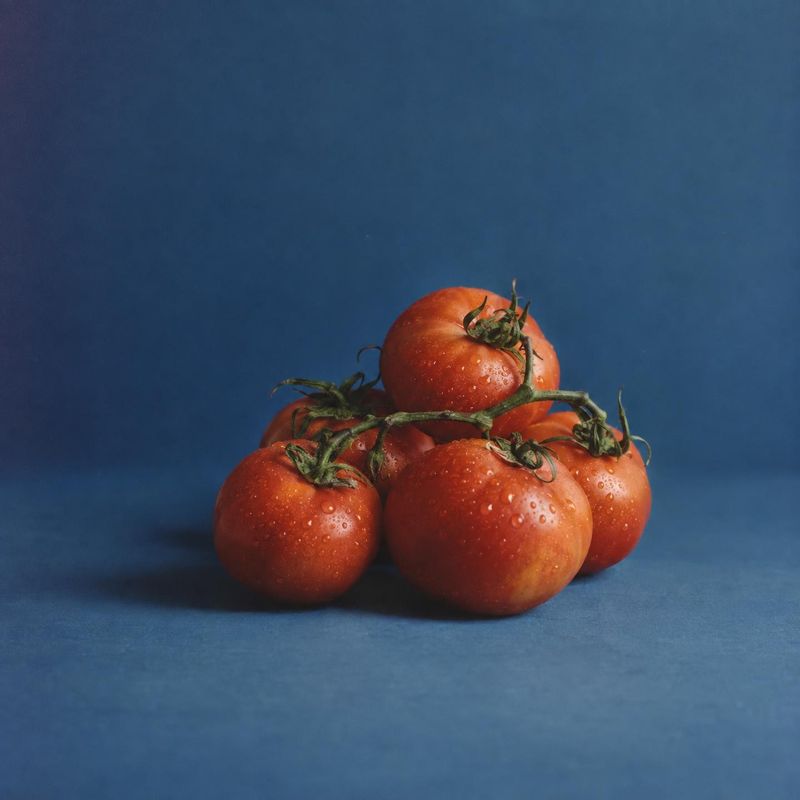
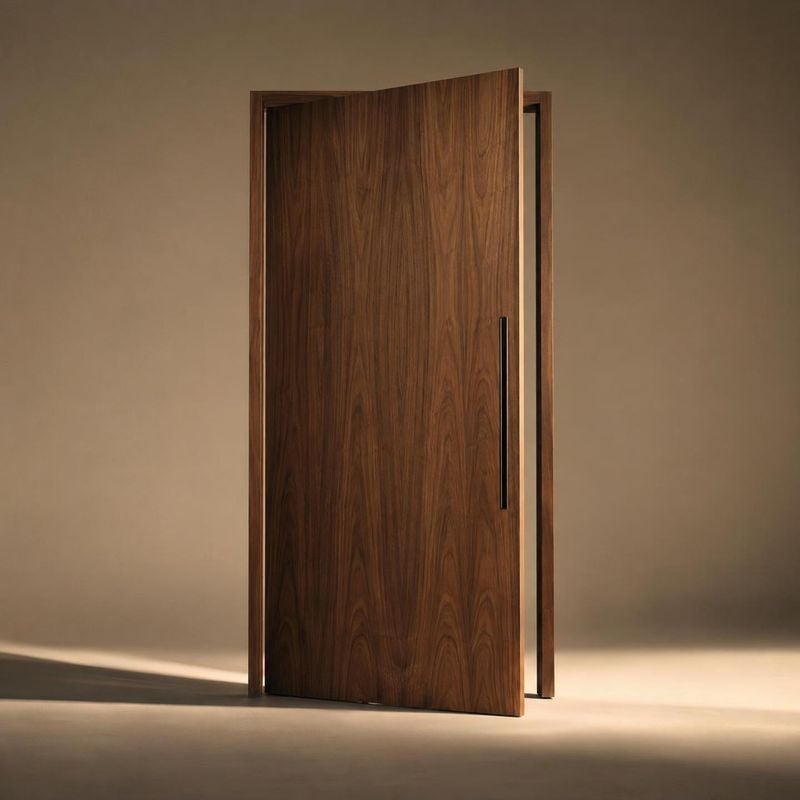
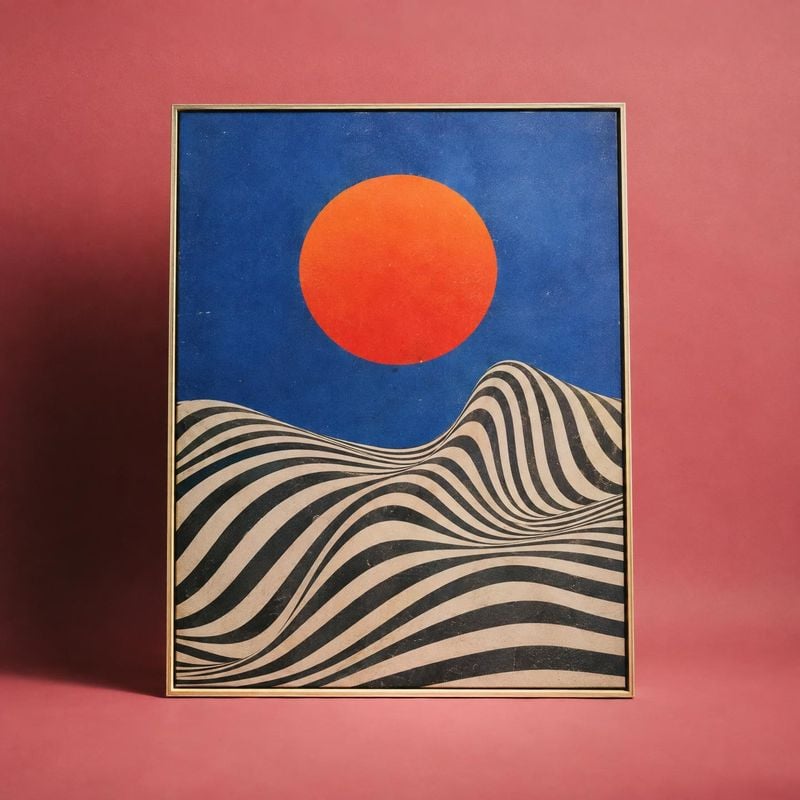
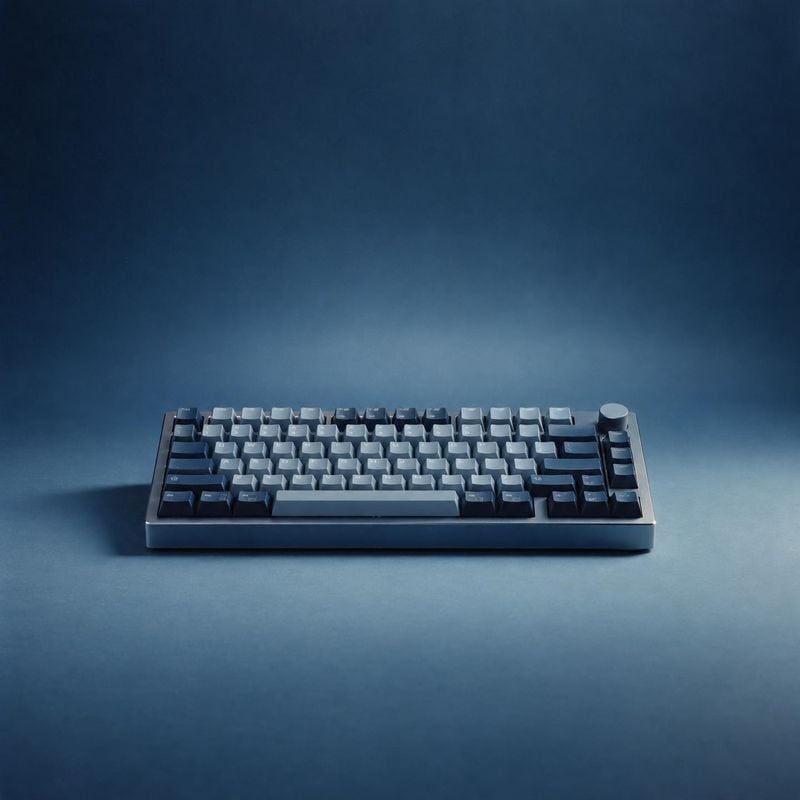
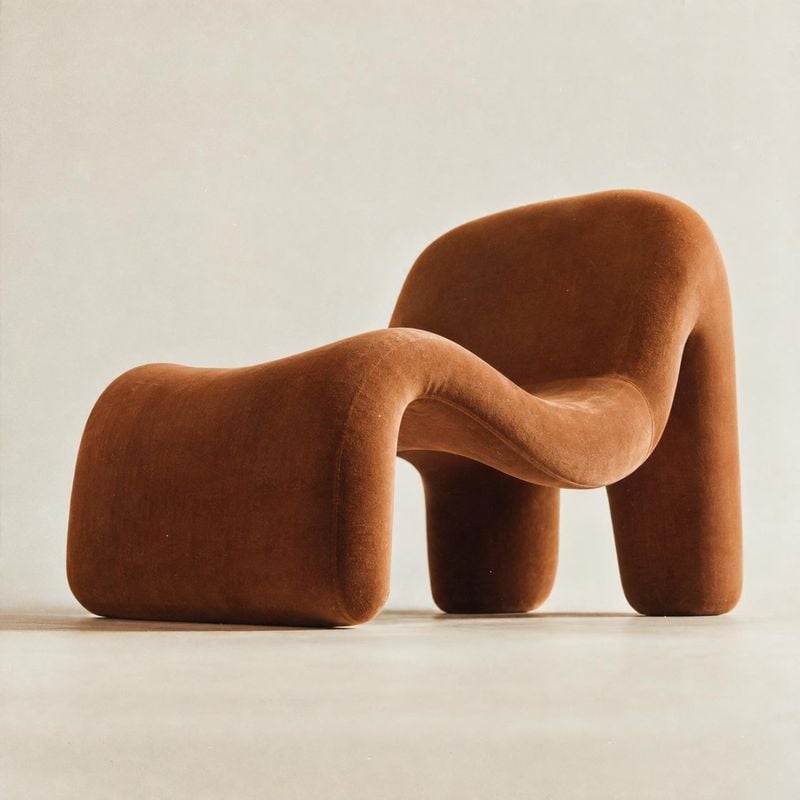
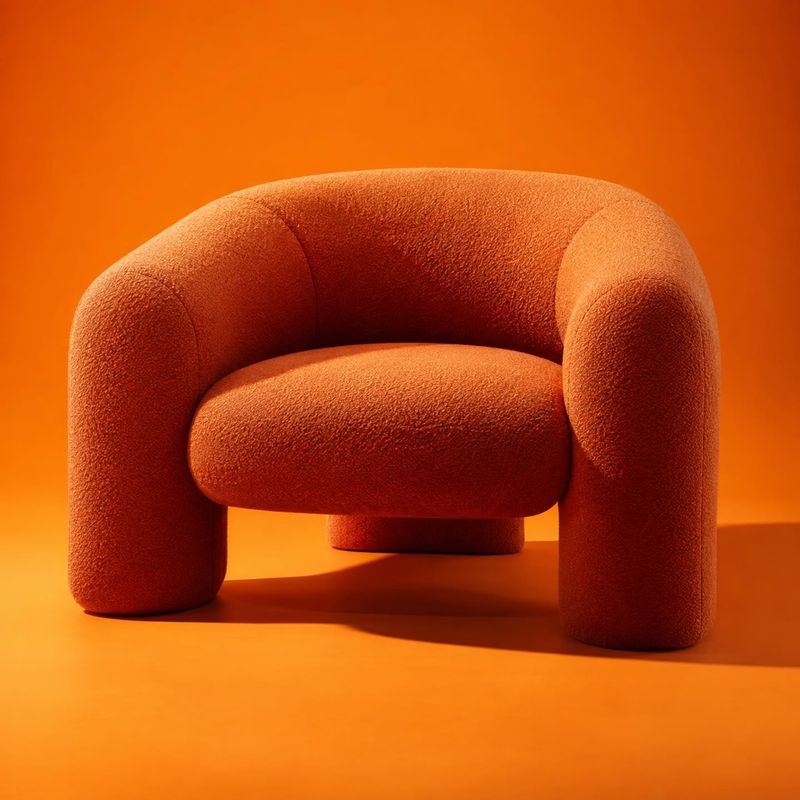
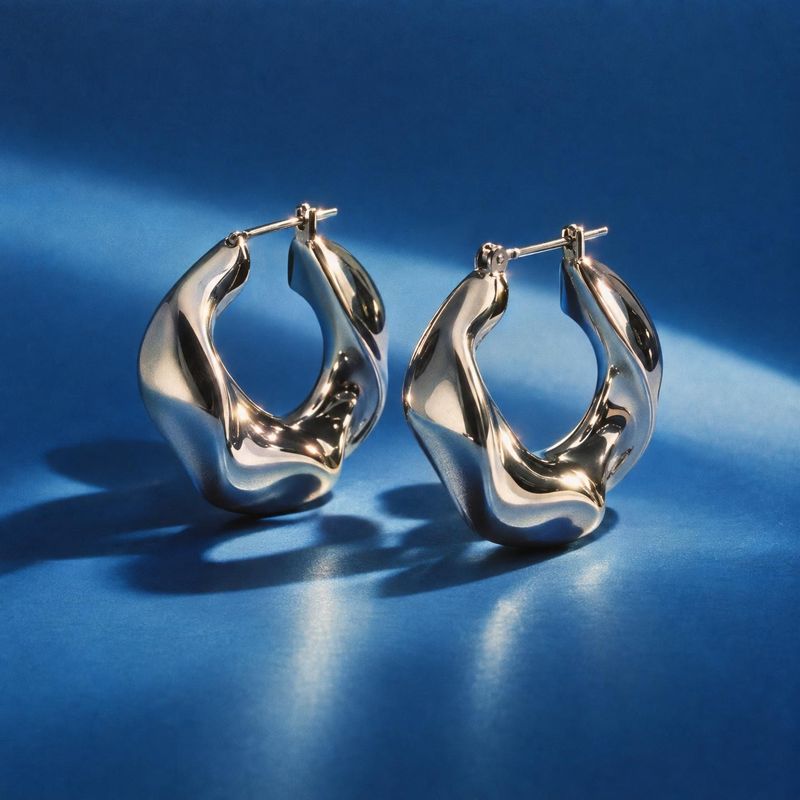
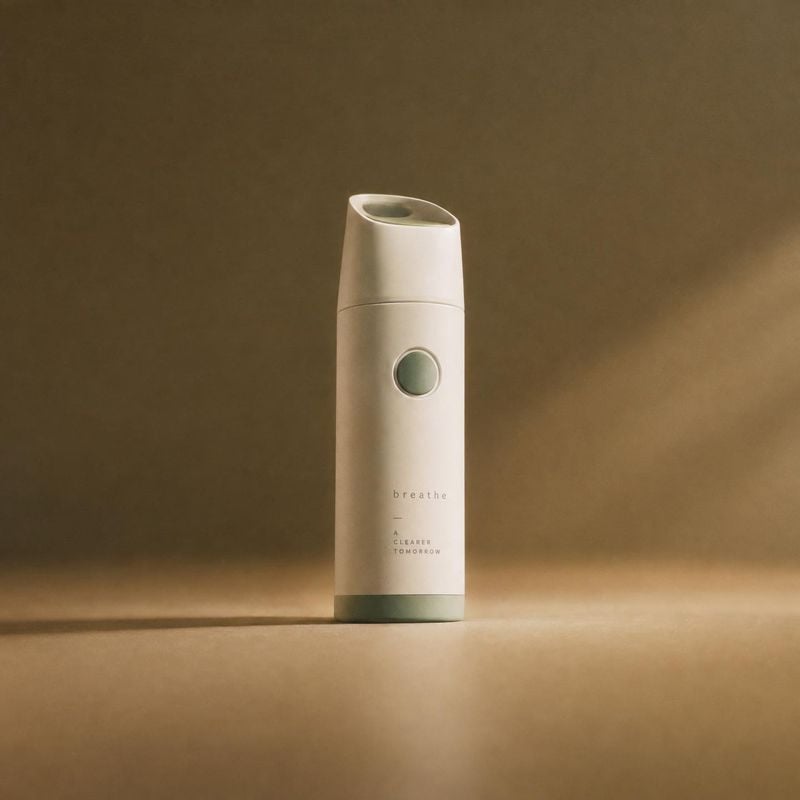
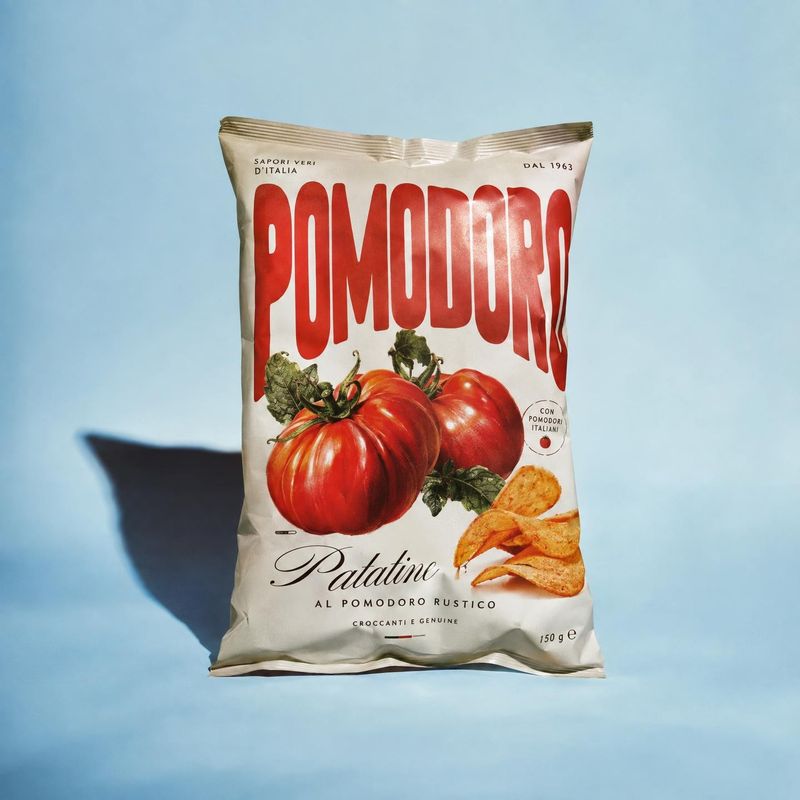
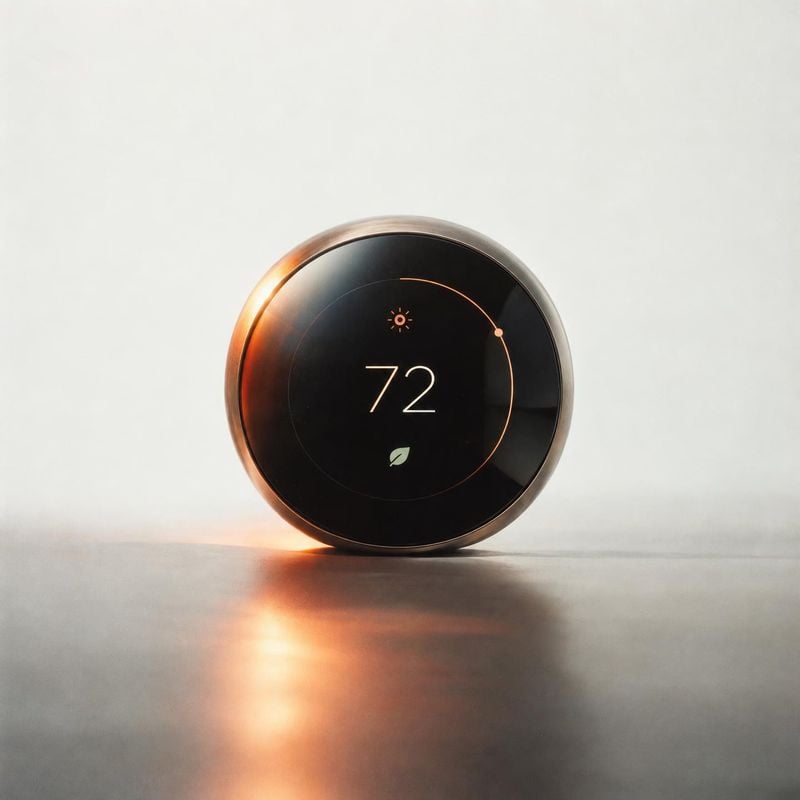
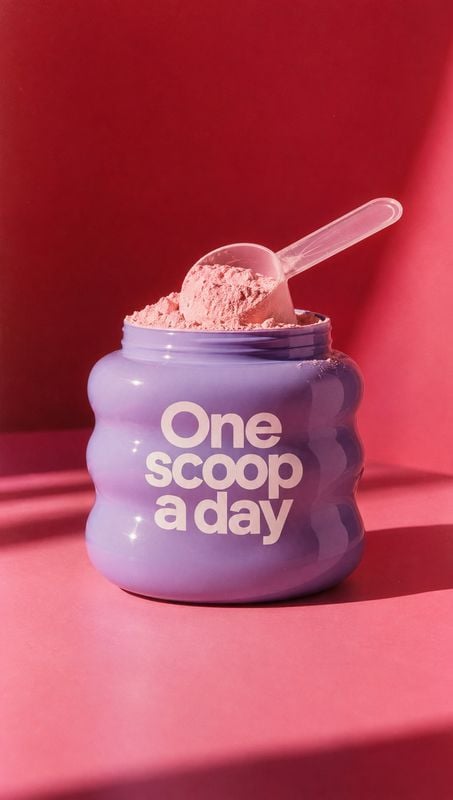
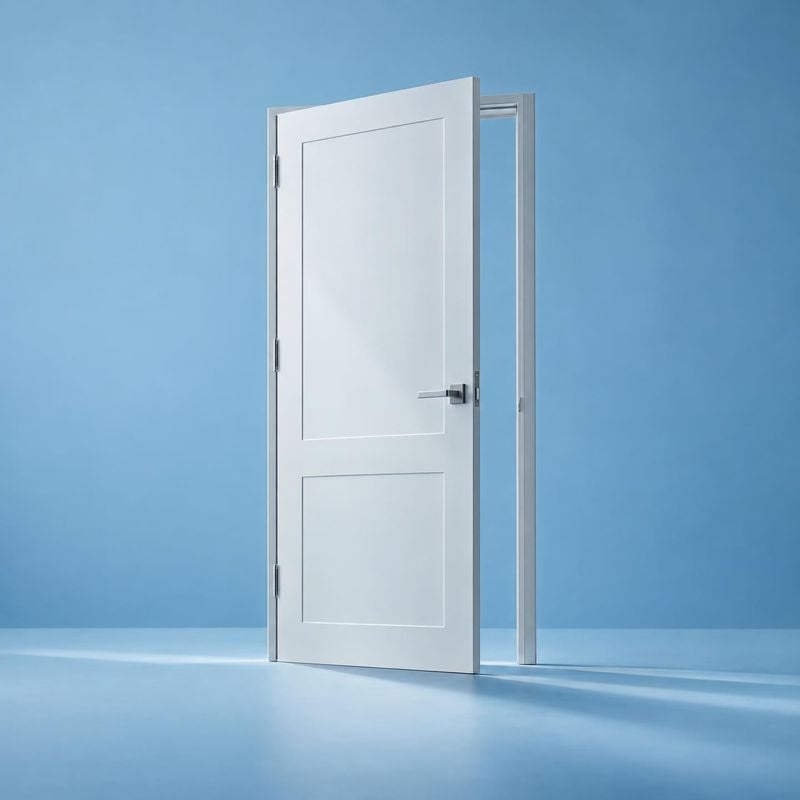
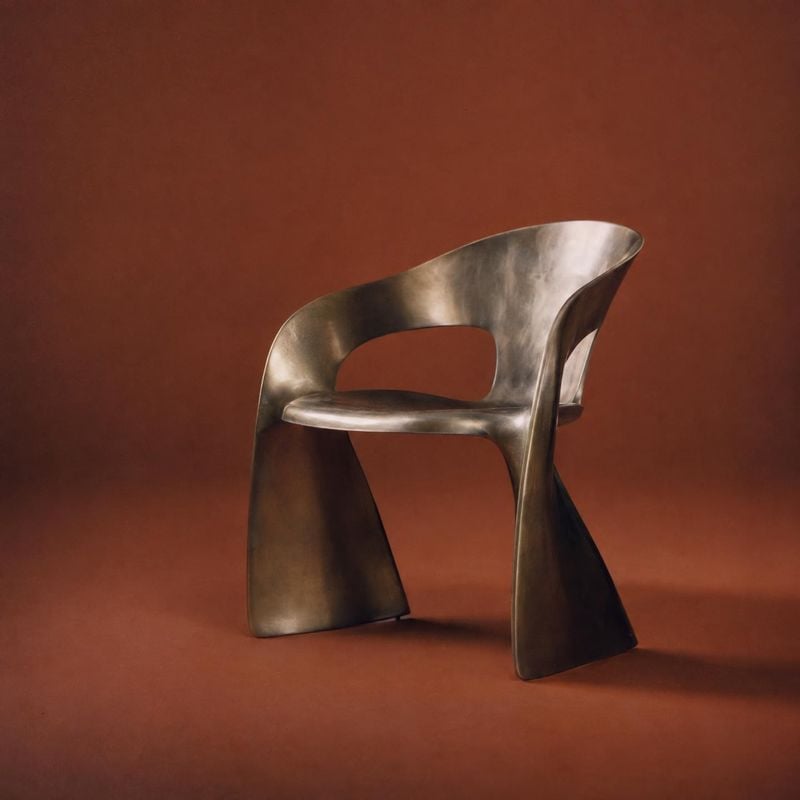
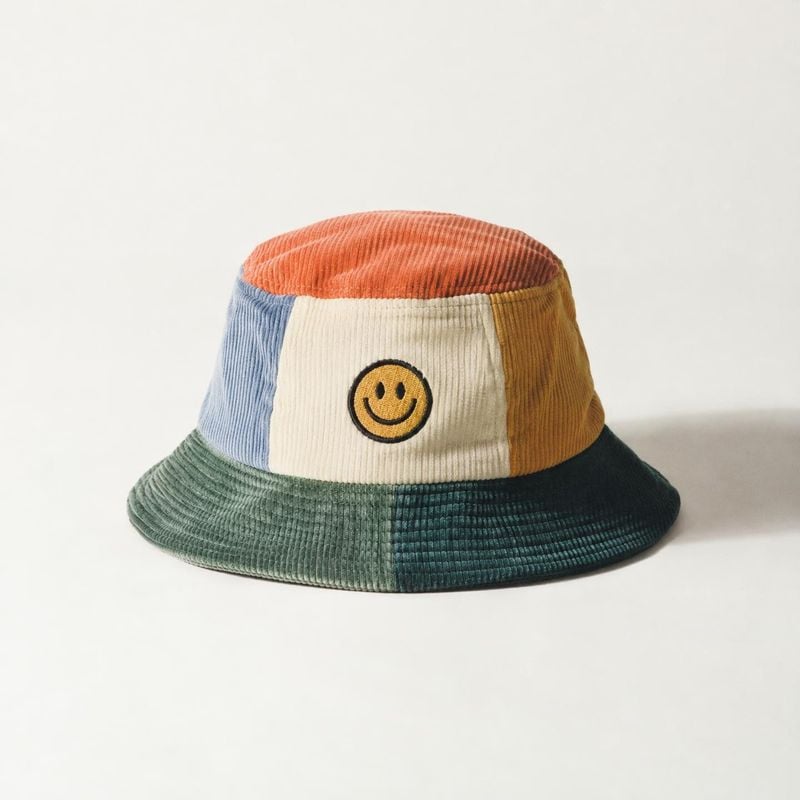
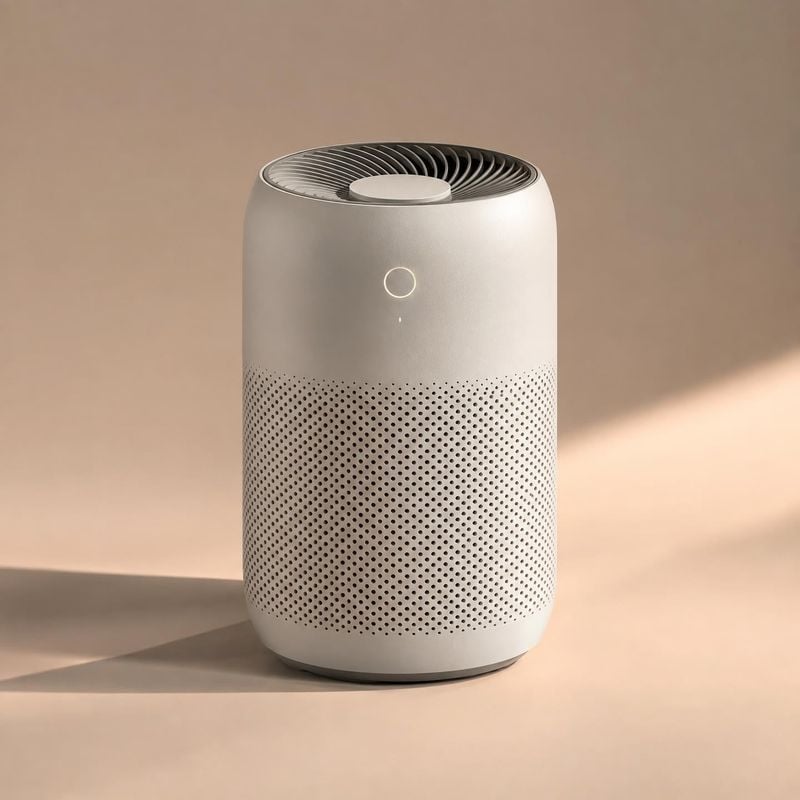
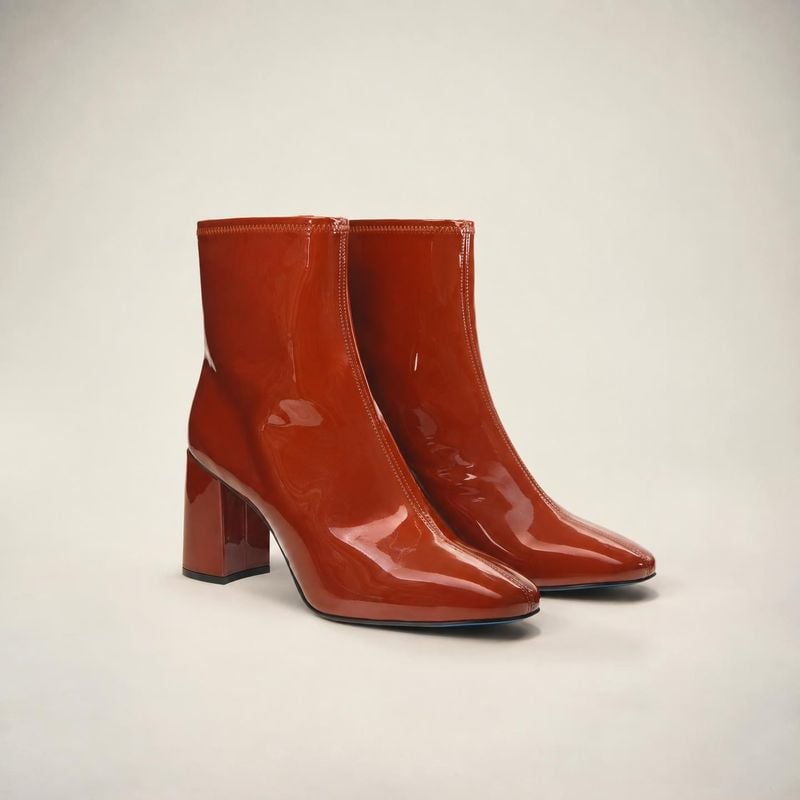
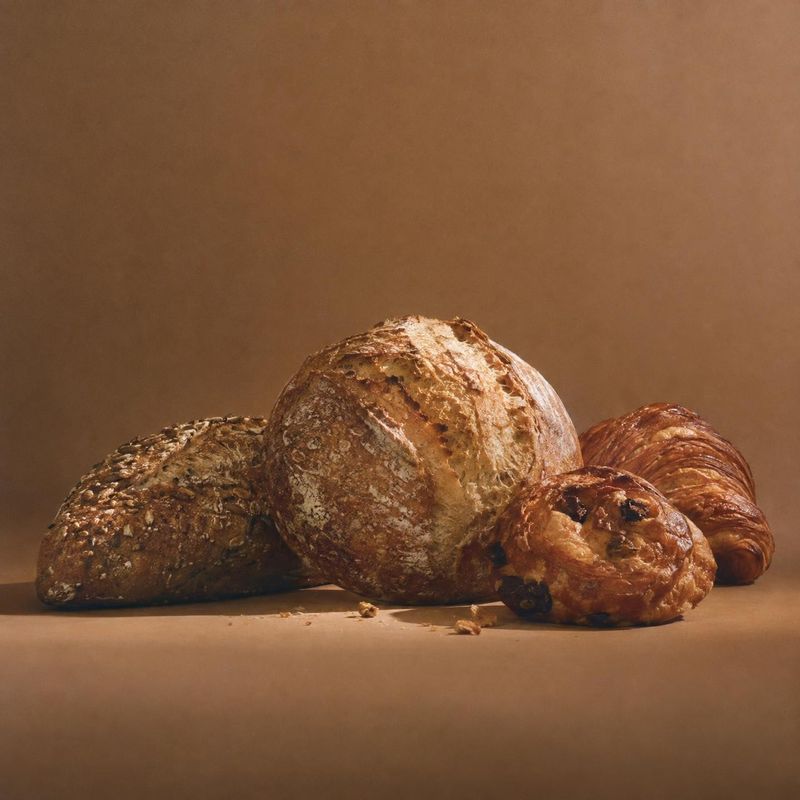
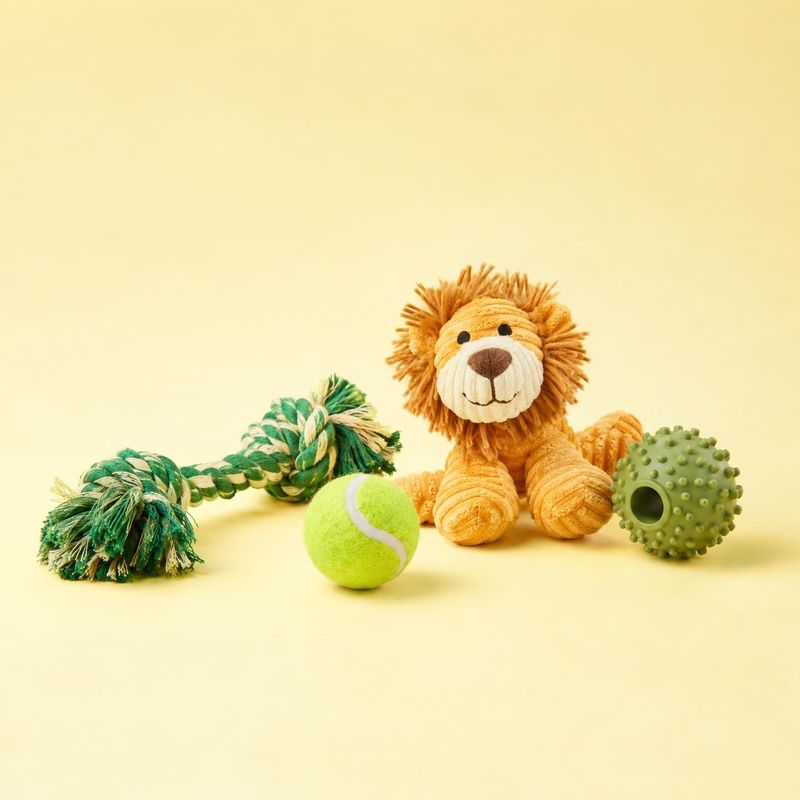
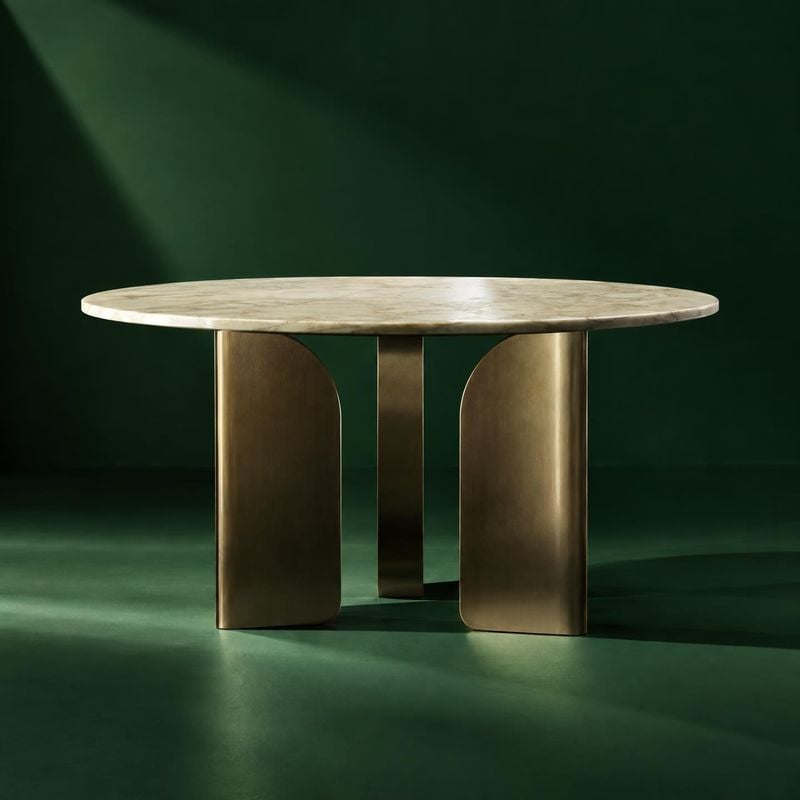
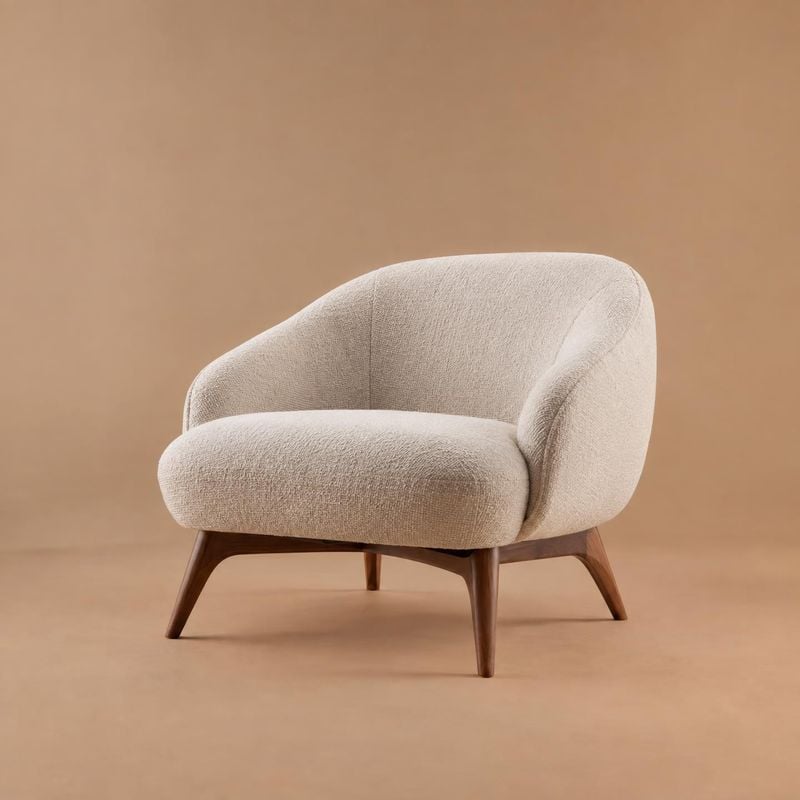
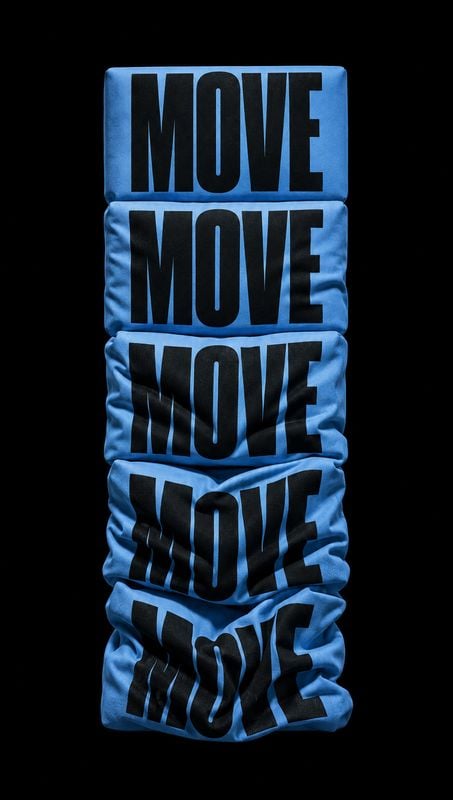
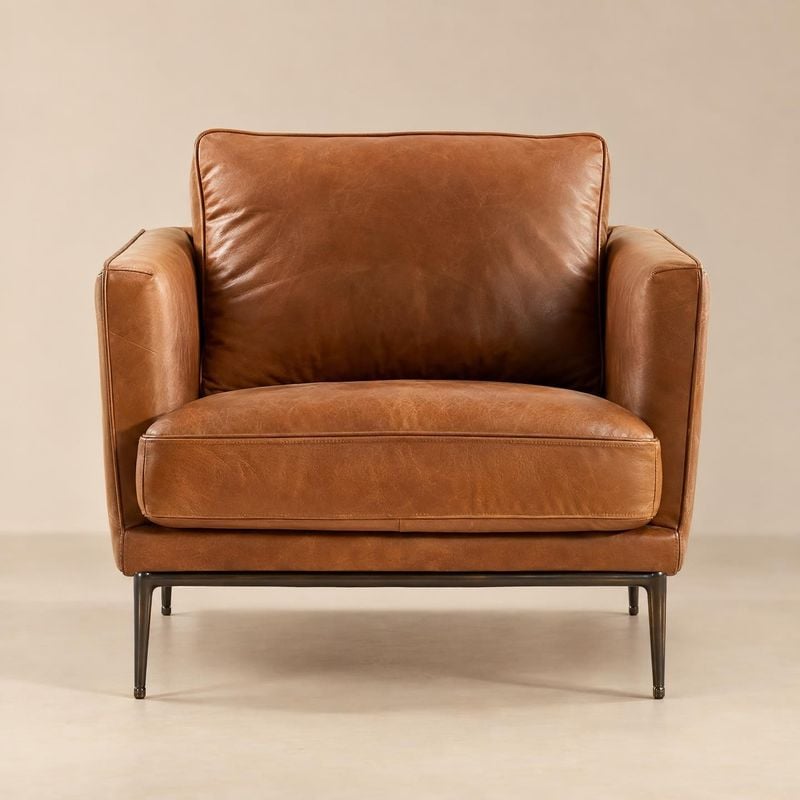
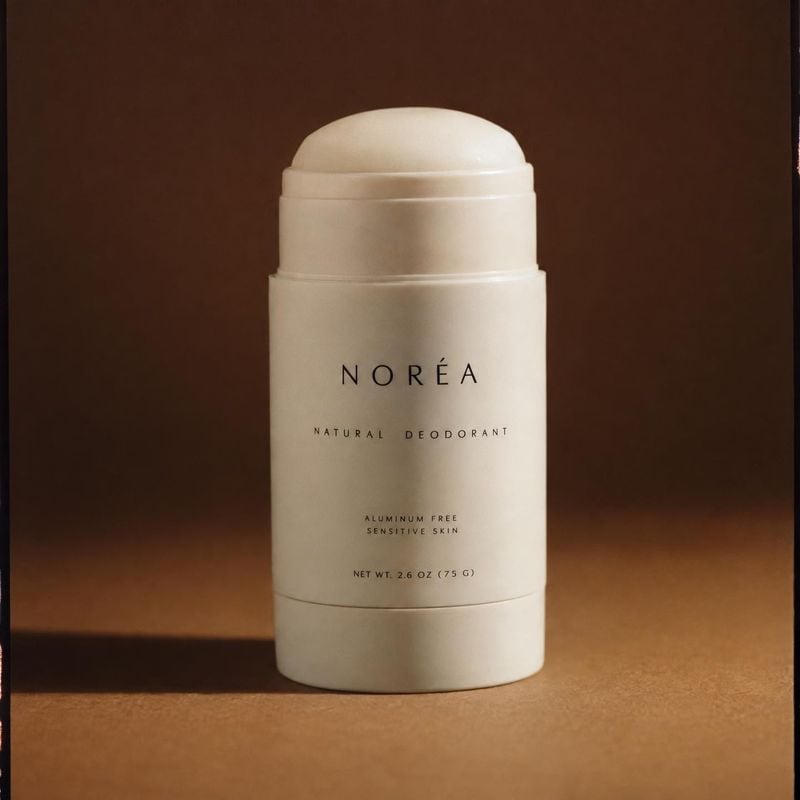
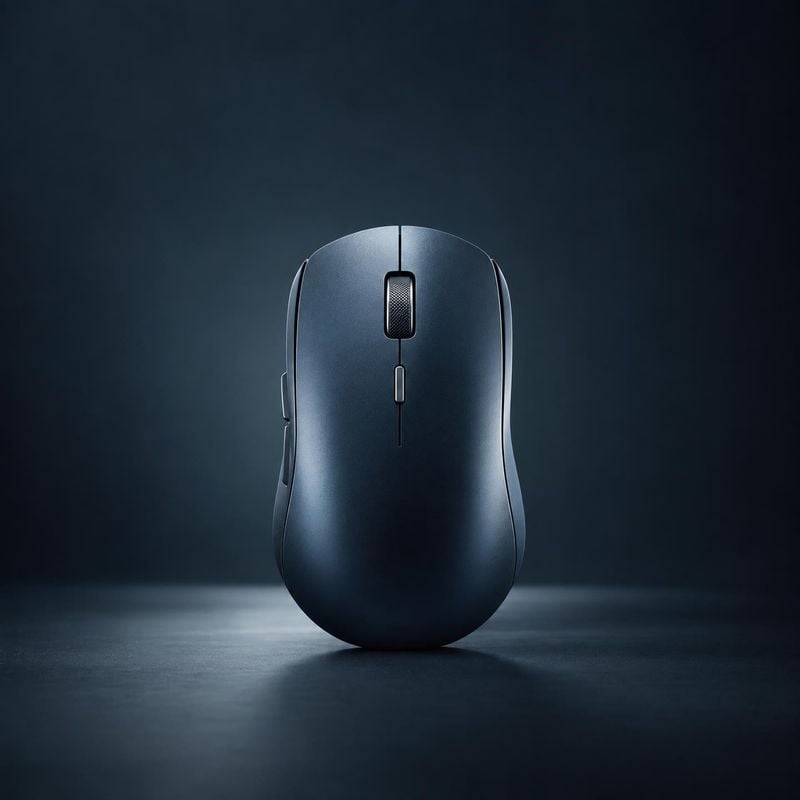
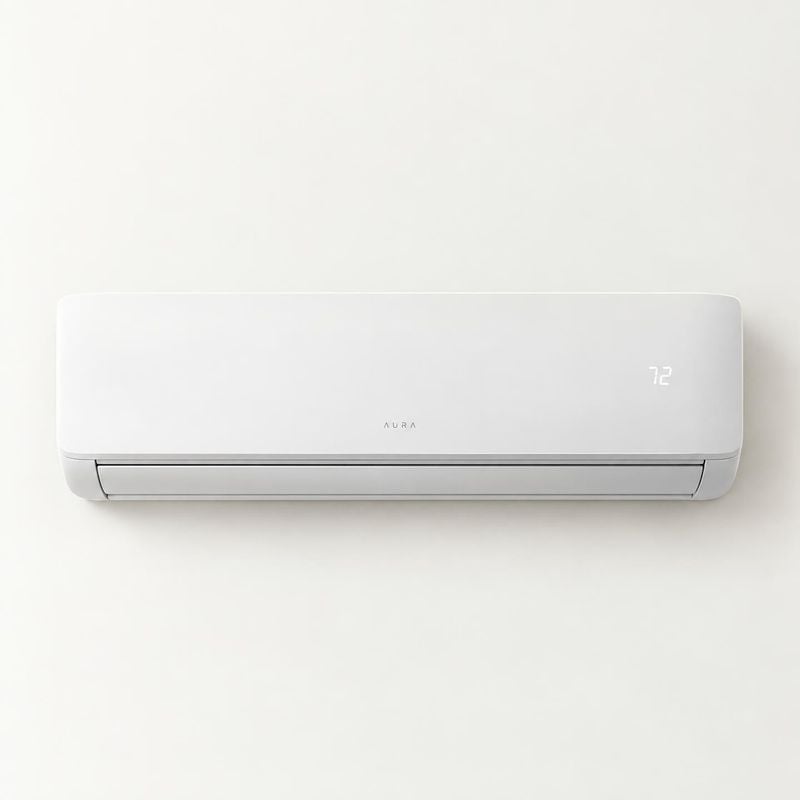
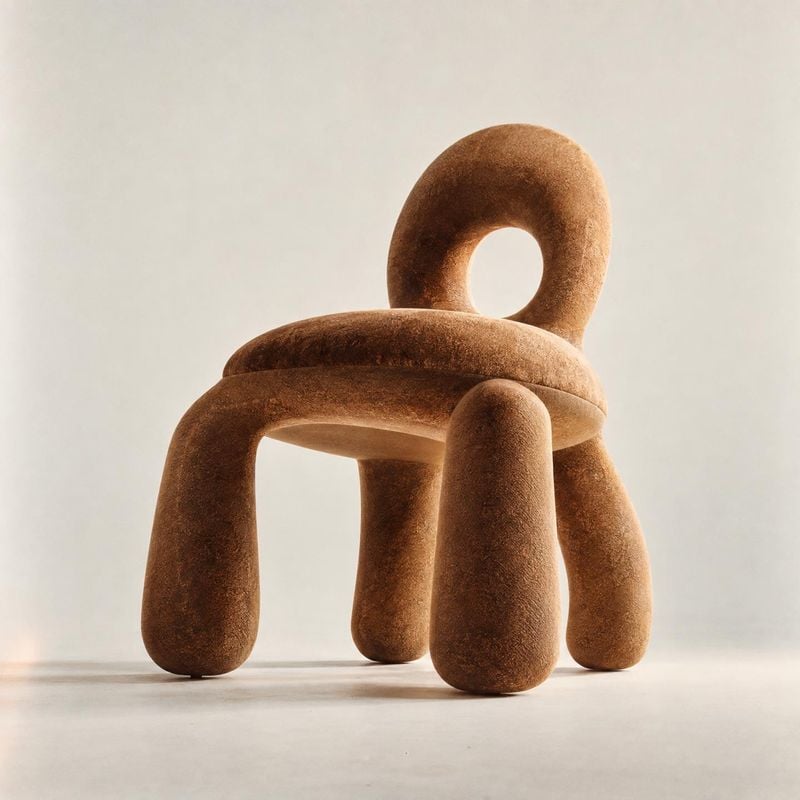
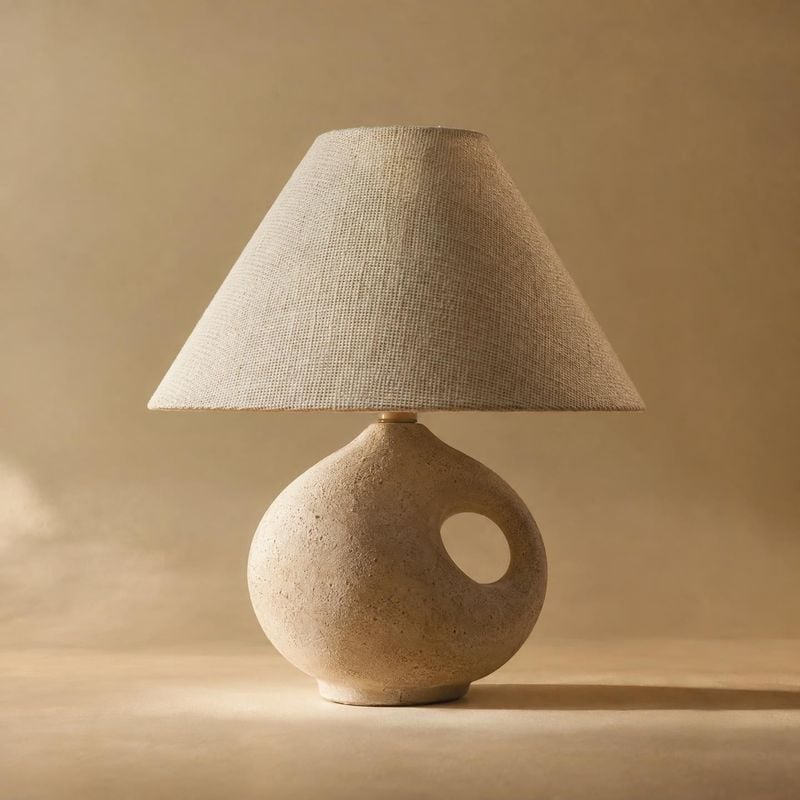
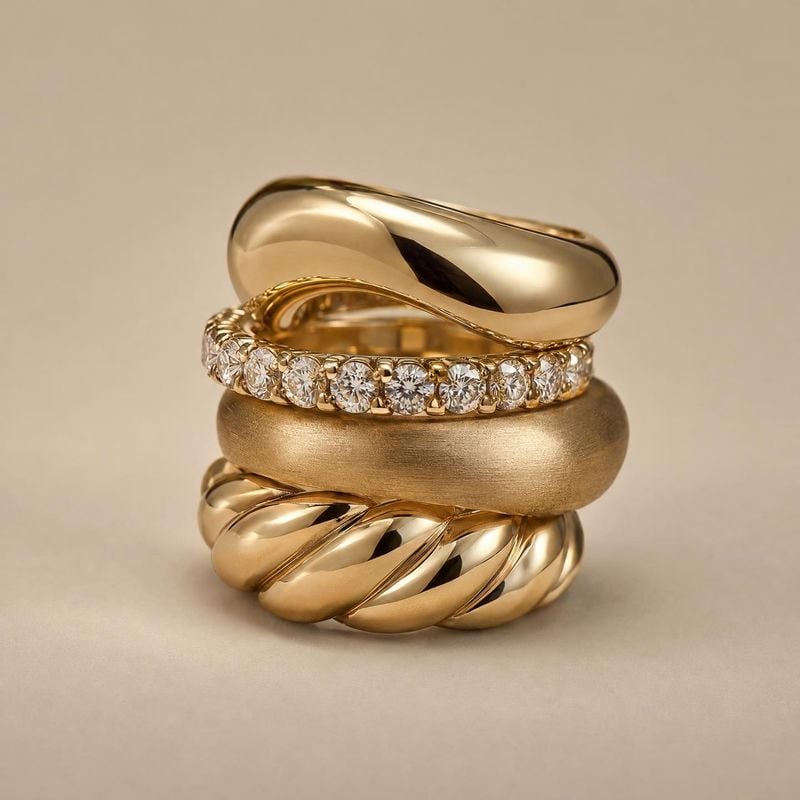
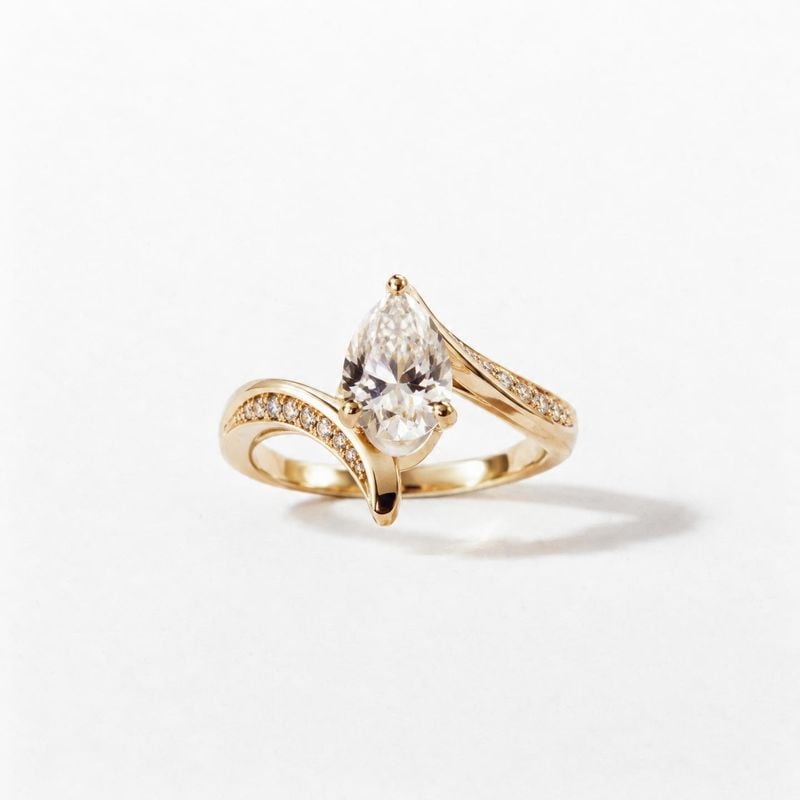
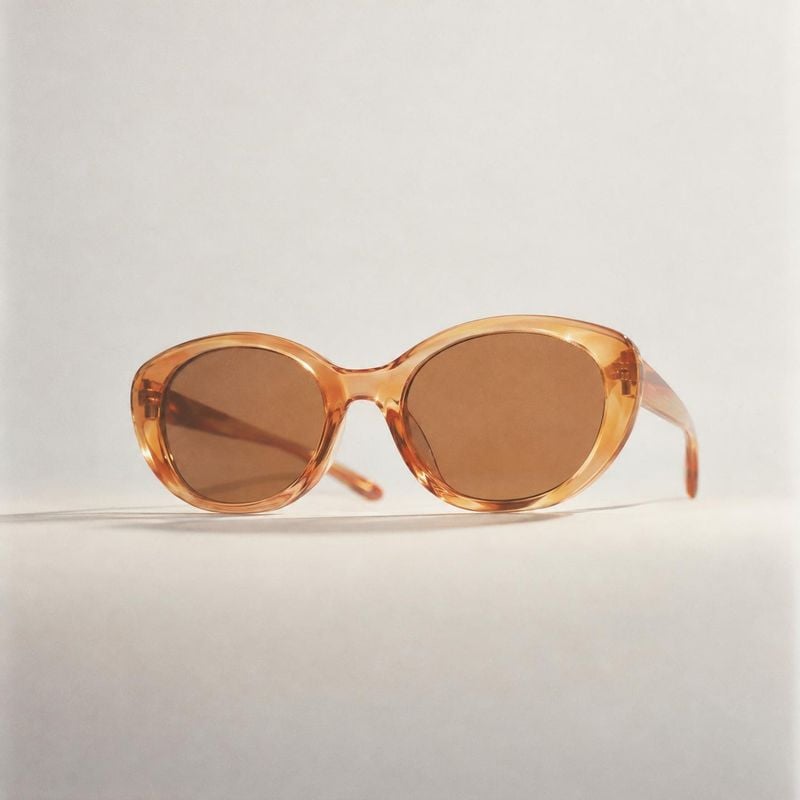
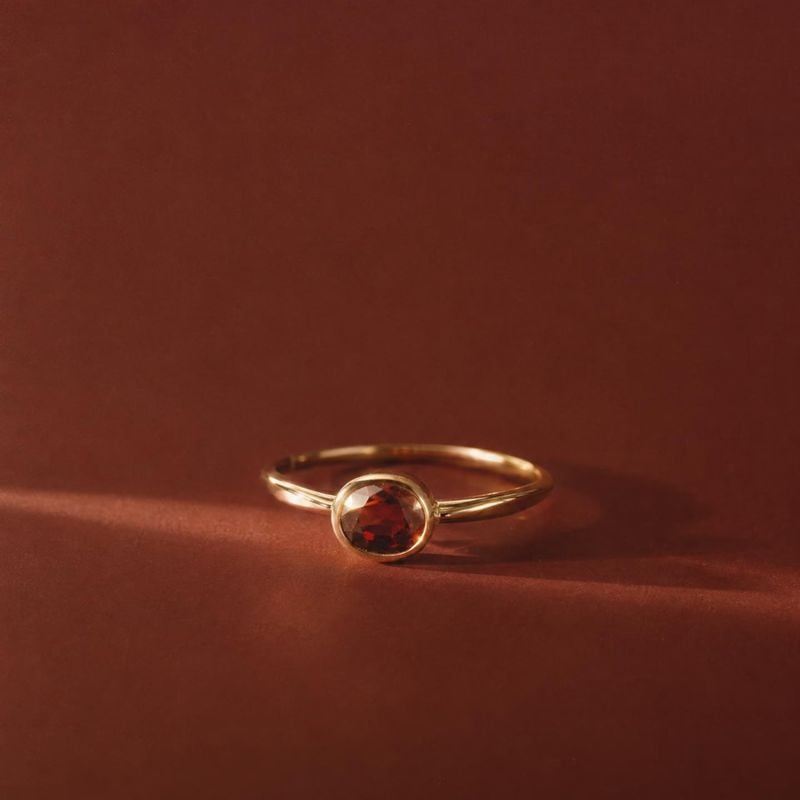
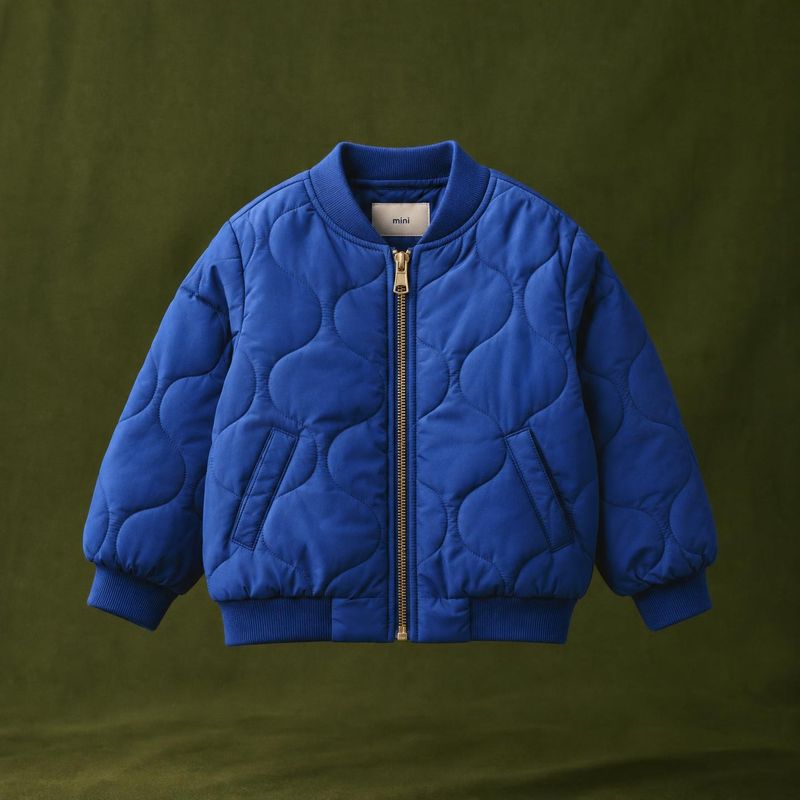
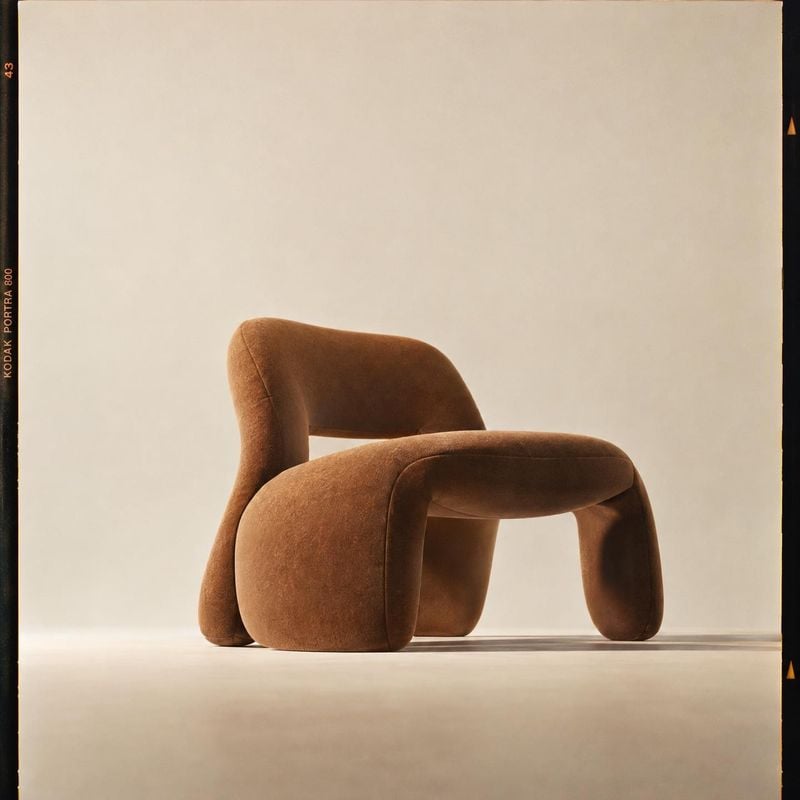
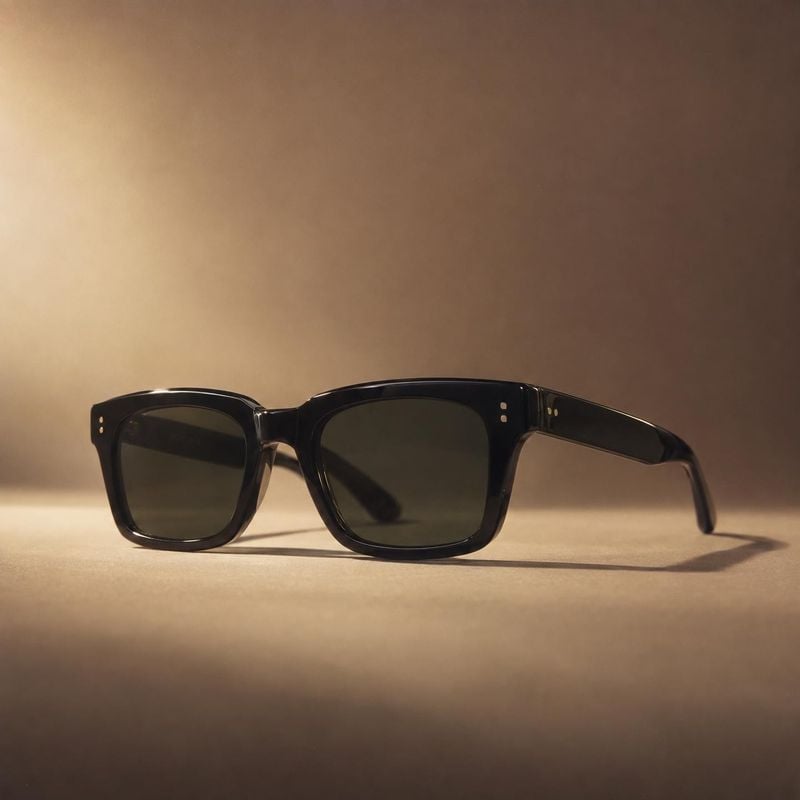
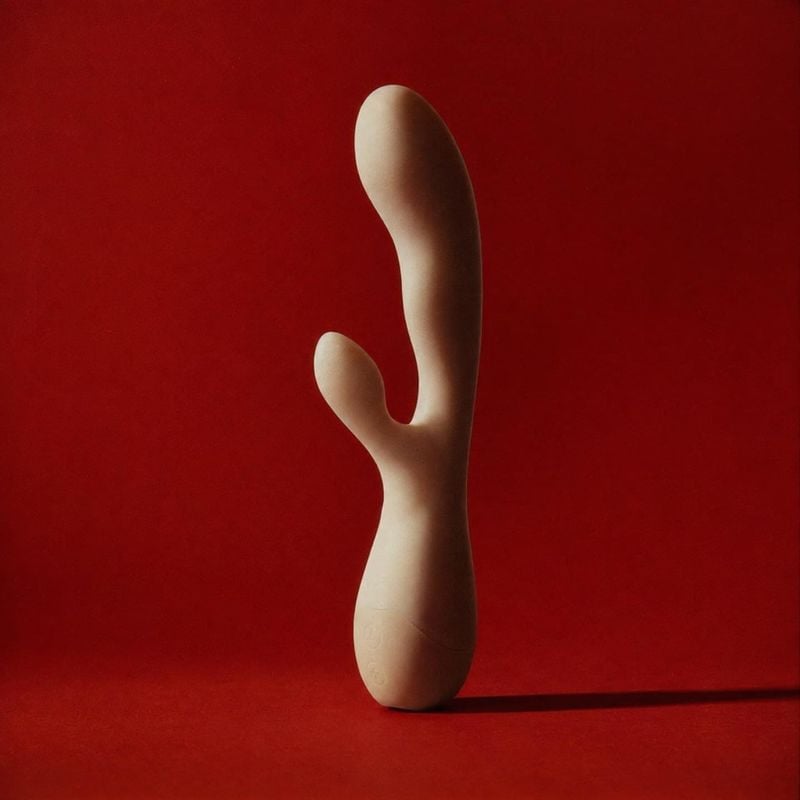
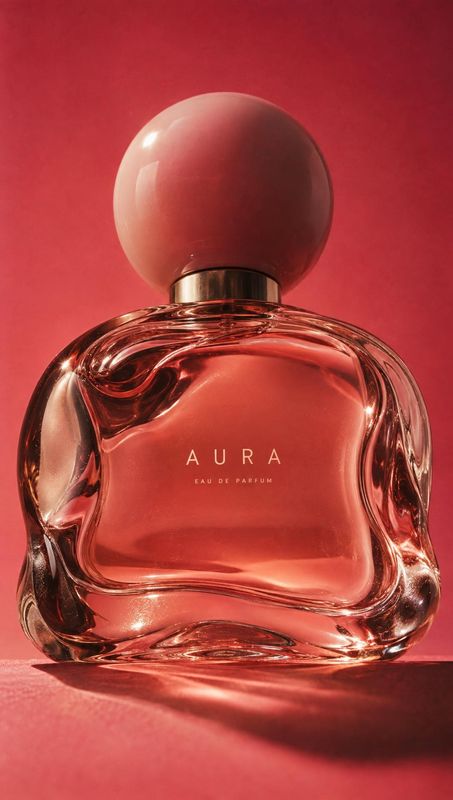
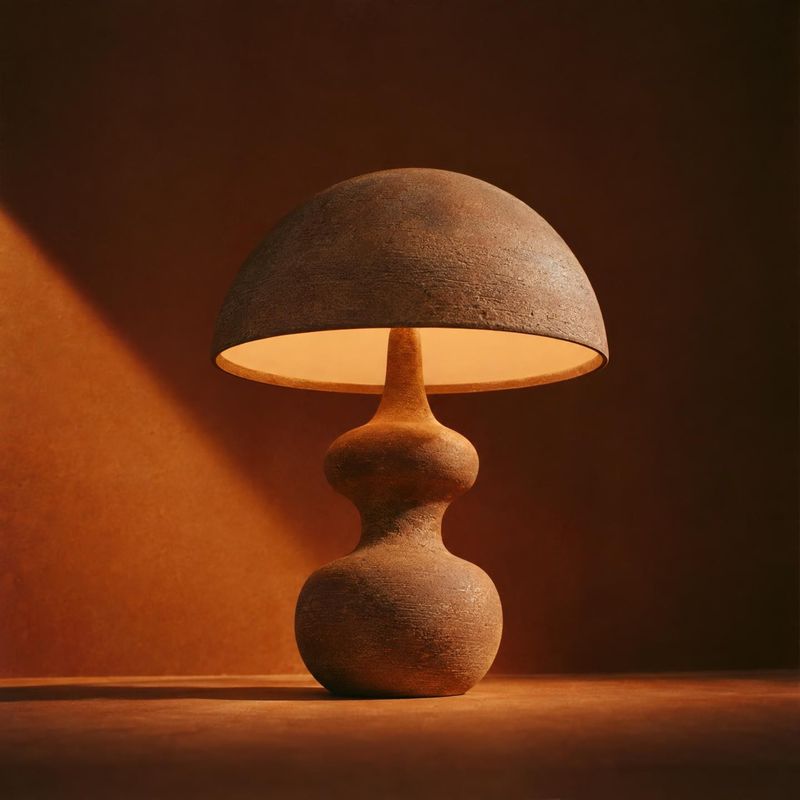
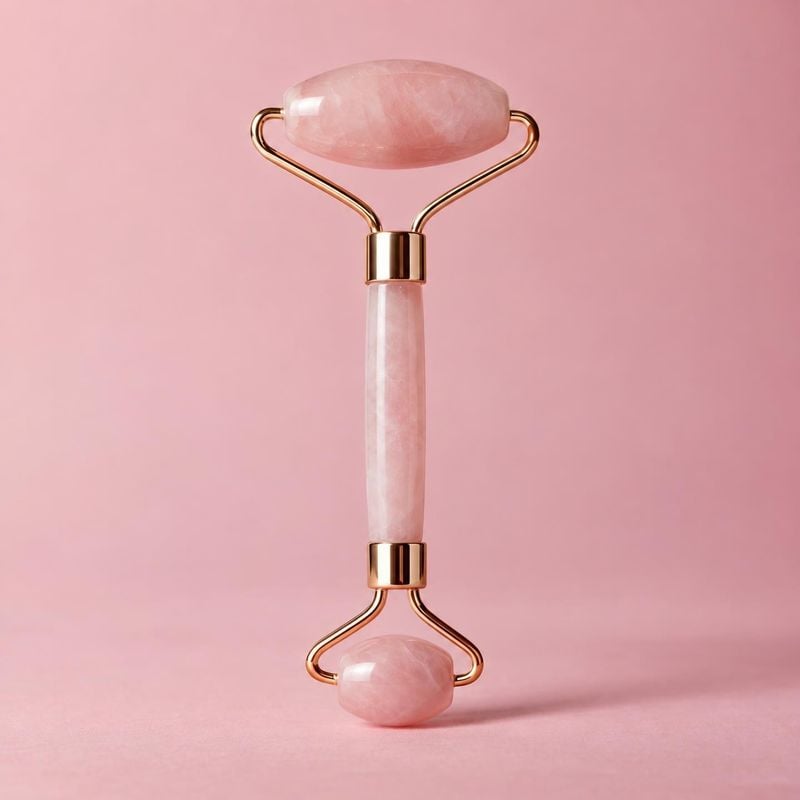
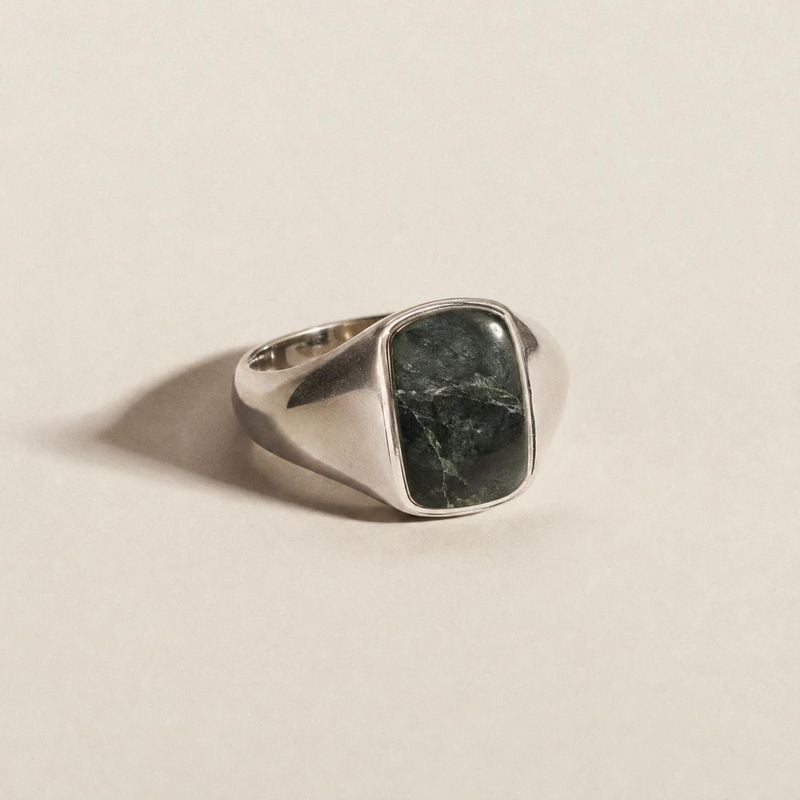
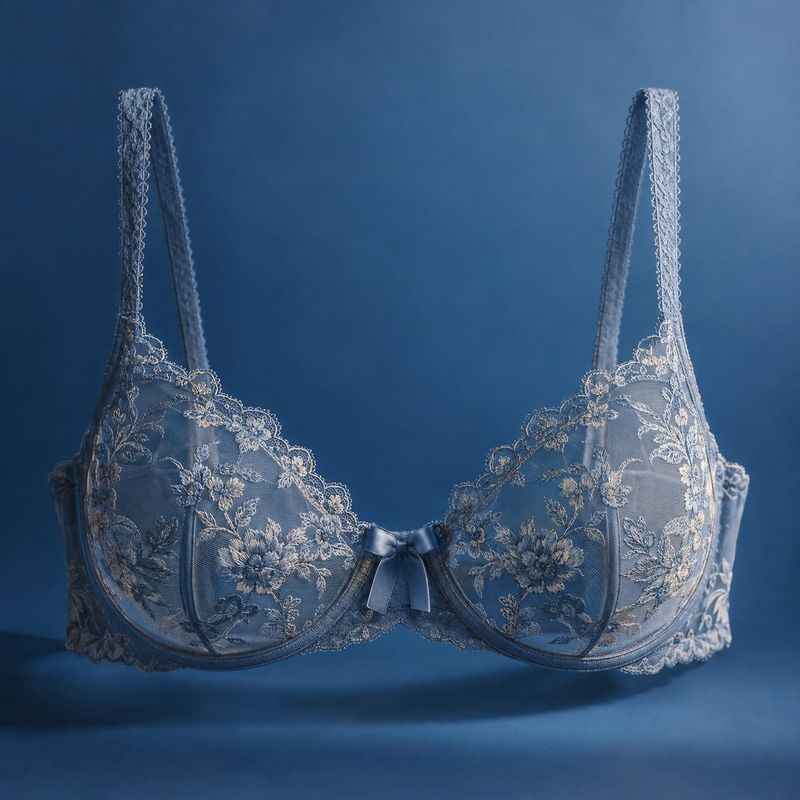
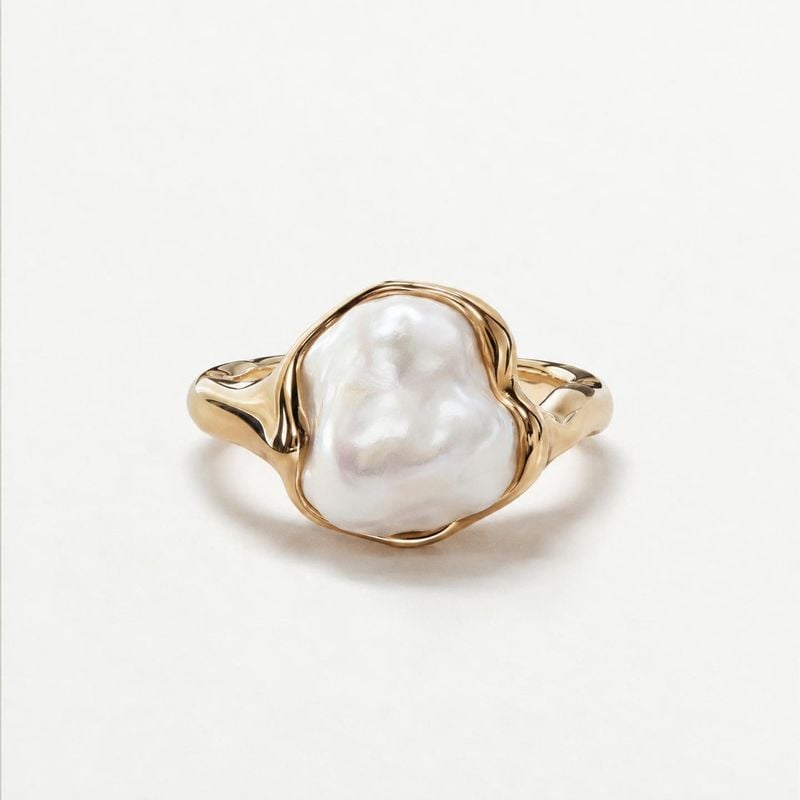
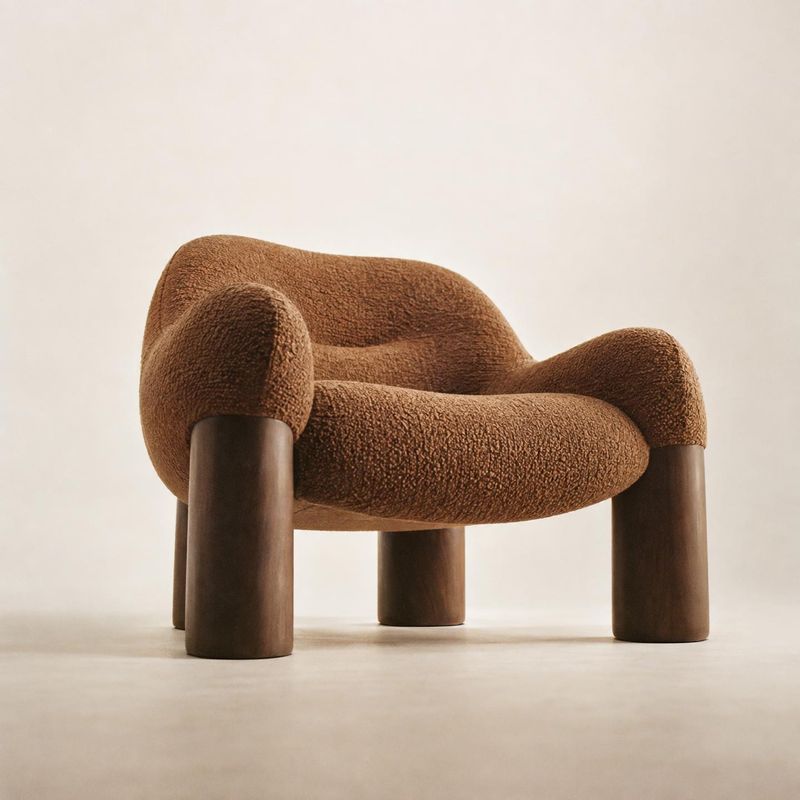
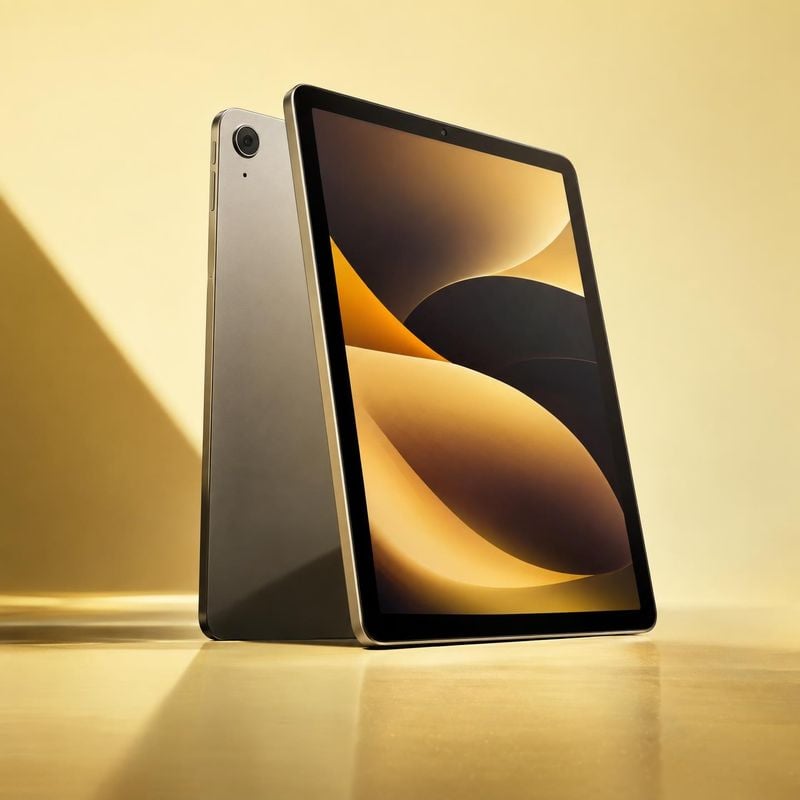
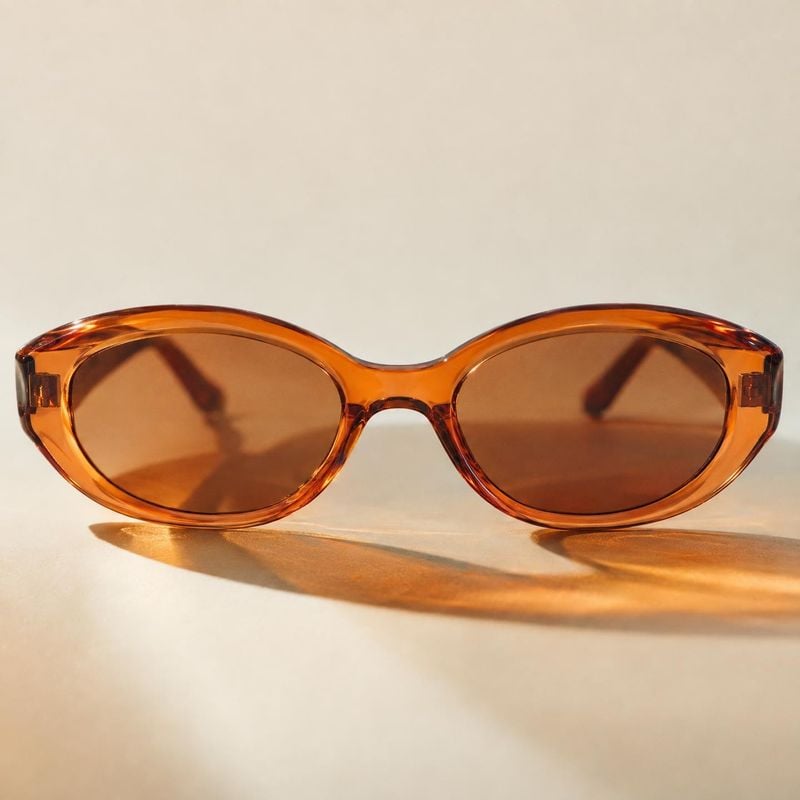
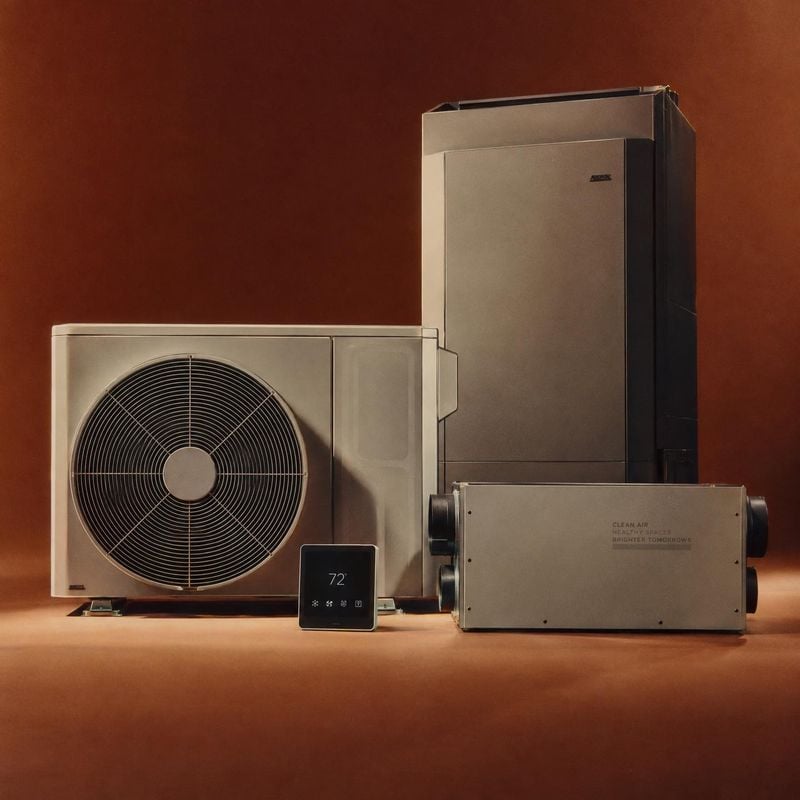
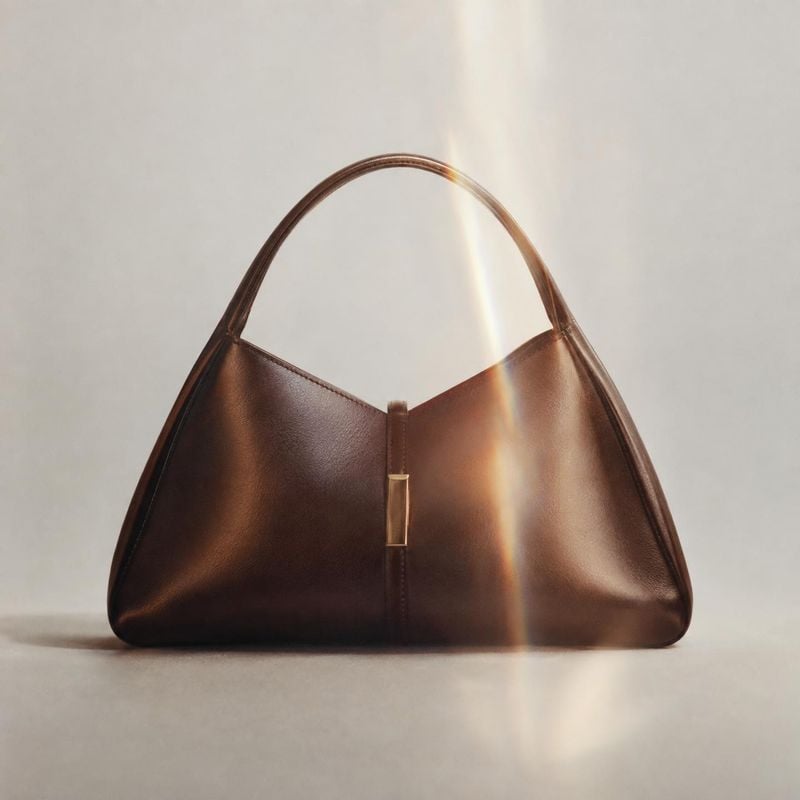
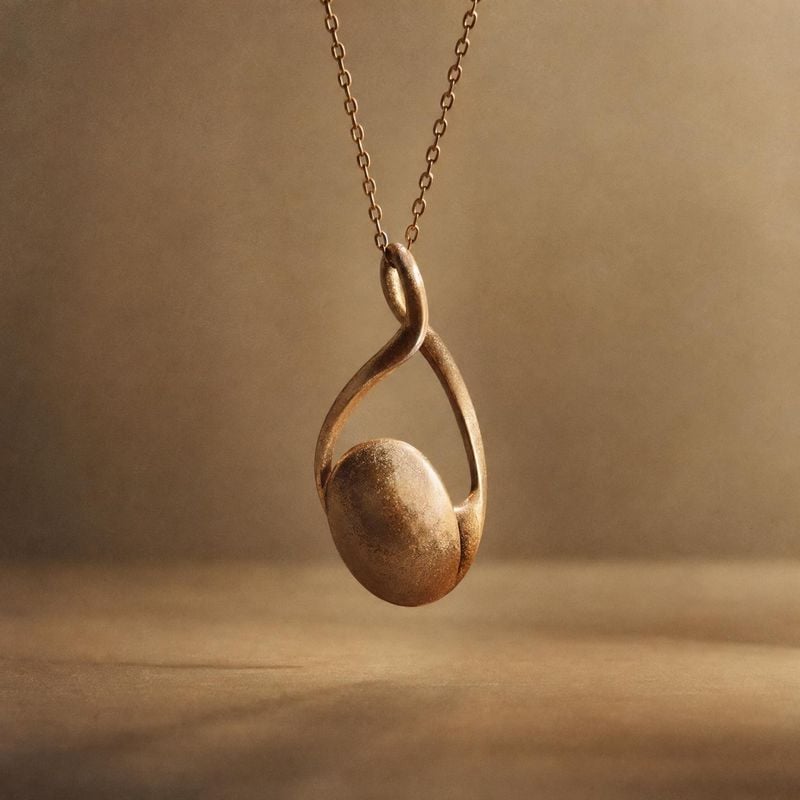
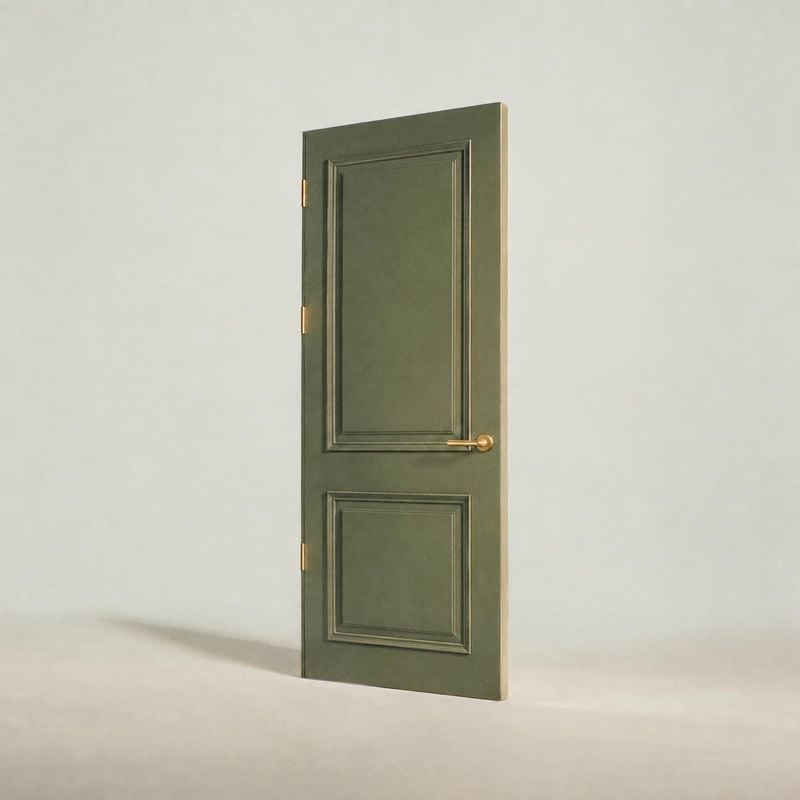
Packshots are clean, catalog-ready product photos on a plain or softly lit background: the product, its true colors and nothing else. These packshot ideas show how lighting, shadows and surface choice turn a plain cutout into a listing image people trust.
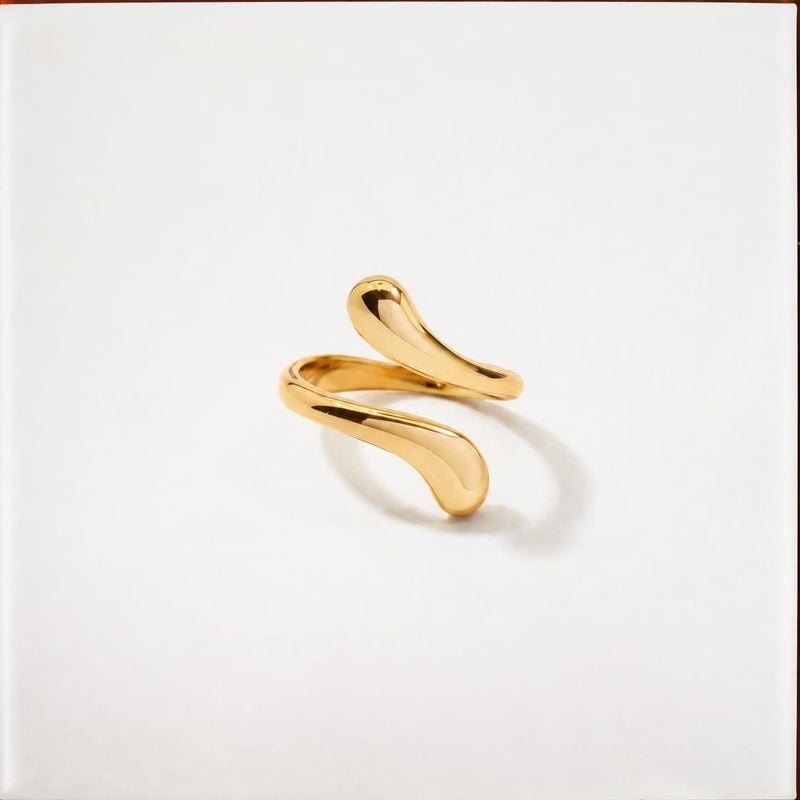
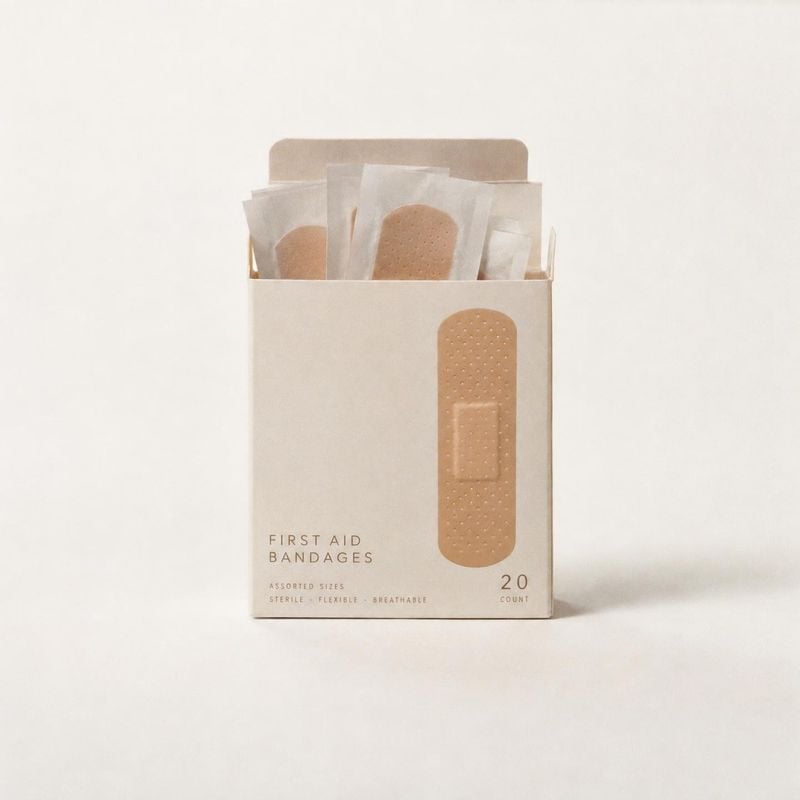
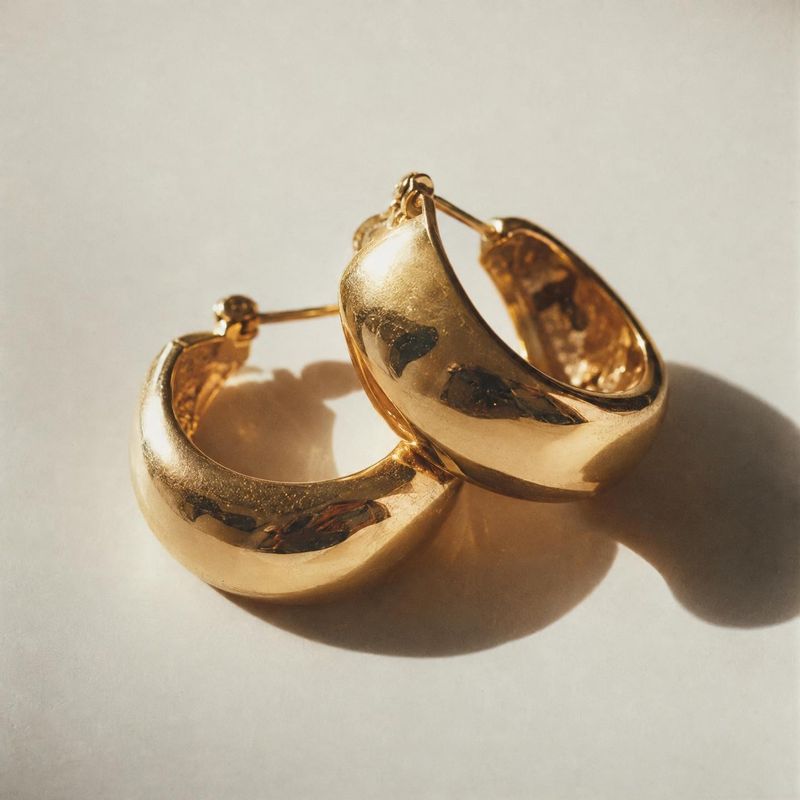
Sign up to see thousands of ideas
From flat to filled out
A flat lay becomes a garment with shoulders, chest and sleeves, as if someone were wearing it, with nobody in the frame.
Before / after
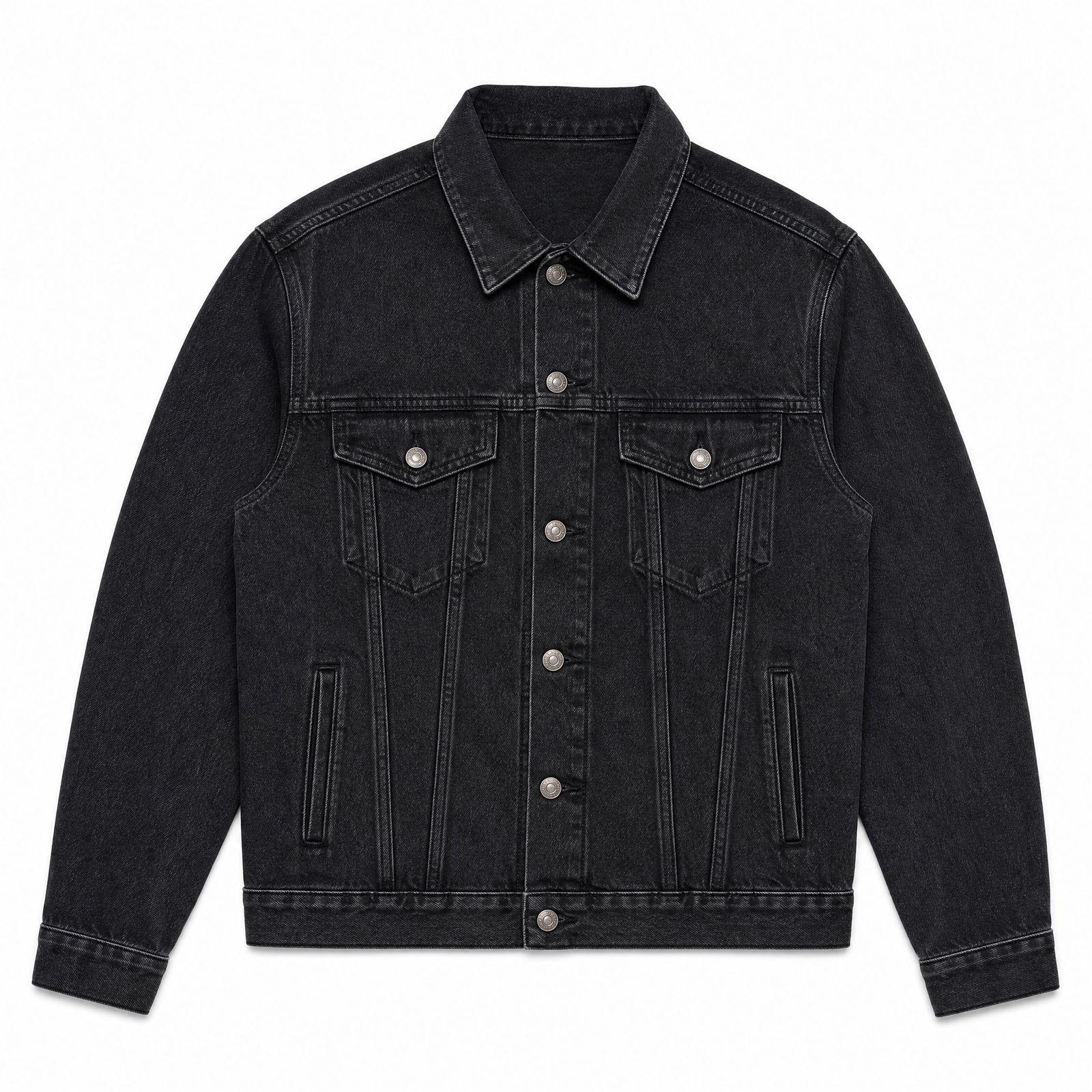
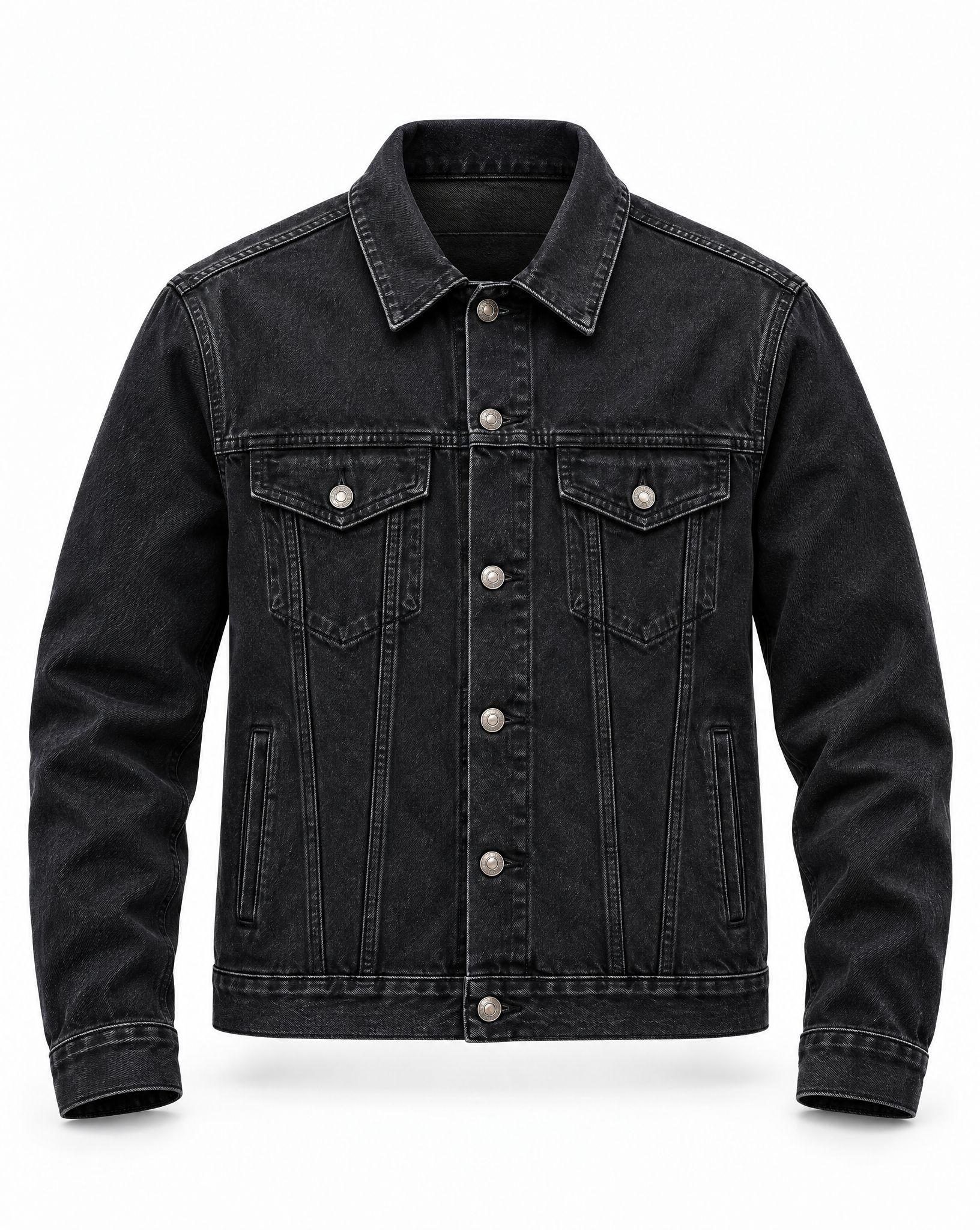
The inside of the neckline shows
The back of the neckline shows through the opening, the detail that tells a shopper this is a worn shape rather than a flat lay.
Before / after
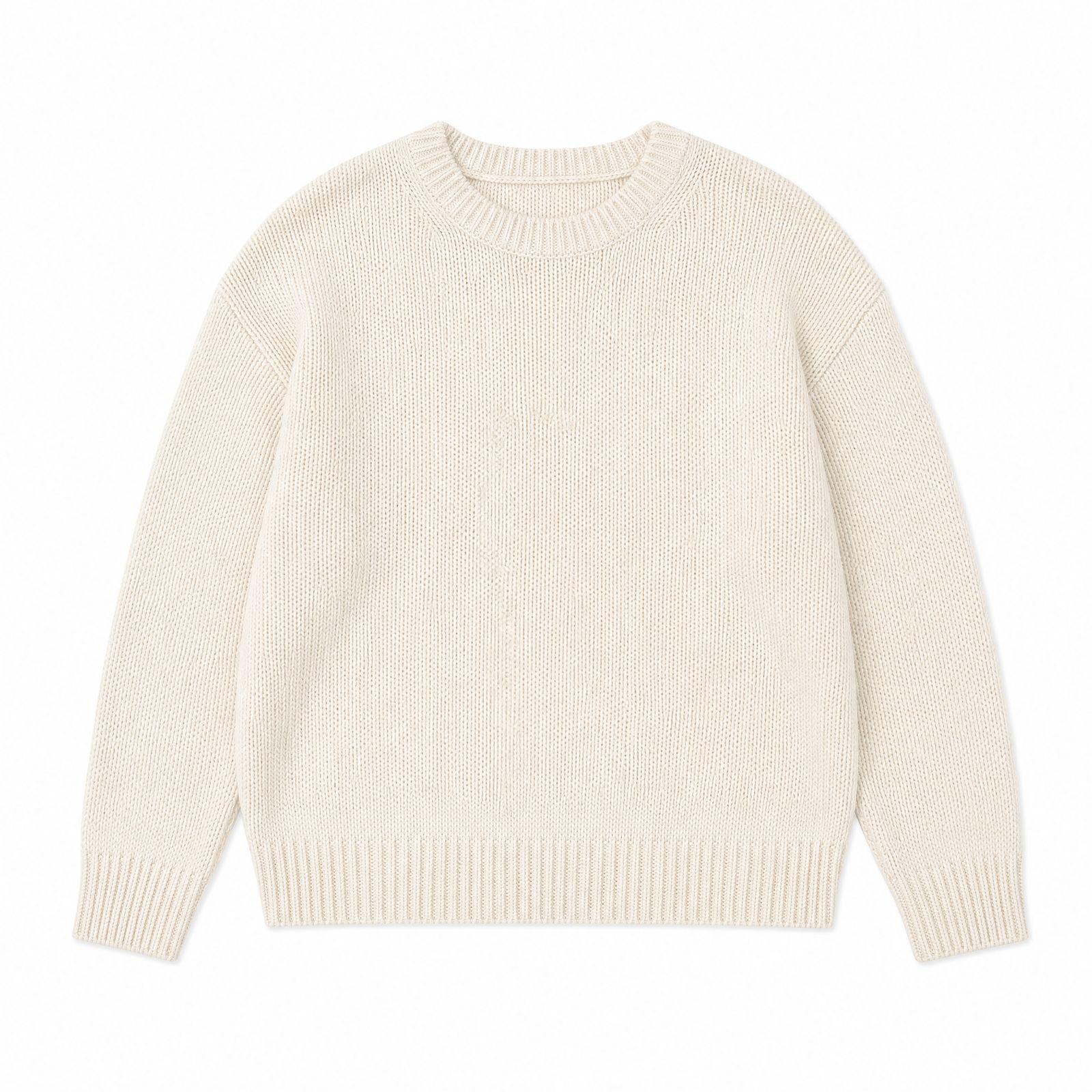
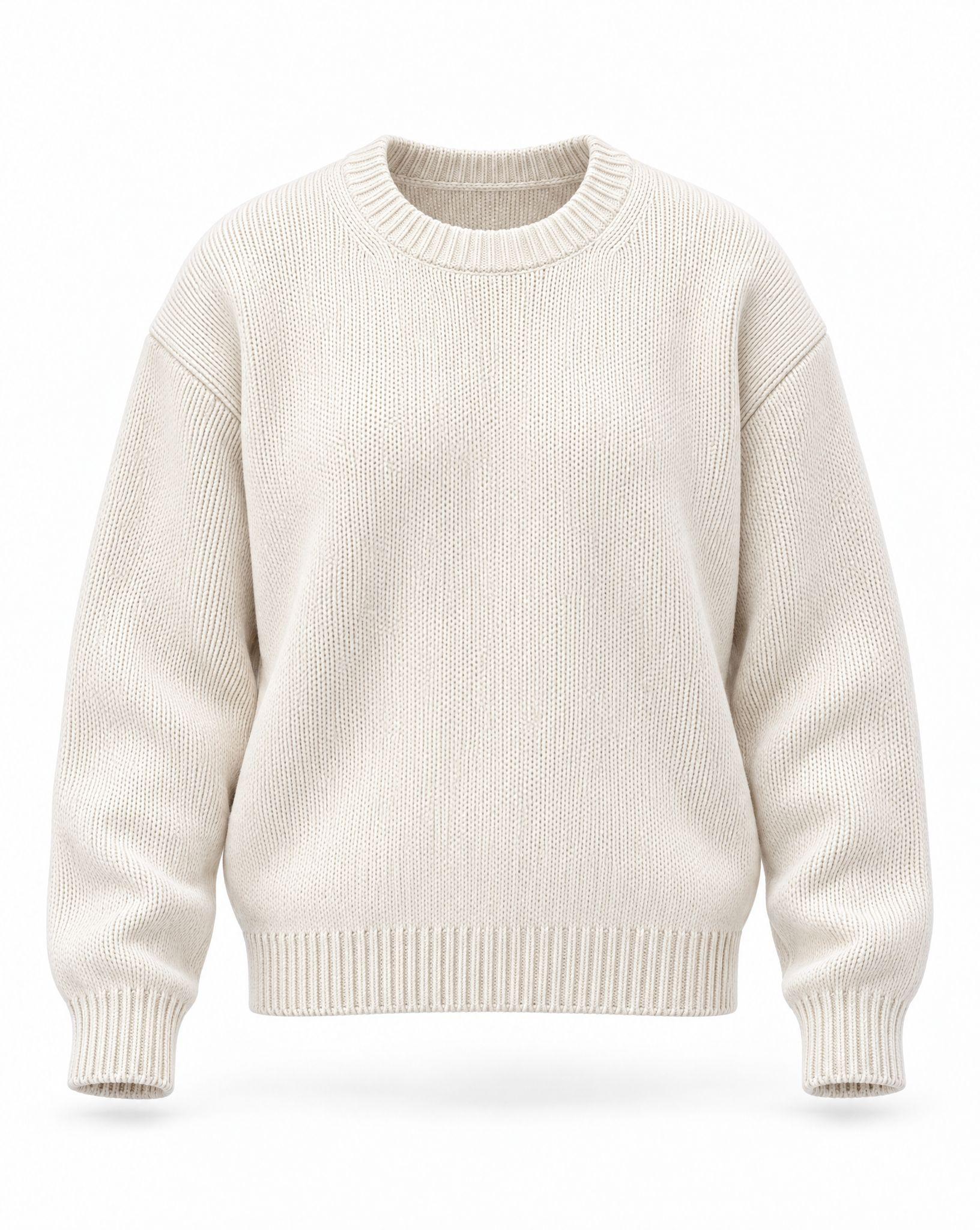
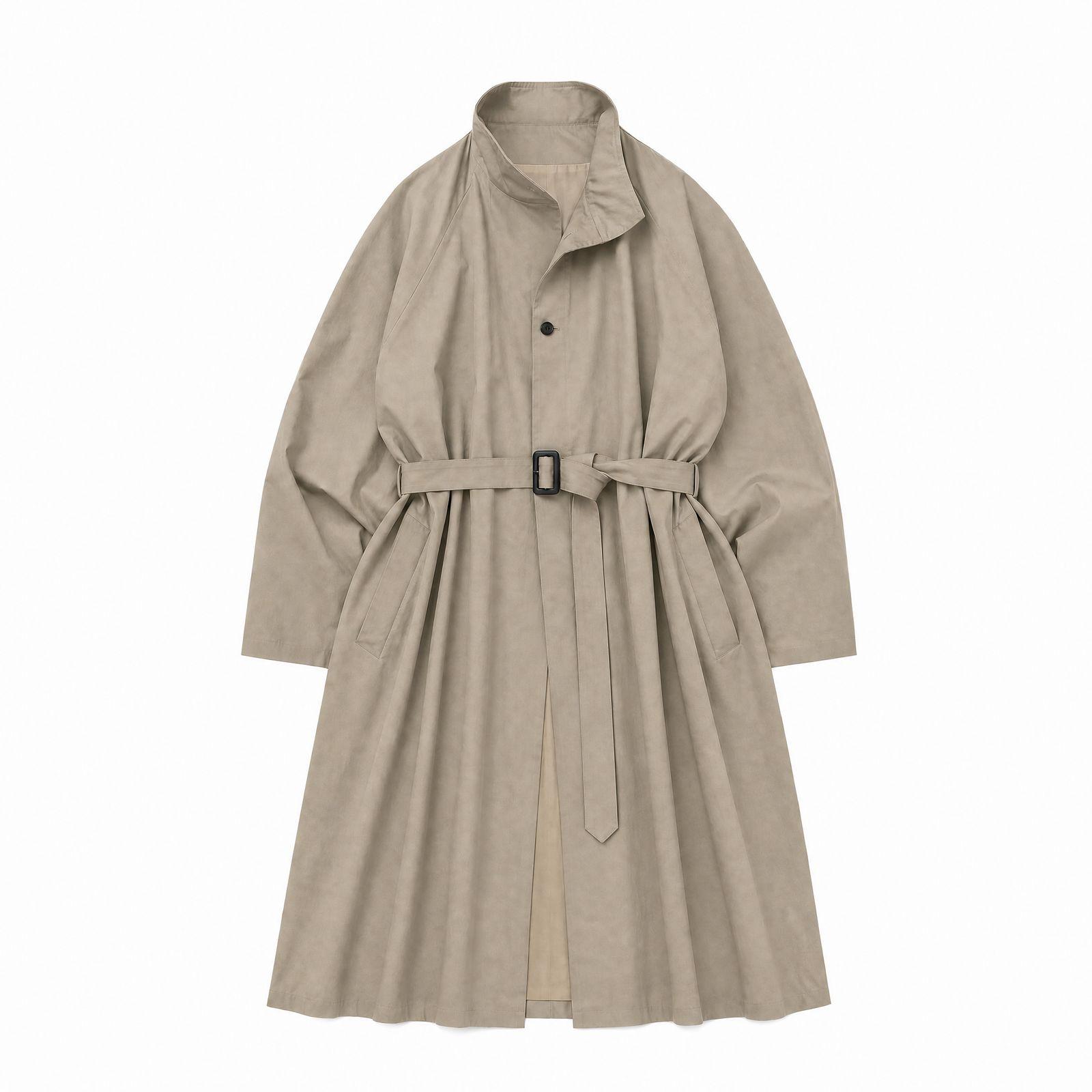
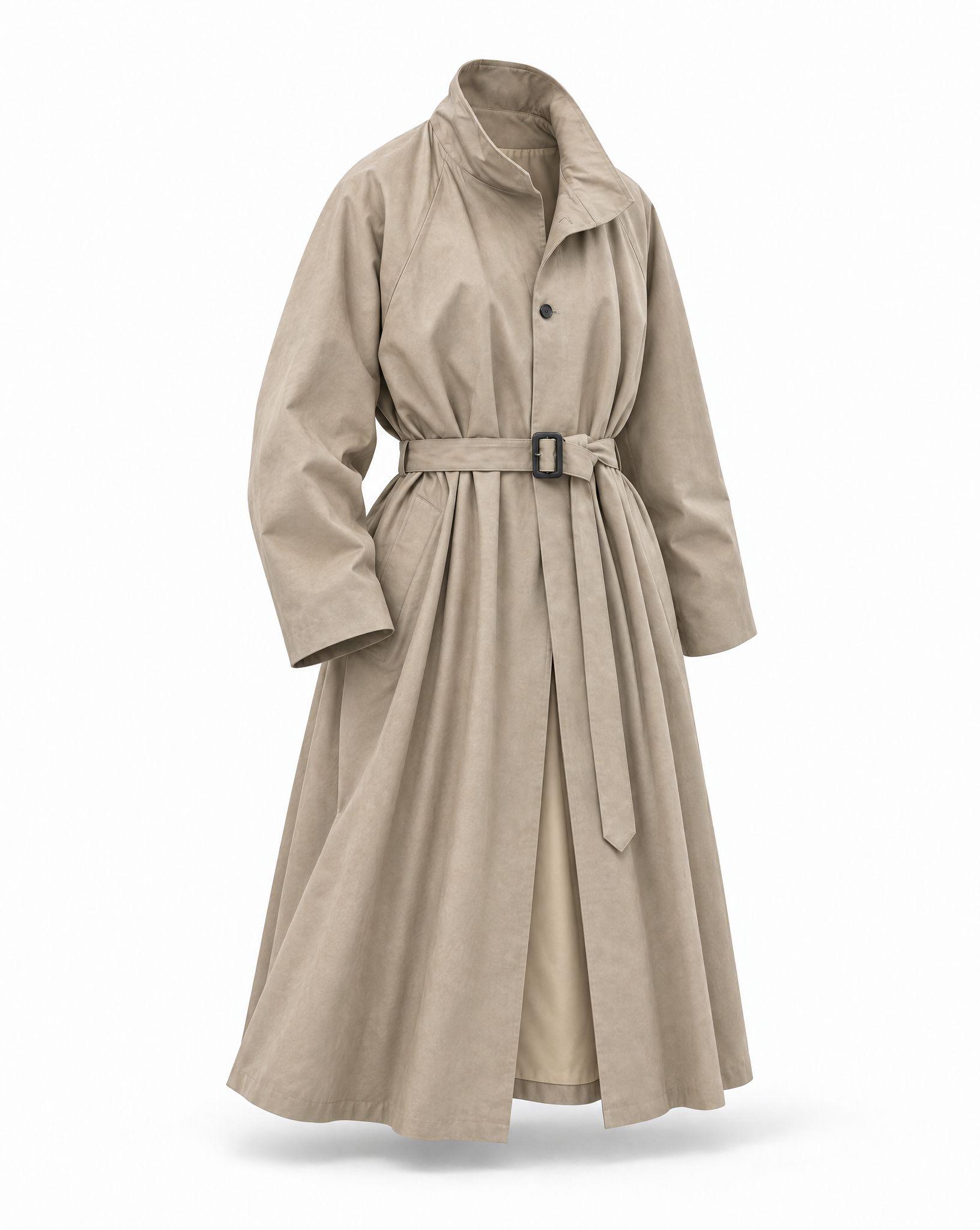
Long pieces keep their drape
Coats and dresses get volume through the body and a natural fall to the hem, with the belt, buttons and lining kept from the product photo.
Before / after
Common questions
Make your first ghost mannequin shot
Sign up for free and upload a clean photo of the garment.