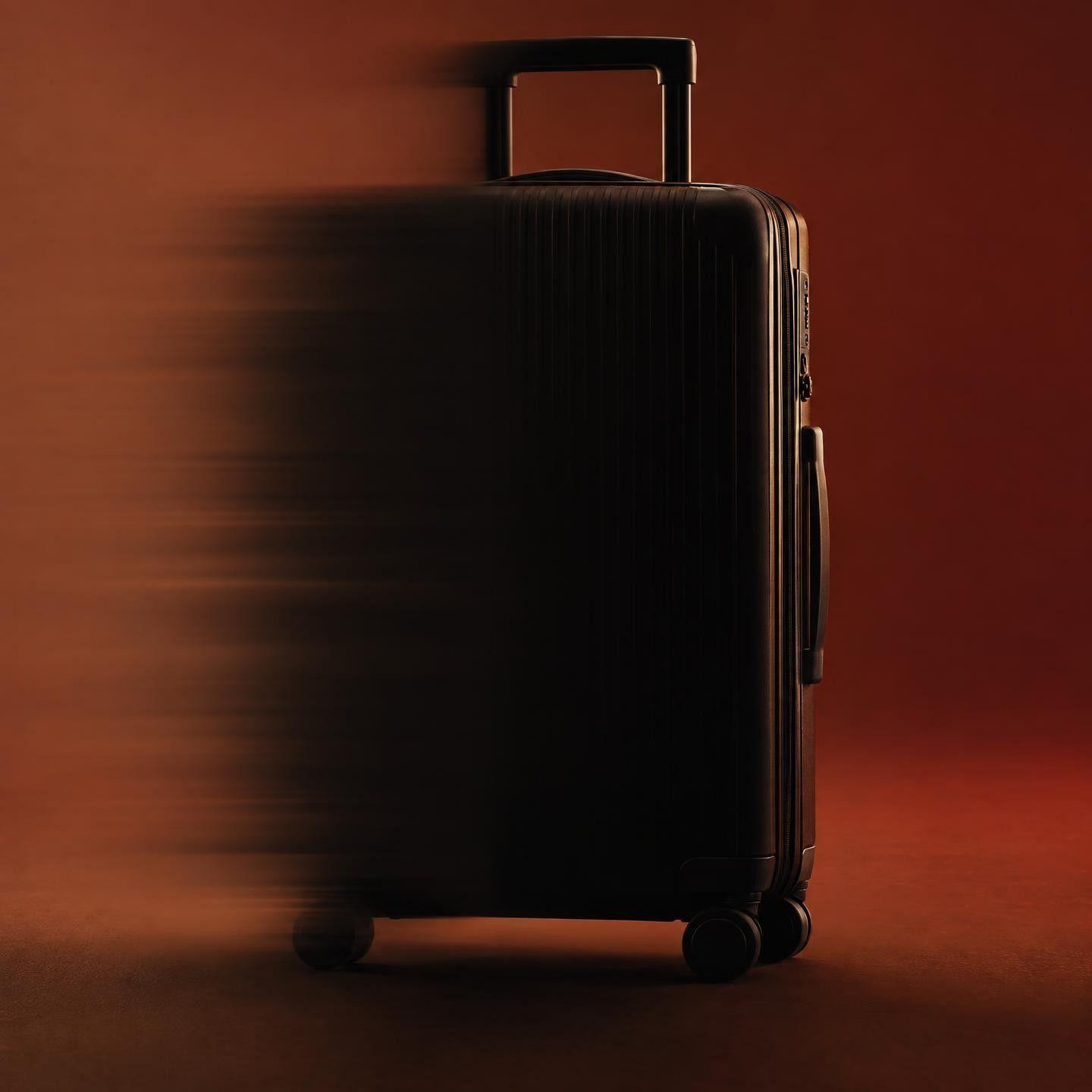
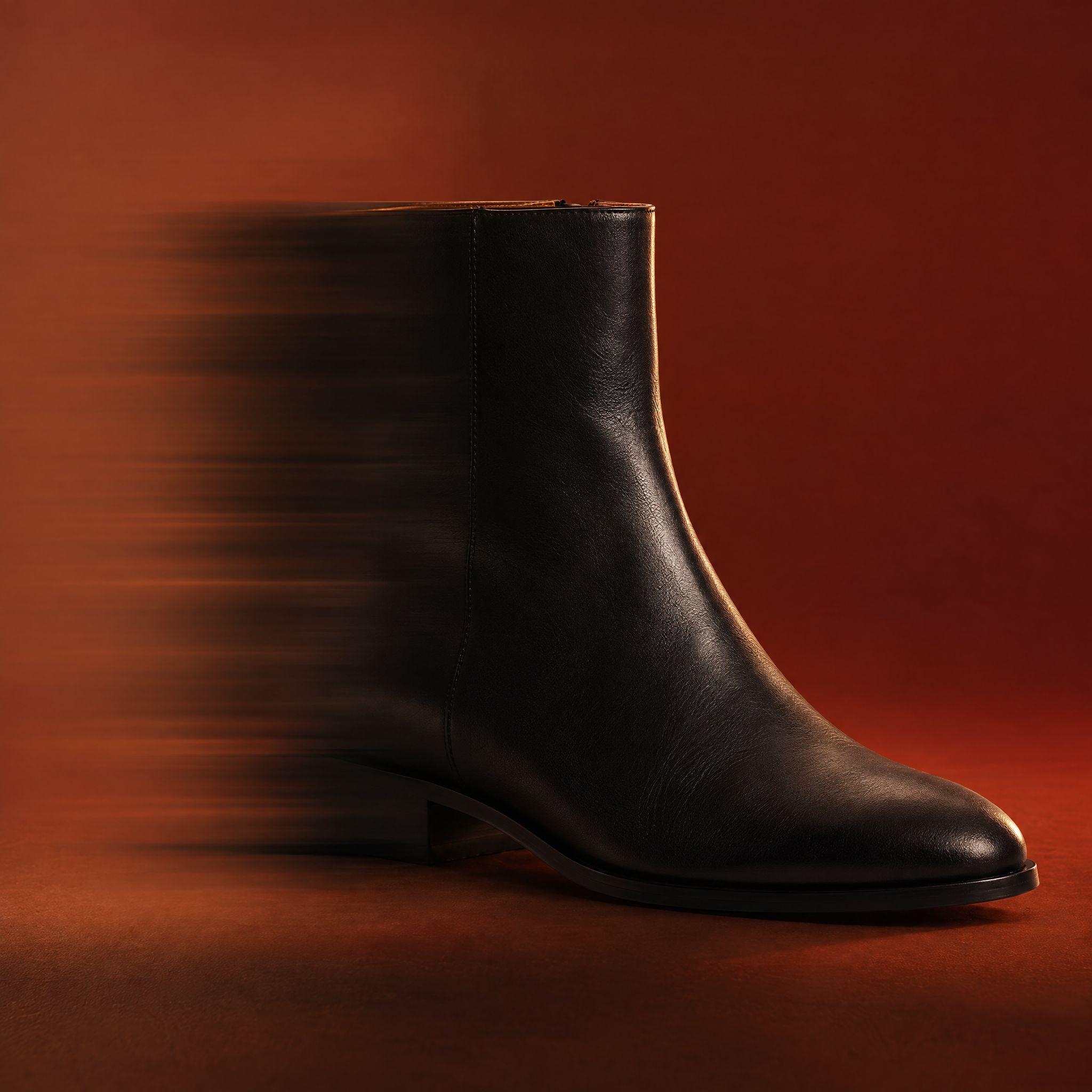
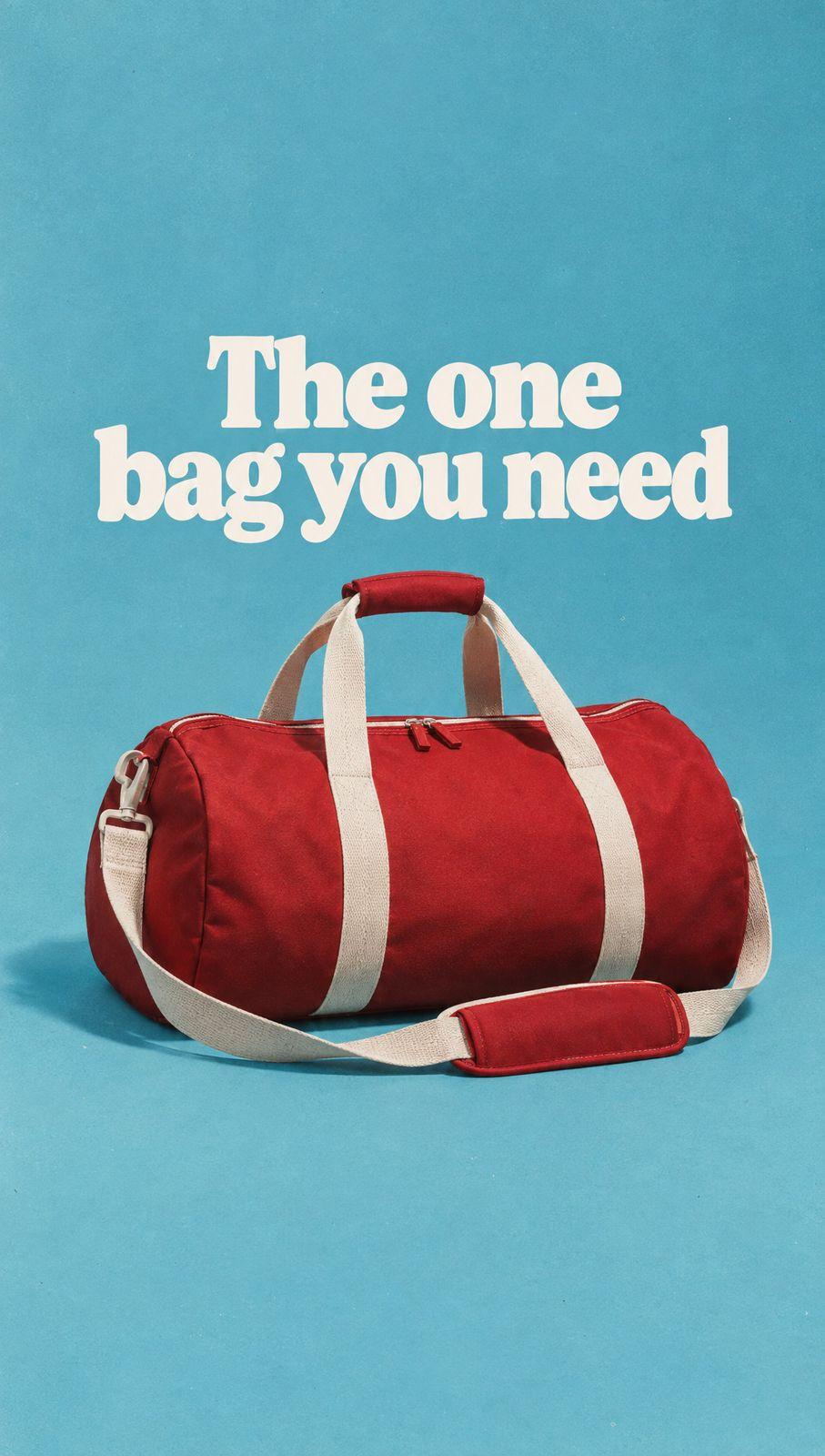
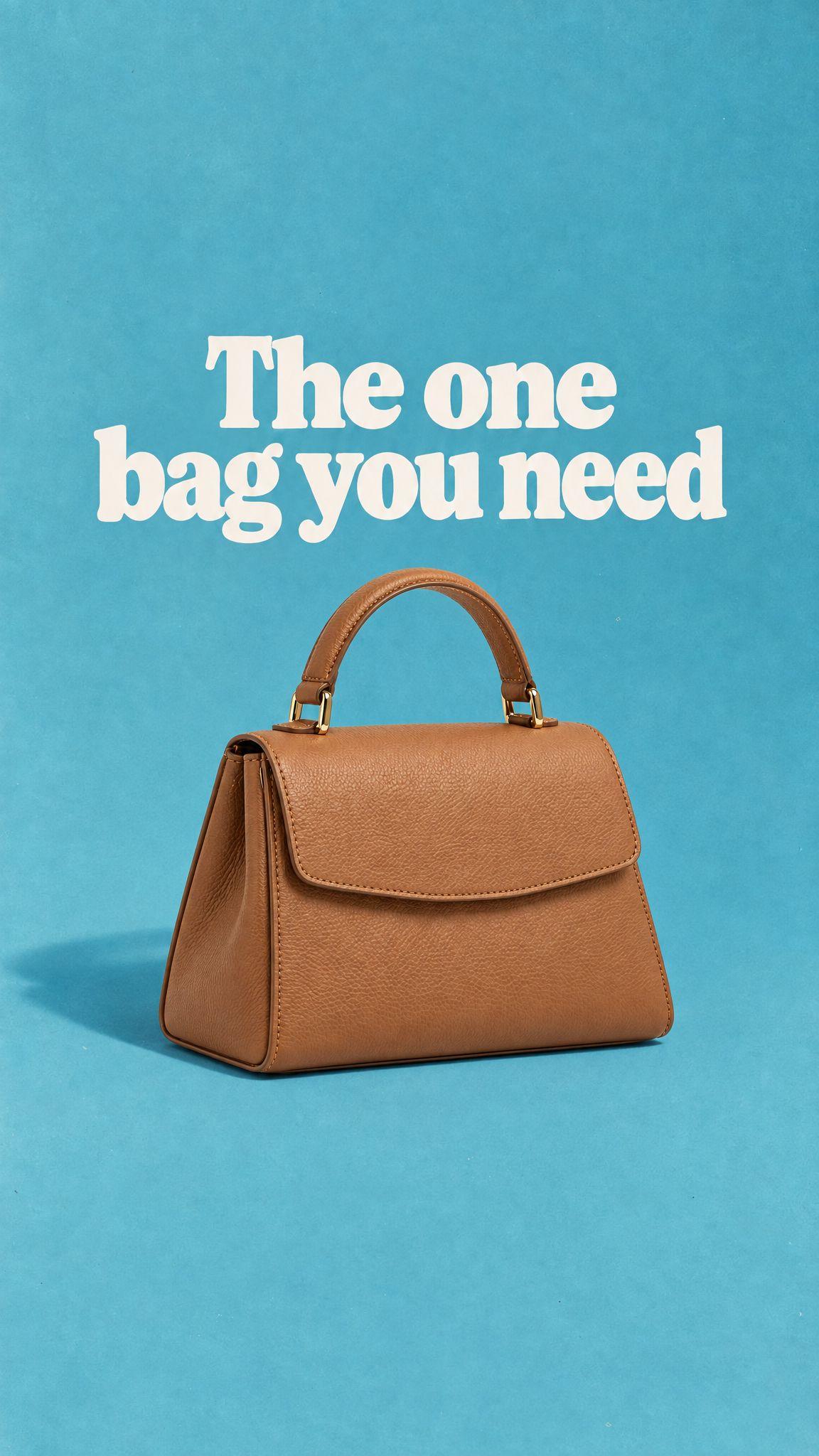
5 Pebblely Alternatives for AI Product Photos in 2026
By Olga Stogova
11 min read
Cut the product out and set it on an earthy brown ground, in your browser, for free.
Click "Start from a photo" and pick a PNG or JPG of any size. The cutout runs in your browser, so the image is never uploaded to a server.
Brown (#7b4b2a) is already selected once the background is gone. Swap it for any other color with the swatches or the picker.
Download a PNG with the background already composited in, ready for a listing, a deck or an ad.
Brown is the ground craft and provenance brands use. Coffee, chocolate, leather, wood and whisky all photograph well on it because the color reads as material rather than as a graphic choice.
Coffee and chocolate, leather goods, woodwork and craft products, autumn ranges, and any brand selling on origin and material.
It is closer to the products that sit on it than any other ground here. A tan bag on brown, a chocolate bar on brown, a wooden object on brown — all of them lose their outline. Move the fill lighter or darker than the product, never level with it.
Which brown should I use?
Does brown work for beauty?
Is brown a safe choice for listings?
Backgrounds are the easy part
Kive generates the whole product shot — scene, lighting and all — from photos of what you actually sell.