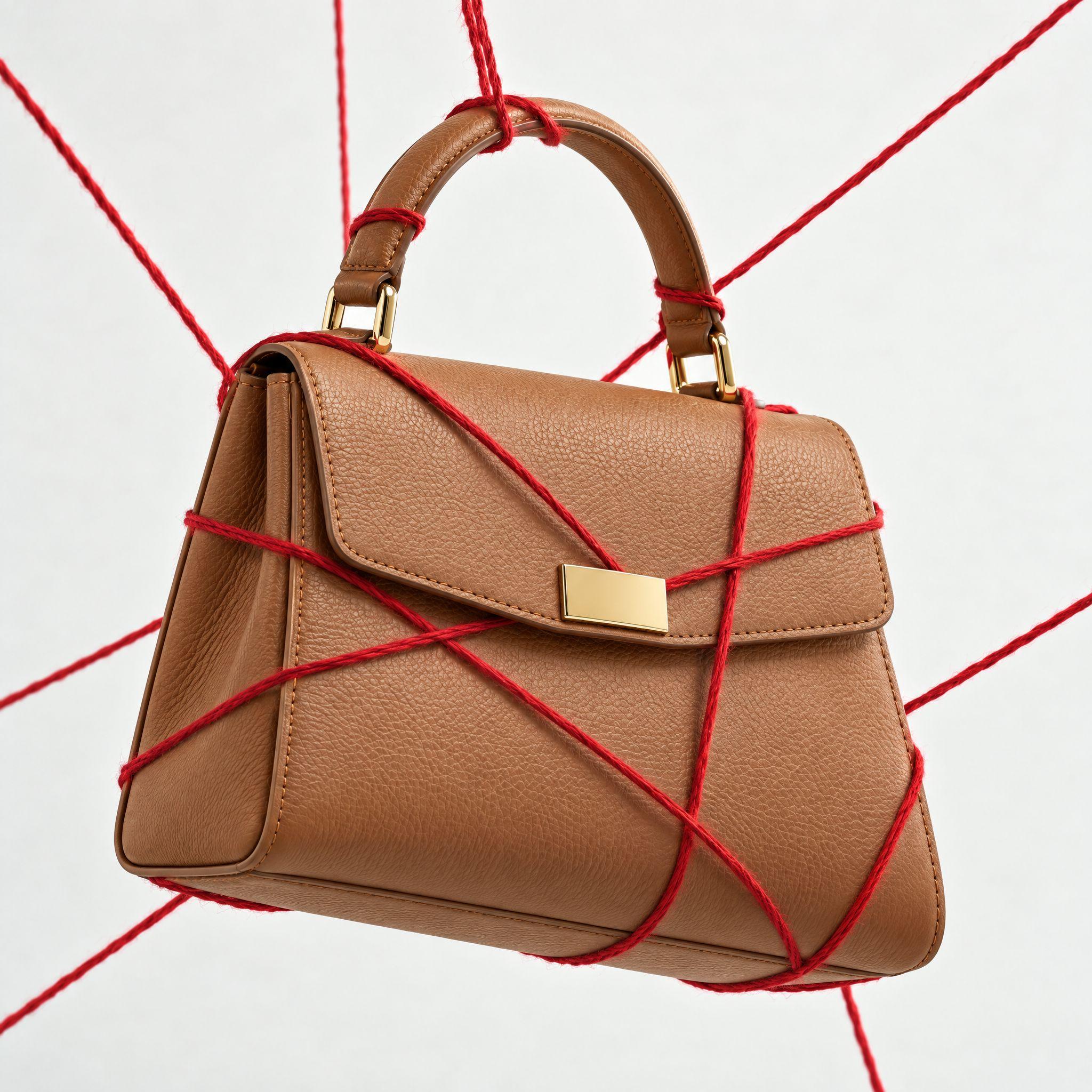
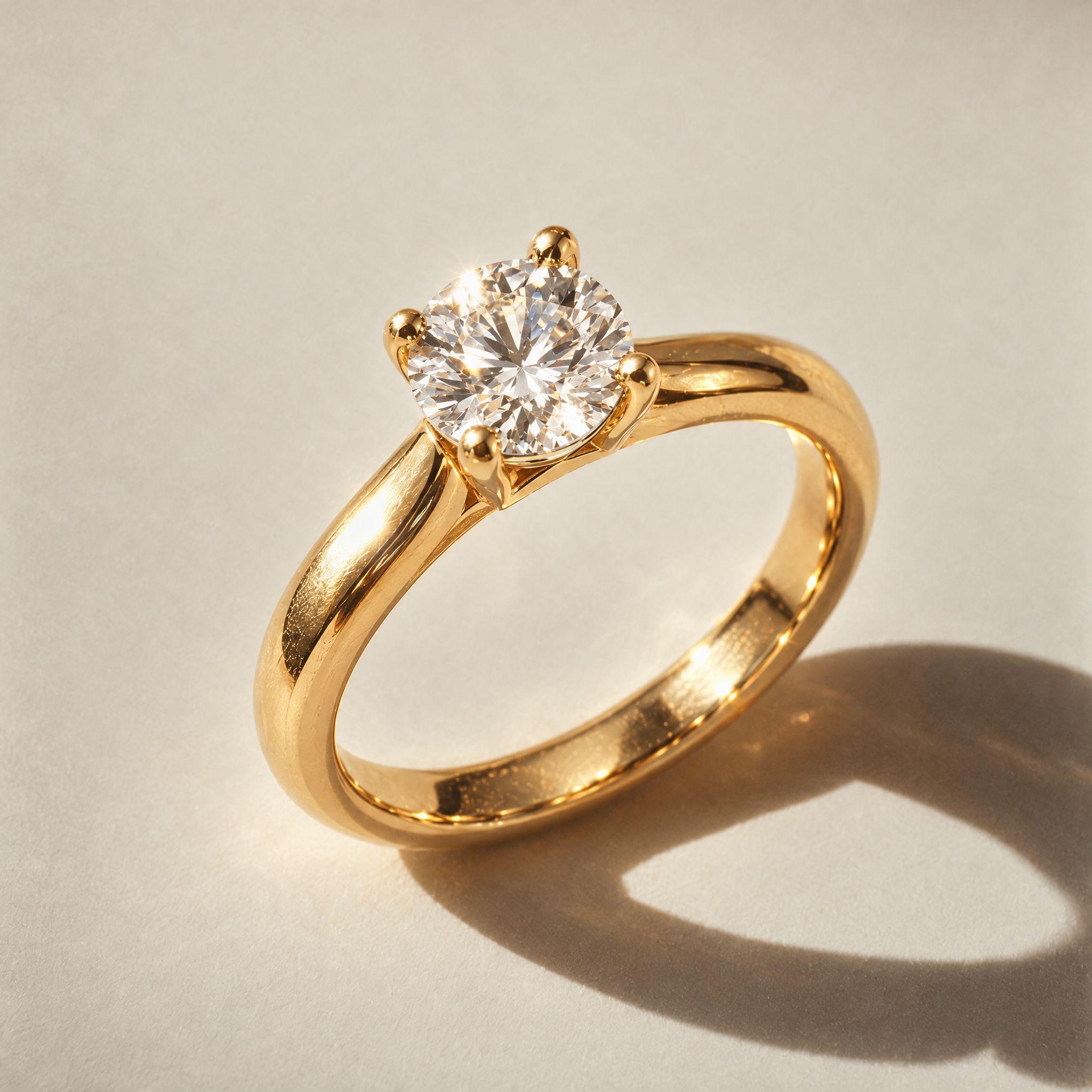
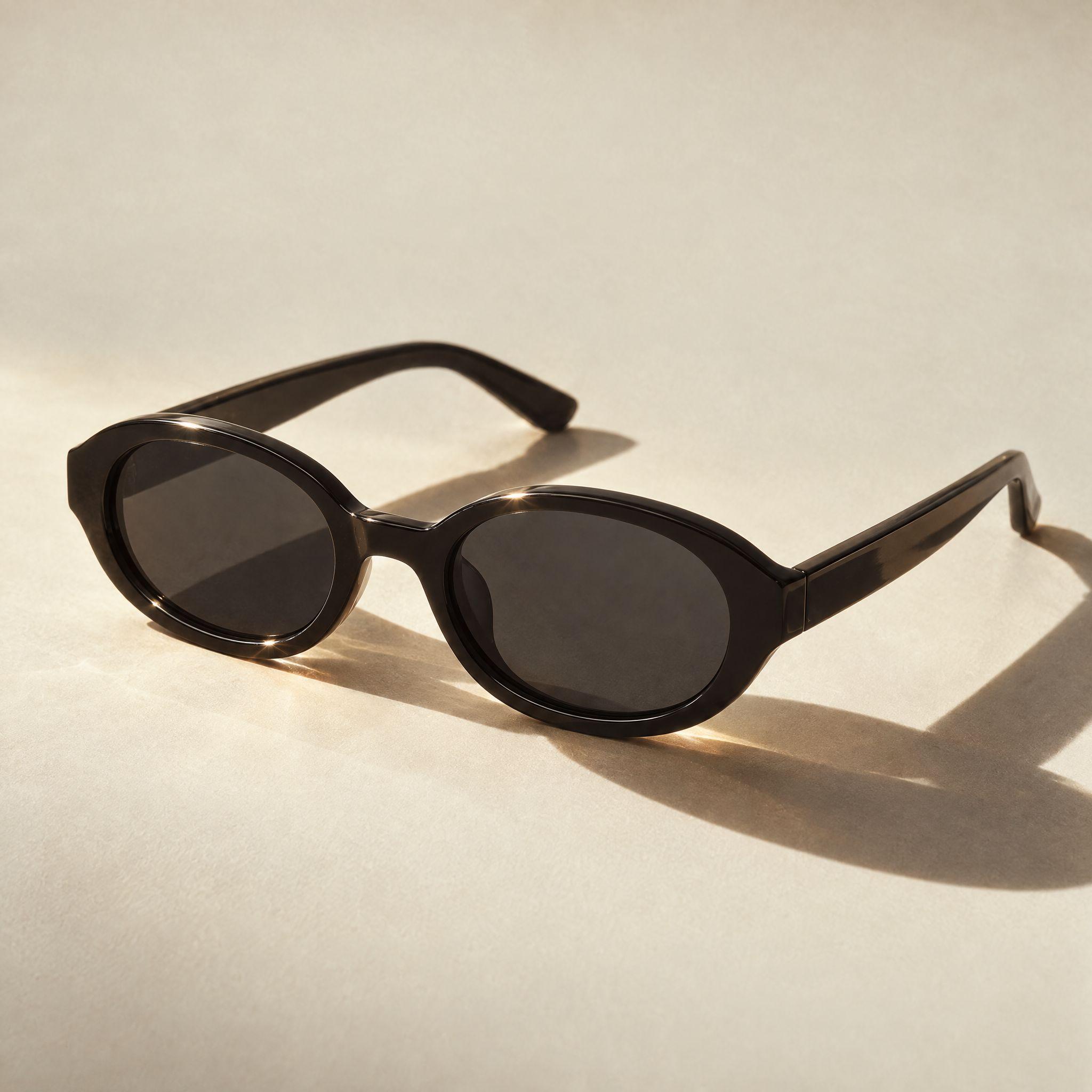
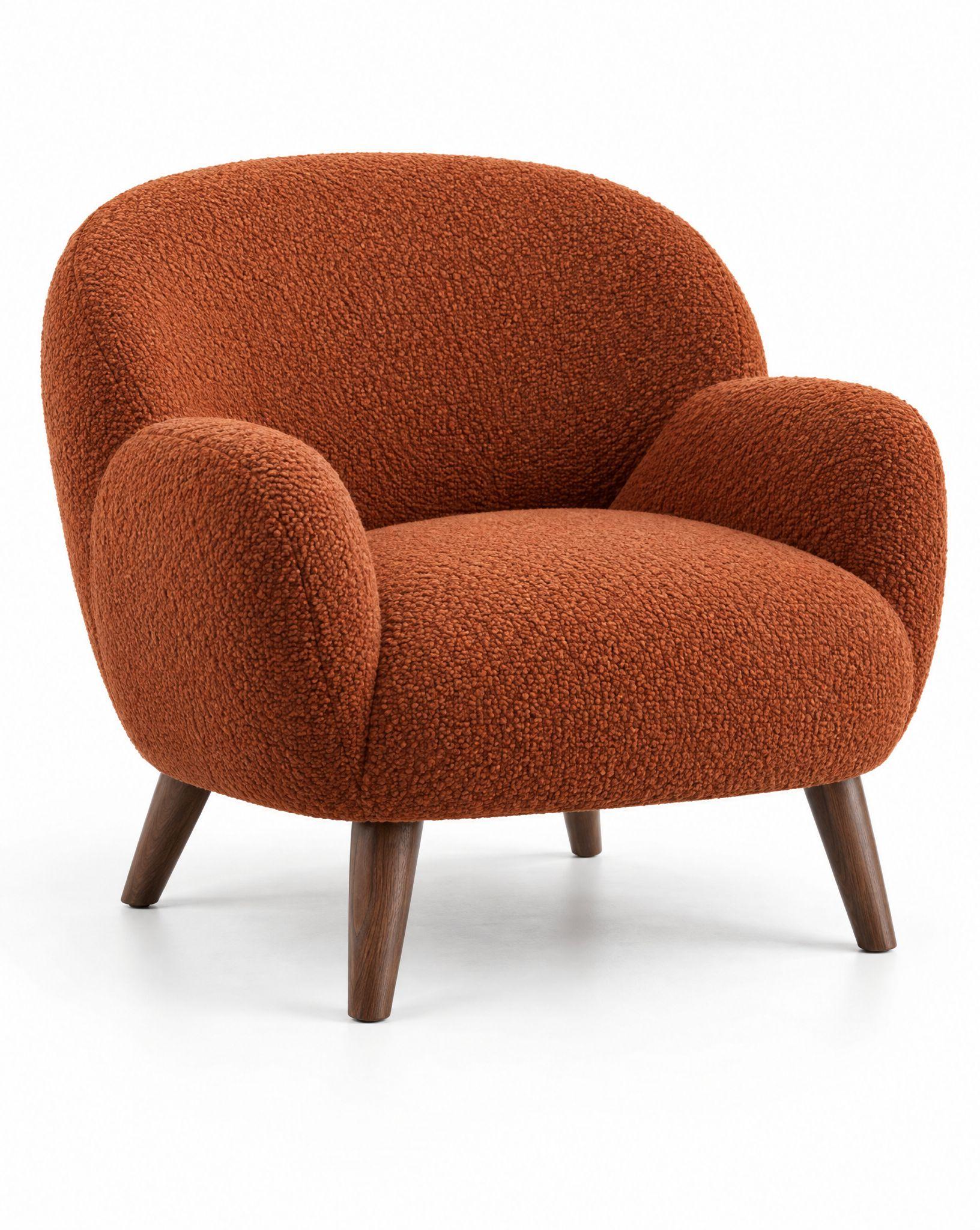
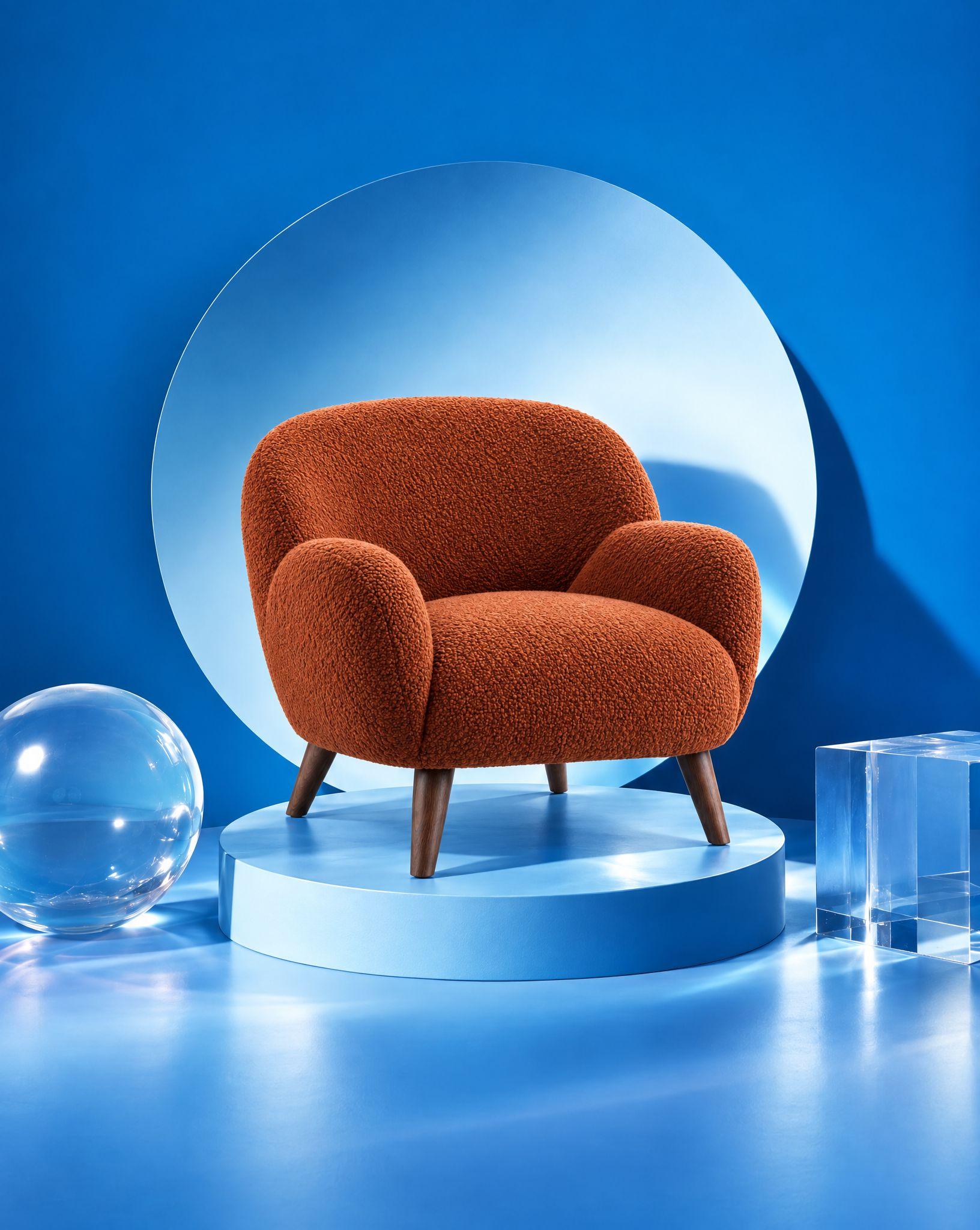
Kive turns a reference image into a photo of your product. It reads the image’s light, palette and mood as a style and shoots your product in it, accurately.
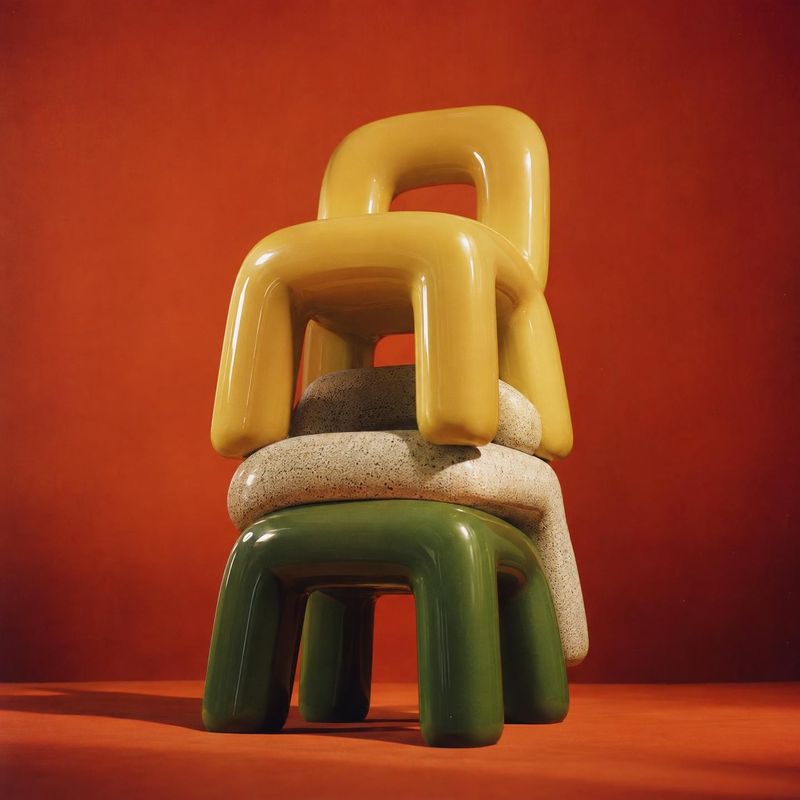
A style reference describes how an image is made, not what is in it: the light, the palette, the surfaces, the framing. Kive carries that treatment over to your product and leaves the original product, logo and text behind.
Keep one reference and swap the product, and every item in a catalog or a campaign comes out with the same look, without a shoot per SKU.
How it works
1Upload the reference image whose style you like: a brand you admire, a still life, an editorial frame or your own best shot.
2Add your product: one you saved in Kive, or a clean product photo. The style changes, the product does not.
3Generate and refine in plain words: warmer light, tighter crop, another surface. Reuse the style for the next product.
Styles to shoot your product in
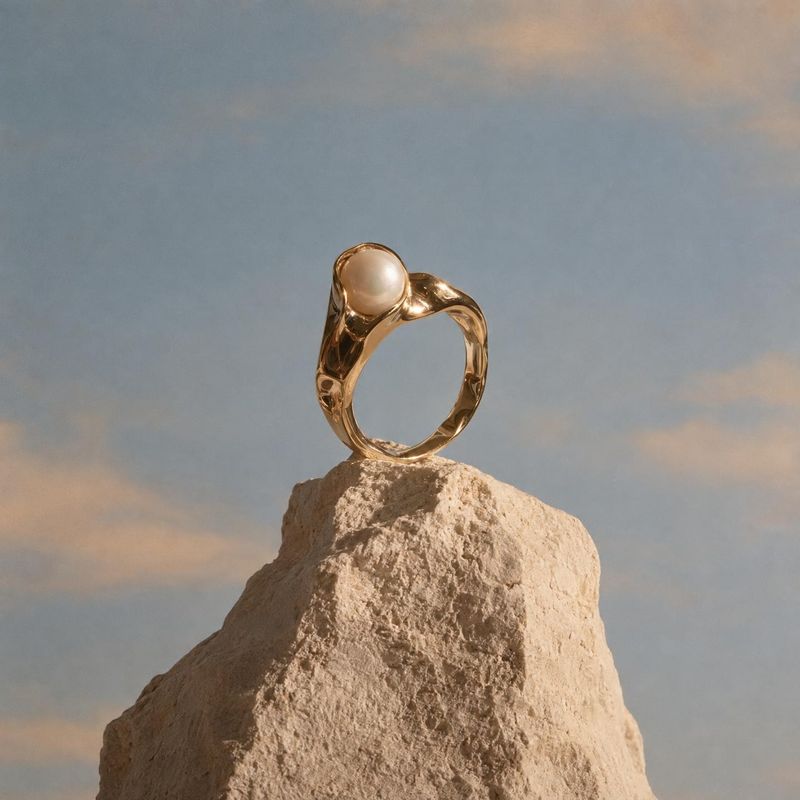
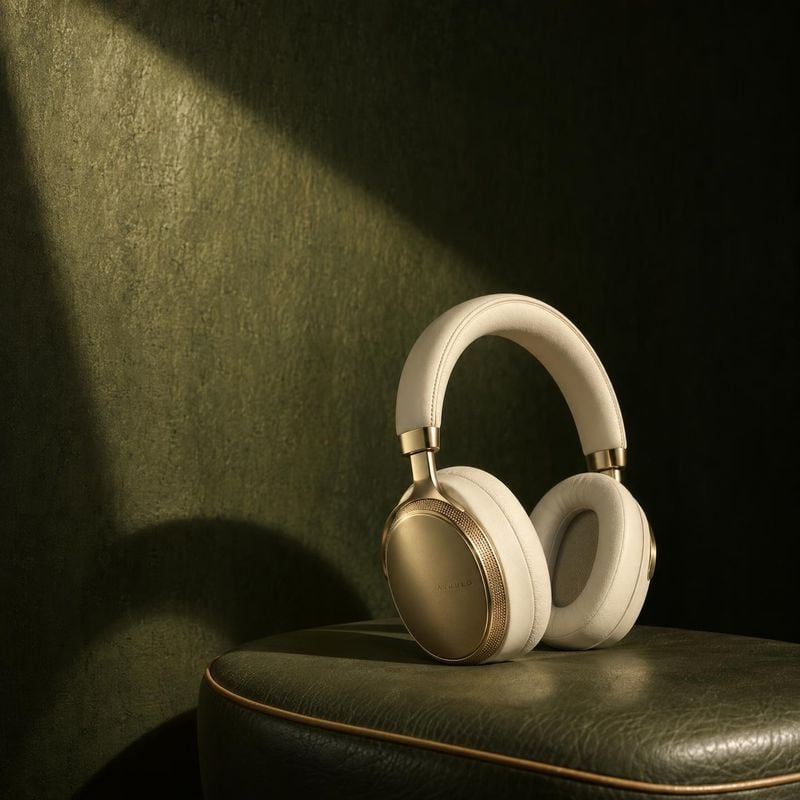
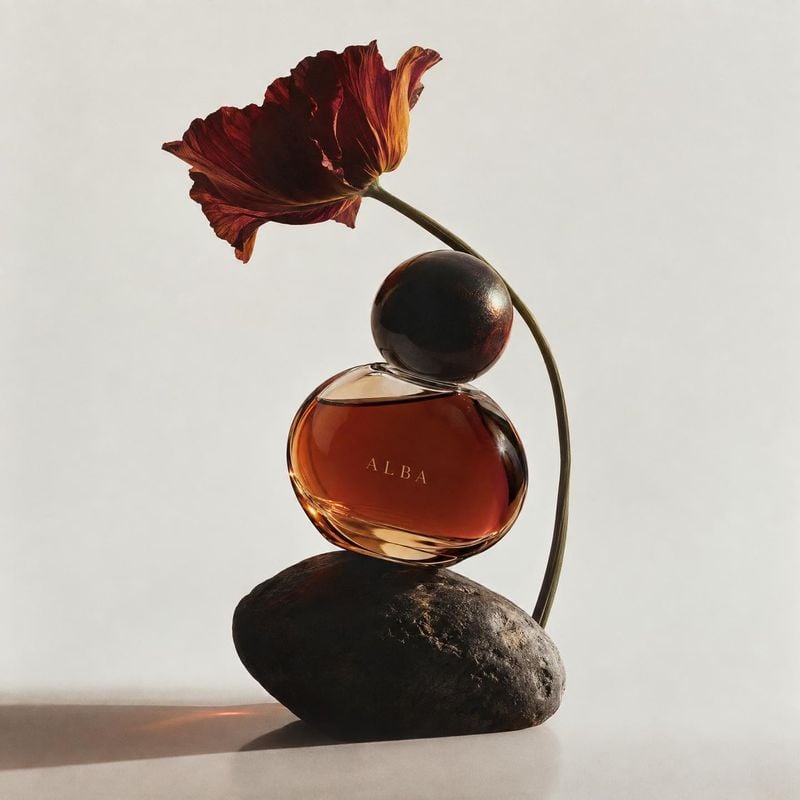
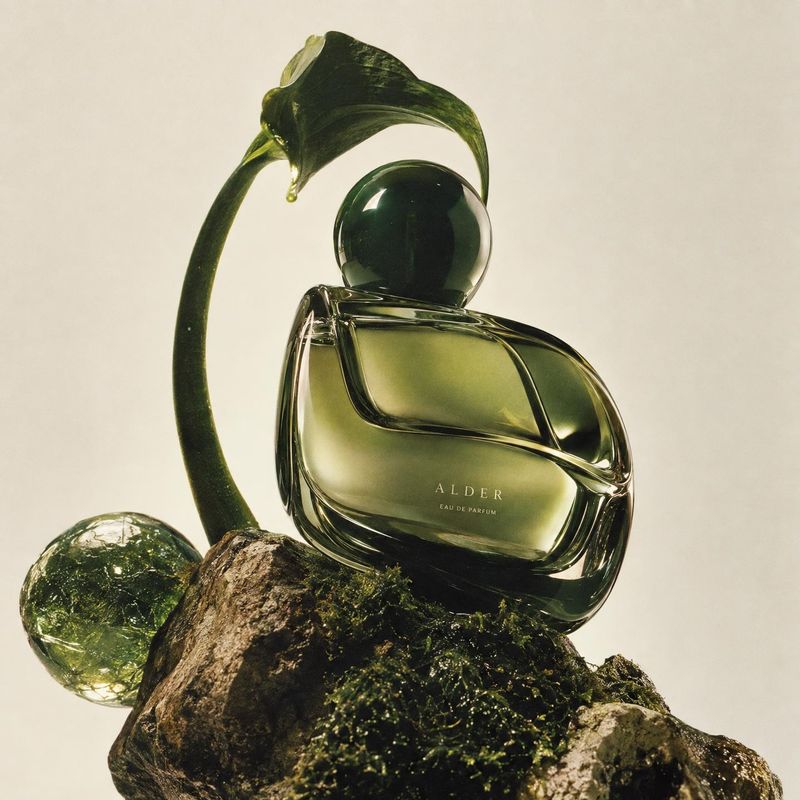
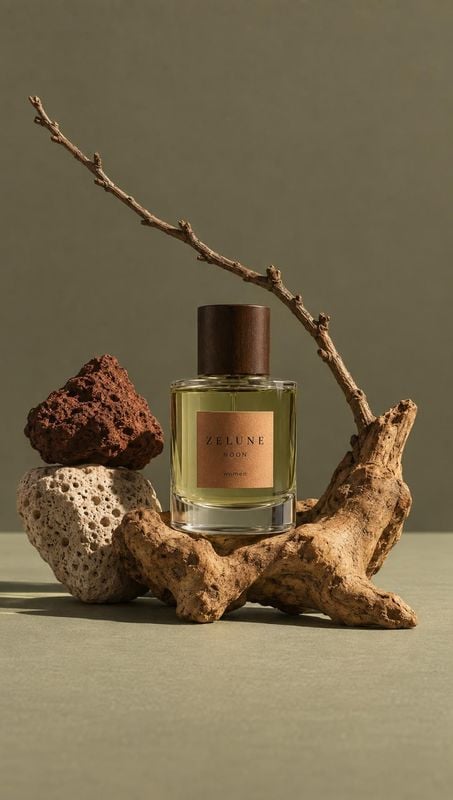
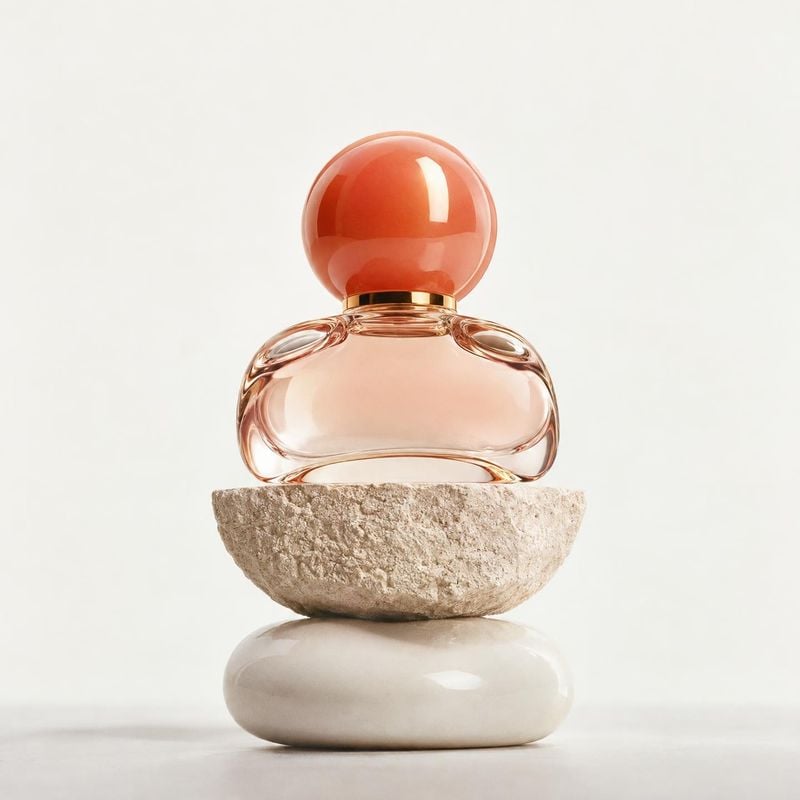
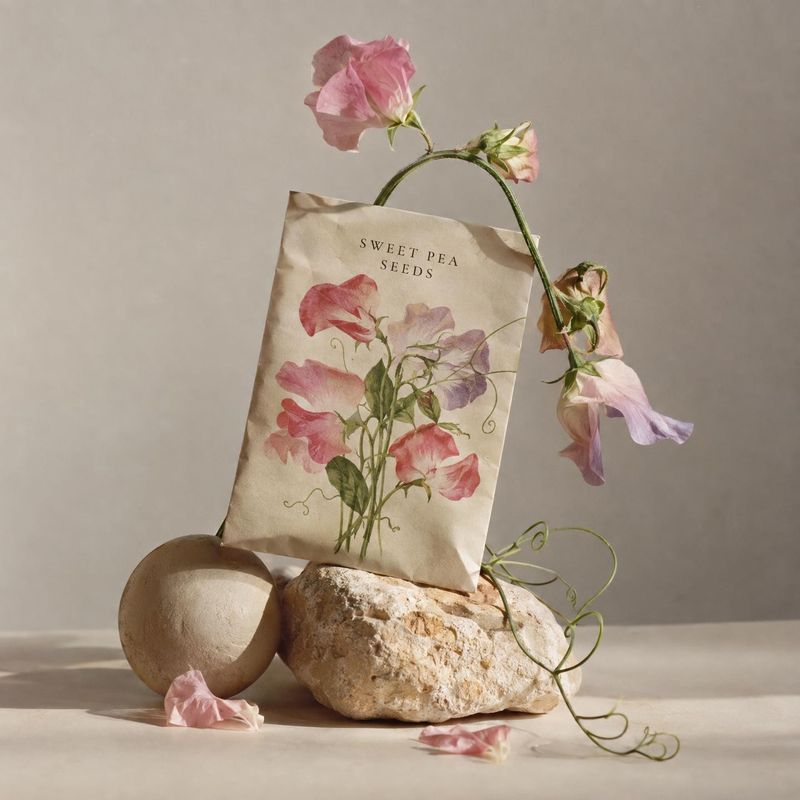
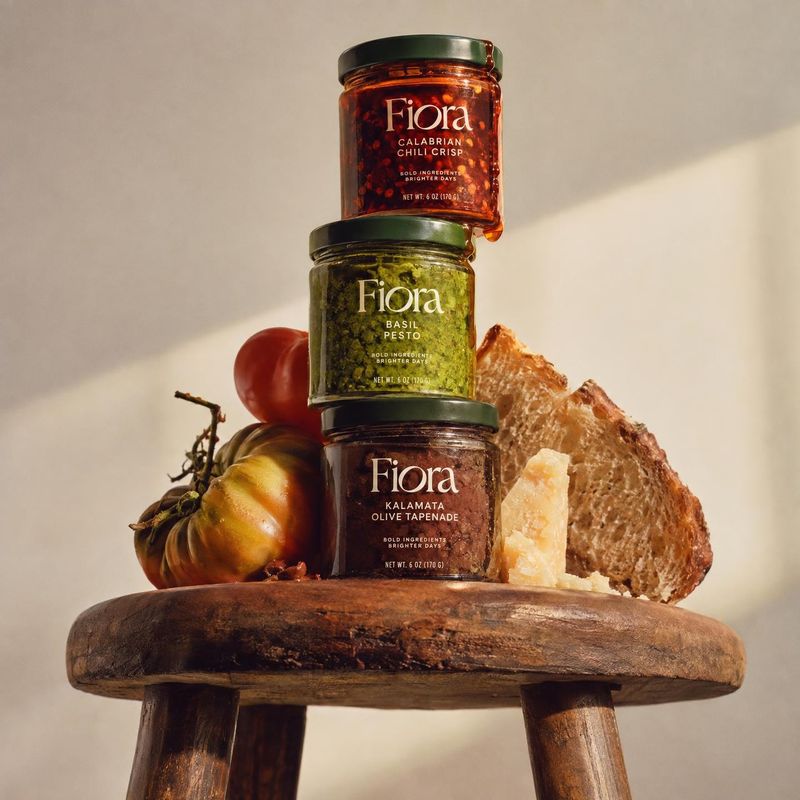
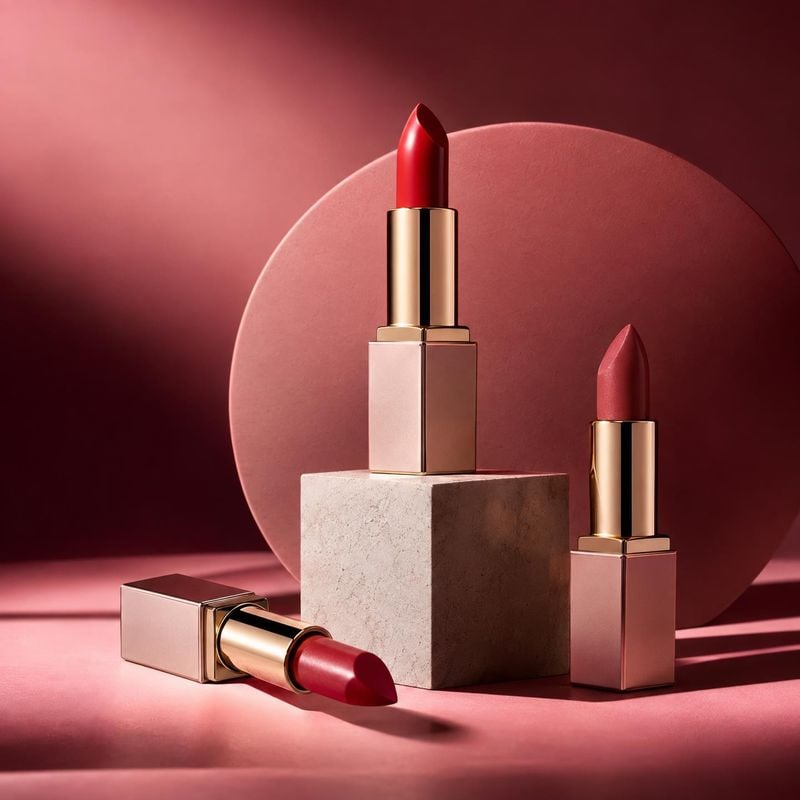
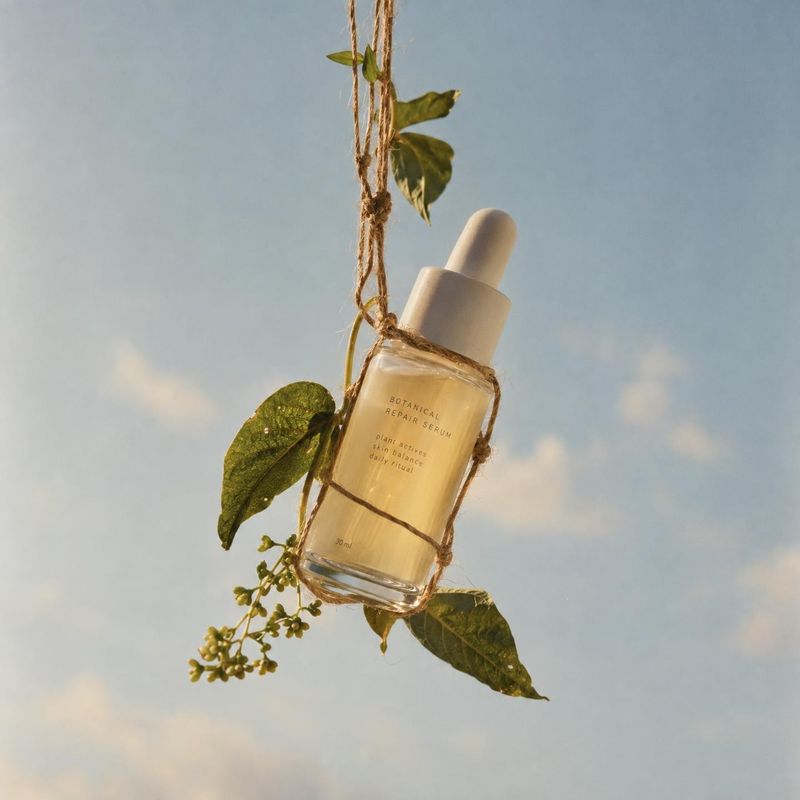
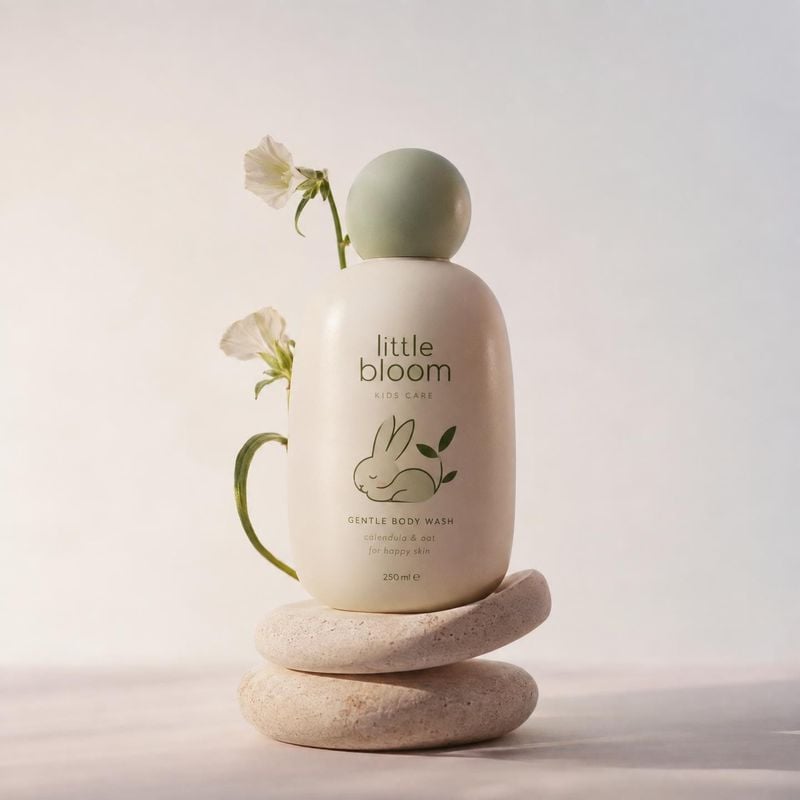
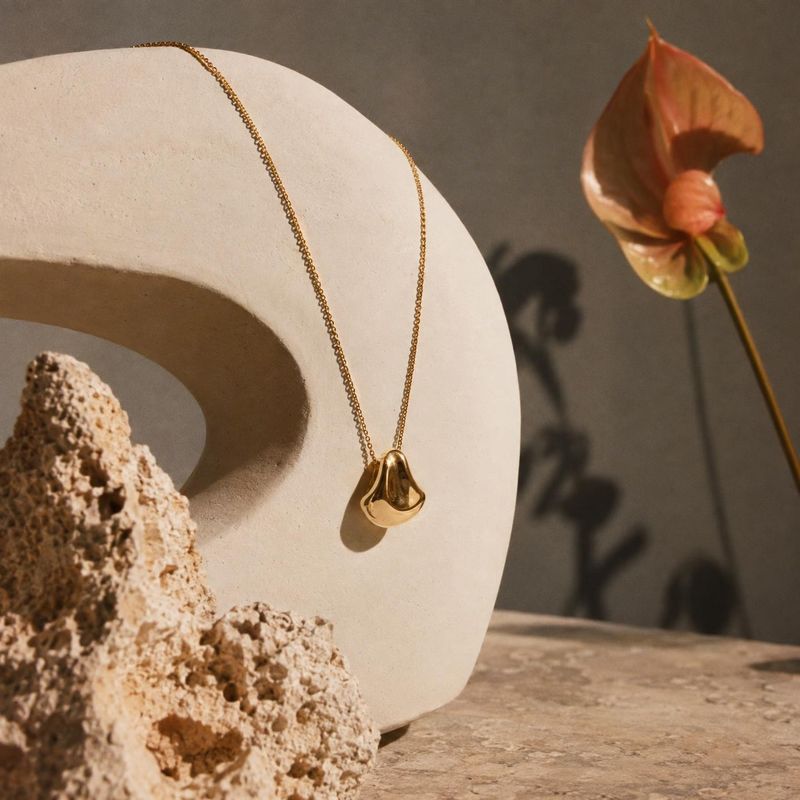
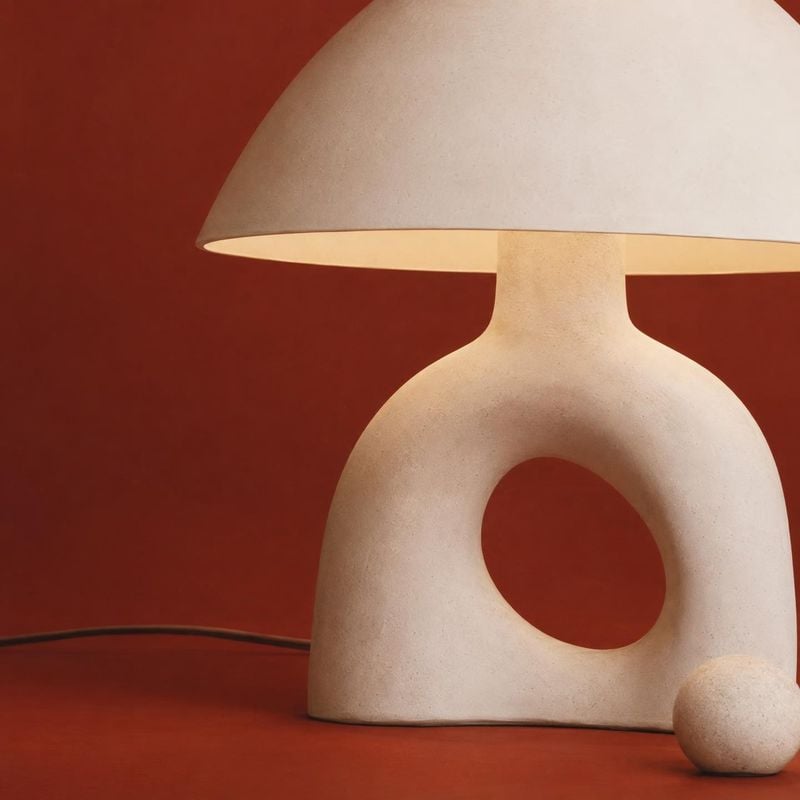
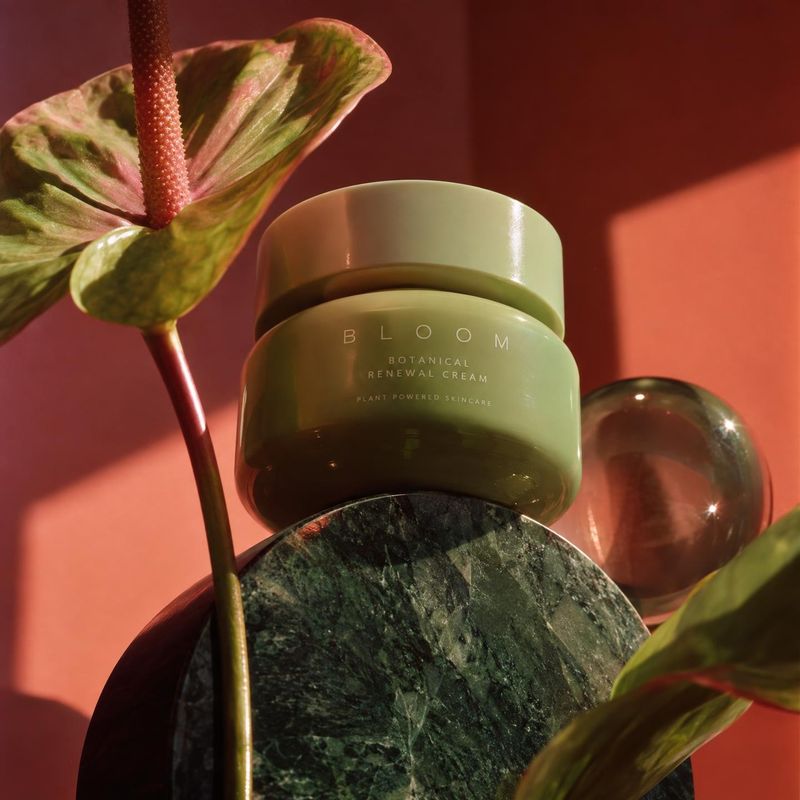
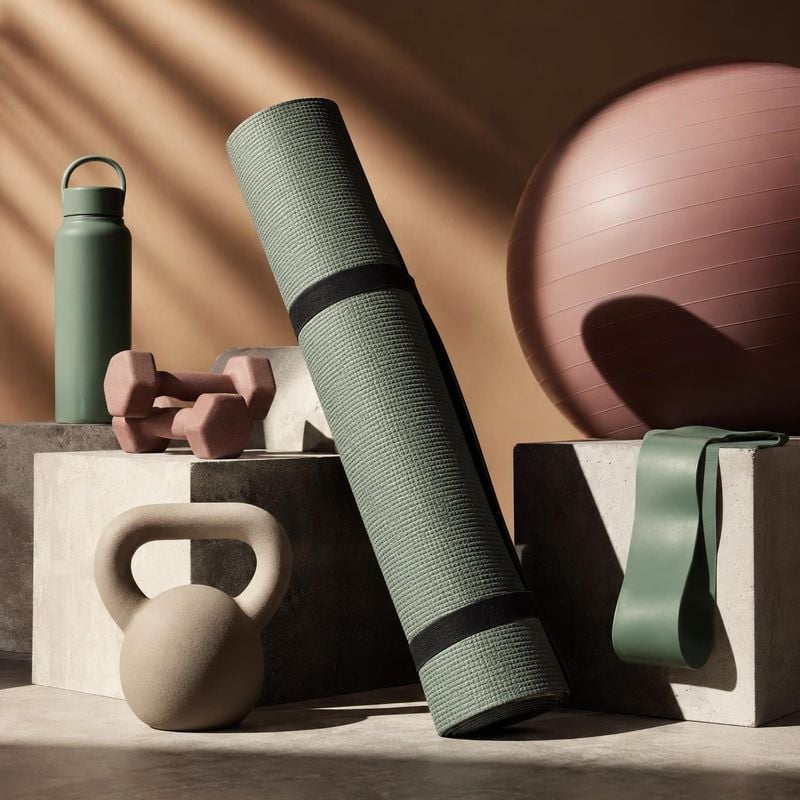
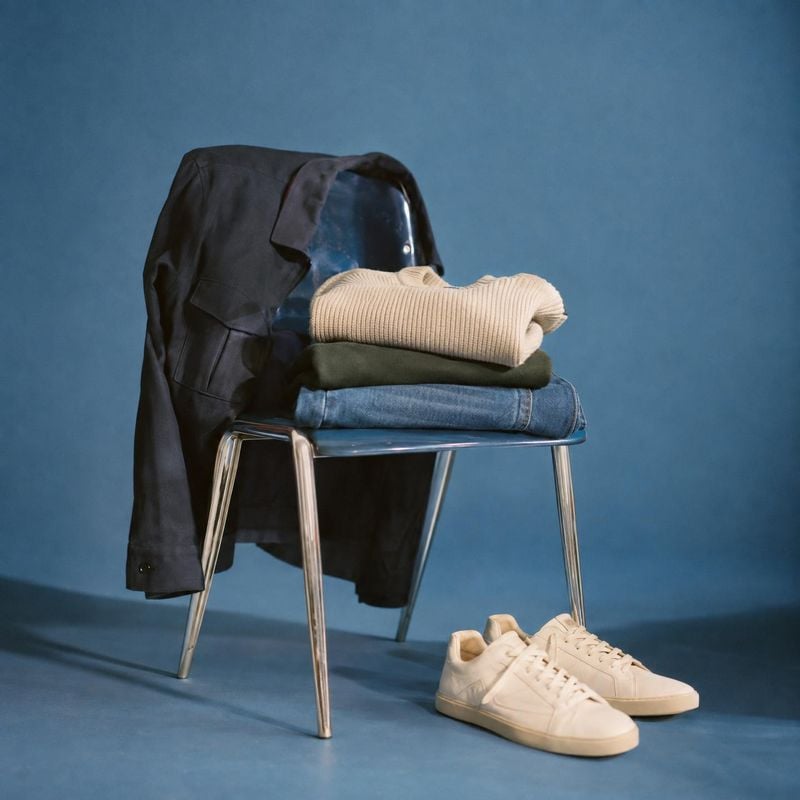
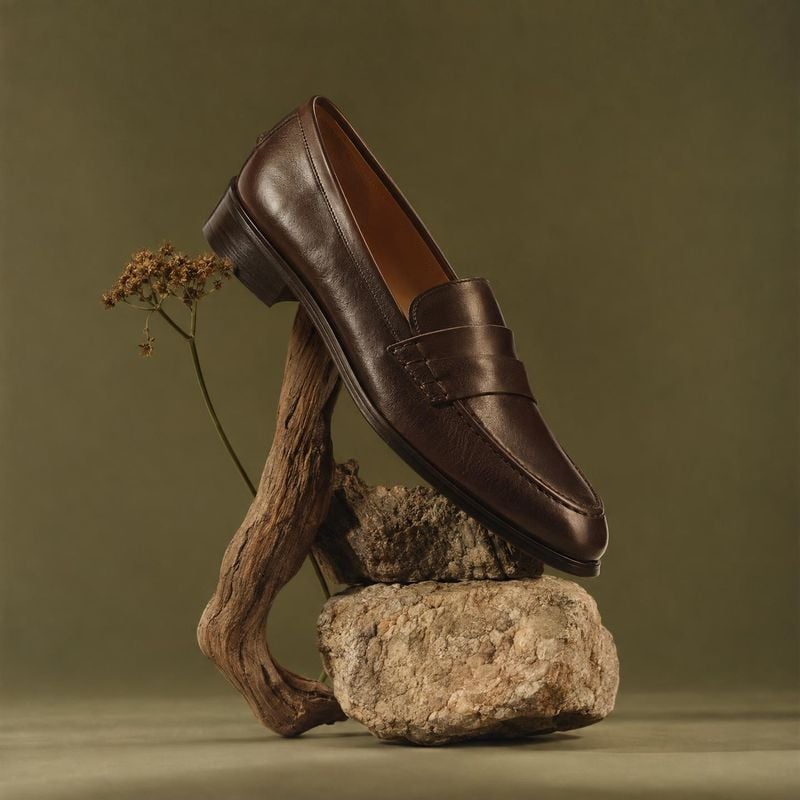
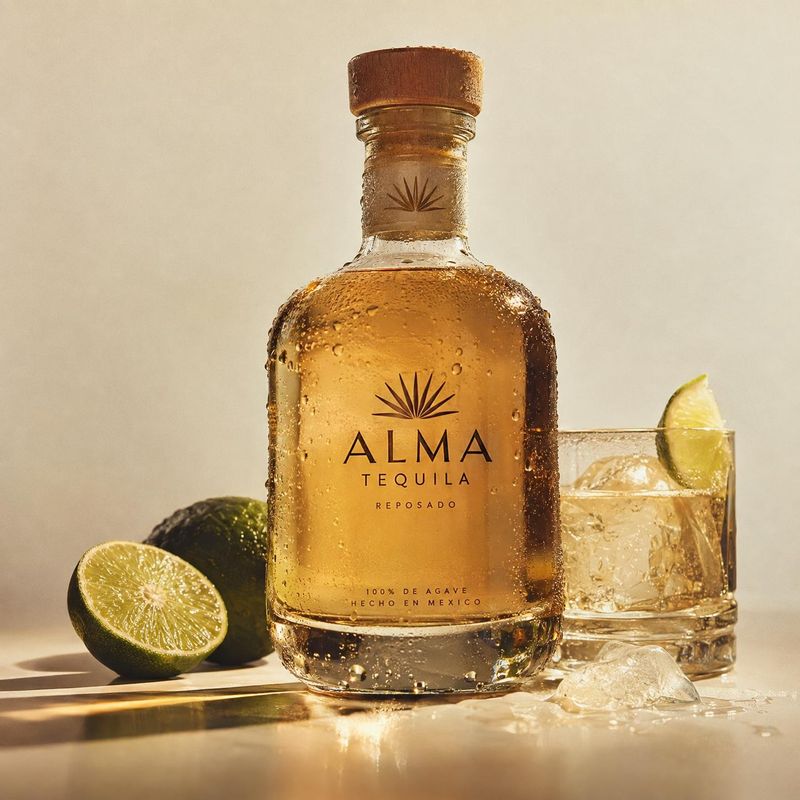
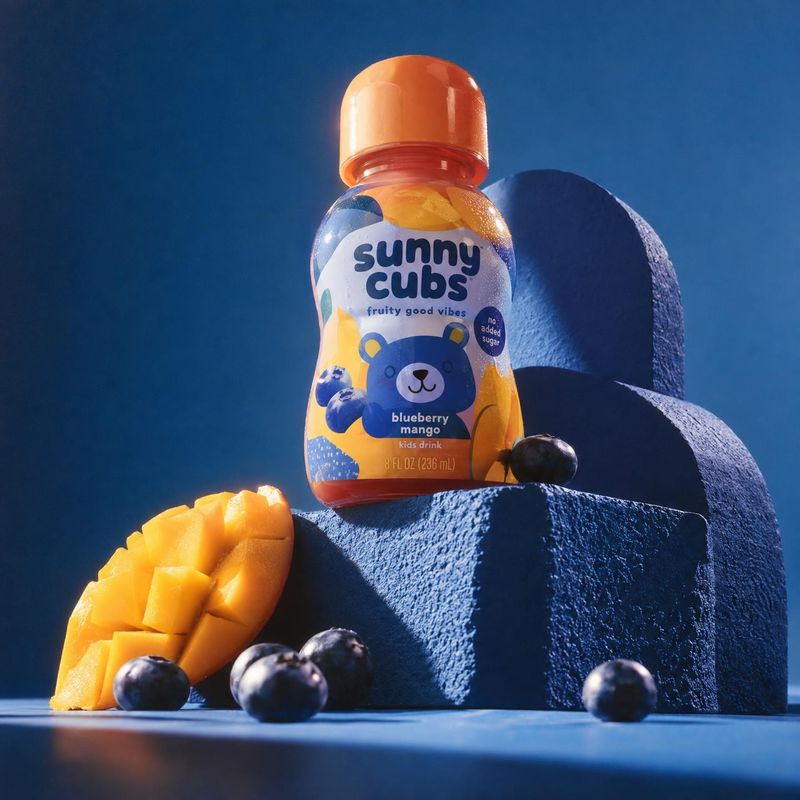
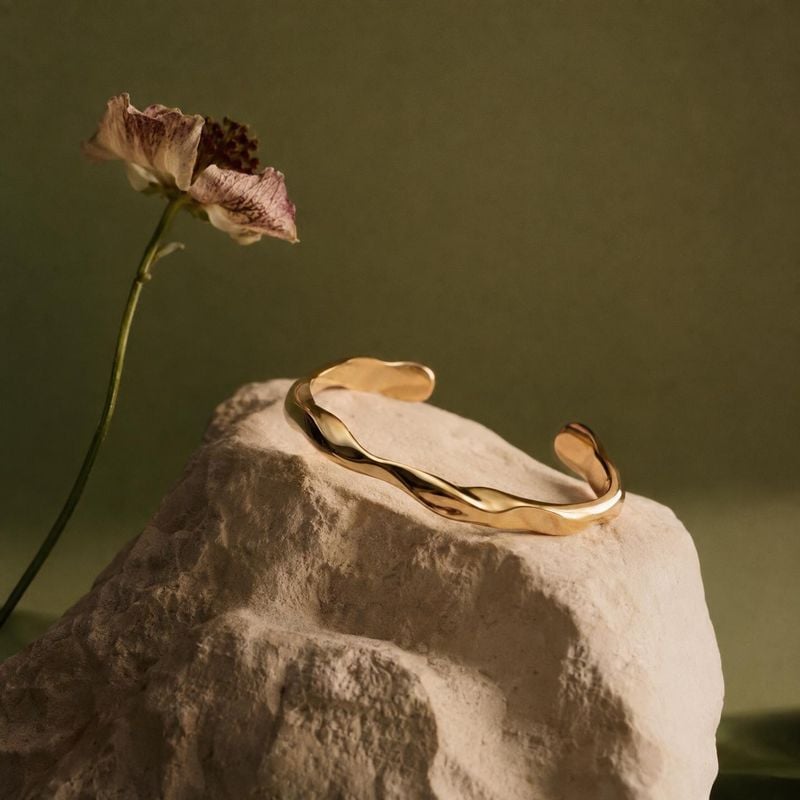
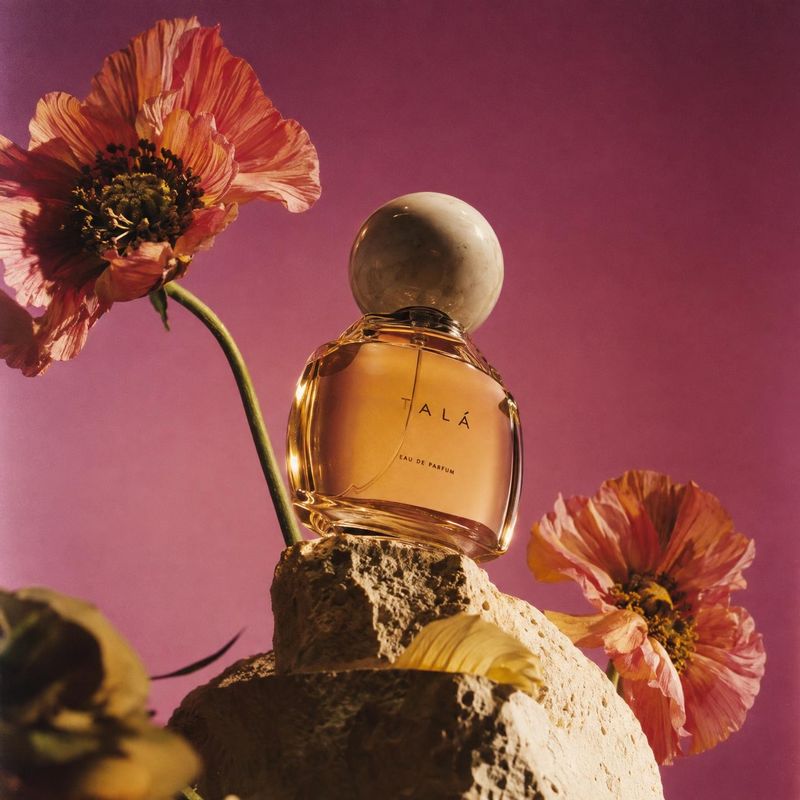
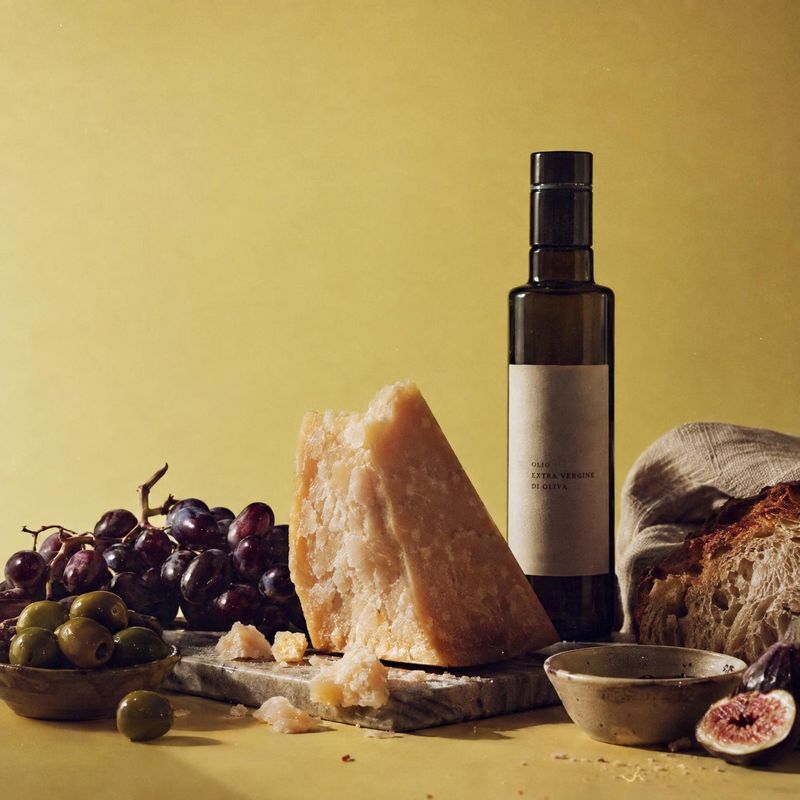
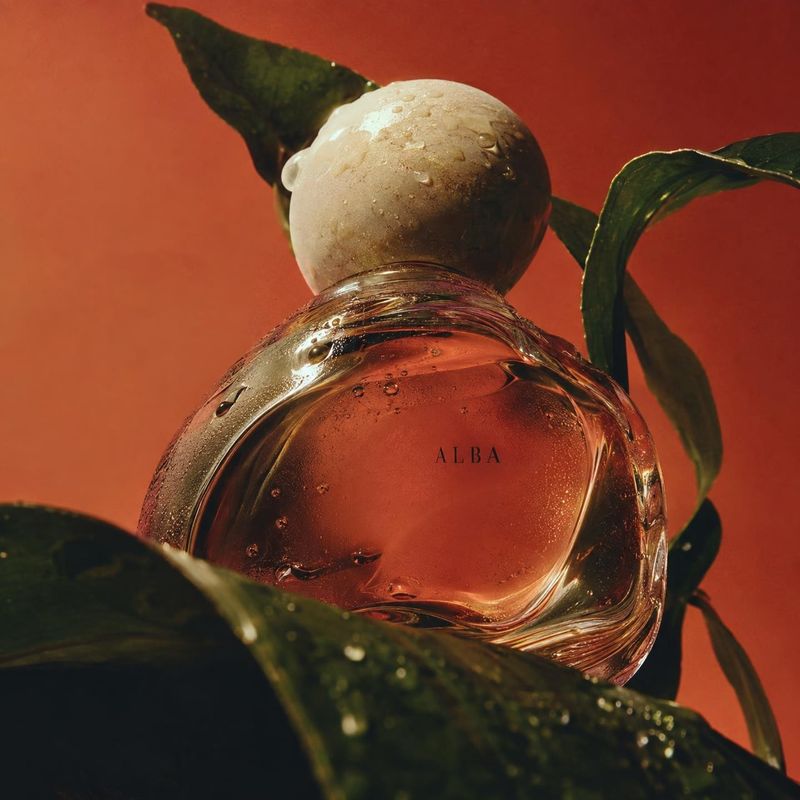
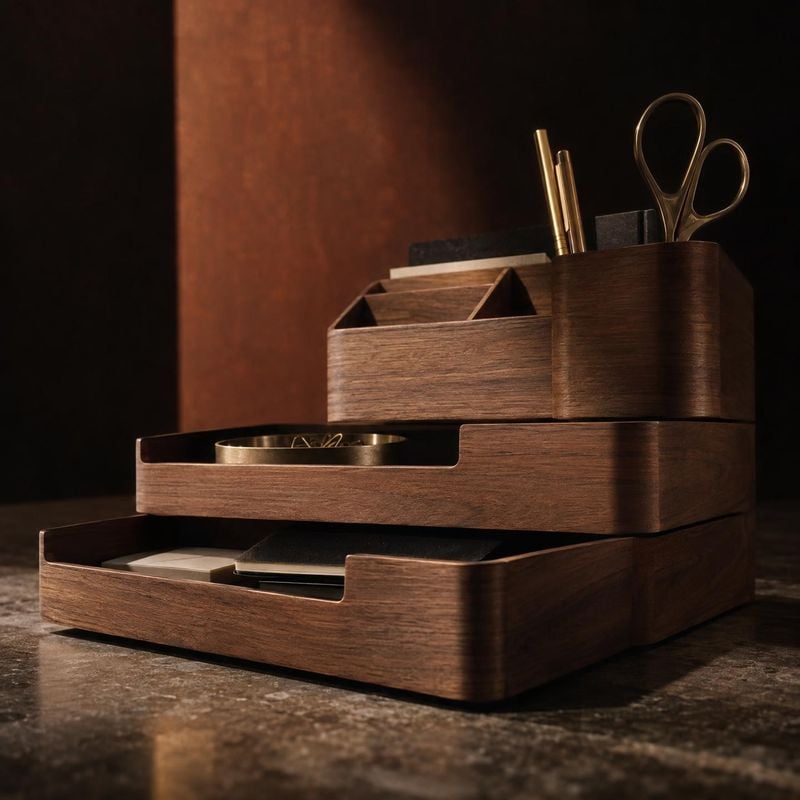
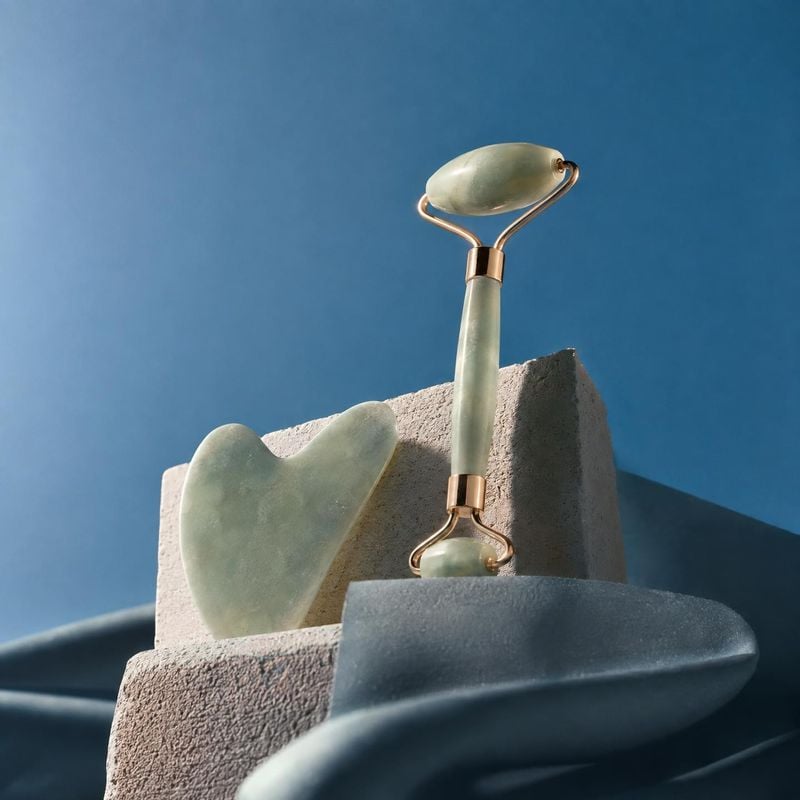
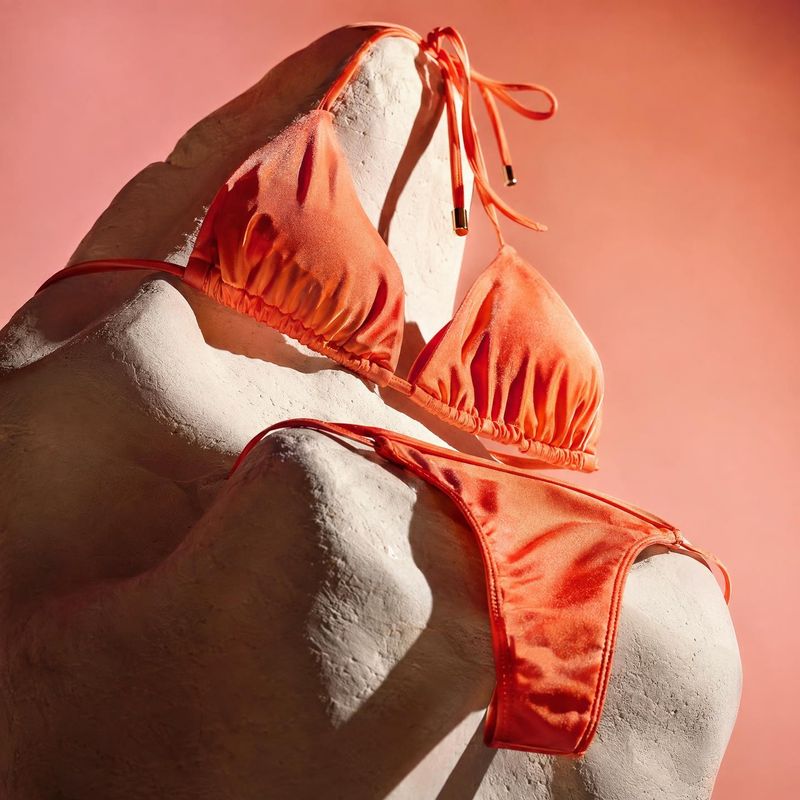
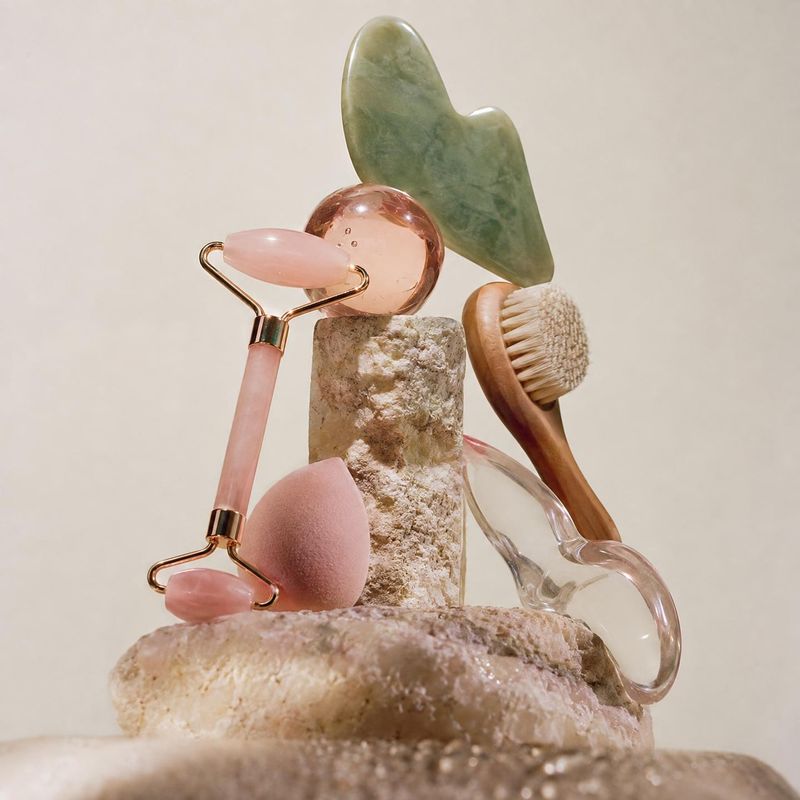
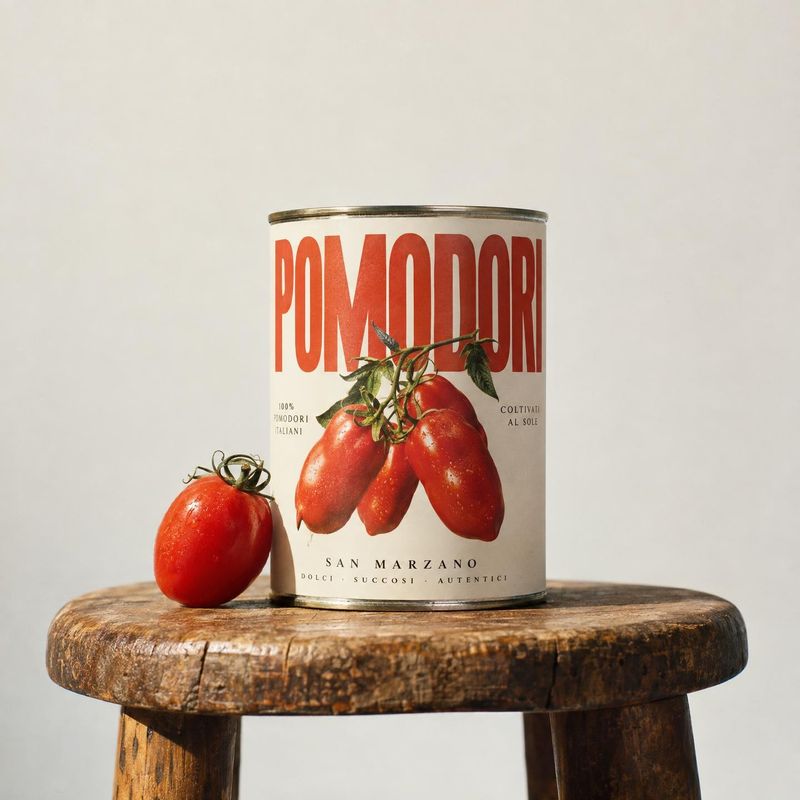
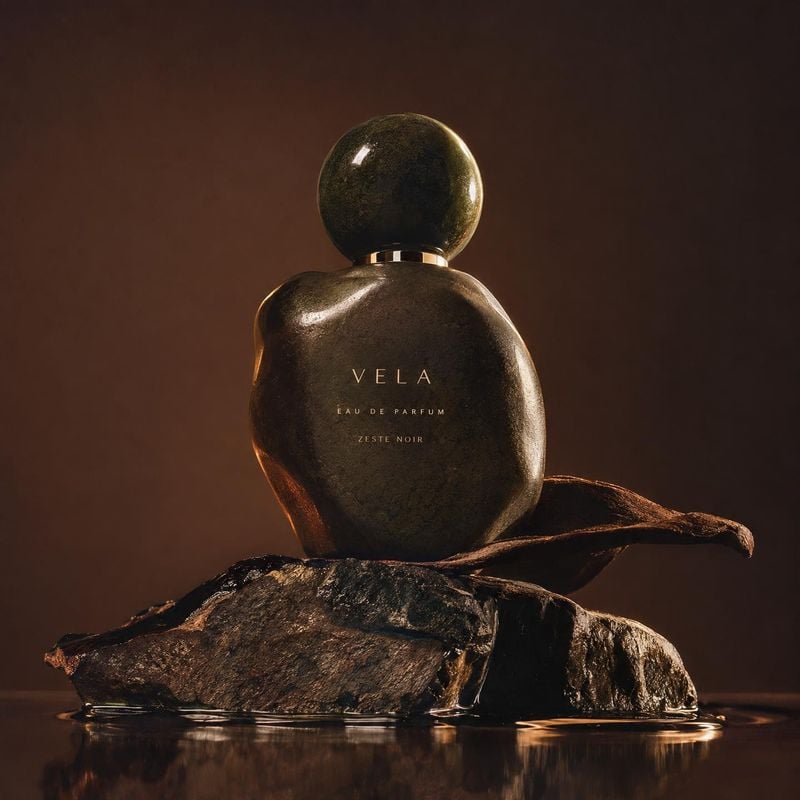
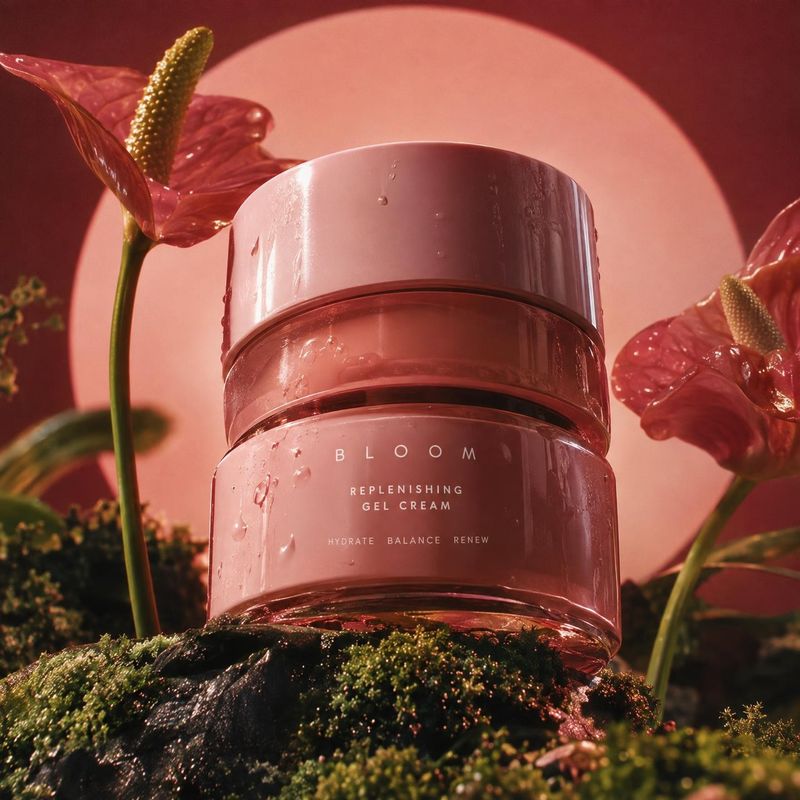
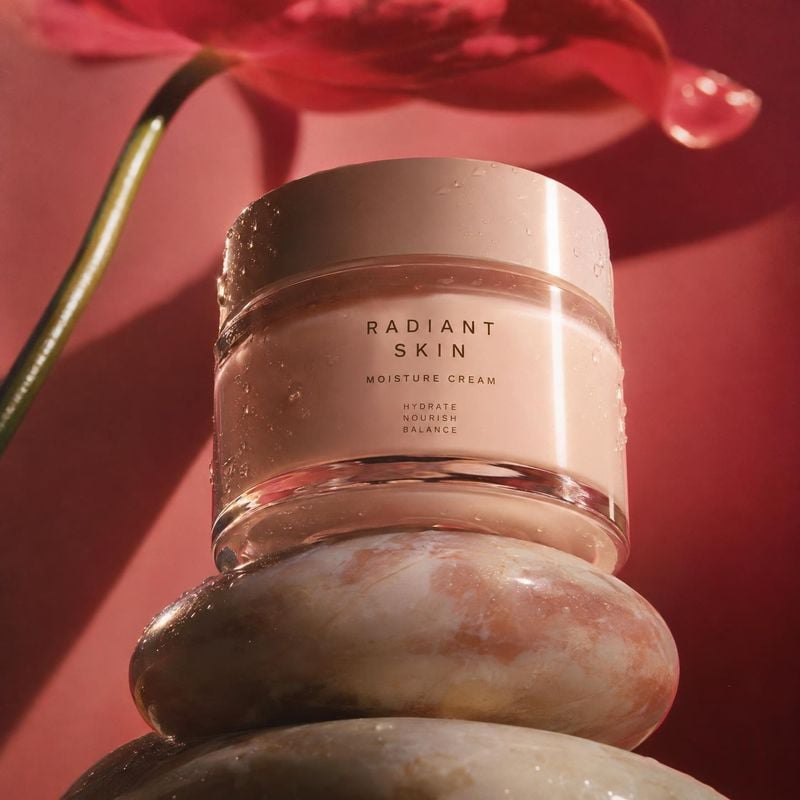
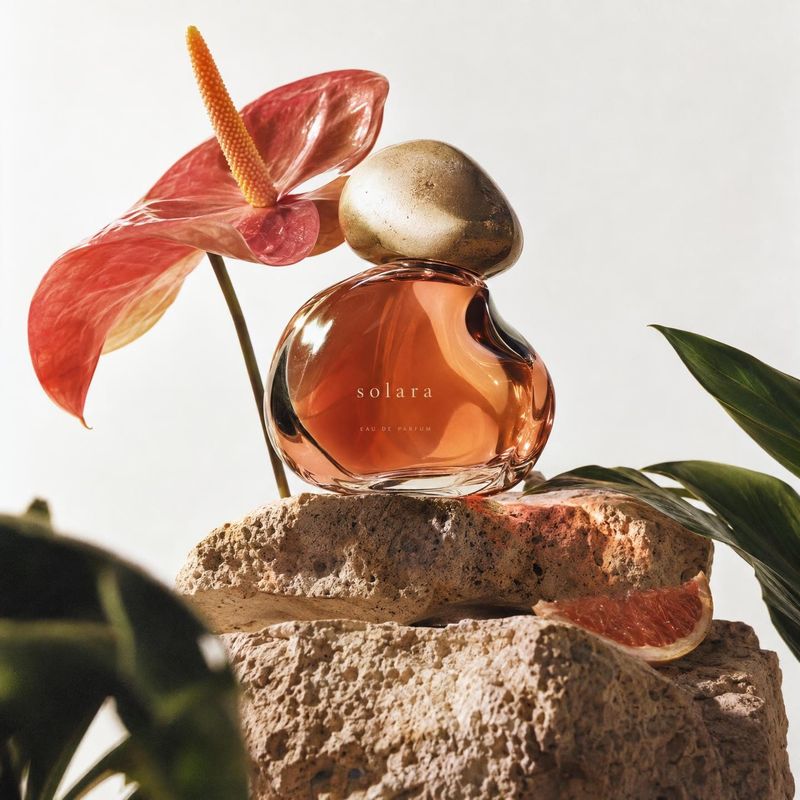
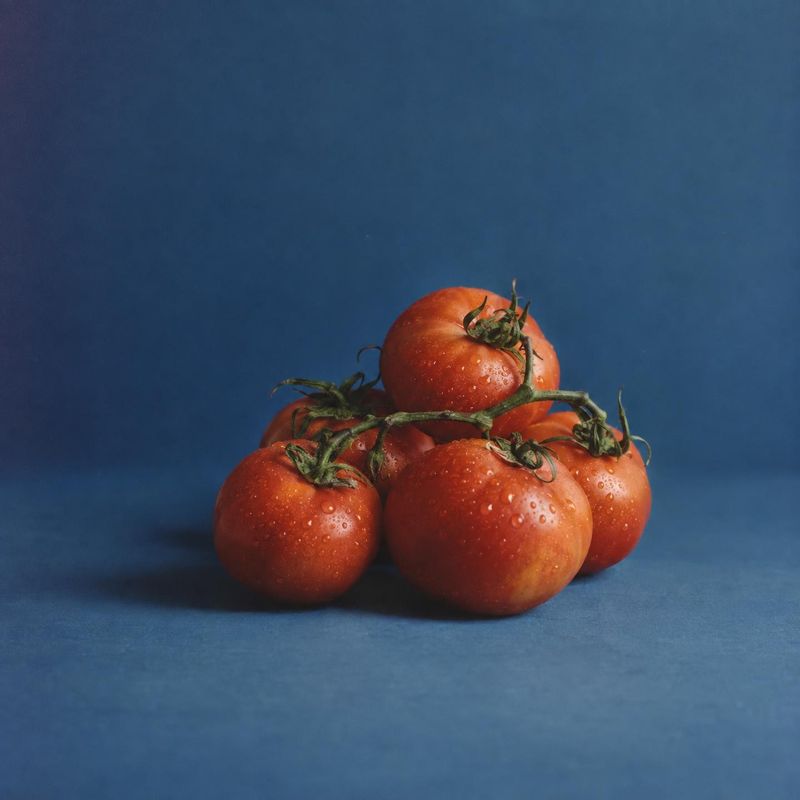
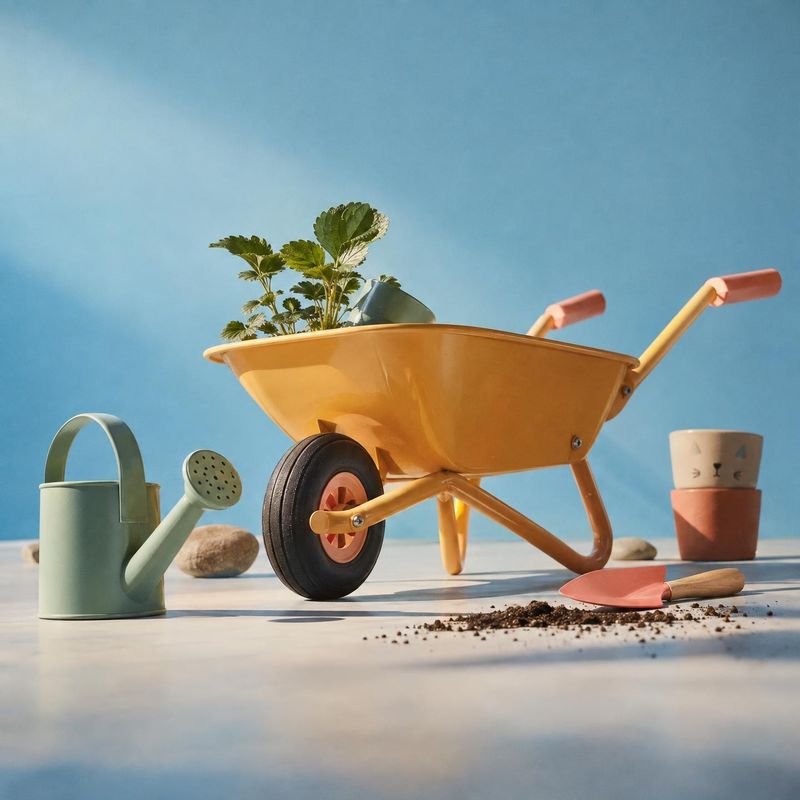
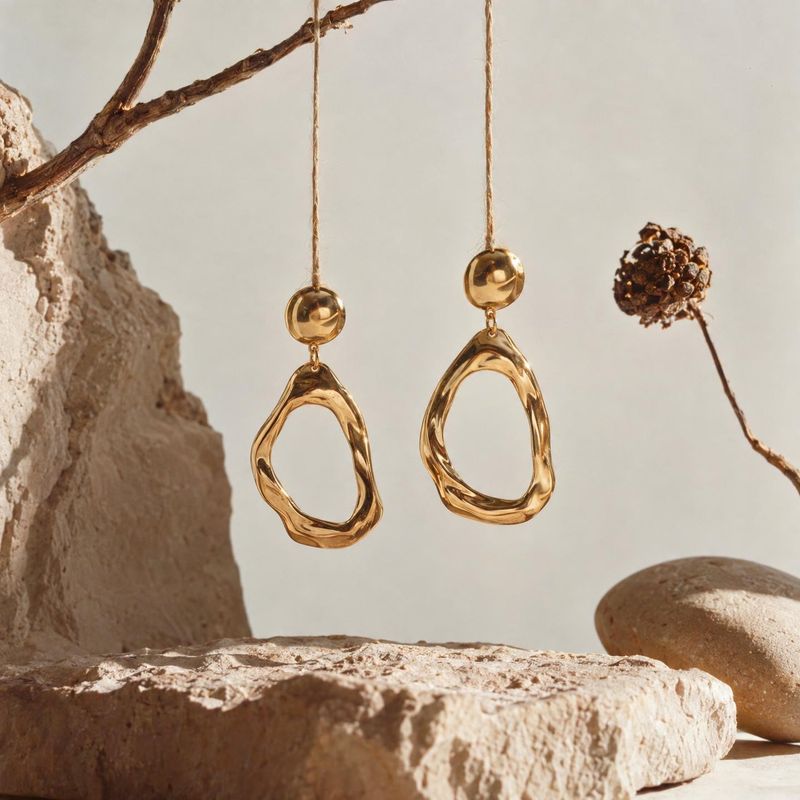
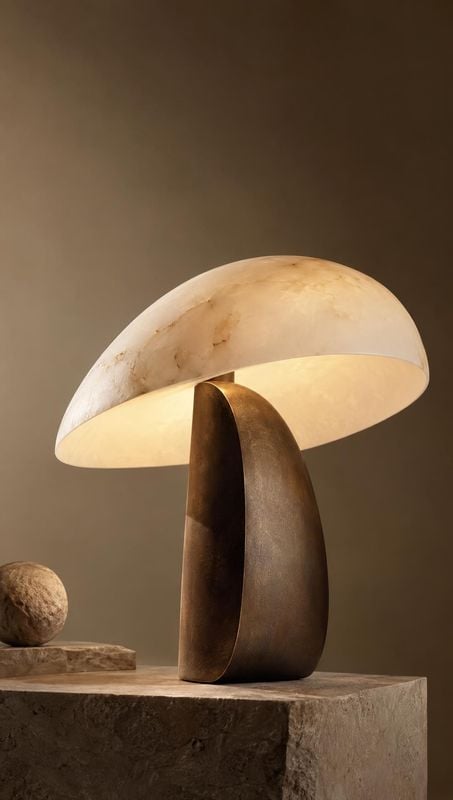
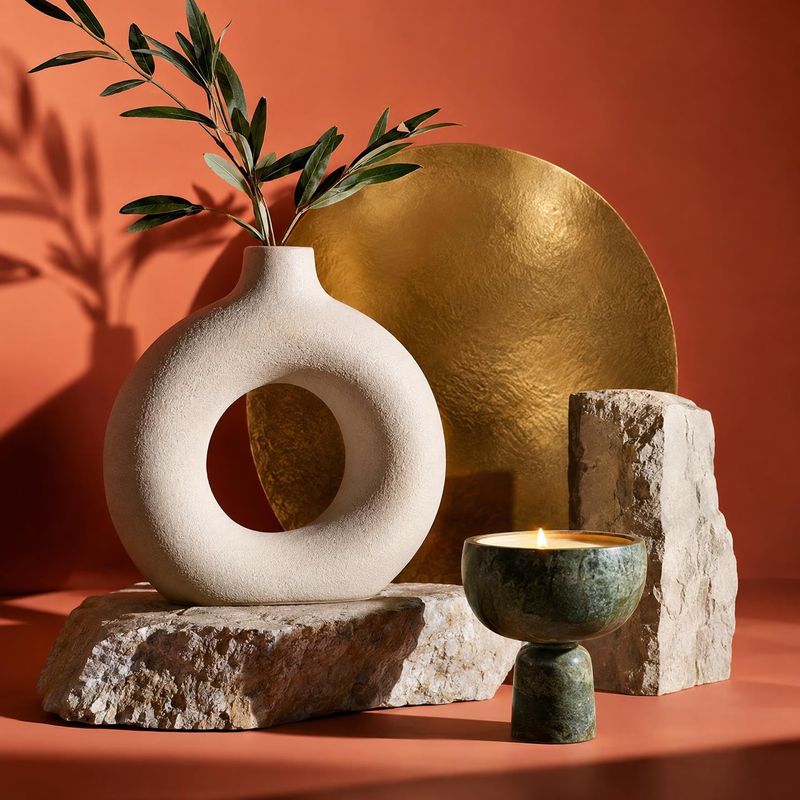
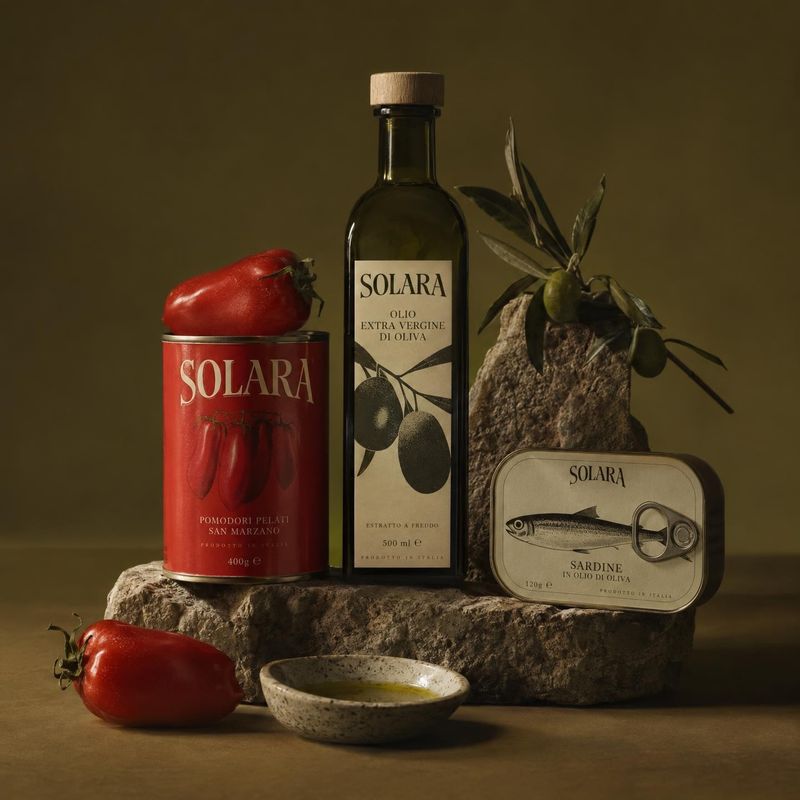
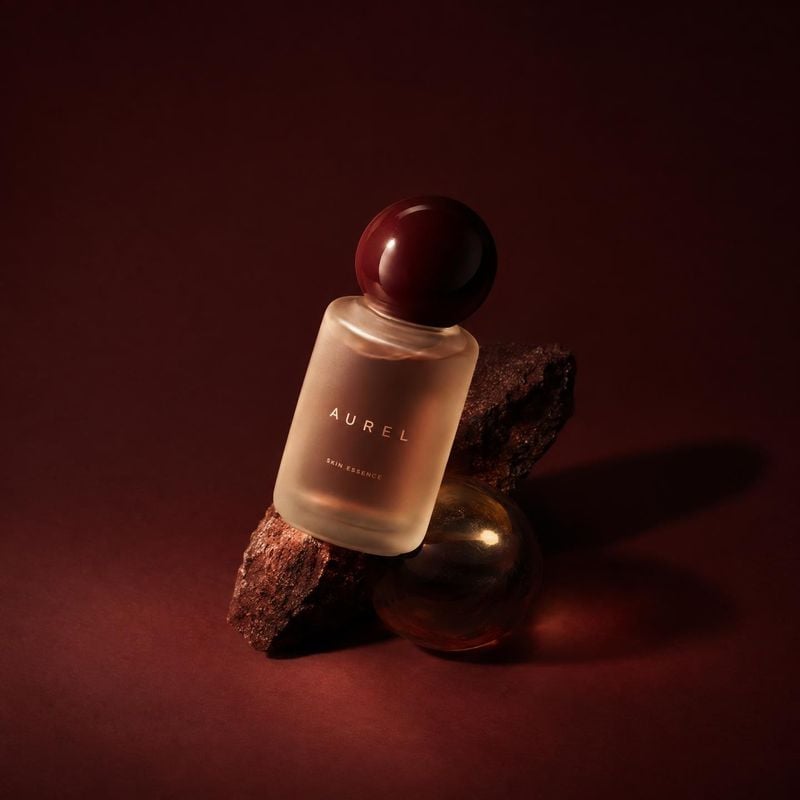
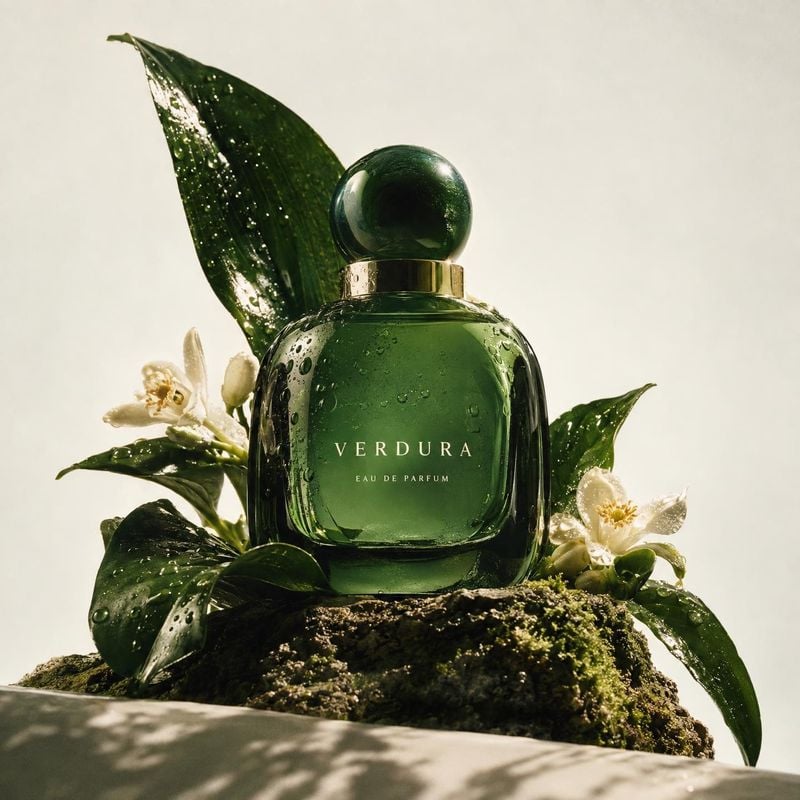
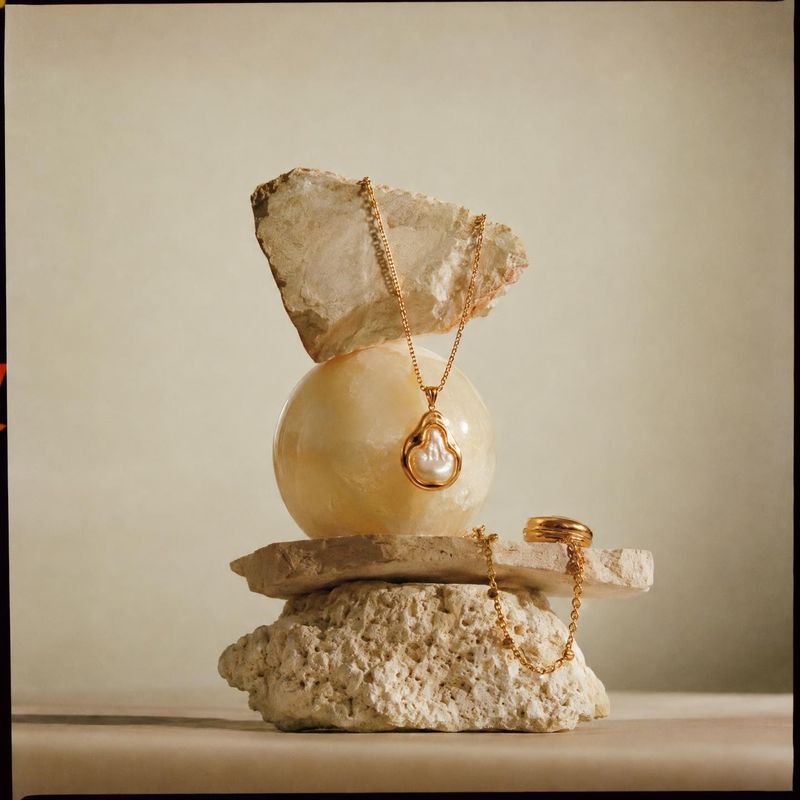
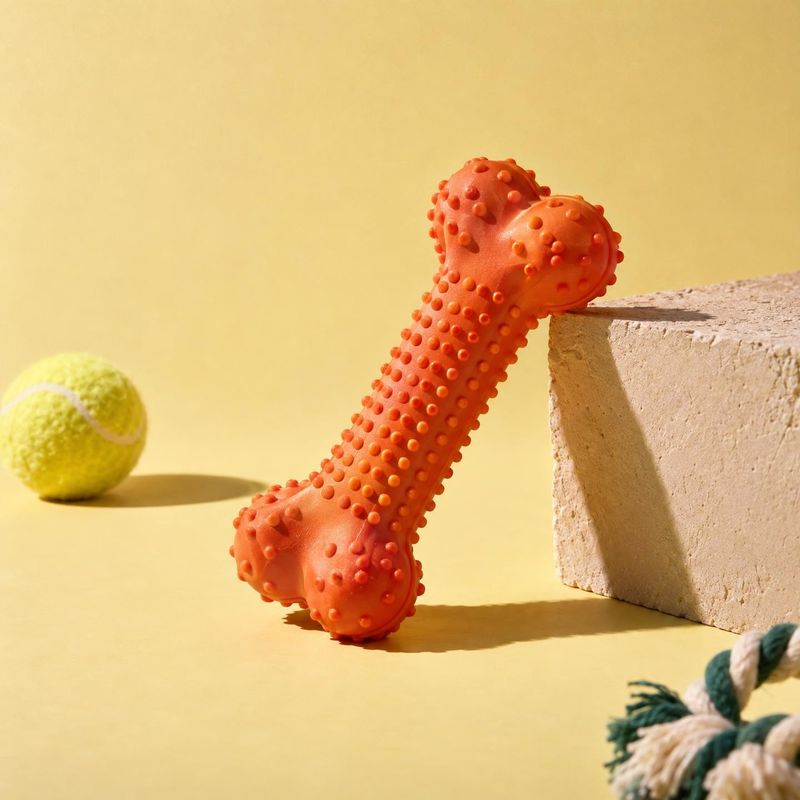
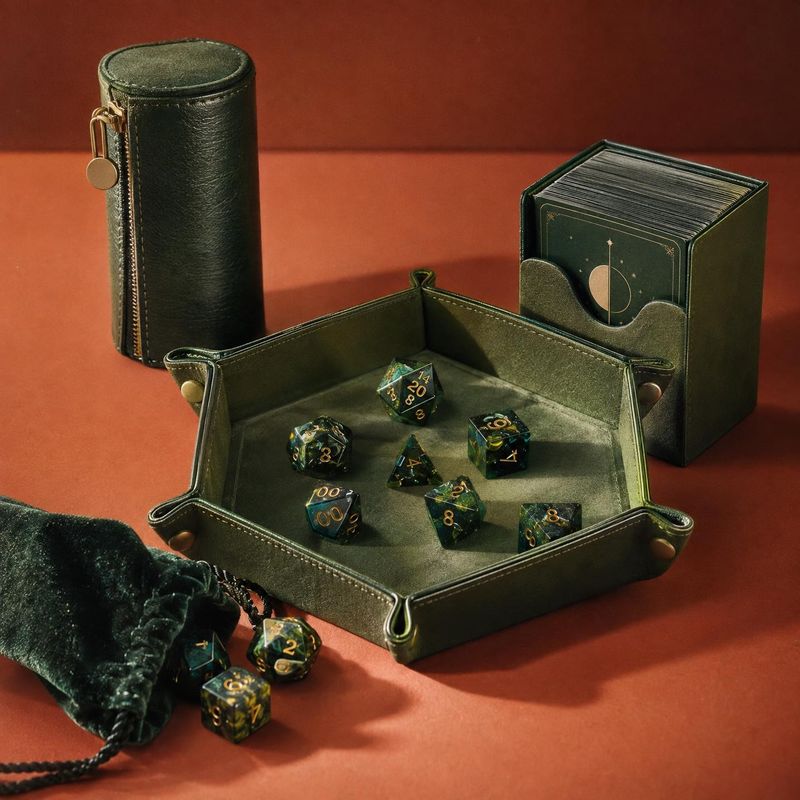
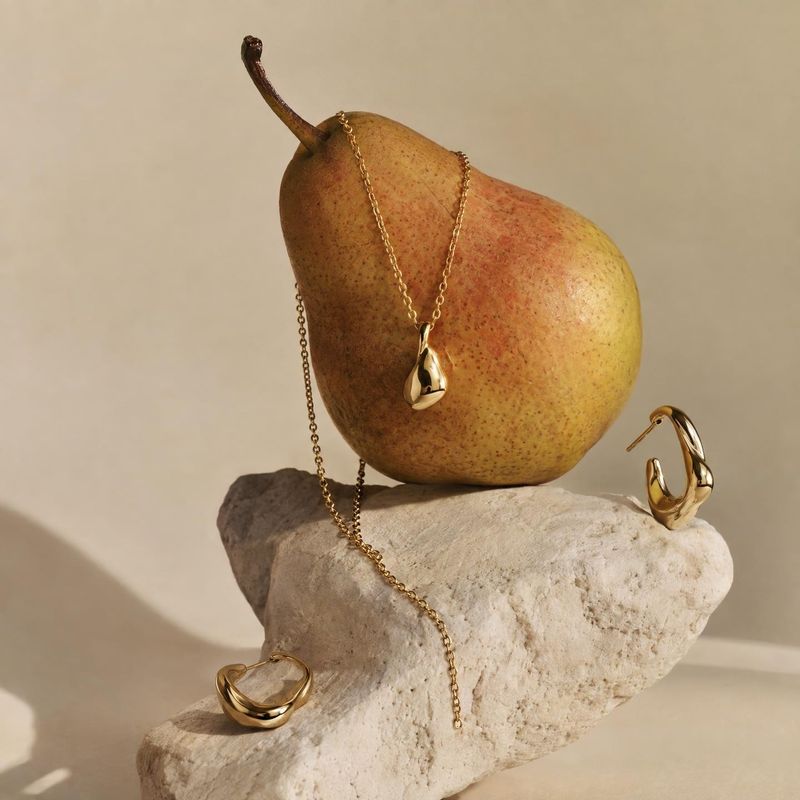
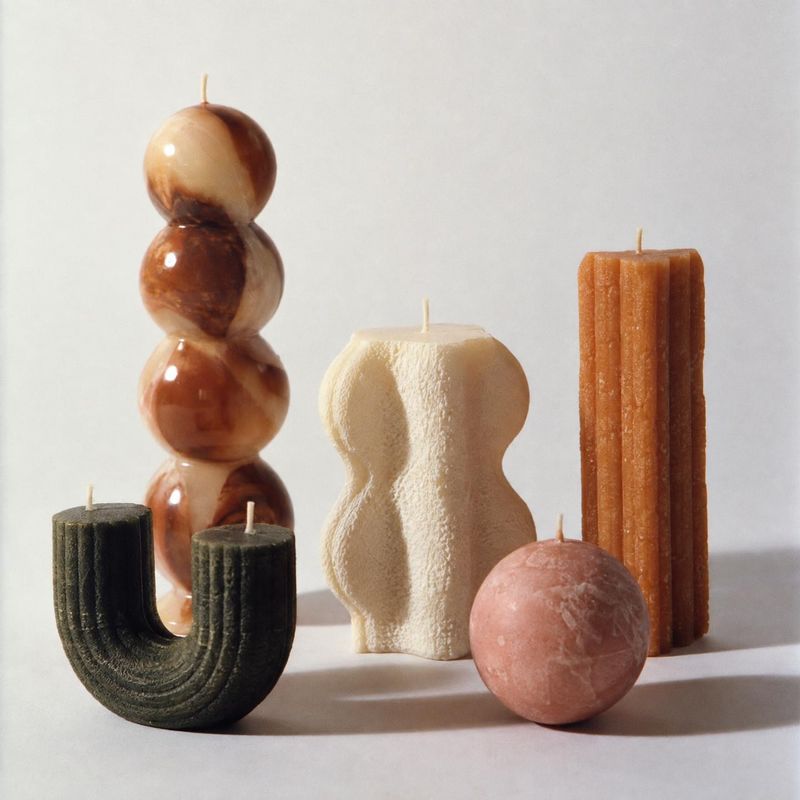
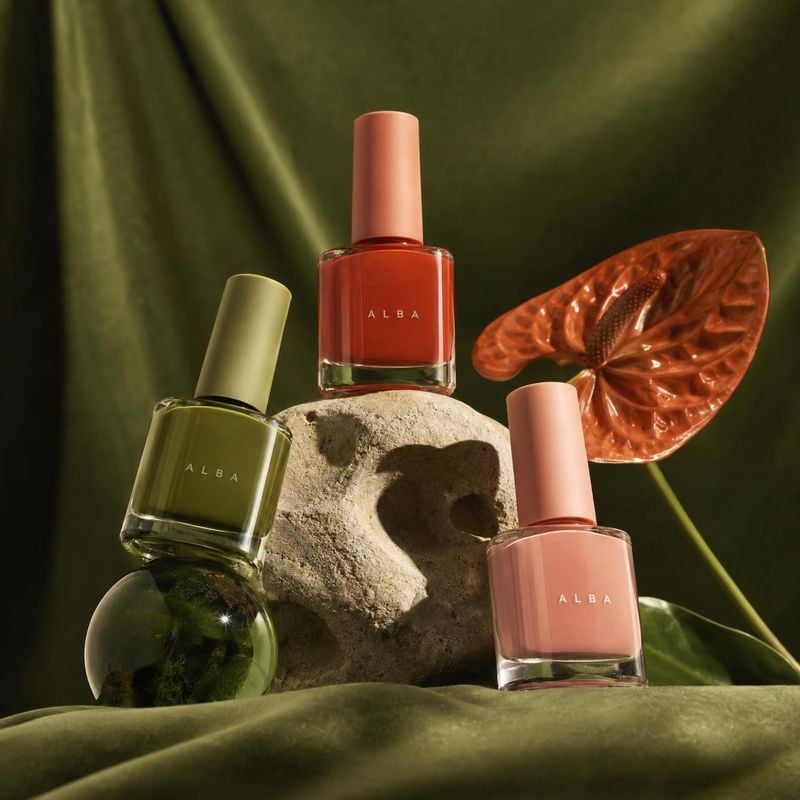
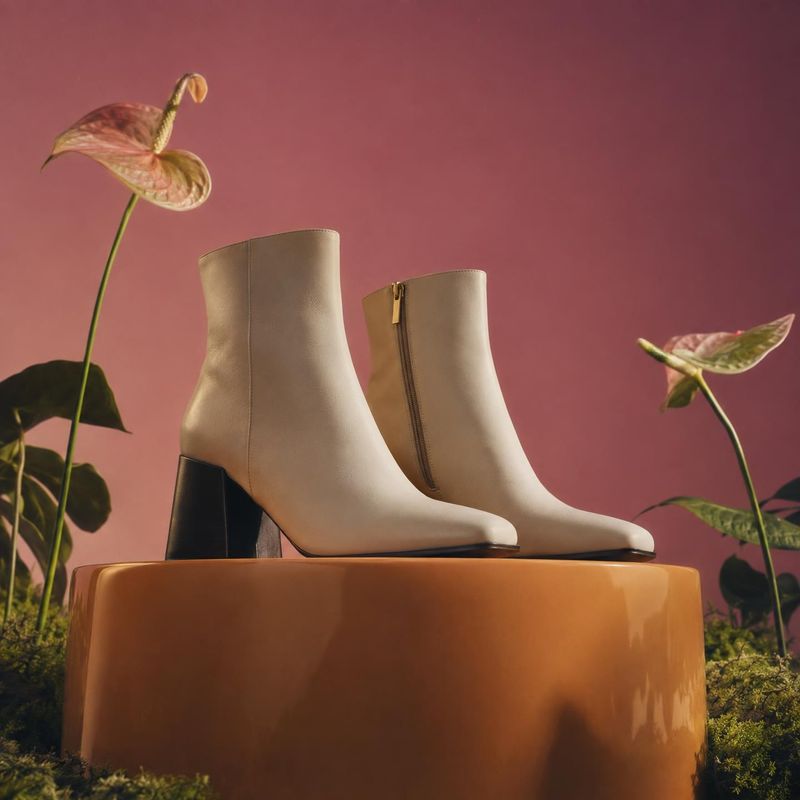
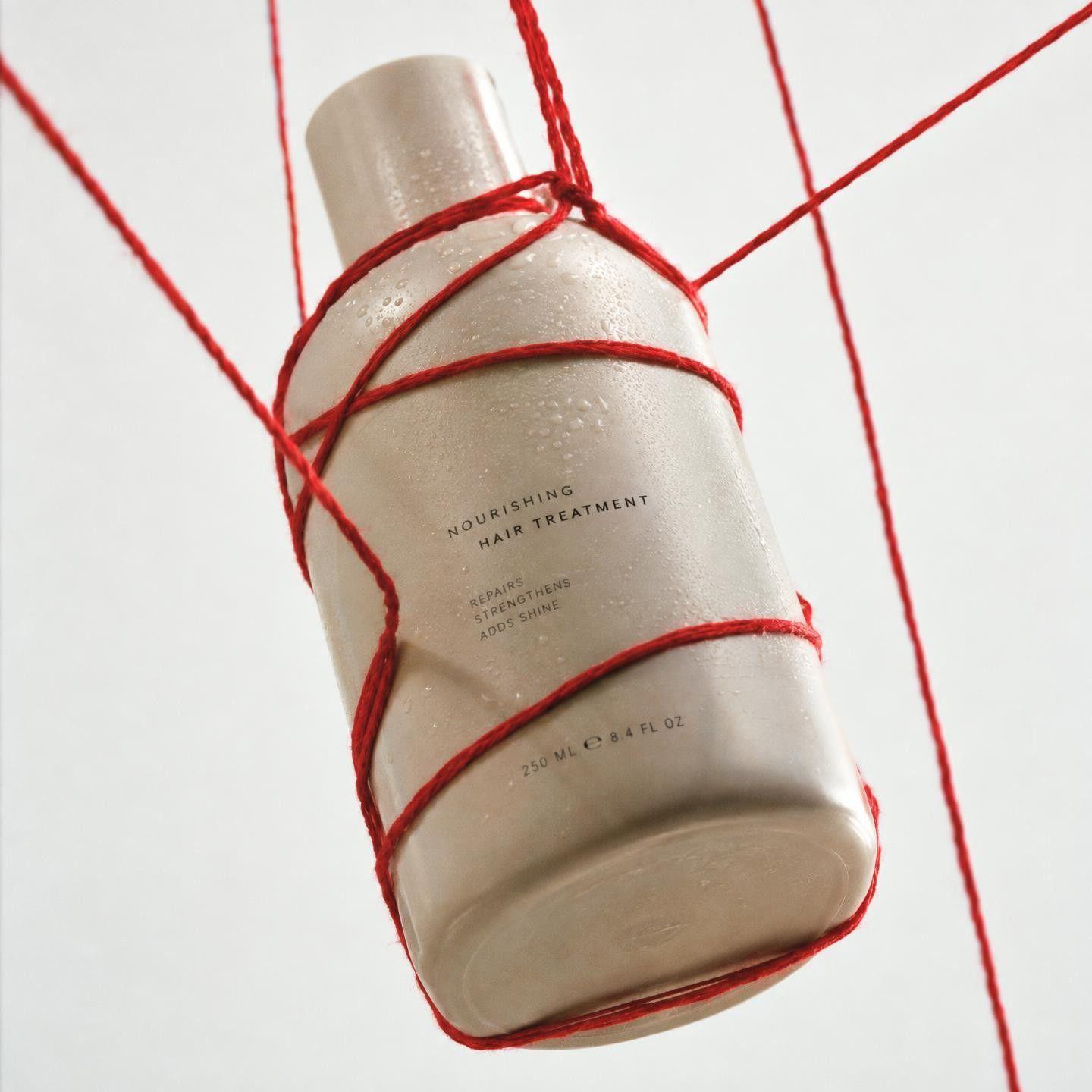
Still life product photos stage the product among props, surfaces and shadows: a lipstick on a stone slab, a candle beside dried flowers, a bottle in a pool of light. These ideas show how a few objects and a considered light source give a product mood without a model or location.
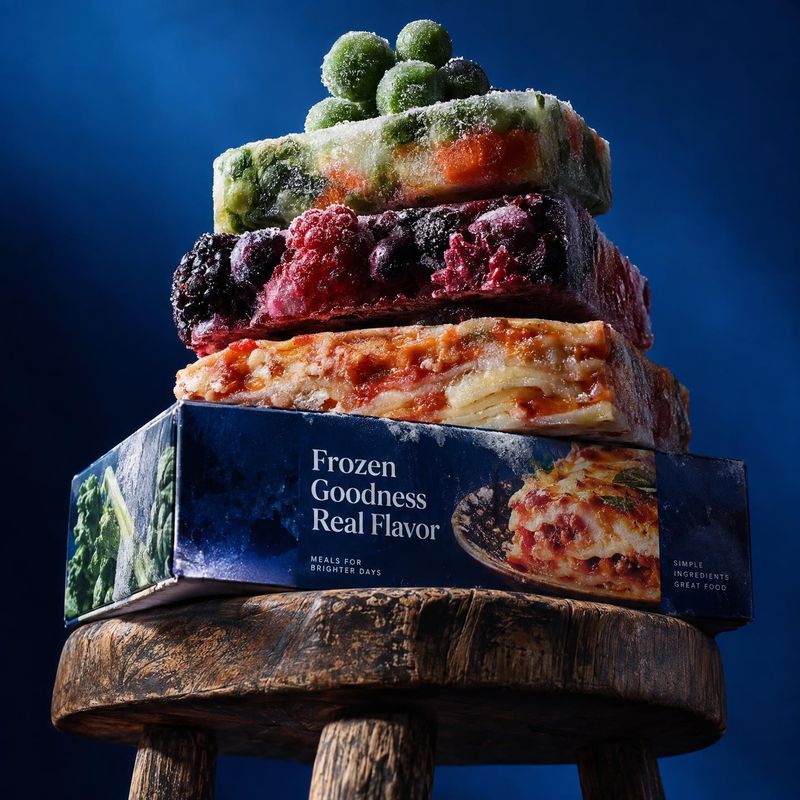
The reference is read as a treatment. Its light, colors and surfaces come over; its product, logo and text do not, so the result is yours.
Before / after
Before
After
One reference, many products
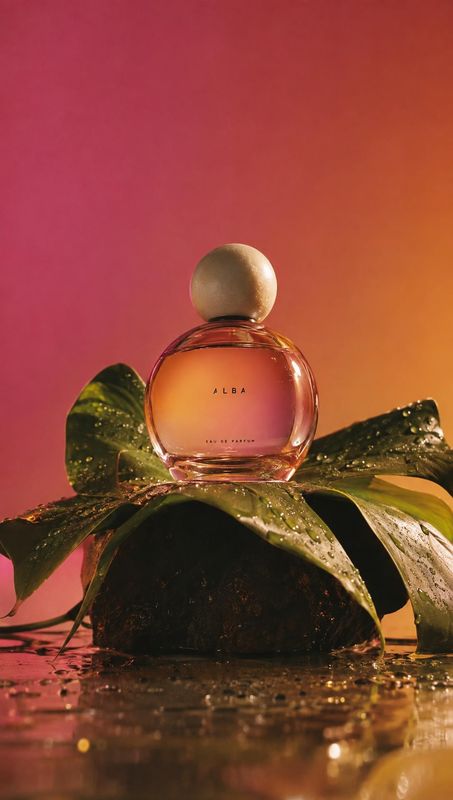
Keep the reference and swap the product. That is the fastest way to a consistent look across a catalog or a campaign.
Before / after
Before
After
Your product stays accurate
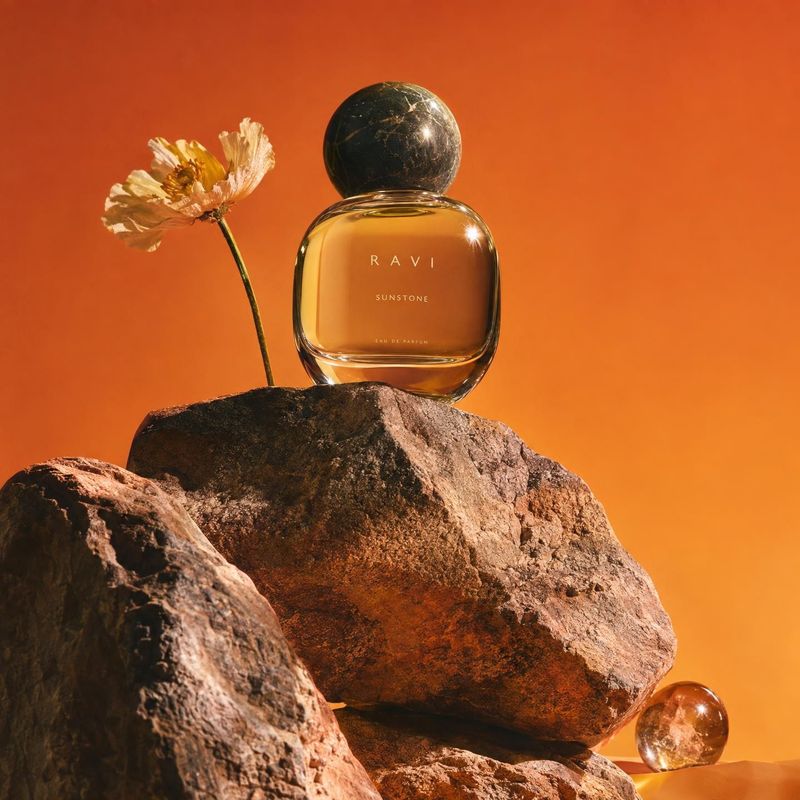
The generation is anchored to your product photo. Label, shape and materials stay true while the treatment around them changes.
Before / after
Before
After
Common questions
Kive does this with a style reference: upload the image whose look you want, add your product, and Kive shoots your product with that lighting, palette and mood. Unlike a generic style-transfer filter, the product itself stays accurate because the generation is anchored to your product photo.
No. The reference is read as a style: light, colors, surfaces, framing. The original product, logo and text are not carried over; only your product appears in the result.
Yes. Keep the same reference and swap the product. That is the fastest way to get a consistent look across a catalog or a campaign without a shoot per item.
AI style transfer applies the look of one image, its light, palette, texture and mood, to another. Generic filters repaint the whole picture. For product photos, Kive reads the reference as a treatment and generates a new photo of your product in it, so the product keeps its real shape and label.
Yes. Upload the reference image, add your product, and Kive shoots your product with the reference’s light, colors and mood. The reference’s own product and branding stay out of the result.
One clear lighting setup and a simple palette carry over best: a still life, an editorial frame or a brand photo you admire. Busy collages and screenshots covered in text are harder to read as a style.
Ideas from the Kive library are royalty-free and yours to use commercially. When the starting image is someone else’s photo or ad, treat it as a reference: replace their product, logo and copy. Anything you add, such as your product, text or logo, is your responsibility. This is general information, not legal advice.
Yes. The try button opens Kive’s image generator with the prompt filled in, and an image made with your saved product costs 10 credits. The Free plan includes 40 credits once you verify your email; Basic is $40 a month for 2,000 credits.
Shoot your product in a new style
Sign up for free, upload an image whose look you like and a photo of your product.