
5 Pebblely Alternatives for AI Product Photos in 2026
By Olga Stogova
11 min read
Cut the product out and set it on a deep navy ground, in your browser, for free.
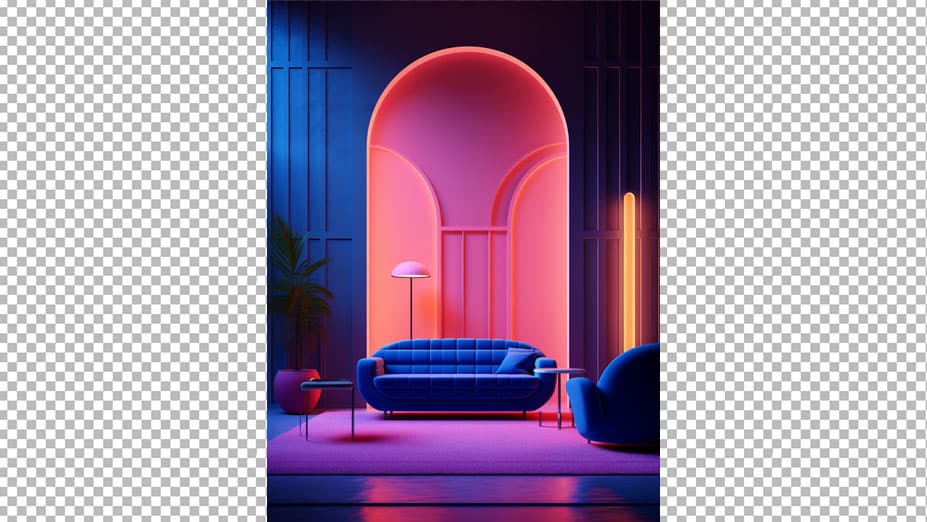
Click "Start from a photo" and pick a PNG or JPG of any size. The cutout runs in your browser, so the image is never uploaded to a server.
Dark blue (#0b2545) is already selected once the background is gone. Swap it for any other color with the swatches or the picker.
Download a PNG with the background already composited in, ready for a listing, a deck or an ad.
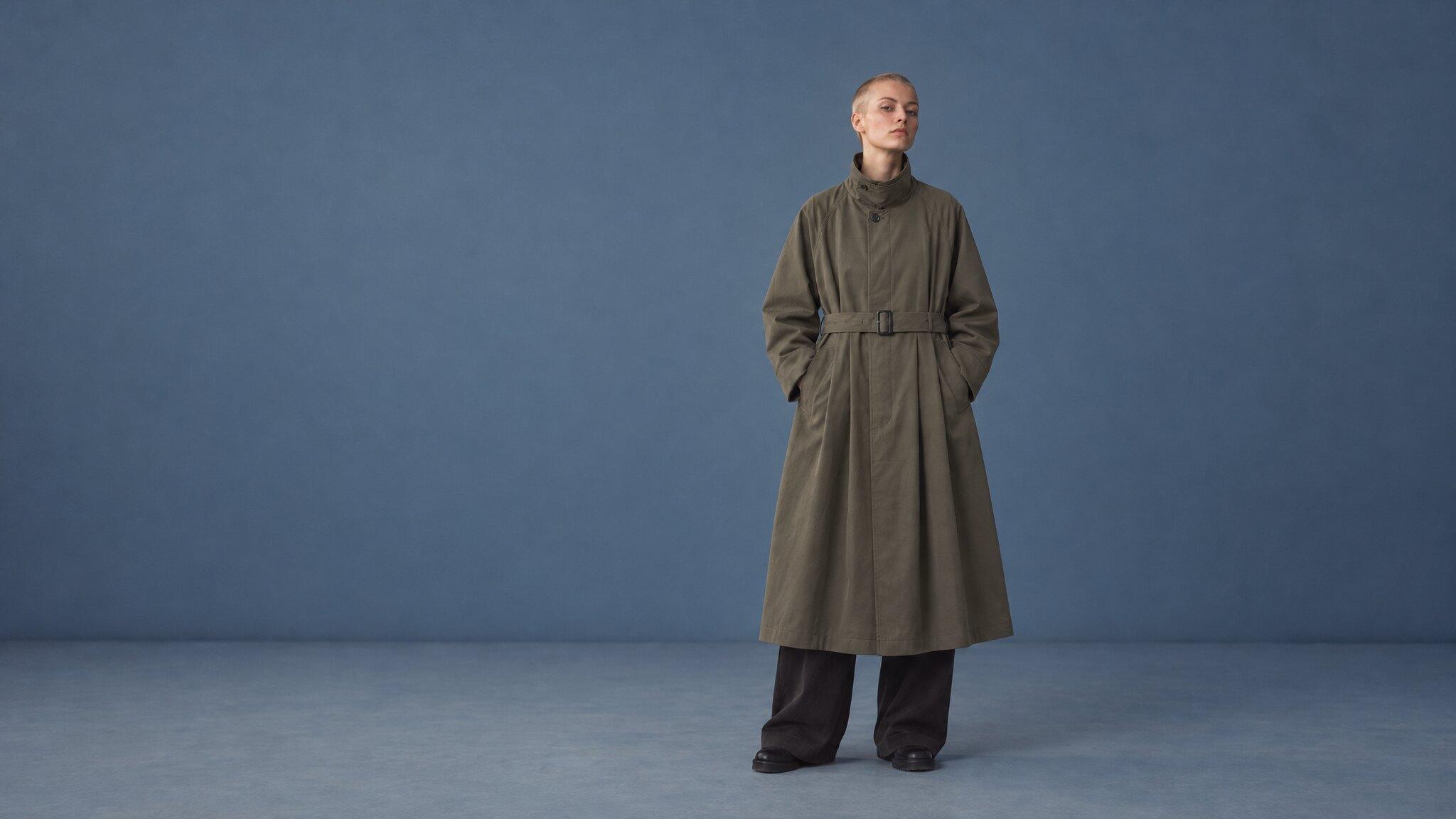
Navy is the useful answer to a problem black creates. It reads as premium and serious in the same way, but it sits a step above true black, so a dark product keeps a visible edge instead of merging with the frame.
Dark and matte products, watches, spirits, menswear, finance and B2B imagery, and any premium frame that will be placed on a dark page.
It flattens navy products for the same reason black flattens black ones. If what you sell is already dark blue, move the ground warmer or lighter rather than trying to light your way out of it.
When is navy better than black?
Which navy does this page use?
Will text be readable over it?
Backgrounds are the easy part
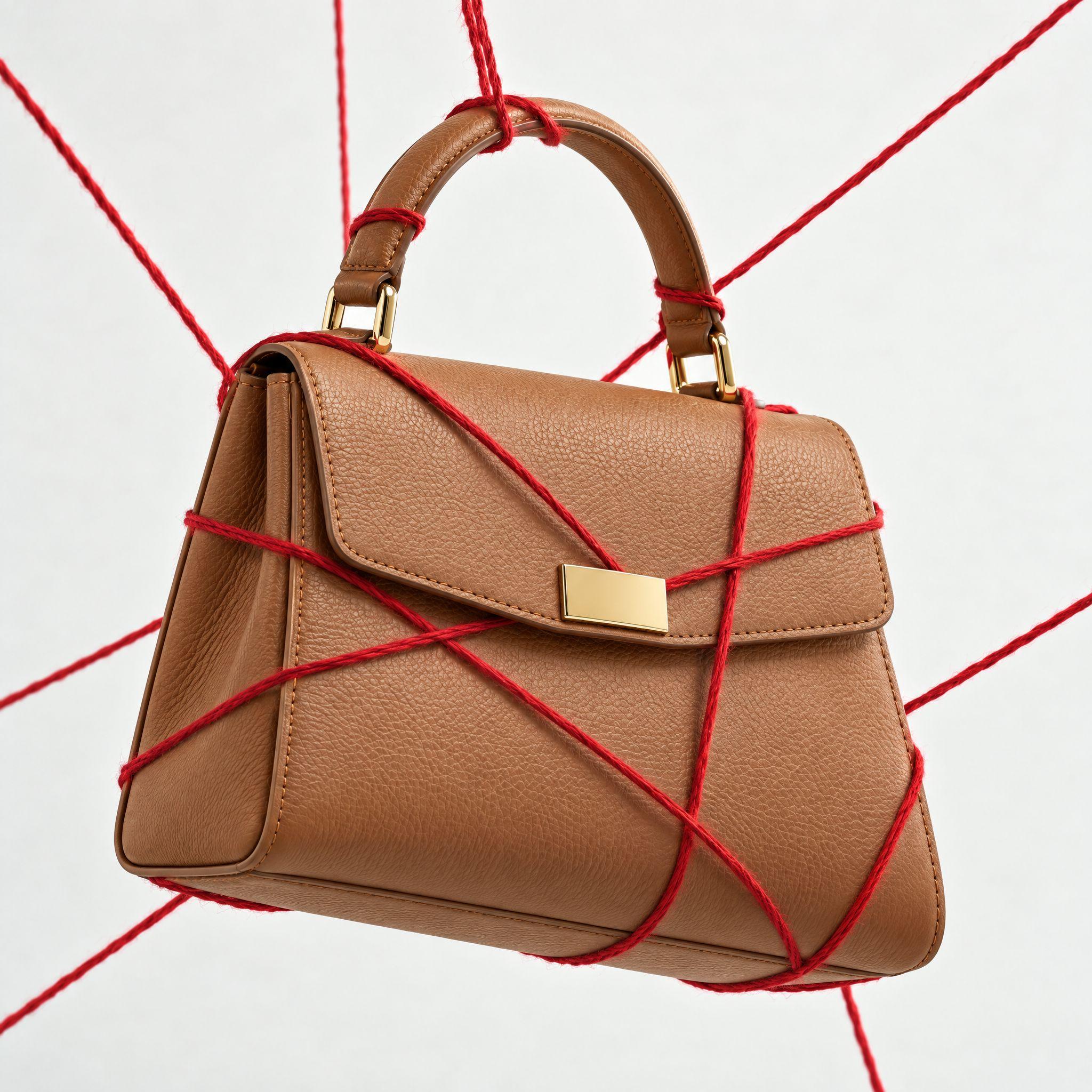
Kive generates the whole product shot — scene, lighting and all — from photos of what you actually sell.