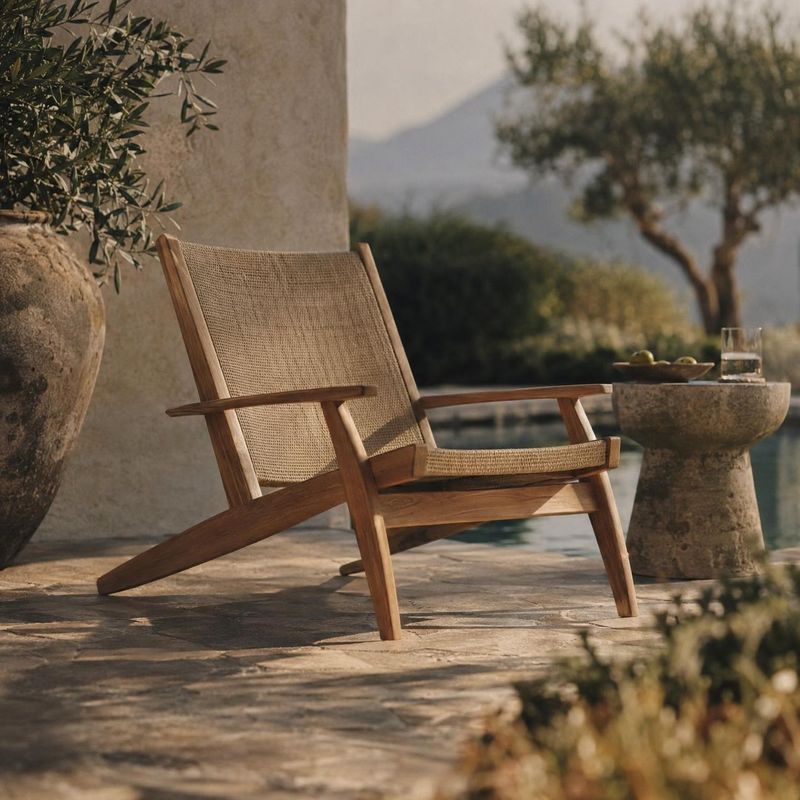
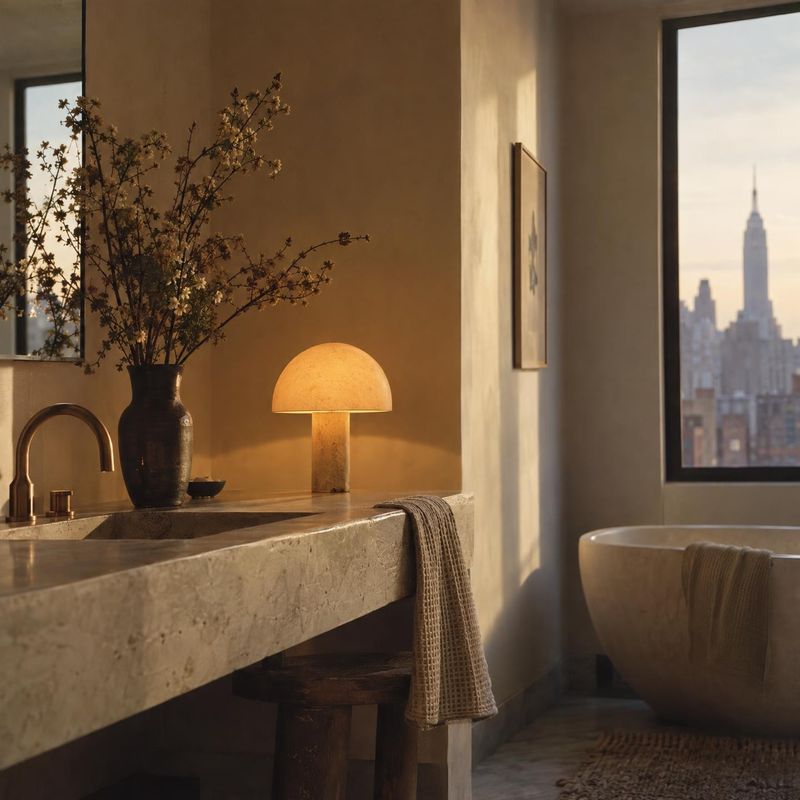
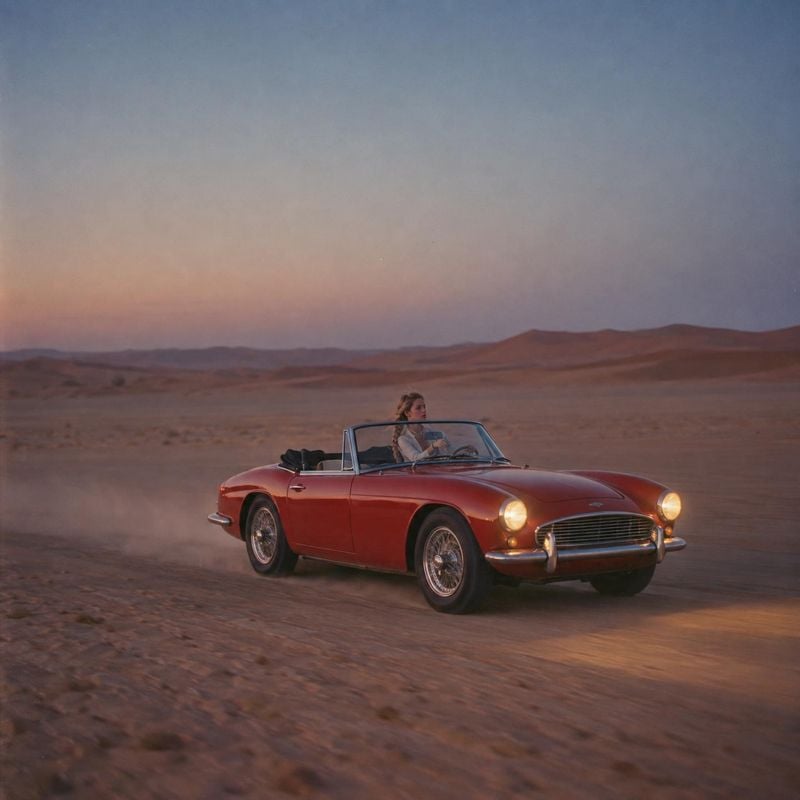
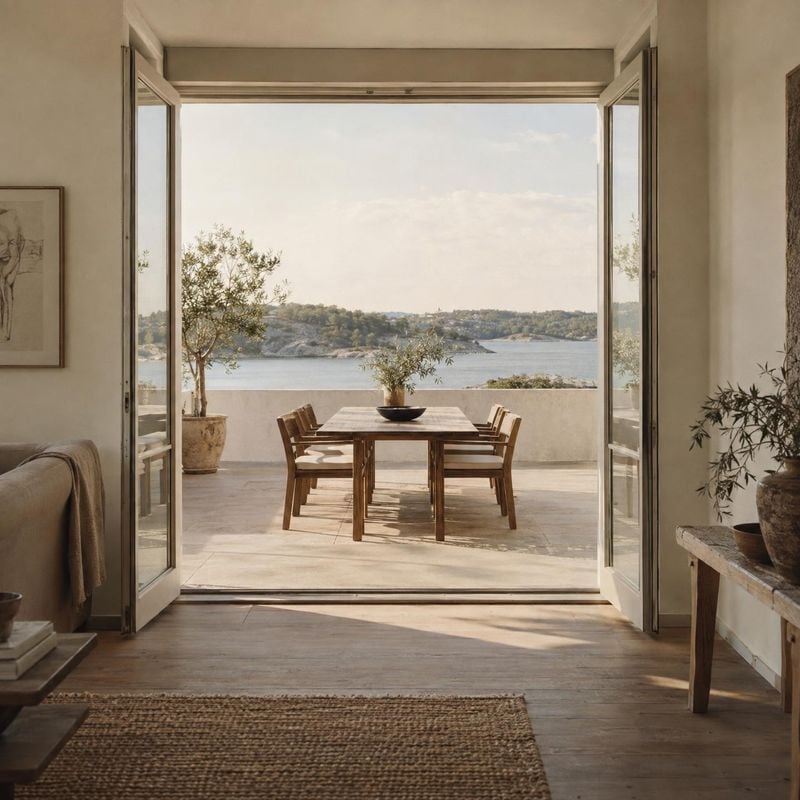
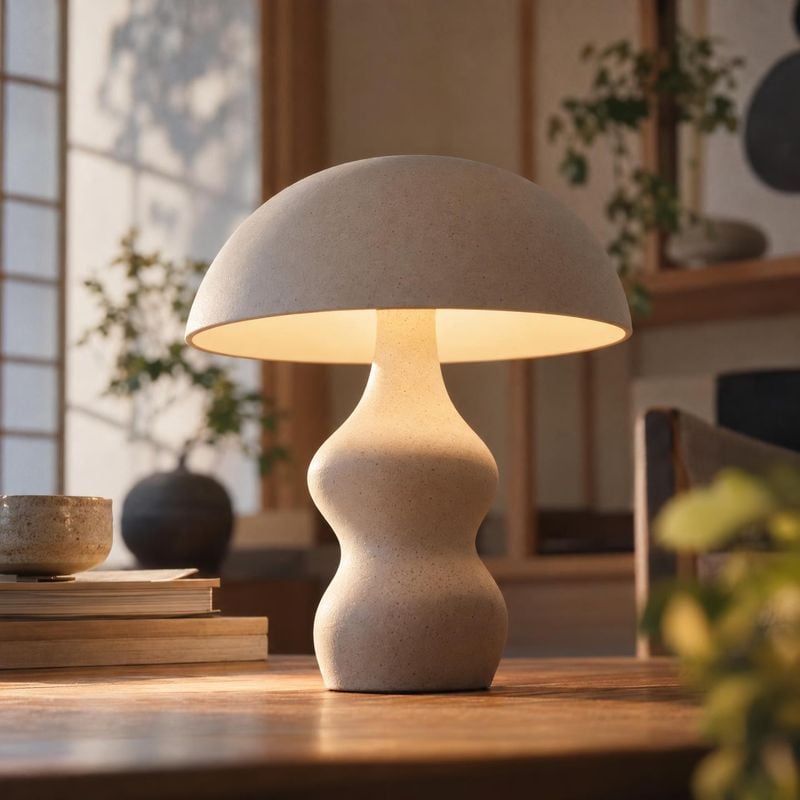
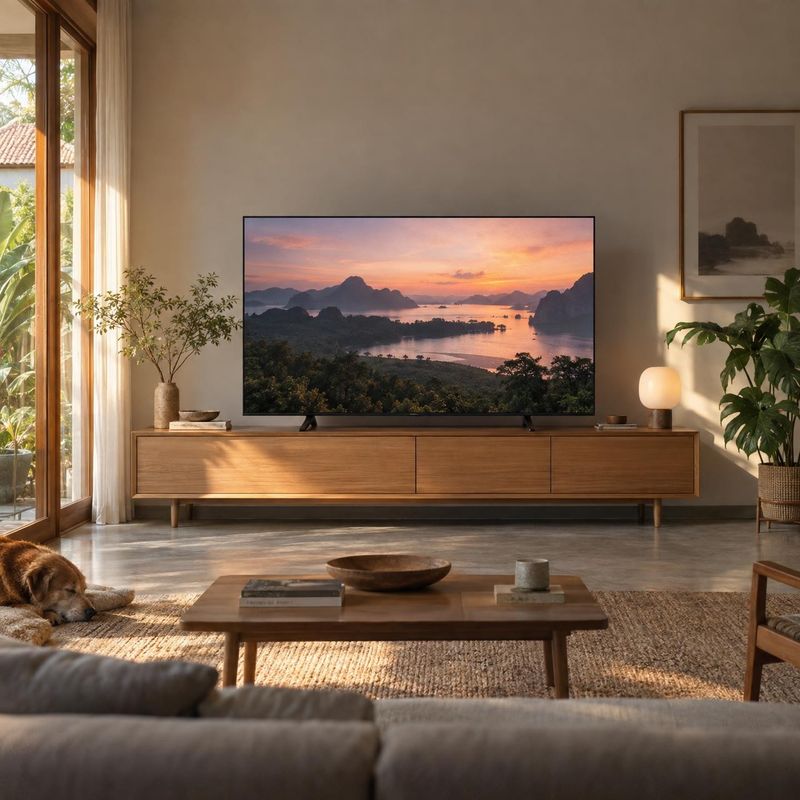
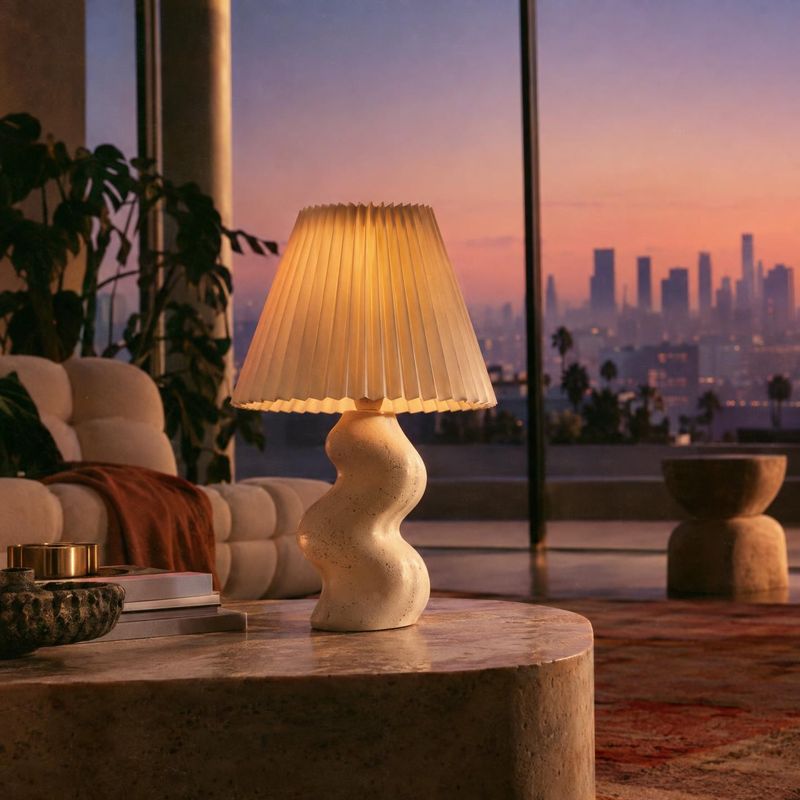
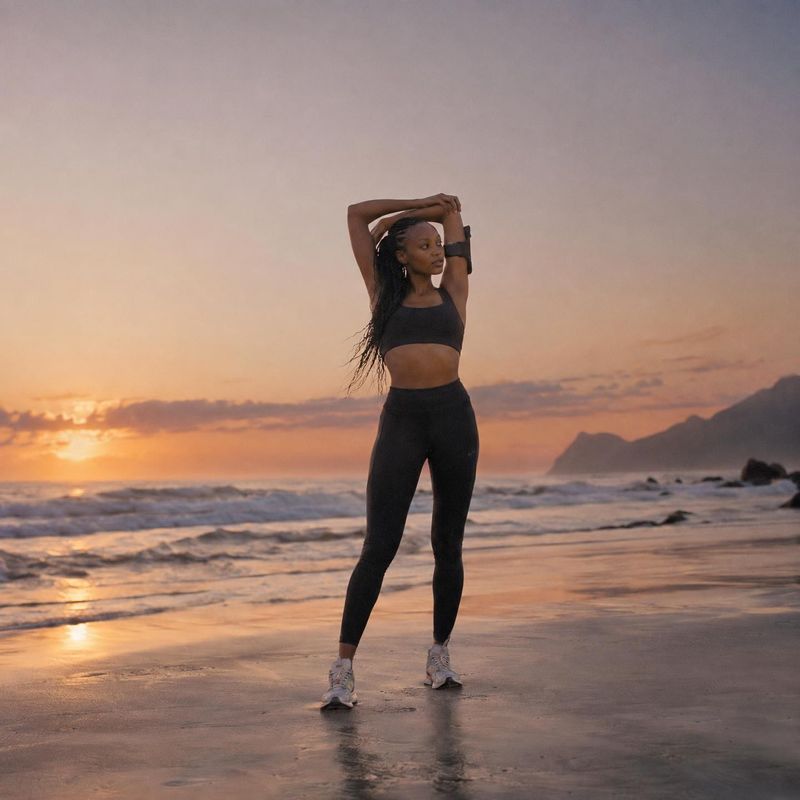
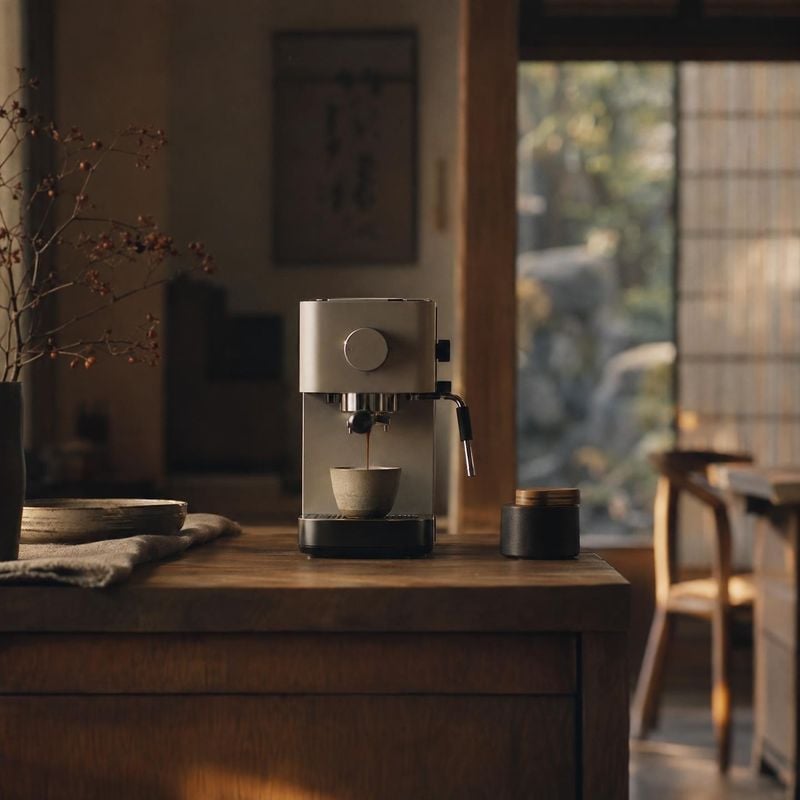
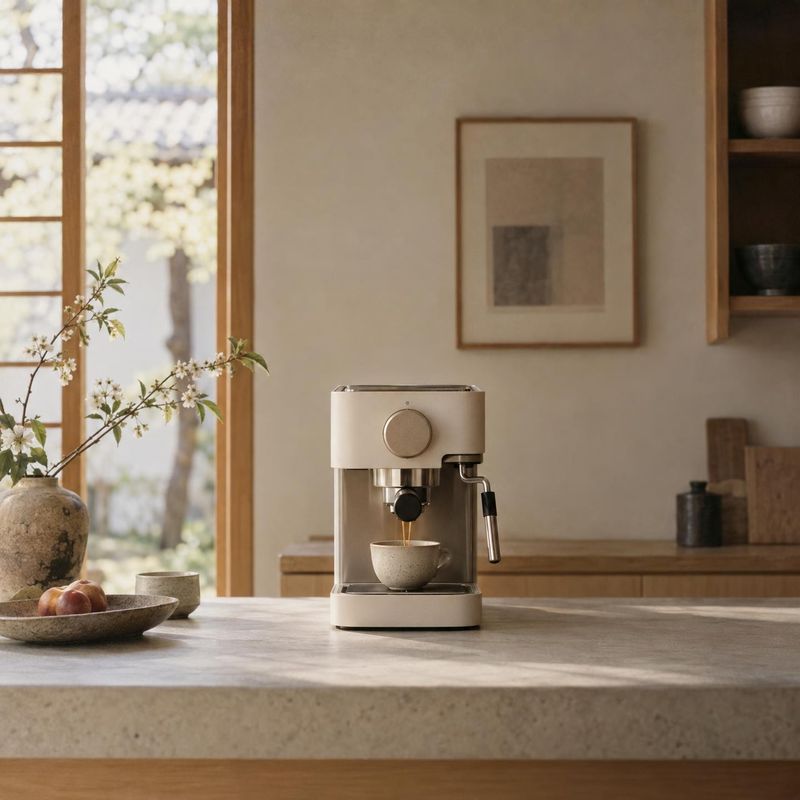
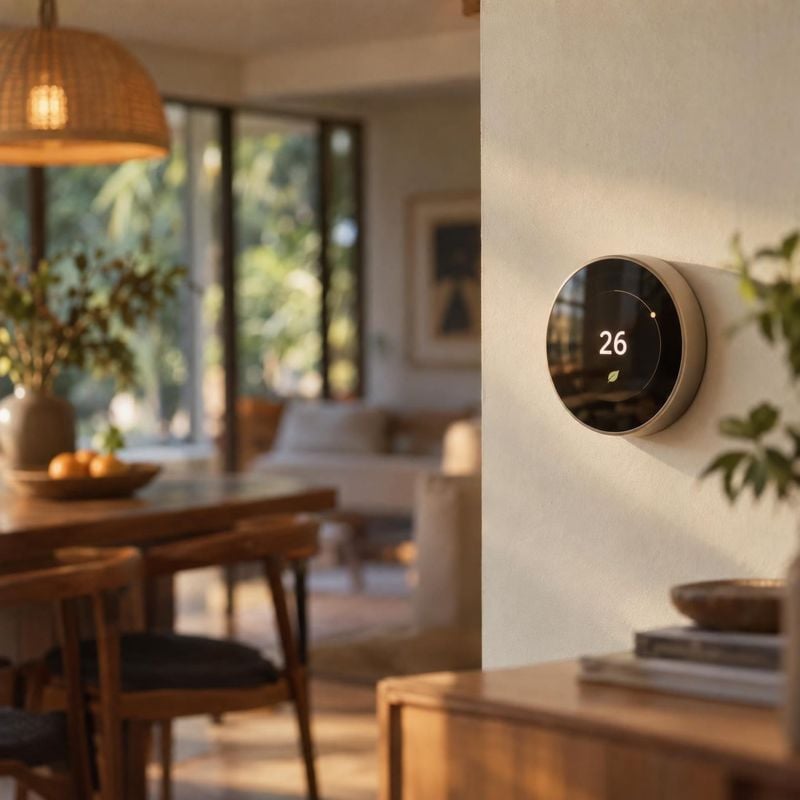
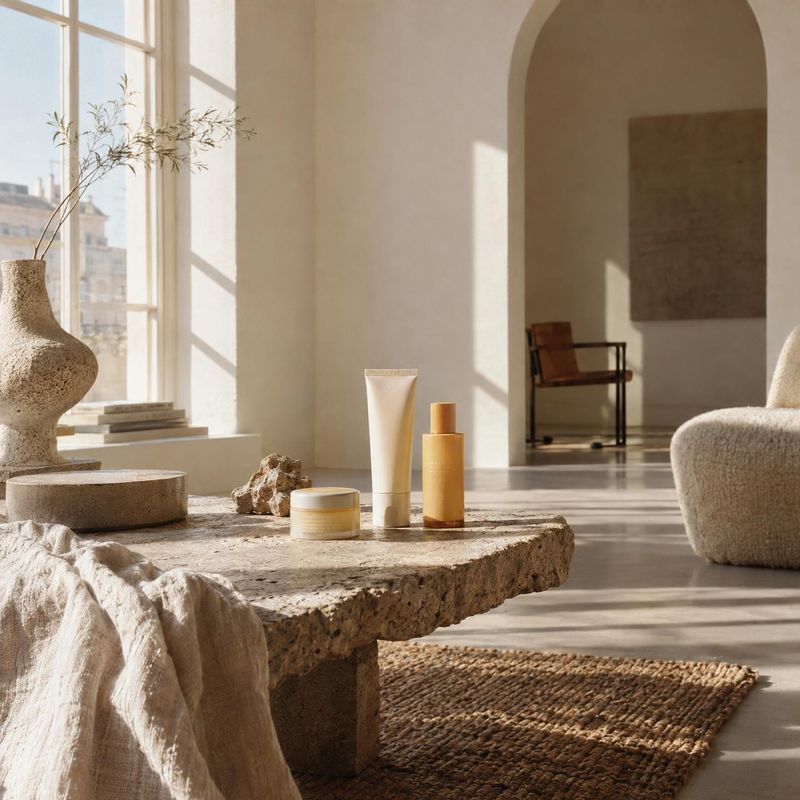
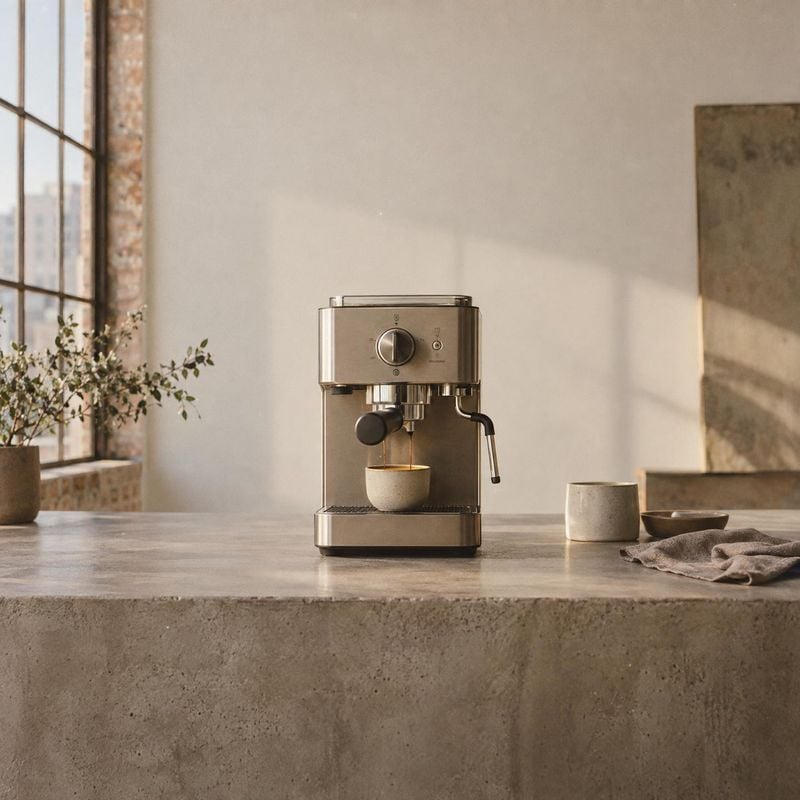
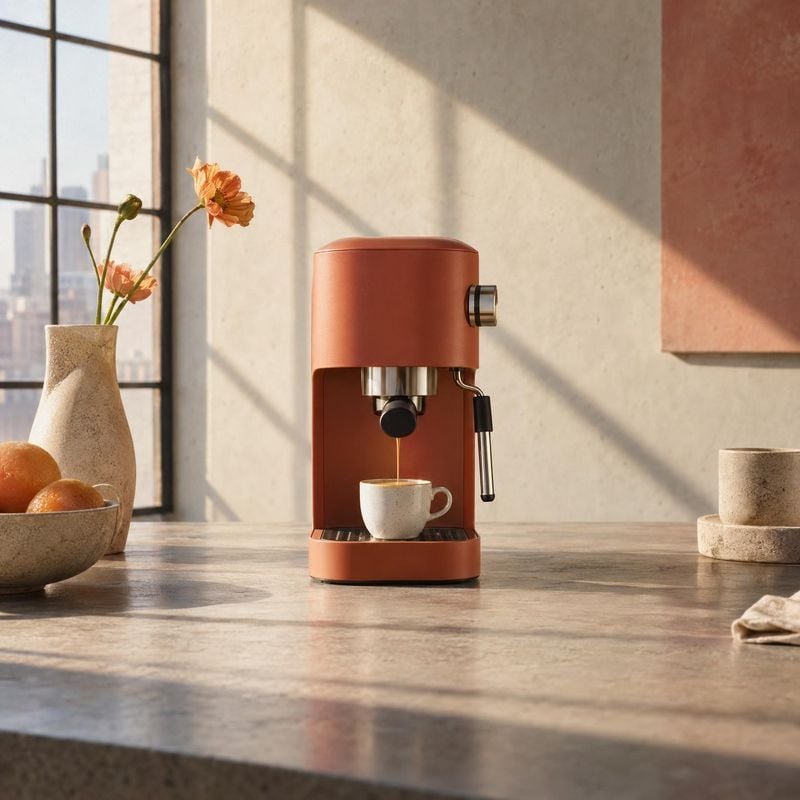
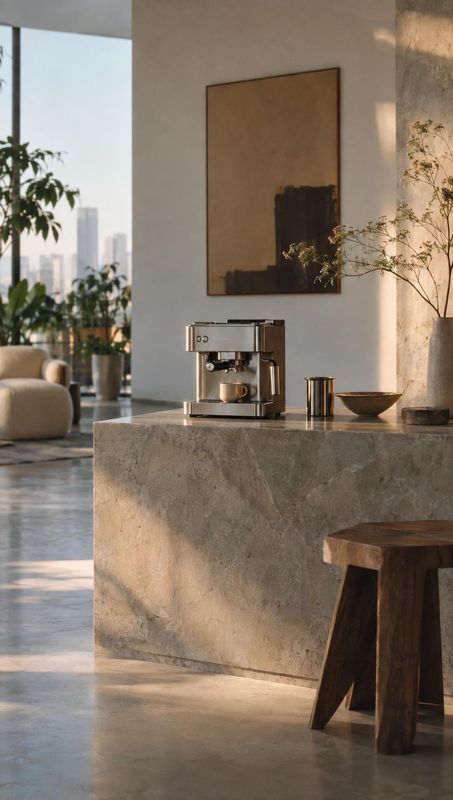
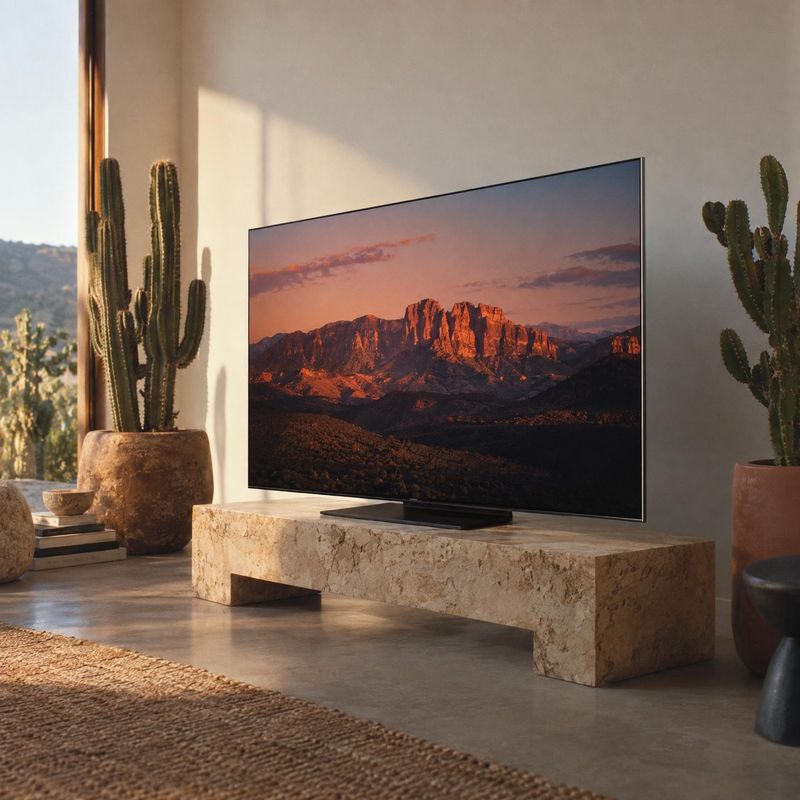
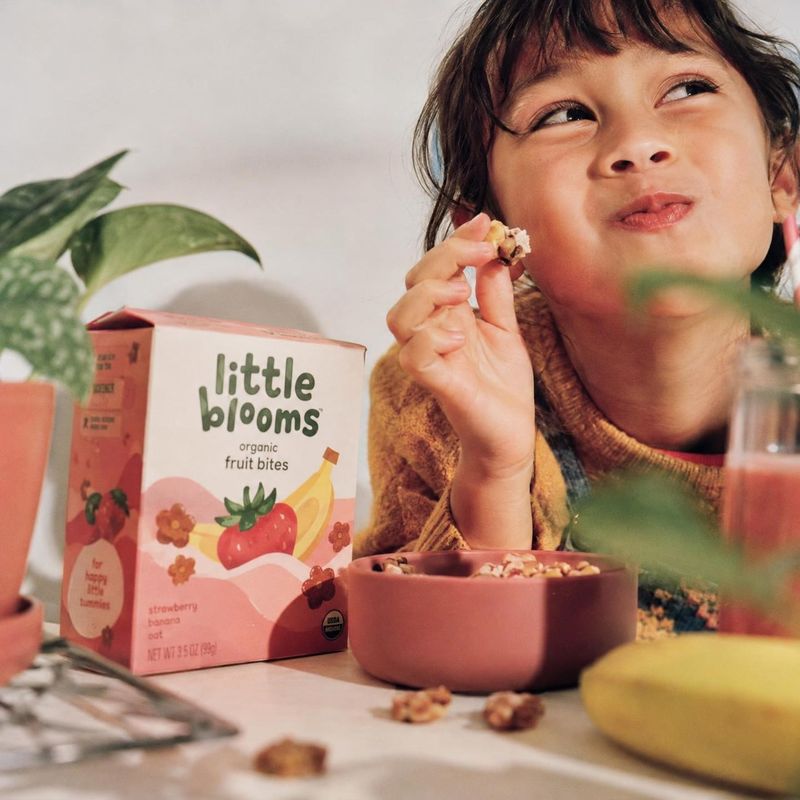
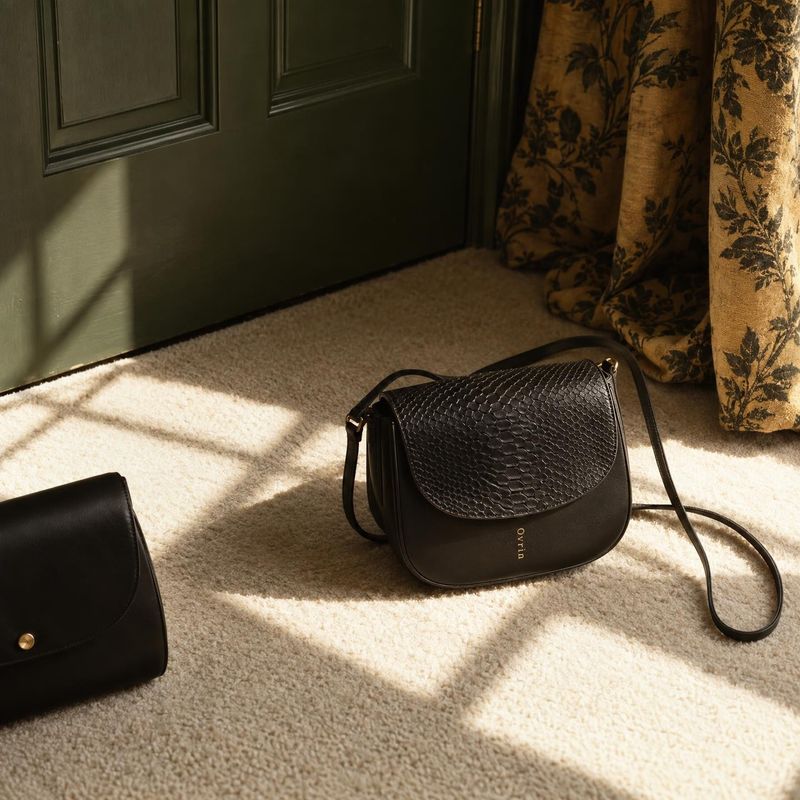
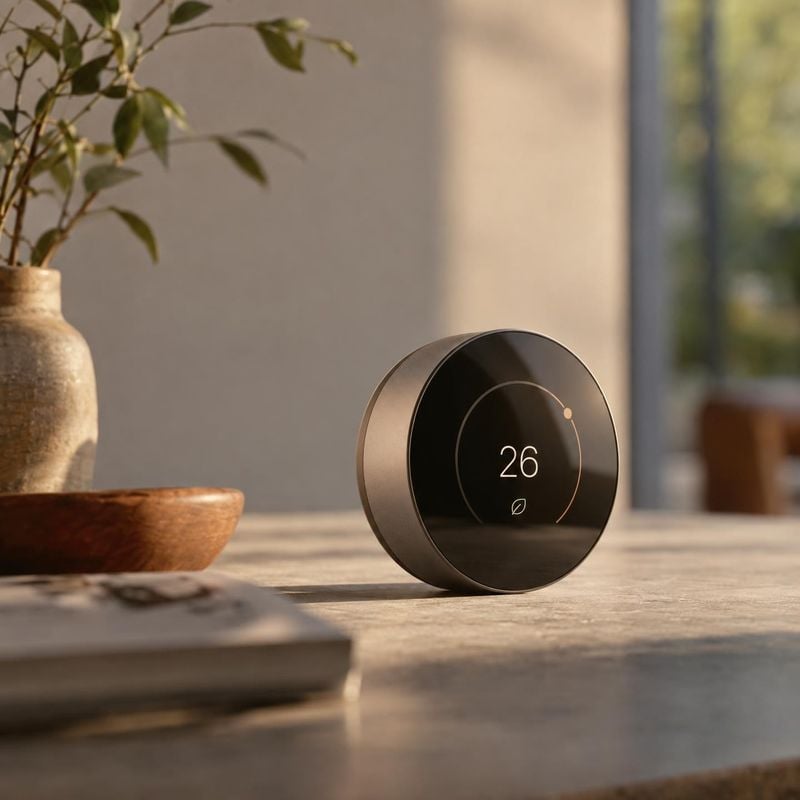
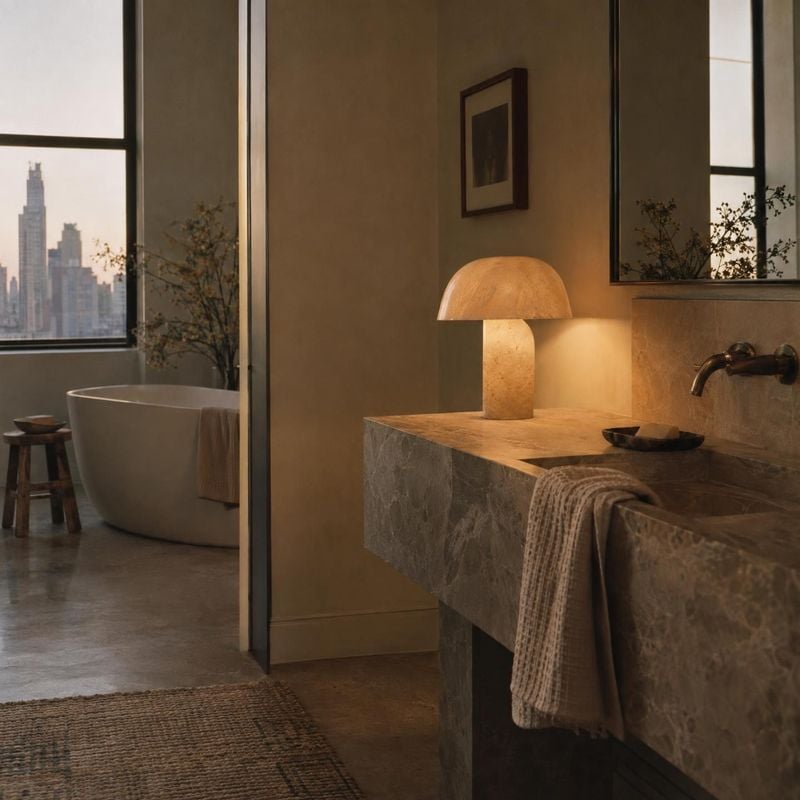
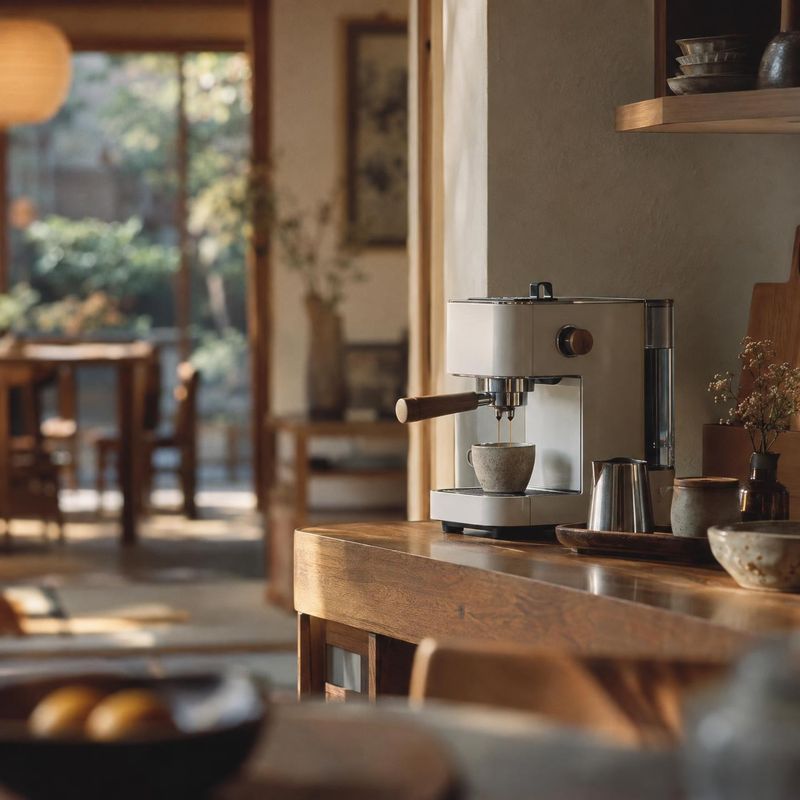
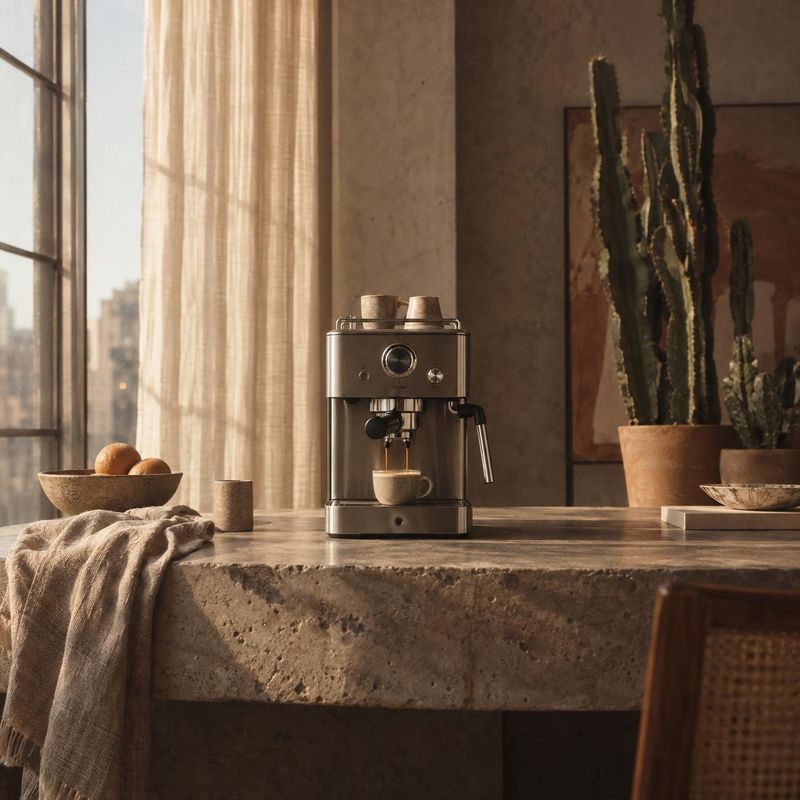
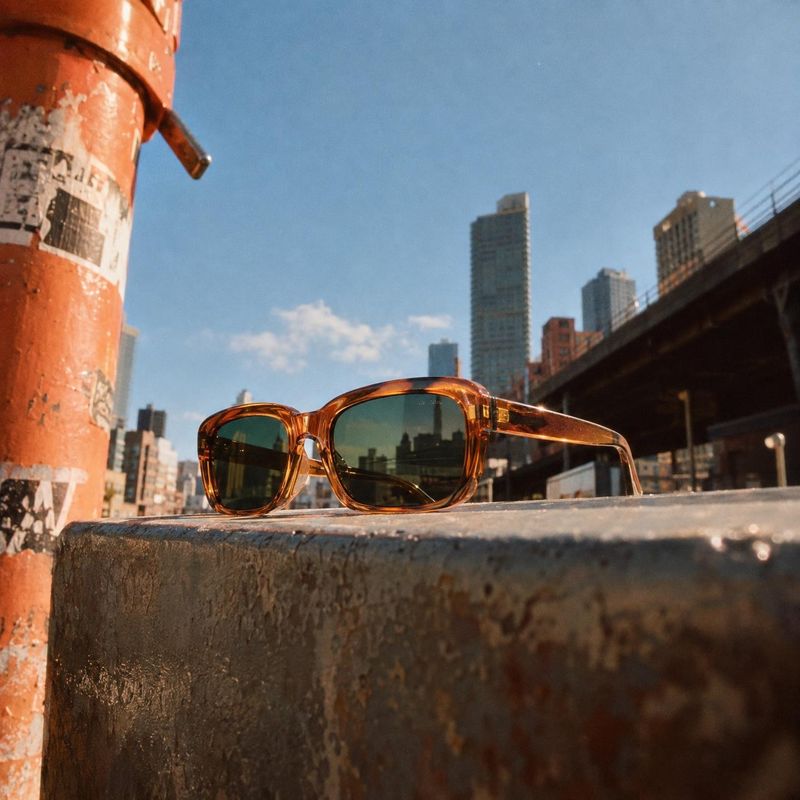
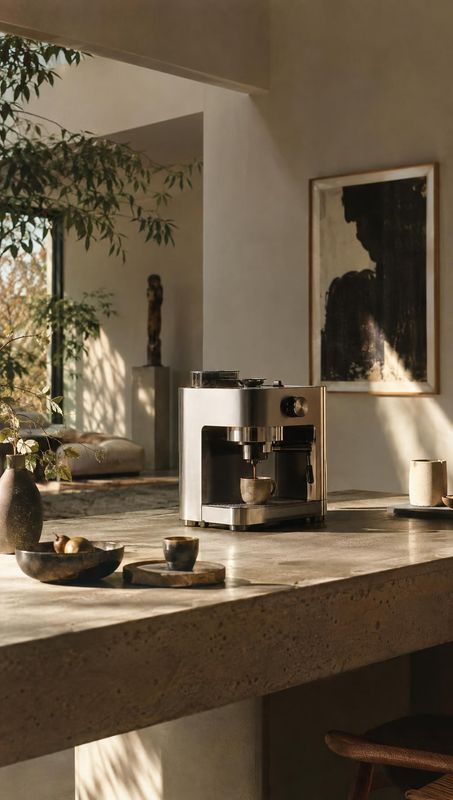
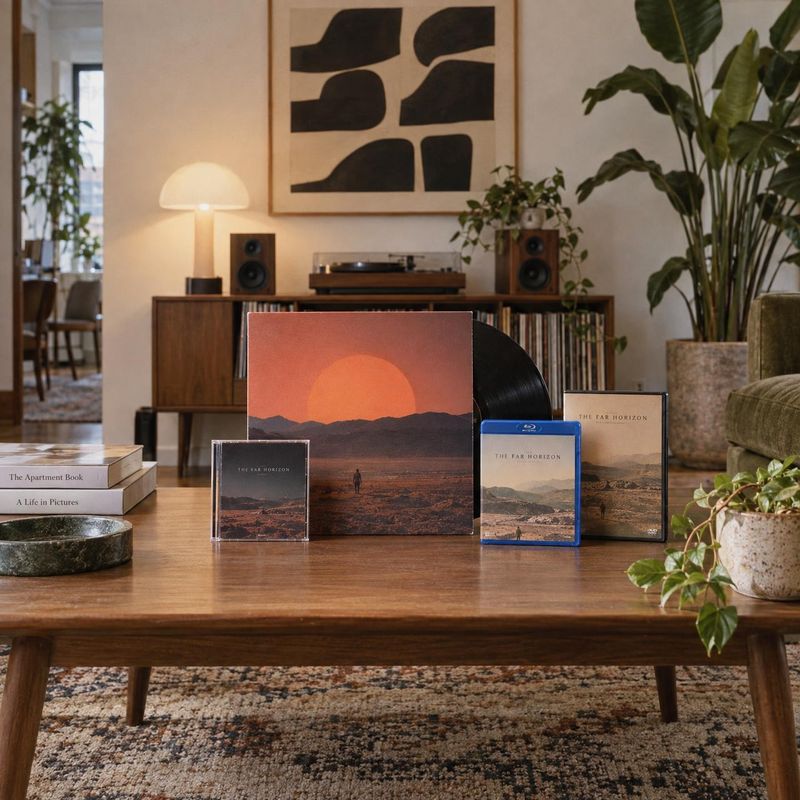
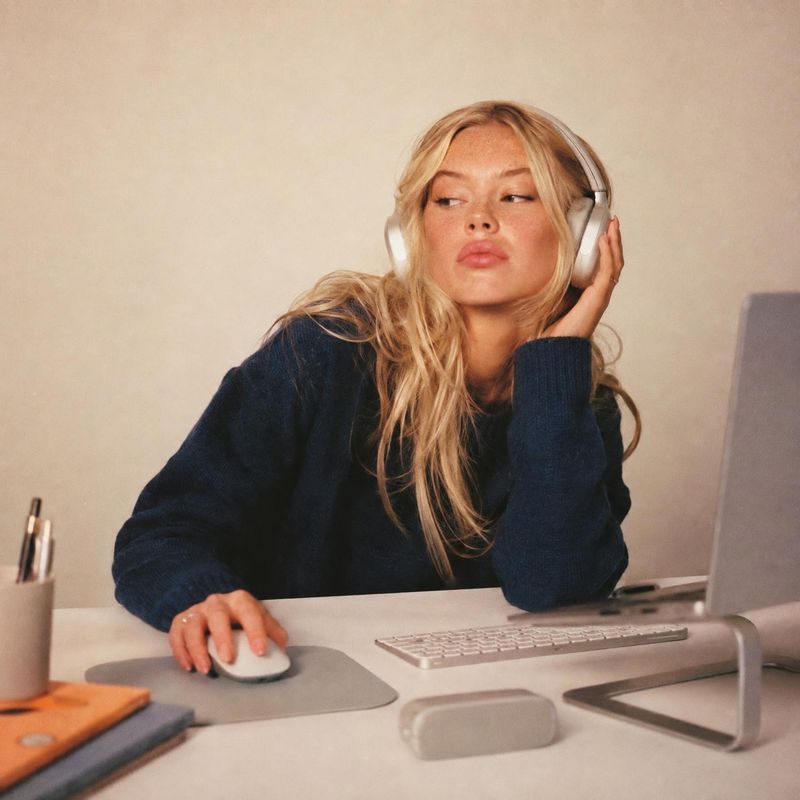
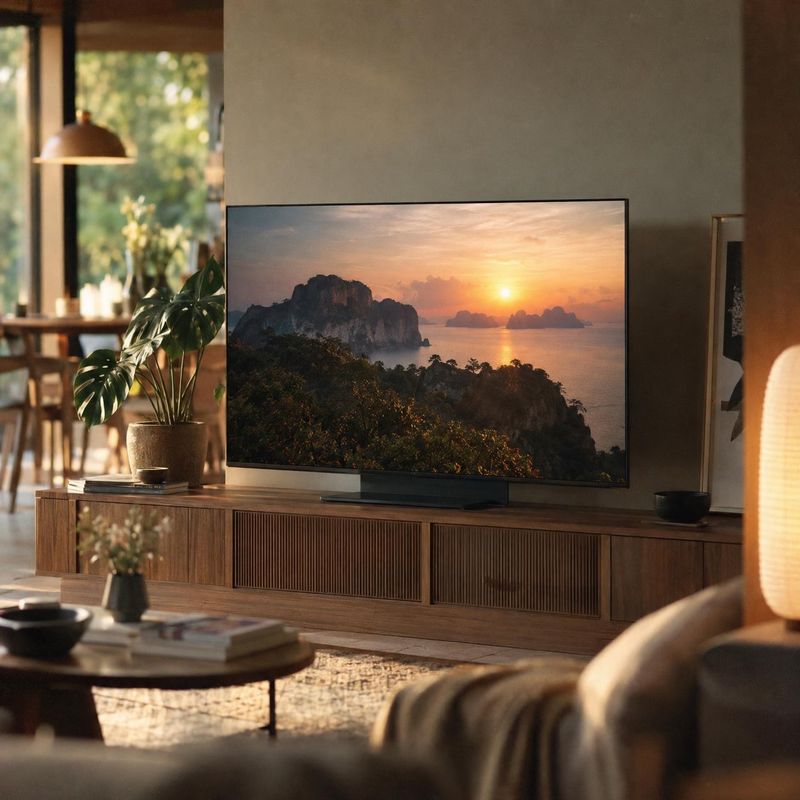
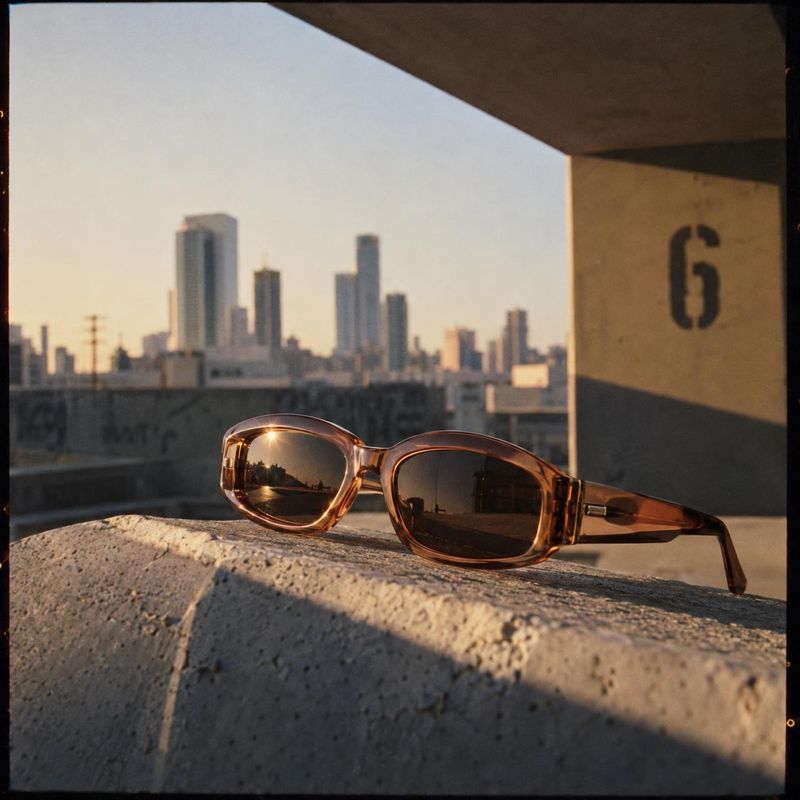
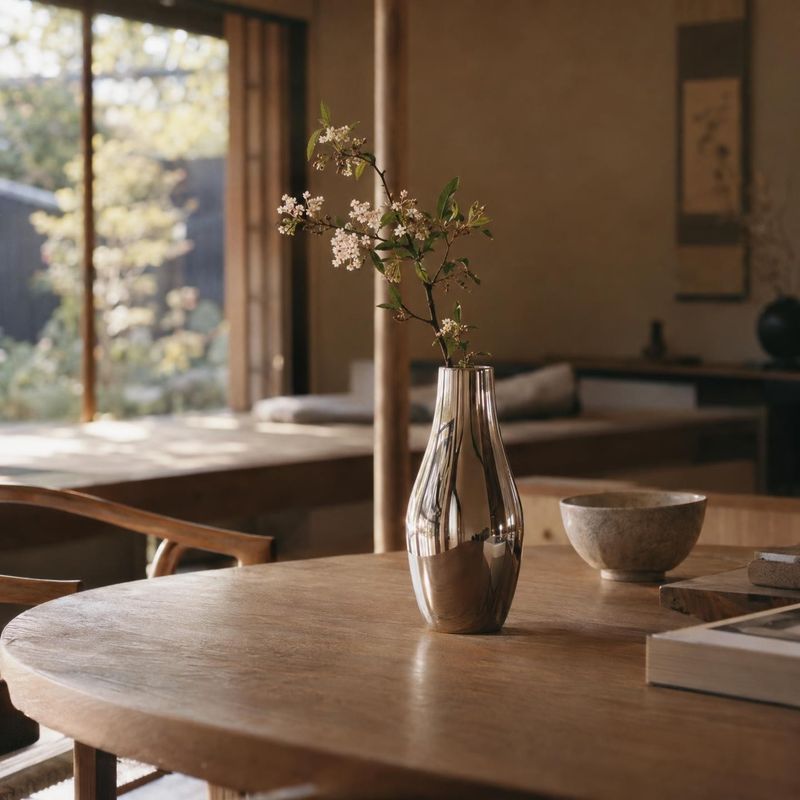
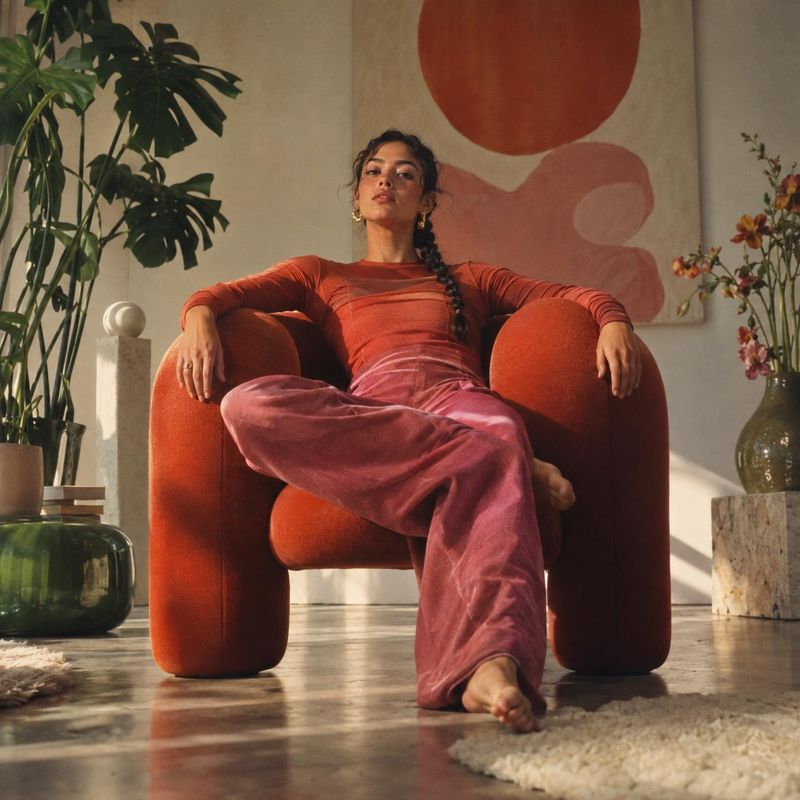
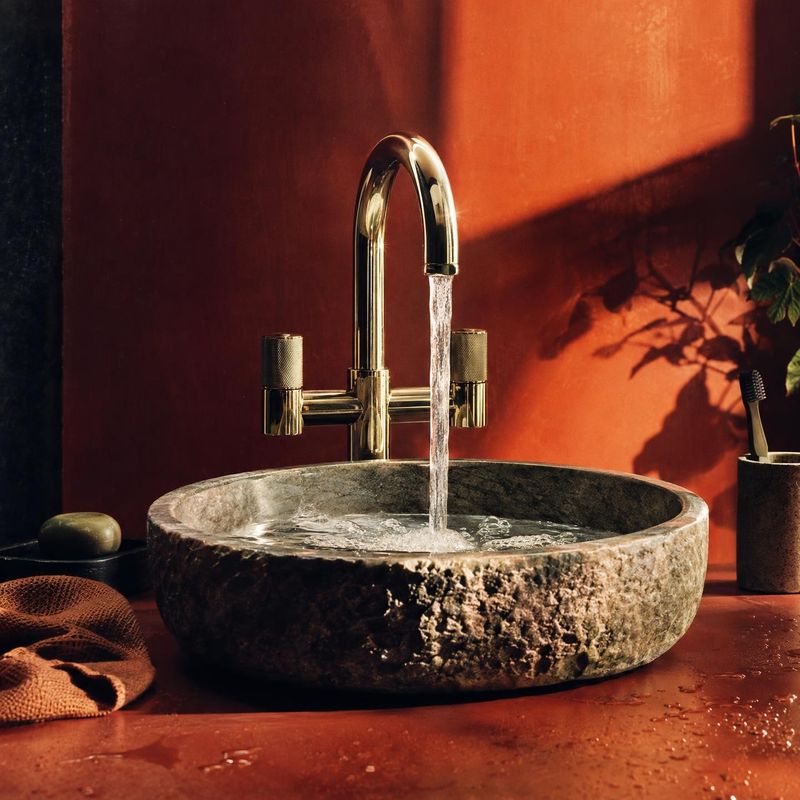
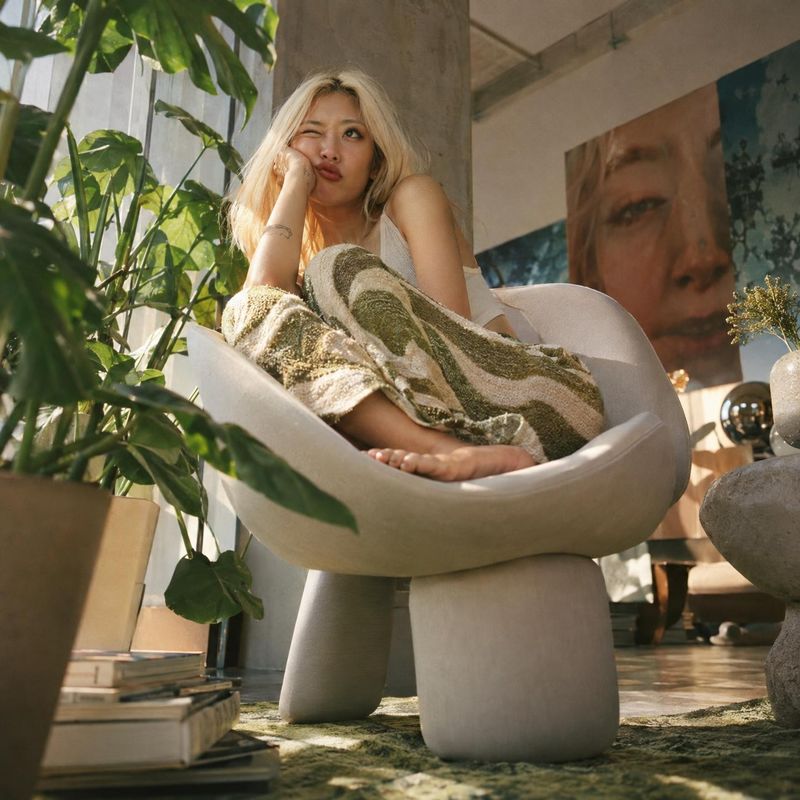
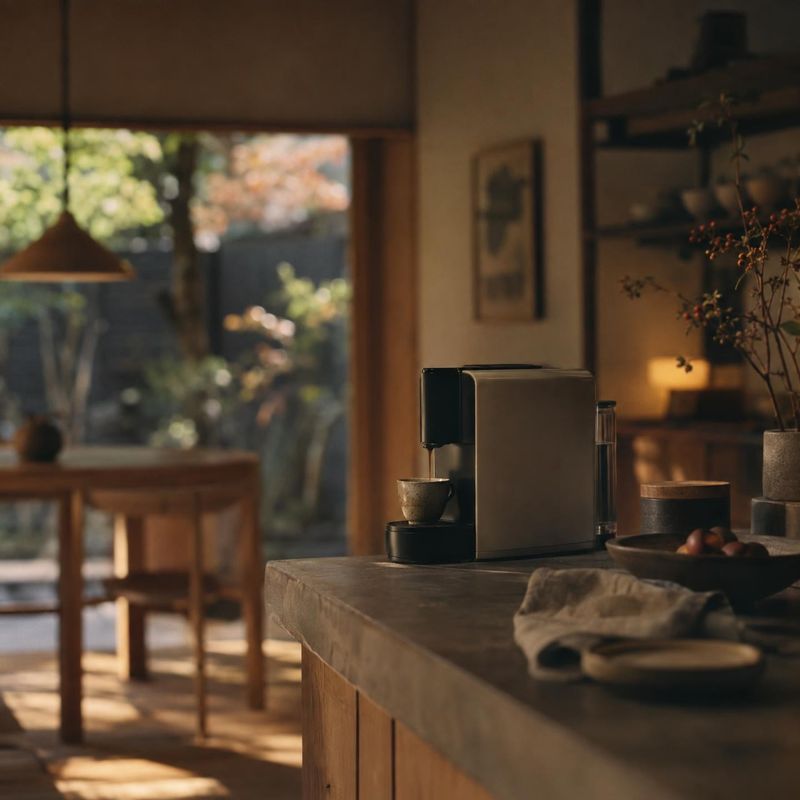
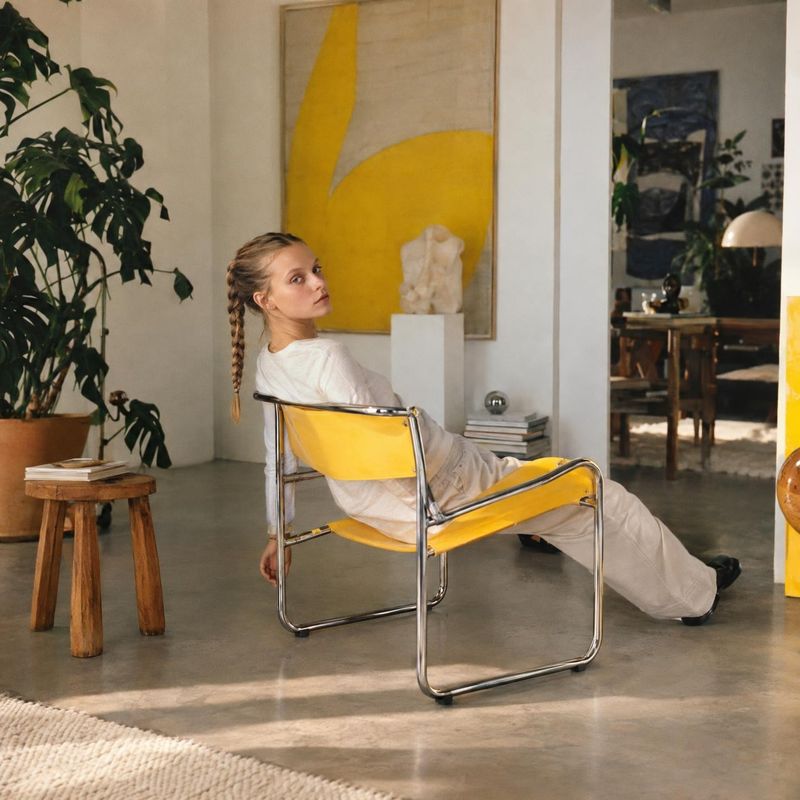
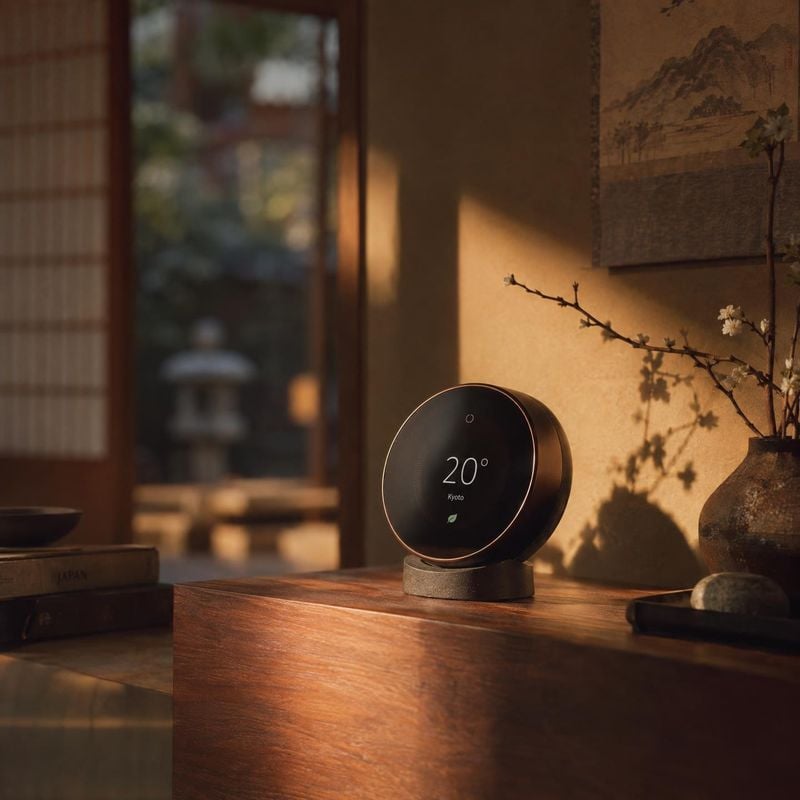
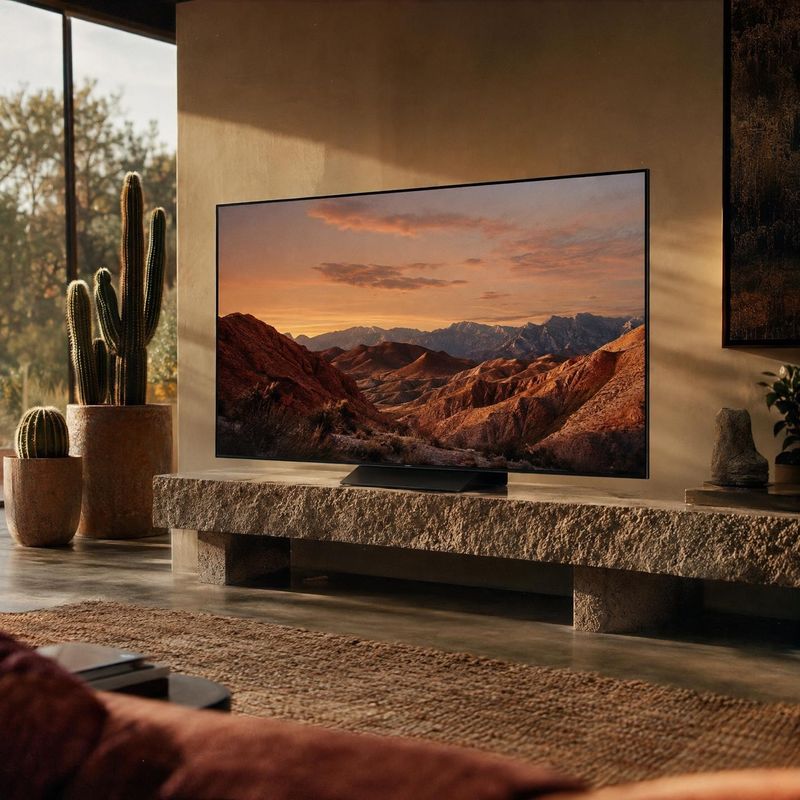
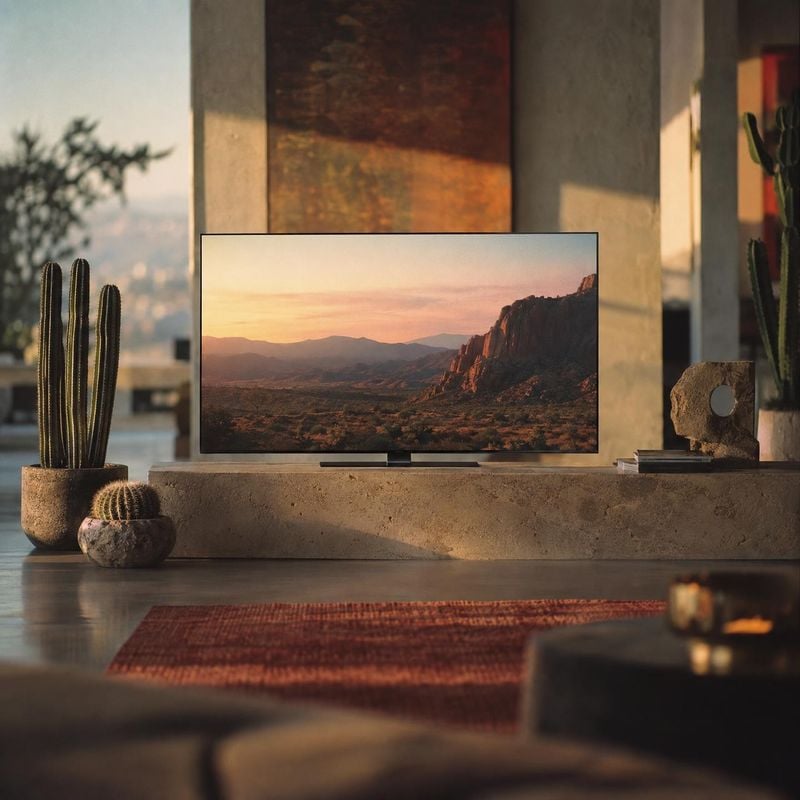
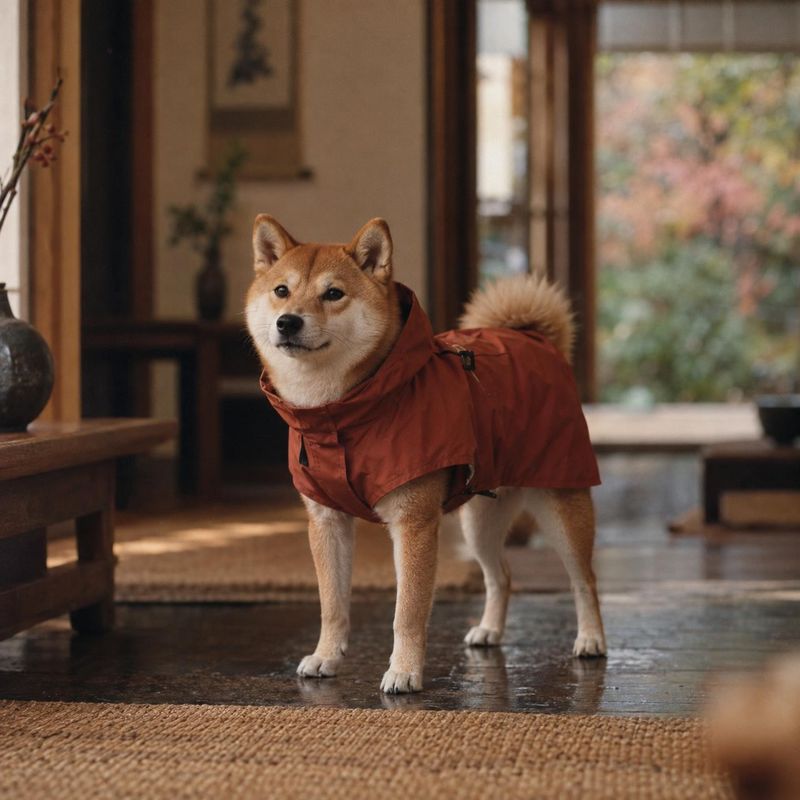
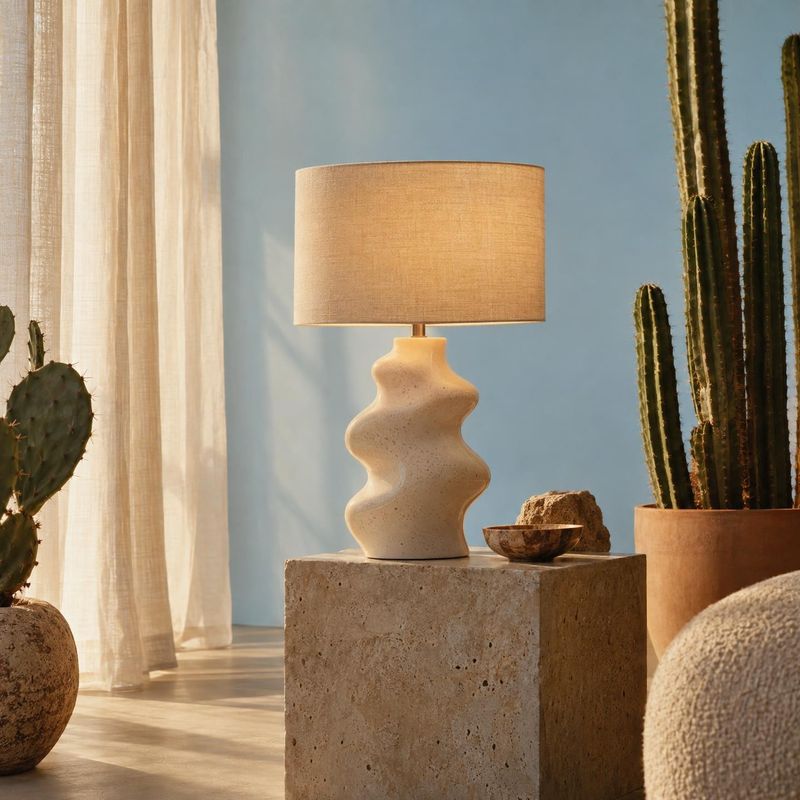
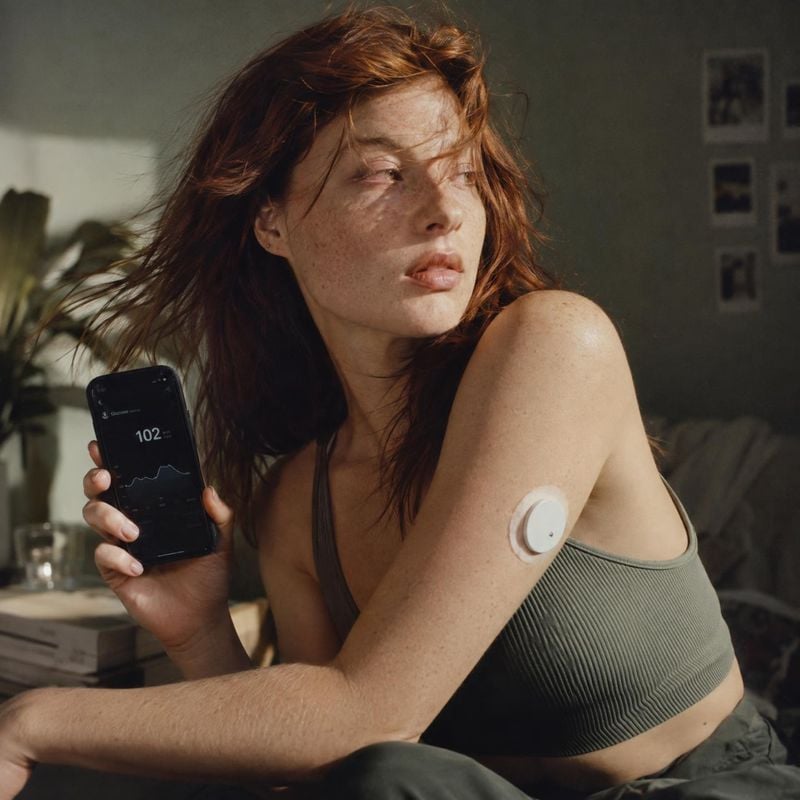
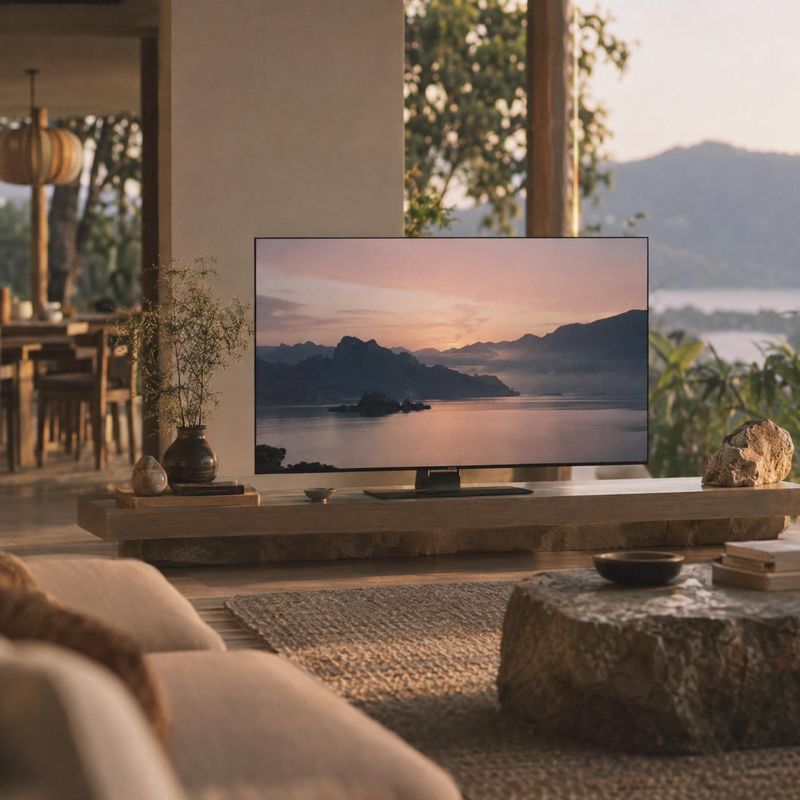
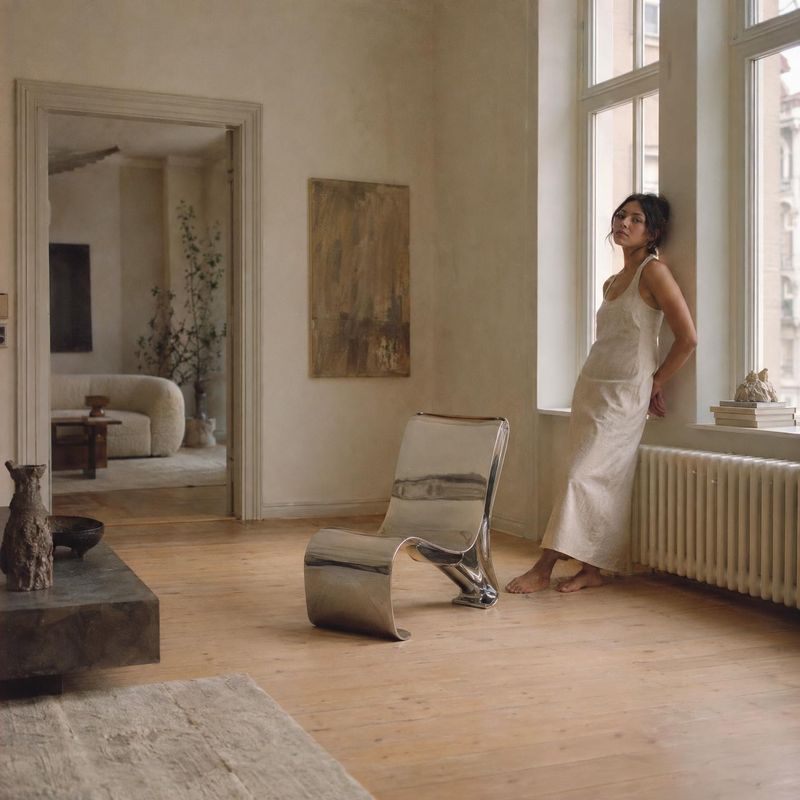
The background decides where a product photo can go. Marketplaces want pure white, a brand page wants its own colors, and ads tend to work better when the product sits in a real place.
Kive replaces the background and relights the product to match, so it looks photographed there rather than pasted in. The product is taken from your photo, so its shape, color and label carry over.
How it works
1Upload the product photo, or pick a product you saved in Kive.
2Describe the background, such as pure white, a sage green studio backdrop, or a kitchen counter in morning light.
3Check the edges and the shadow at full size, then download or try another background on the same photo.
Scenes to put your product in
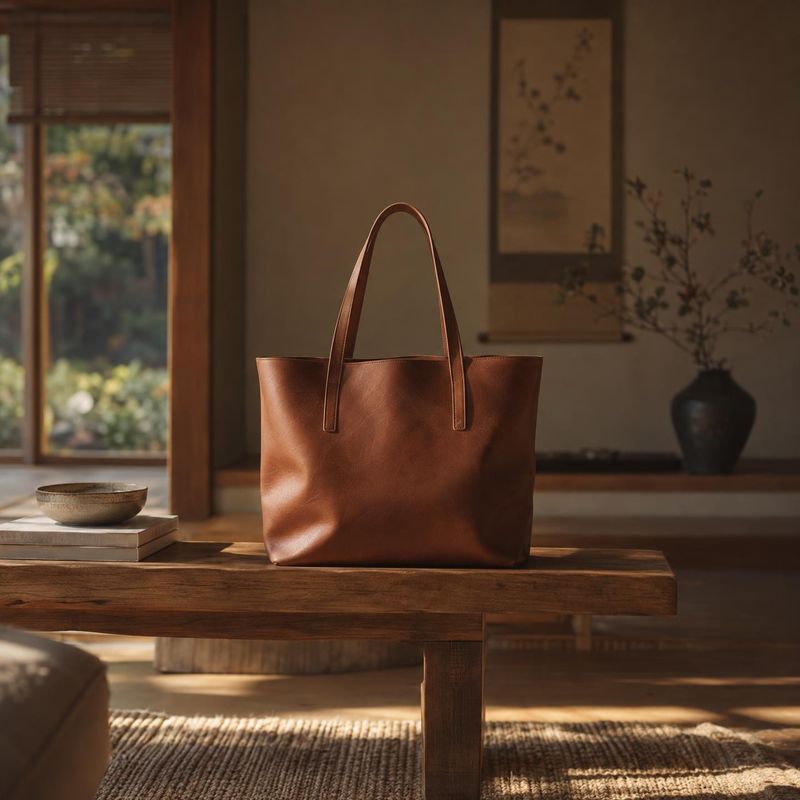
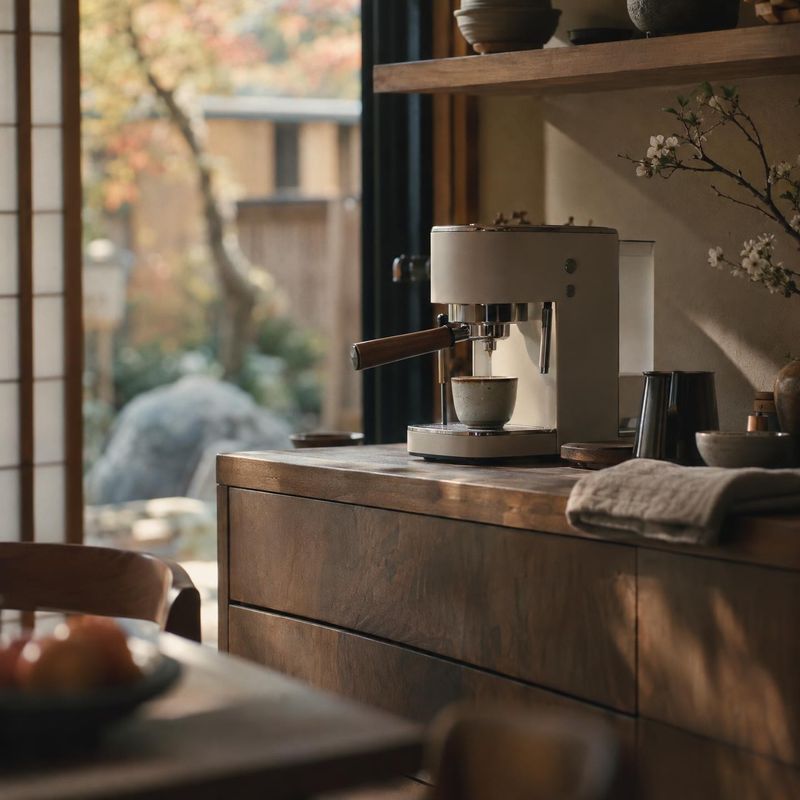
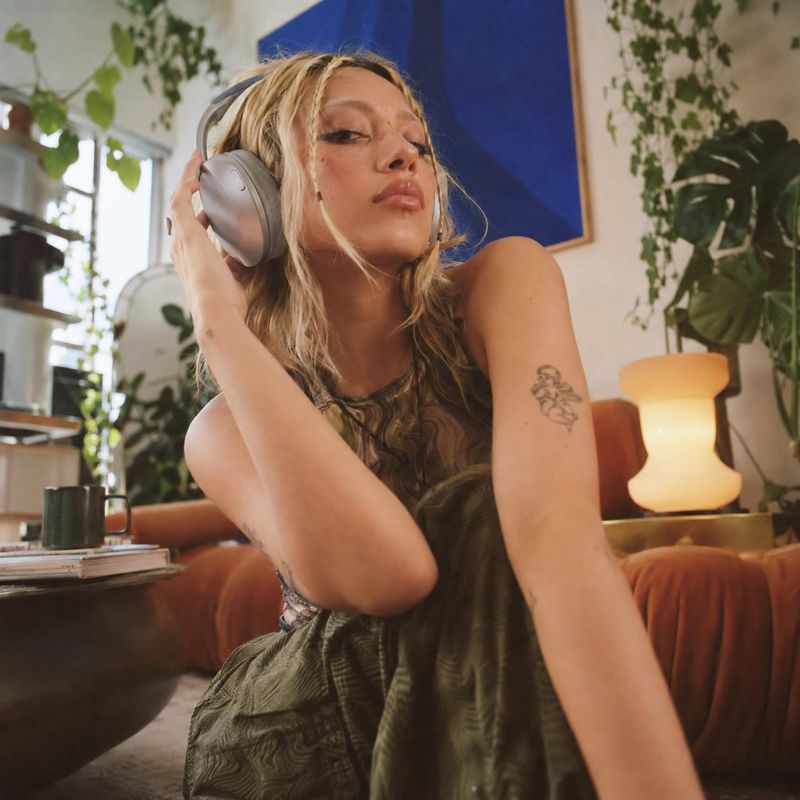
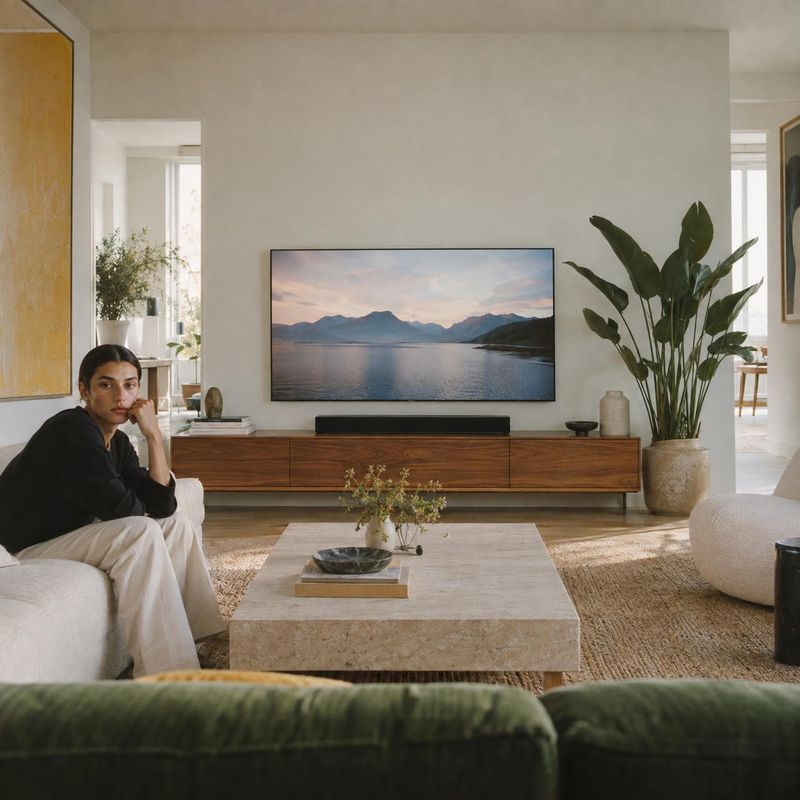
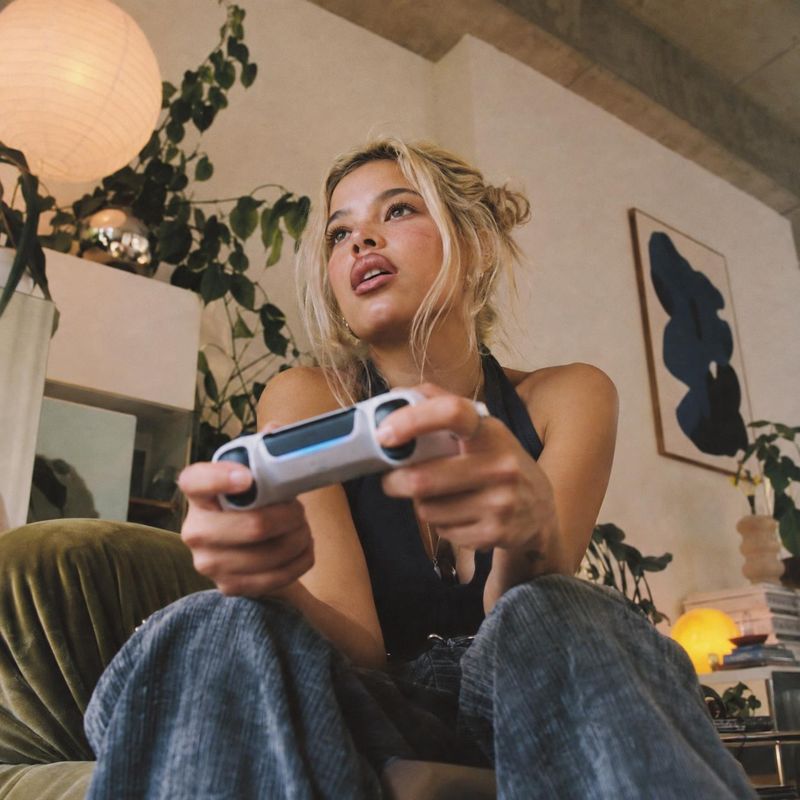
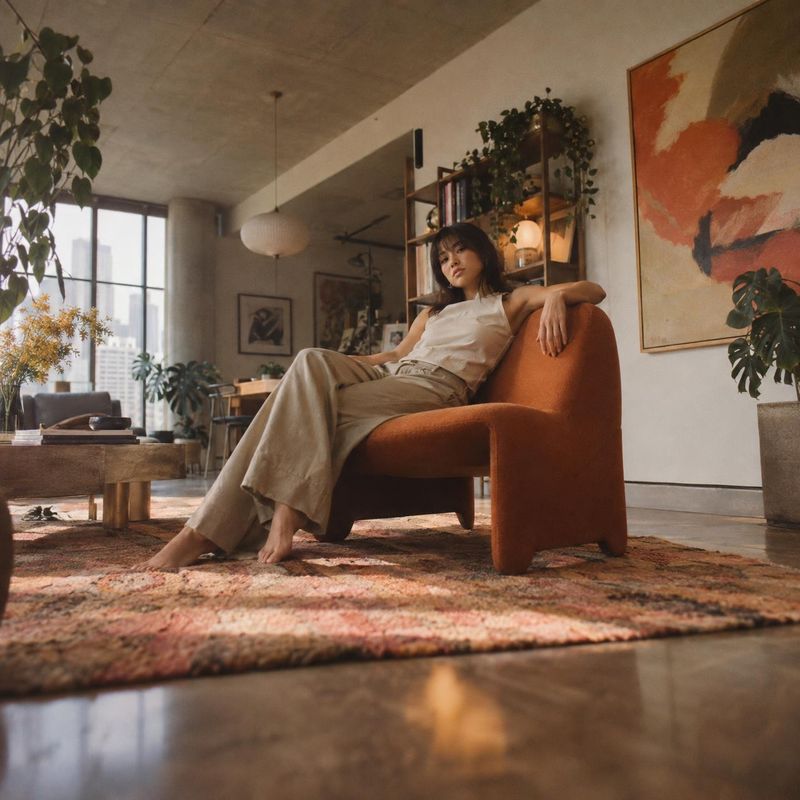
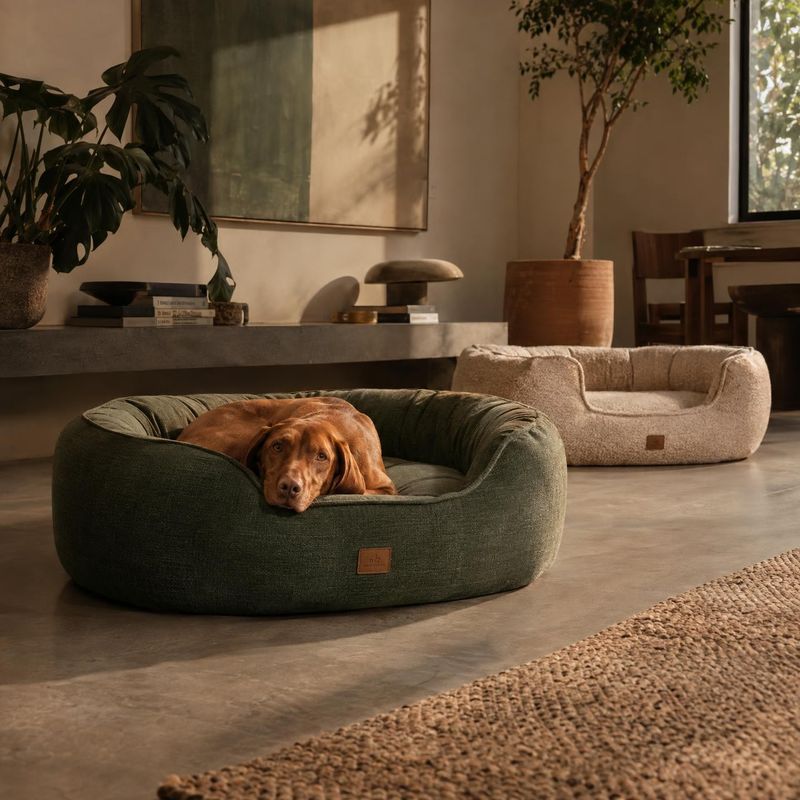
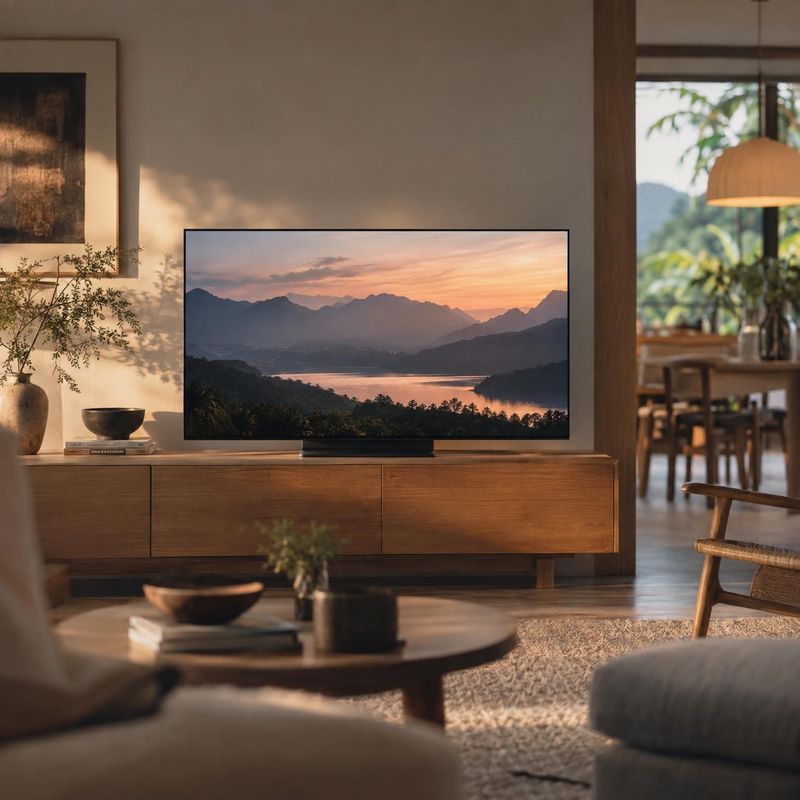
Lifestyle product photos place the product in a real moment: a bag on a cafe chair, sneakers on a doorstep, a skincare bottle on a sunlit bathroom shelf. These ideas show the product in use or in context so shoppers can picture it in their own life.
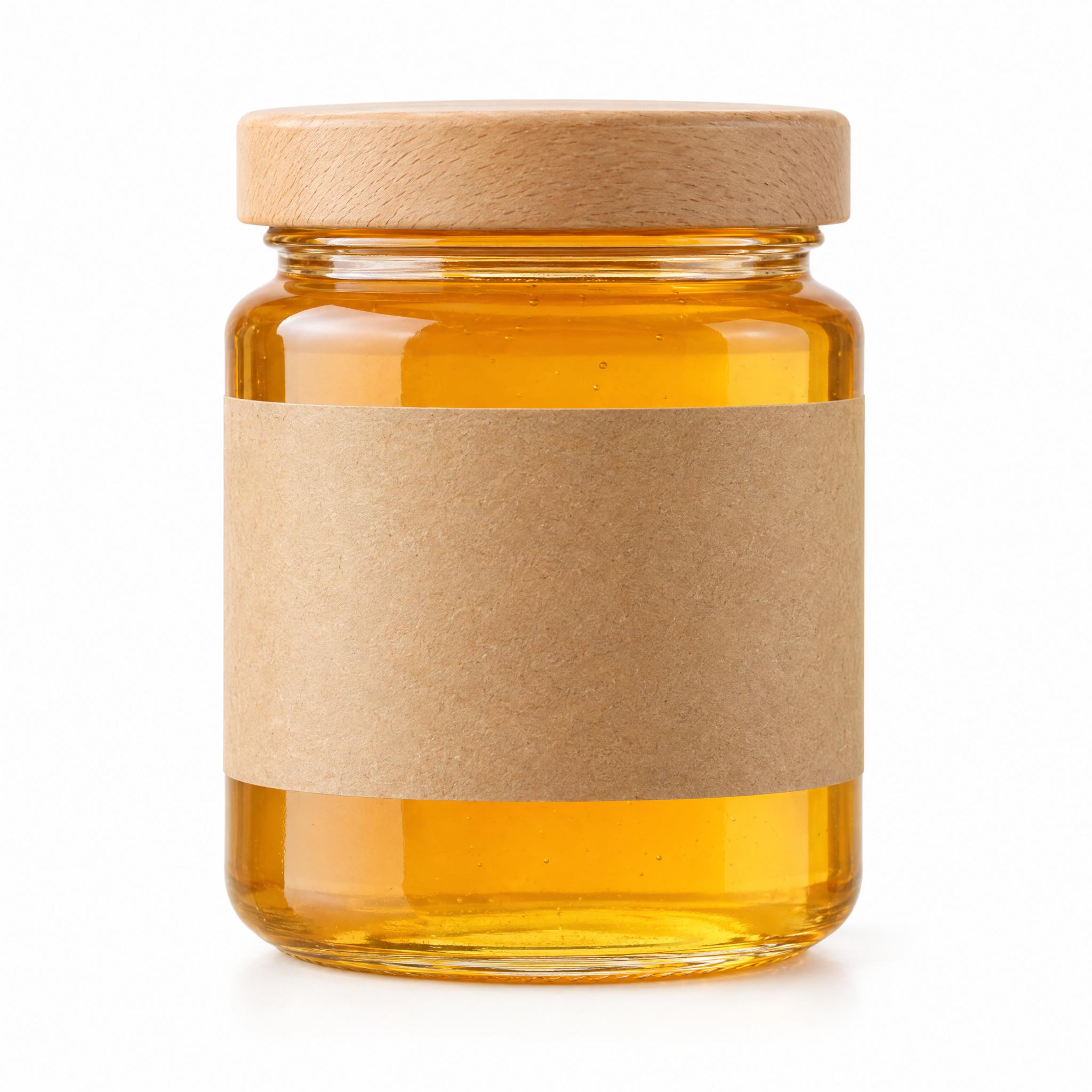
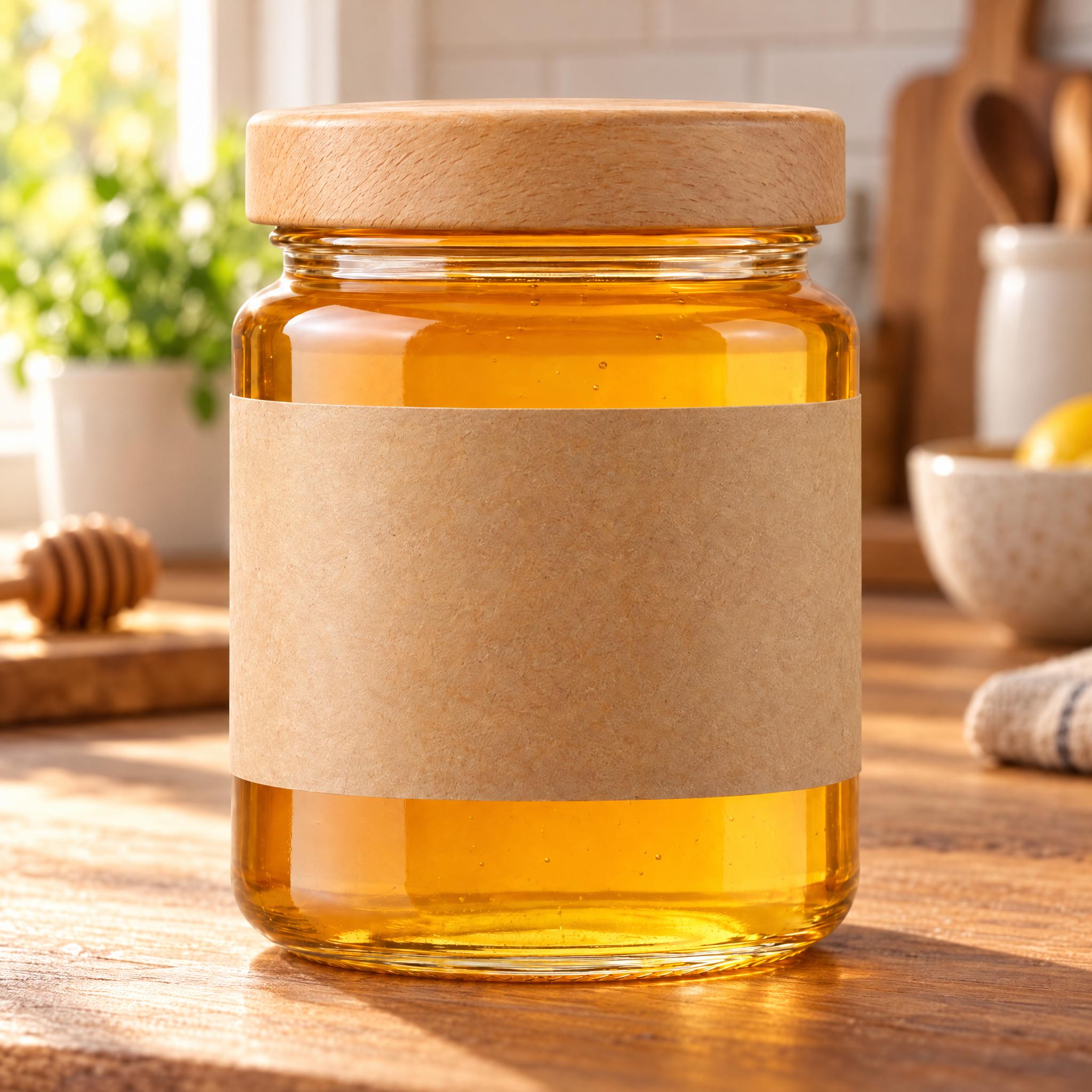
A honey jar photographed on white moves onto a kitchen counter, with window light and a shadow that match the new setting.
Before / after
Before
After
A color that fits your brand
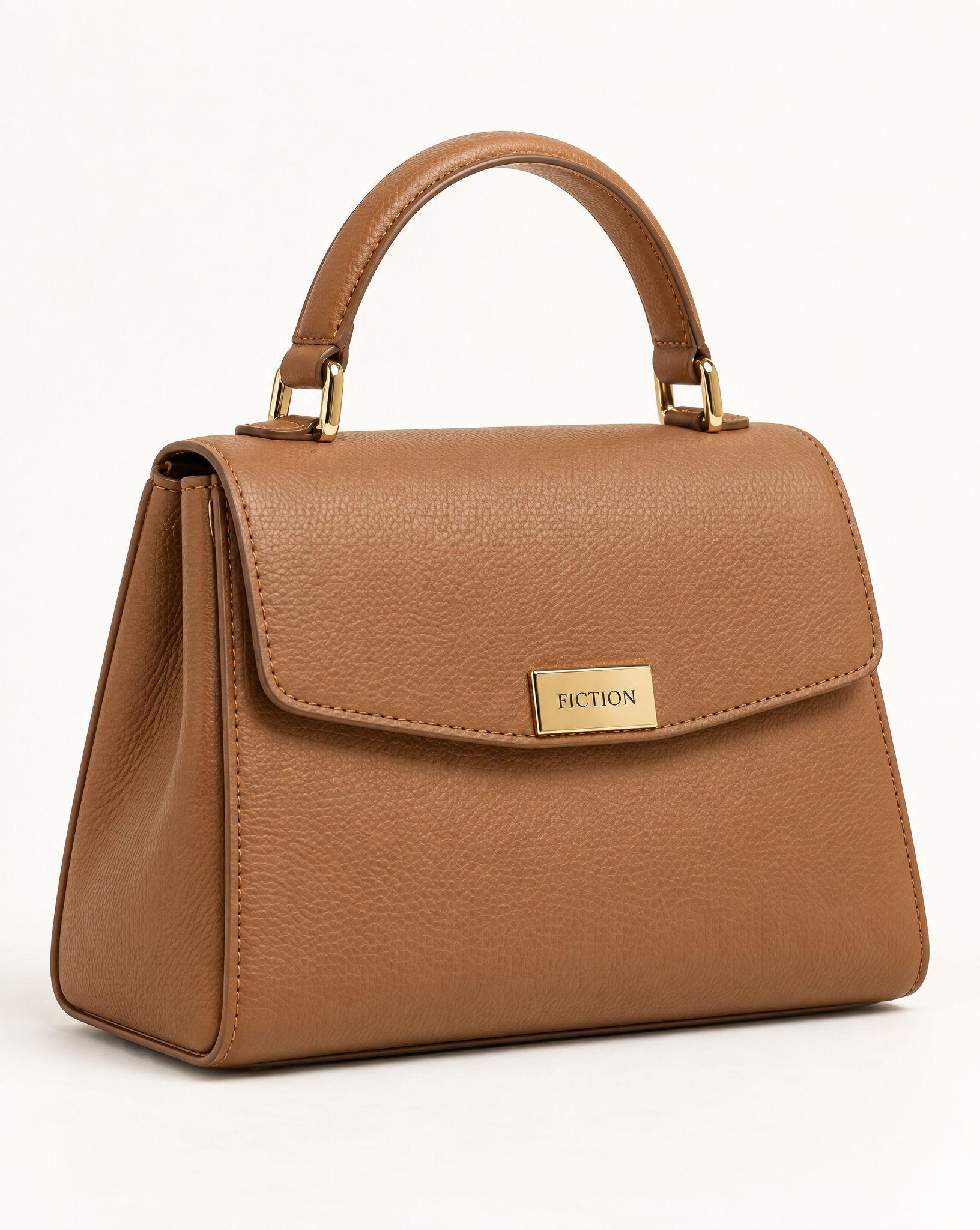
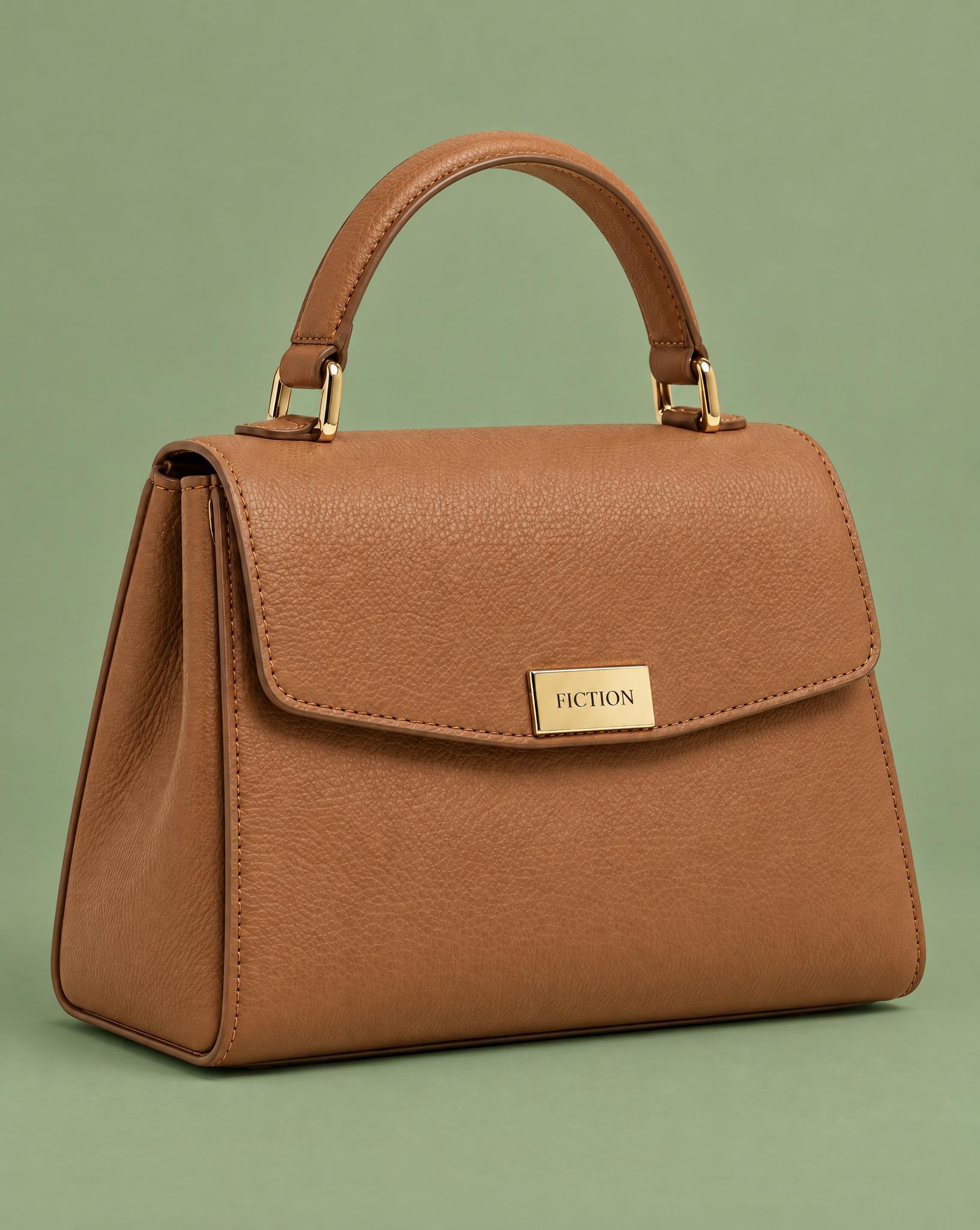
The same bag on a sage green backdrop instead of white. The leather, the handle and the clasp carry over from the original photo.
Before / after
Before
After
Back to plain white
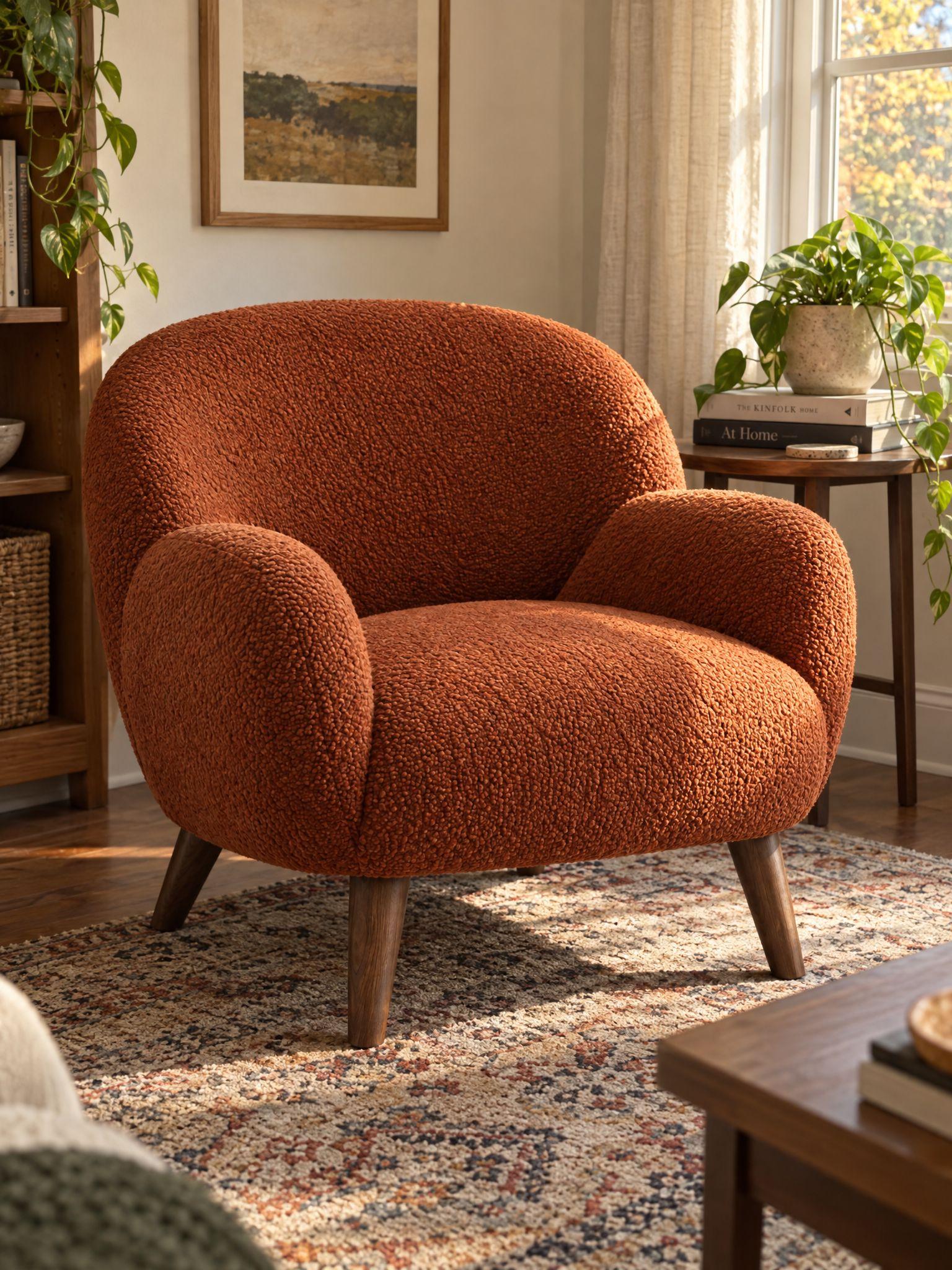
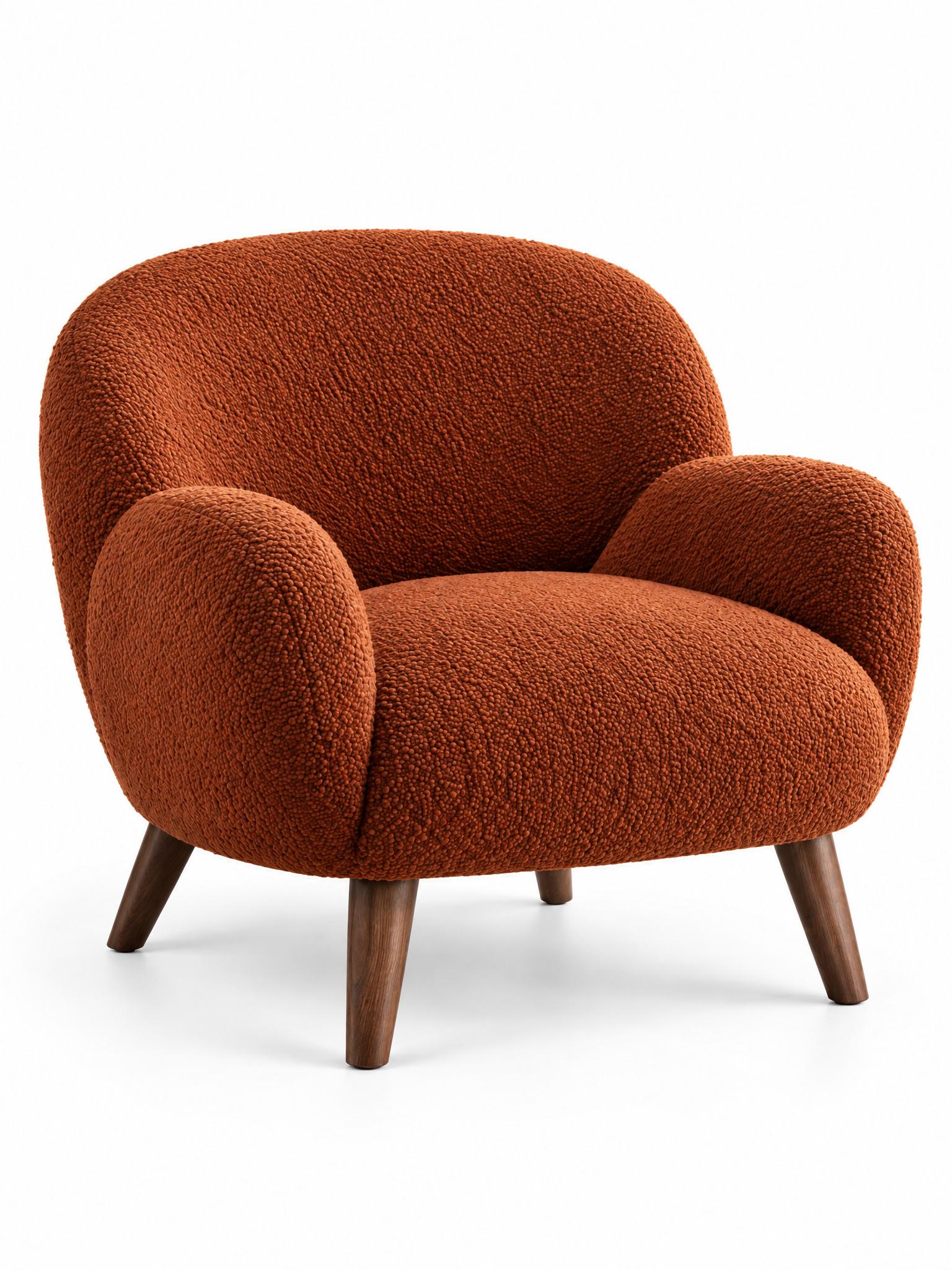
An armchair photographed at home goes onto a clean white background, the version most marketplaces ask for.
Before / after
Before
After
Common questions
Upload the photo to Kive and describe the background you want, such as pure white, a studio color or a kitchen counter. Kive replaces the background and adjusts the light and the shadows to match. A background change costs 10 credits.
Yes. Ask for a seamless white background. A generated white can land a shade off pure white, so for a marketplace main image use background removal with a white fill instead: Kive’s free white background tool does this in your browser. Check the corner pixels before you upload.
Yes. Background removal cuts the product out onto a transparent PNG at the original resolution, for 1 credit.
The product is taken from your photo, so its shape, color and label usually carry over. The light on it changes to match the new background, which is what makes it look real. Check text and fine details at full size, and regenerate if anything drifted.
Yes. Use the same background description for every product. Starting from similar photos, front-facing and evenly lit, keeps the results consistent from item to item.
Ideas from the Kive library are royalty-free and yours to use commercially. When the starting image is someone else’s photo or ad, treat it as a reference: replace their product, logo and copy. Anything you add, such as your product, text or logo, is your responsibility. This is general information, not legal advice.
Yes. The try button opens Kive’s image generator with the prompt filled in, and an image made with your saved product costs 10 credits. The Free plan includes 40 credits once you verify your email; Basic is $40 a month for 2,000 credits.