Amazon main images on true 255 white
Remove the background and get a pure white PNG for Amazon’s main image. Free, and it runs in your browser.
Amazon’s main image rules
| Background | Pure white, RGB 255, 255, 255 |
|---|---|
| Product size | The product fills 85% of the image, with the whole product inside the frame |
| In the shot | One unit, shown once, plus any accessories that come with it. No props |
| Text and graphics | No text, logos, watermarks or badges |
| Image size | 500 to 10,000 px on the longest side. 1,000 px or more turns on zoom |
| File type | JPEG (recommended), TIFF, PNG or non-animated GIF, in RGB color |
| Clothing | No part of a mannequin. Adult clothing is shown on a standing model |
| Shoes | A single shoe, facing left, at a 45-degree angle |
A background that looks white can still read 253 or 254 at the corners. Amazon’s rule is 255.
From Amazon Seller Central: Product image guide, checked .
Why near-white backgrounds fail
Amazon shows the main image in search results, and it may take a listing out of search until it has a compliant main image. The background rule is exact: 255 on all three color channels.
Paper sweeps, light boxes and AI-generated white backgrounds often land between 250 and 254. The difference doesn’t show on screen, but it is what a compliance check reads. This tool cuts the product out and fills everything behind it with #FFFFFF.
How it works
- 1Start from a sharp, evenly lit photo of the product, with the whole item in frame.
- 2Remove the background. White (#FFFFFF) is already selected as the fill.
- 3Download the PNG, crop so the product fills about 85% of the frame with at least 1,000 px on the longest side, and upload it as the MAIN image.
Looks white, reads 253
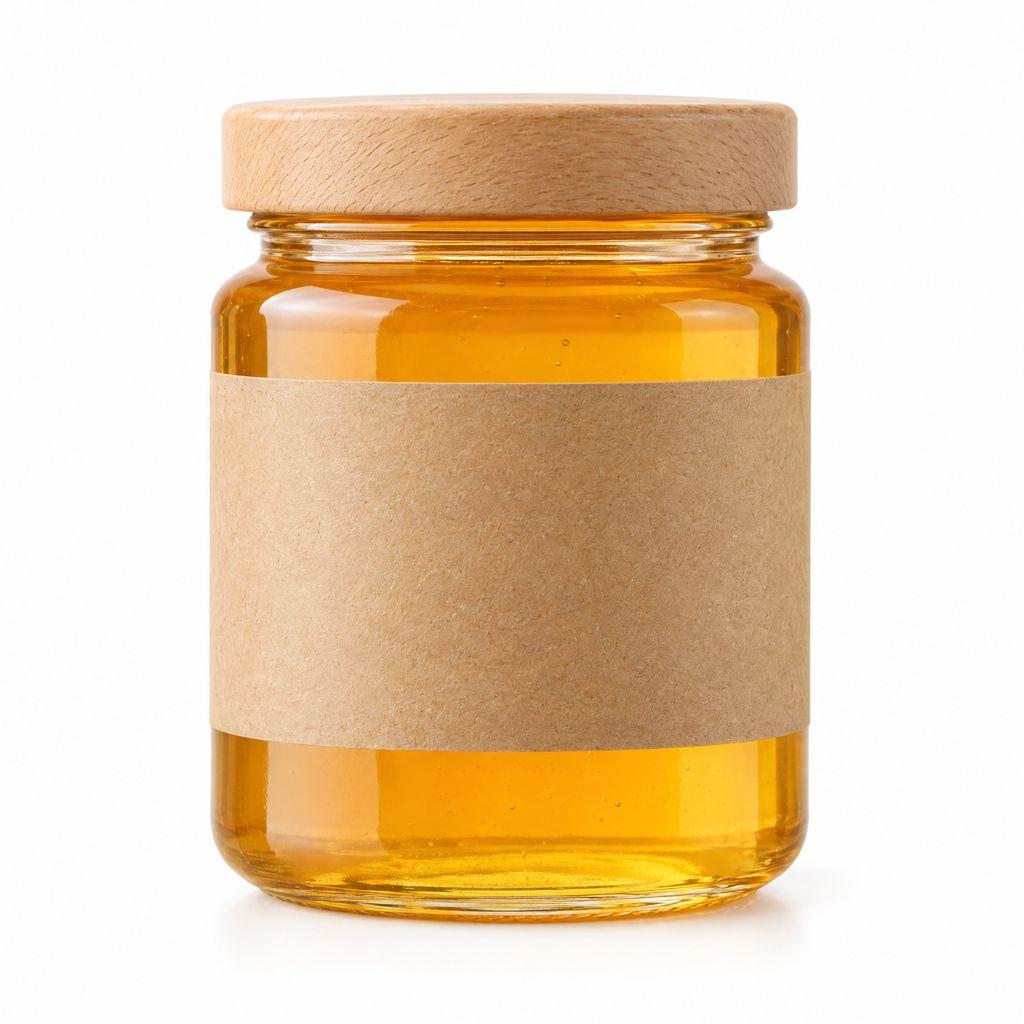
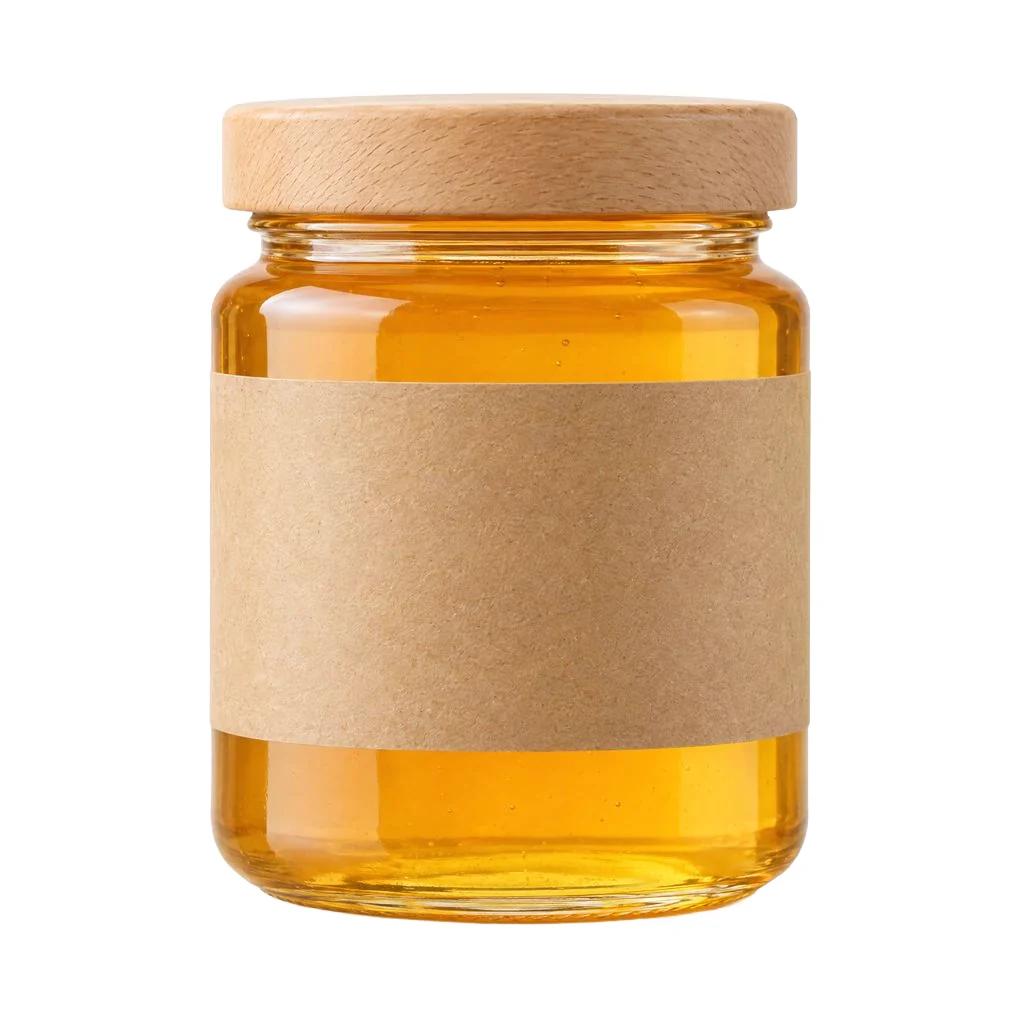
This jar was shot on a white sweep. Its corners read 253 to 254: invisible to a shopper, but not to Amazon’s check. After the cutout, every background pixel reads 255.
Before / after
A cream backdrop is a color
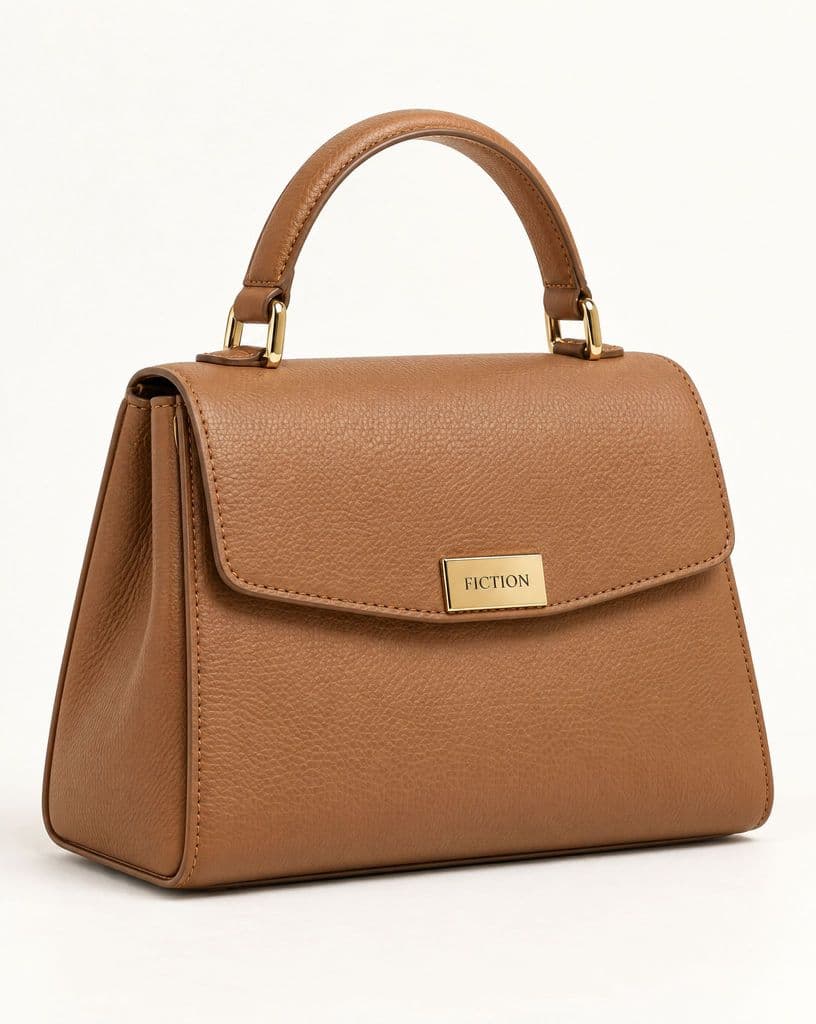
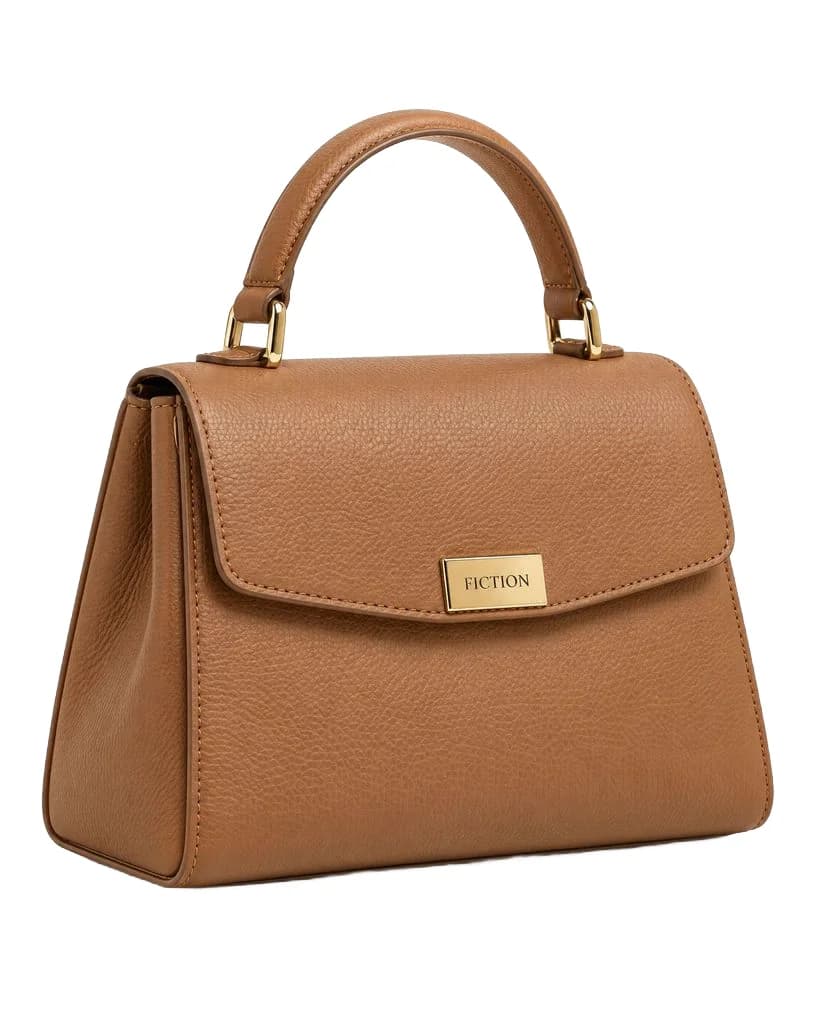
The bag sat on a cream backdrop that reads 250 to 254. On Amazon that counts as a colored background. The cutout keeps the handle, the gold hardware and the logo plate as photographed.
Before / after
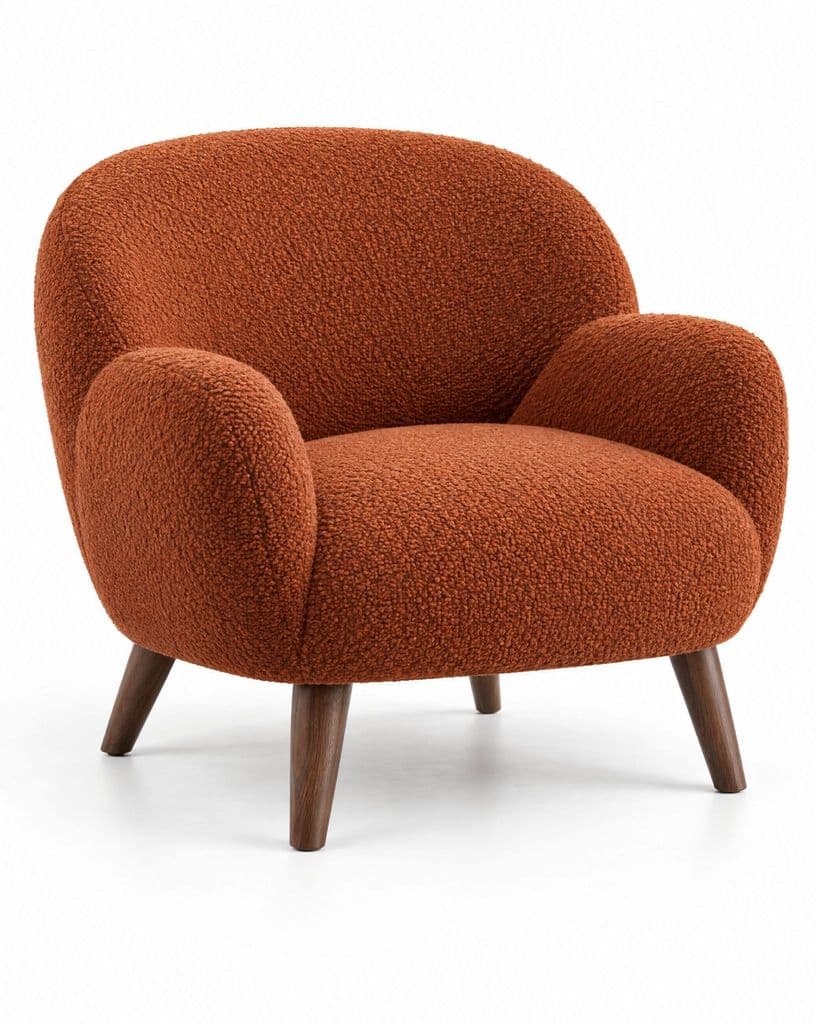
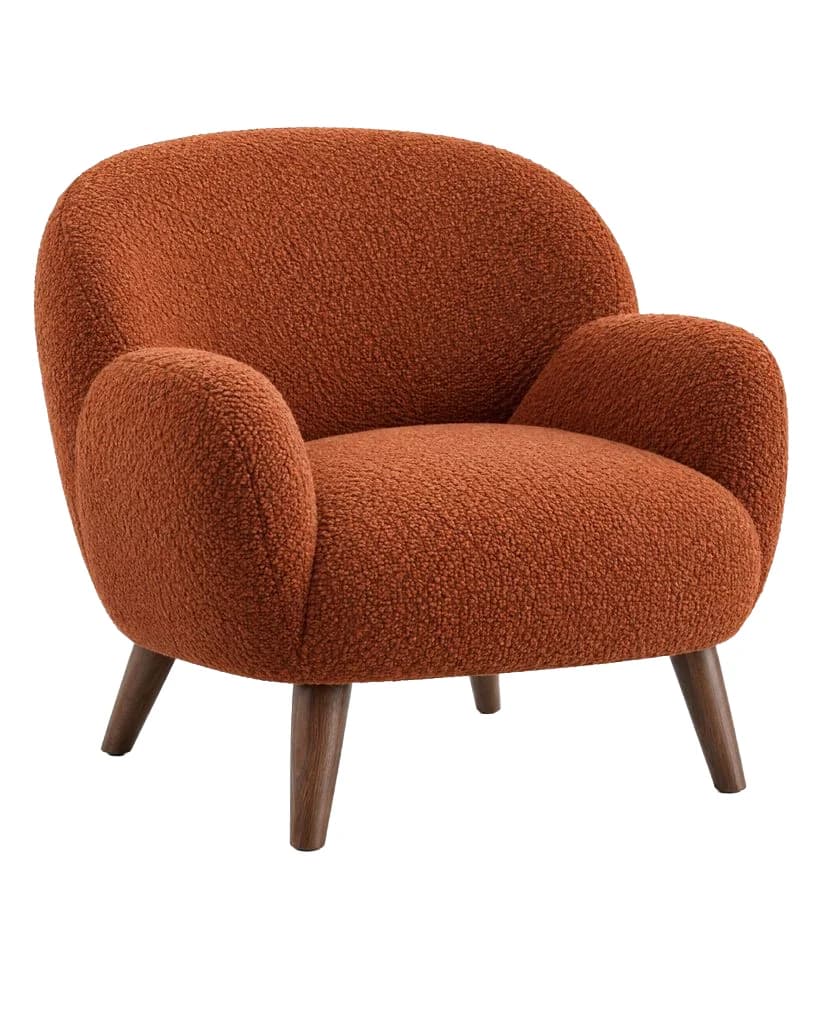
Floor shadows go with the background
The shadow under the chair belongs to the background, so it is removed with it. The bouclé texture, the curve of the arms and the wooden legs stay as photographed.
Before / after
Related pages
Common questions
Need the other six images too?
Kive puts your saved product into lifestyle scenes for the rest of the listing.