Amazon lifestyle images from the photo you have
Kive places your product in real-looking scenes for the additional image slots. Try it free, no account needed.
More lifestyle scenes from the library
Lifestyle product photos place the product in a real moment: a bag on a cafe chair, sneakers on a doorstep, a skincare bottle on a sunlit bathroom shelf. These ideas show the product in use or in context so shoppers can picture it in their own life.

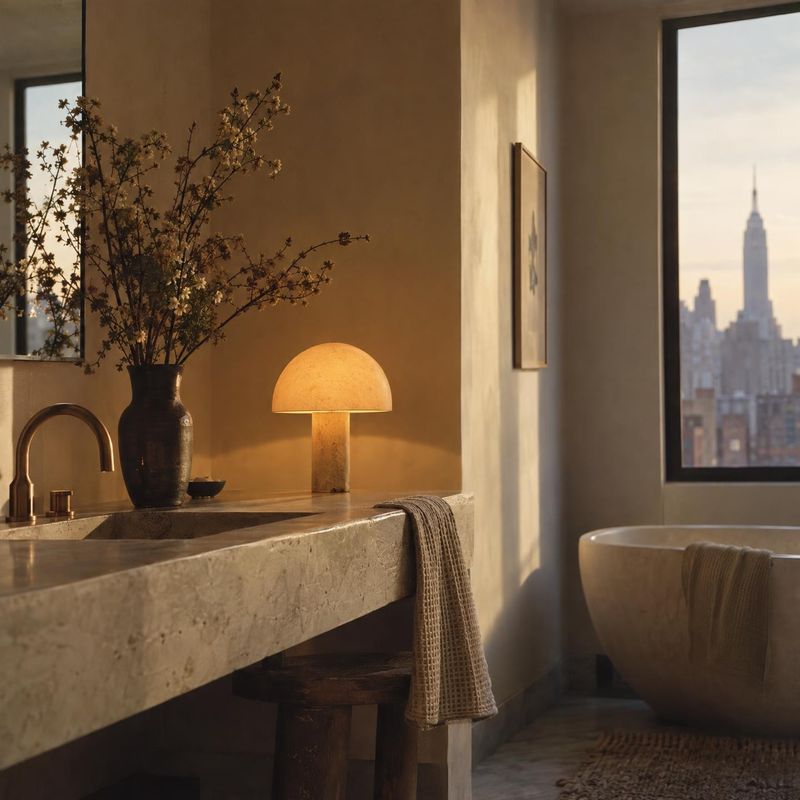
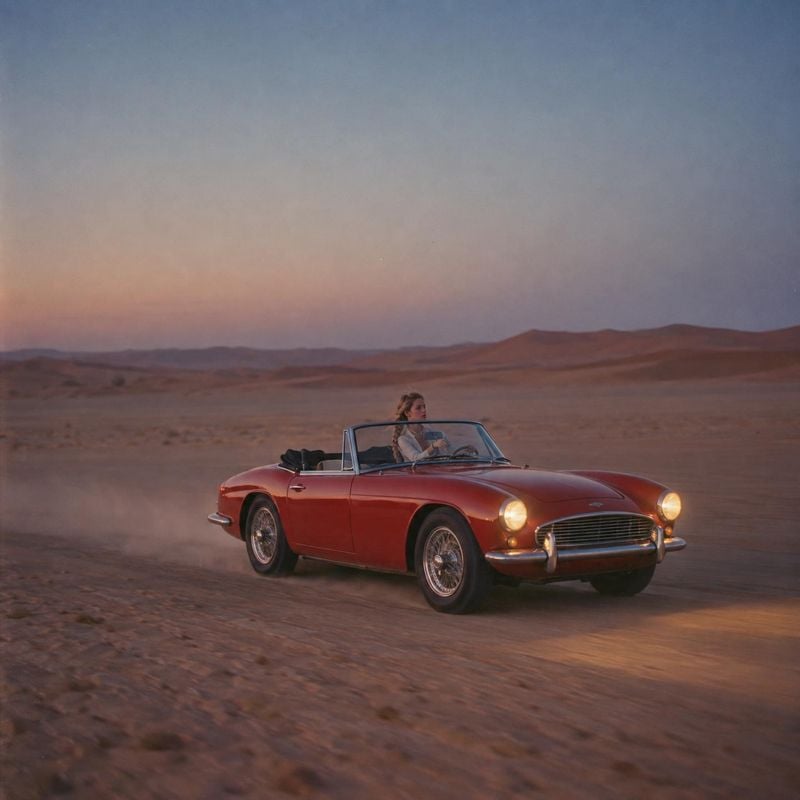
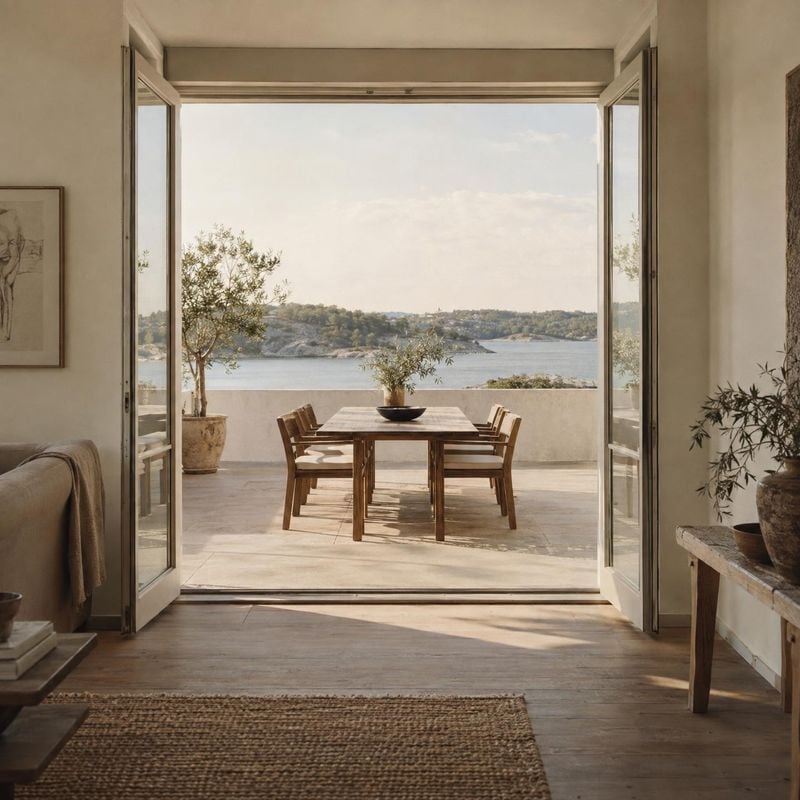
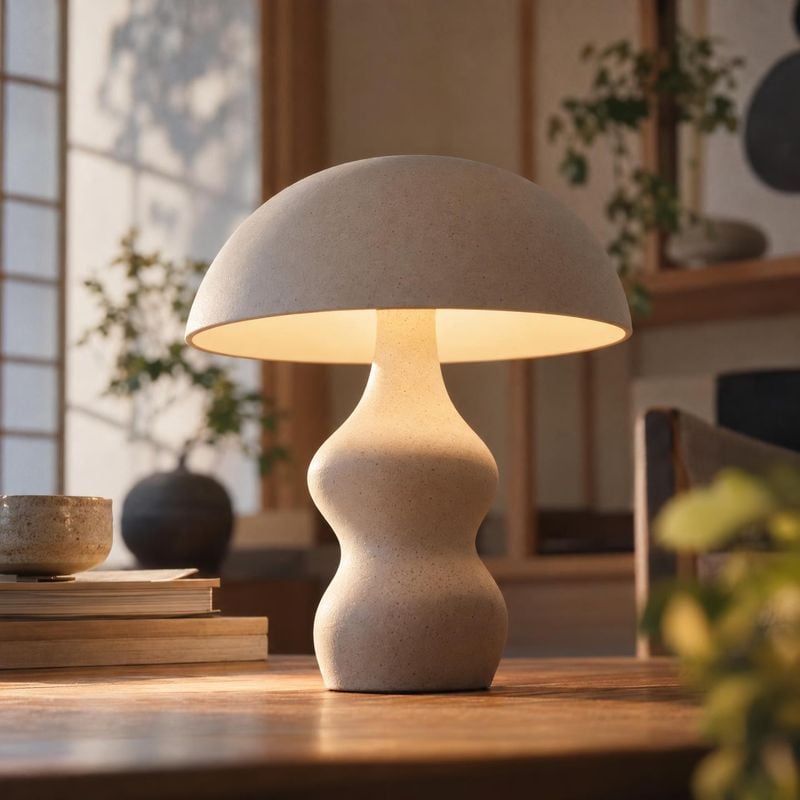
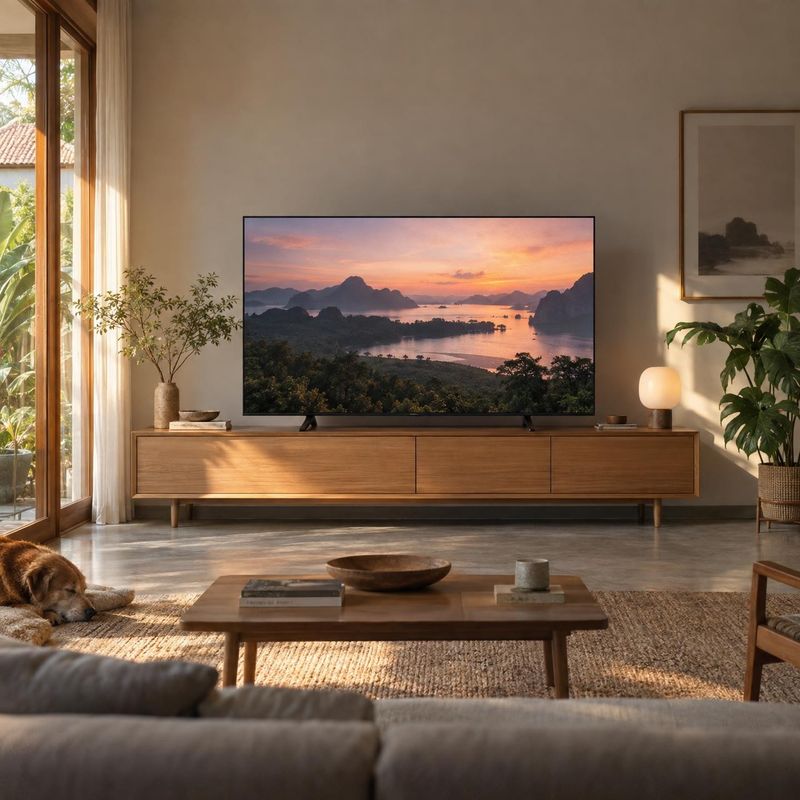
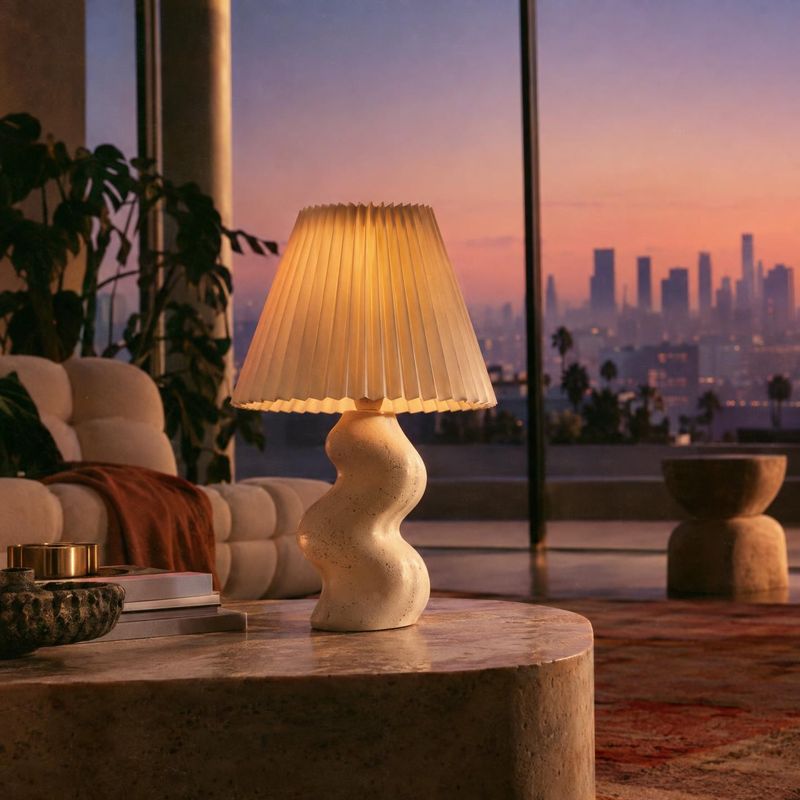

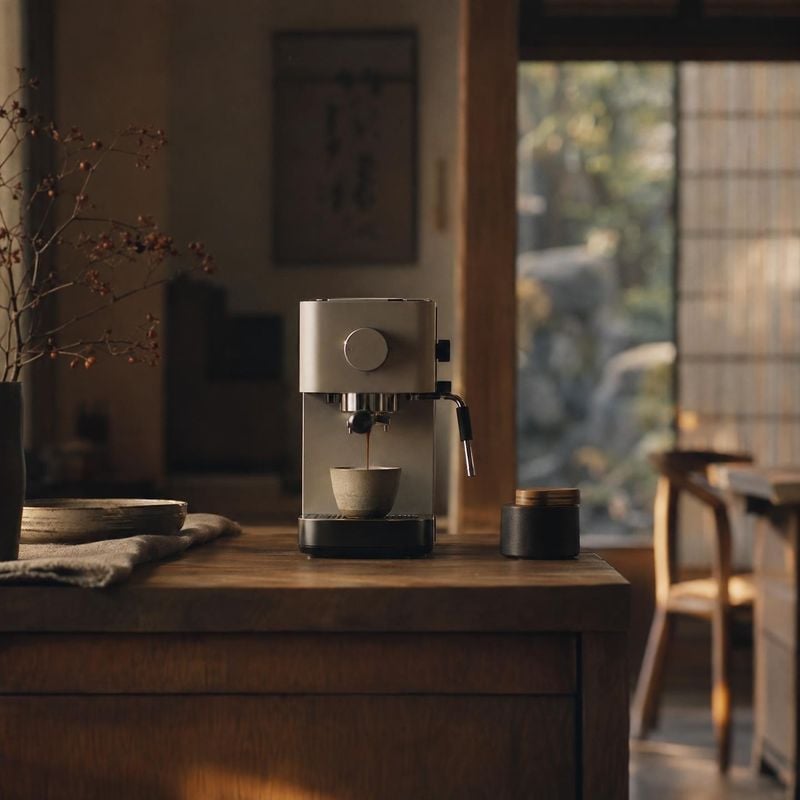
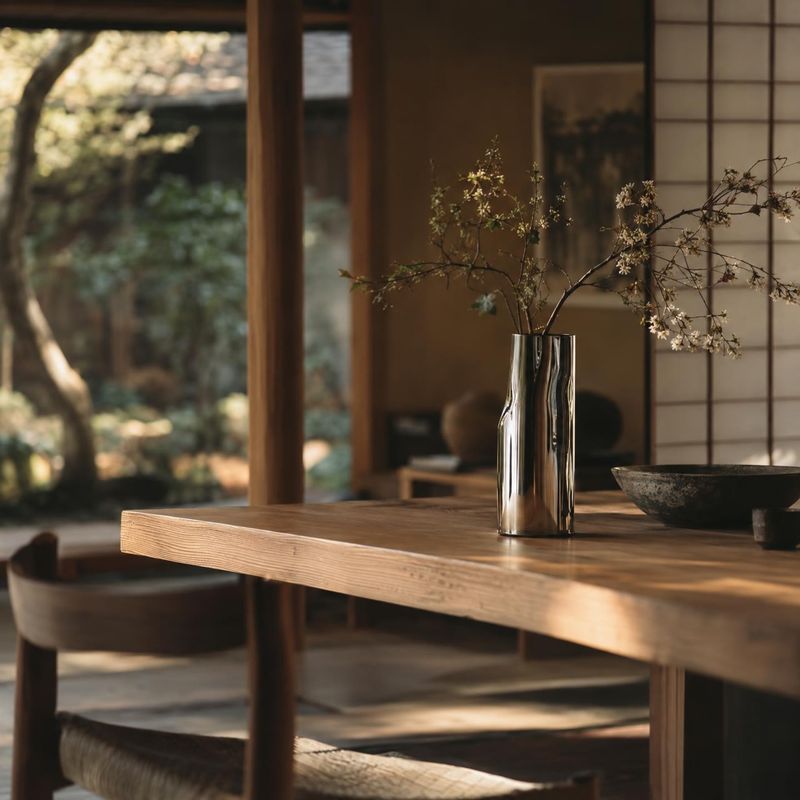
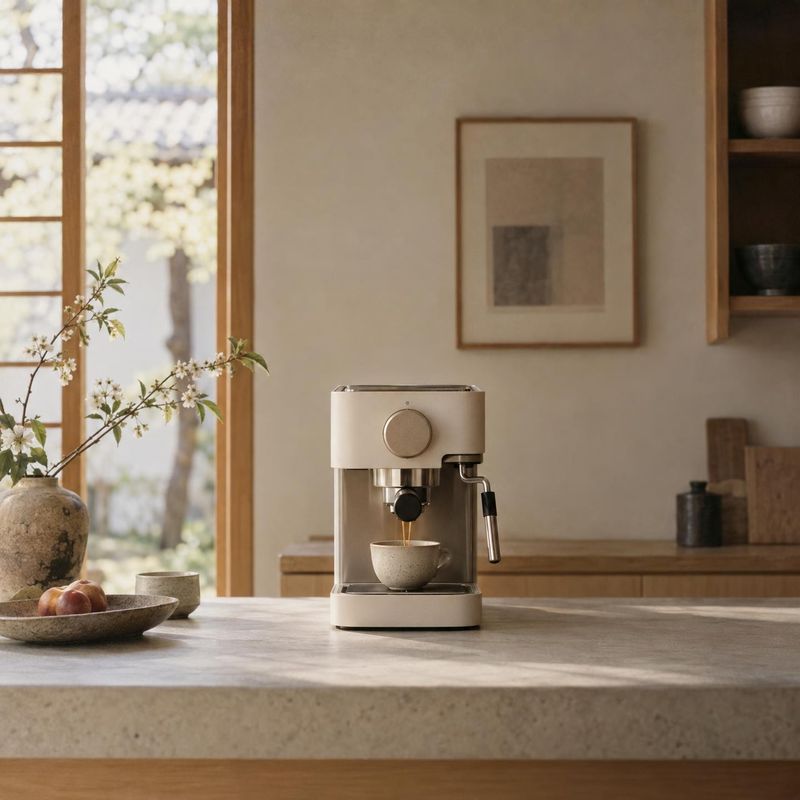

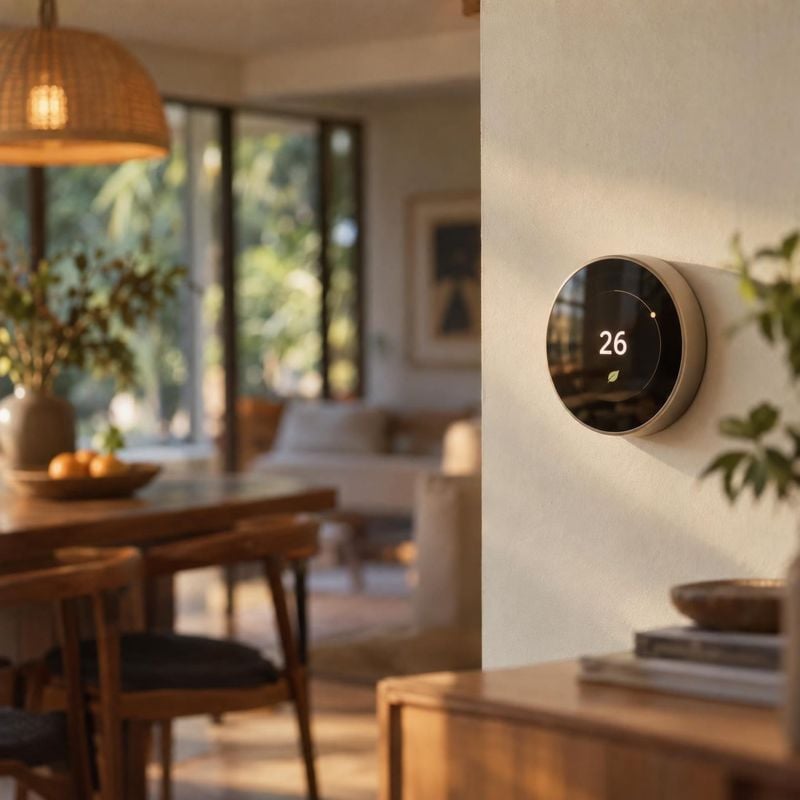
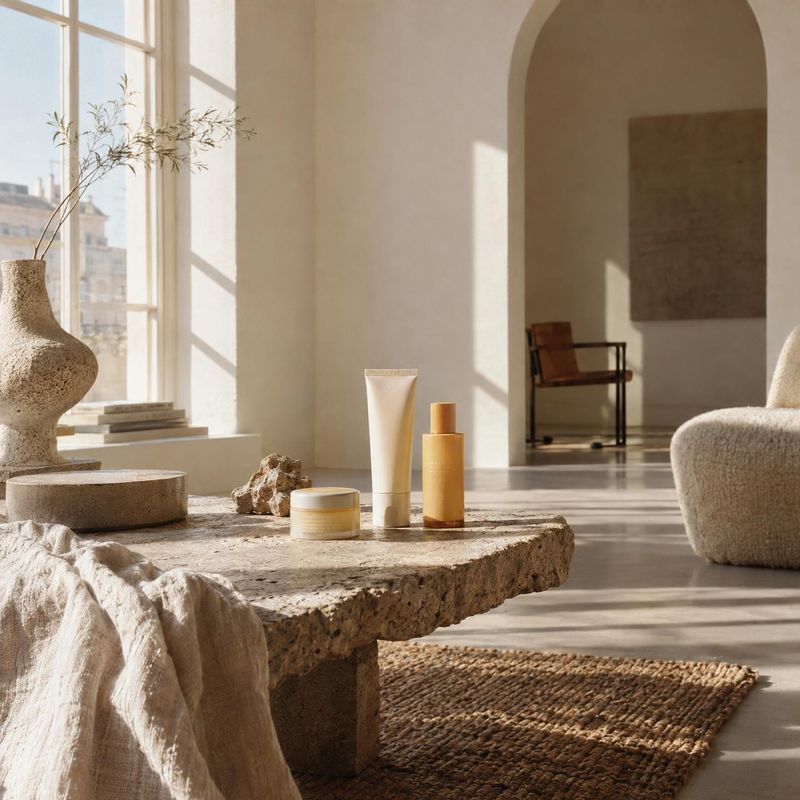
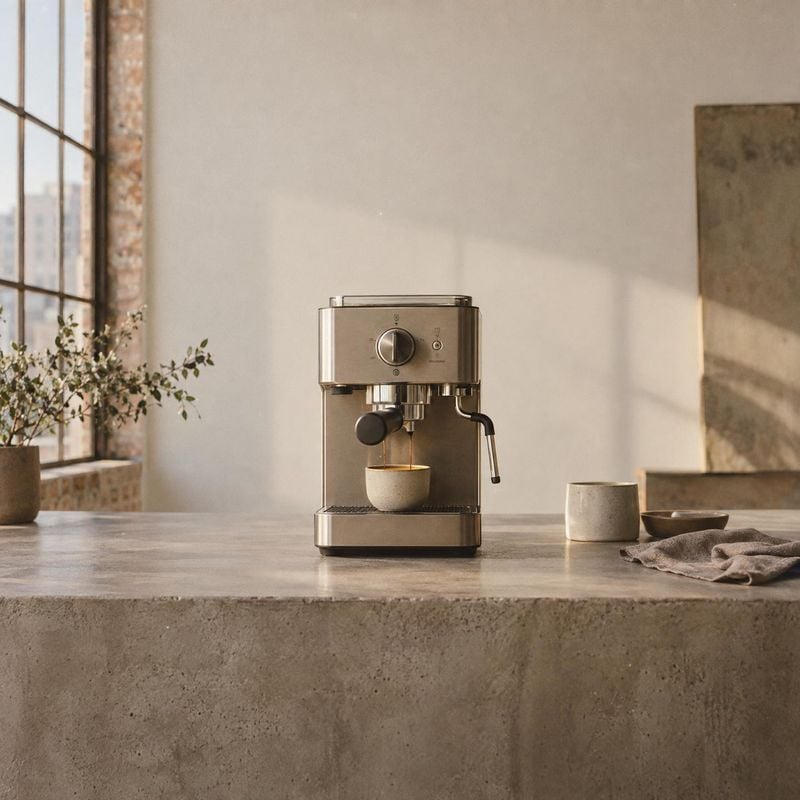
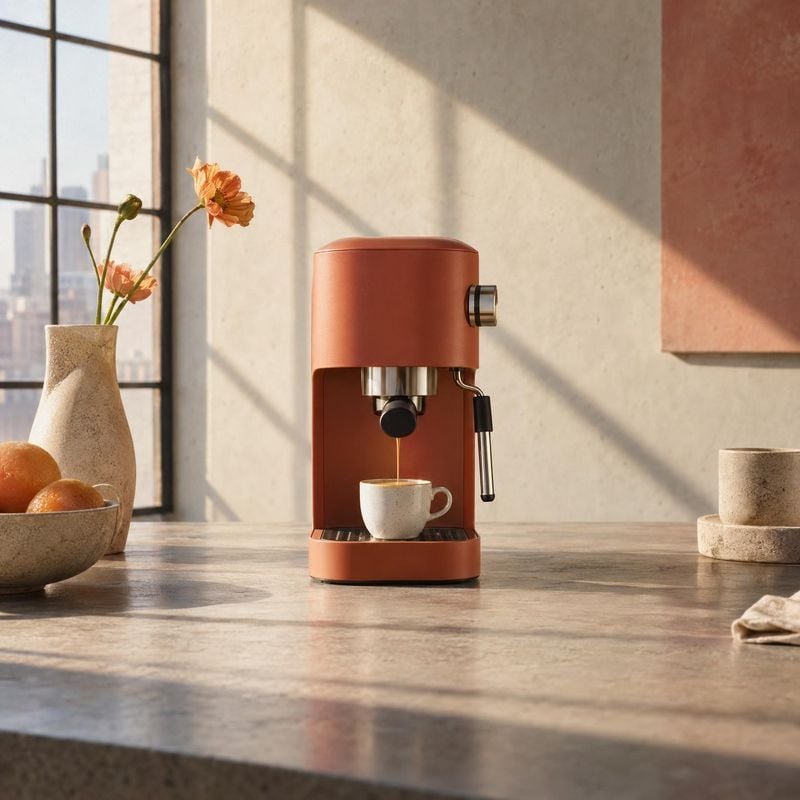
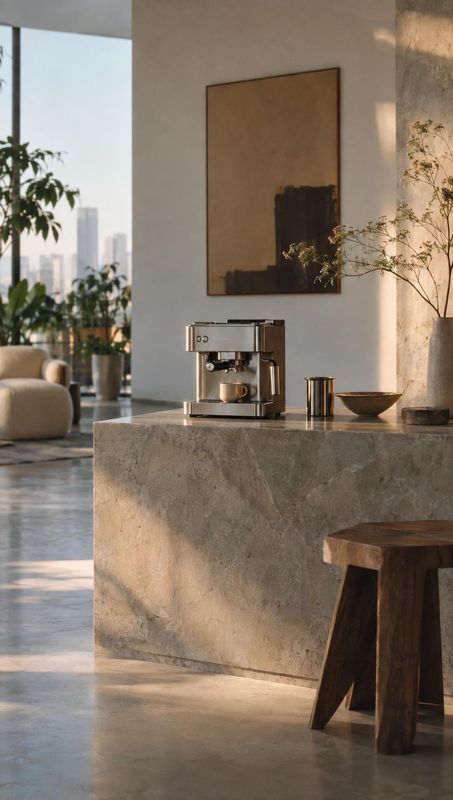
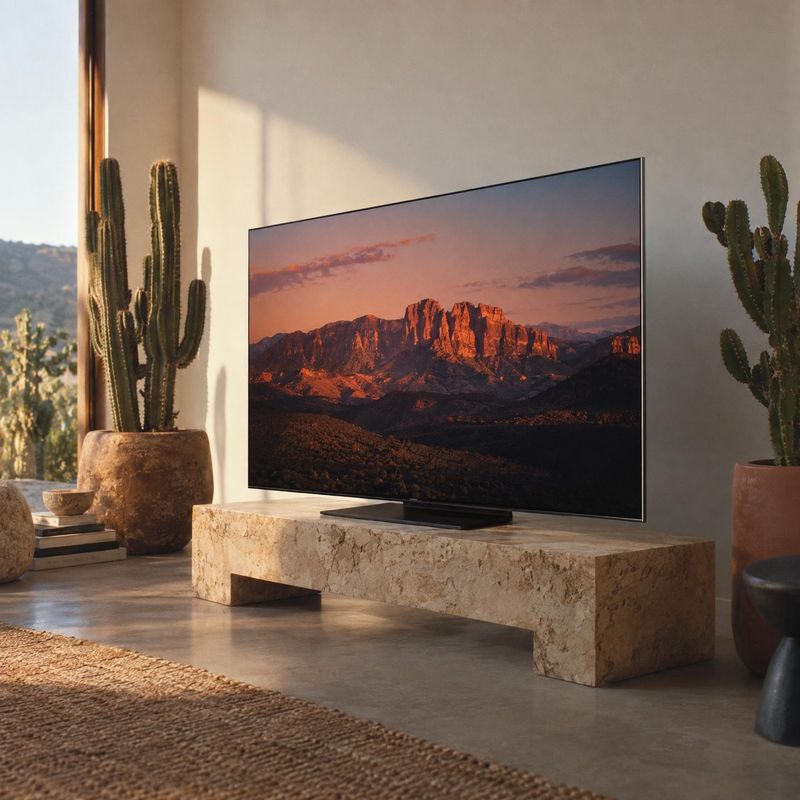
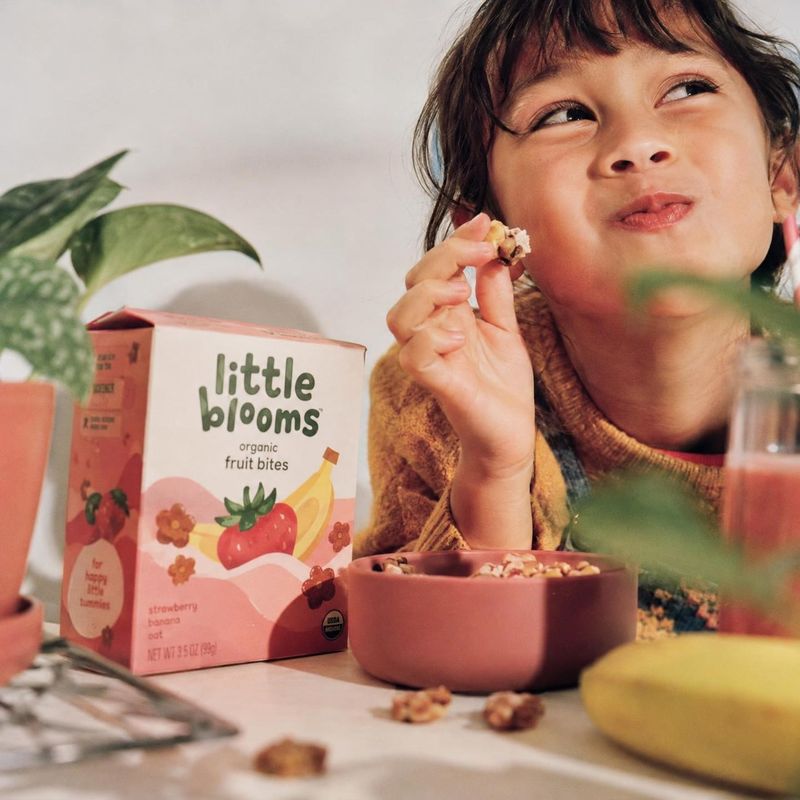
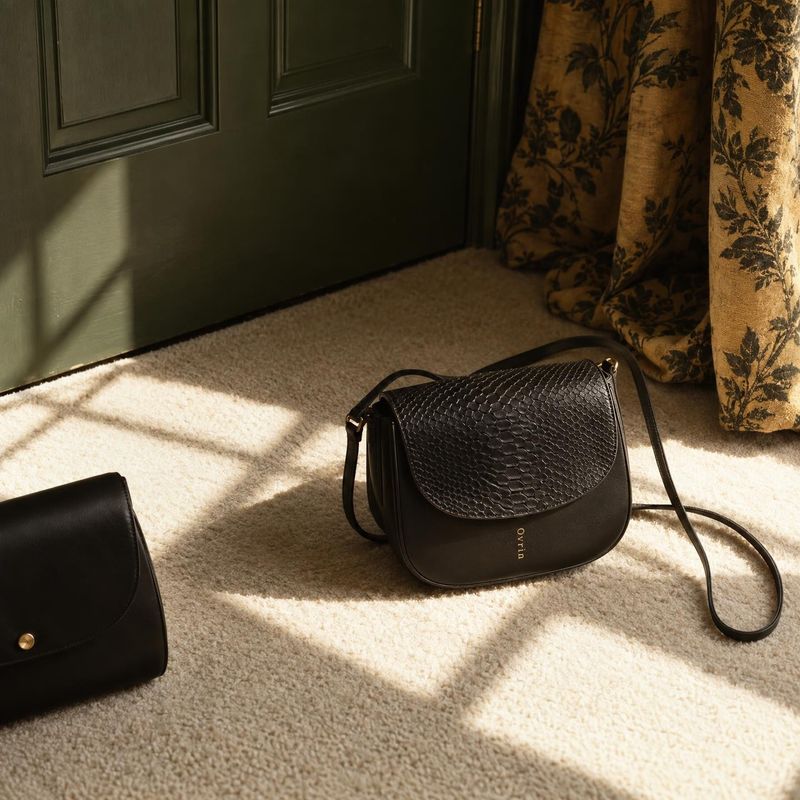
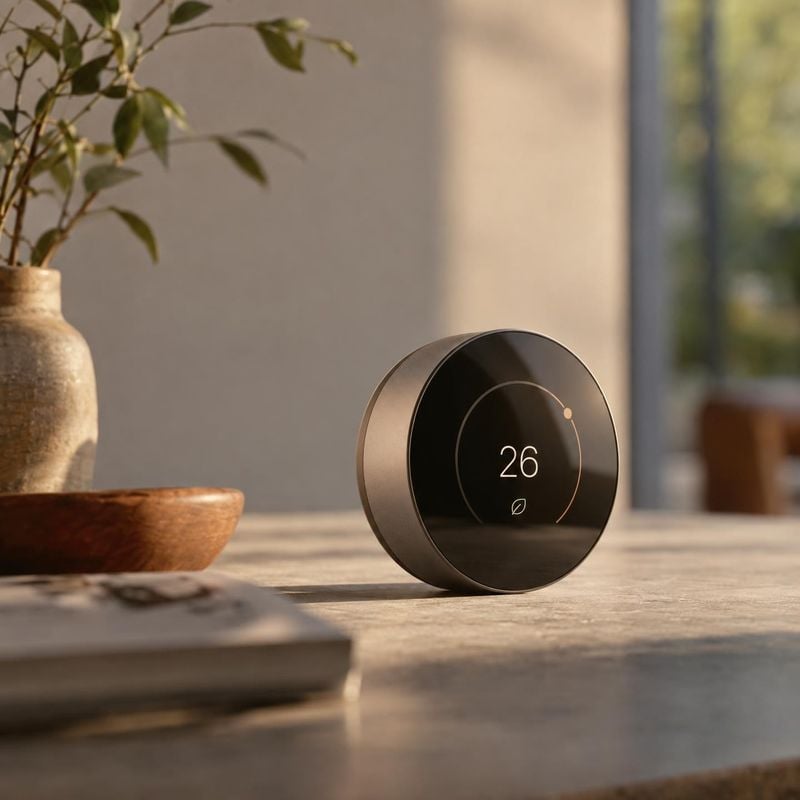
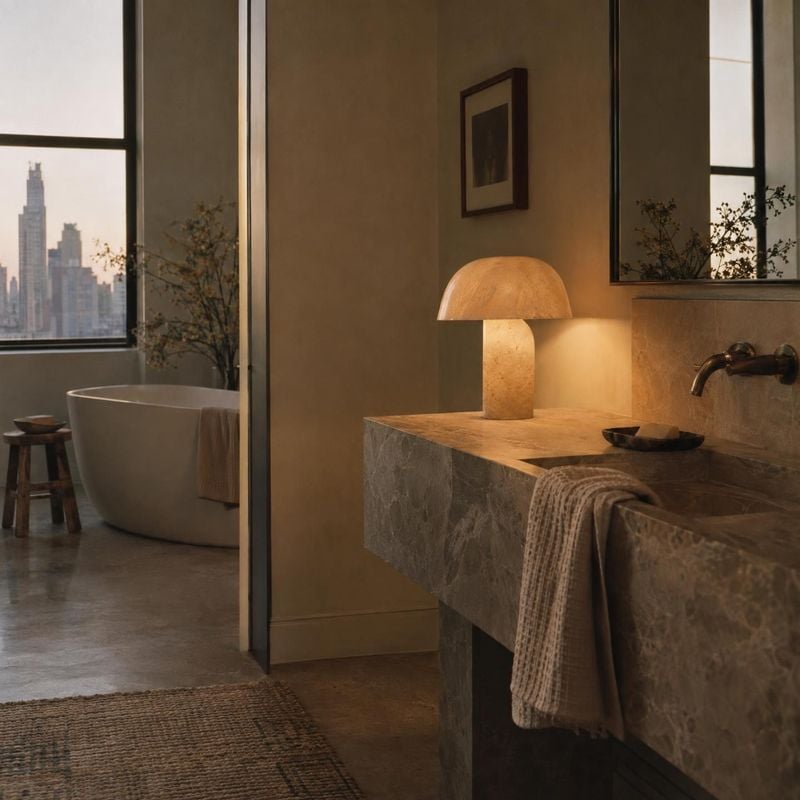
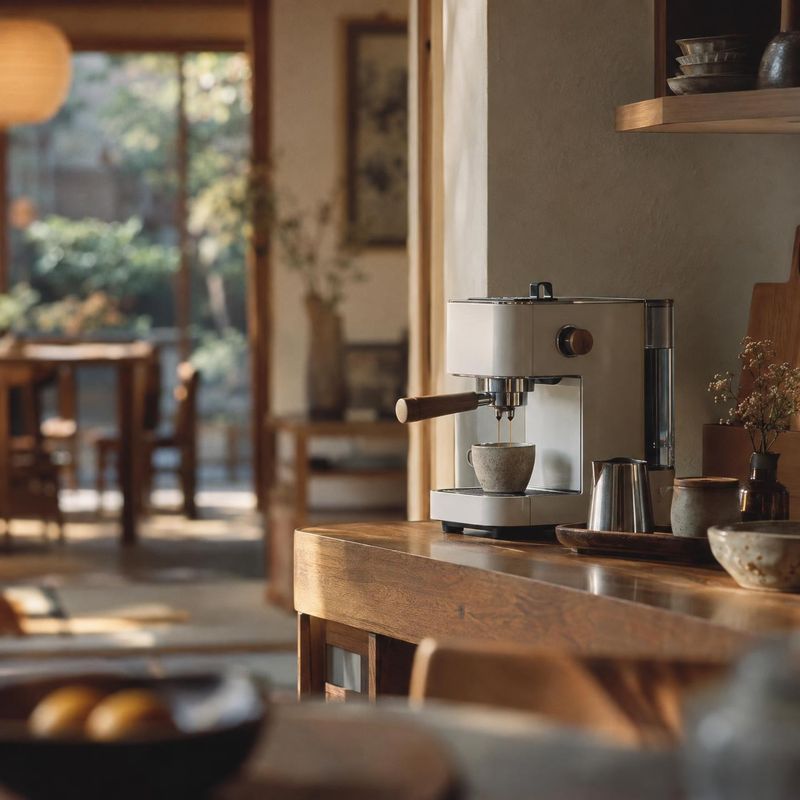
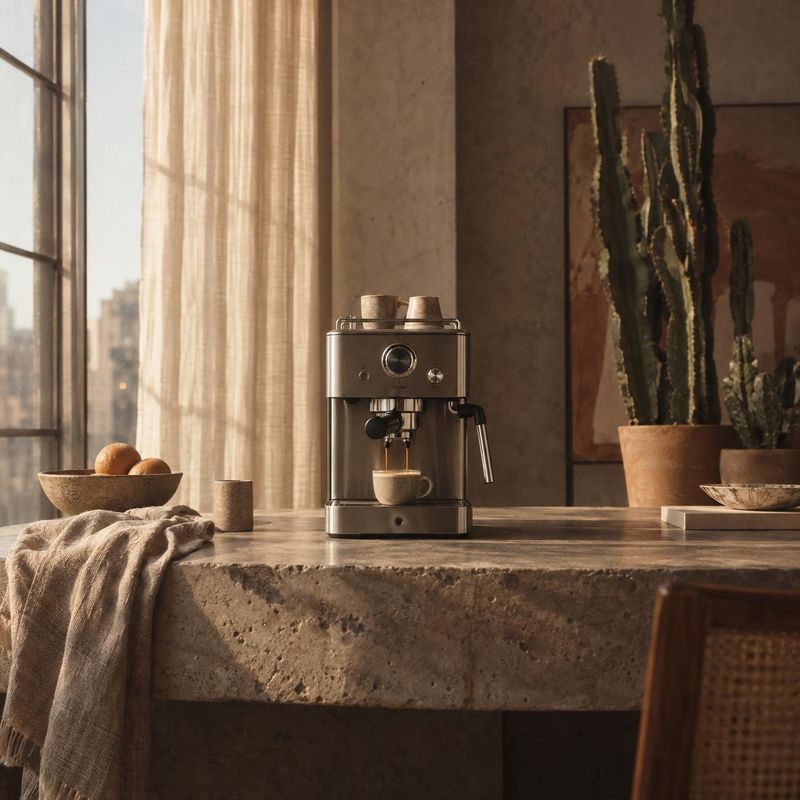
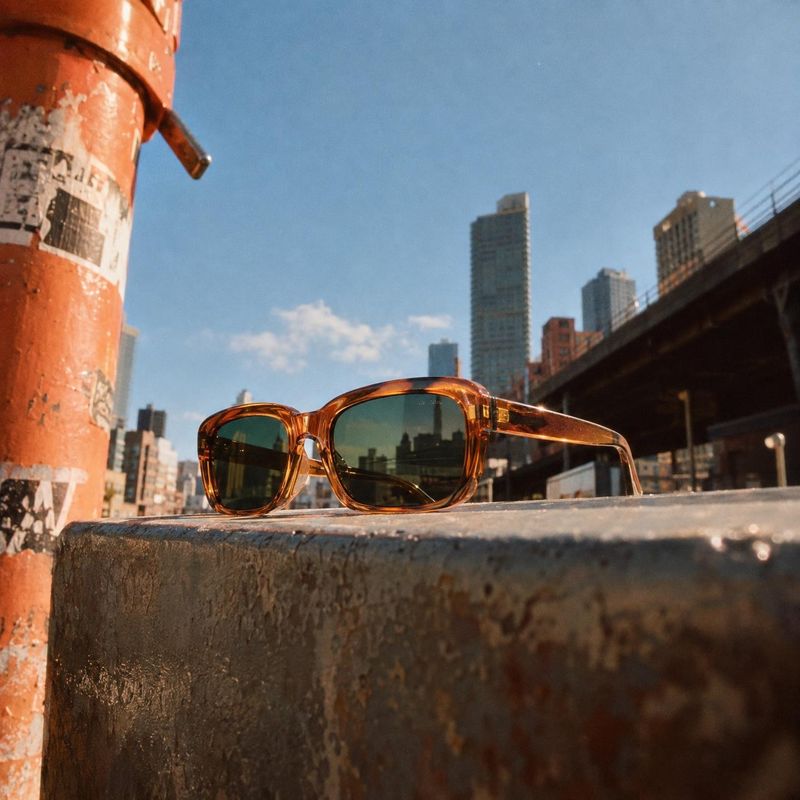
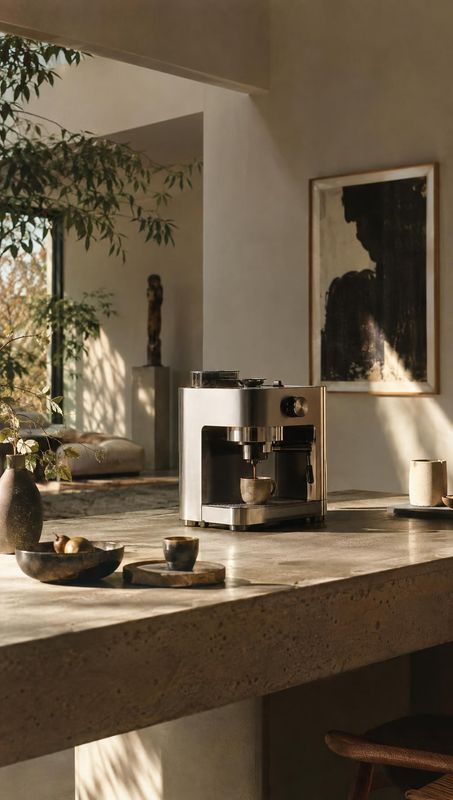
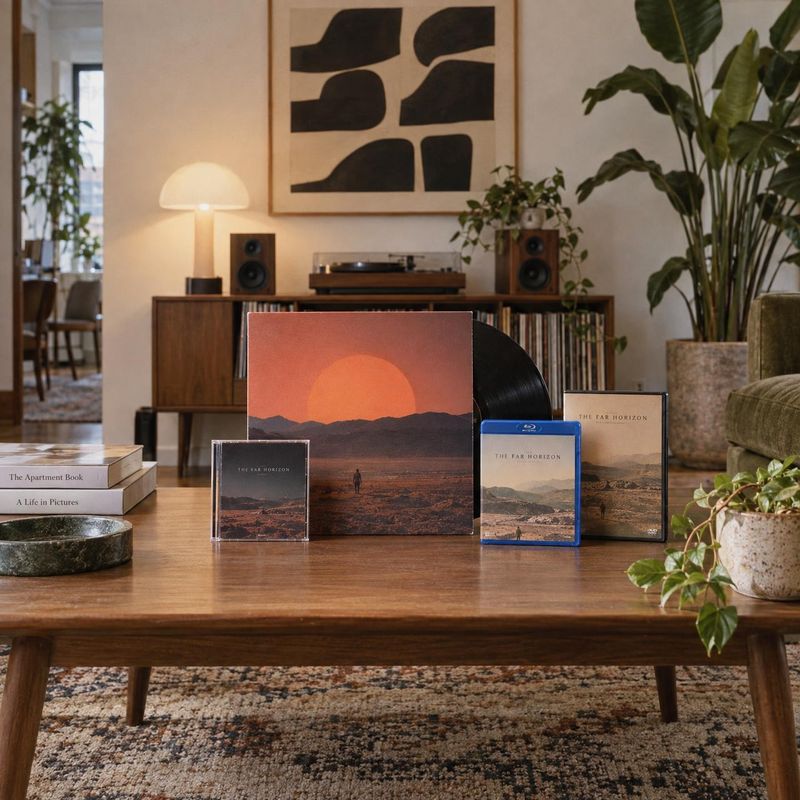

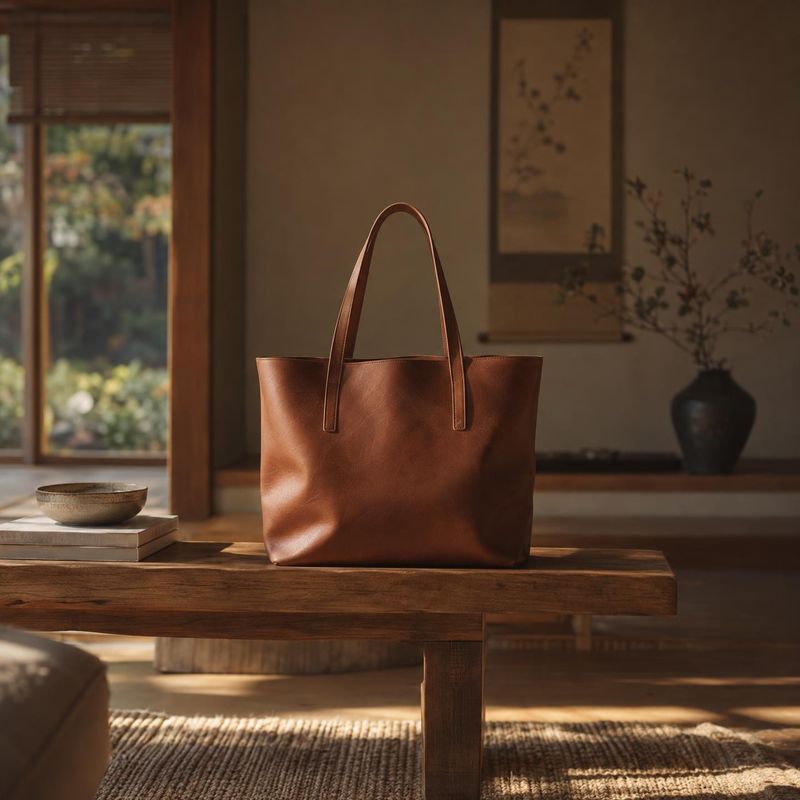
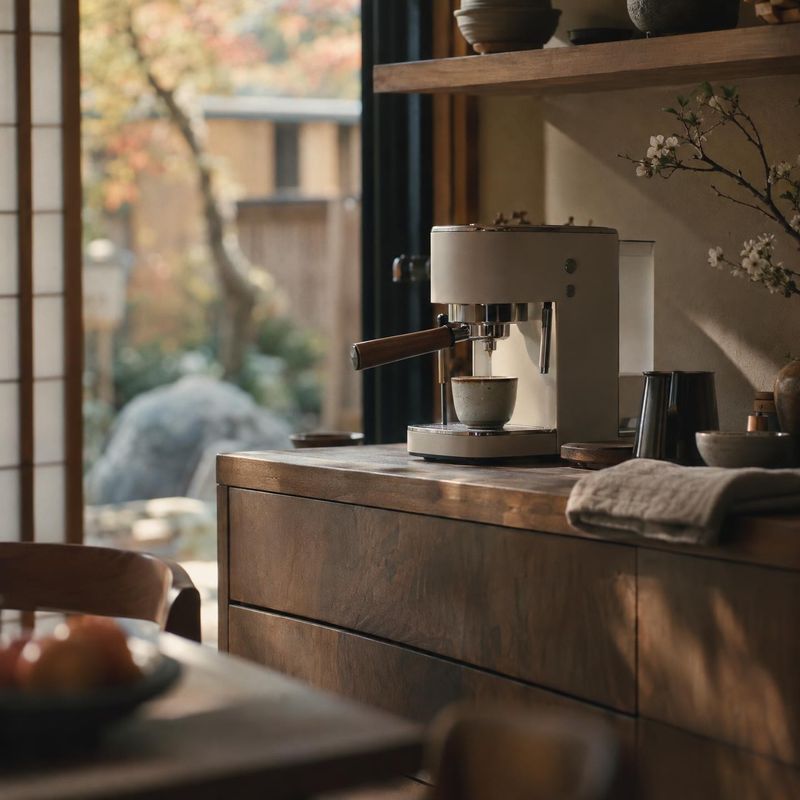
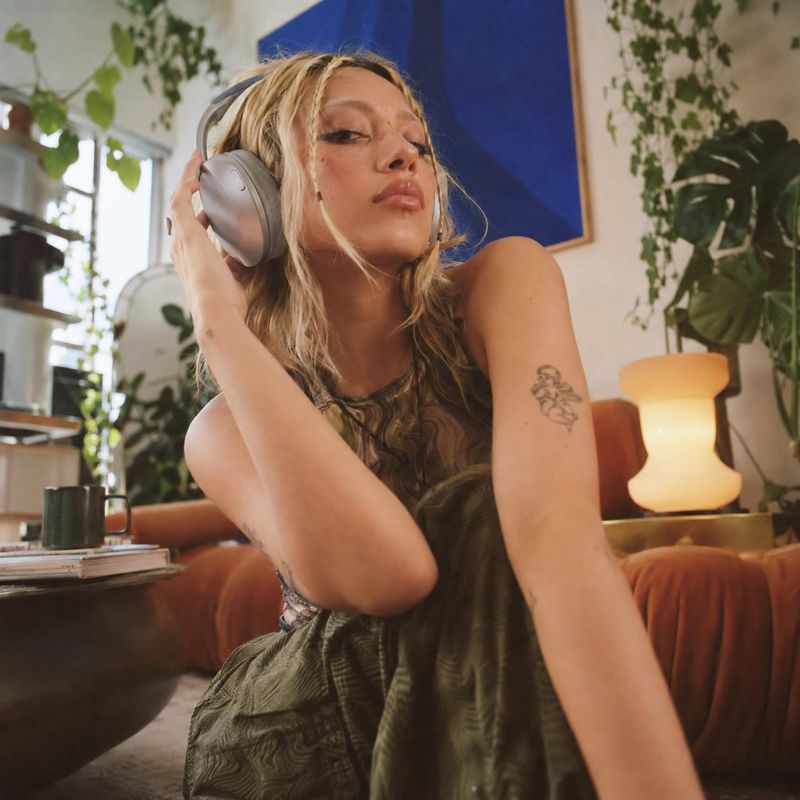
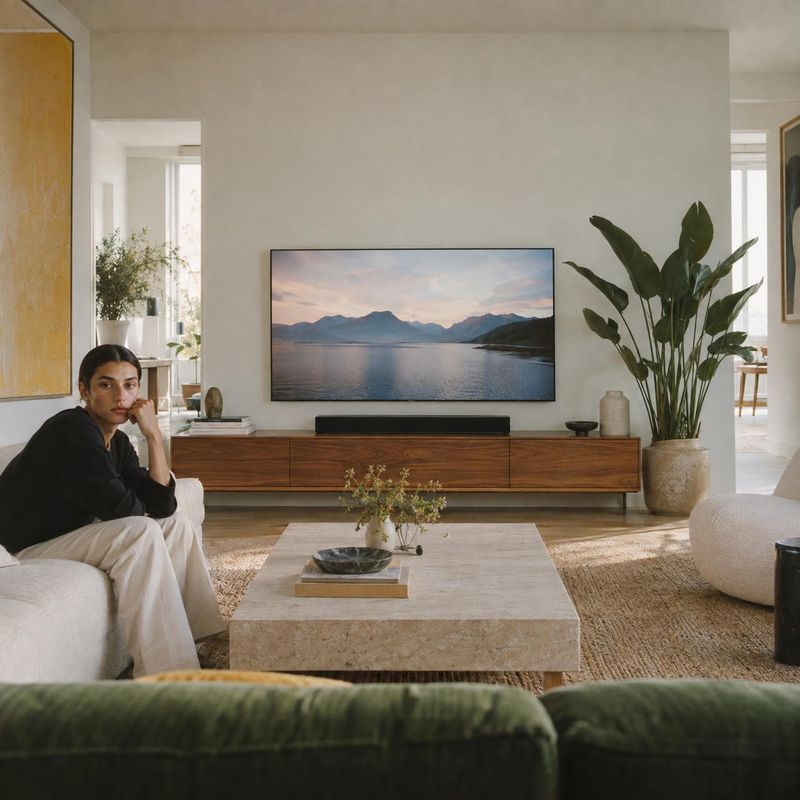

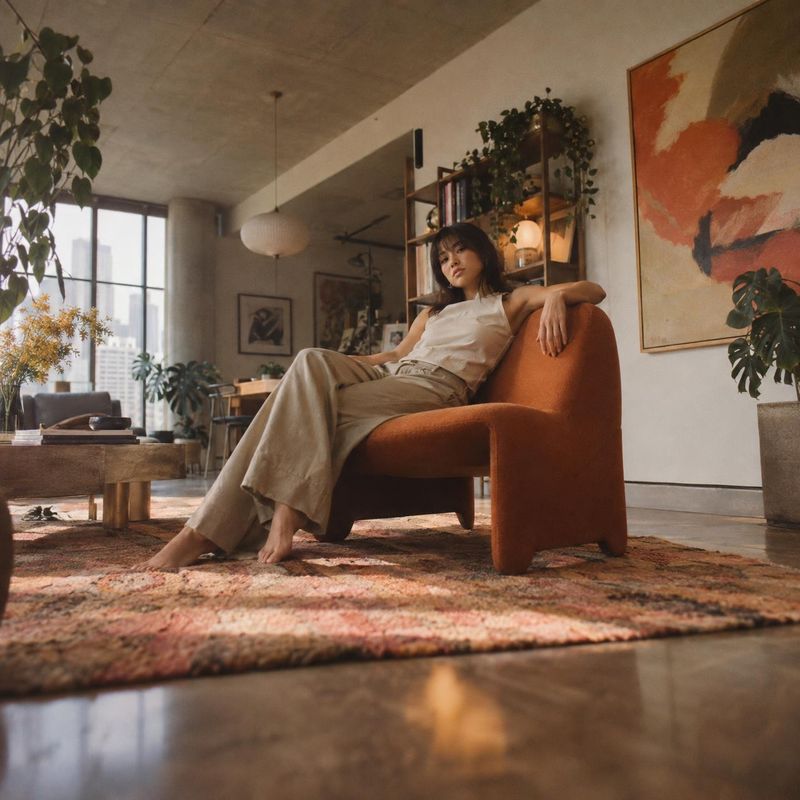
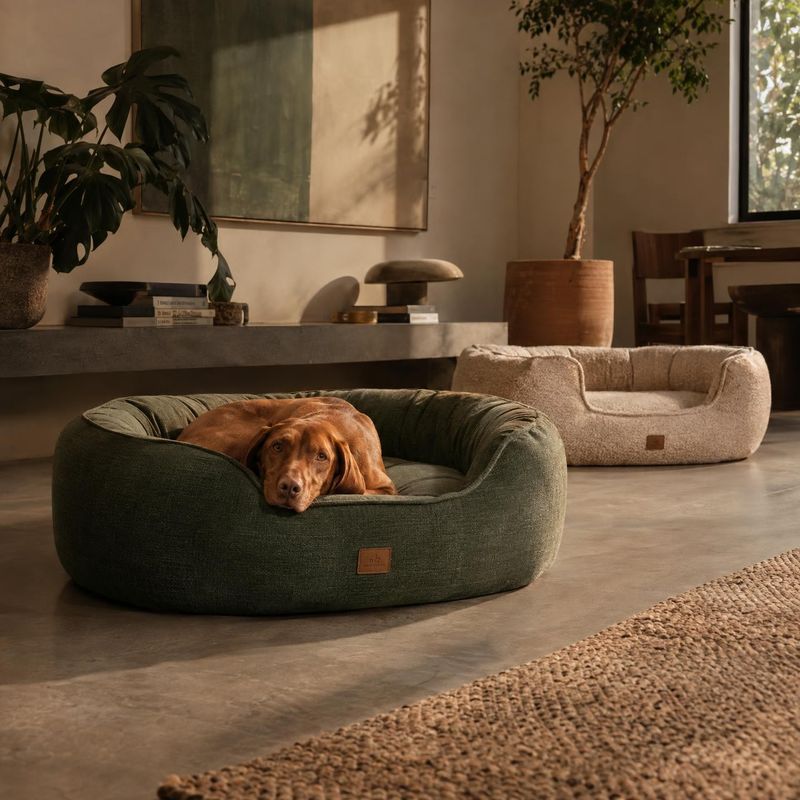
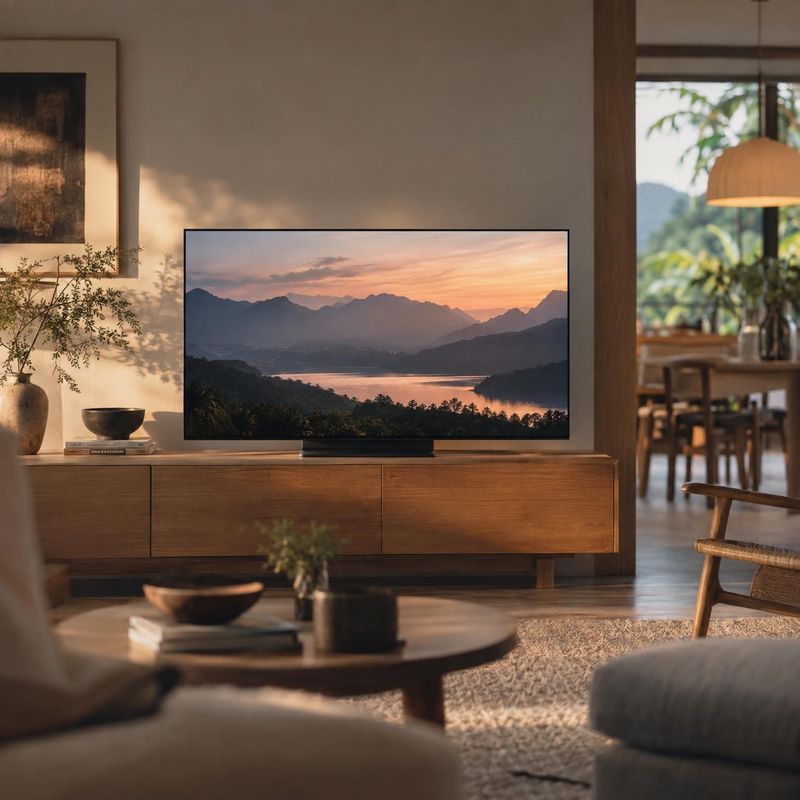
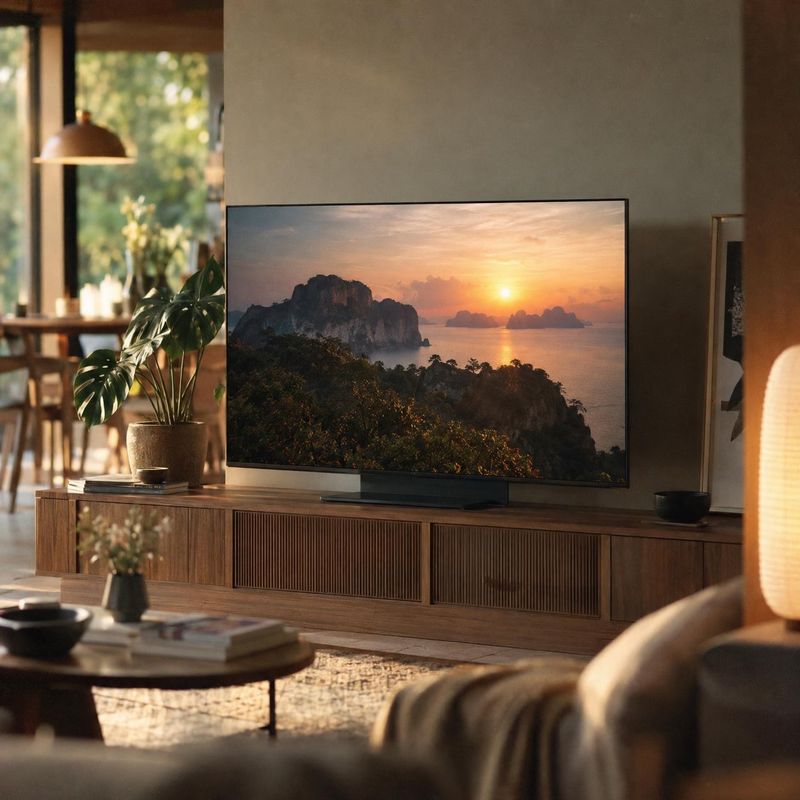
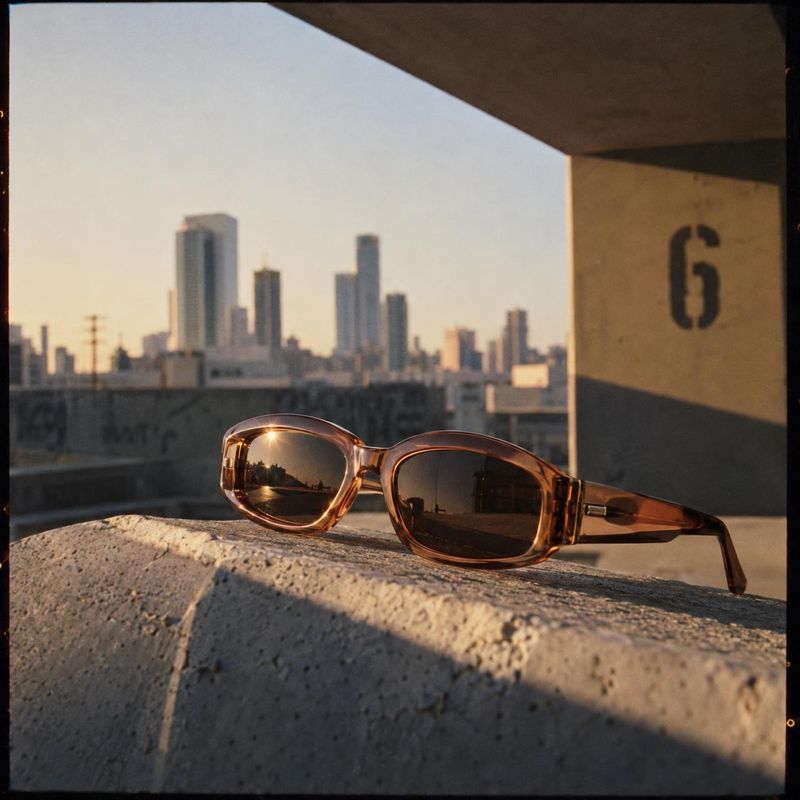
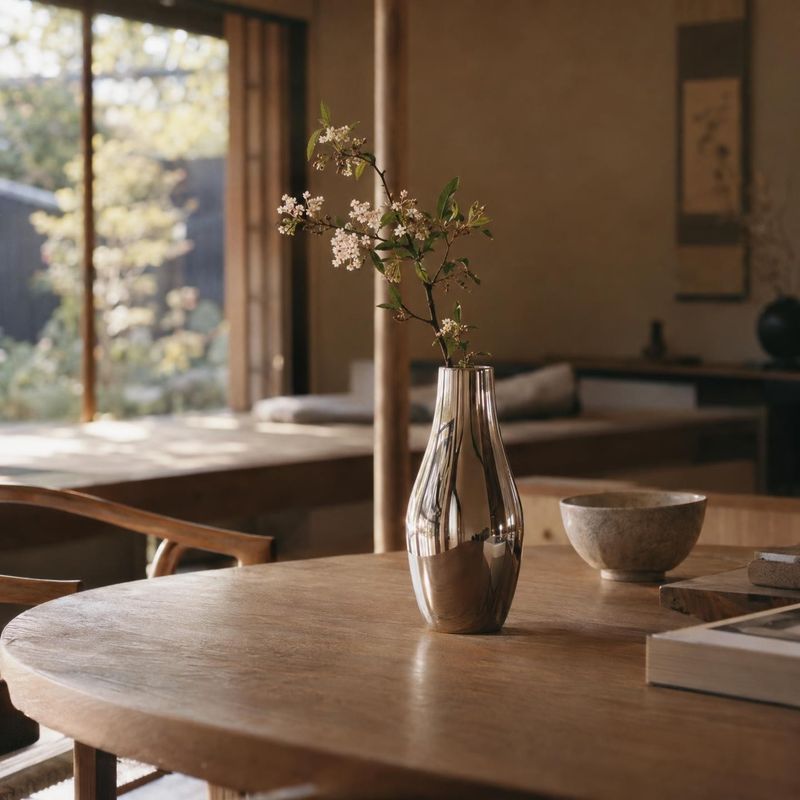
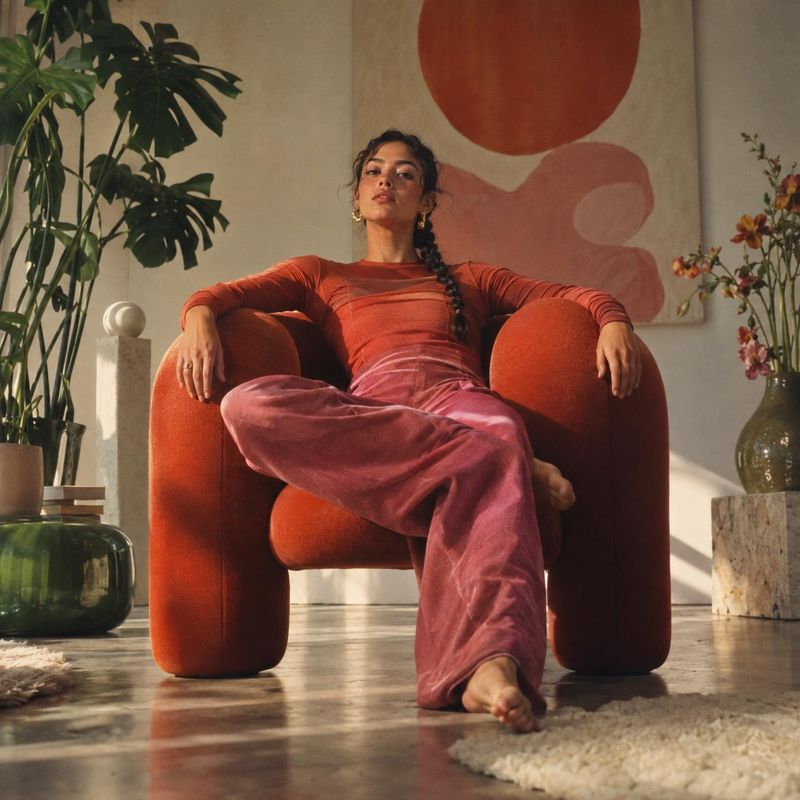
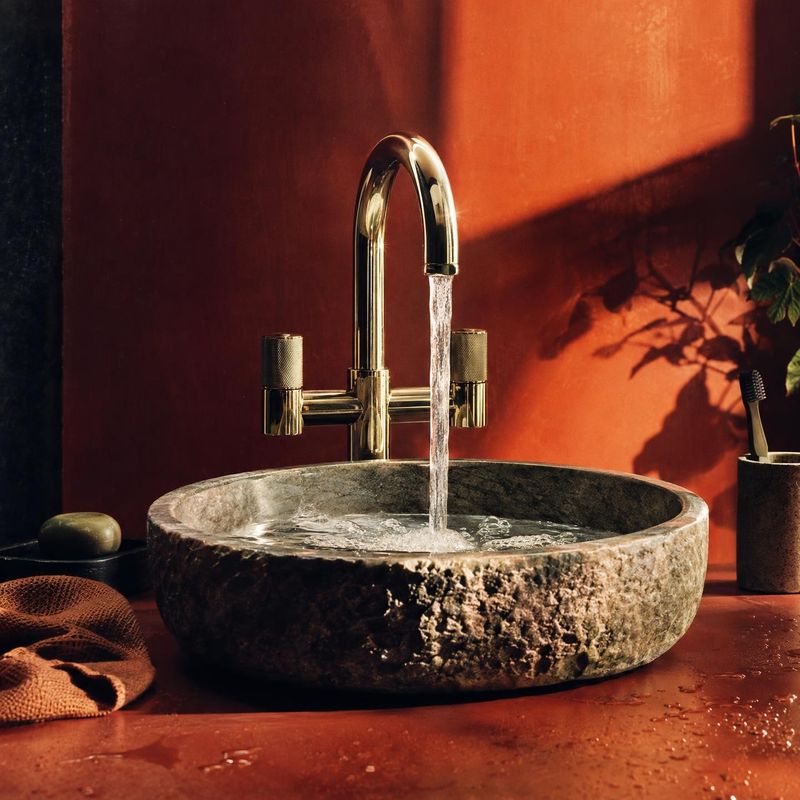
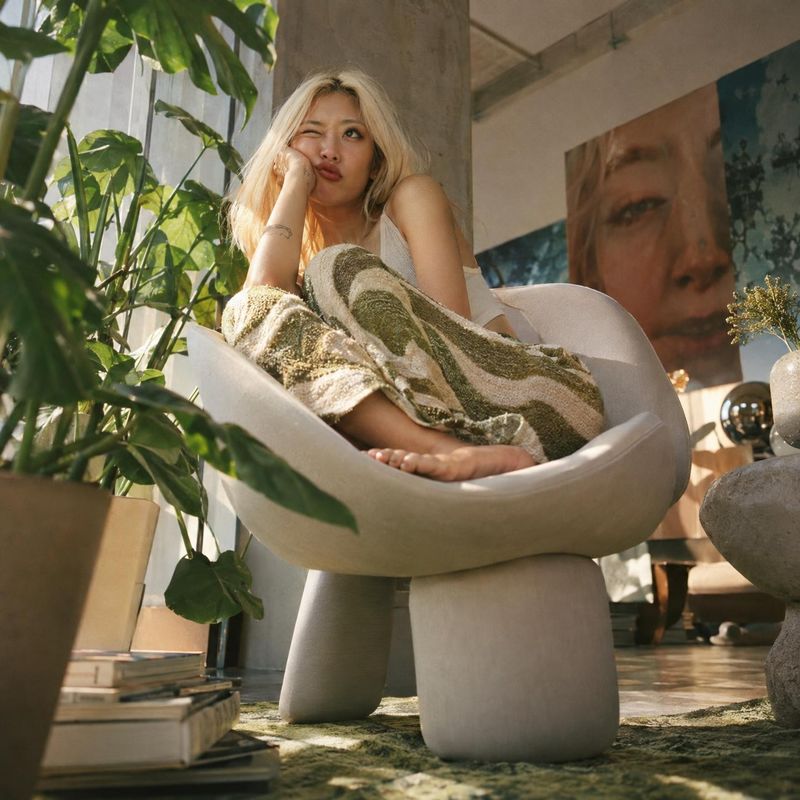
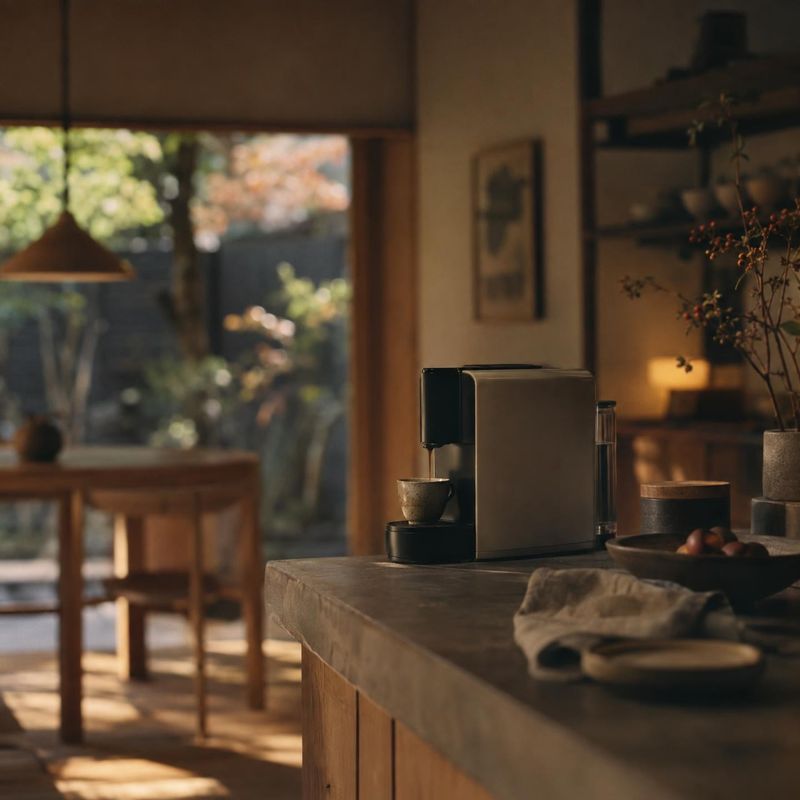
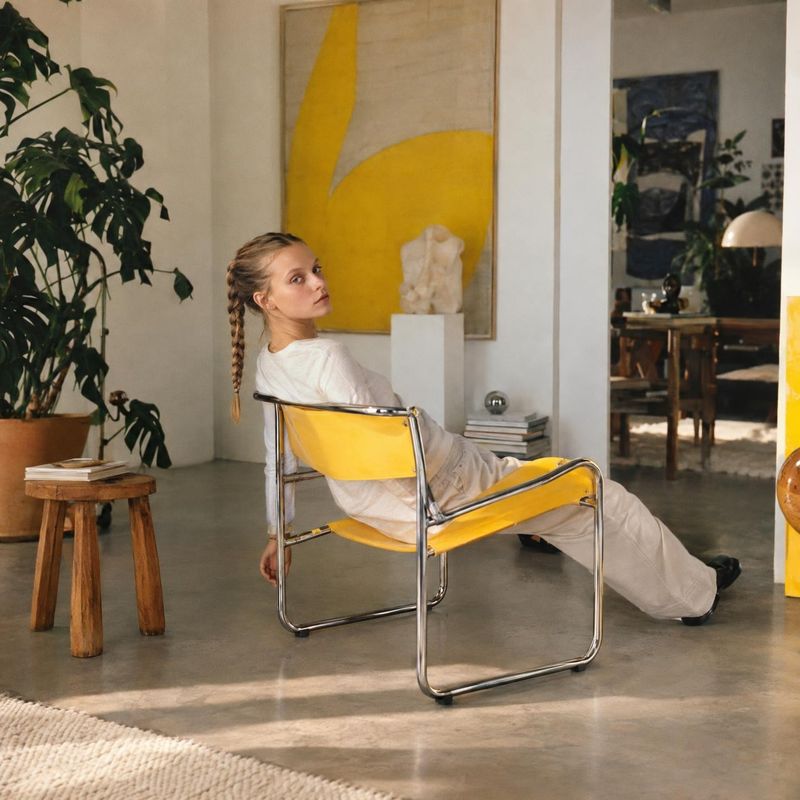
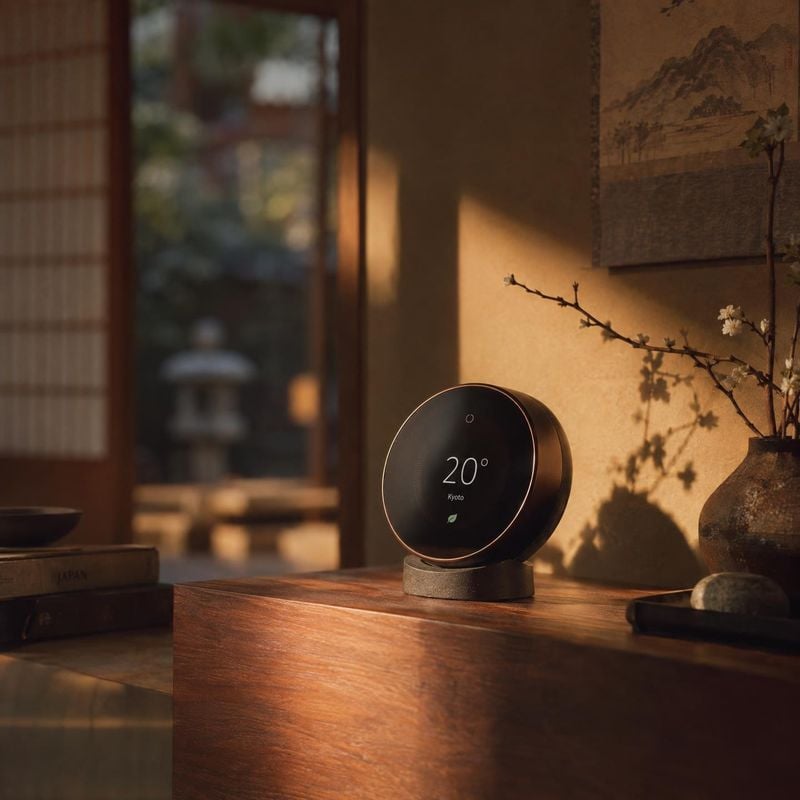
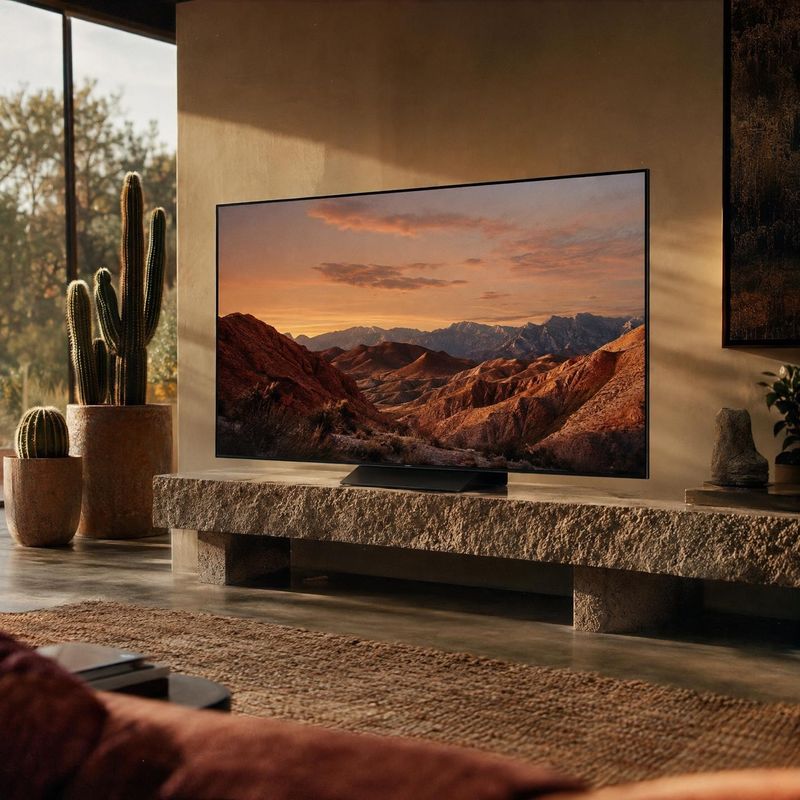
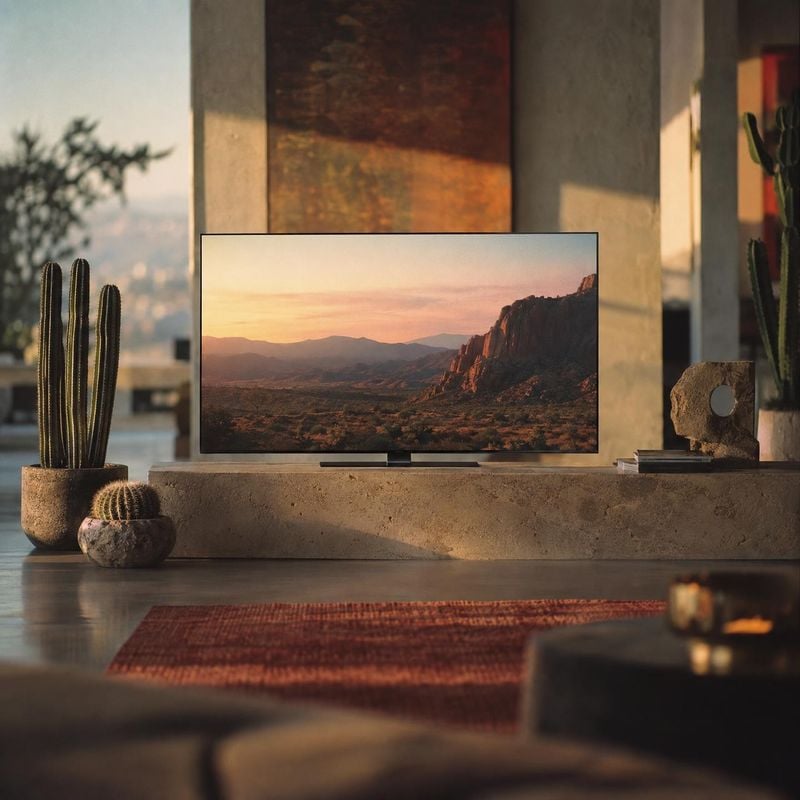
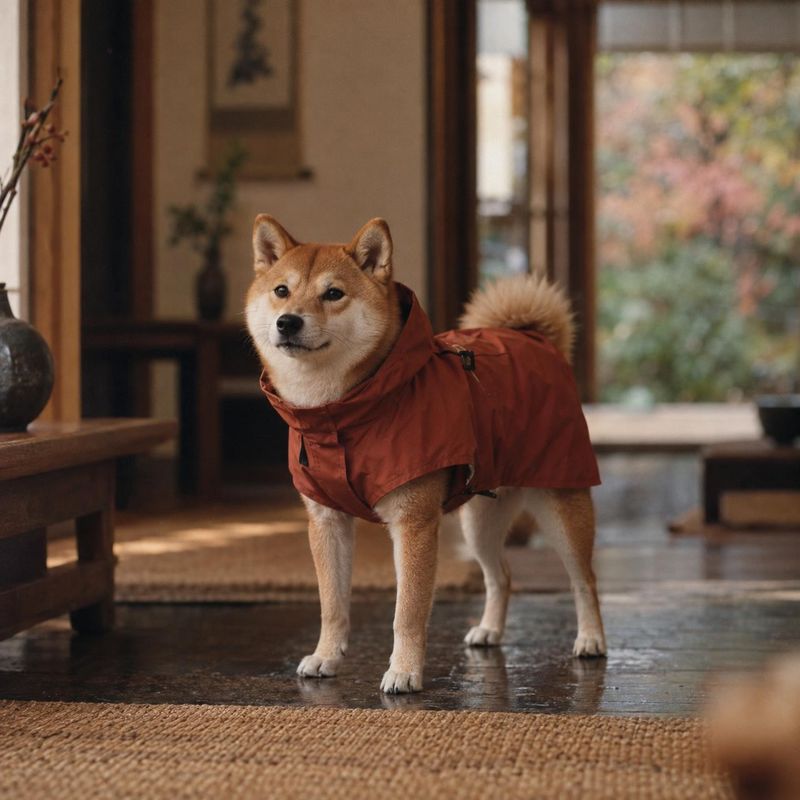
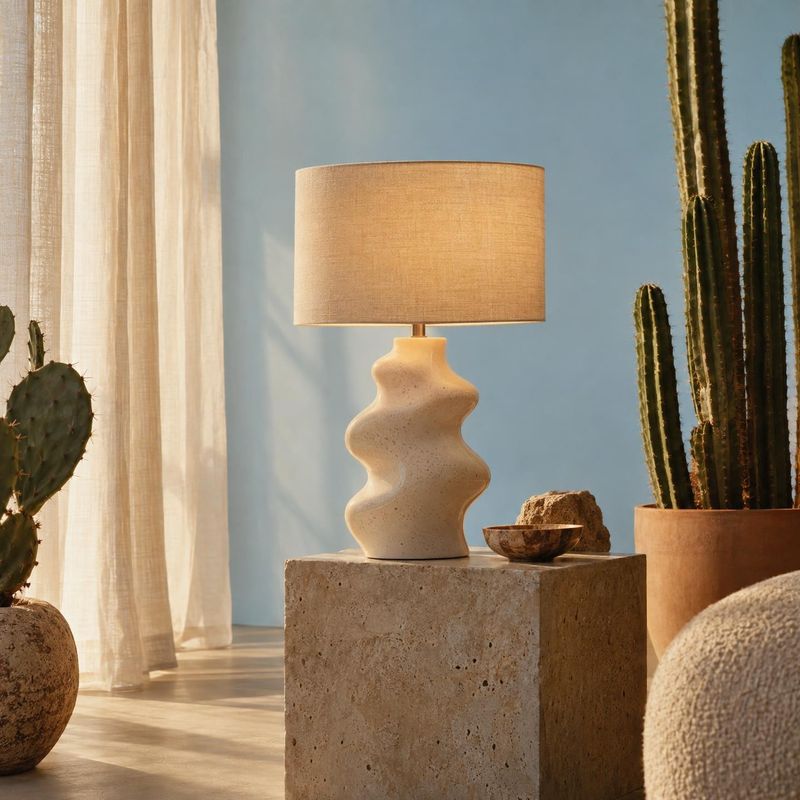
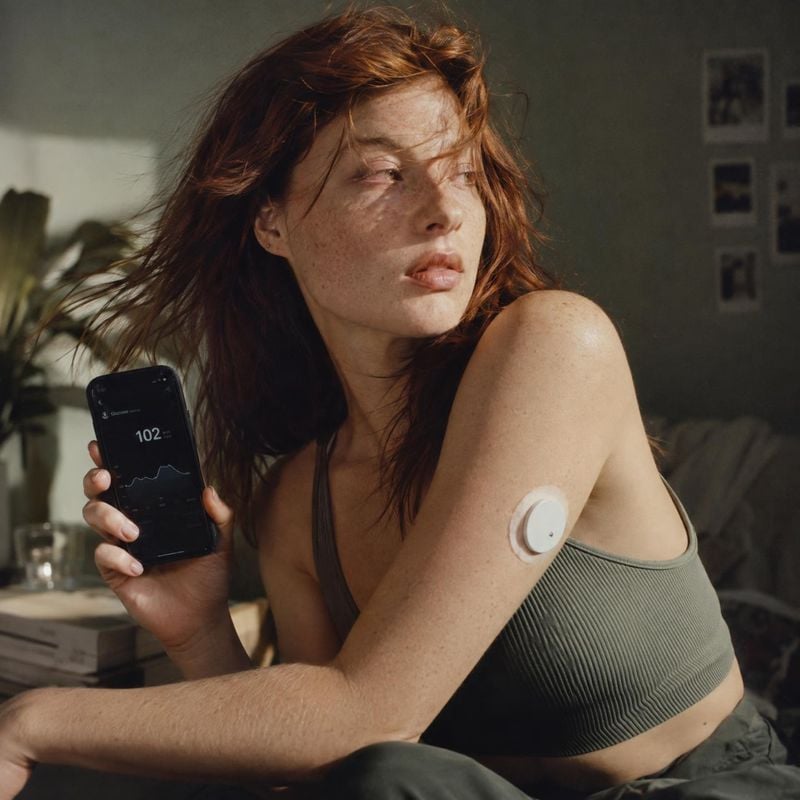
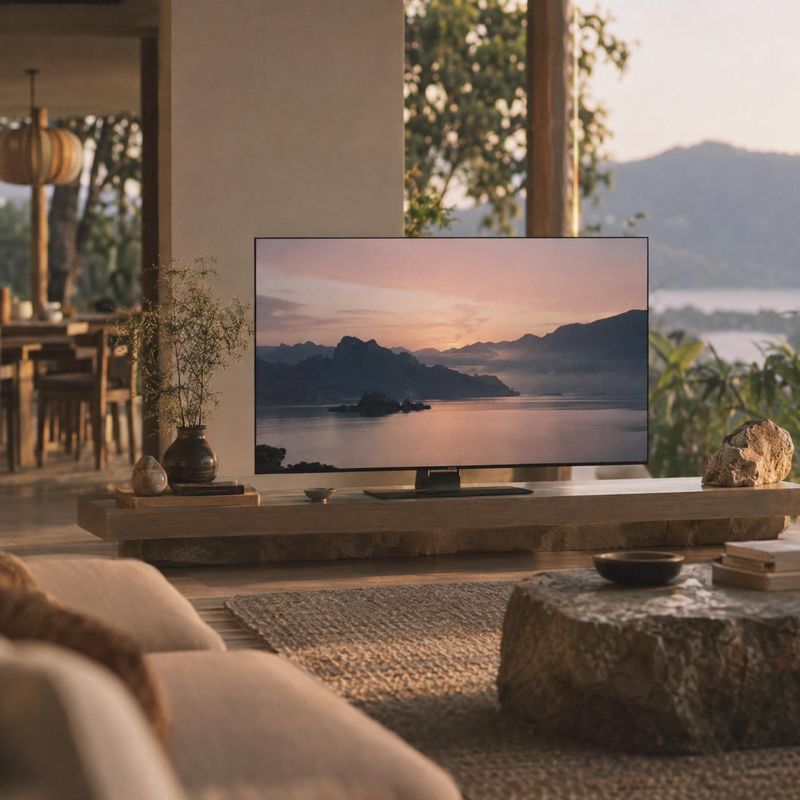
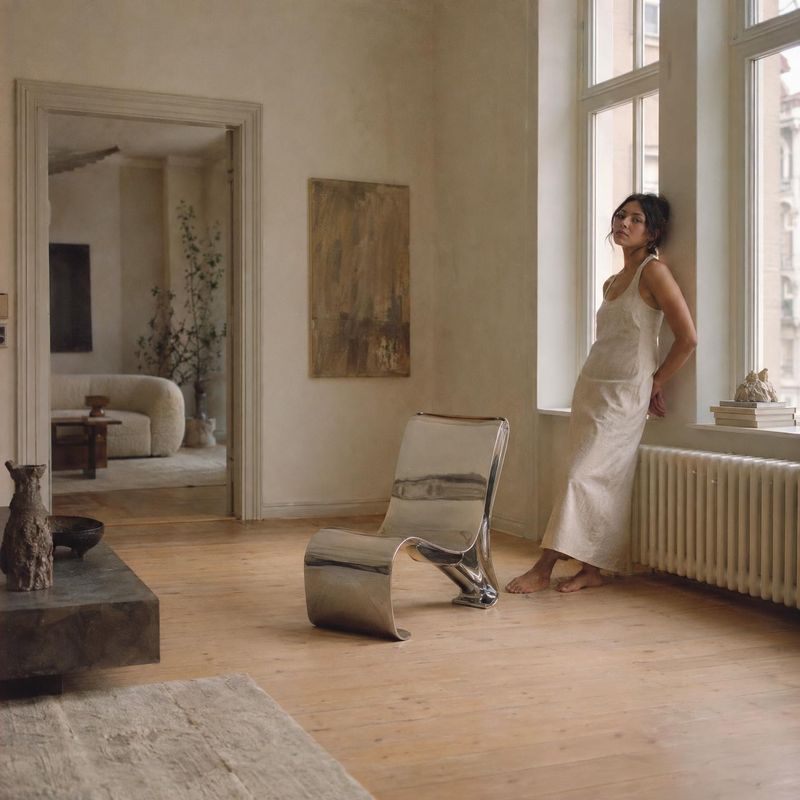
Sign up free to browse the whole library
Every idea above remixes free, no account needed
Amazon’s rules for additional images
| How many | Amazon recommends at least six additional images and one video |
|---|---|
| Accuracy | Every image shows the product you’re selling and matches the product title |
| Background | The pure white rule applies to the main image only |
| Reviews and claims | No review screenshots, star ratings or claims like free shipping |
| Amazon marks | No Amazon logos or badges, such as Amazon’s Choice or Best seller |
| AI-generated people | Tag photorealistic AI-generated people with the keyword contains-synthetic-performer |
| Image size | 1,000 px or more on the longest side turns on zoom |
From Amazon Seller Central: Product image guide, checked .
Scenes built from the real product
The main image is a white background job. The additional slots are where a shopper looks for scale, texture and how the product fits into a room, a kitchen or a bag.
Kive builds each scene from a saved product: the photos you upload of the item itself. Shape, color and details carry over from those photos, and a studio keeps the light and setting the same across a range.
How it works
- 1Save your product in Kive from one to four photos of the real item.
- 2Pick a studio, or describe the scene in your own words.
- 3Compare the result with your main image: logo, color, proportions and scale. Then download it and upload it as an additional image.
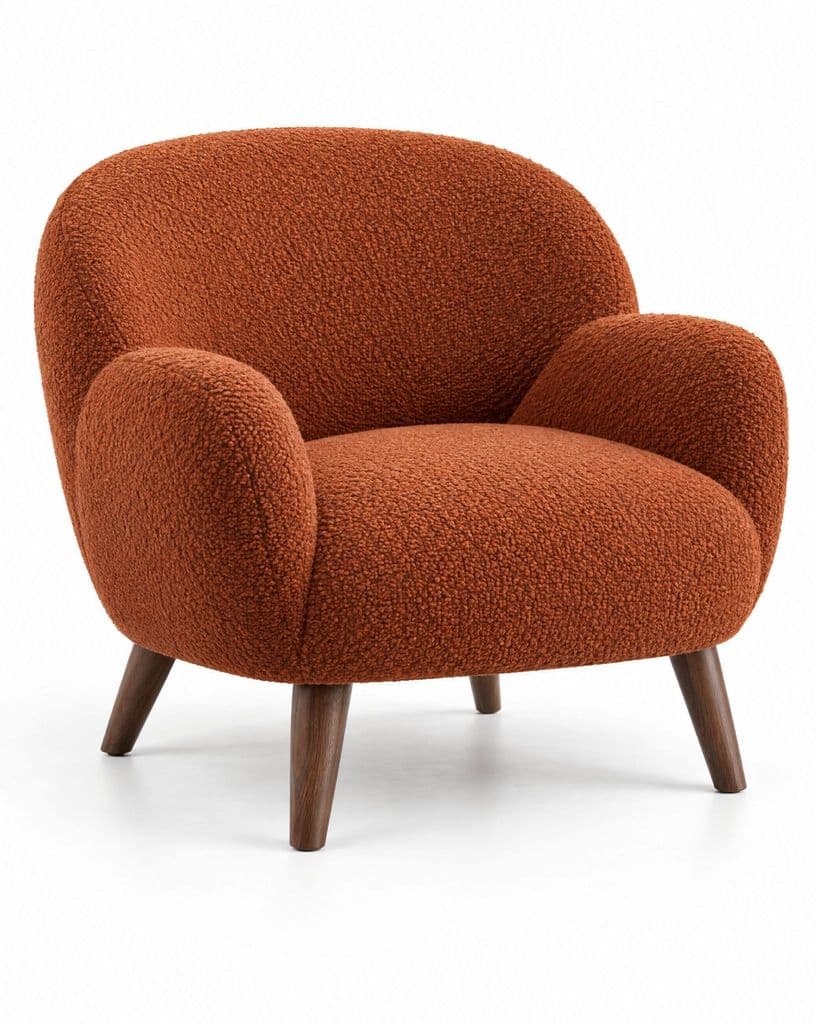
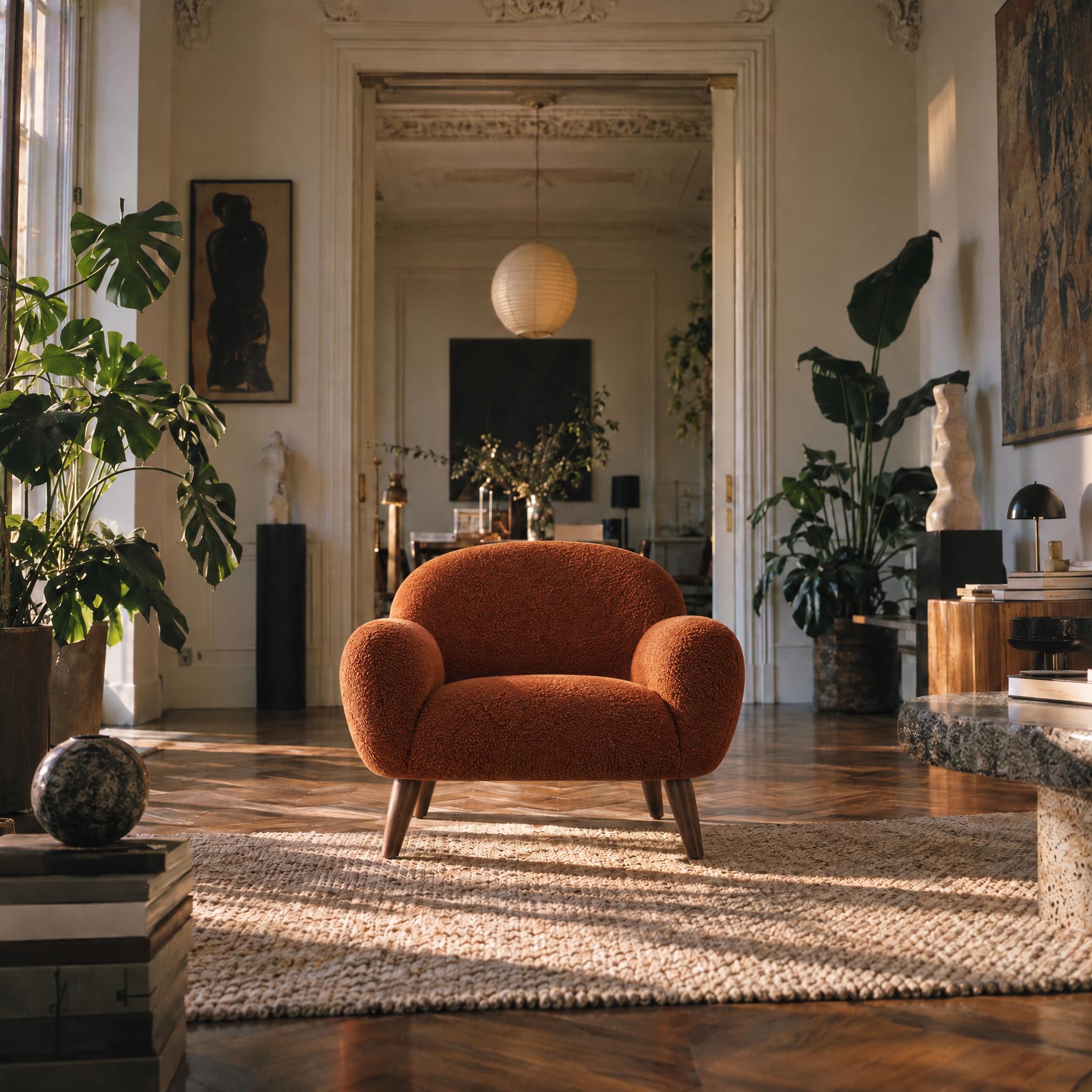
A chair in a room it could live in
Made from a Kive idea. The bouclé texture, the rounded arms and the wooden legs carry over from the product photo, and the room gives a shopper a sense of size.
Before / after
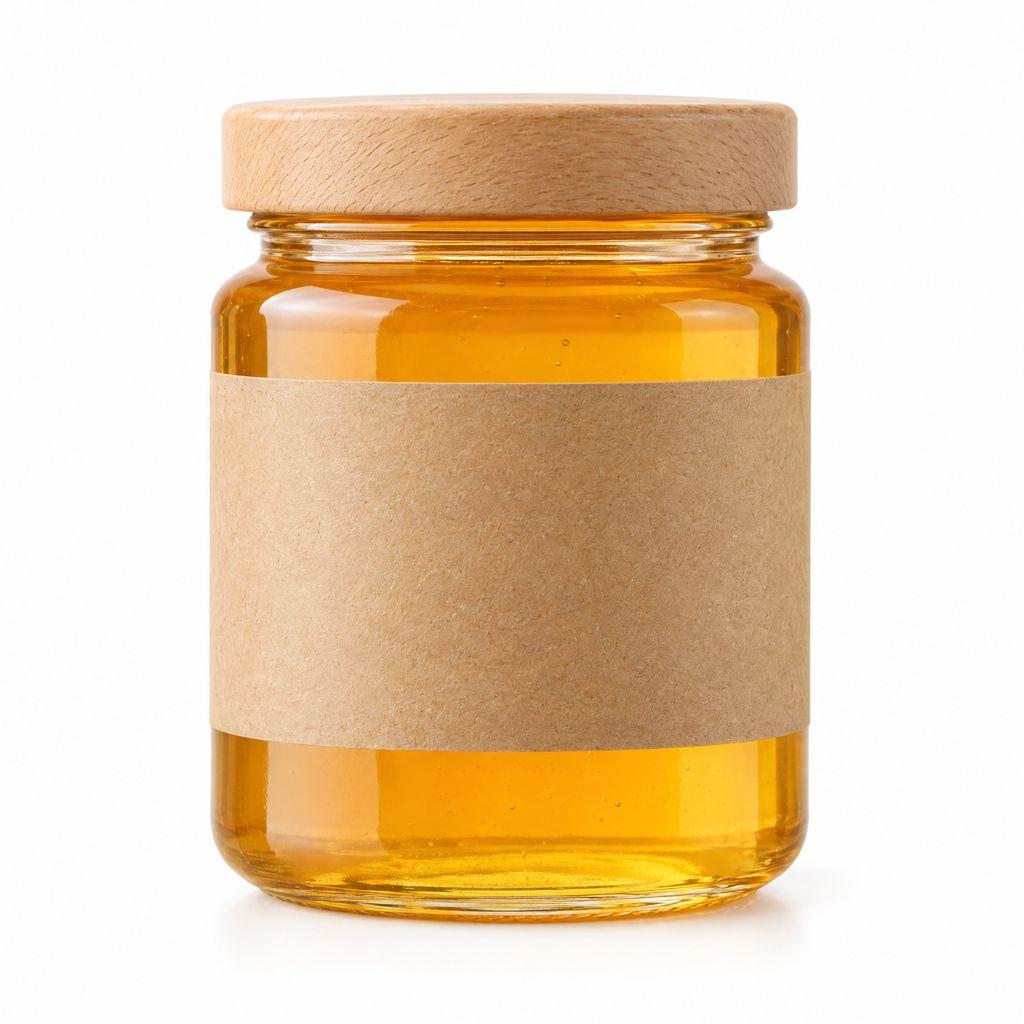
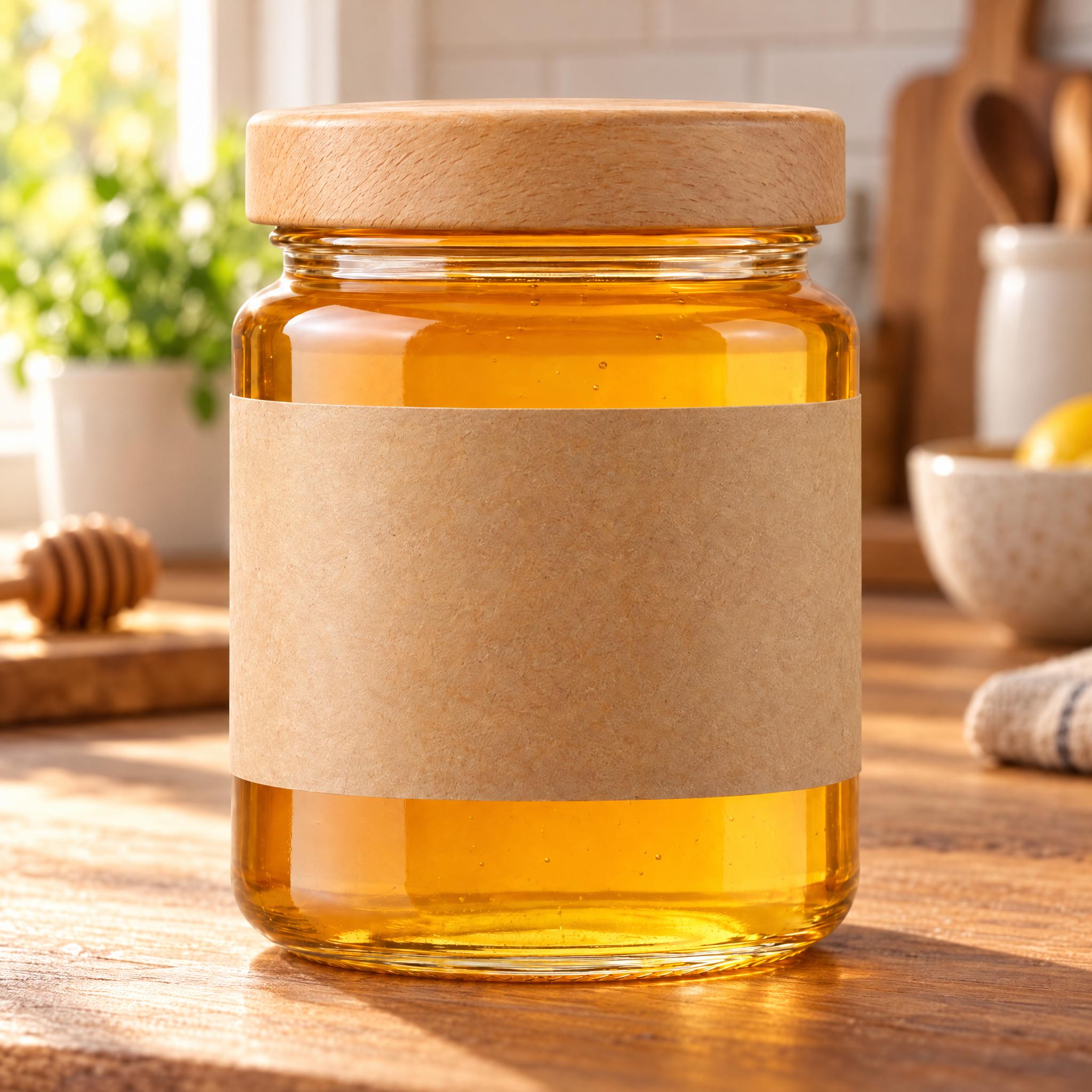
A jar on the kitchen counter
The jar, the wooden lid and the blank kraft label match the product photo. The counter and the morning light set the scene for a food listing.
Before / after
Related pages
Amazon main image on pure white
Remove the background and fill it with 255 white, free in your browser.
Best AI tools for Amazon product images
Eight tools compared on price and on which image slot each one fits.
Lifestyle product photography with AI
Scene ideas by setting, and how to keep a product accurate in each.
Common questions
Fill the rest of your listing
Sign up for free and save your first product.