

5 Pebblely Alternatives for AI Product Photos in 2026
By Olga Stogova
11 min read
Stage your products in realistic lifestyle scenes with AI
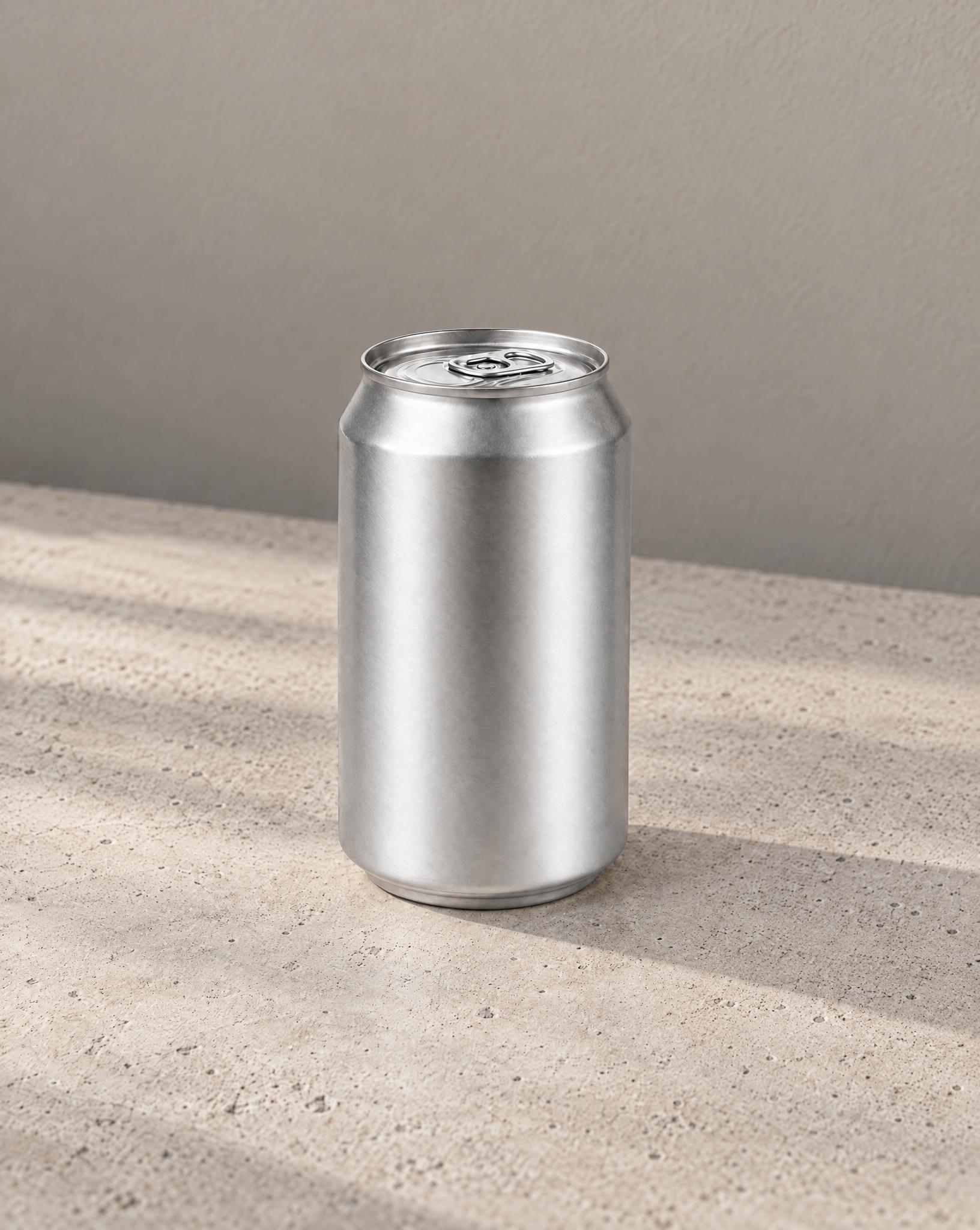
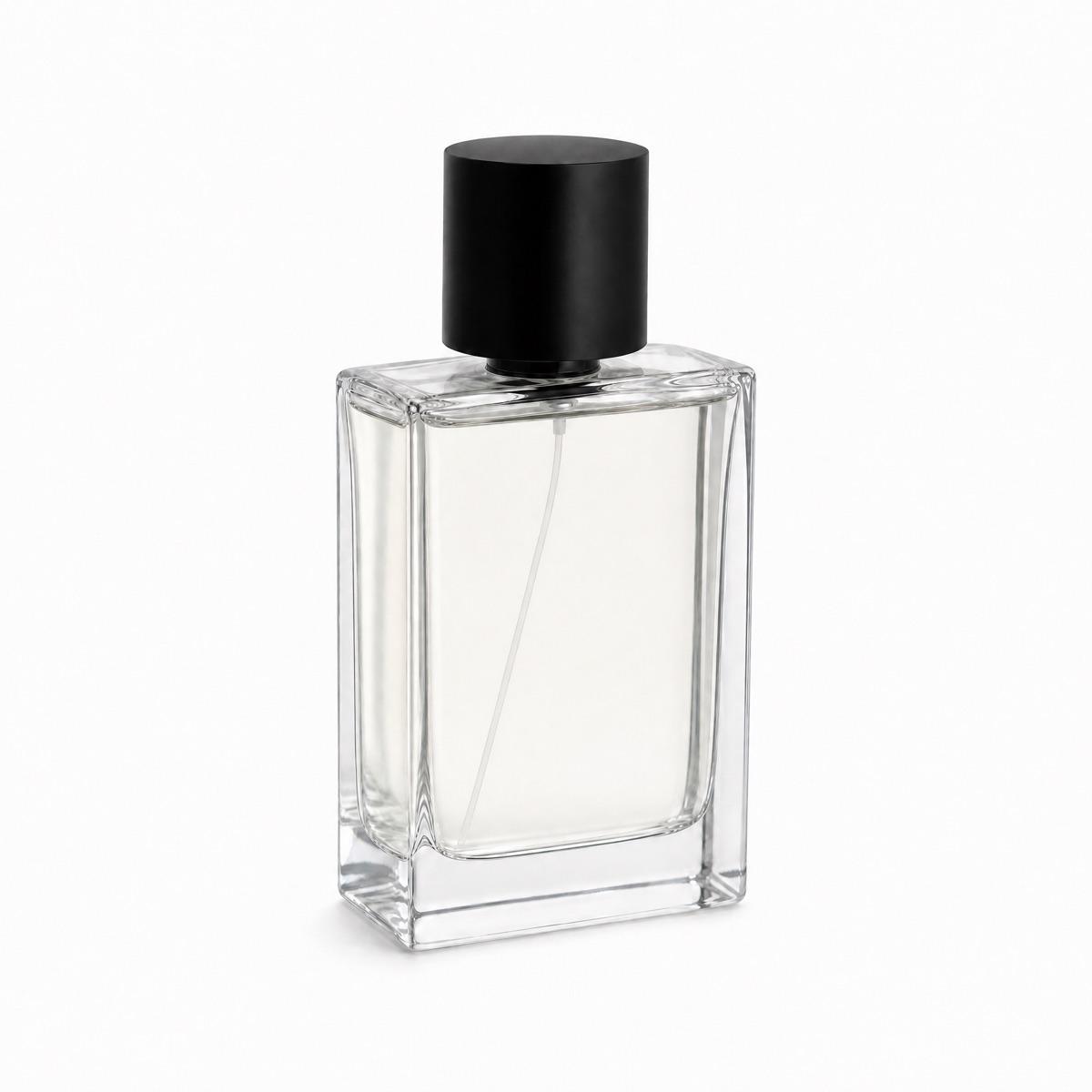
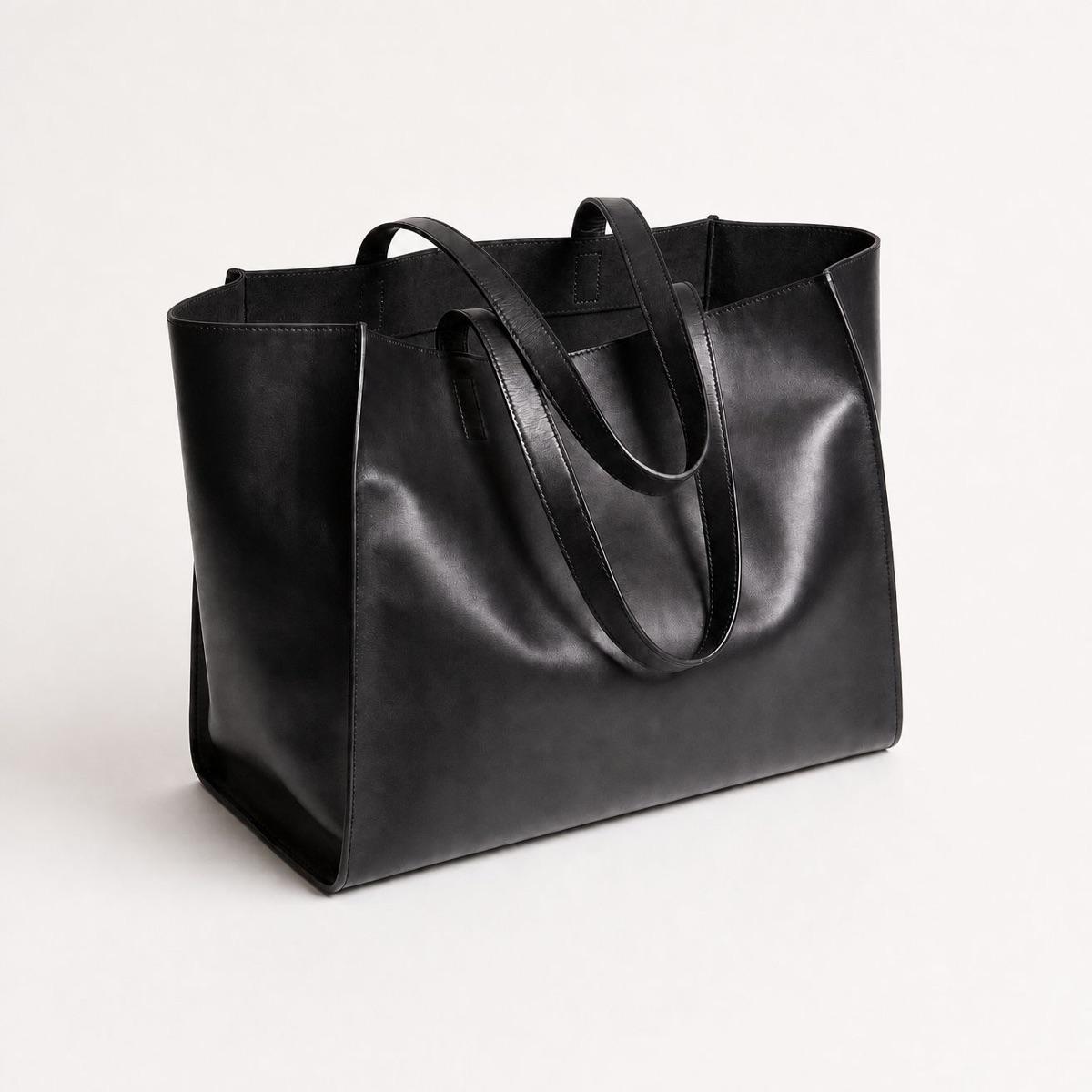
Start from any clean shot of your product: a packshot, a cutout, or a photo on a plain background. PNG and JPG formats are supported.
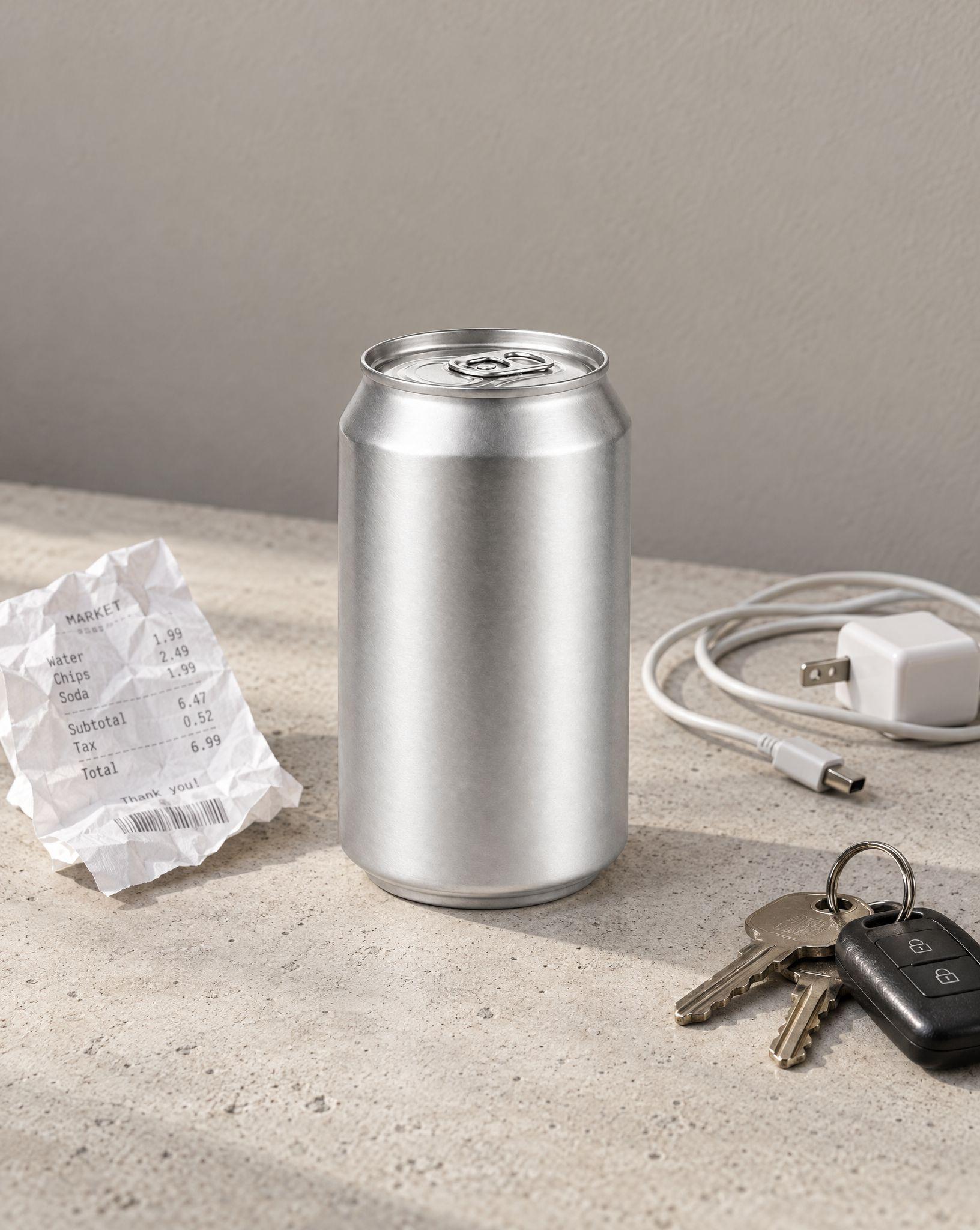
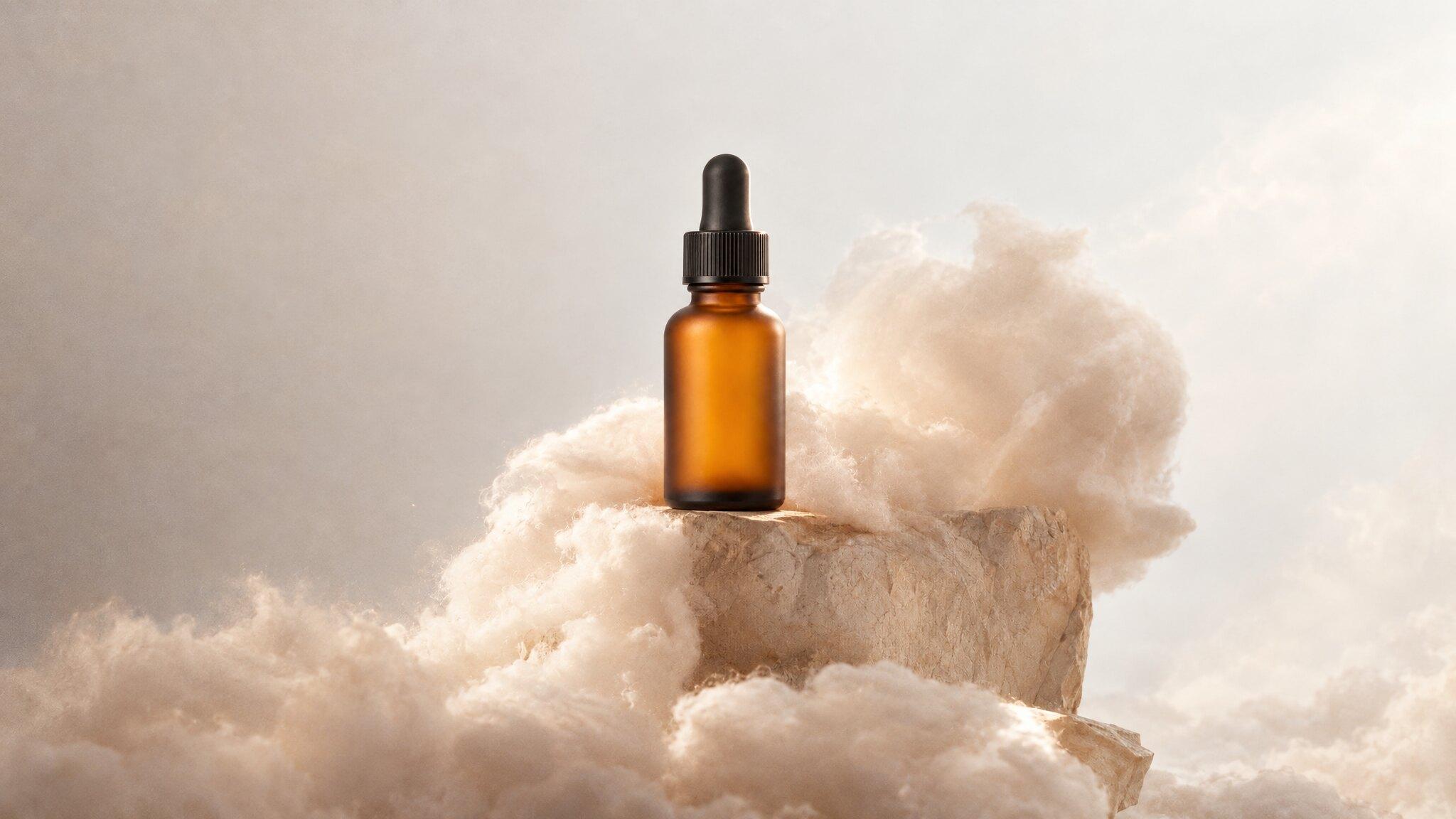
Choose a curated scene preset or describe the setting you want: a marble tabletop, a sunlit desk, a styled interior. The AI stages your product in it with matching light, shadows, and perspective.
Once the product sits naturally in the scene, download the result in high quality, or keep iterating: swap the scene, adjust details, and reuse the same product for the next setting.
Product staging places your item into a realistic scene, like on a vanity table, a desk, or a styled shelf, so customers instantly picture it in their own space. Upload one clean photo and the AI builds the setting around it, keeping the product itself accurate.
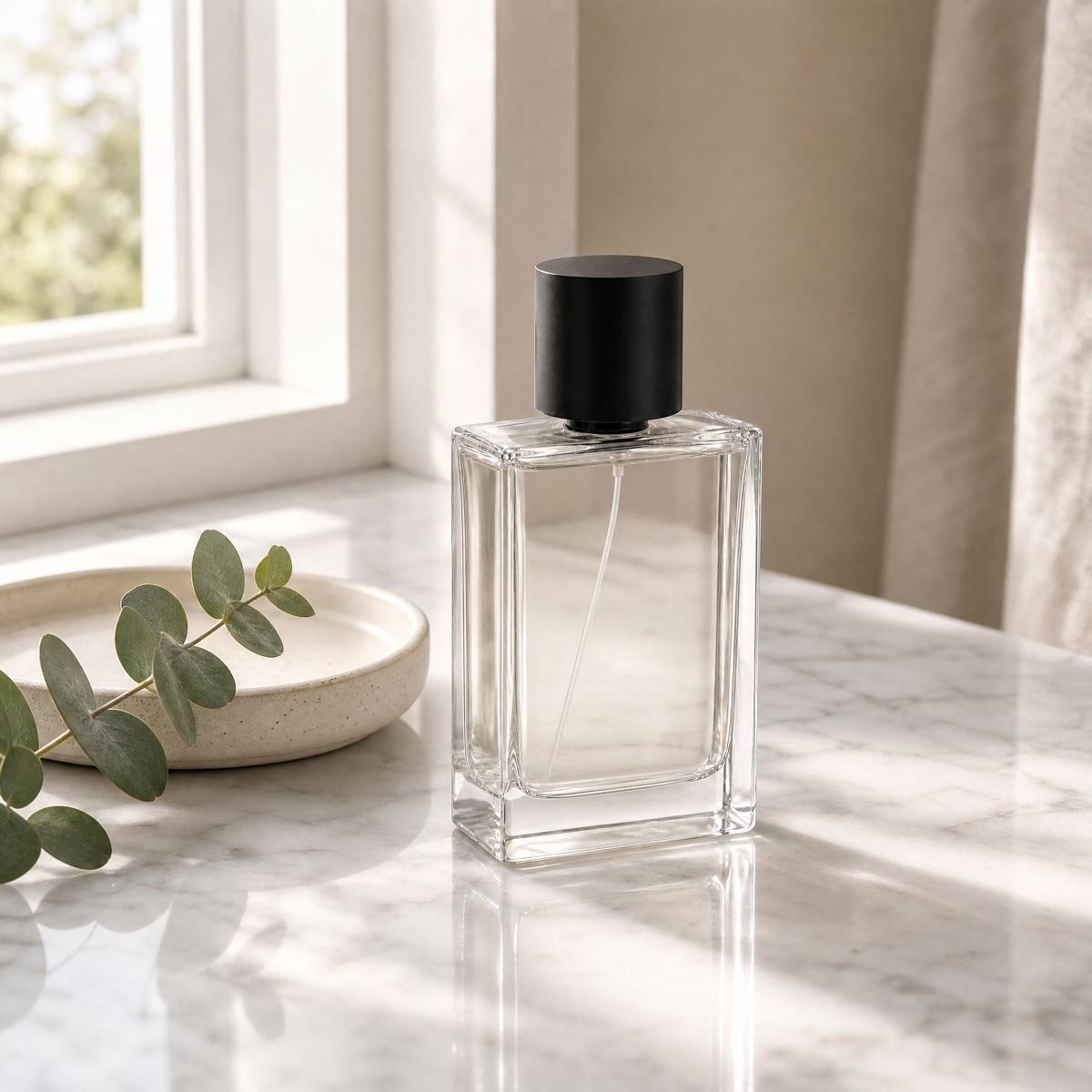
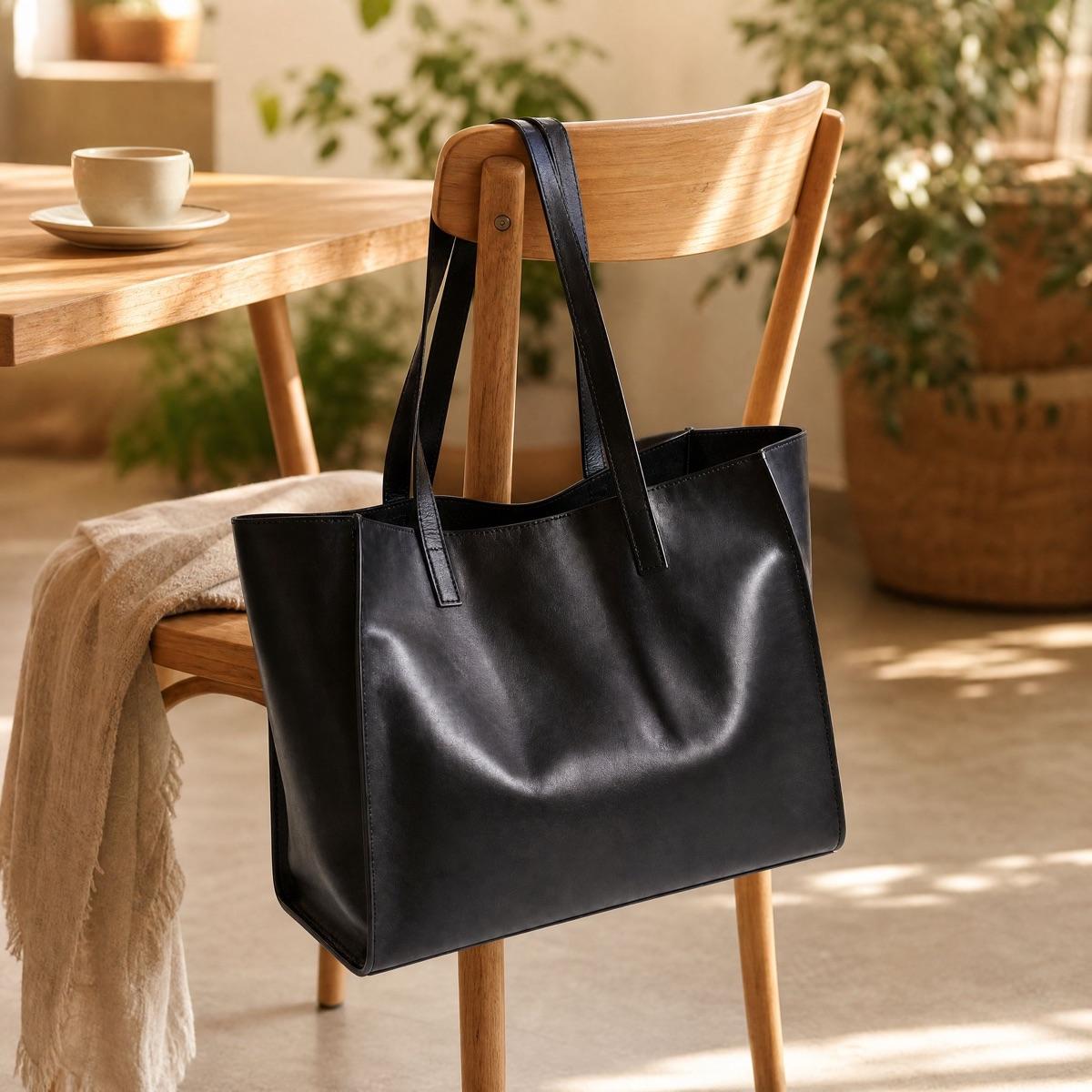
Staged scenes that suggest use, like headphones on a work desk or a bag on a cafe chair, help shoppers imagine owning the product. Kive fills in the surrounding props, surfaces, and depth around your shot, so the result feels captured on location instead of assembled from cutouts.
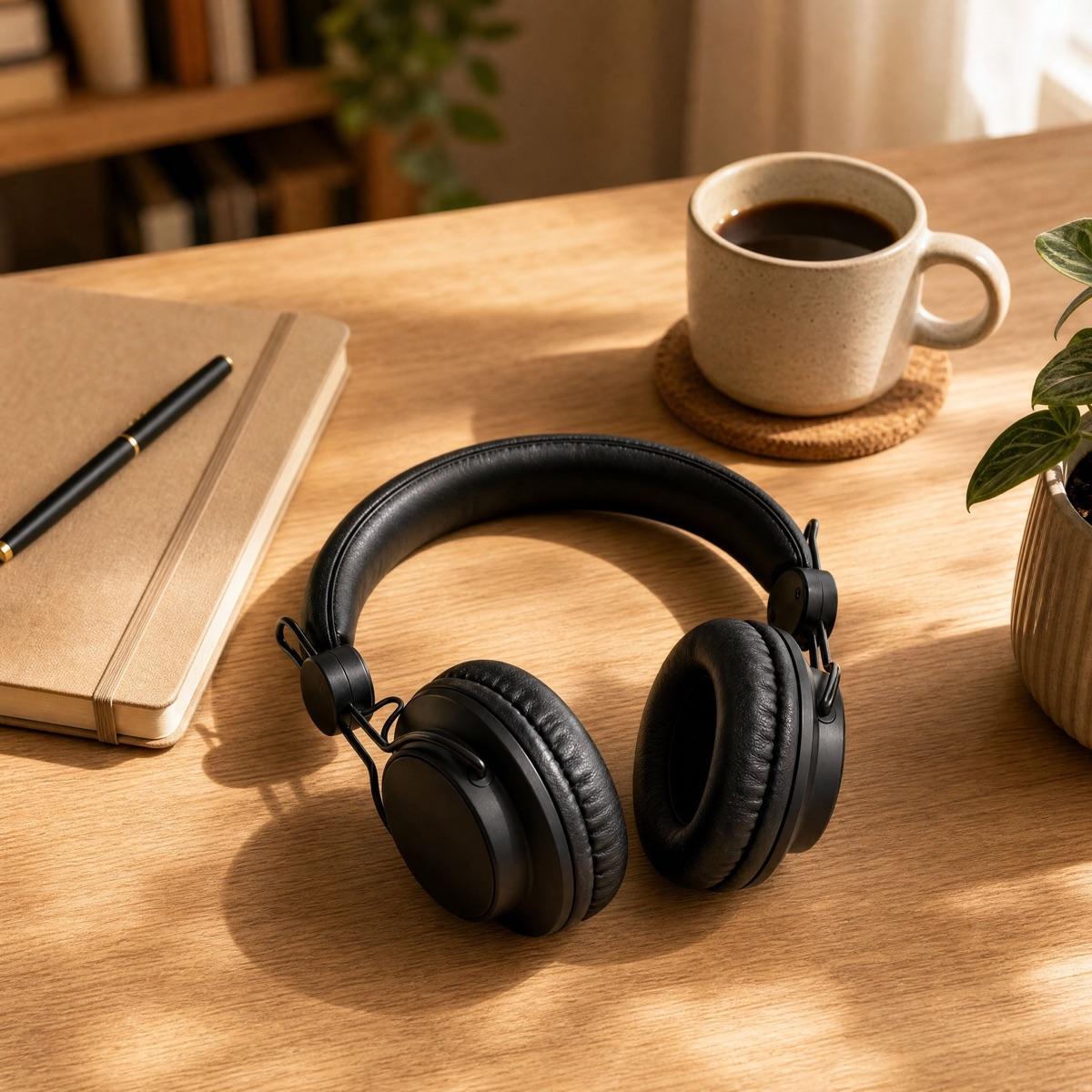
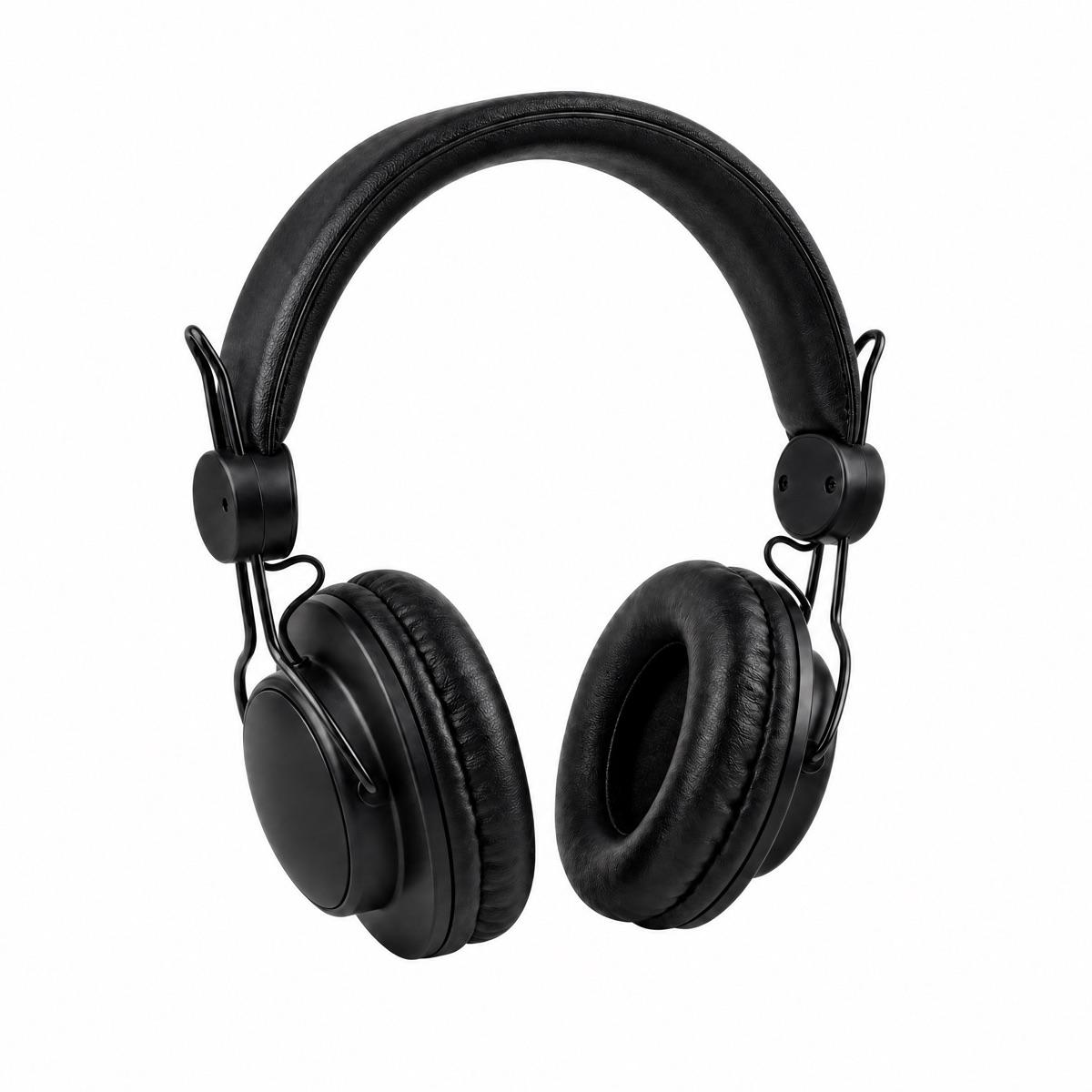
Staging only works if the product survives the trip: shape, materials, and details must match the real item. Kive anchors the generation to your uploaded photo, so you can restage the same product across many scenes and every image stays true to what you sell.
What is AI product staging?
How is product staging different from changing a background?
What kind of product photos work best for staging?
Will my product stay accurate in the staged scene?
Is AI product staging free to try?
Stage your first product
Sign up for free and turn plain product photos into styled scenes with Kive.