Shopify product photos at 2048 × 2048
Product photos with one look across your catalog, added to the Shopify product from the admin. Try it free.
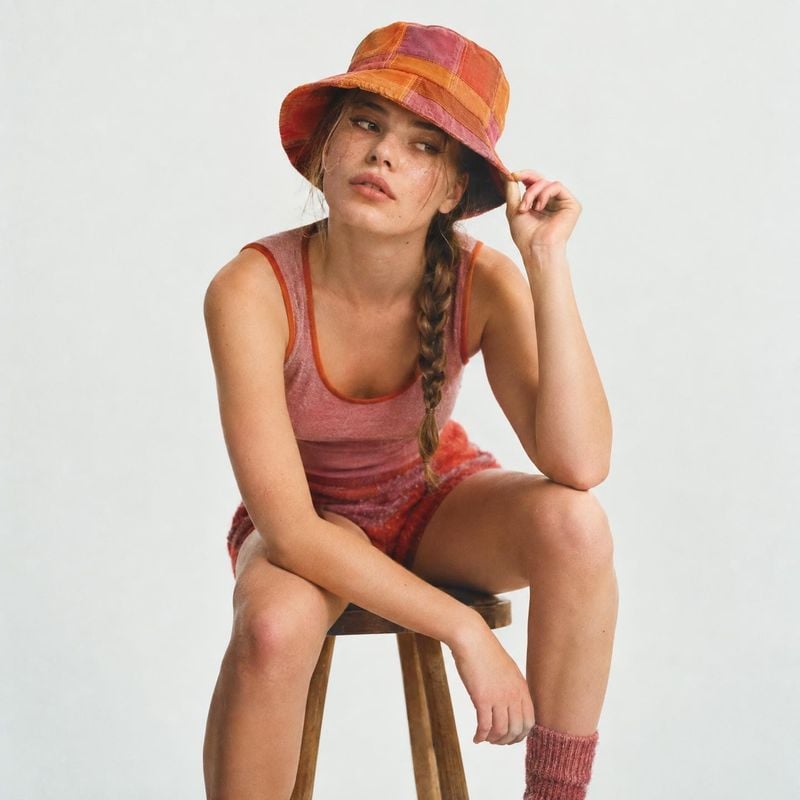
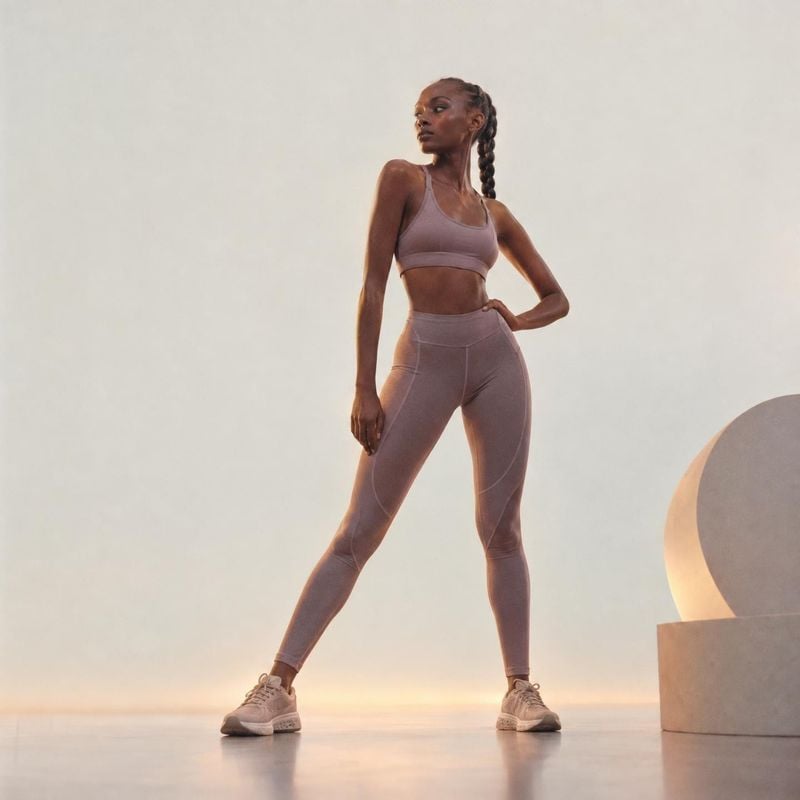
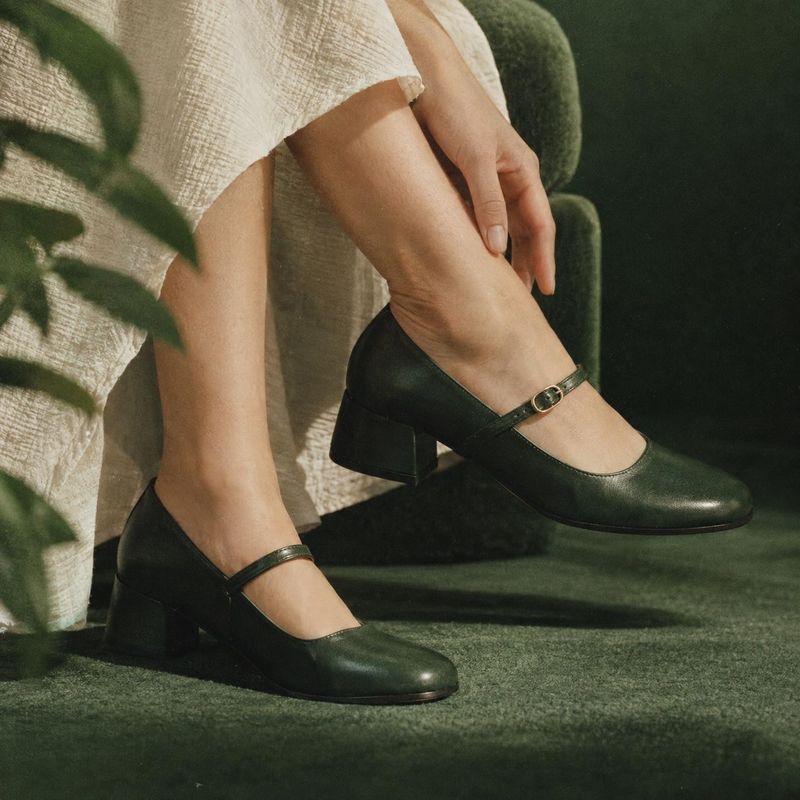
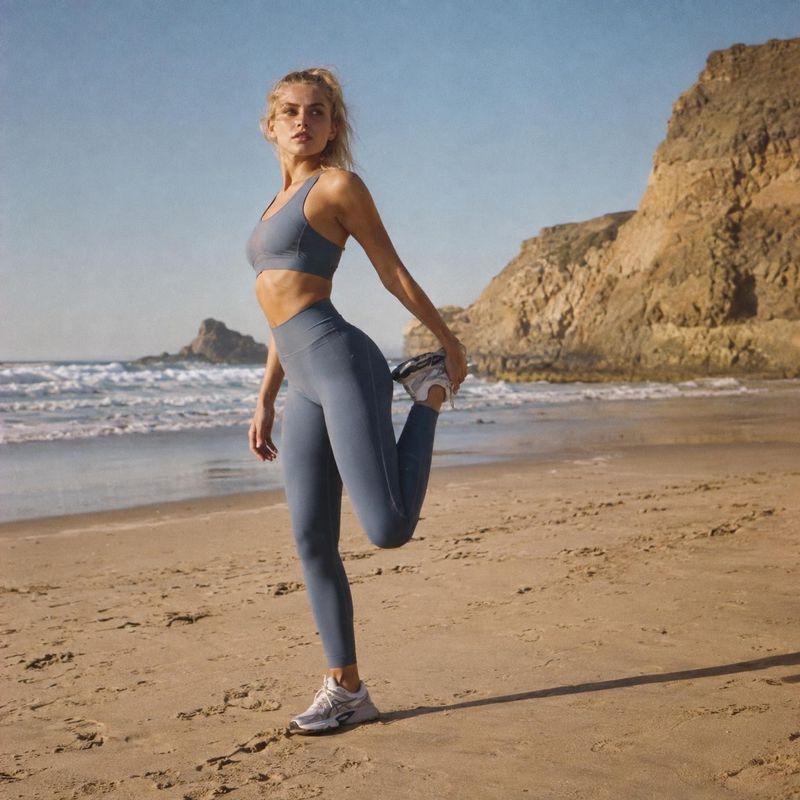
On-model shots from the library
Model try-on photos show clothing, jewelry and accessories worn by a person, front and center. These ideas cover studio and location looks, different poses and framings, so you can show fit and drape without booking a model shoot.
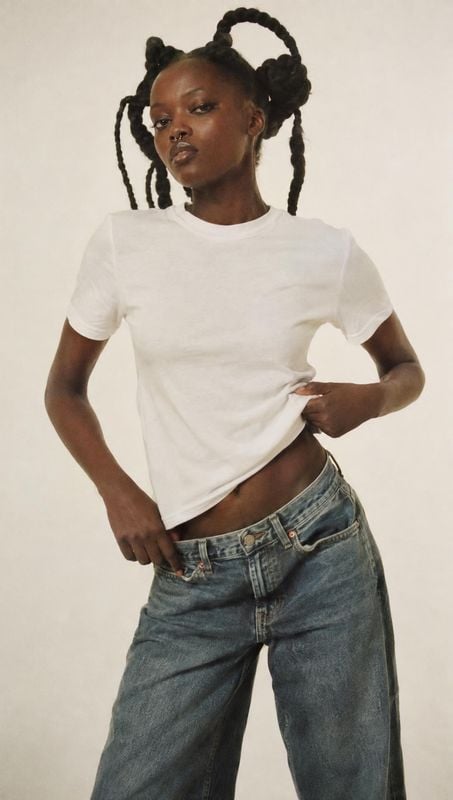
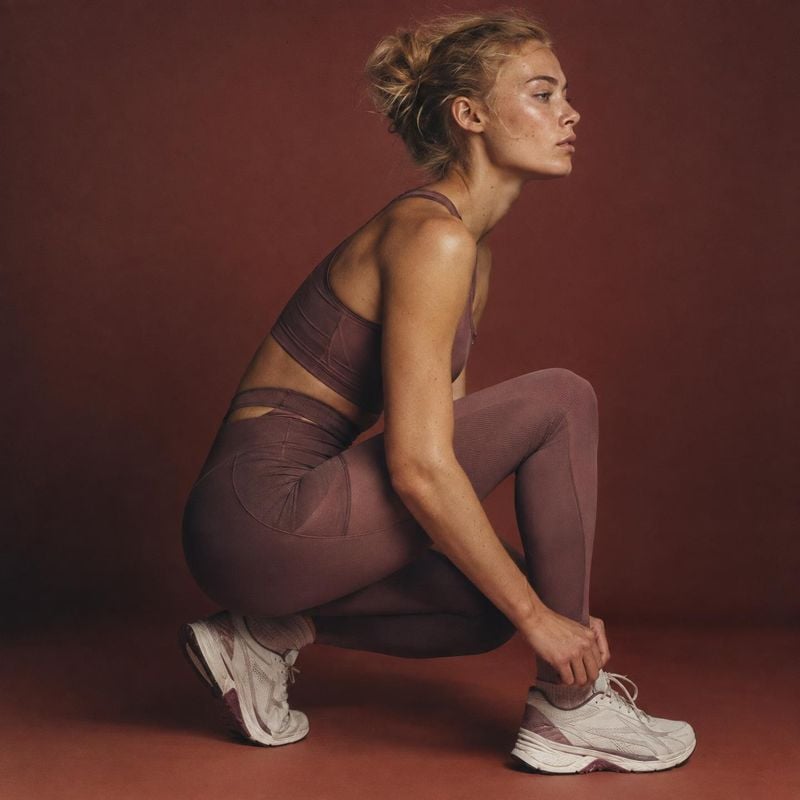
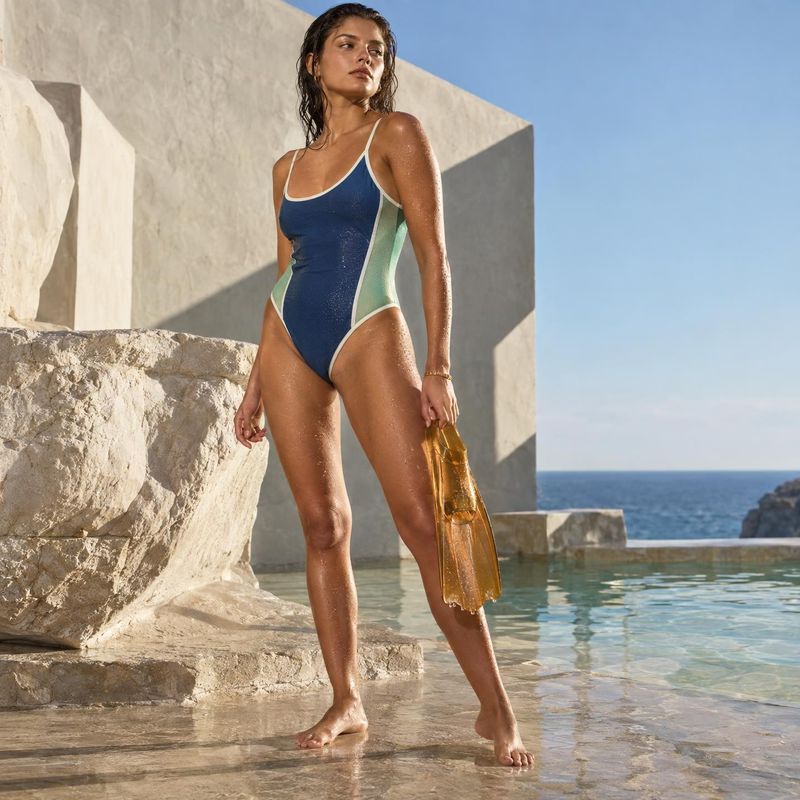
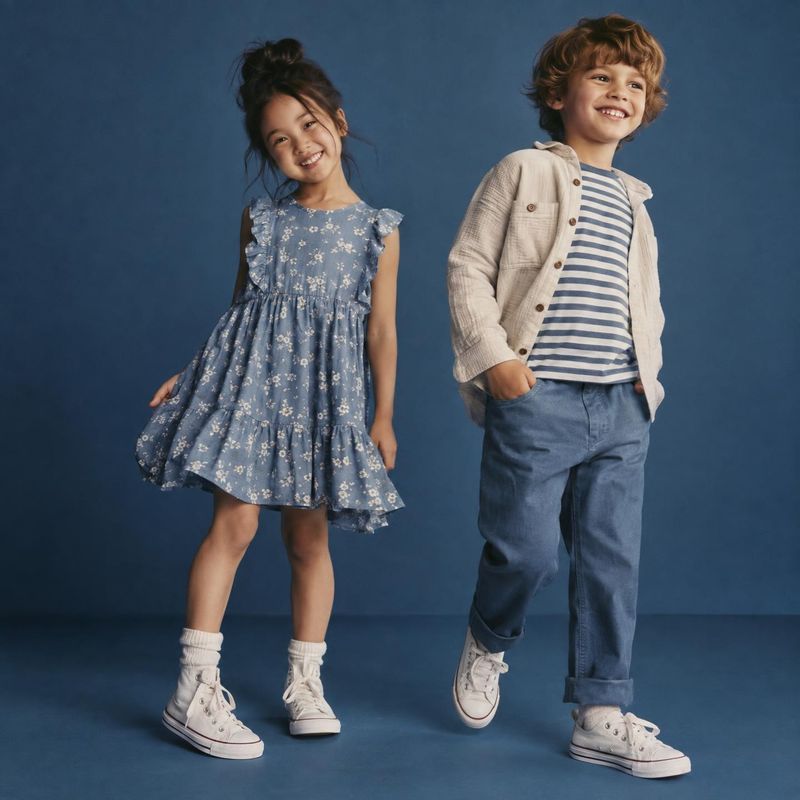
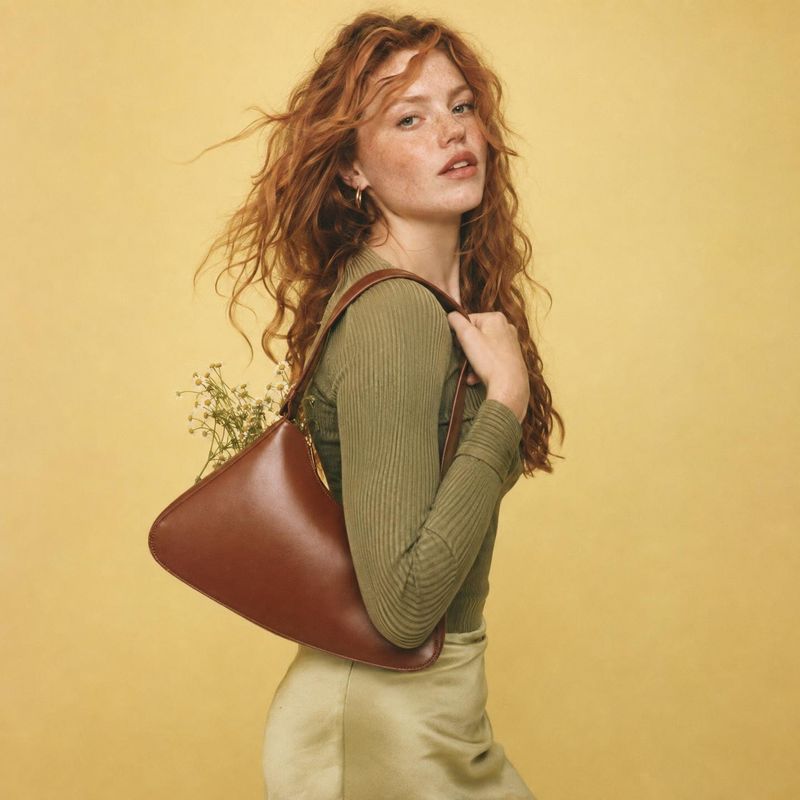
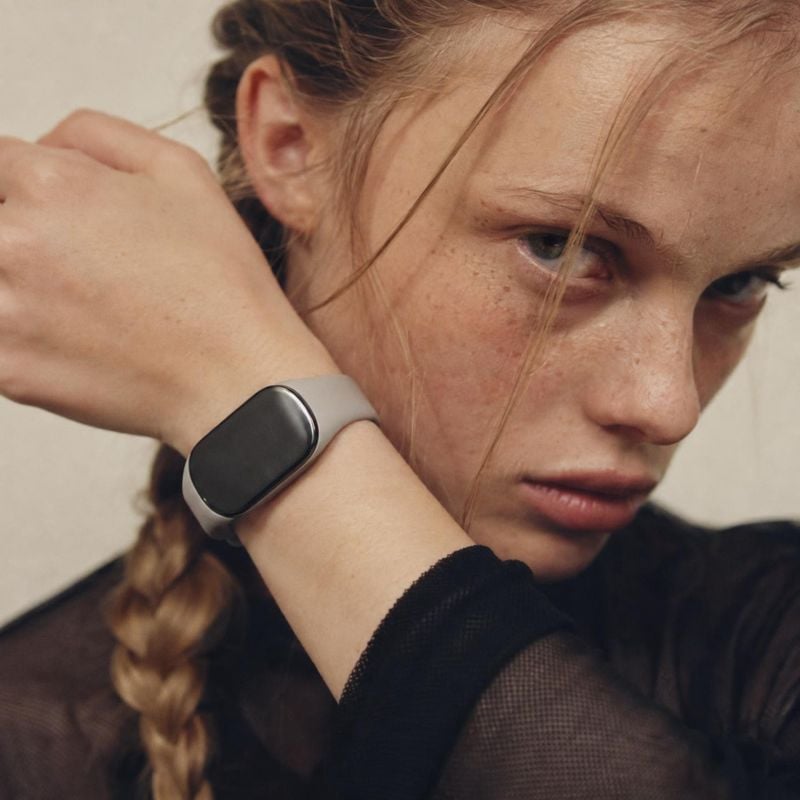
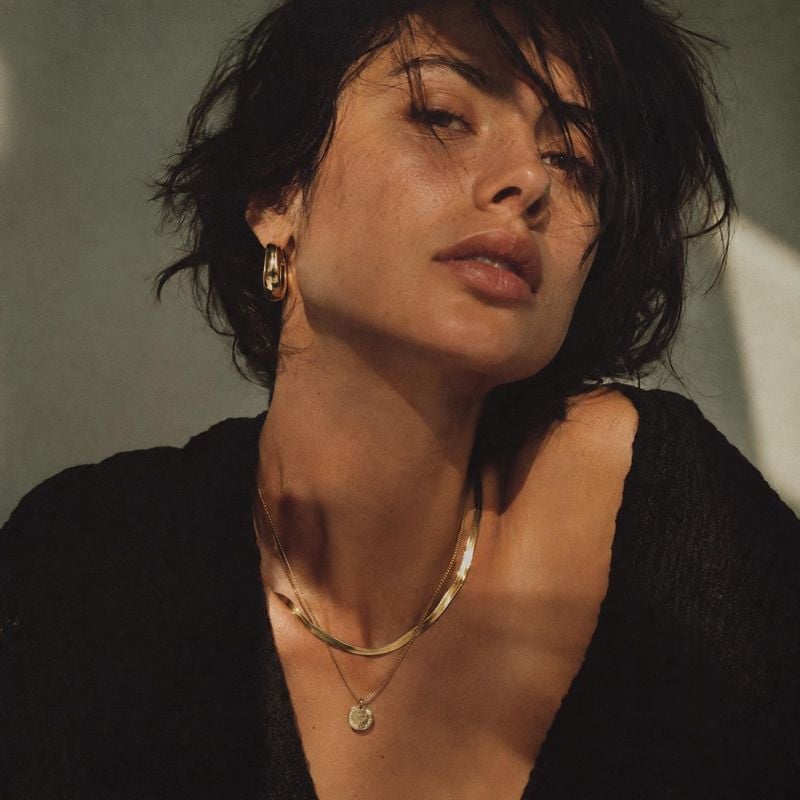
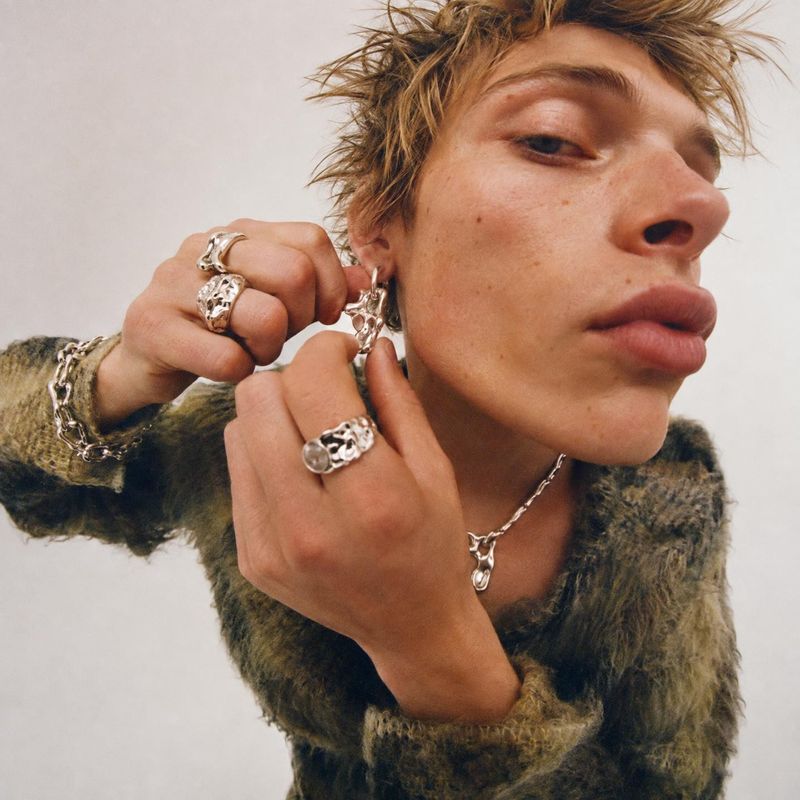
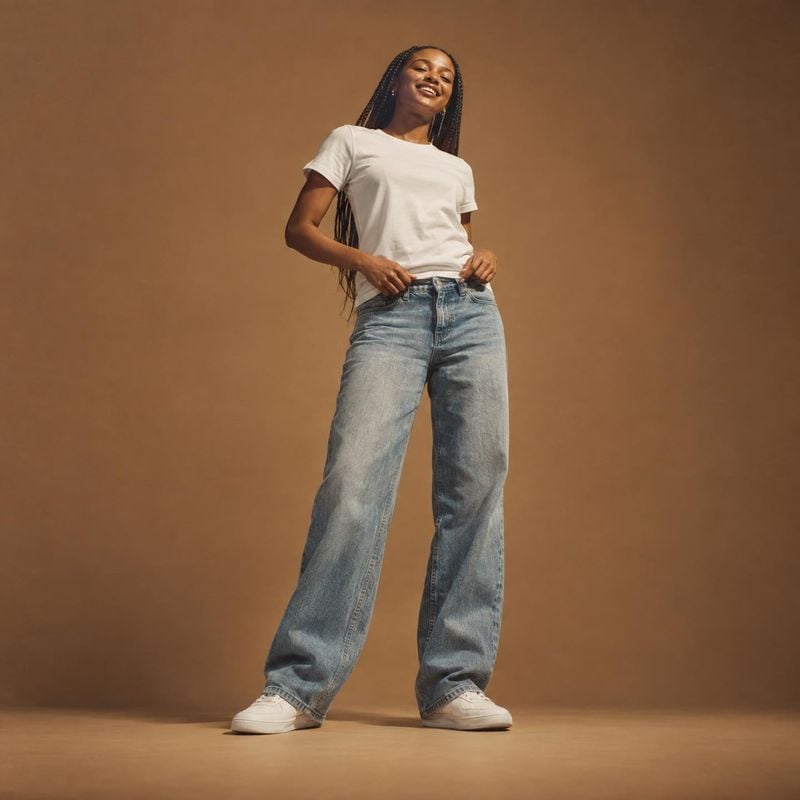
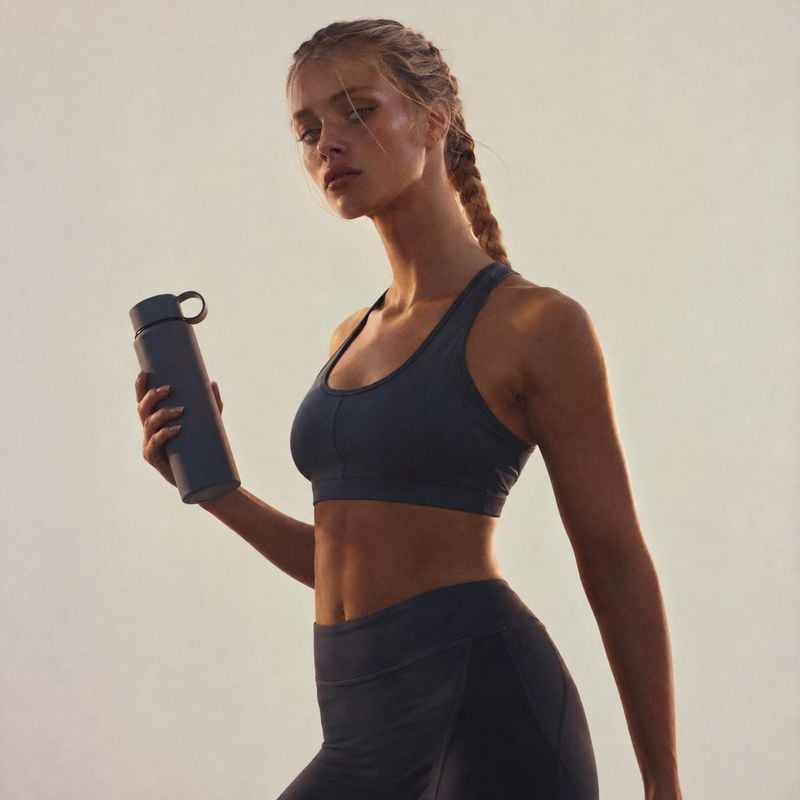
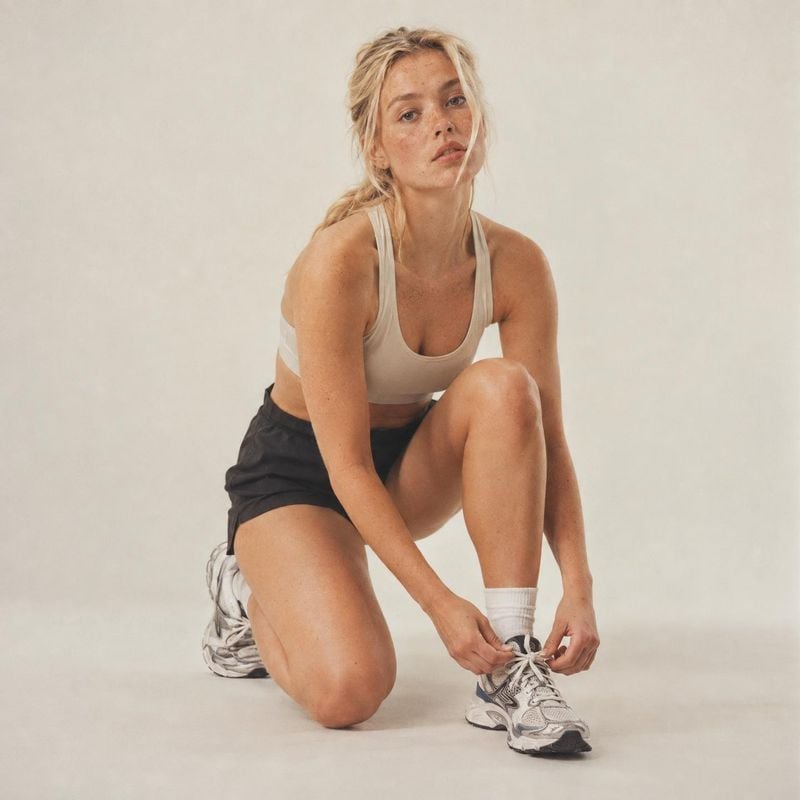
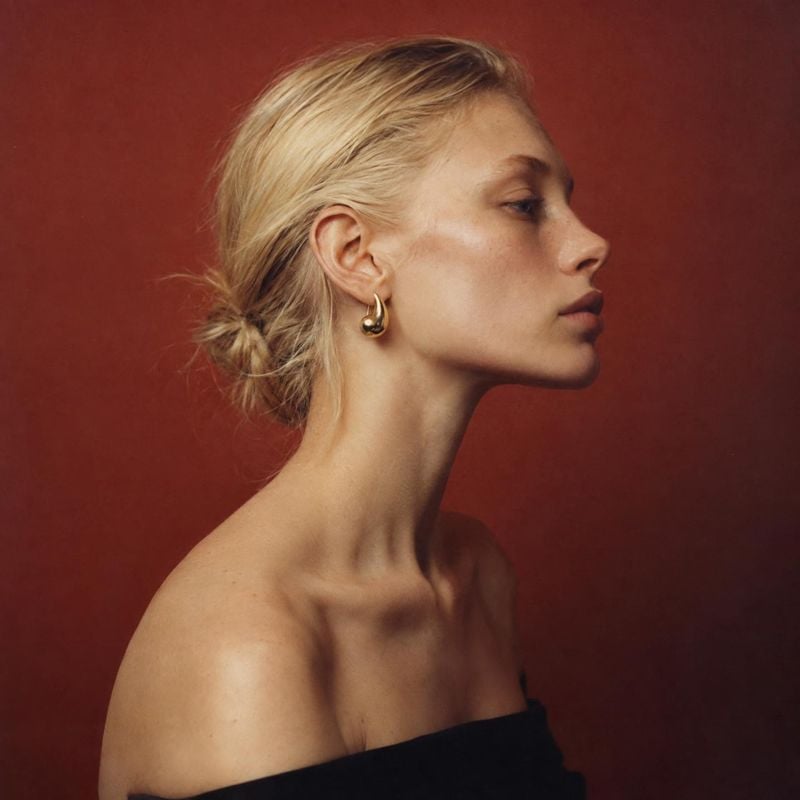
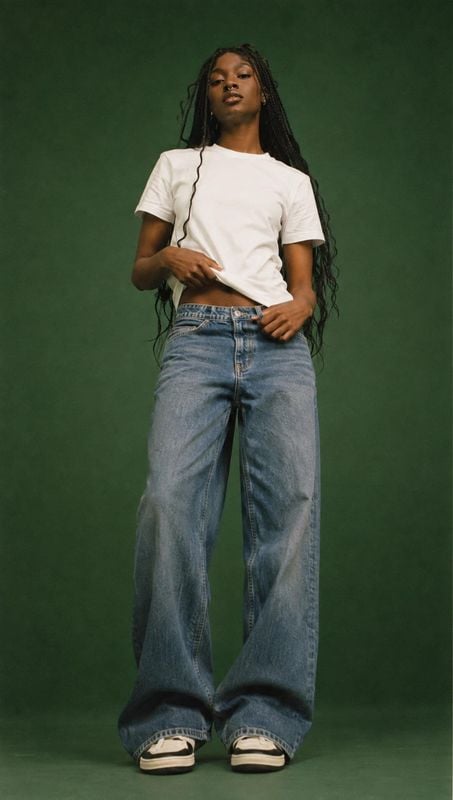
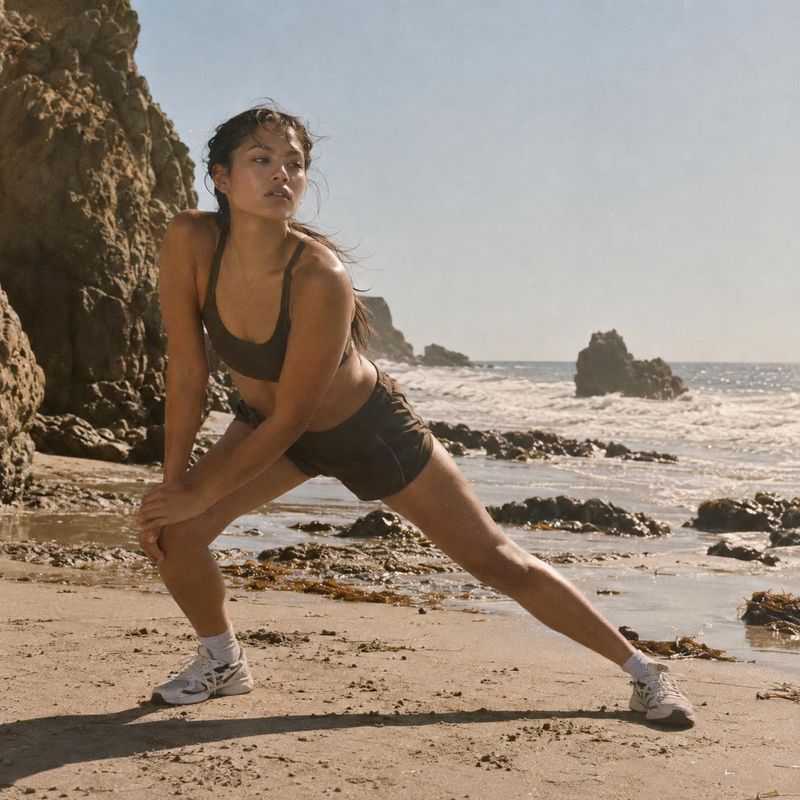


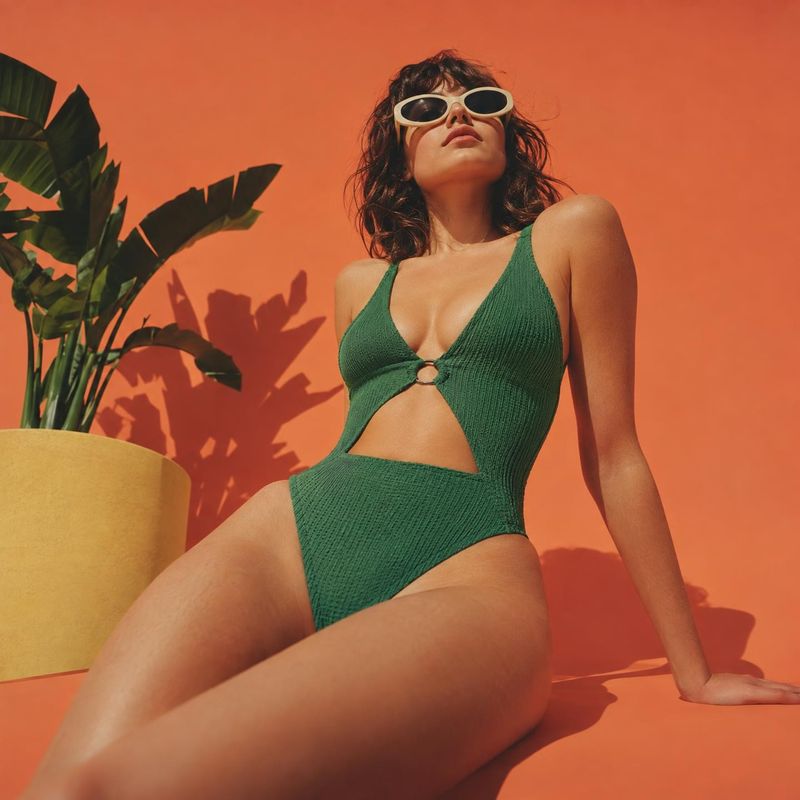
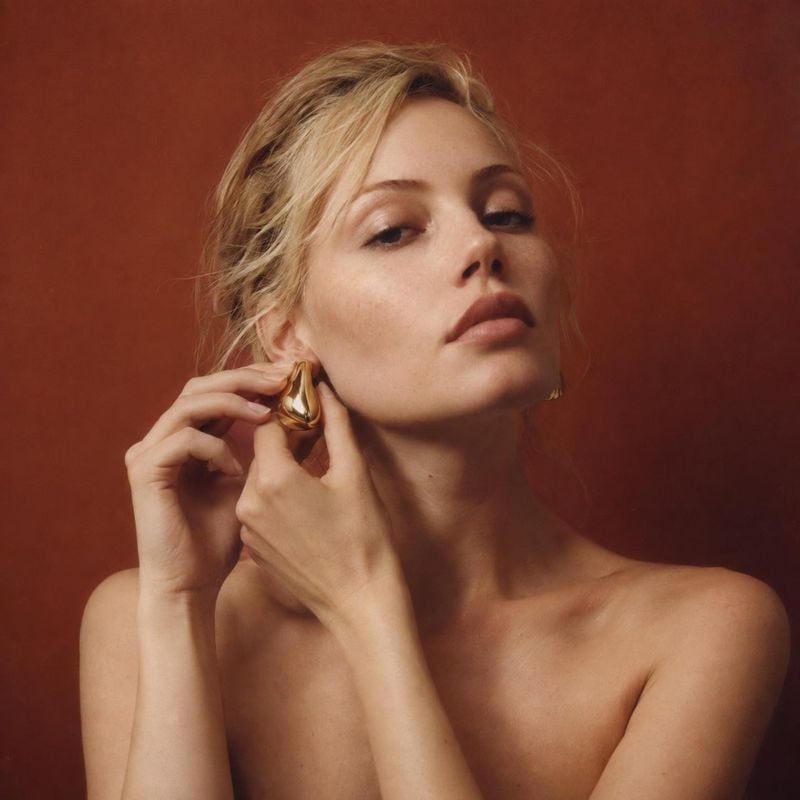
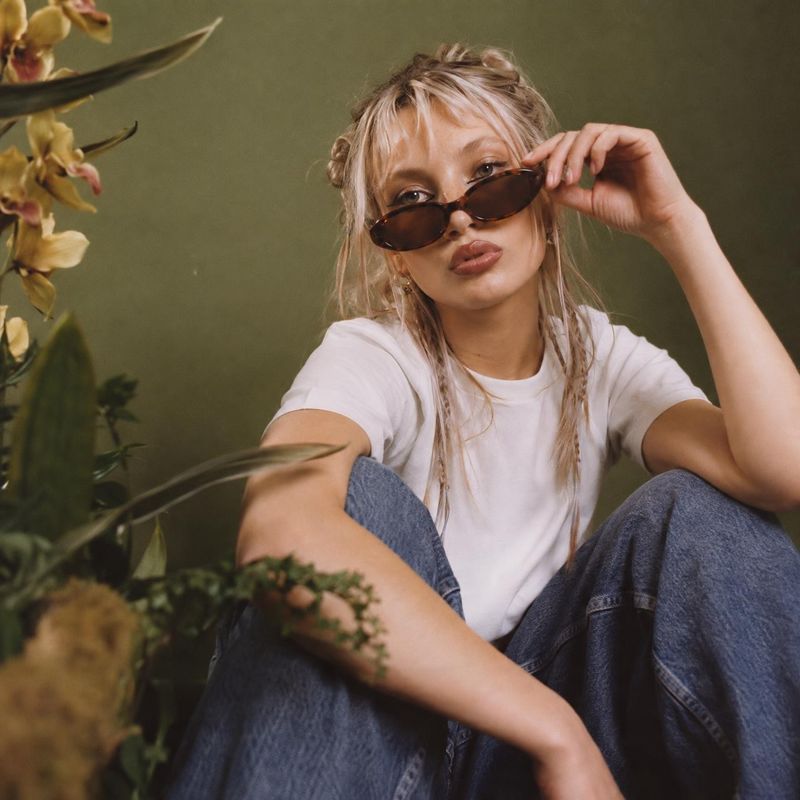
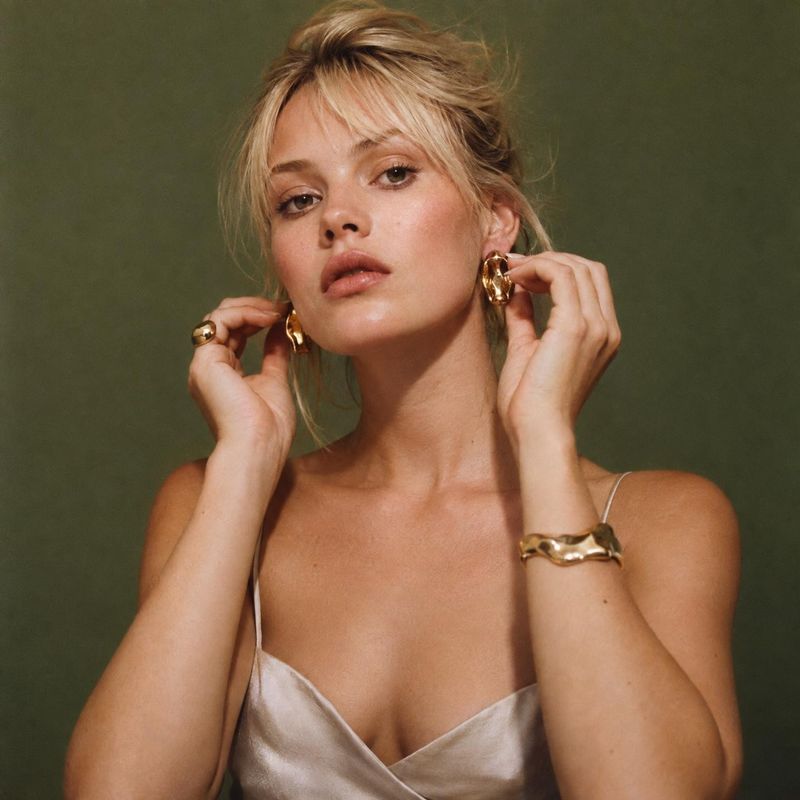
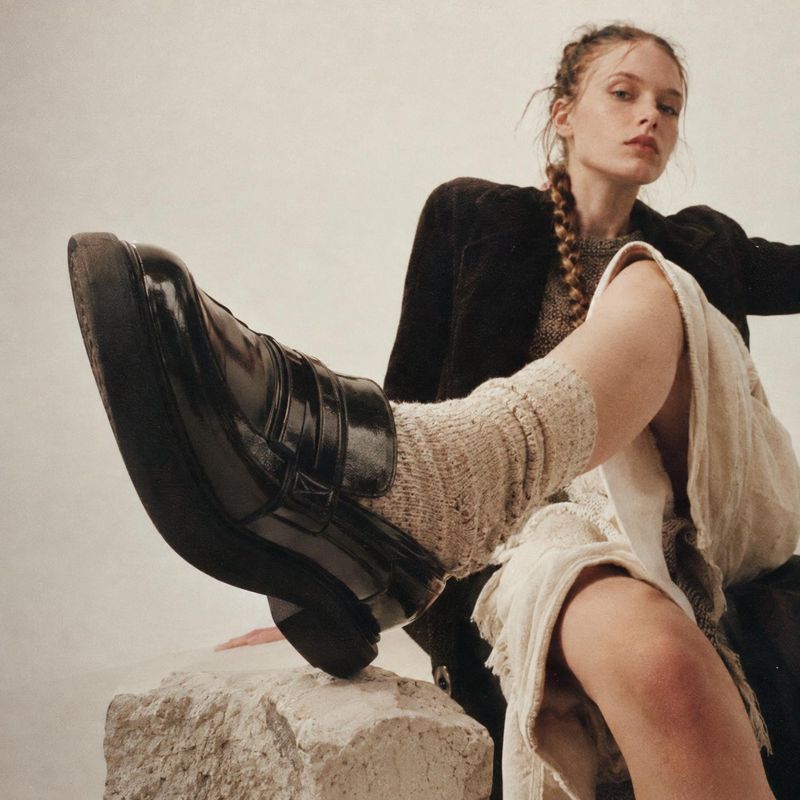
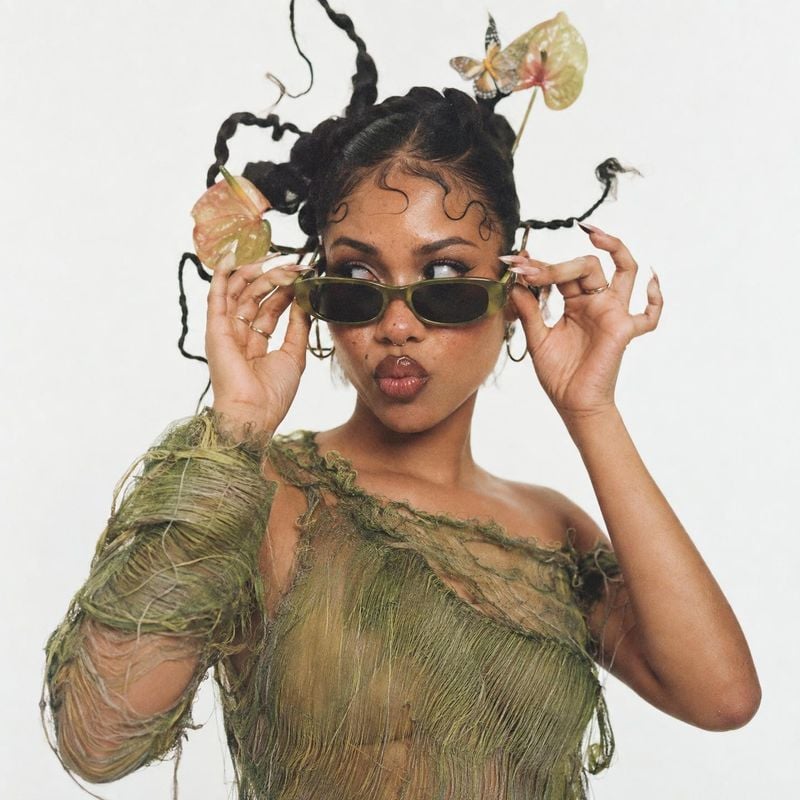
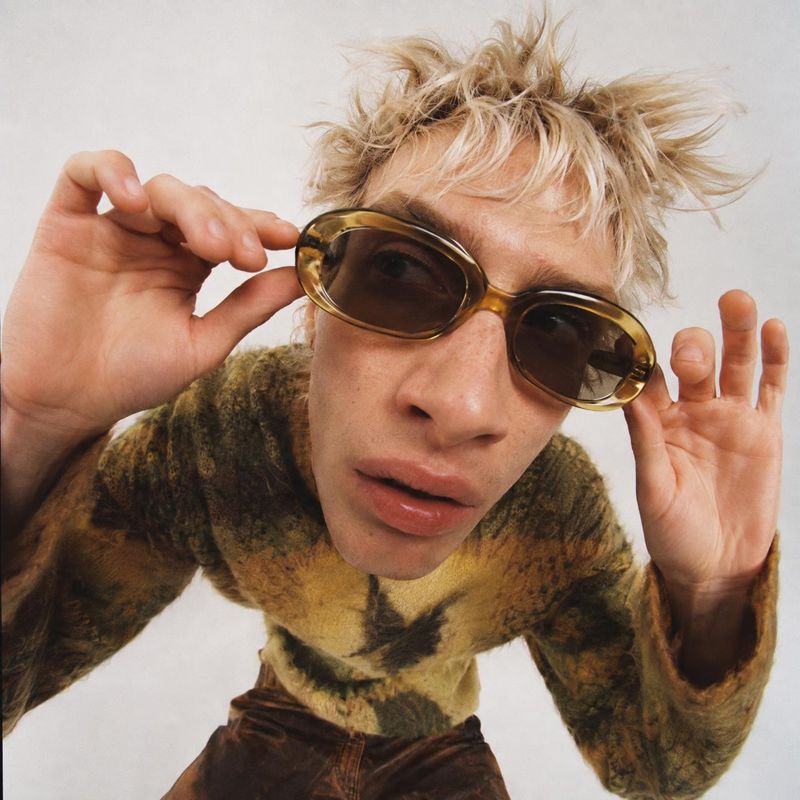
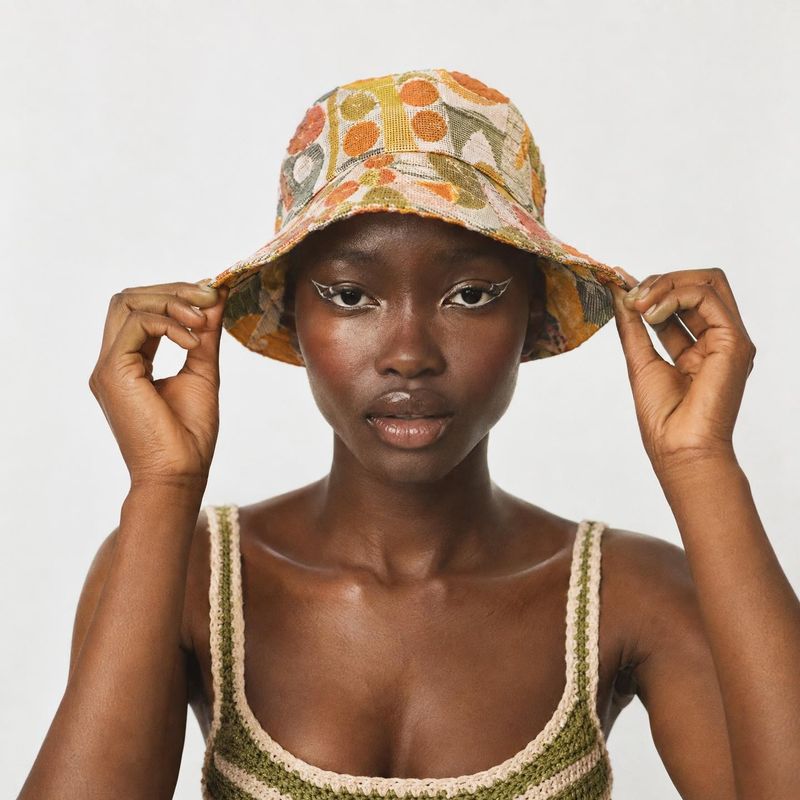
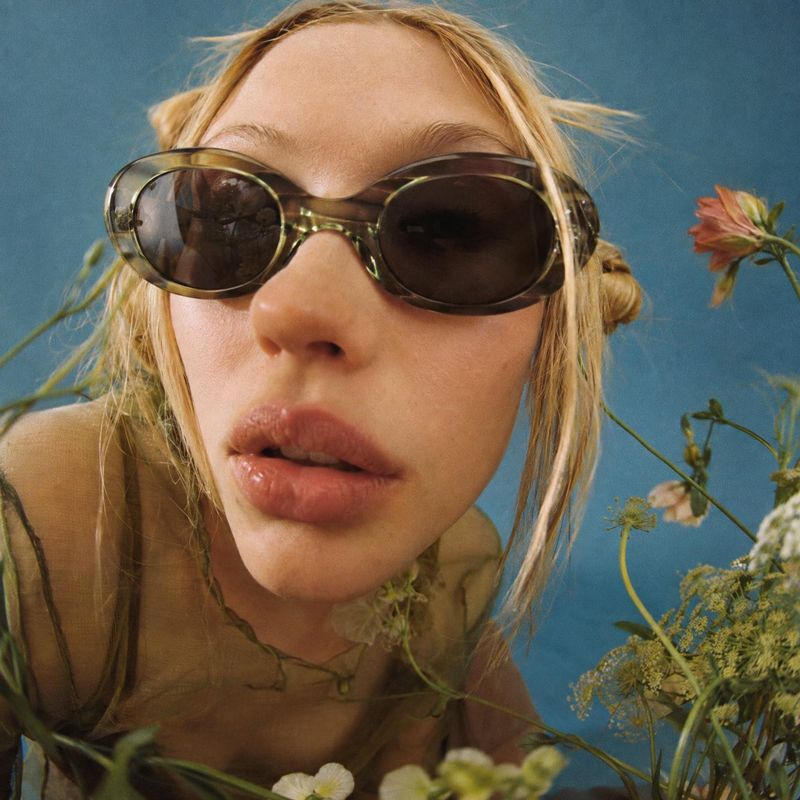
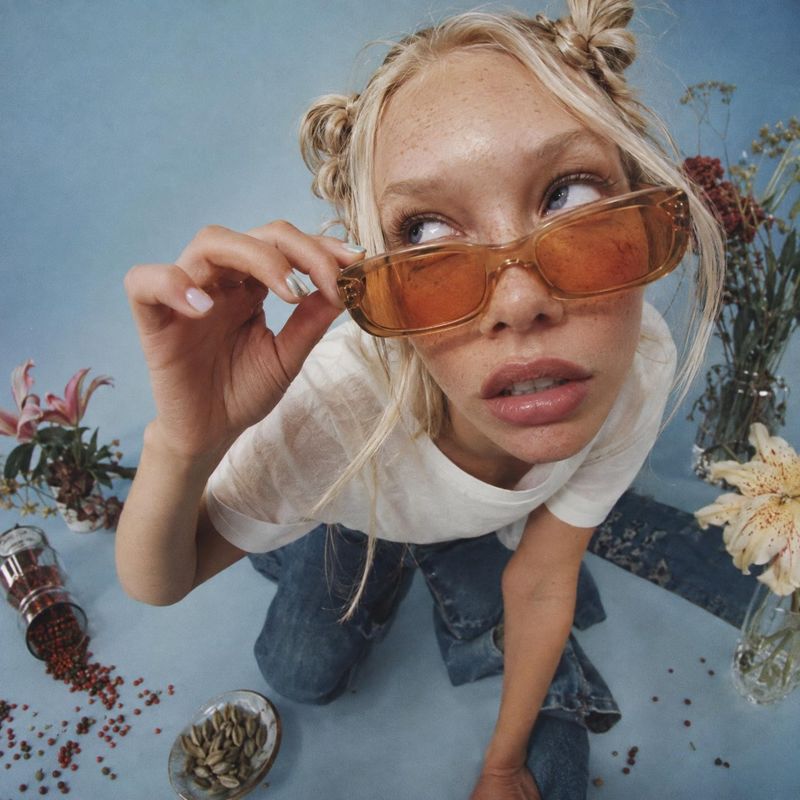
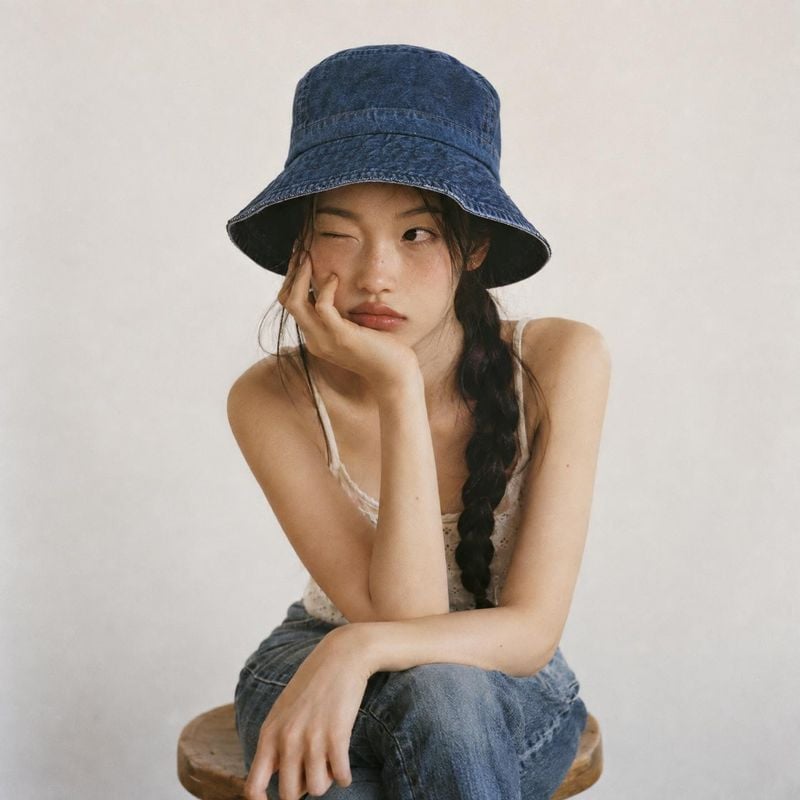
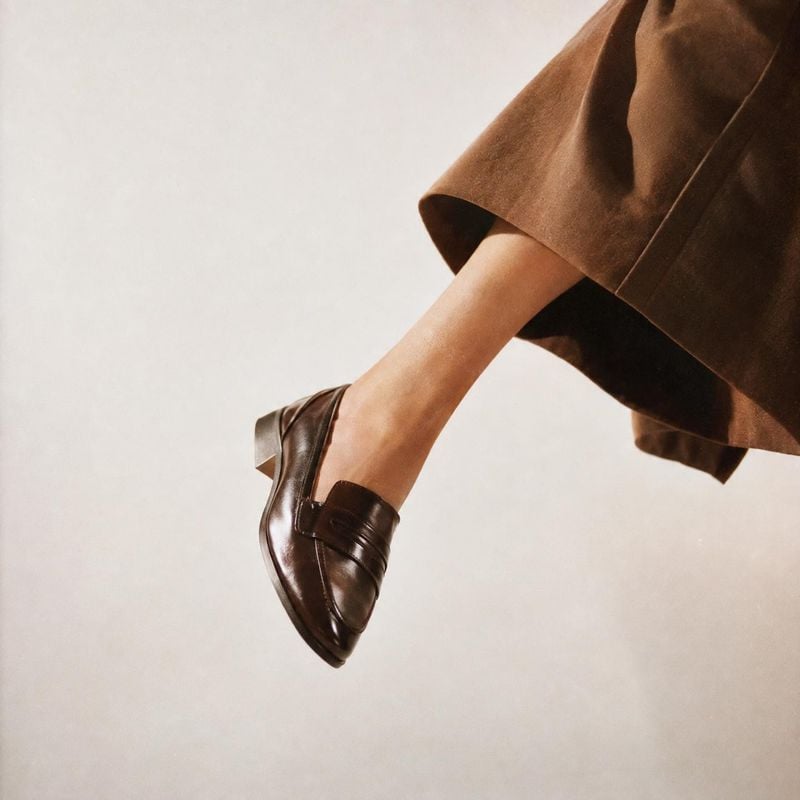
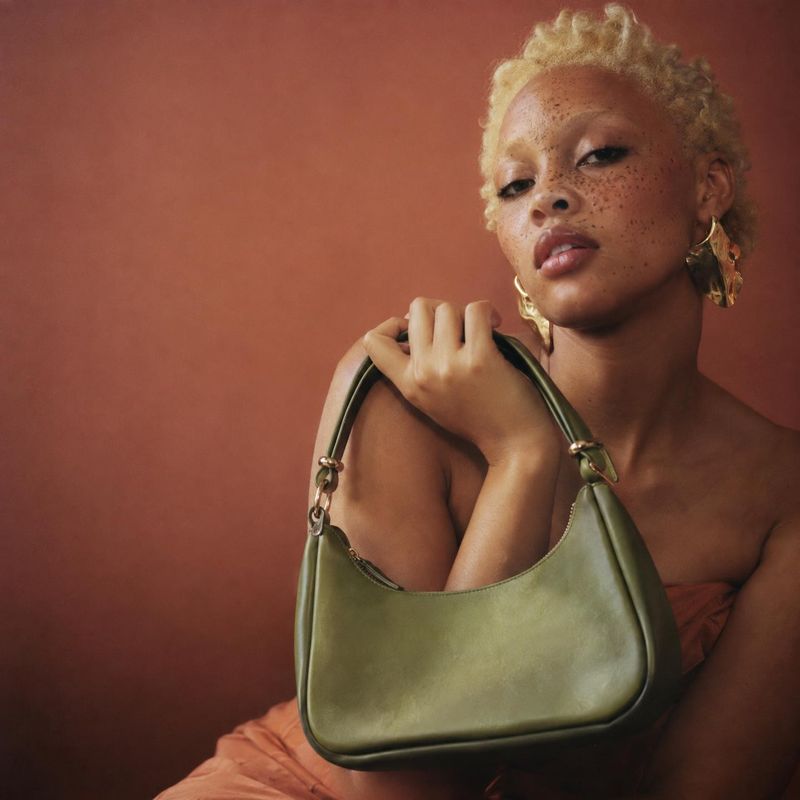
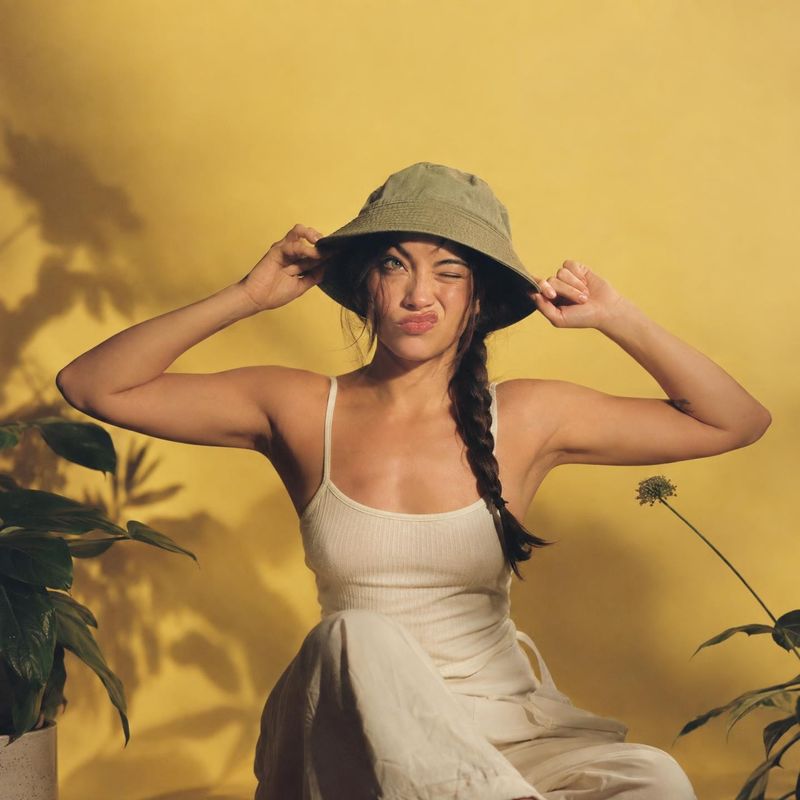
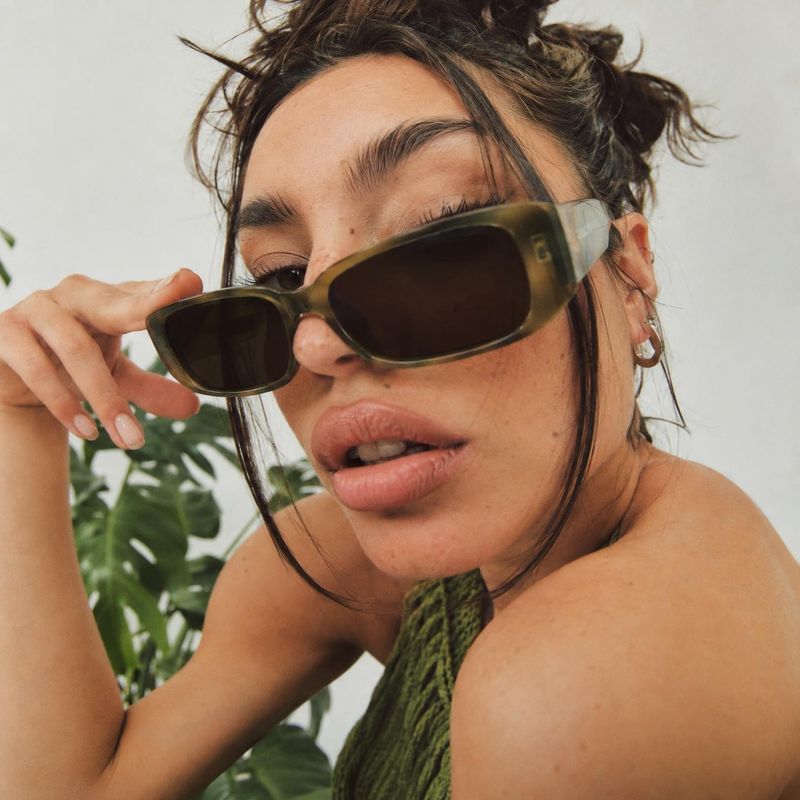
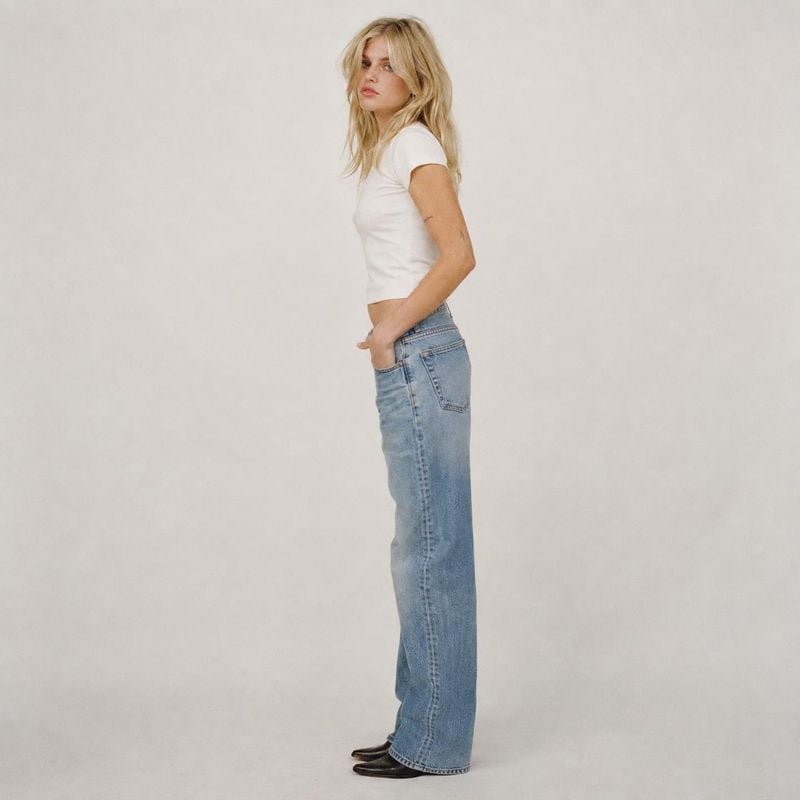
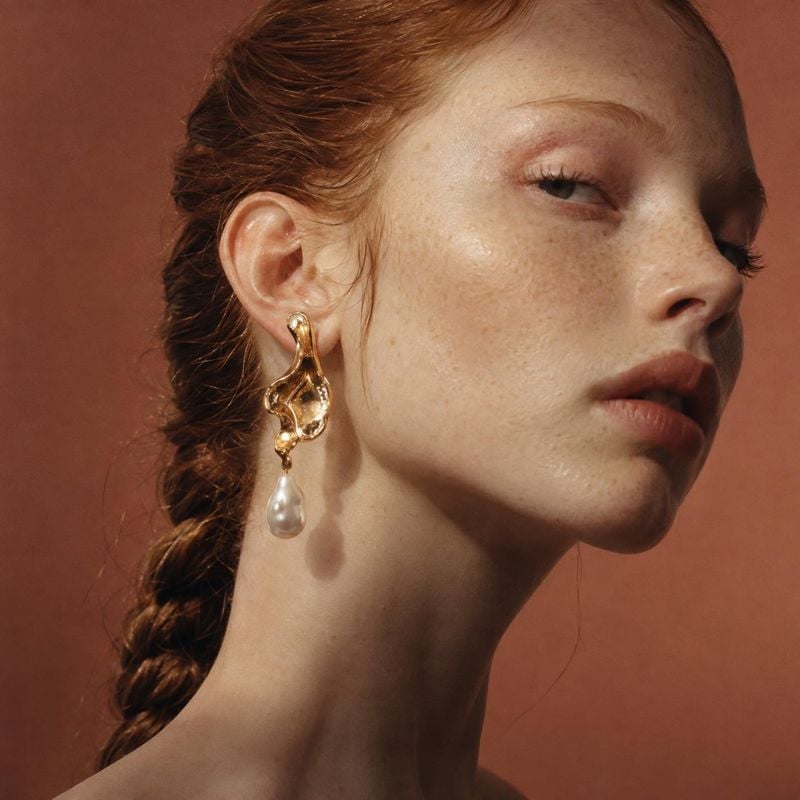
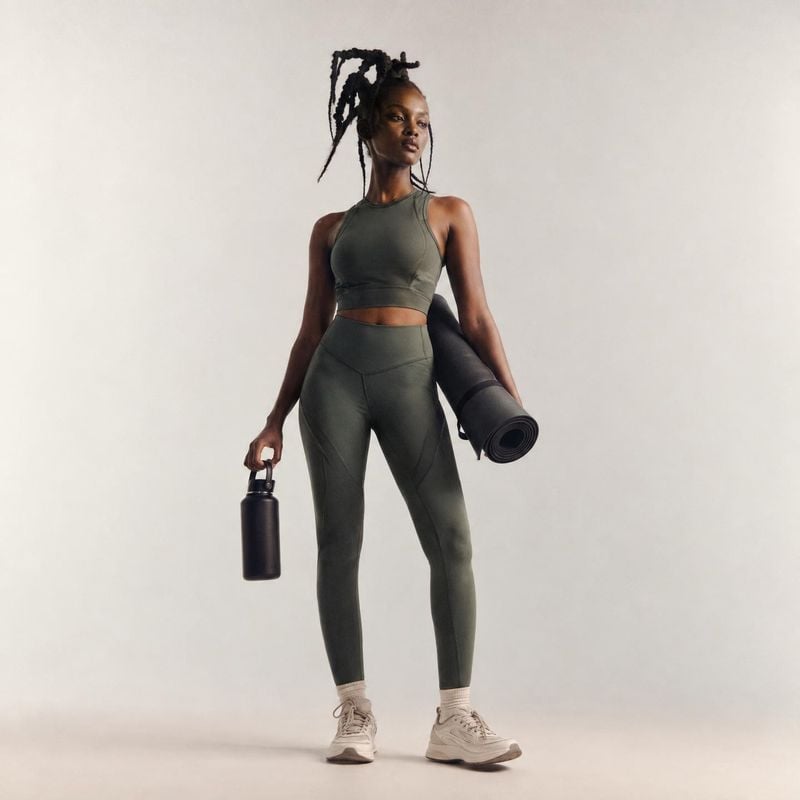
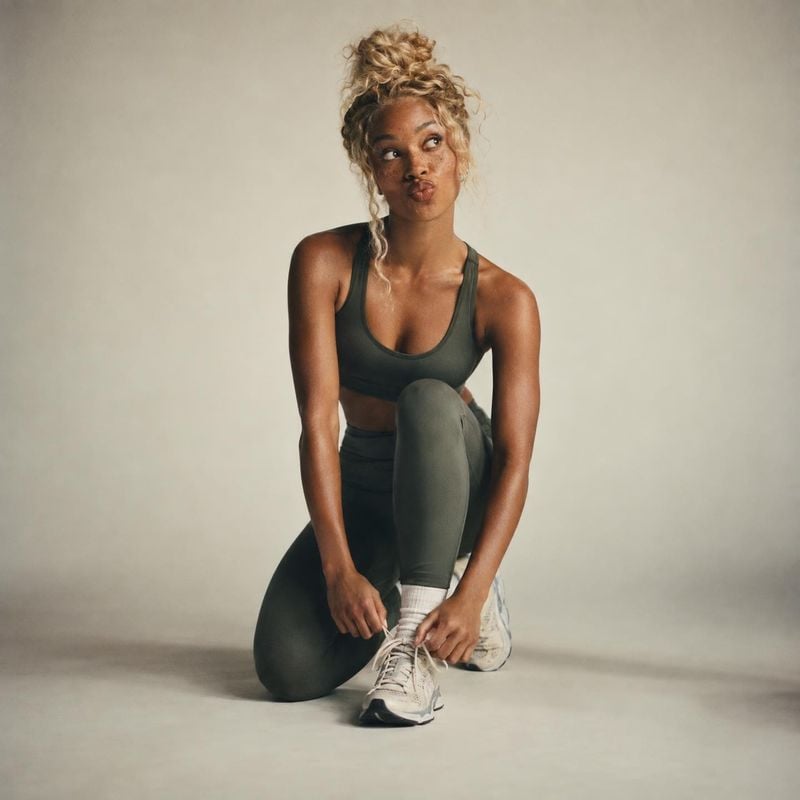

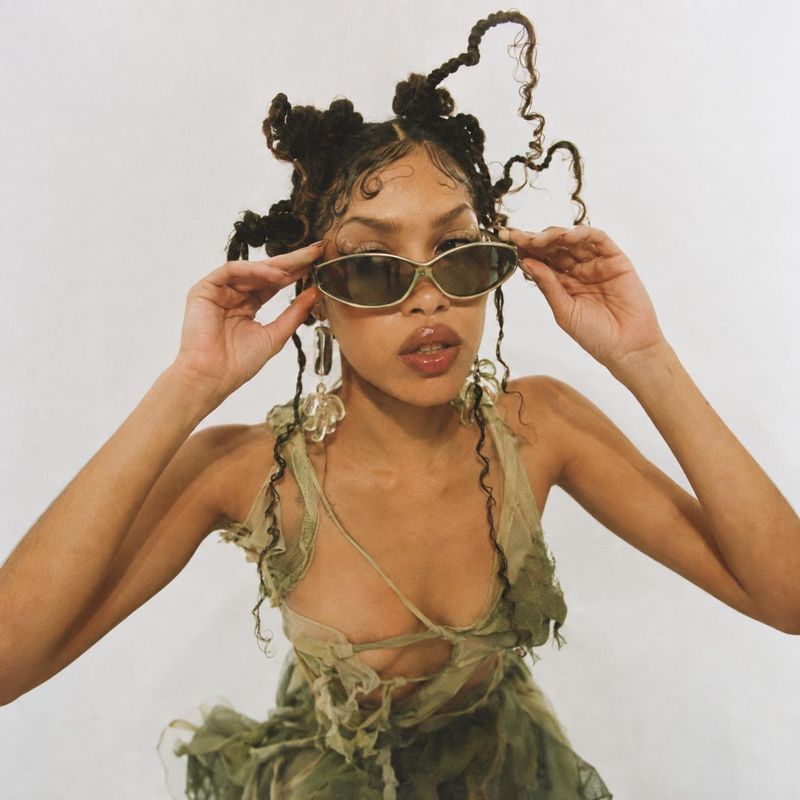
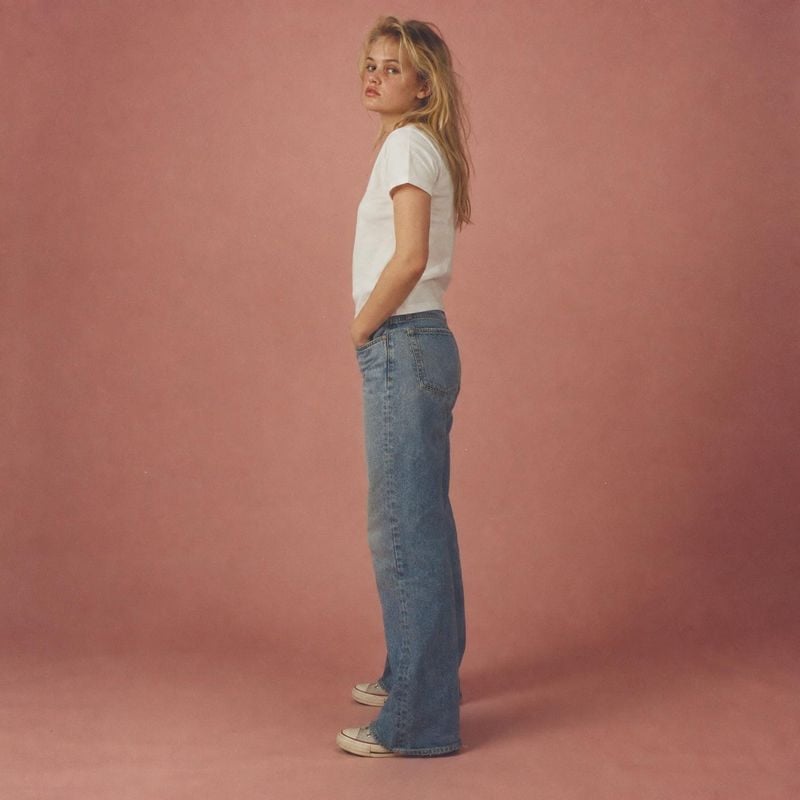
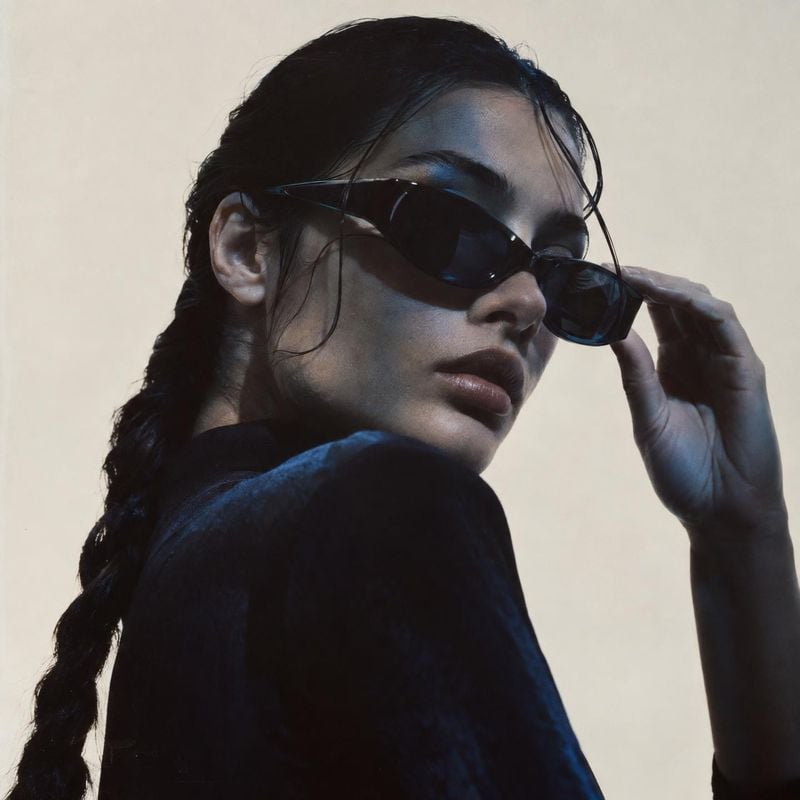

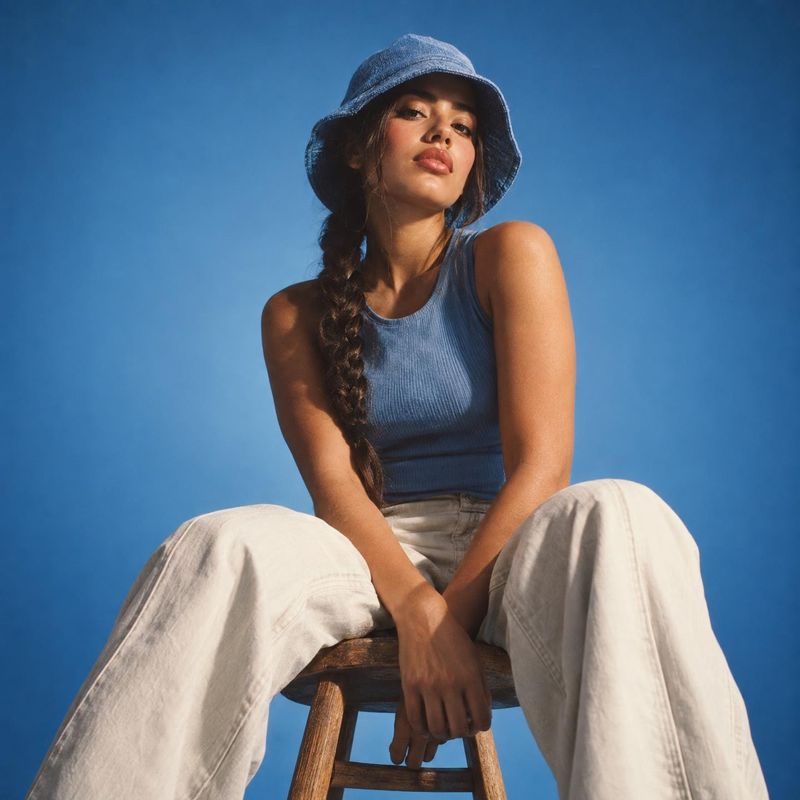
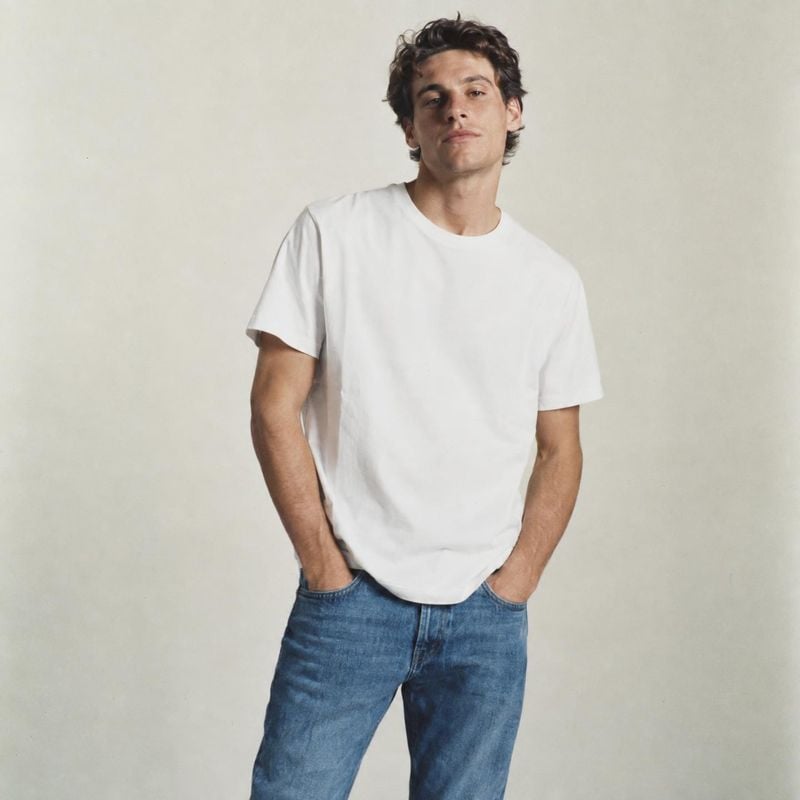

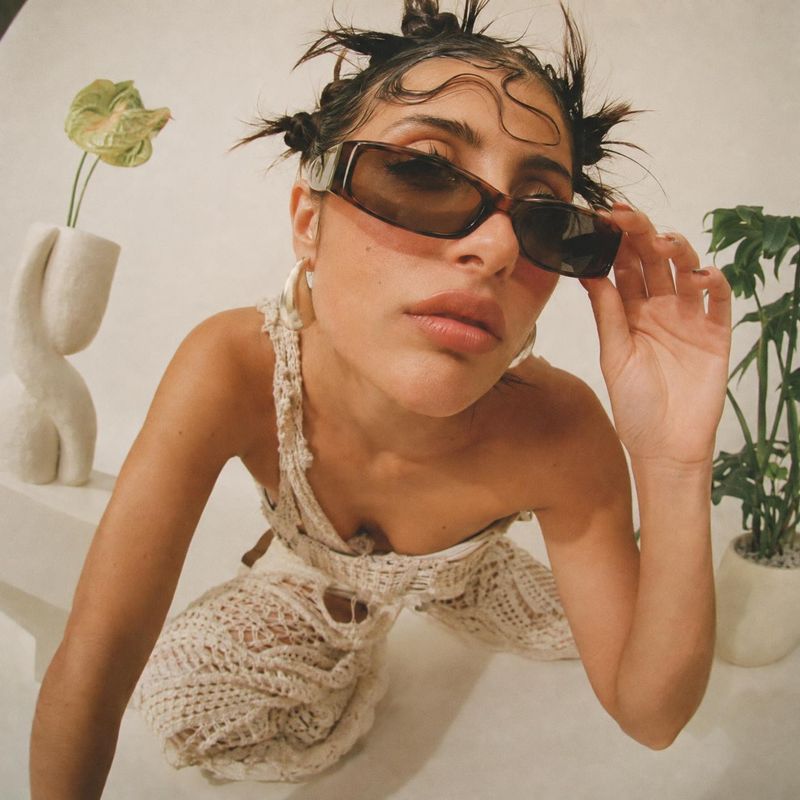
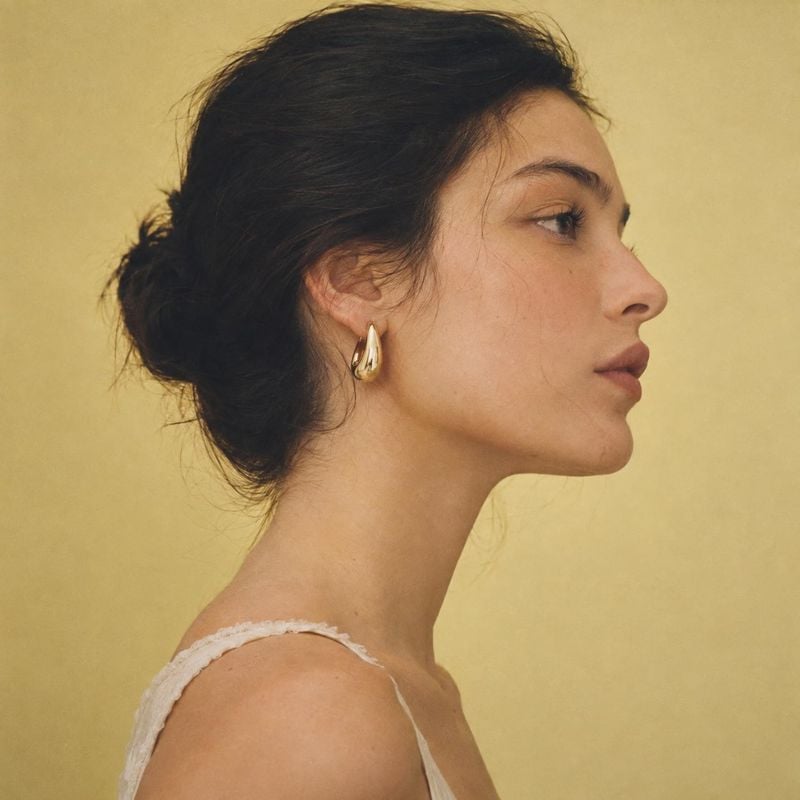
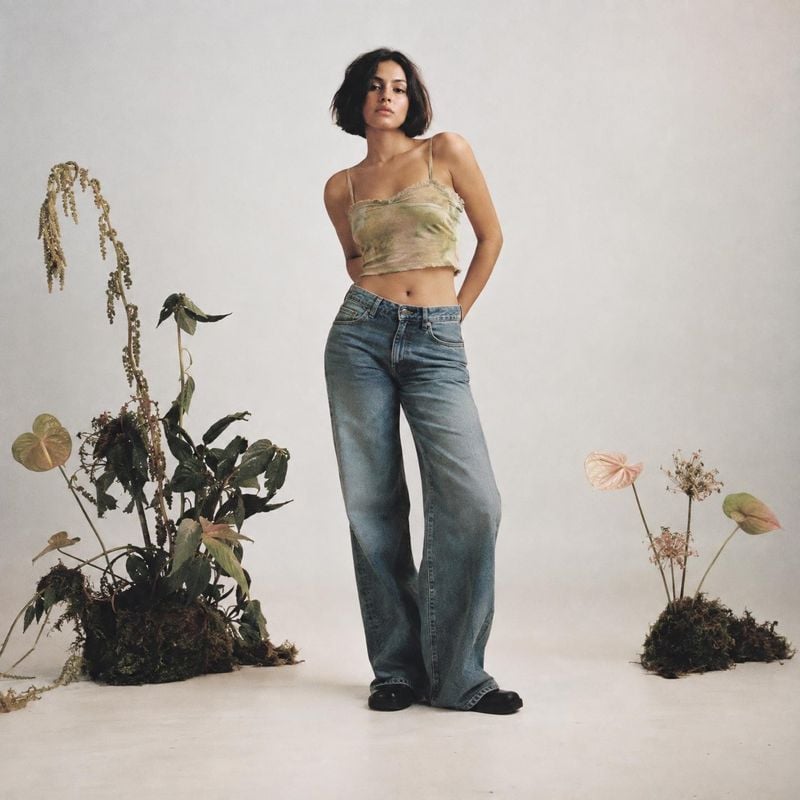
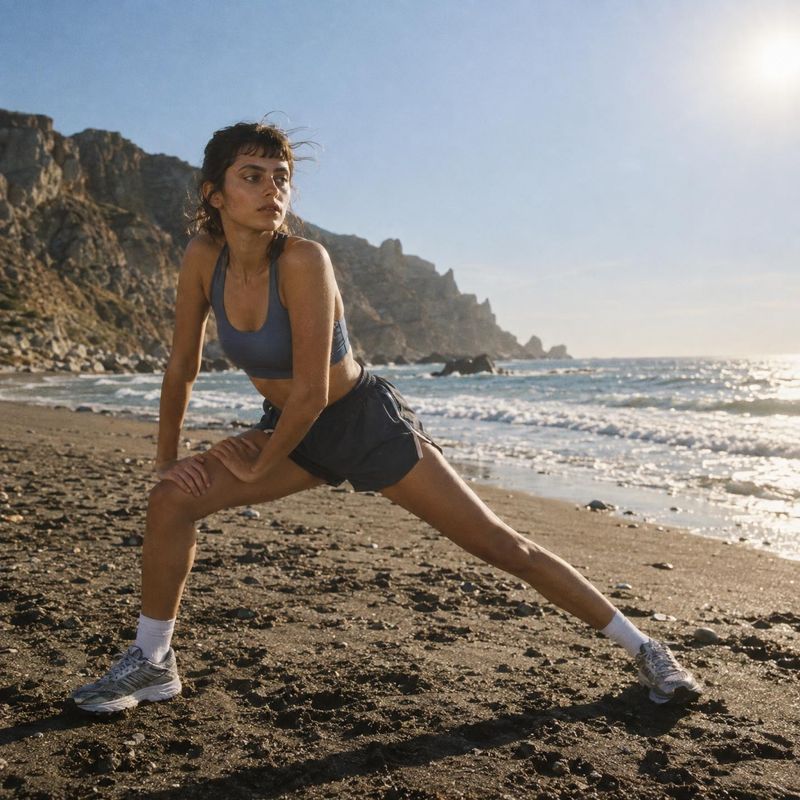
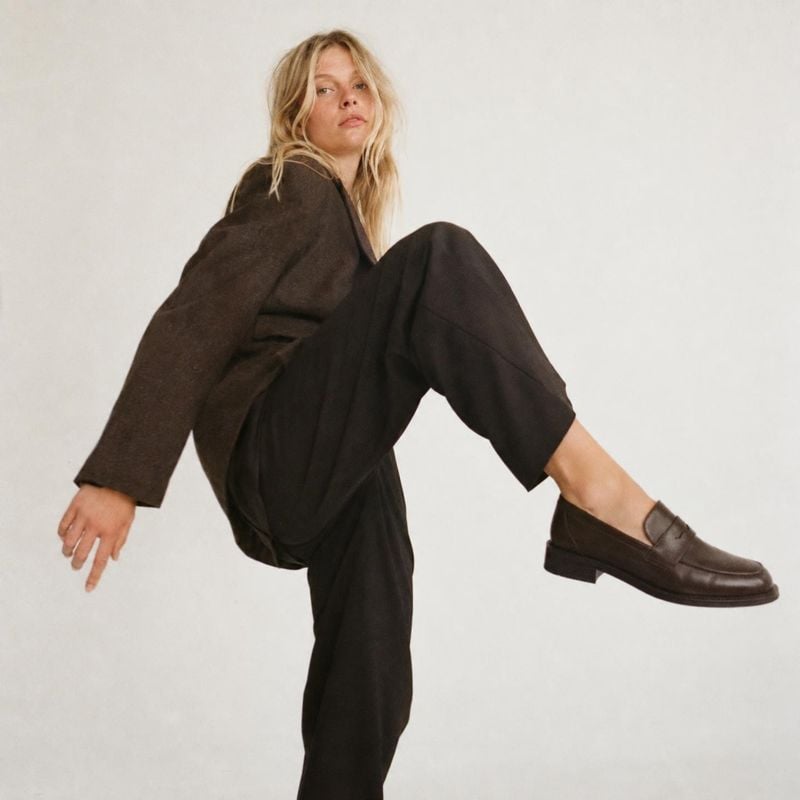
Sign up free to browse the whole library
Every idea above remixes free, no account needed
Shopify’s product image specs
| Recommended size | 2048 × 2048 px for square product images |
|---|---|
| Maximum size | 5000 × 5000 px, or 25 megapixels |
| File size | Smaller than 20 MB |
| File types | PNG or JPEG preferred. TIFF, BMP, GIF, SVG, HEIC and WebP also work |
| Aspect ratio | One aspect ratio across products, so collection pages line up |
From Shopify Help Center: Product media types, checked .
Generate in Shopify, publish to the product
Shopify’s 2048 px recommendation is about how images display, not a hard minimum. What makes a storefront look uneven more often is a mix of shapes and lighting: a square packshot next to a portrait lifestyle photo next to a supplier image on gray.
The Kive app for Shopify imports your products, generates new images in the studio you pick and adds the results to the product’s images. One studio keeps the backdrop and light the same from product to product.
How it works
- 1Install Kive from the Shopify App Store and connect a workspace.
- 2Open a product in Shopify admin and choose Create with Kive, or import your products into Kive first.
- 3Pick a studio and a 1:1 aspect ratio, check the result against the product, then add it to the product’s images.
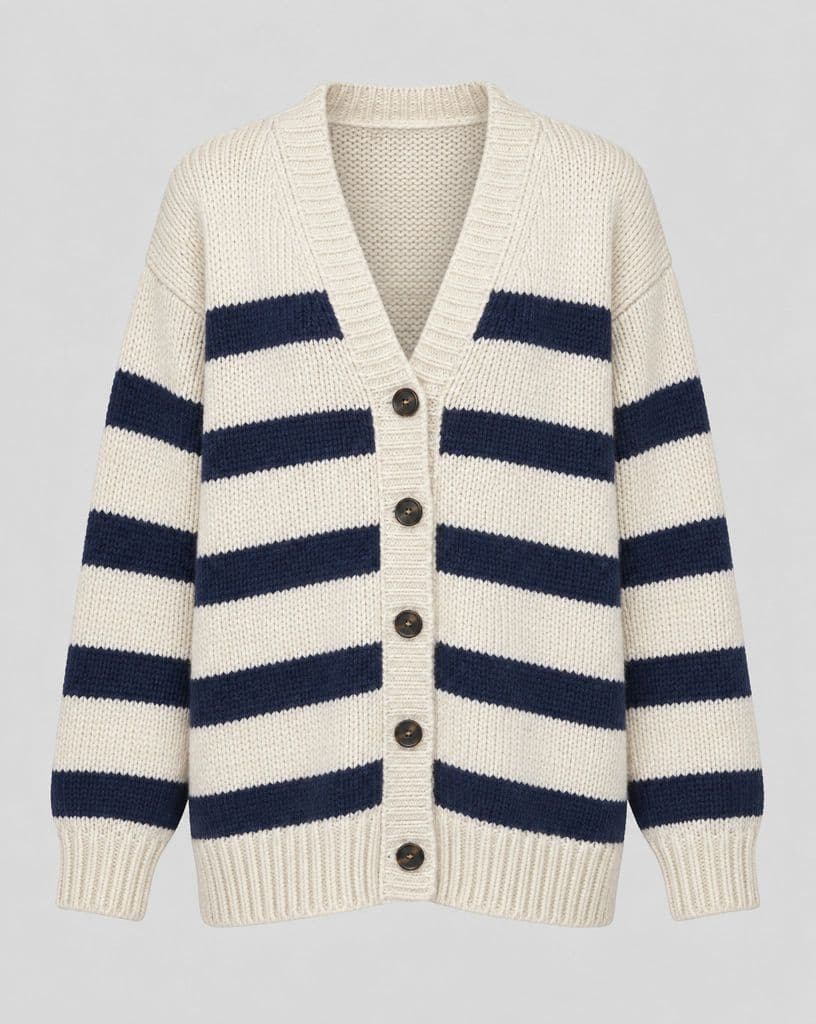
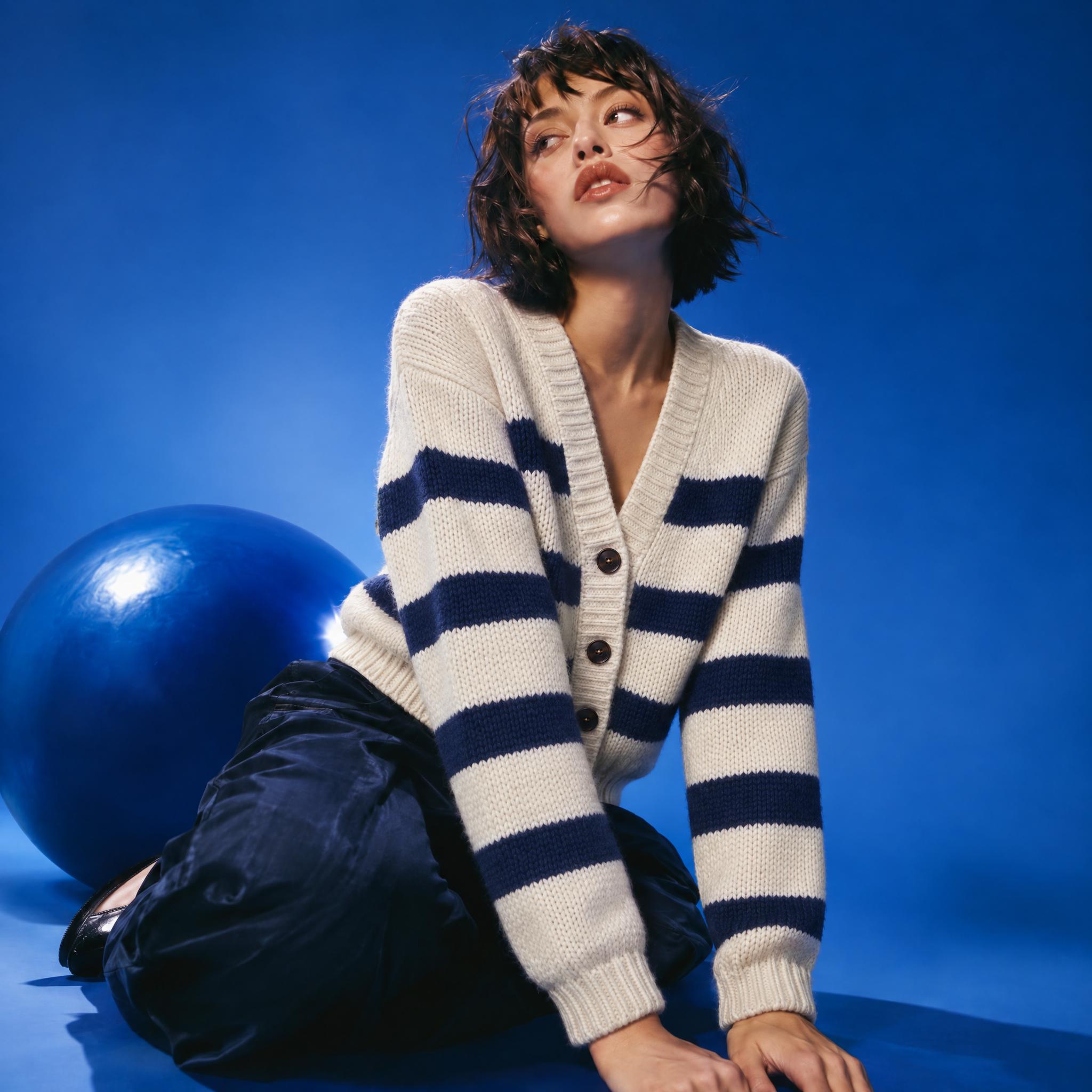
Knitwear, worn
Made from a Kive idea. The cardigan’s stripes, buttons and chunky knit carry over from a flat product photo, now worn by a model on a blue studio set.
Before / after
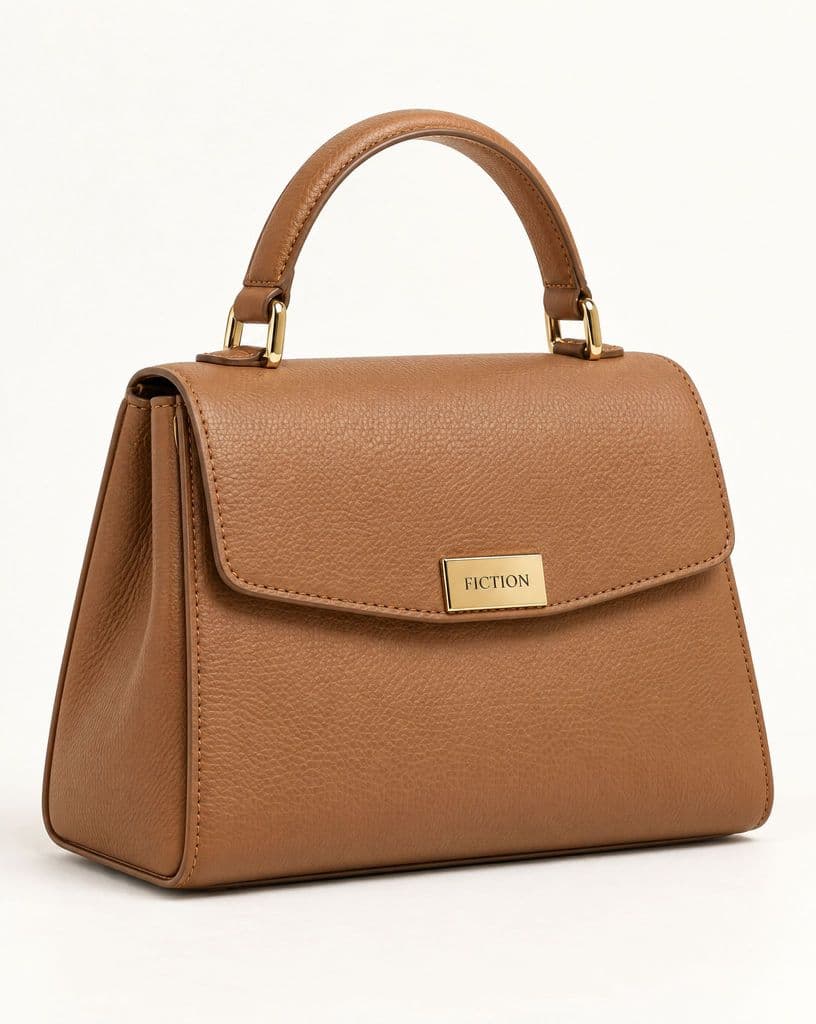
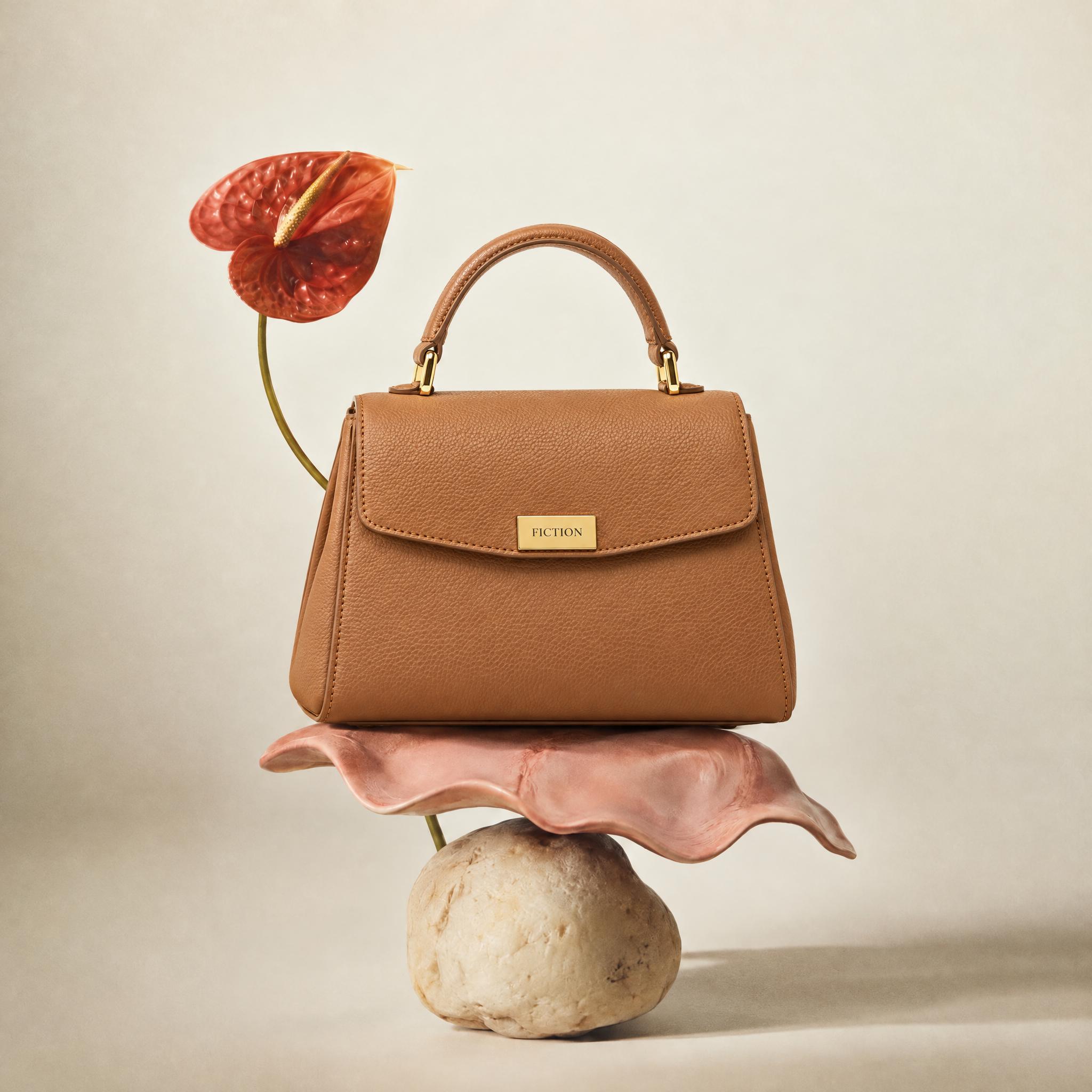
A still life for the next product
Made from a Kive idea. The leather grain, the gold hardware and the logo plate come from the product photo; the shell, the stone and the anthurium come from the idea.
Before / after
Related pages
Kive for Shopify
Import products, generate in the admin and push images back to the store.
Shopify setup guide
Install the app, import products and add reviewed images to listings.
Best AI tools for Shopify product images
Kive, Photoroom, Shopify Magic and others compared on import, quality and cost.
Kive vs Shopify Magic
What the free built-in editor covers, and where a catalog outgrows it.
Common questions
Make your first Shopify product photo
Sign up for free, then connect your store.