Etsy listing photos on one clean background
Remove the background from your own photos and put every listing on the same color. Free, in your browser.
Etsy’s listing photo rules
| Photos you can use | Your own photos of the actual item. No renderings or stock photos, with narrow exceptions for personalized and print-on-demand items |
|---|---|
| Recommended size | Width and height of at least 2000 px |
| First photo | At least 635 px wide and tall, or the listing can show up lower in search |
| Shape | First photo landscape or square. It sets the shape of the photos after it |
| Thumbnails | Cropped to square, portrait and landscape, so leave space around the item |
| File types | JPG, PNG, GIF, SVG or HEIC. No animated GIFs, and transparent areas show up black |
| File size | Images over 1 MB may not finish uploading |
From Etsy Help: Requirements and Best Practices for Images and Etsy House Rules: Listing Image Requirements, checked .
Your photo, a cleaner background
Etsy’s listing image policy asks for your own photos of the actual item, not renderings. A generated scene is a rendering, so for most shops it can’t be a listing photo. Cleaning up a photo you took is a different job.
This tool keeps your photo and changes only what is behind the item. Pick one background color, use it on every listing, and your shop’s search results line up.
How it works
- 1Start from your own photo of the item, with space around it on every side.
- 2Remove the background and pick a fill color. Use the same one for every listing, and avoid transparent, which Etsy shows as black.
- 3Download the PNG, save it as a JPG if it is over 1 MB, upload it to the listing and check the three thumbnail crops.
Gray backdrop to your shop color
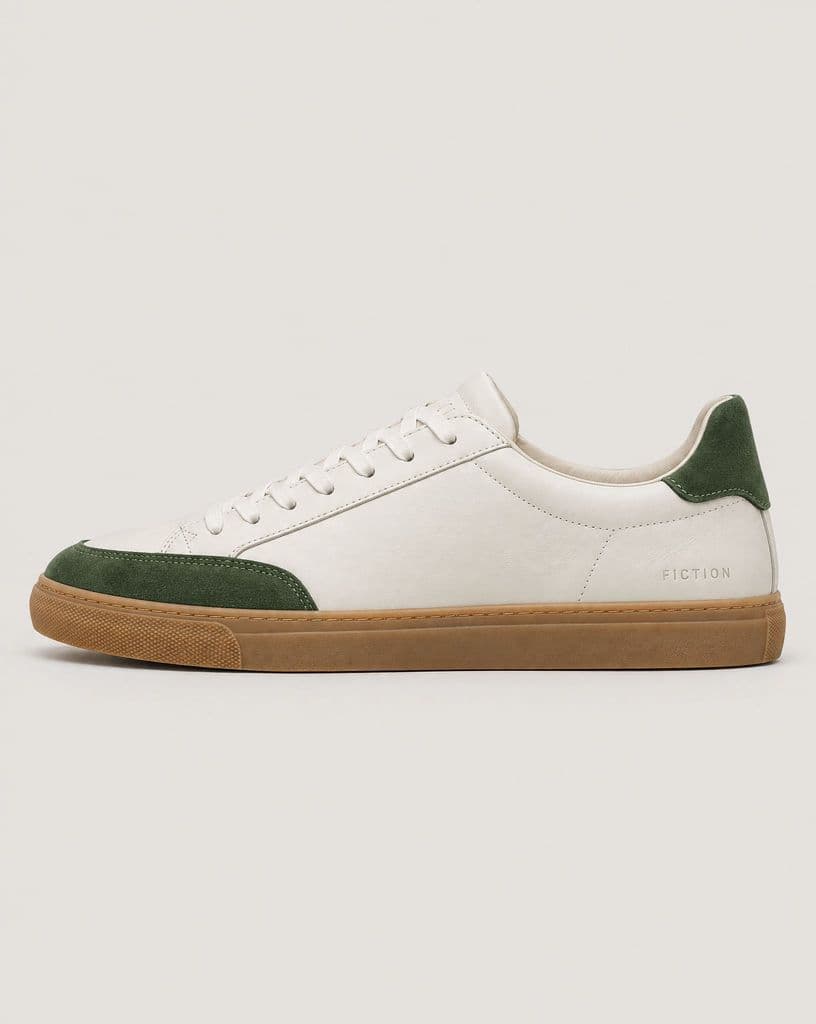
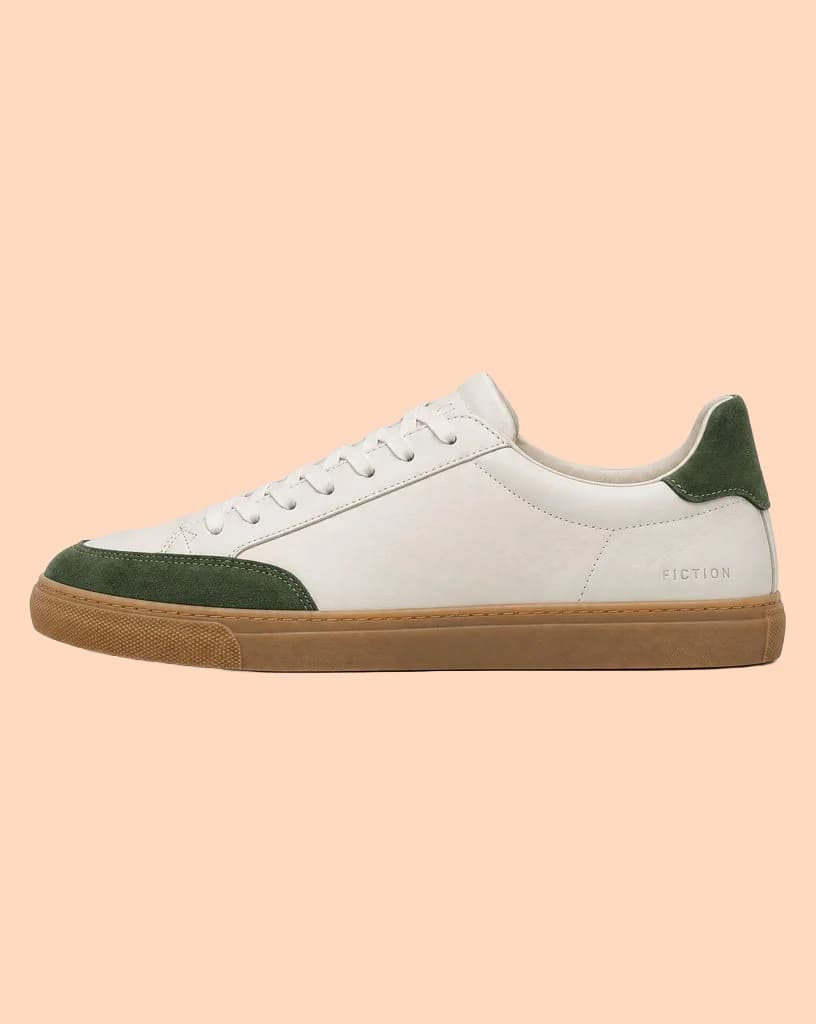
The sneaker was photographed on warm gray. Only the backdrop changes: the stitching, the suede and the gum sole are as shot.
Before / after
Knit edges and an open neckline
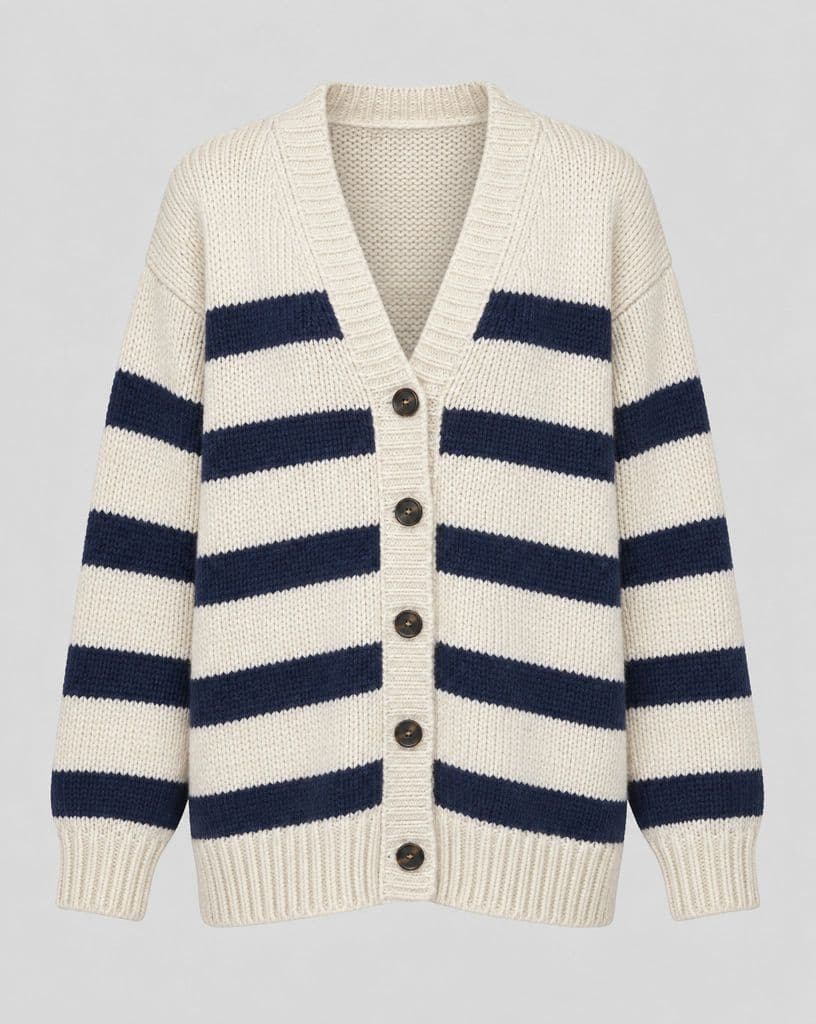
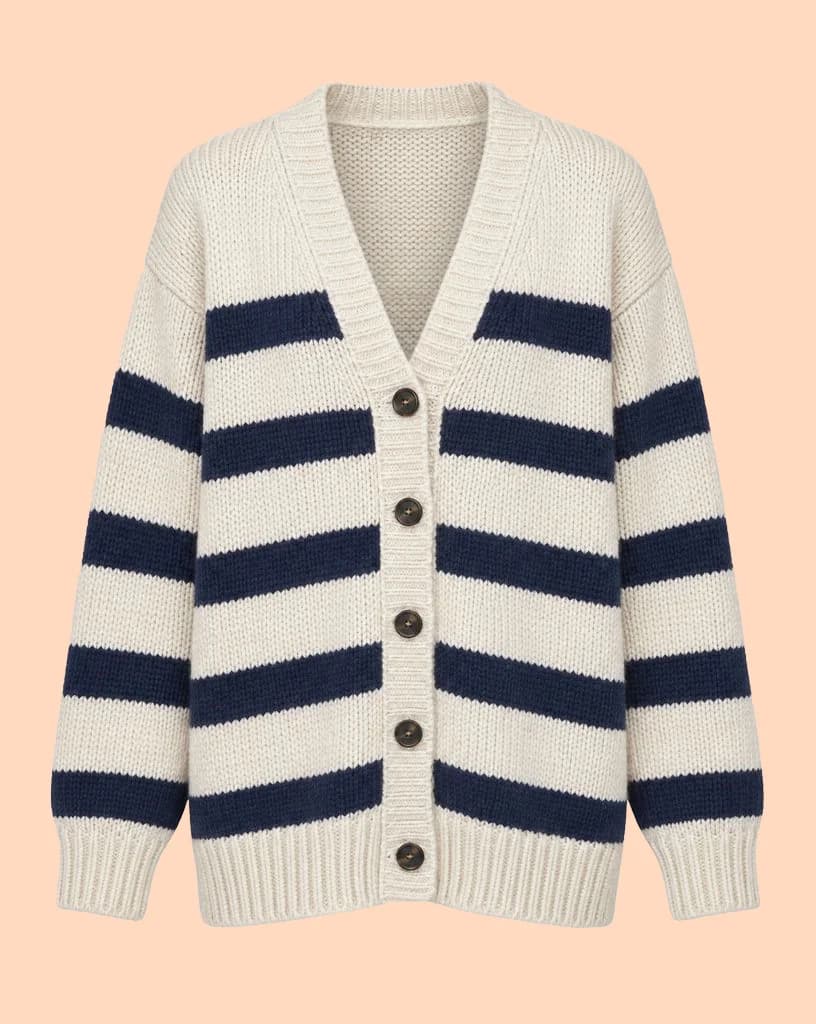
Fuzzy edges and the gap inside a neckline are where cutouts go wrong. This one keeps both, but check them at full size before you upload.
Before / after
Small pieces too
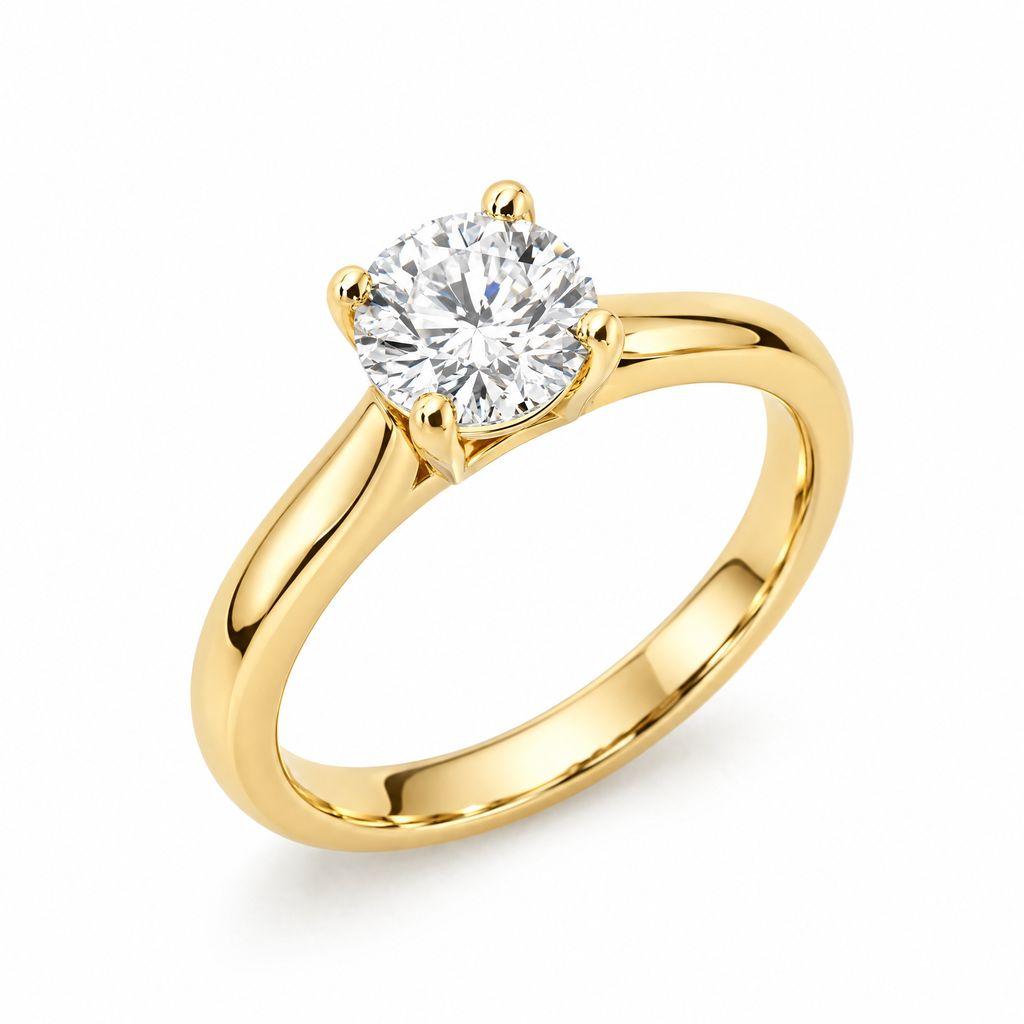
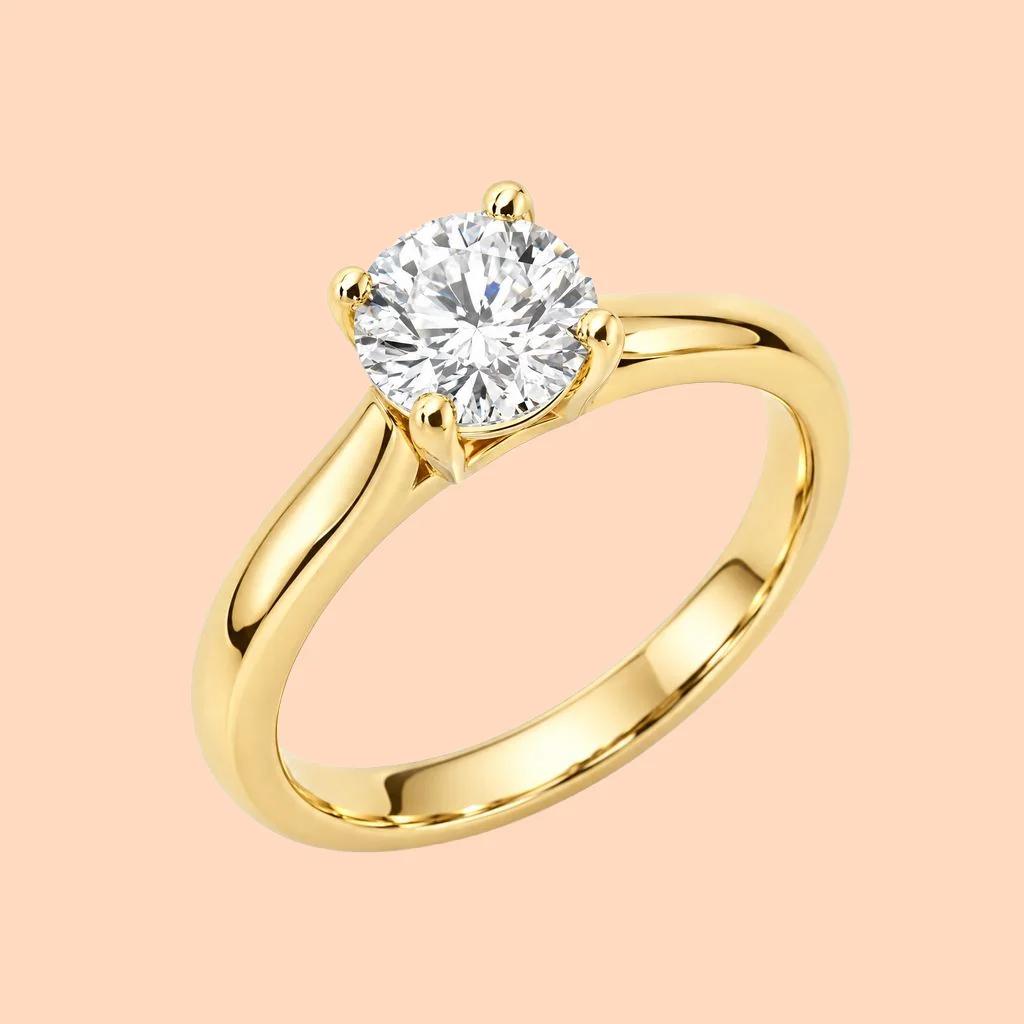
A ring on white becomes a ring on your shop color. The facets of the stone and the four prongs stay from the original photo.
Before / after
Related pages
Common questions
When you need more than a background
Kive makes product shots and ads from photos of what you sell.