
Christmas Product Photos With AI: 6 Looks, Prompts, Workflow (2026)
By Olga Stogova
11 min read
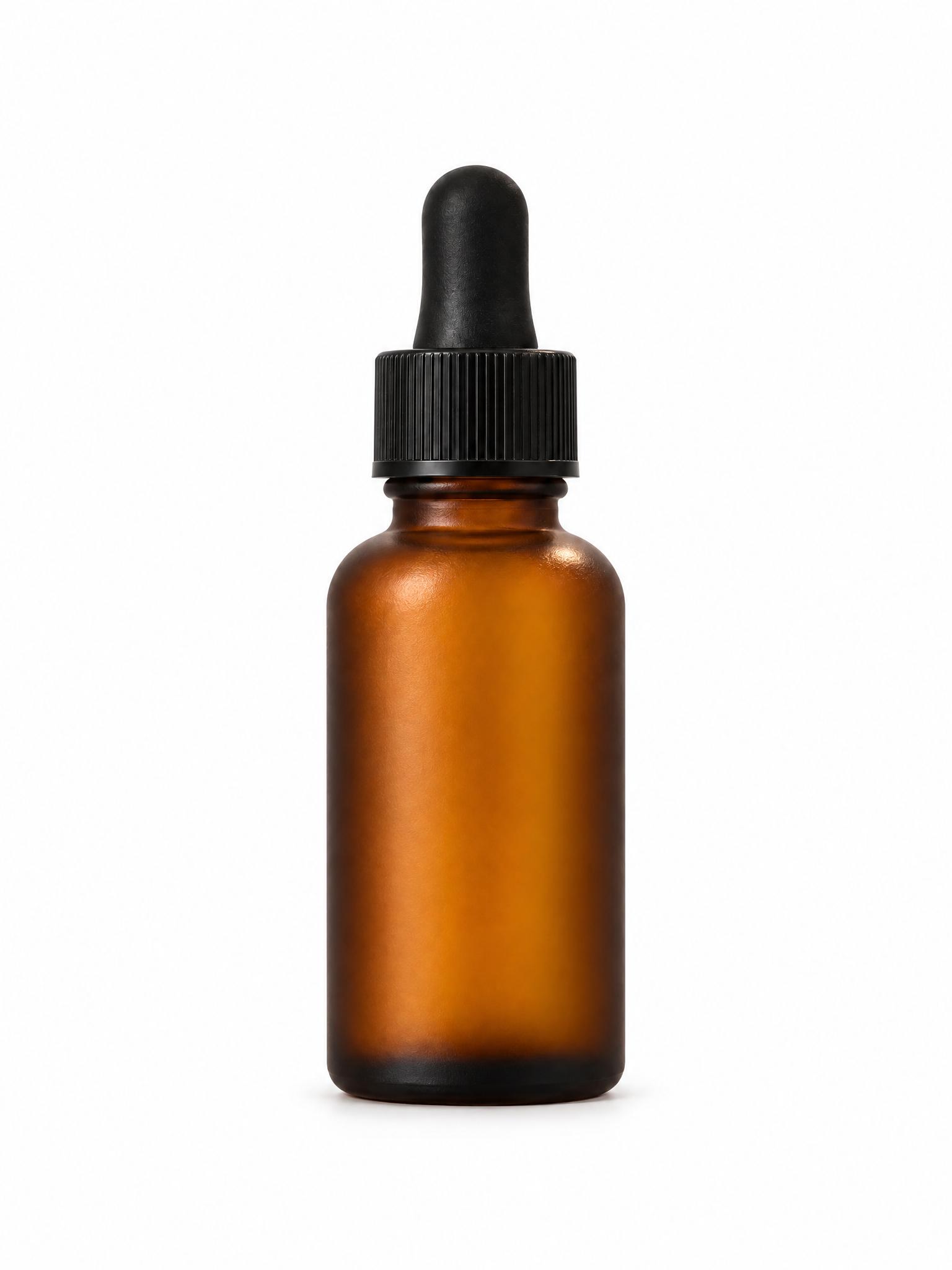
Cut the product out and set it on a purple ground, in your browser, for free.
Click "Start from a photo" and pick a PNG or JPG of any size. The cutout runs in your browser, so the image is never uploaded to a server.
Purple (#7b5cff) is already selected once the background is gone. Swap it for any other color with the swatches or the picker.
Download a PNG with the background already composited in, ready for a listing, a deck or an ad.
Purple is rare enough on a shelf to be distinctive and rich enough to read as premium. Beauty, haircare, gaming and AI-adjacent tech all use it to look like they are not competing in the same category as everyone else on the page.
Beauty and haircare, gaming and tech hardware, night-time and luxury positioning, and any brand trying to avoid the blue everyone else picked.
It is a dark ground pretending to be a colorful one. Deep purples swallow dark products the way black does, and the saturation can shift on cheaper screens. Check the frame on a phone before committing a campaign to it.
Which purple is this?
Does purple work for food?
Will my product still stand out?
Backgrounds are the easy part
Kive generates the whole product shot — scene, lighting and all — from photos of what you actually sell.