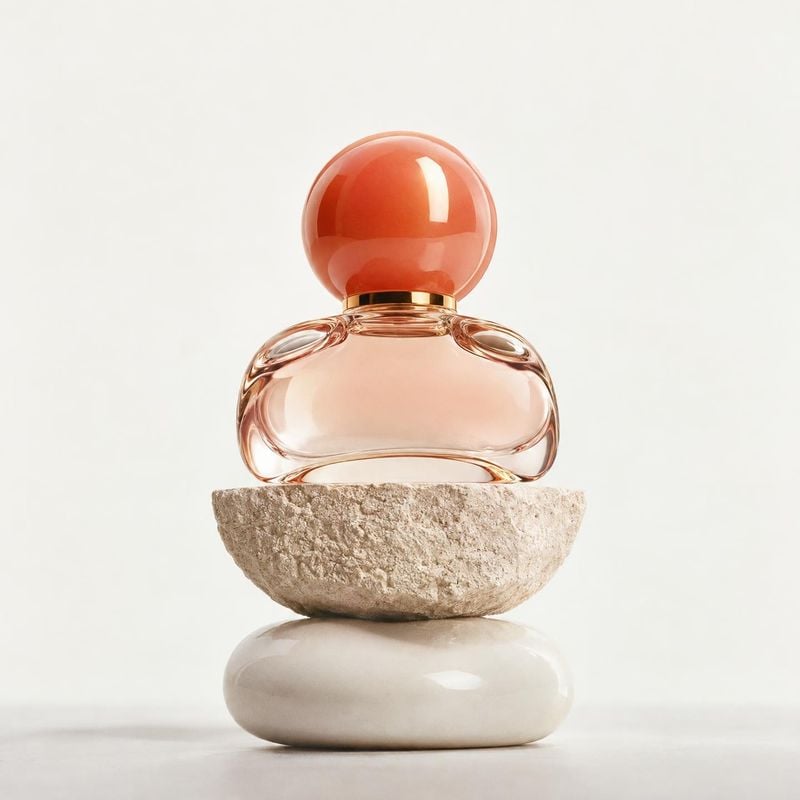
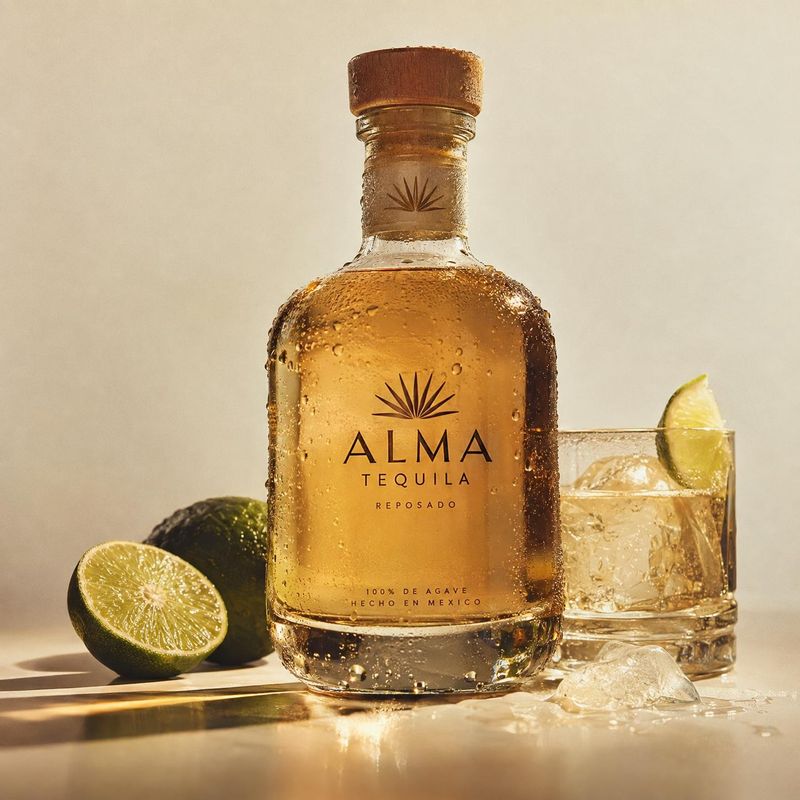
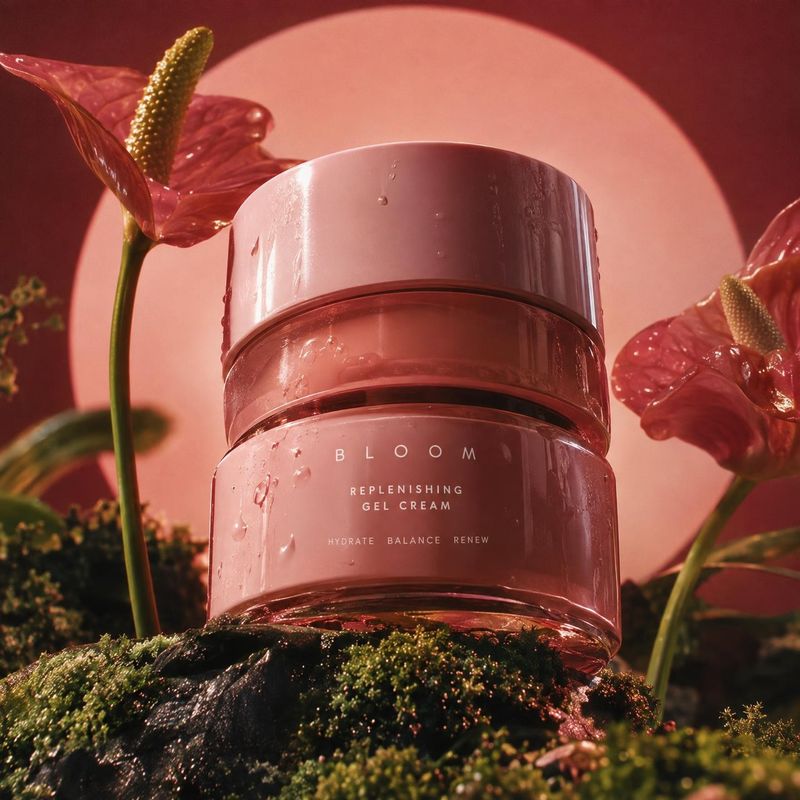
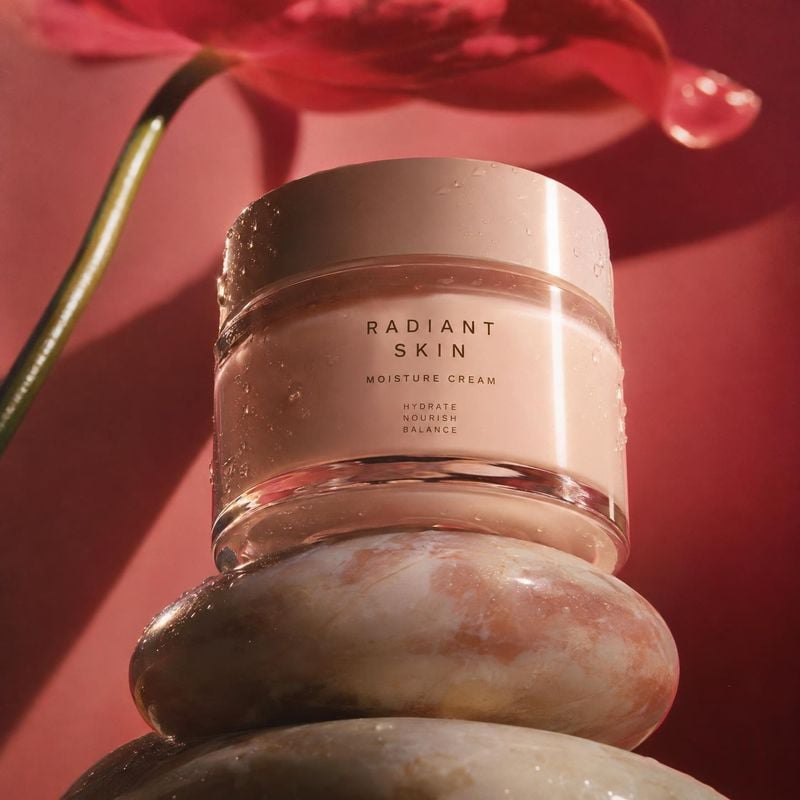
Tell Kive what is wrong with the photo, such as a yellow cast, clutter in the frame or a background that is too dark. It fixes that and keeps the product from your photo.
Most product photos are close to usable. The product is right, but the light is yellow, something sits in the corner, or the background is too dark for the page it is going on. Fixing that in a photo editor takes layers, masks and practice.
In Kive you describe the fix in plain words. Each edit makes a new image and the original stays as it was, so you can compare the two before you choose.
How it works
1Open the photo in Kive: a generation, an item from your library, or an image attached to an Agent chat.
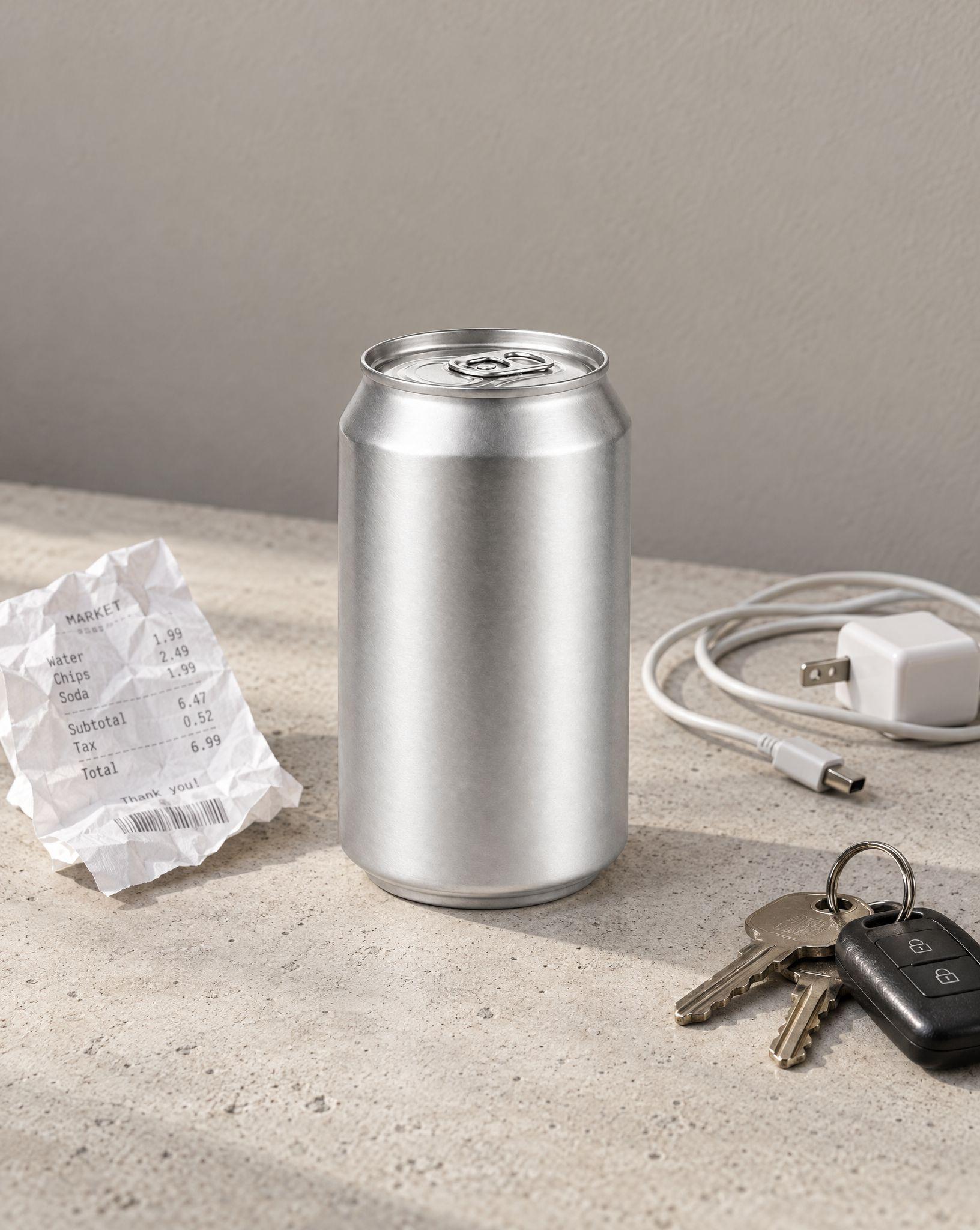
2Describe the change, for example remove the keys and the receipt, or fix the yellow light.
3Compare the result with the original at full size, then download it or ask for the next fix.
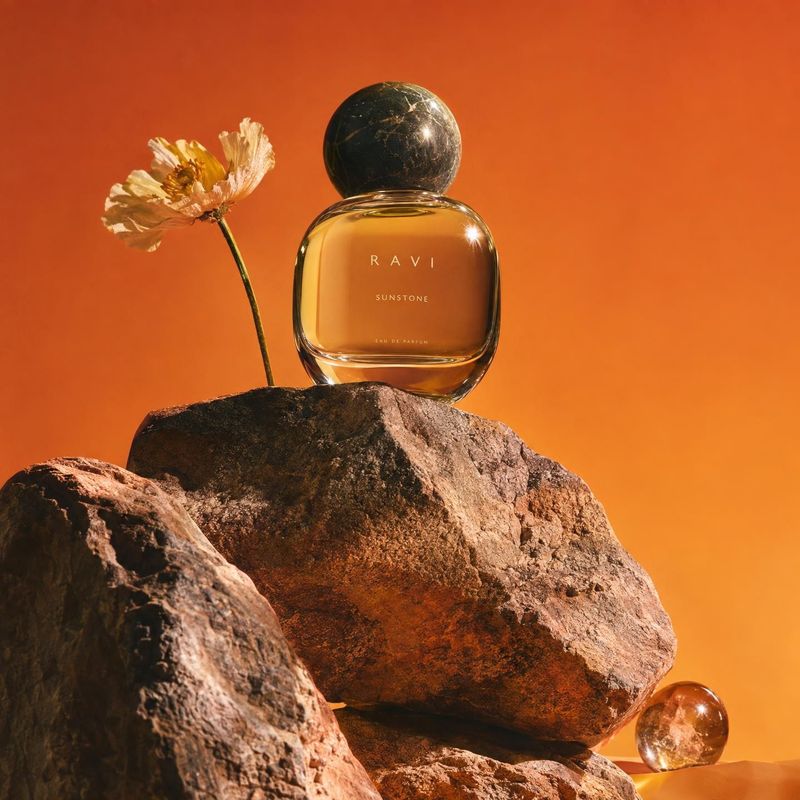
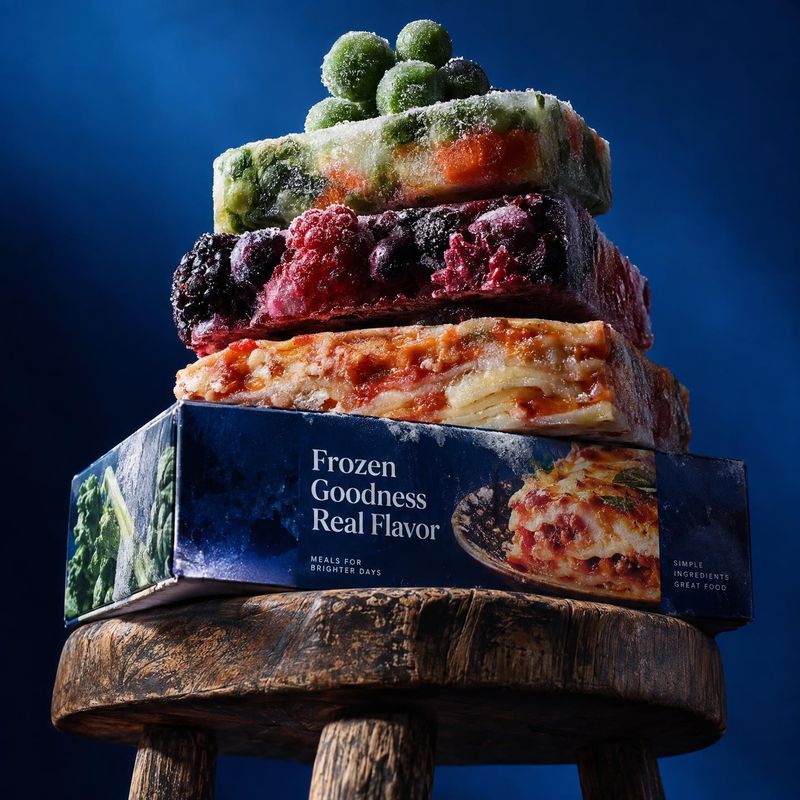
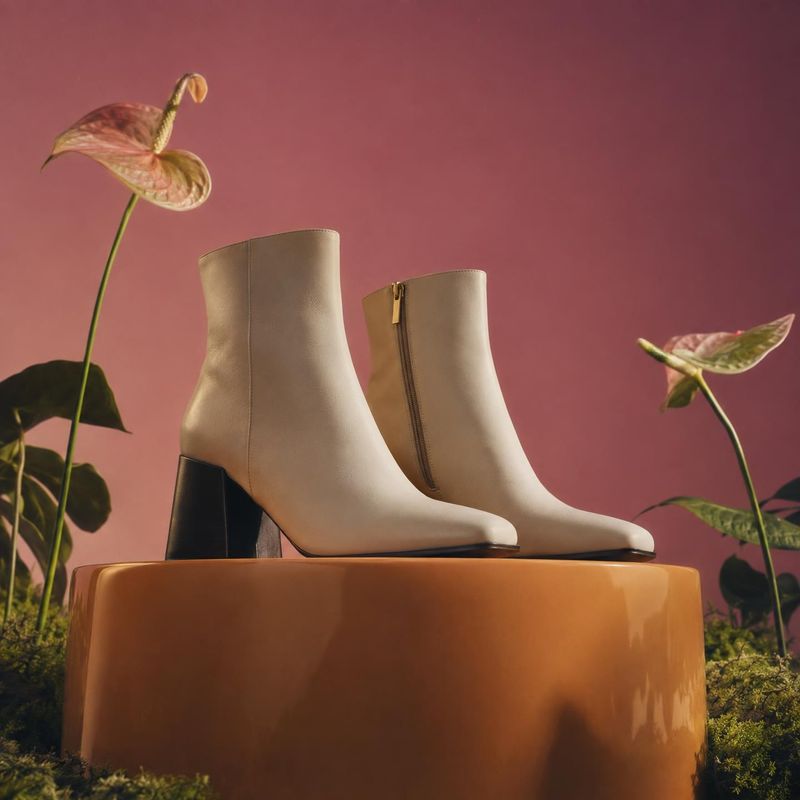
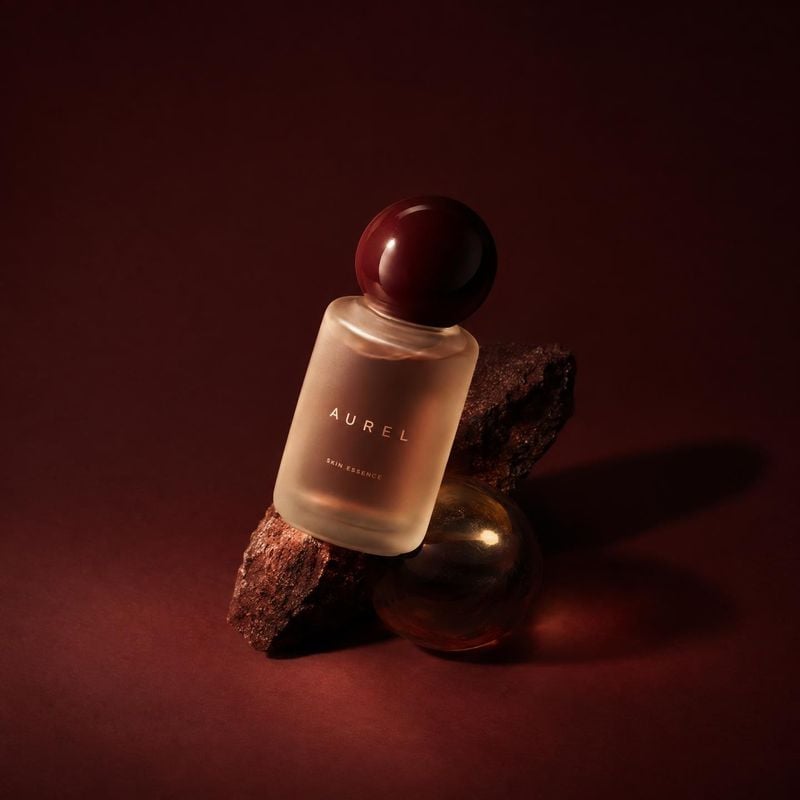
Still-life product shots for reference
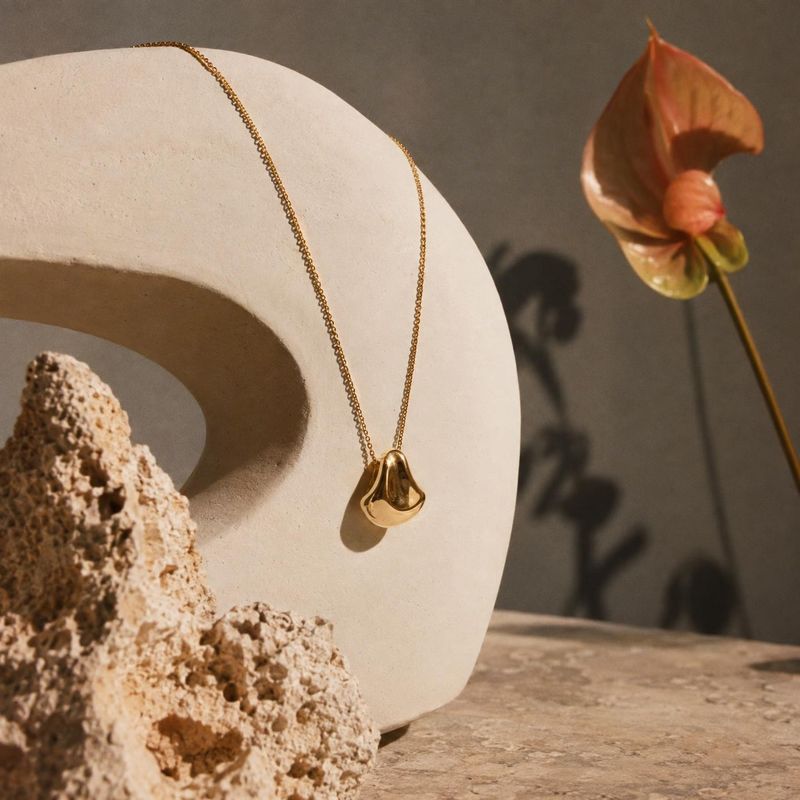
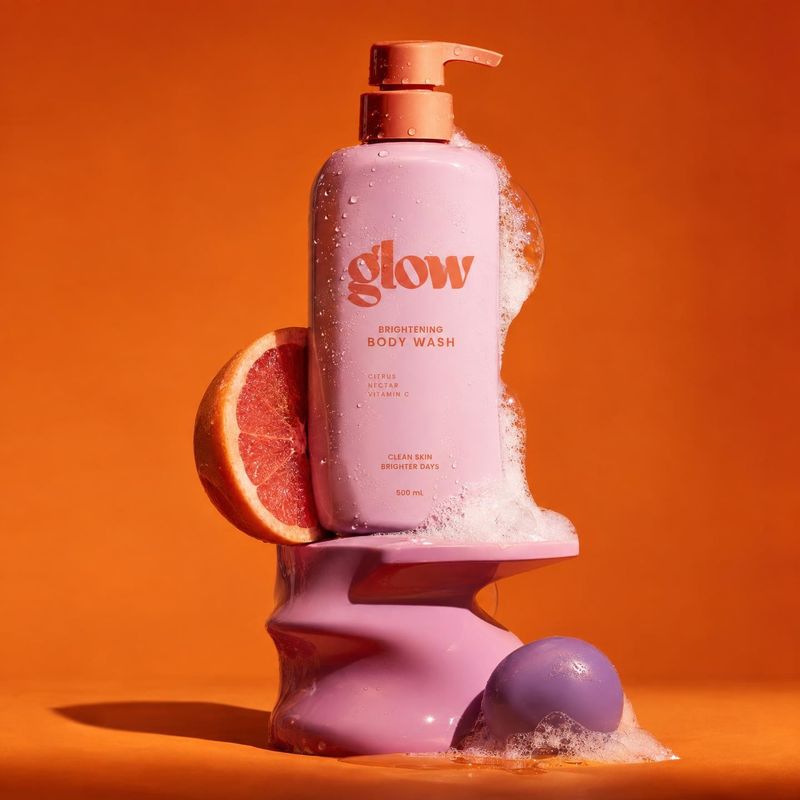
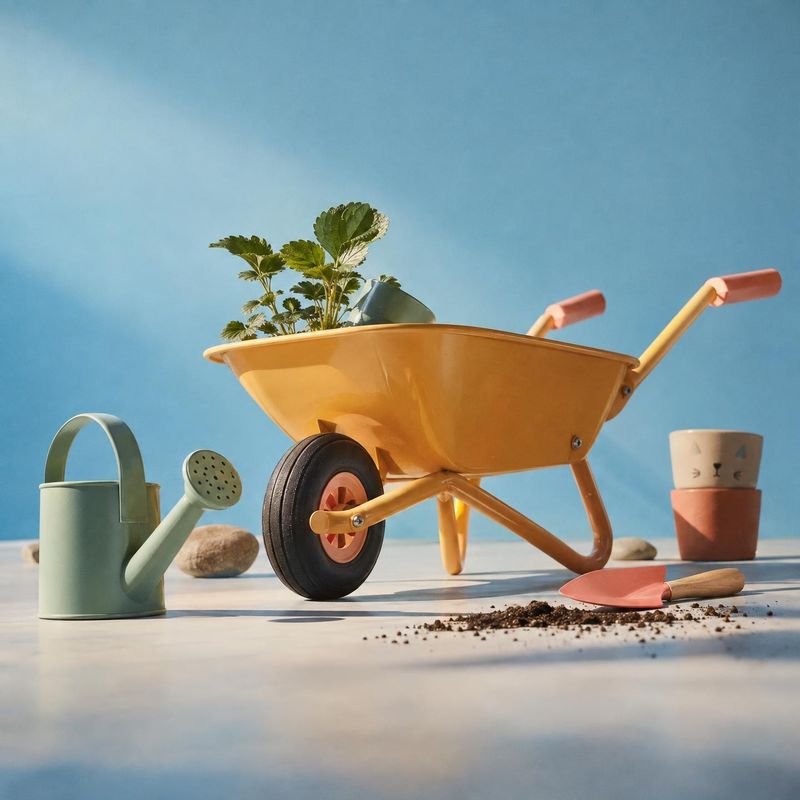
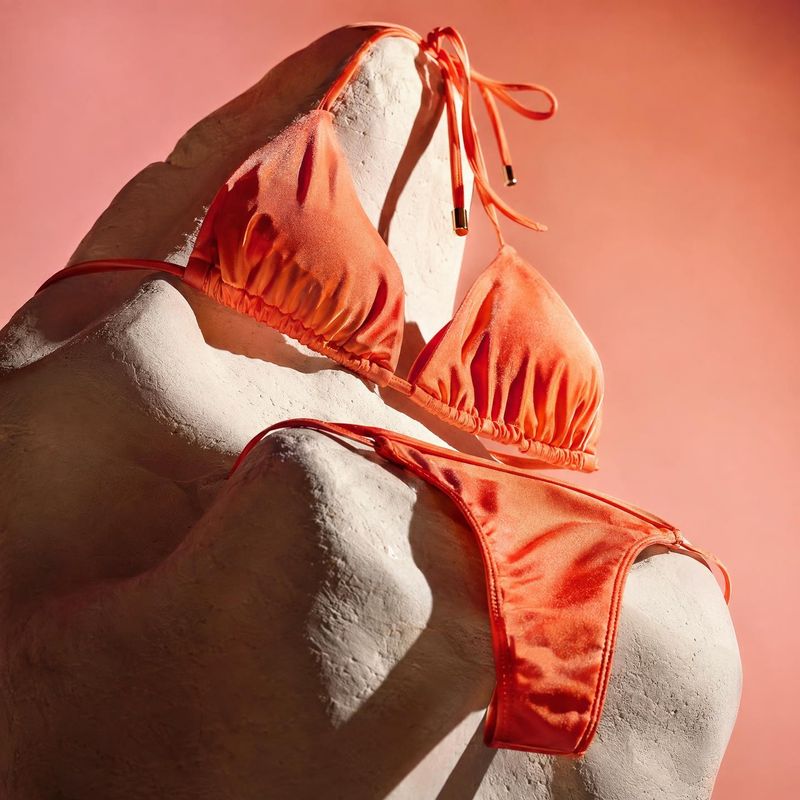
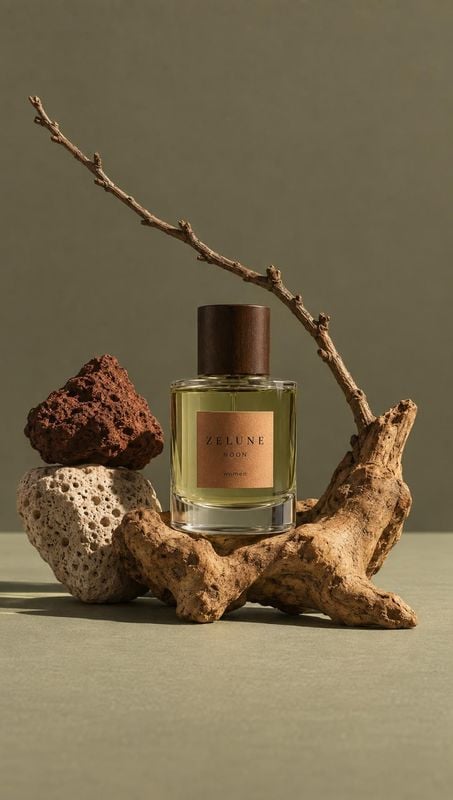
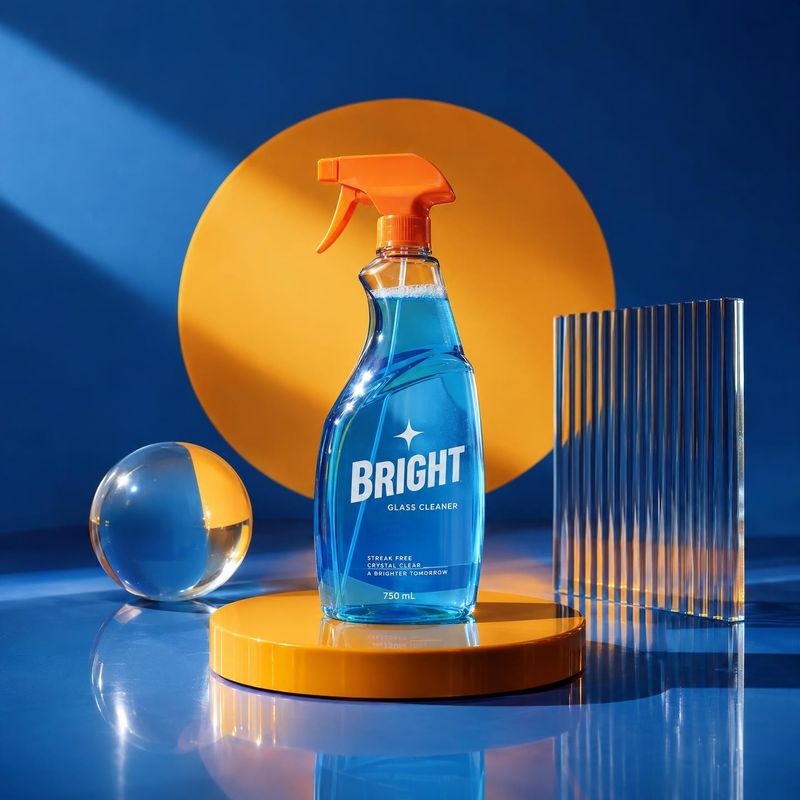
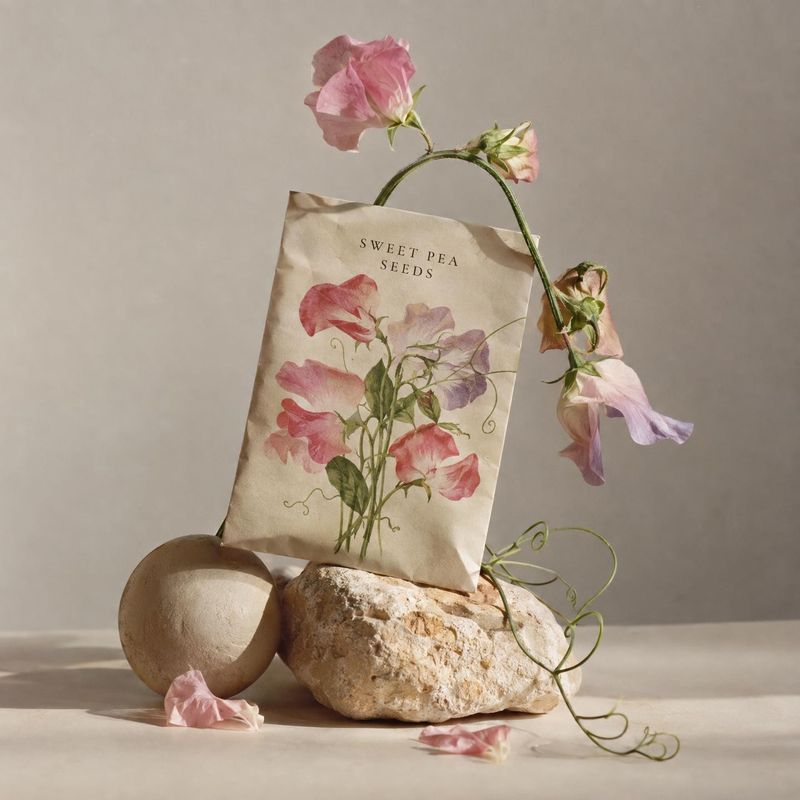
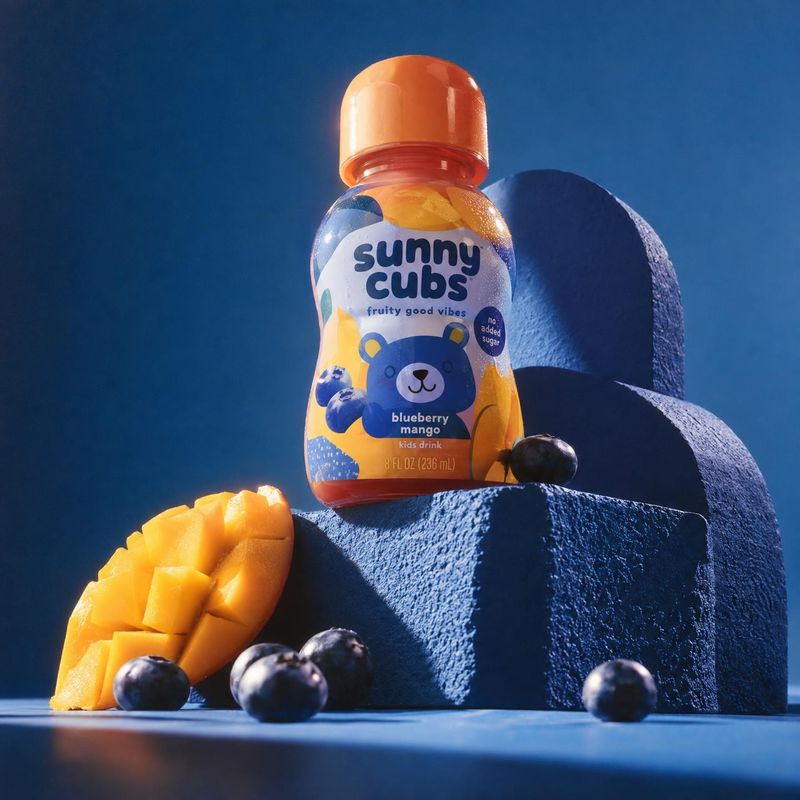
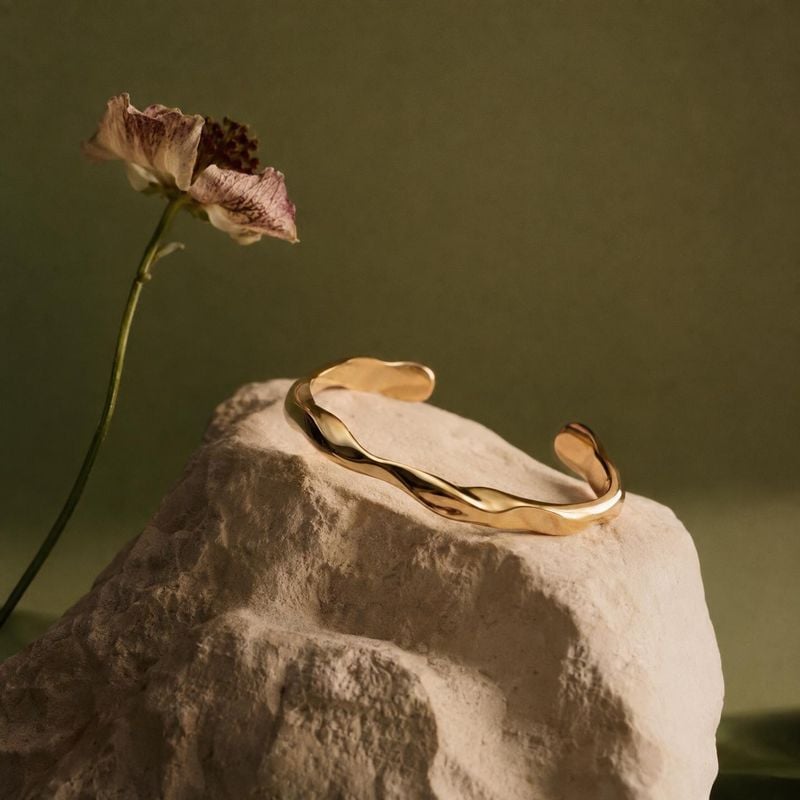
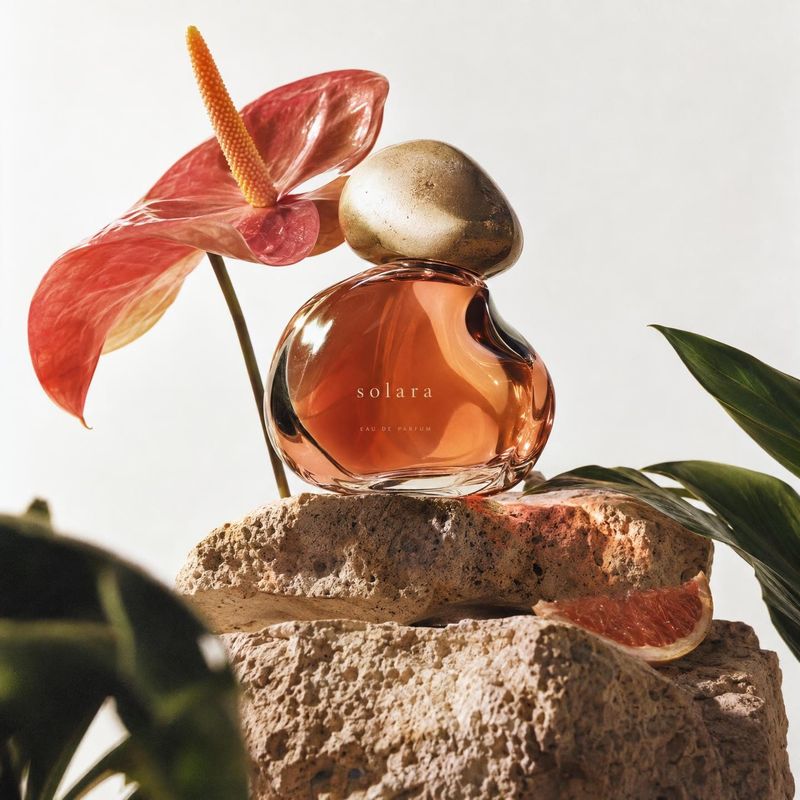
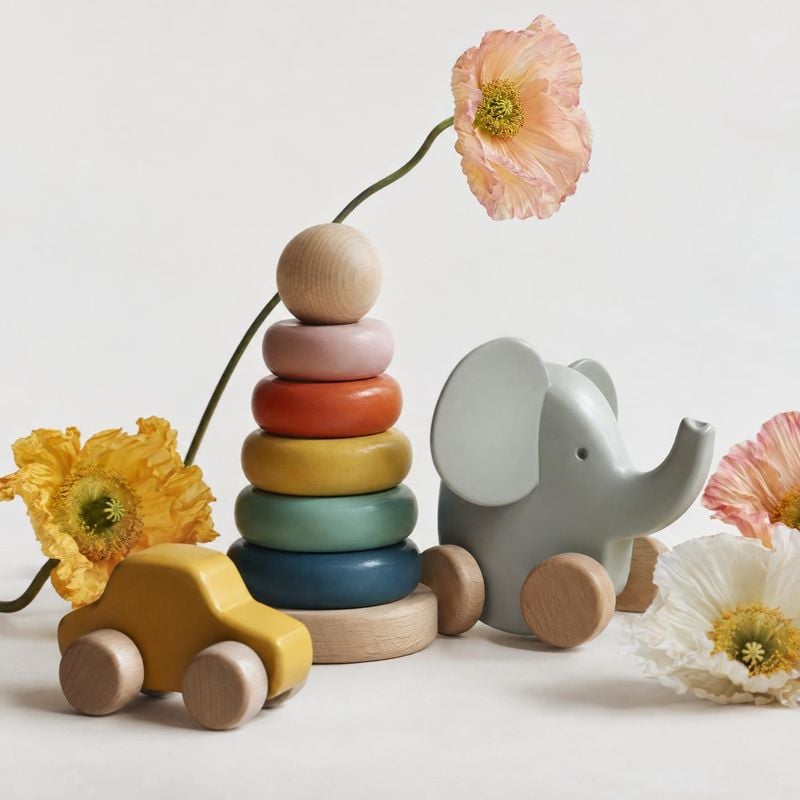
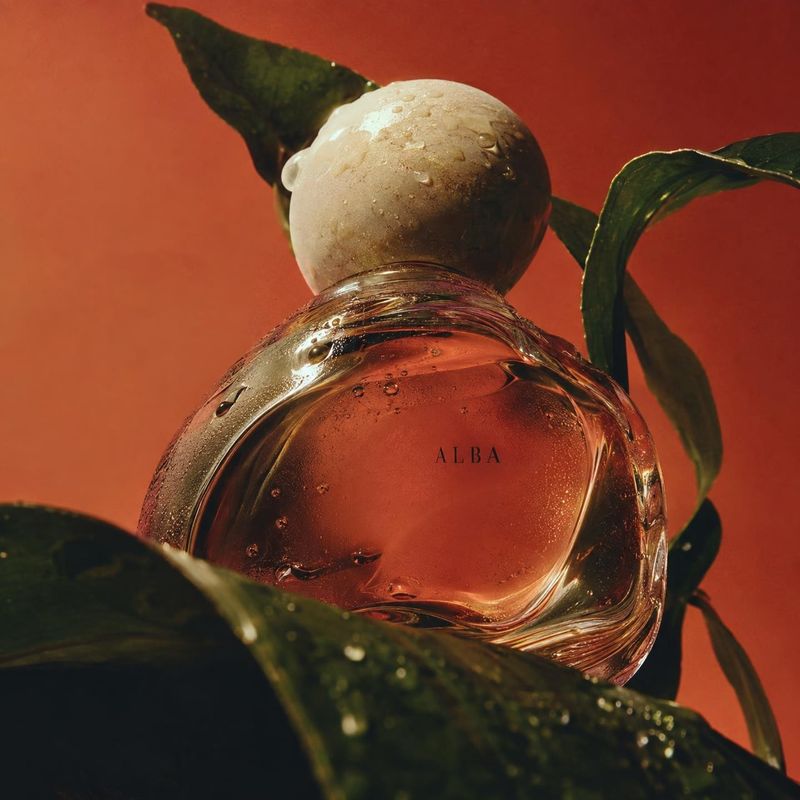
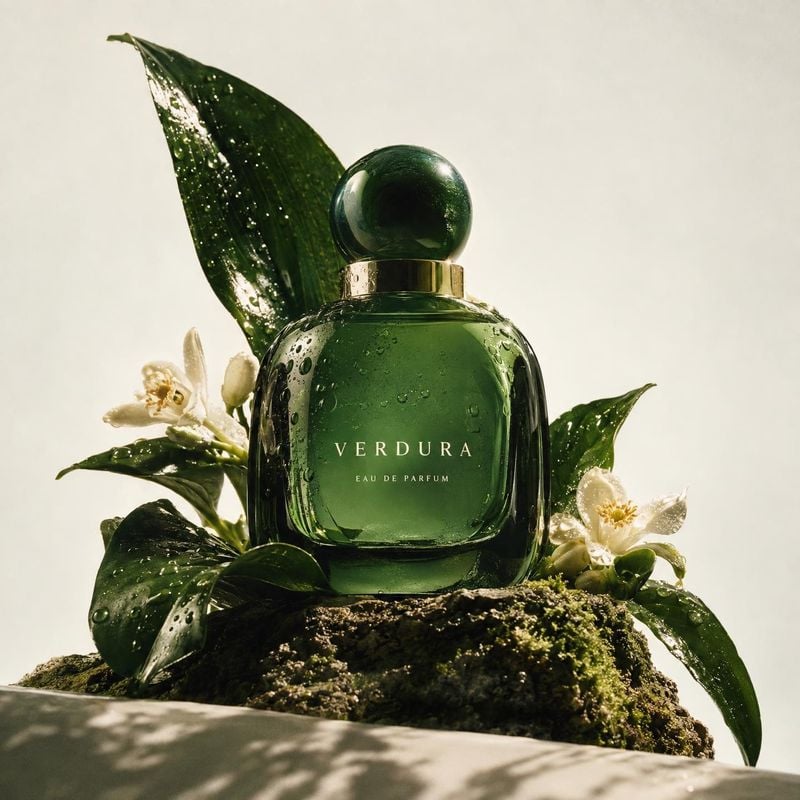
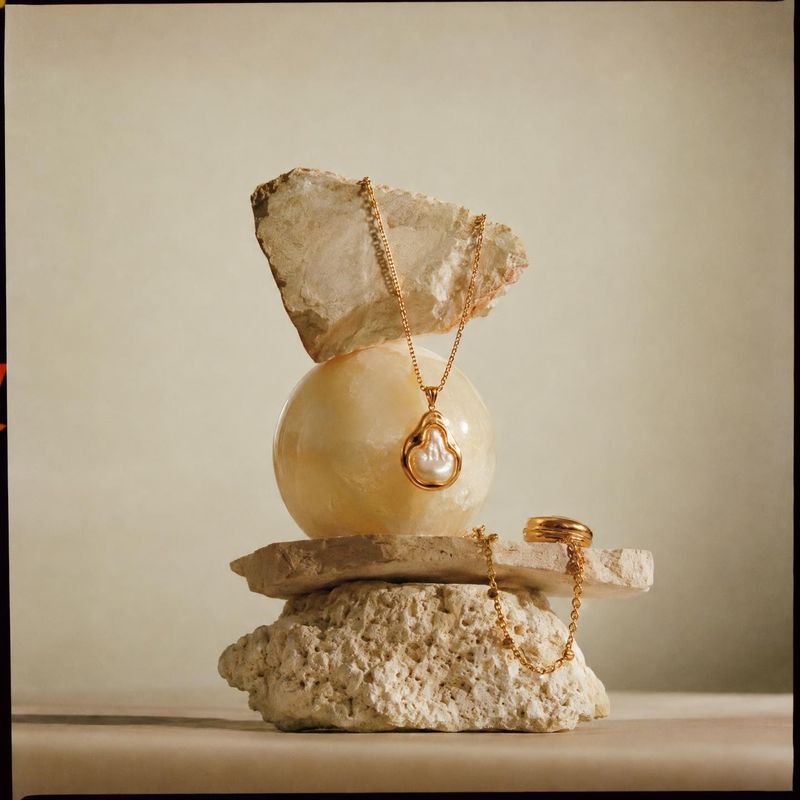
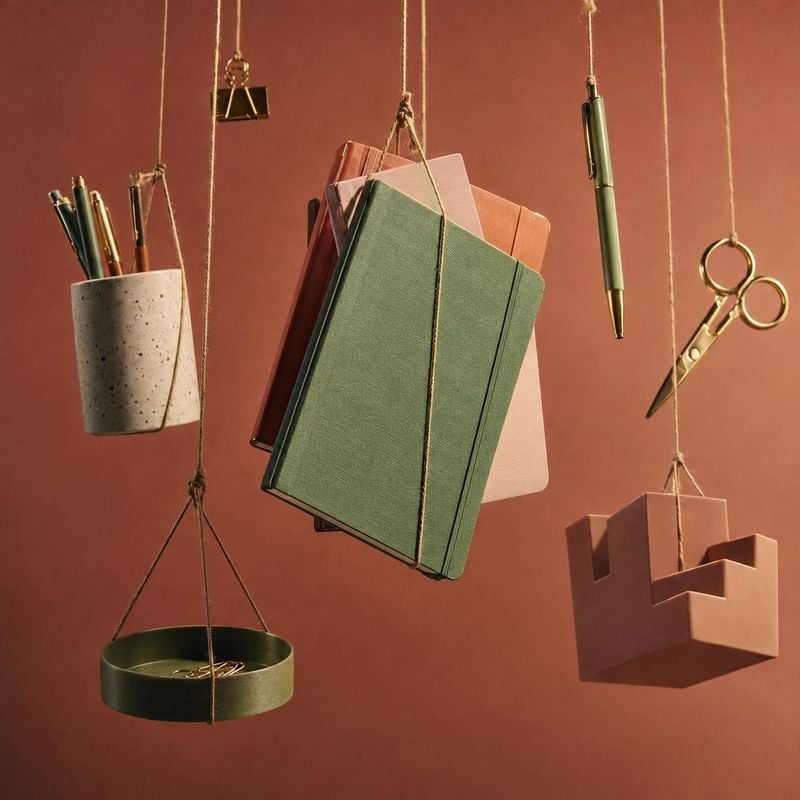
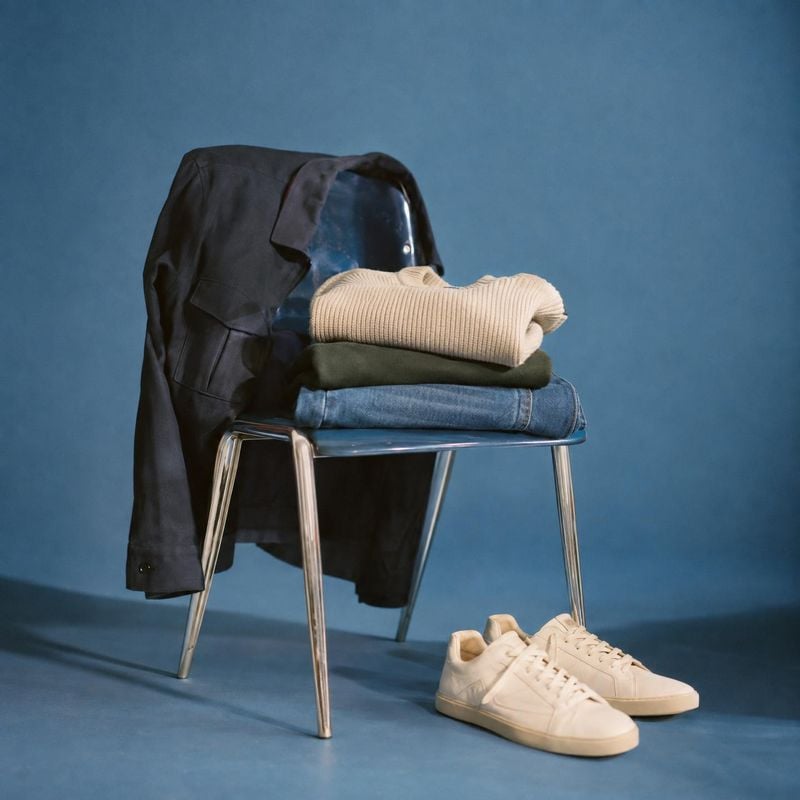
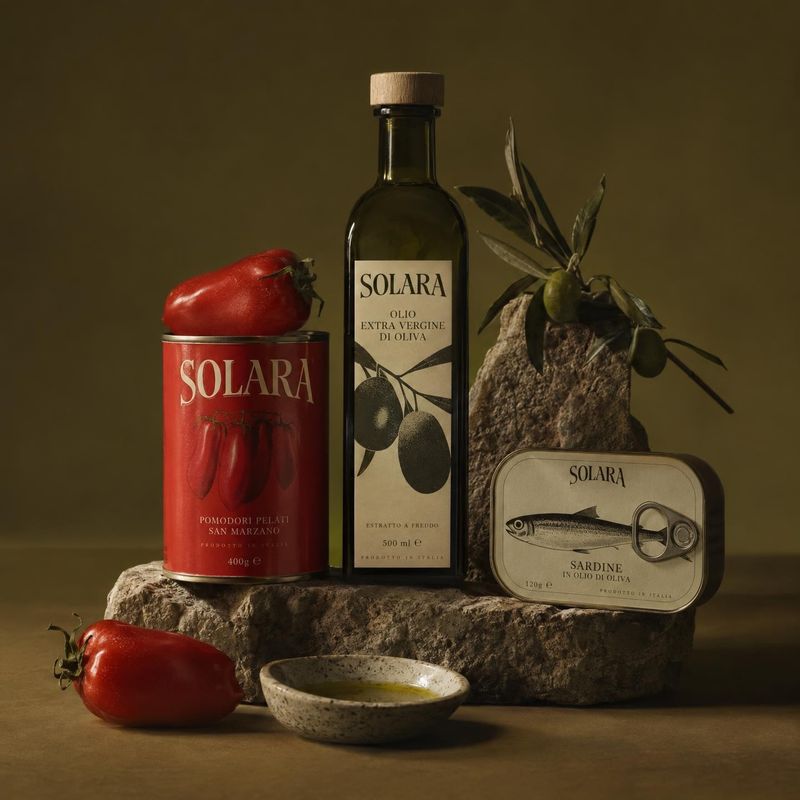
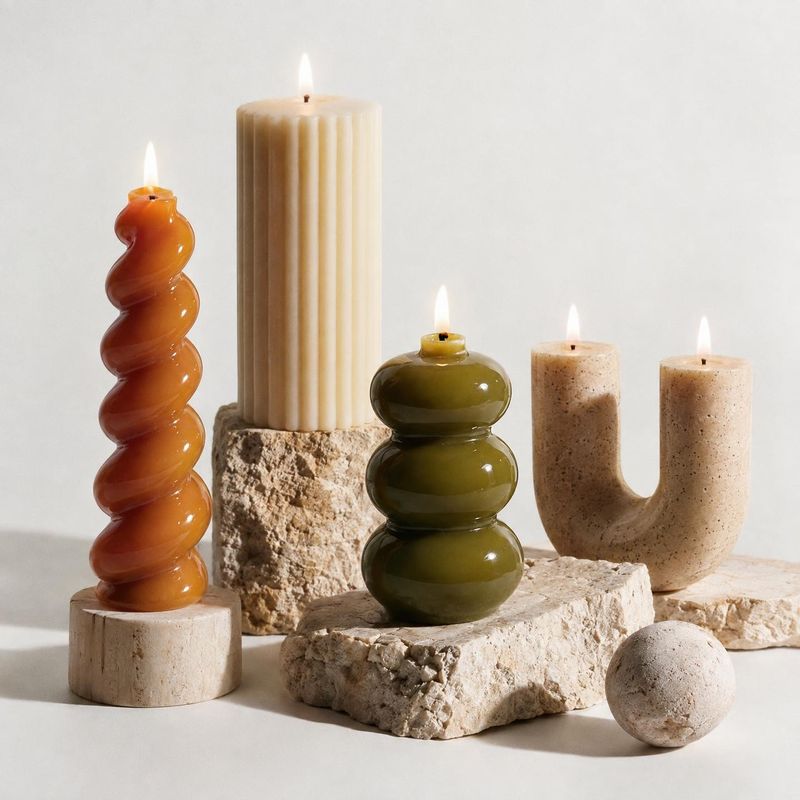
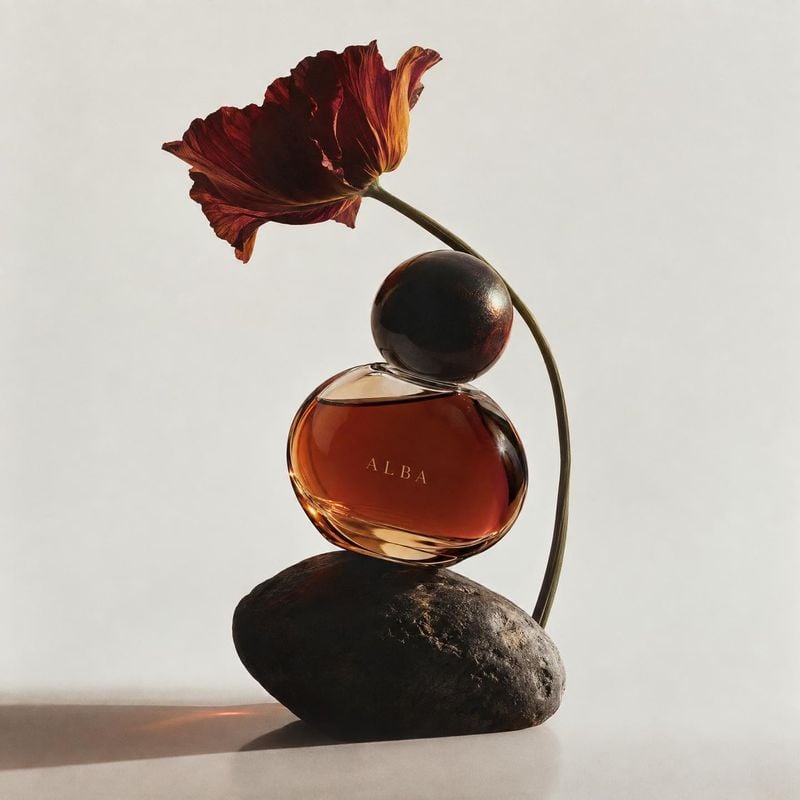
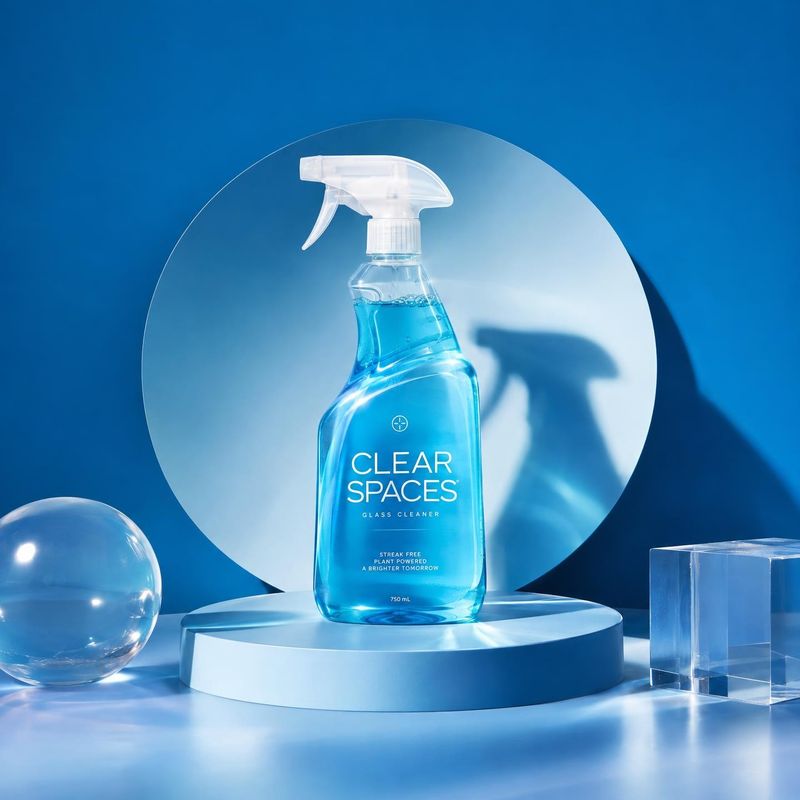
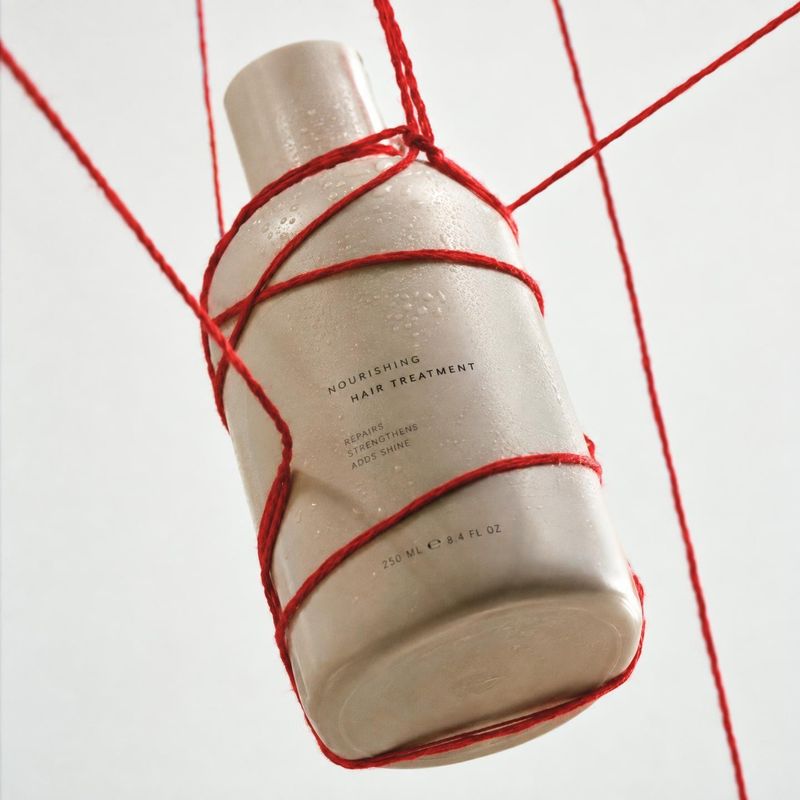
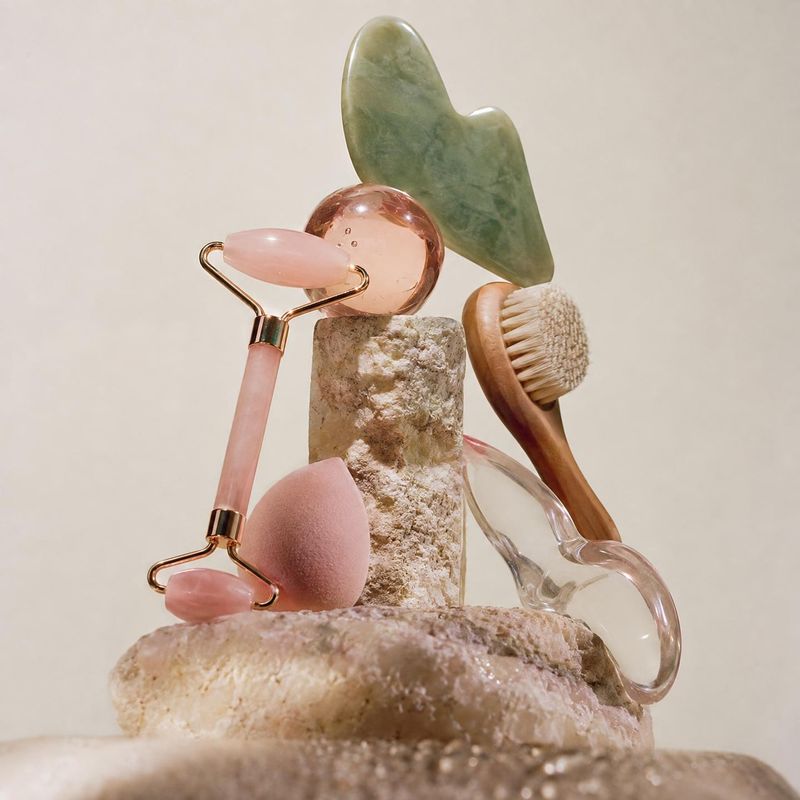
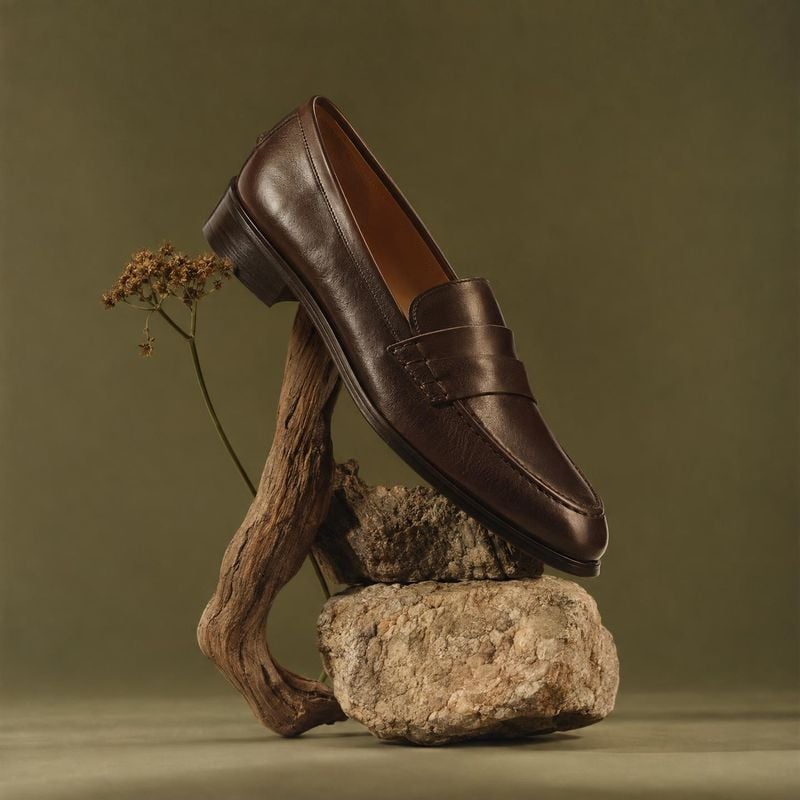
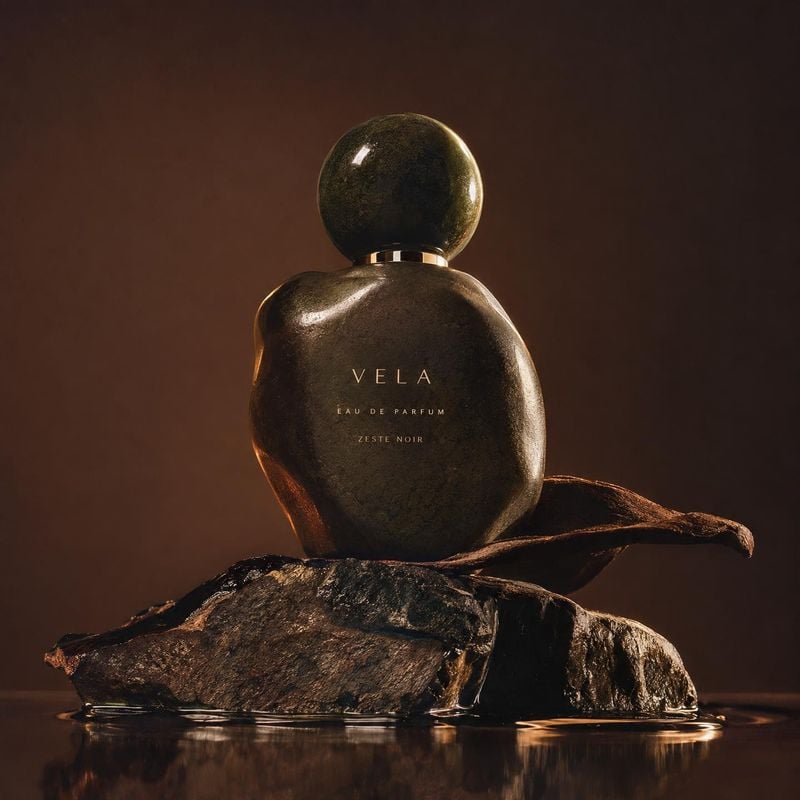
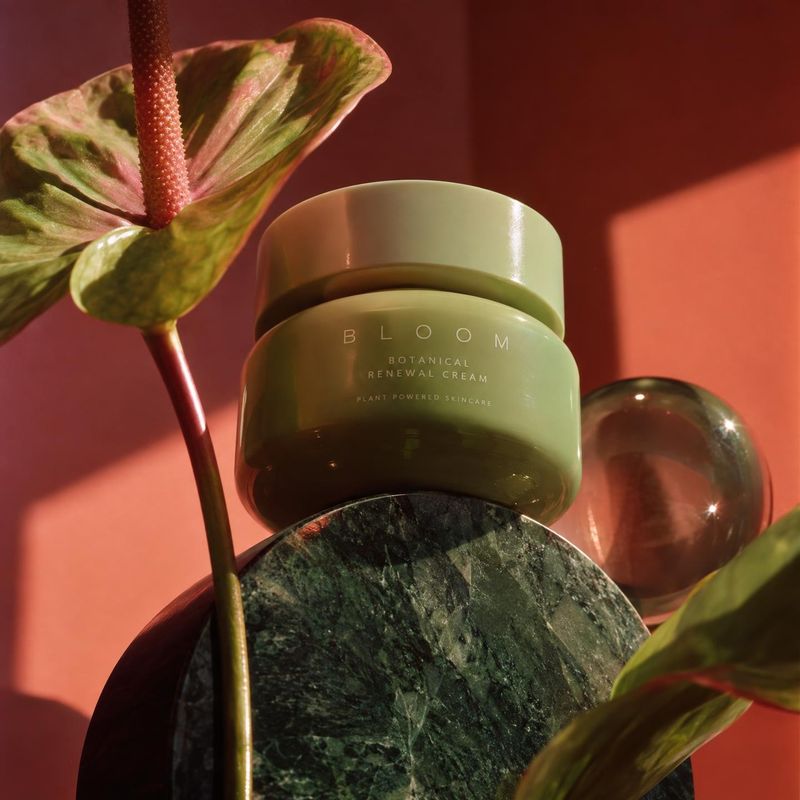
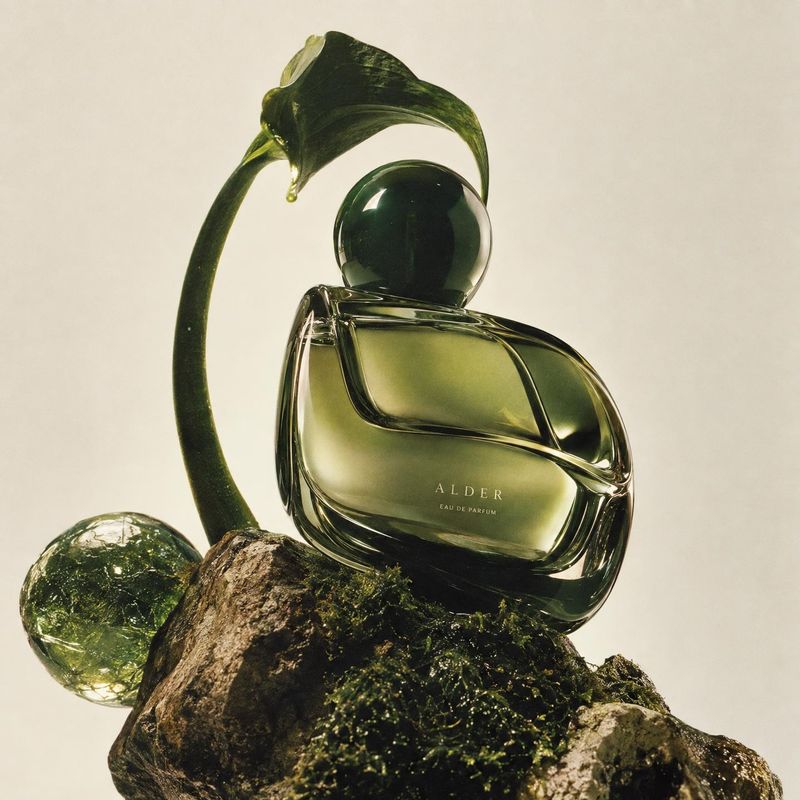
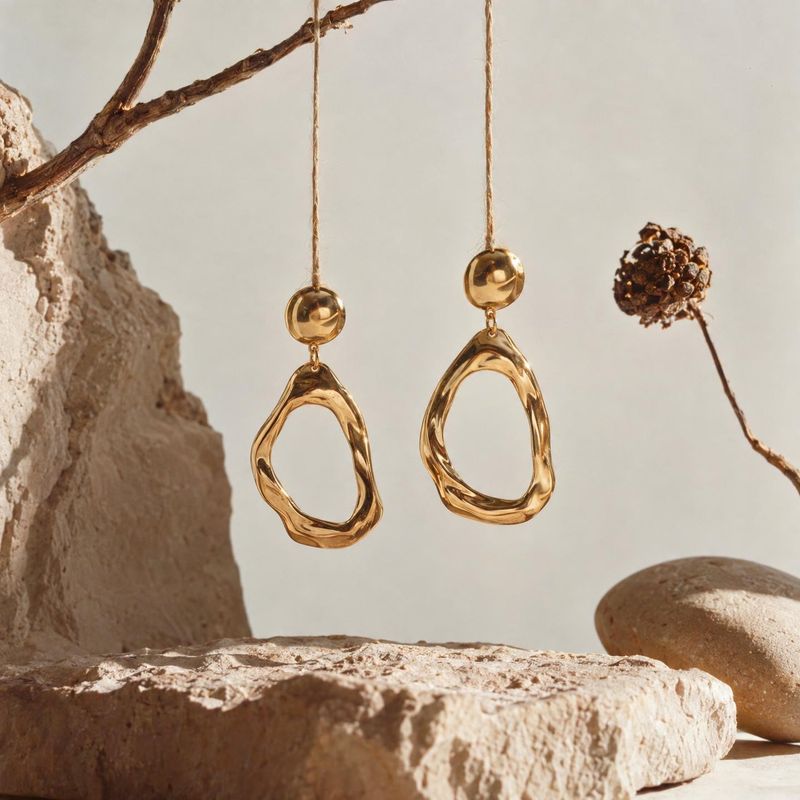
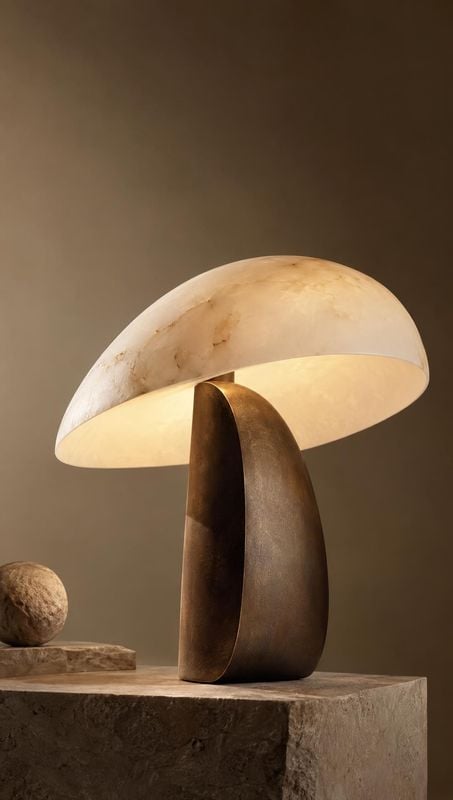
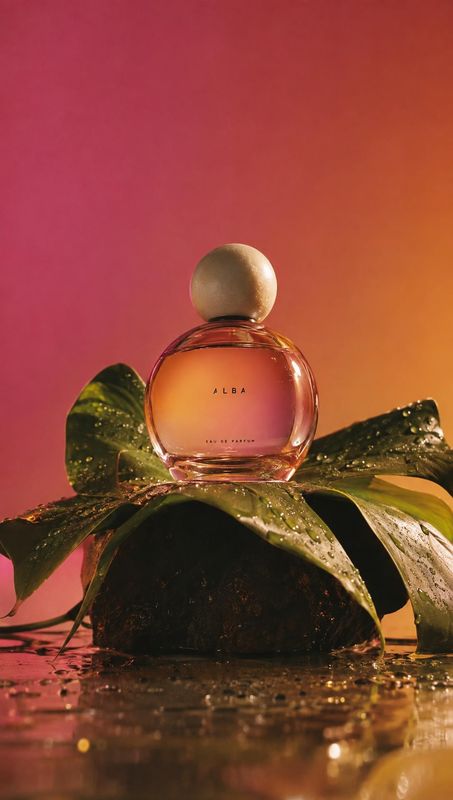
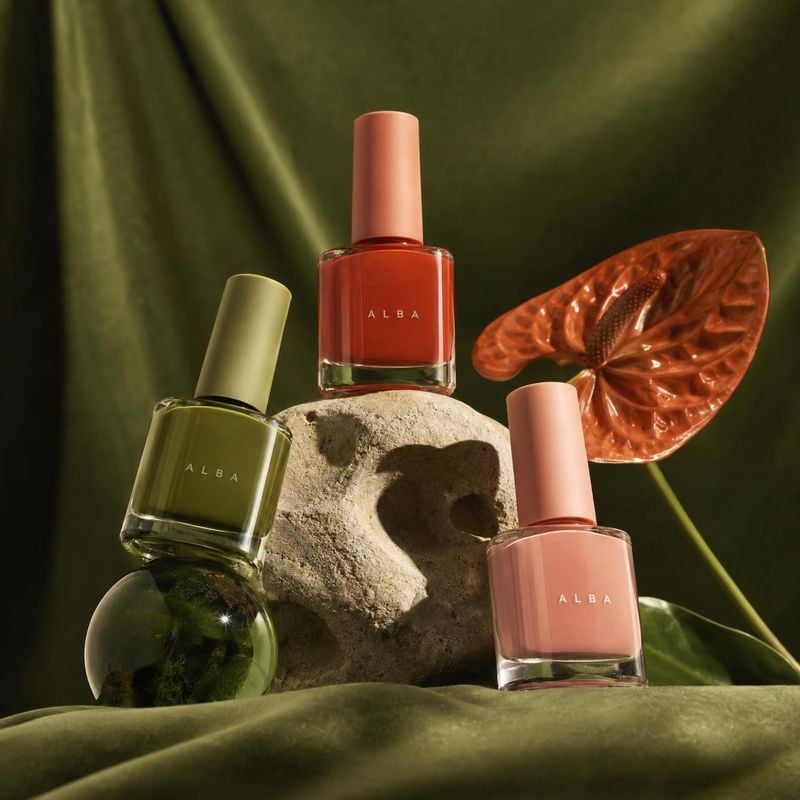
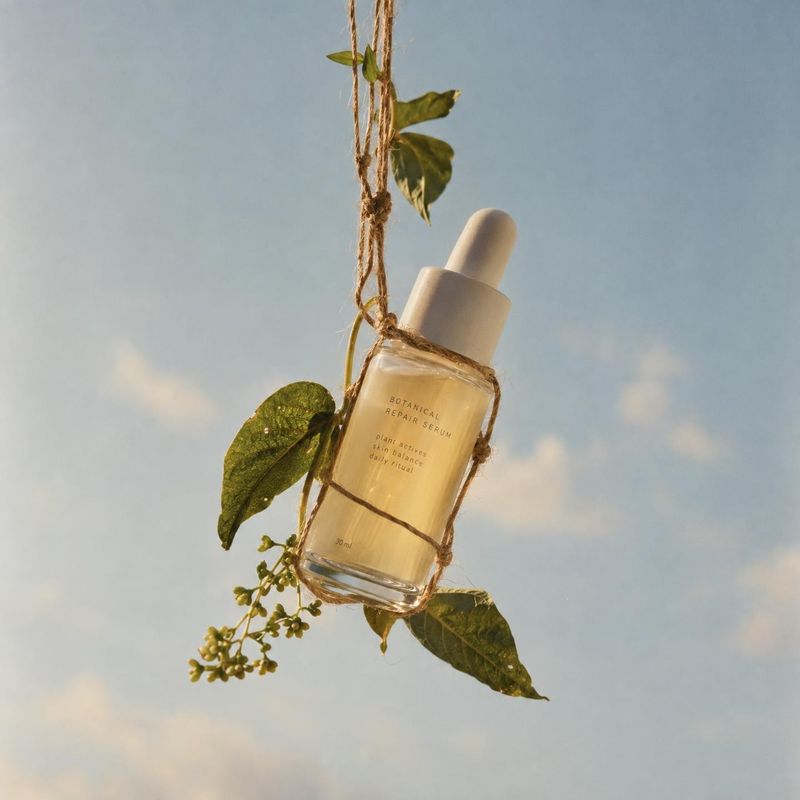
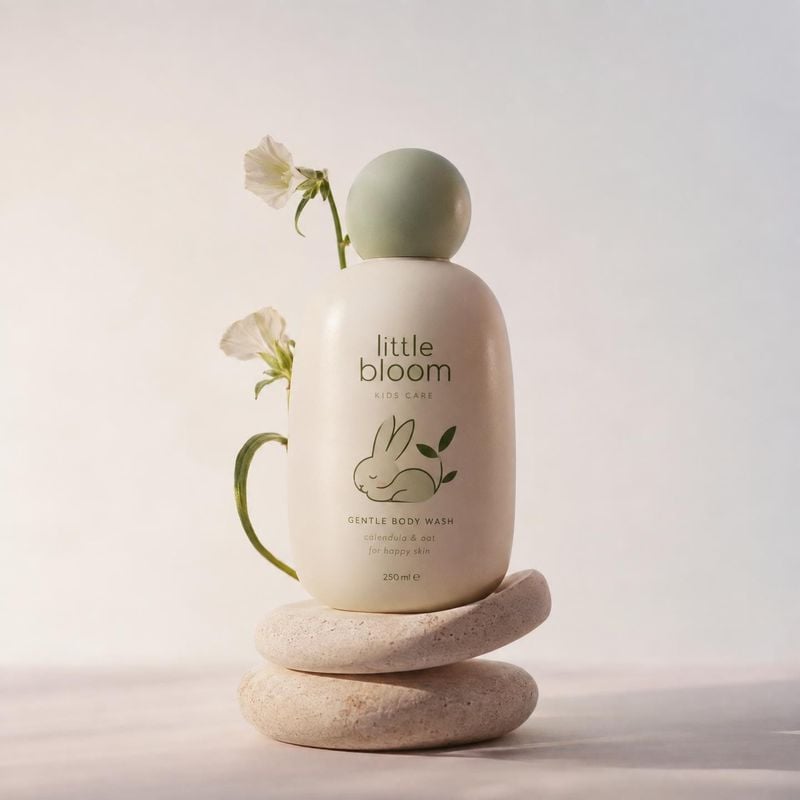
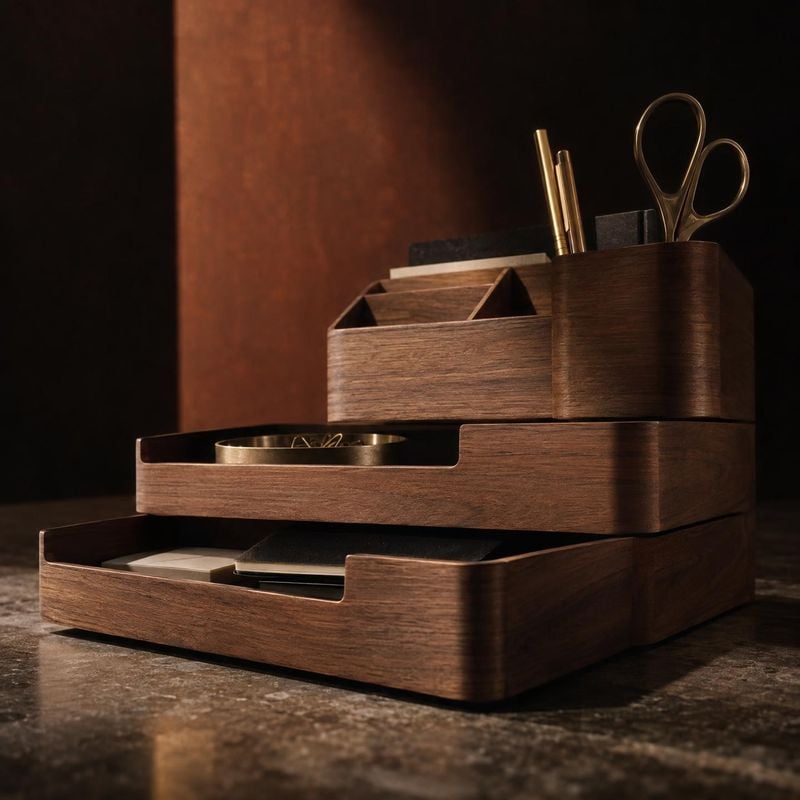
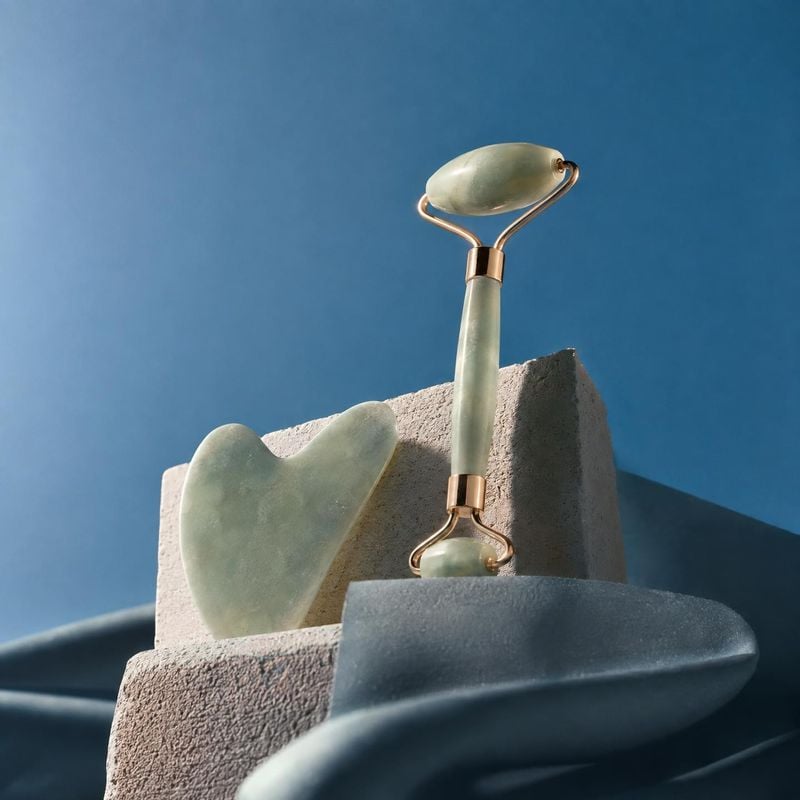
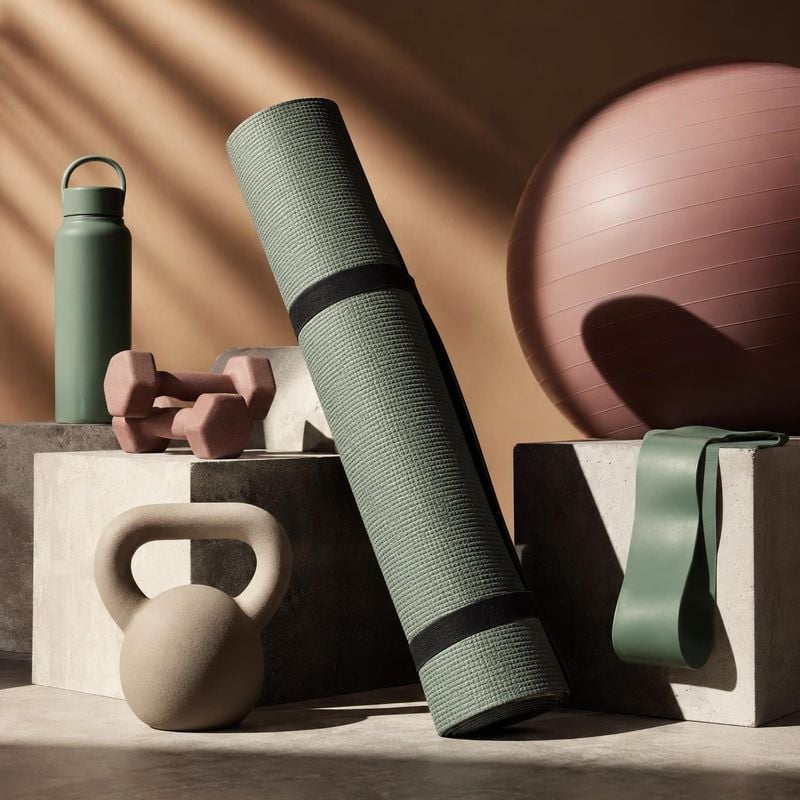
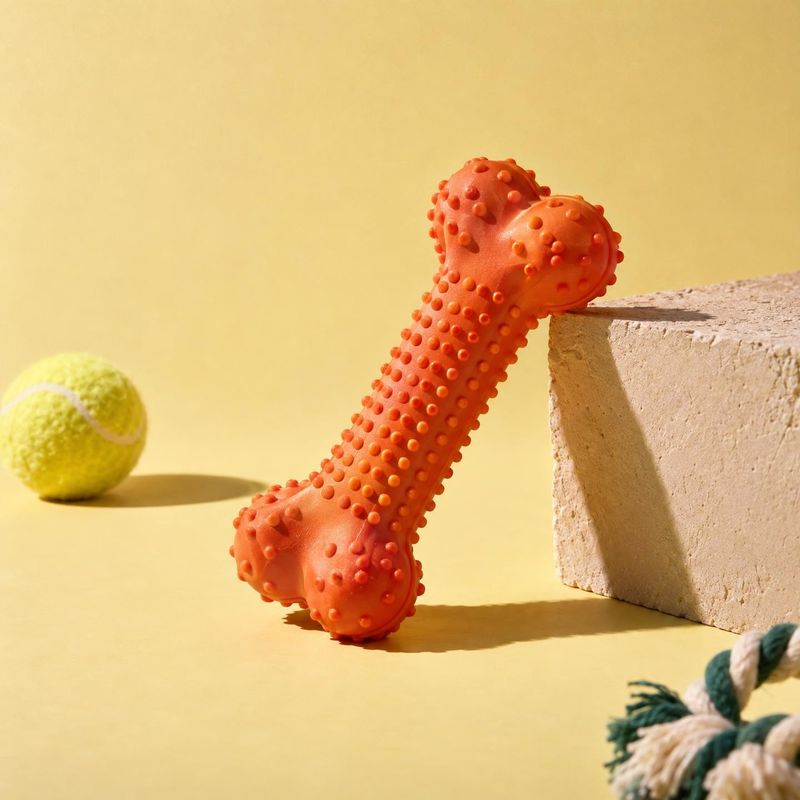
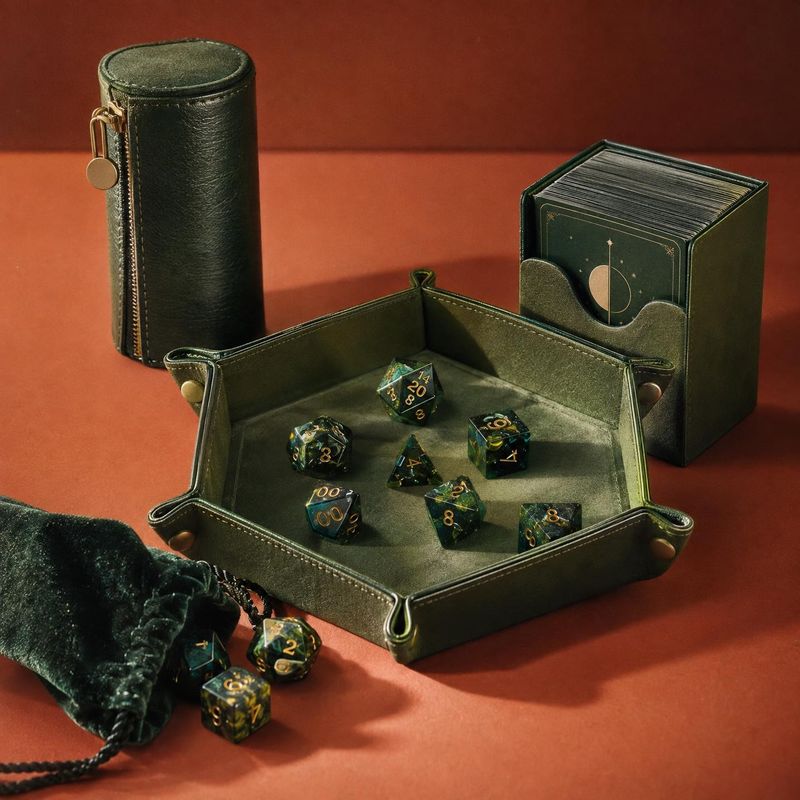
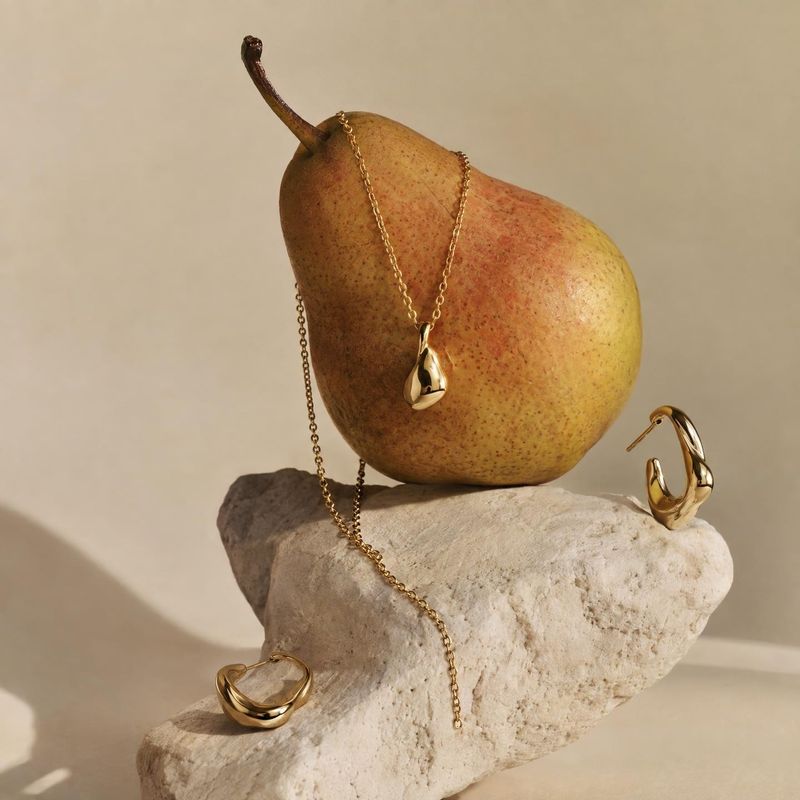
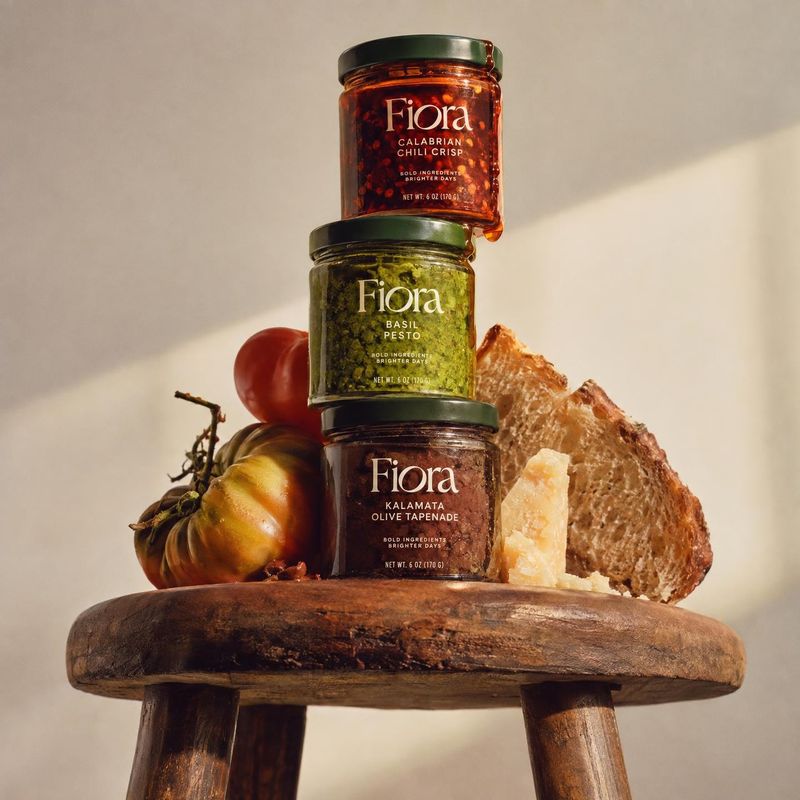
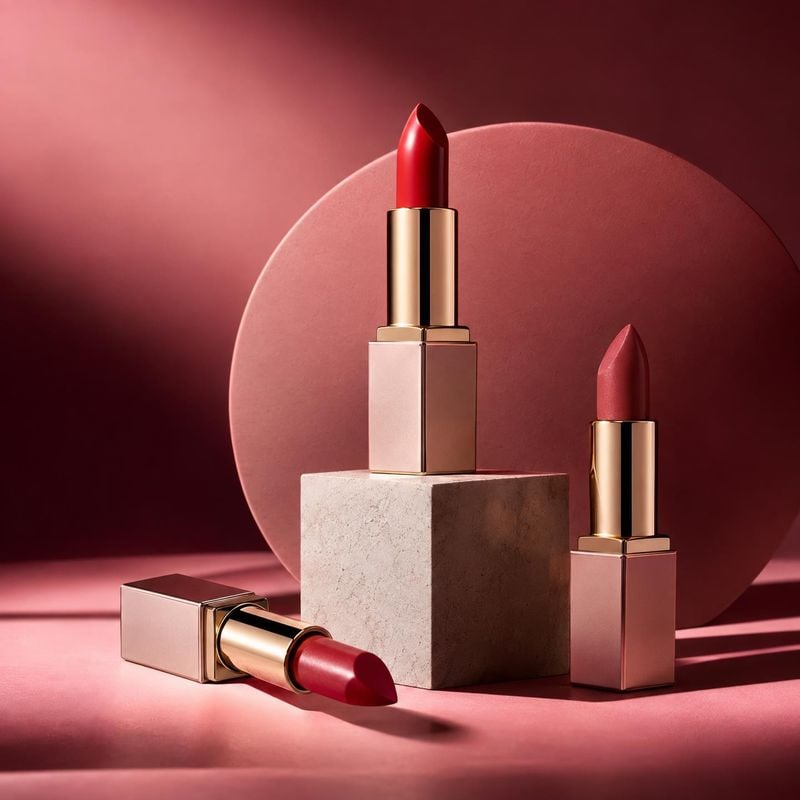
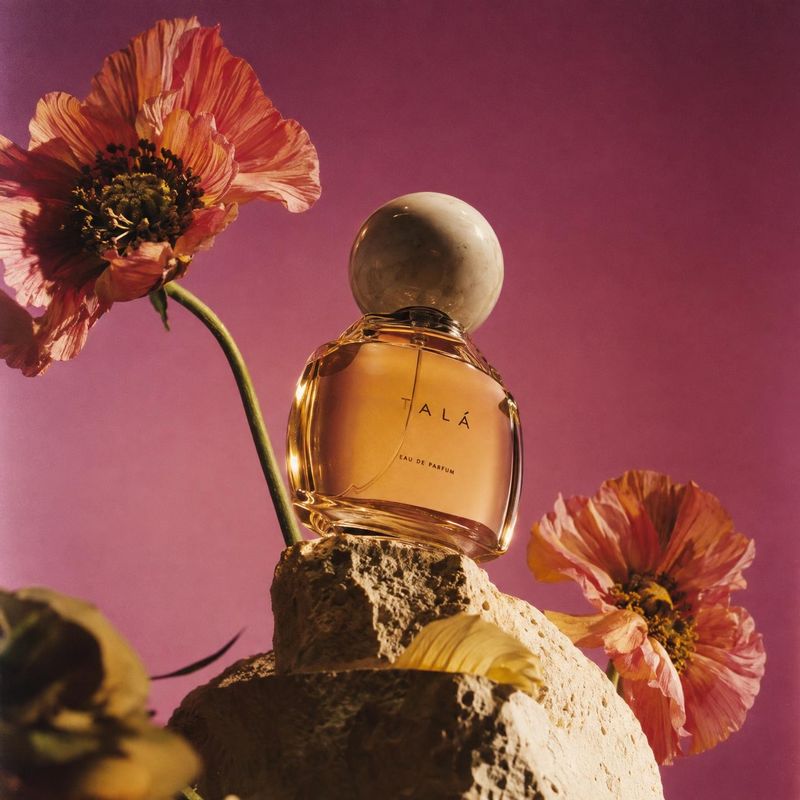
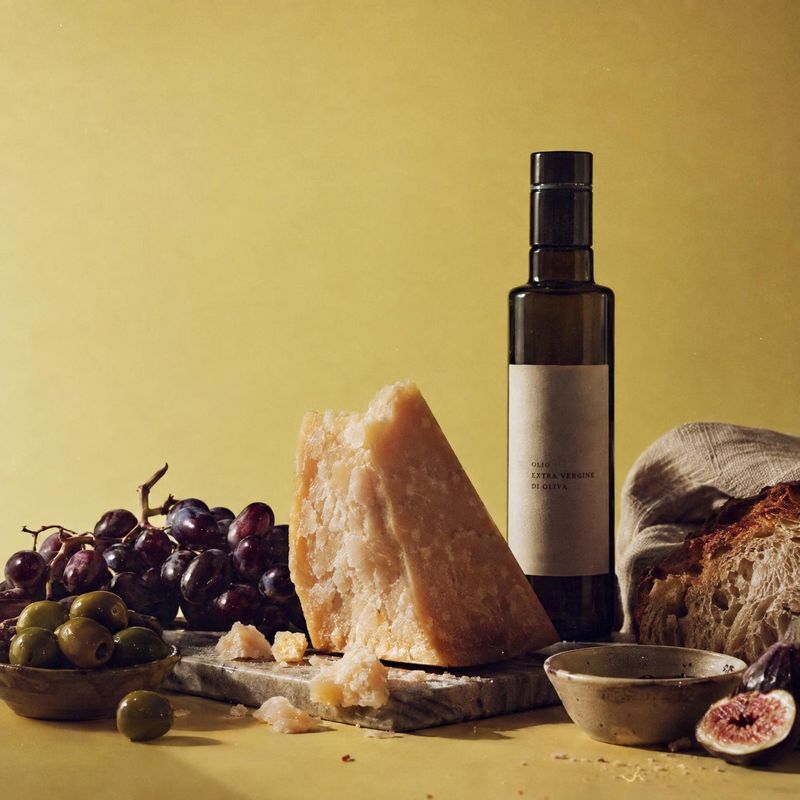
Still life product photos stage the product among props, surfaces and shadows: a lipstick on a stone slab, a candle beside dried flowers, a bottle in a pool of light. These ideas show how a few objects and a considered light source give a product mood without a model or location.
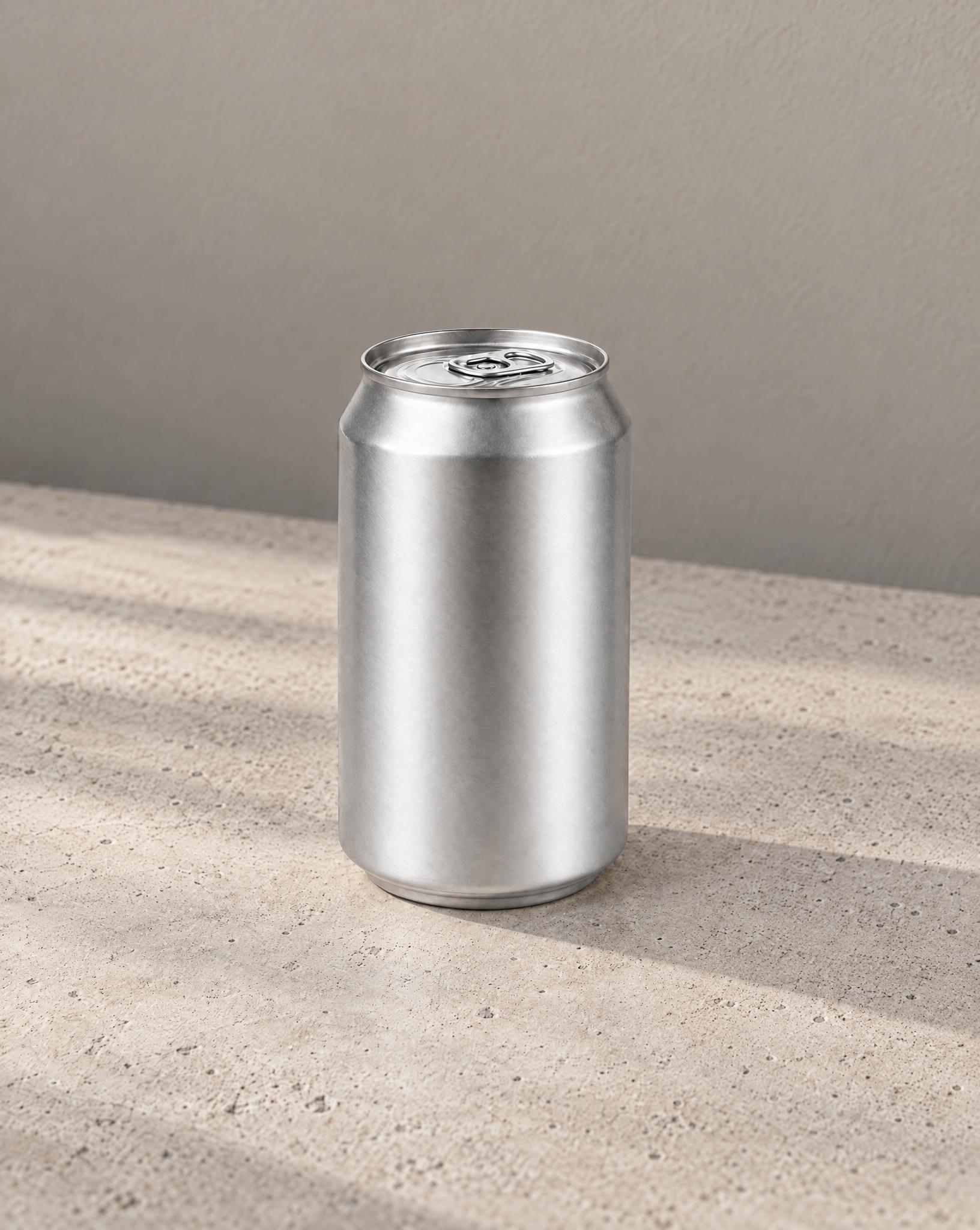
The receipt, the keys and the cable go, and the surface is filled in where they were. The can, the wall and the light stay put.
Before / after
Before
After
Fix the color, clean the surface
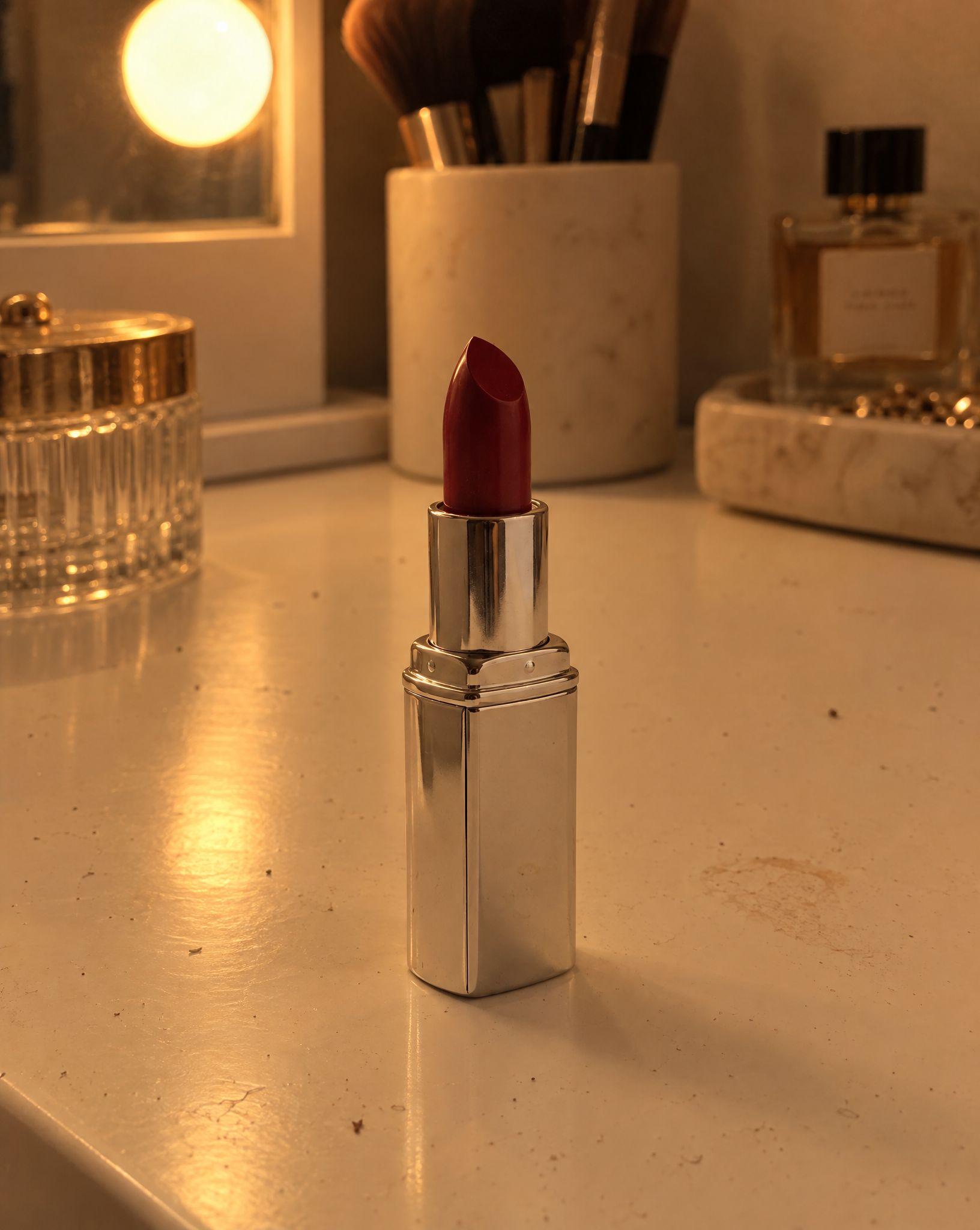
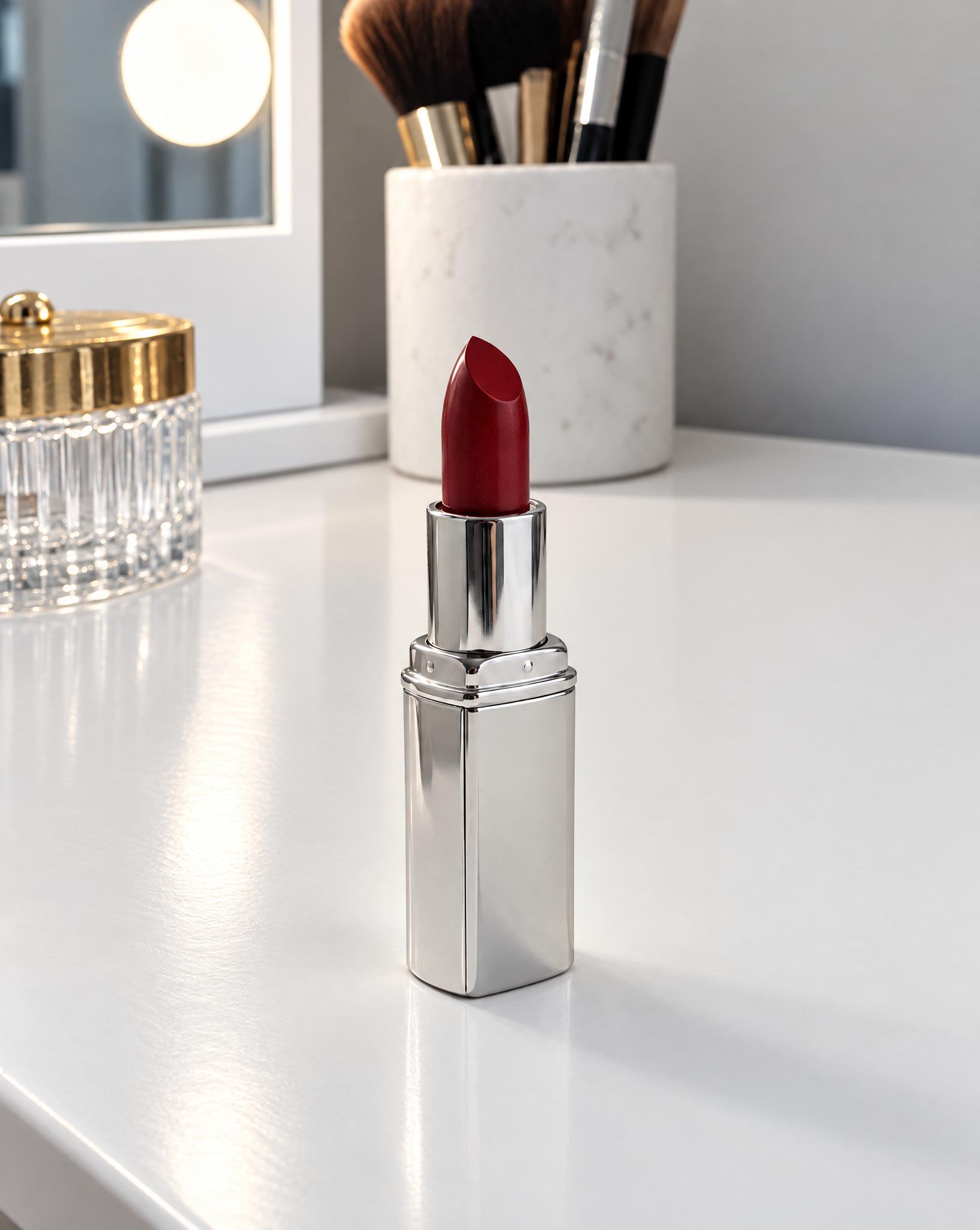
The yellow cast becomes neutral daylight, the dust and the smudge on the vanity are gone, and the bottle behind the lipstick is removed. The lipstick keeps its shade.
Before / after
Before
After
A lighter background in one step
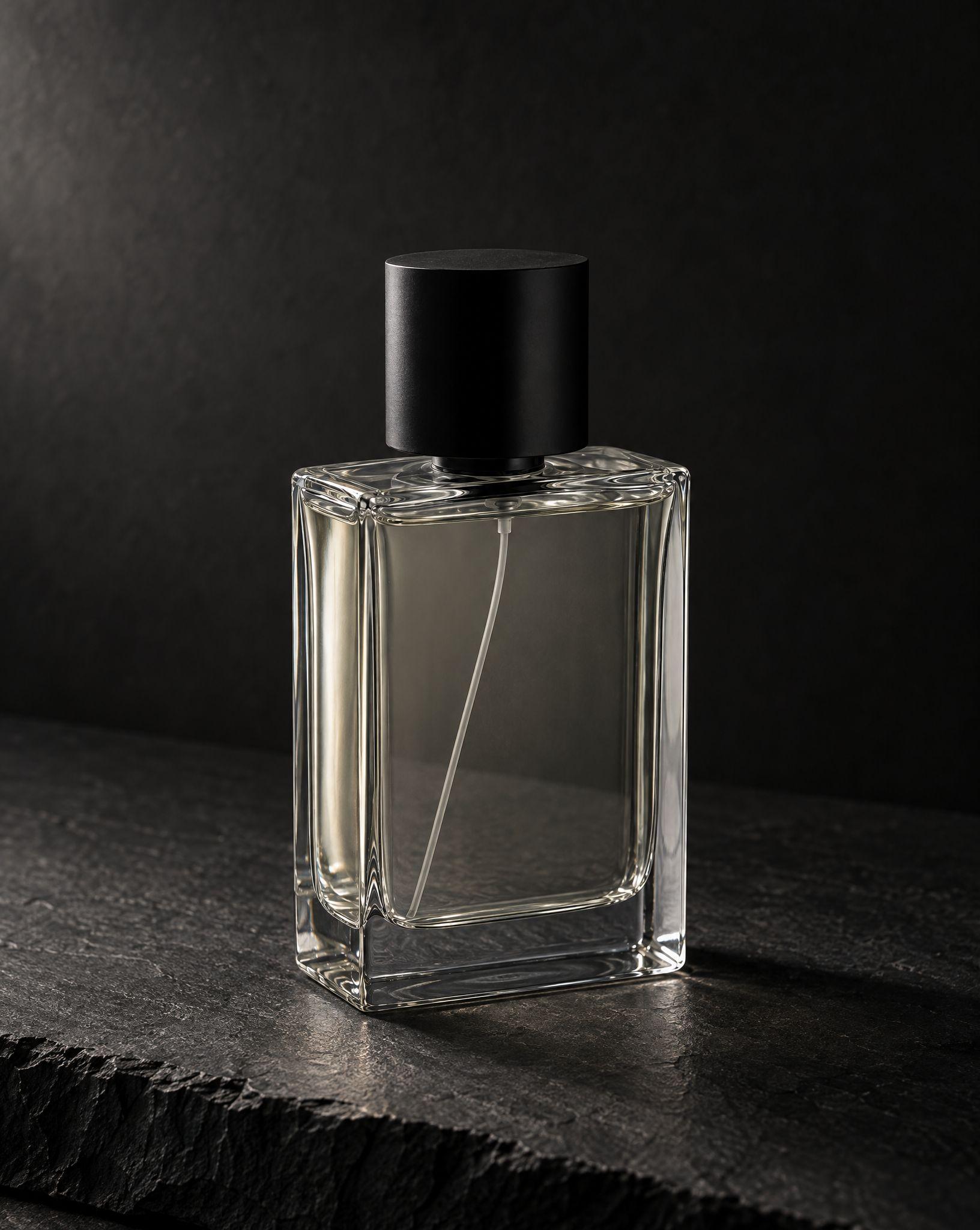
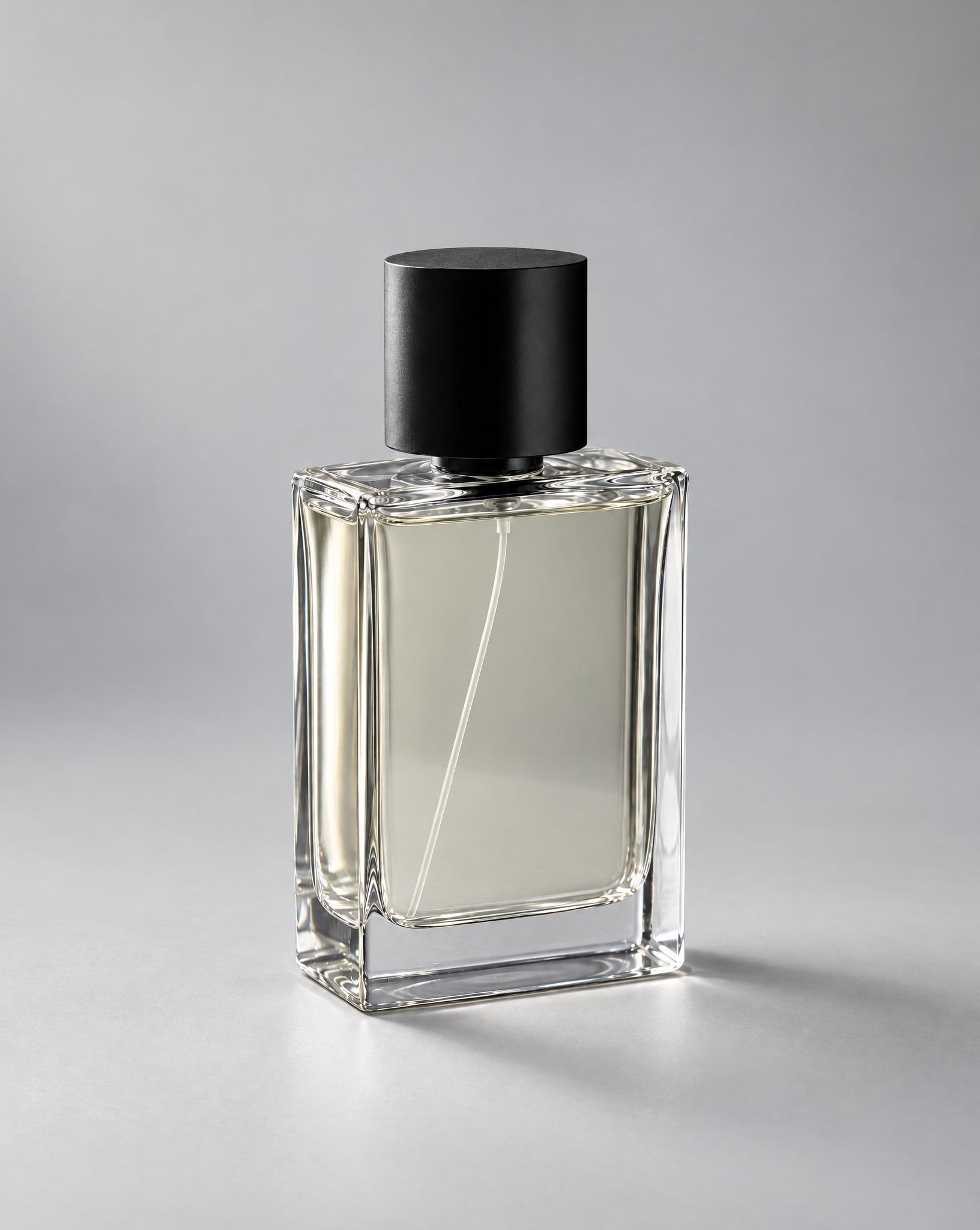
The dark slate and the charcoal backdrop become a light gray studio set with even light. The bottle keeps its angle and size.
Before / after
Before
After
Common questions
Yes. In Kive you describe the edit in plain words, such as remove the cable or make the background white, and it returns a new version of the photo. The original is kept, so you can compare the two before you download.
Remove objects, change the background, correct light and color, replace an object, extend the frame to a new aspect ratio, and upscale. To move or resize single objects by hand, use Edit image layers.
For common fixes, yes: color casts, dull exposure, dust, smudges and stray objects. There is no one-click retouch button, so describe what to fix. Exact color matching to a physical product still needs a check against the real thing.
Yes. Extend adds new image area around the photo to reach another aspect ratio, such as 1:1, 4:5, 9:16 or 16:9, for 2 credits. It changes the shape of the frame, not the exact pixel size, so resize to a marketplace’s exact dimensions in your own tool afterwards.
An edit keeps what you don’t ask to change, and the product usually comes through as it was. Check text, logos and fine details at full size, and run the edit again if anything shifted.
A freeform edit, such as removing objects or changing the background, costs 10 credits. Removing the background to a transparent PNG costs 1 credit, extending the frame 2, and upscaling 10 or 20 depending on the resolution.
Ideas from the Kive library are royalty-free and yours to use commercially. When the starting image is someone else’s photo or ad, treat it as a reference: replace their product, logo and copy. Anything you add, such as your product, text or logo, is your responsibility. This is general information, not legal advice.
Yes. The try button opens Kive’s image generator with the prompt filled in, and an image made with your saved product costs 10 credits. The Free plan includes 40 credits once you verify your email; Basic is $40 a month for 2,000 credits.
Fix your first product photo
Sign up for free and upload the photo you want to edit.