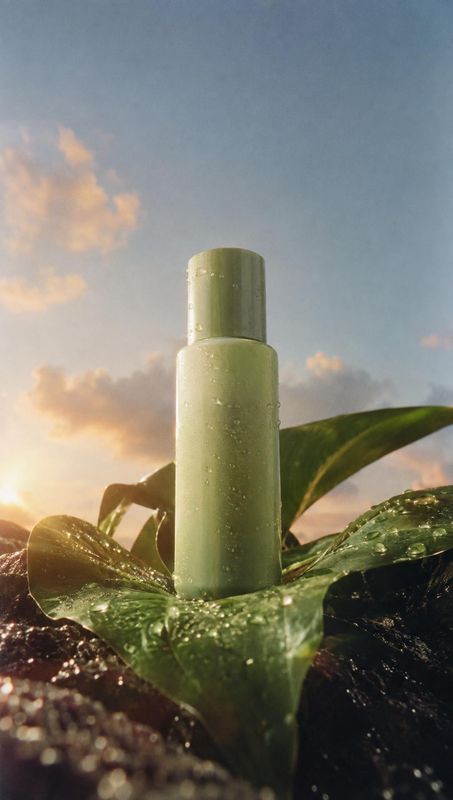
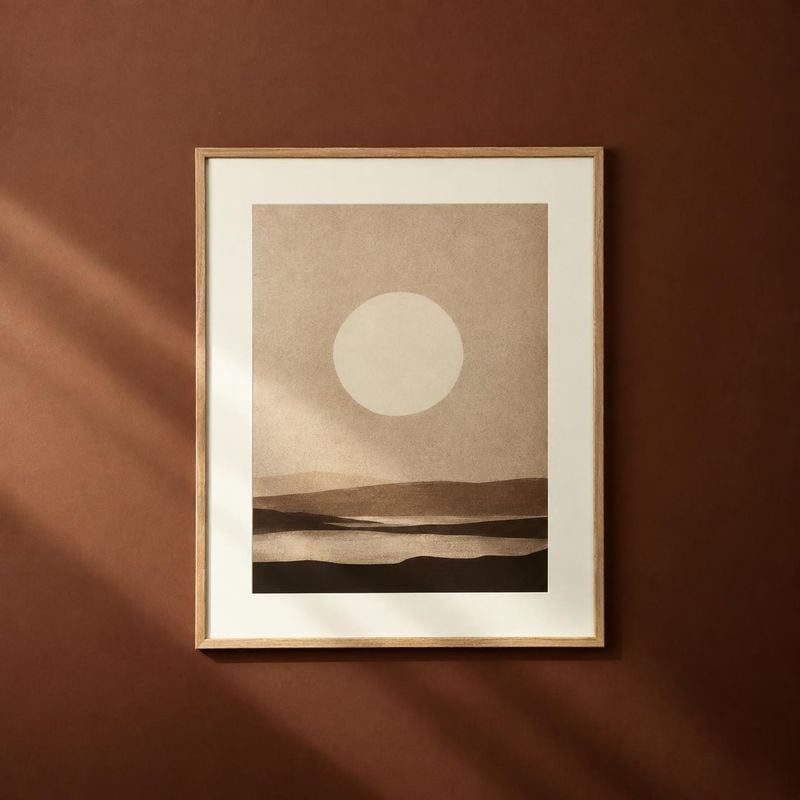
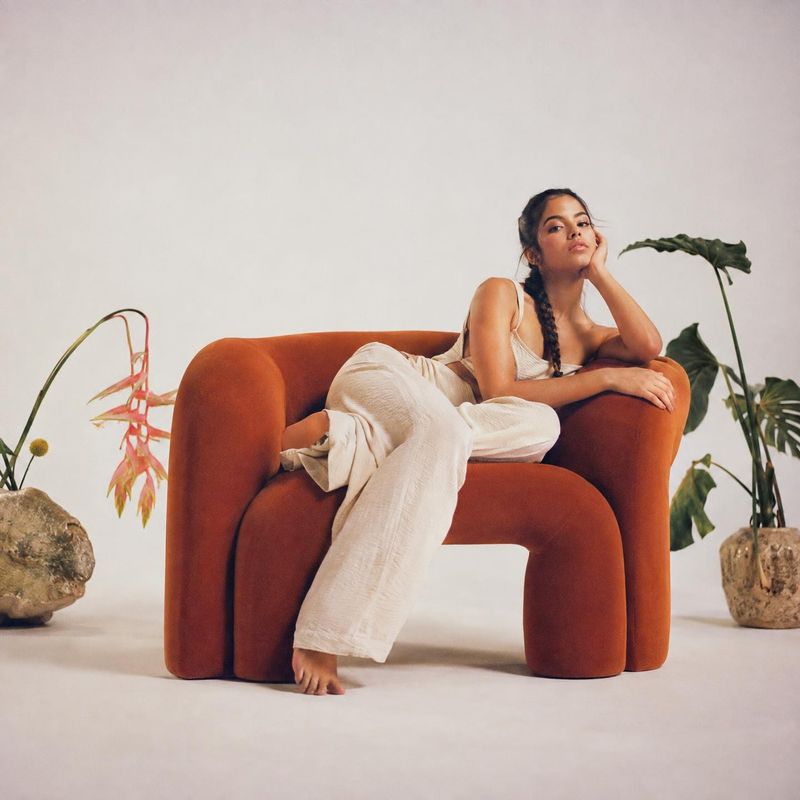
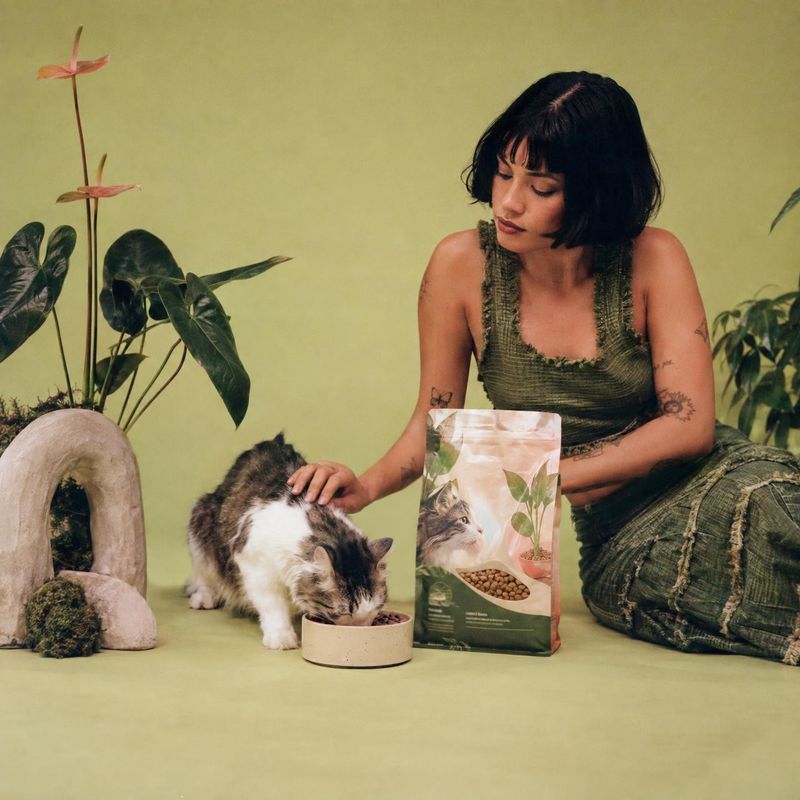
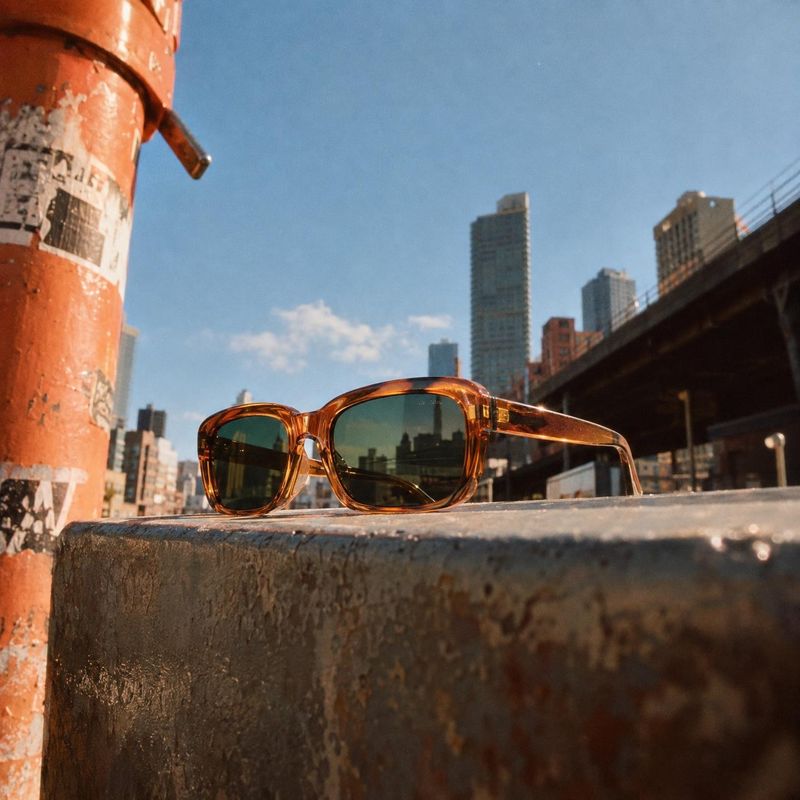
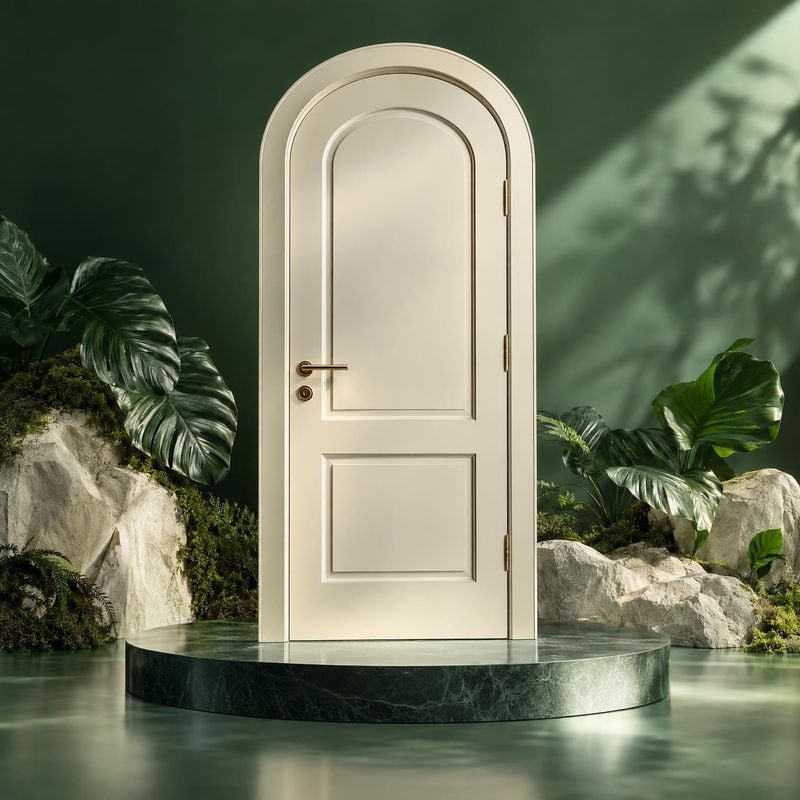
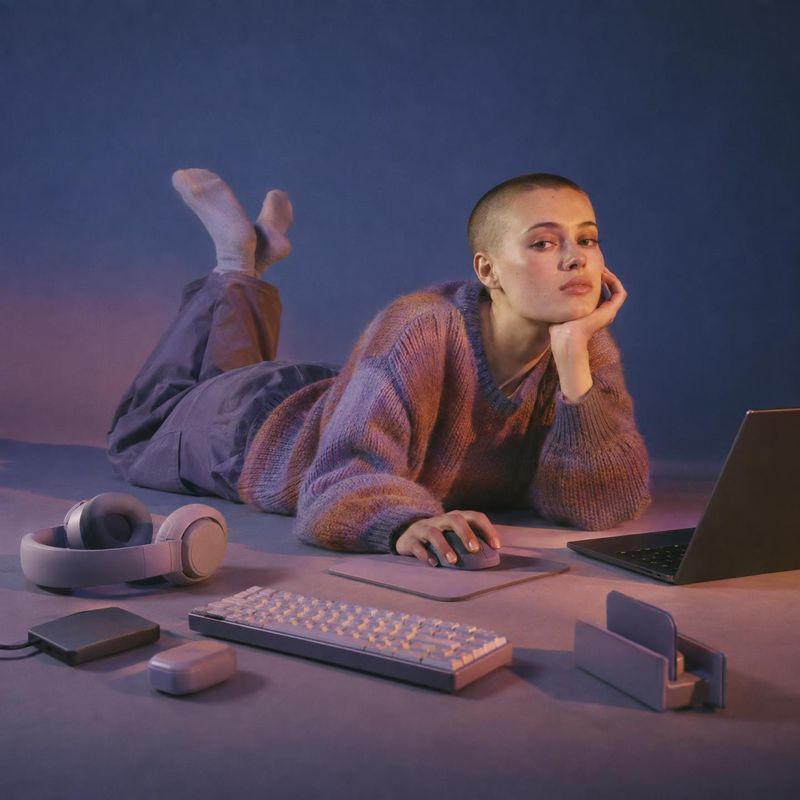
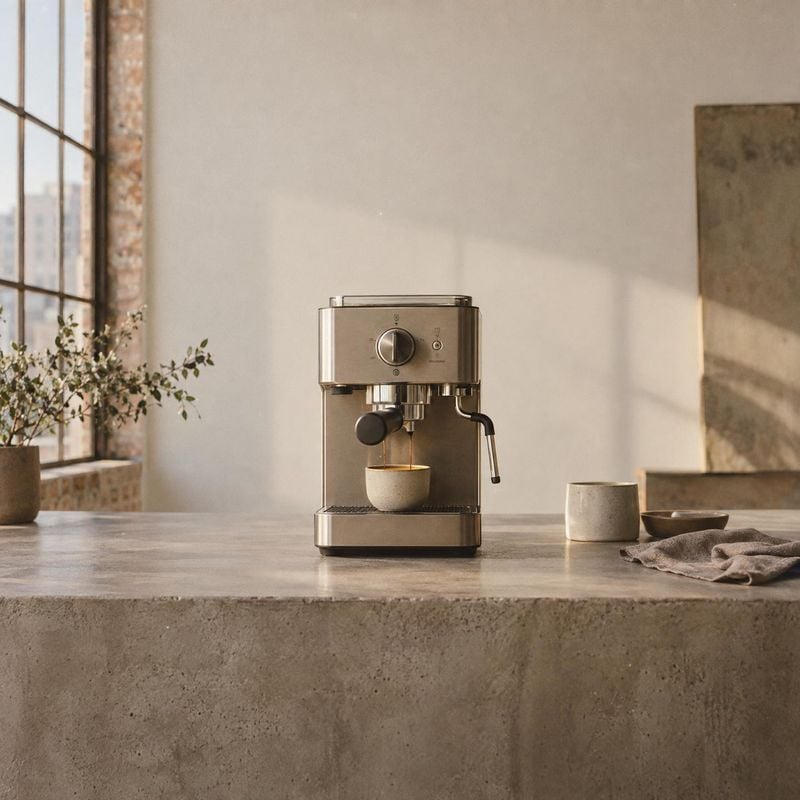
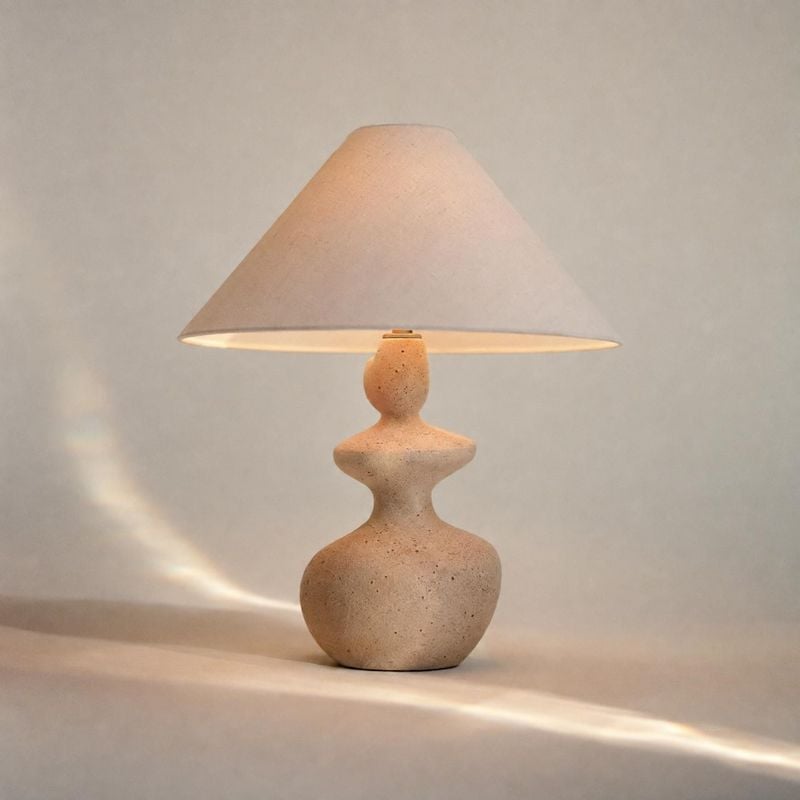
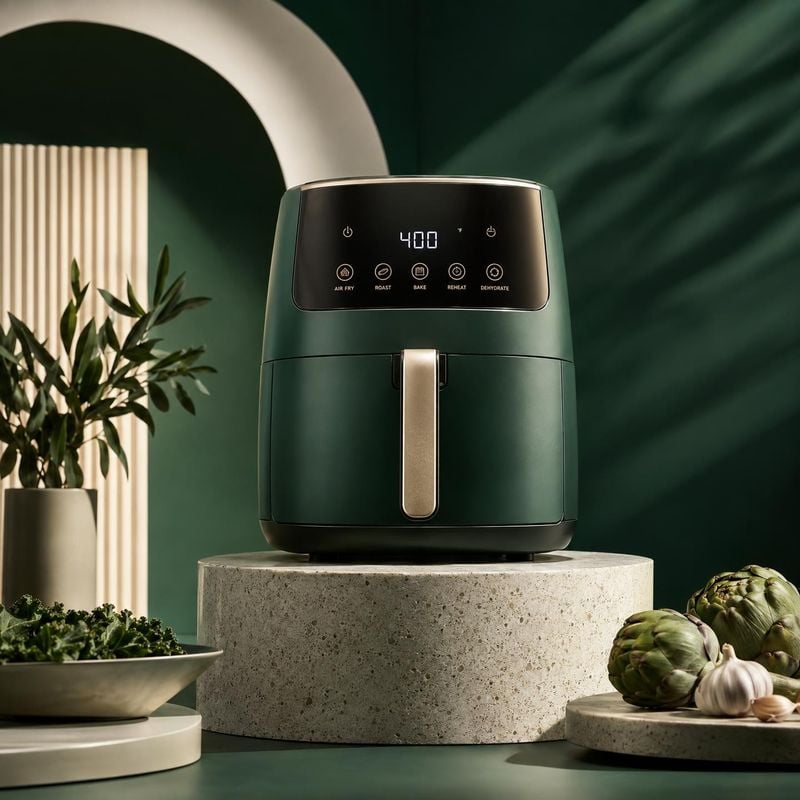
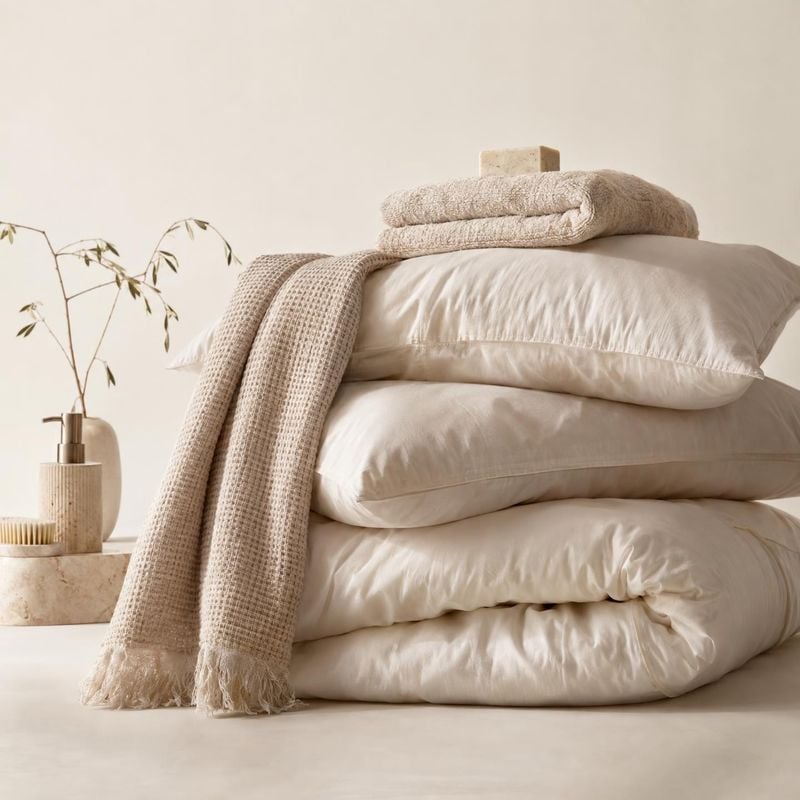
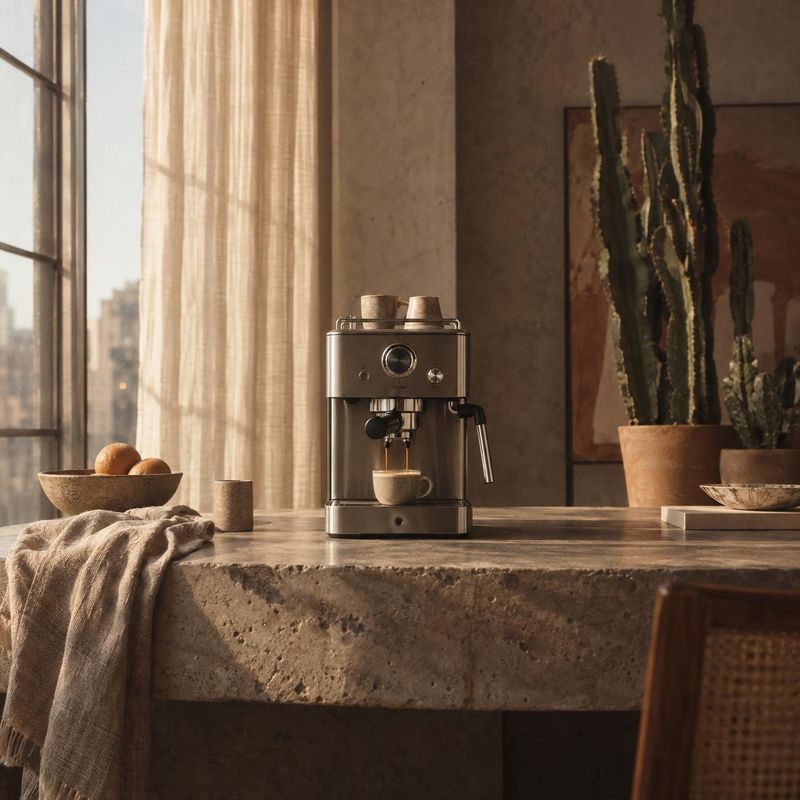
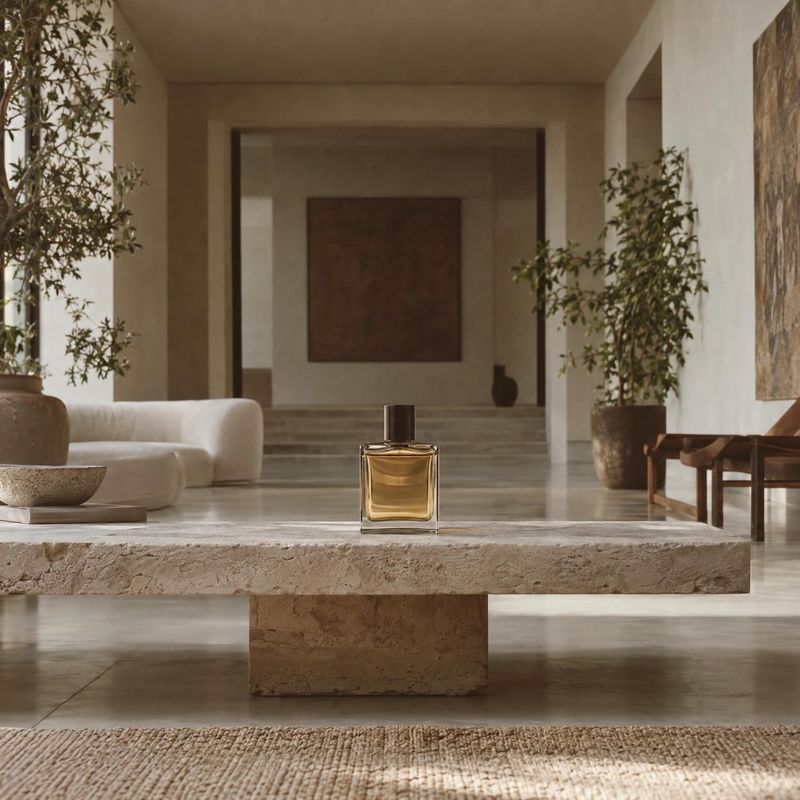
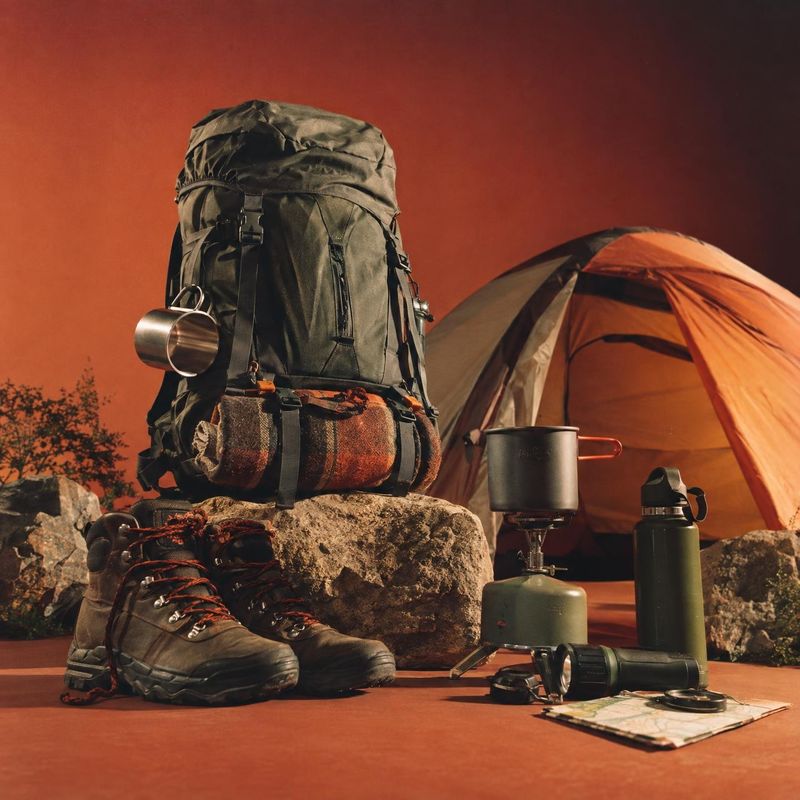
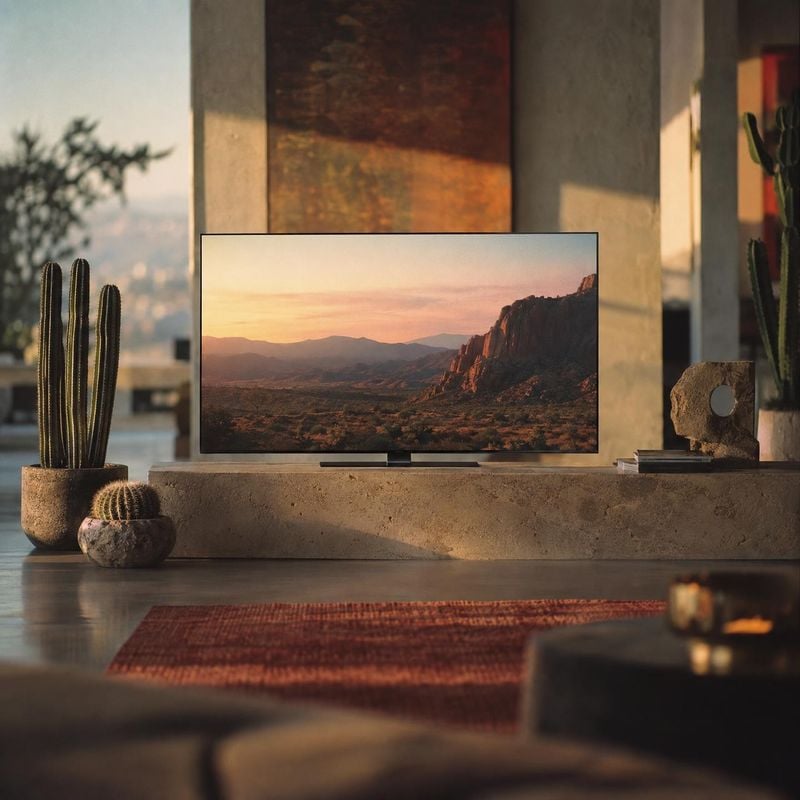
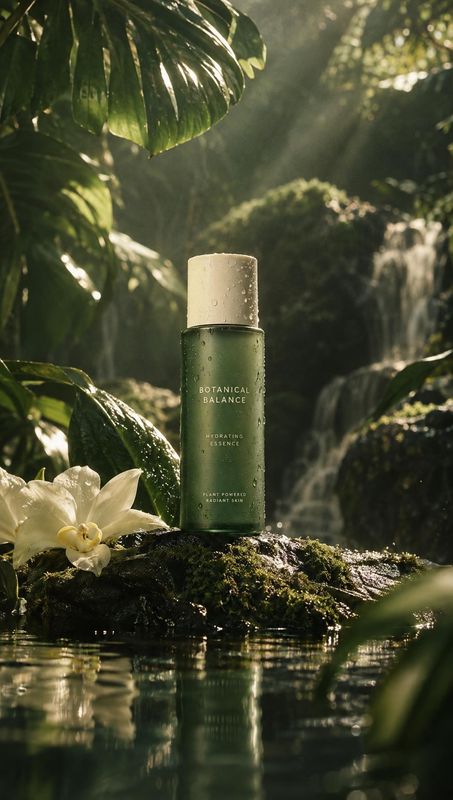
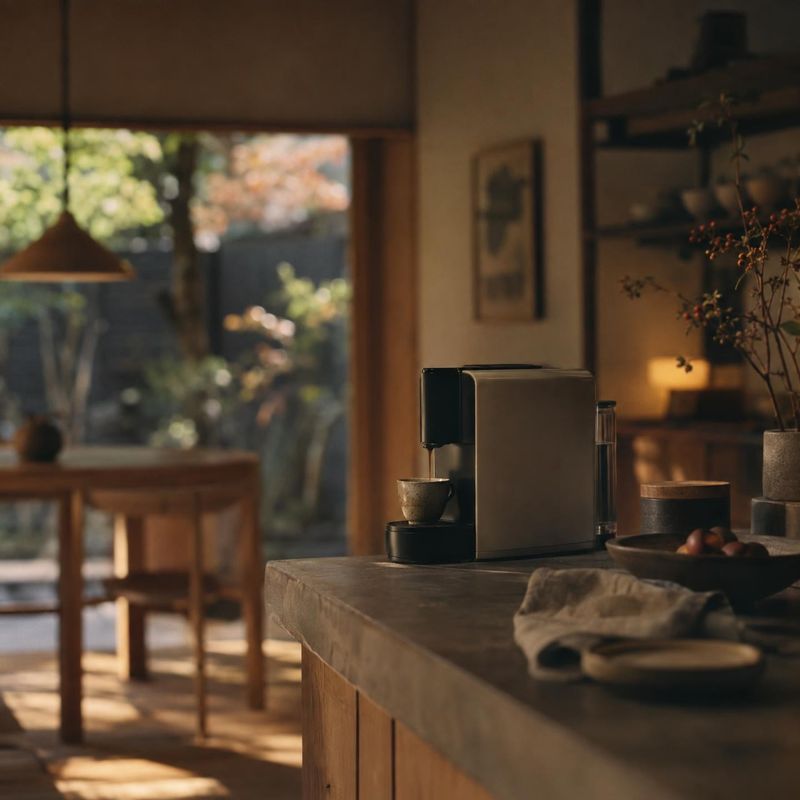
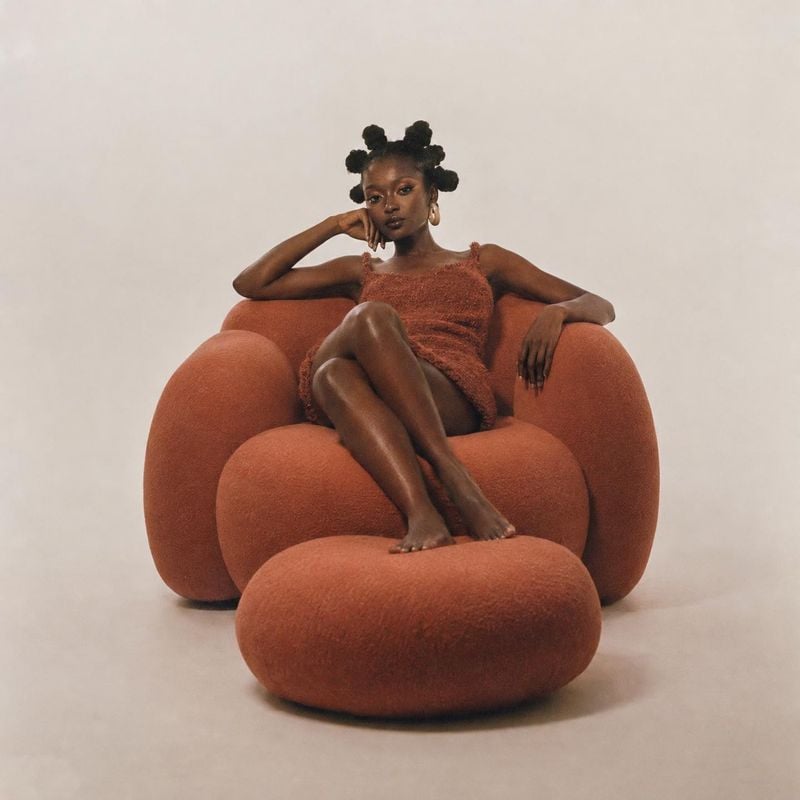
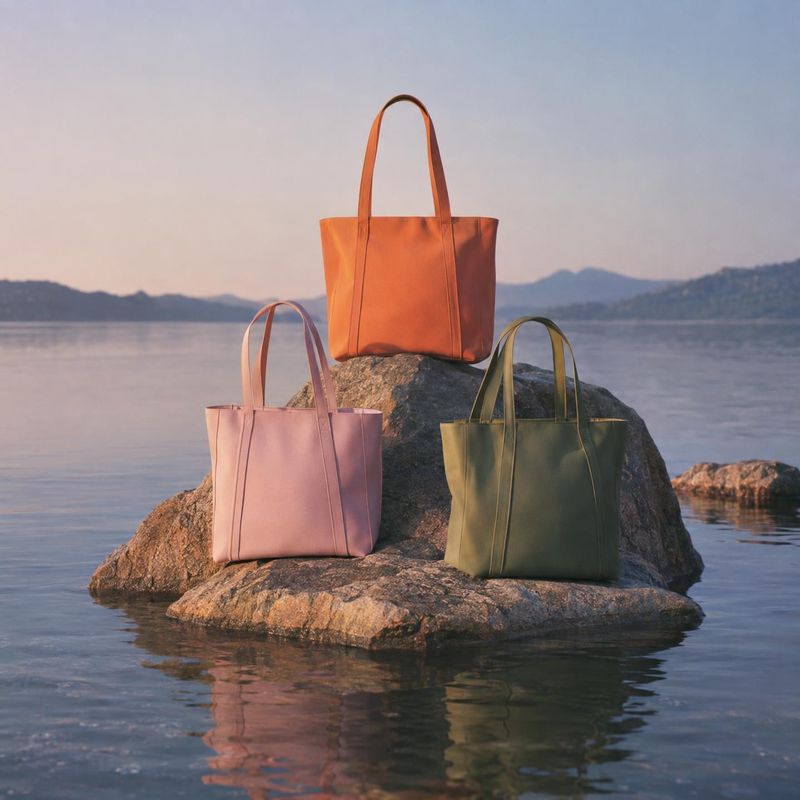
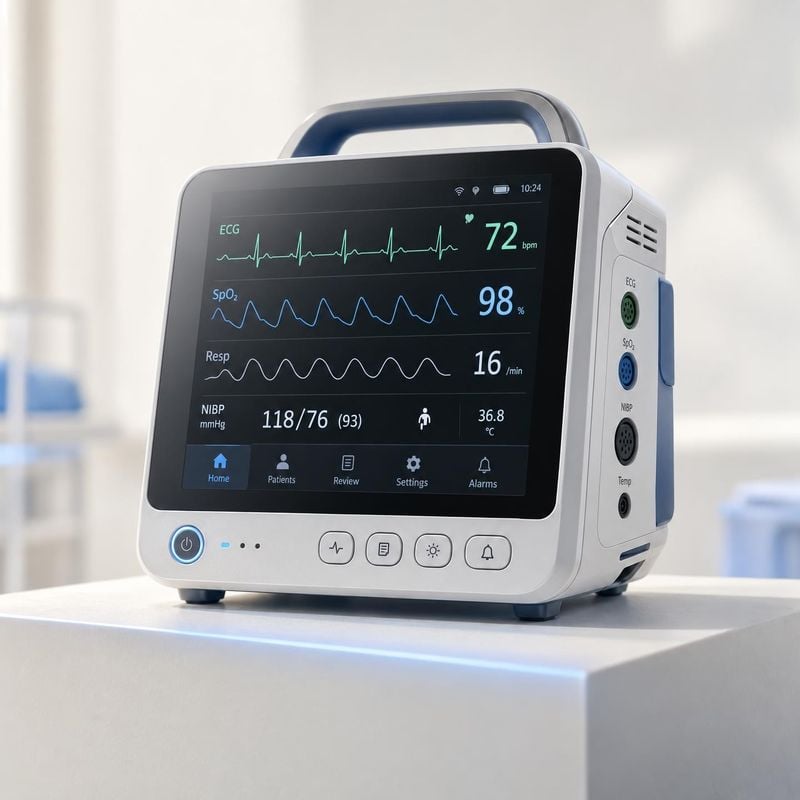
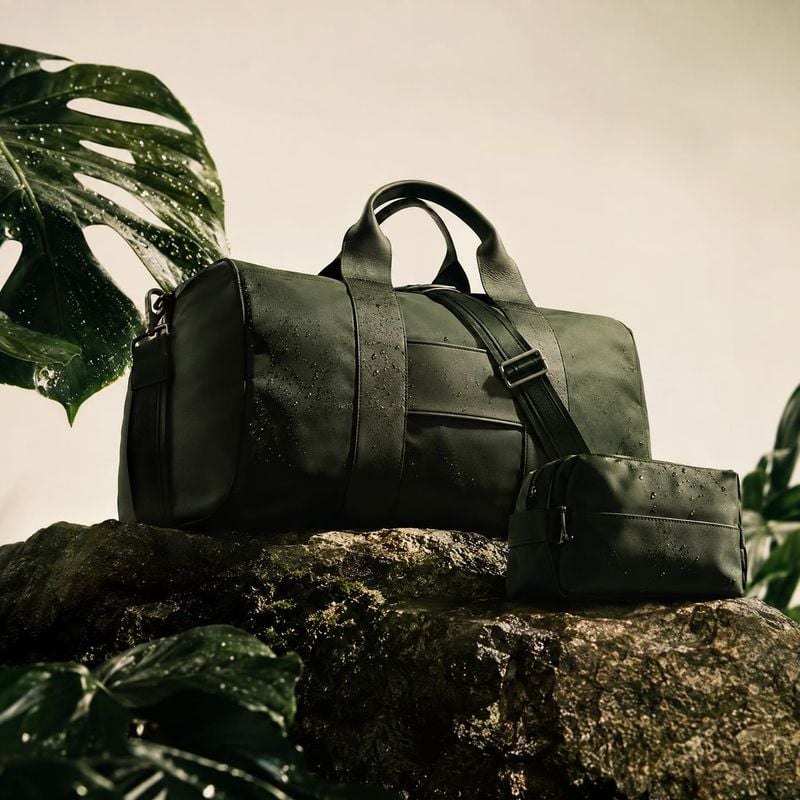
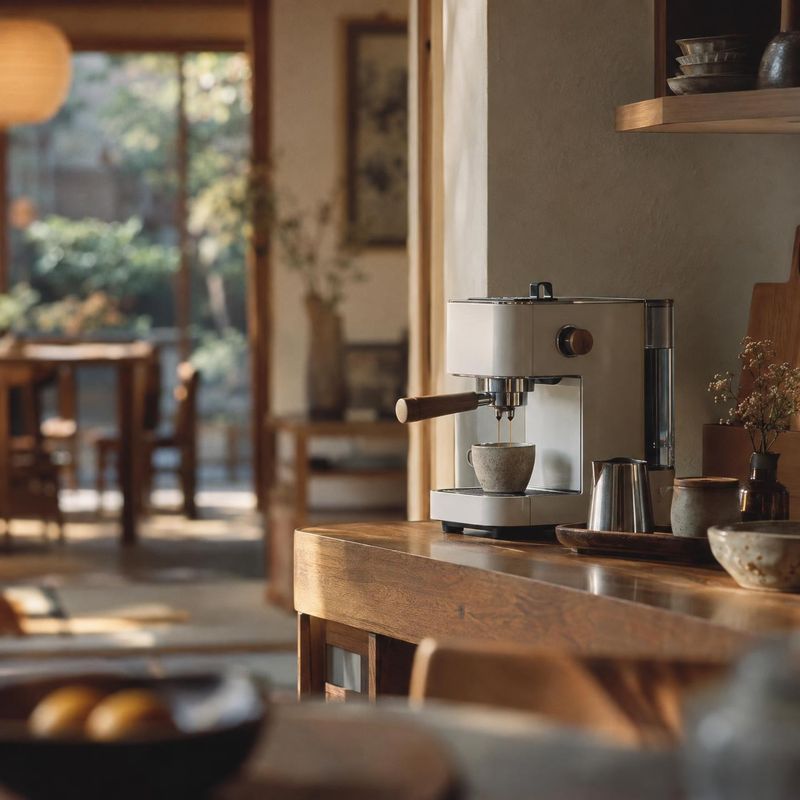
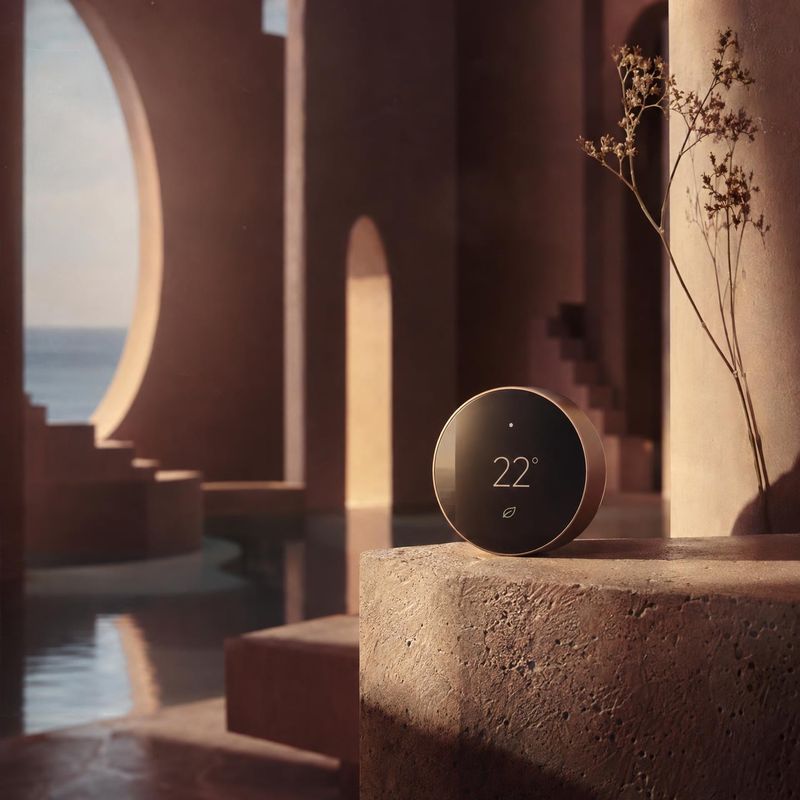
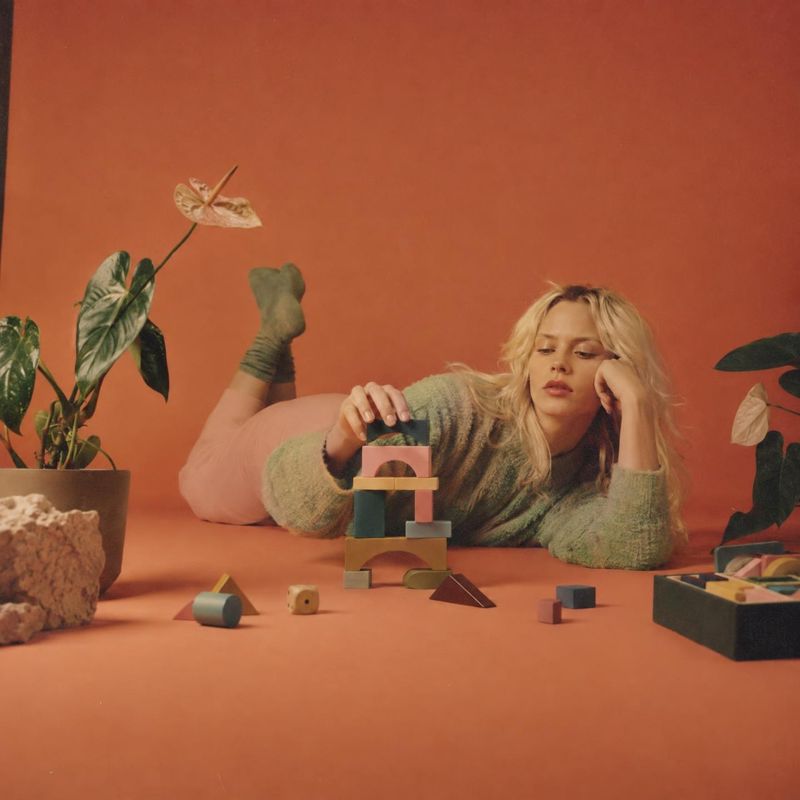
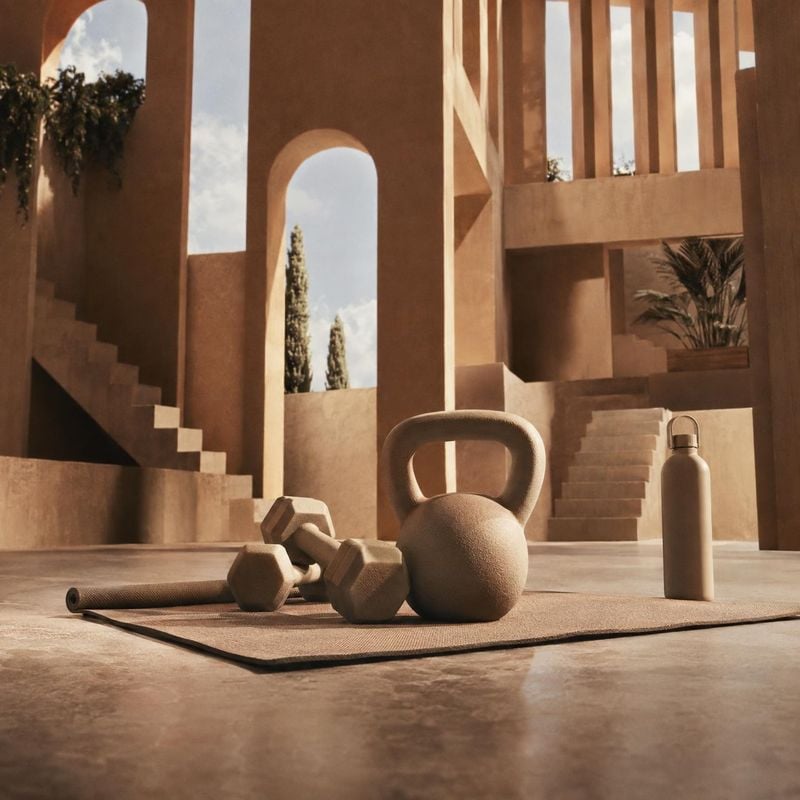
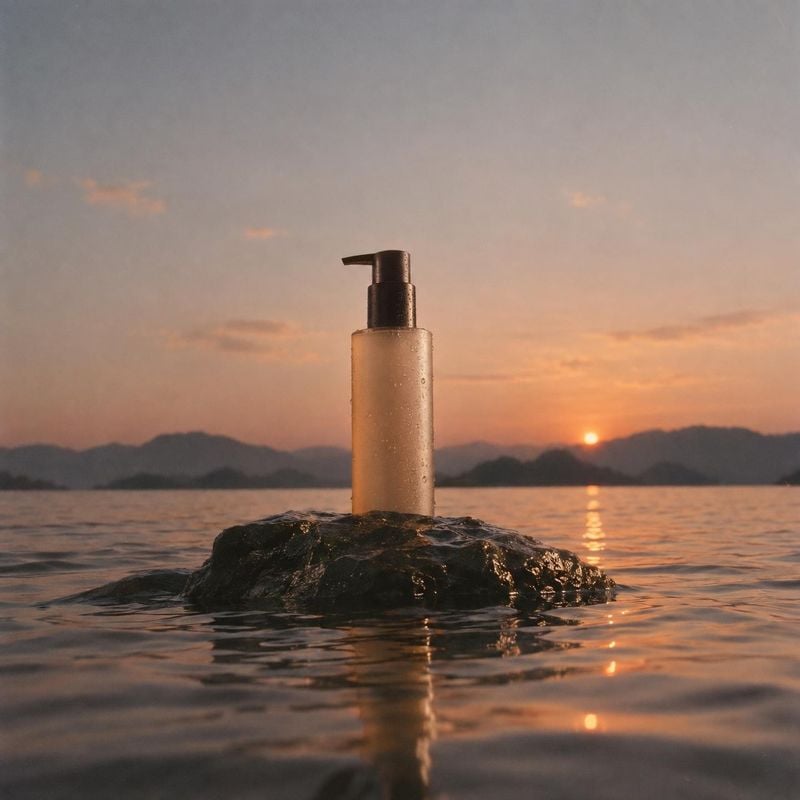
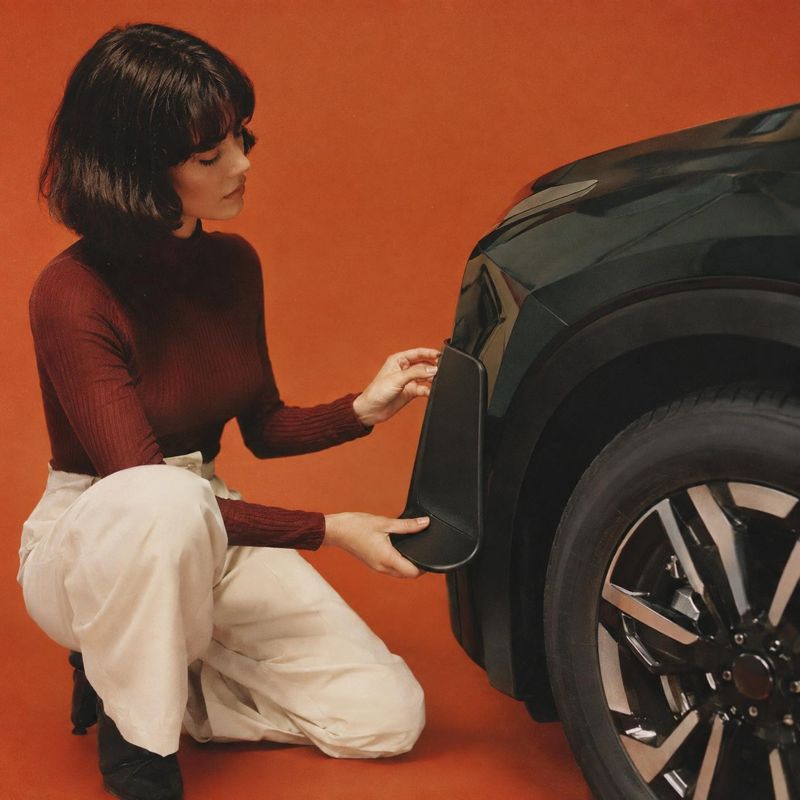
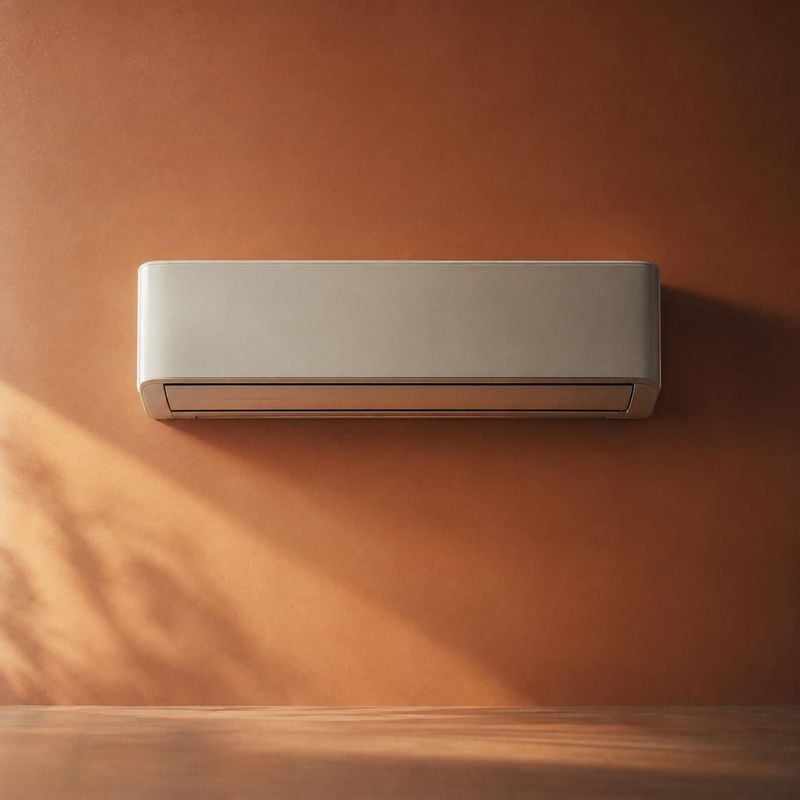
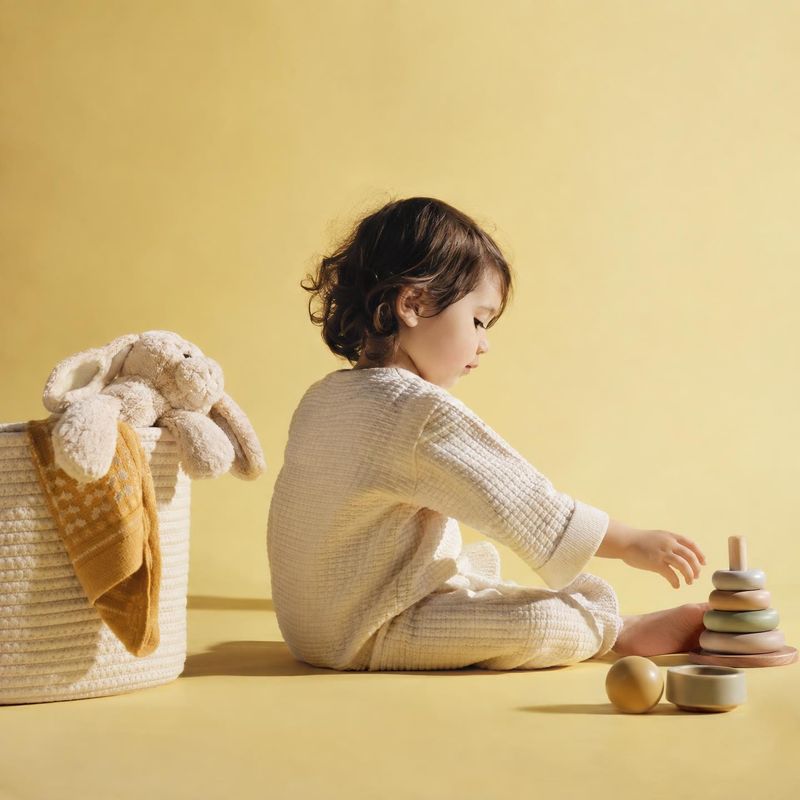
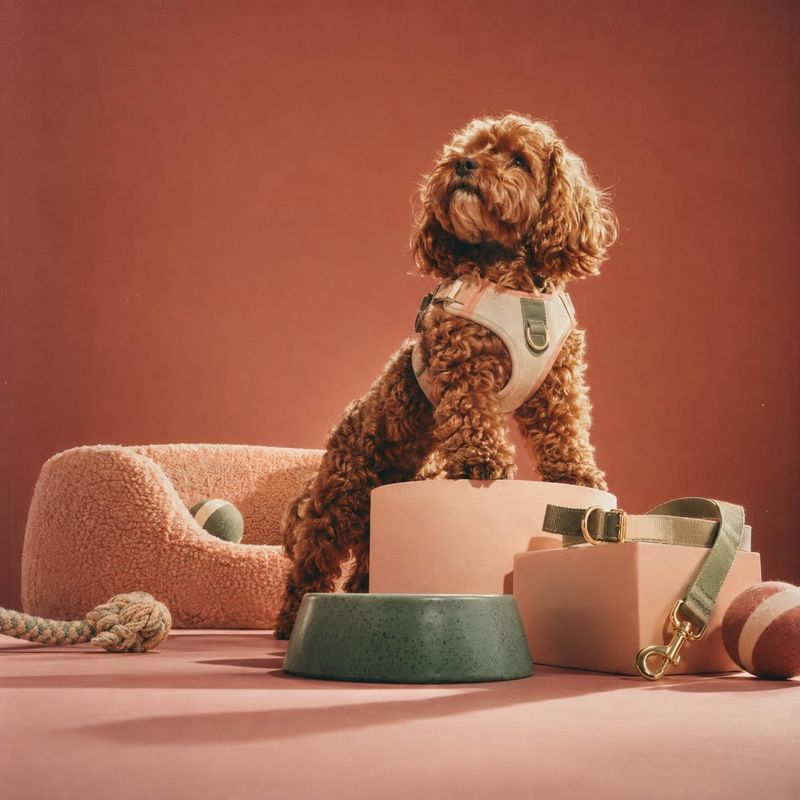
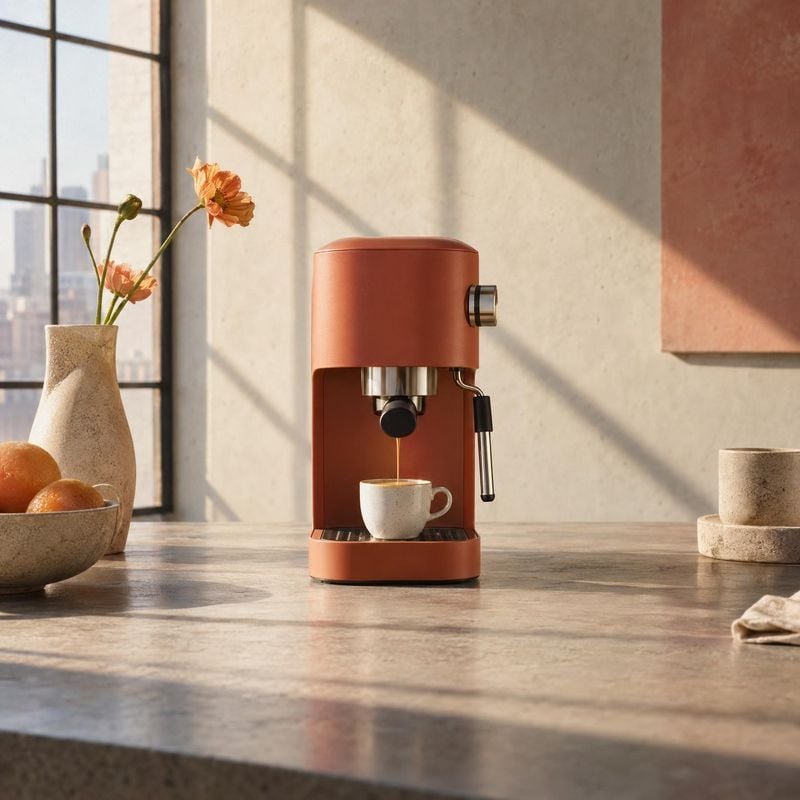
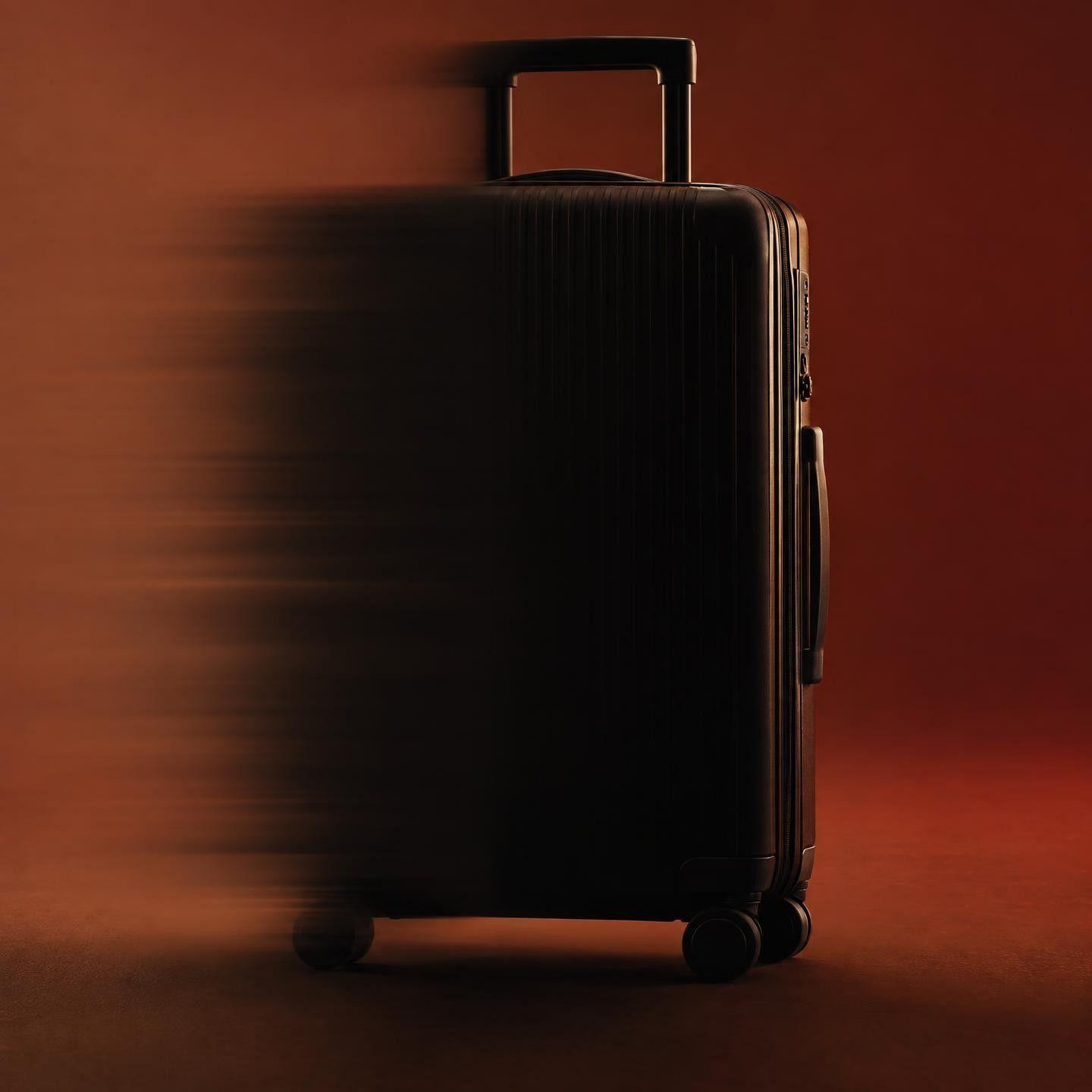
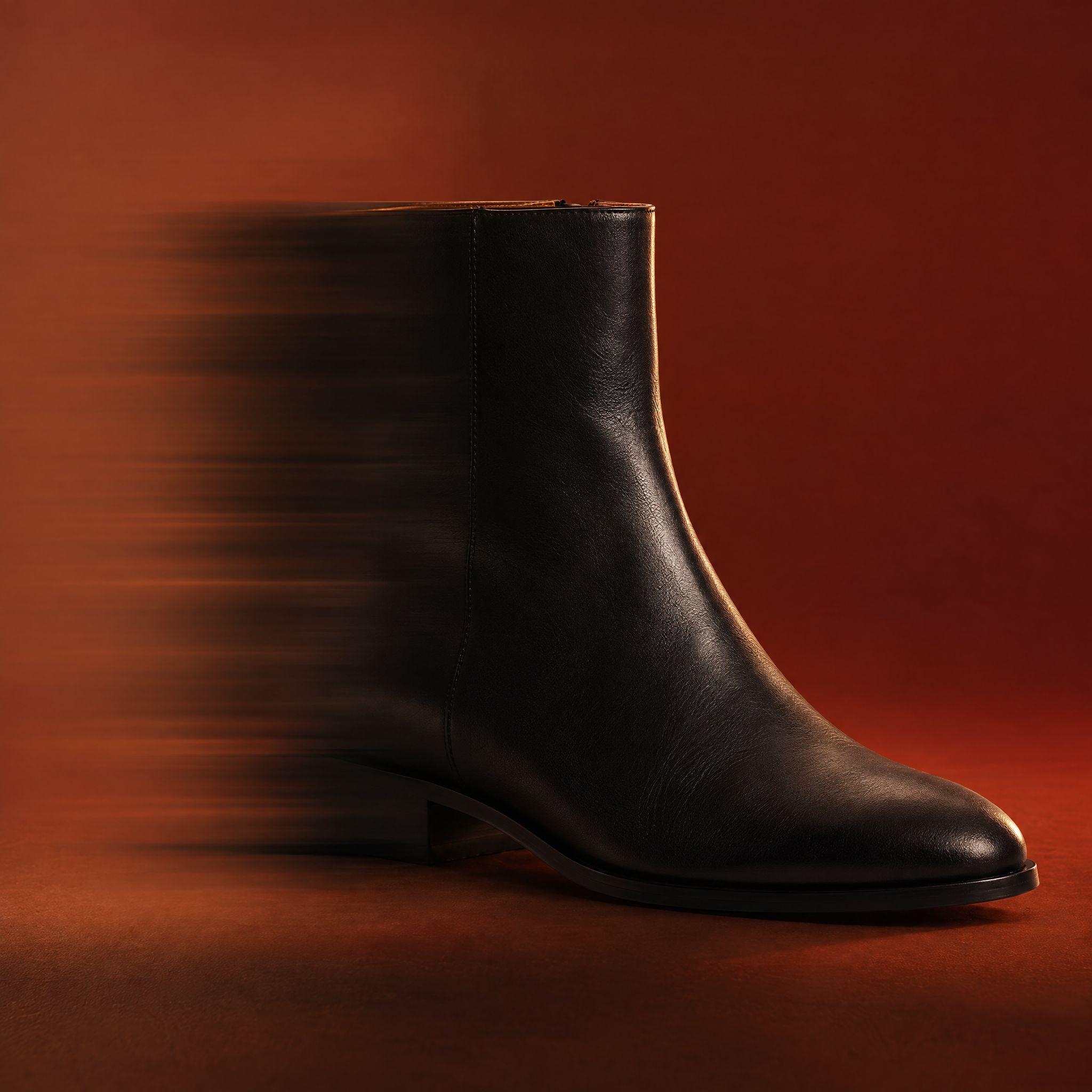
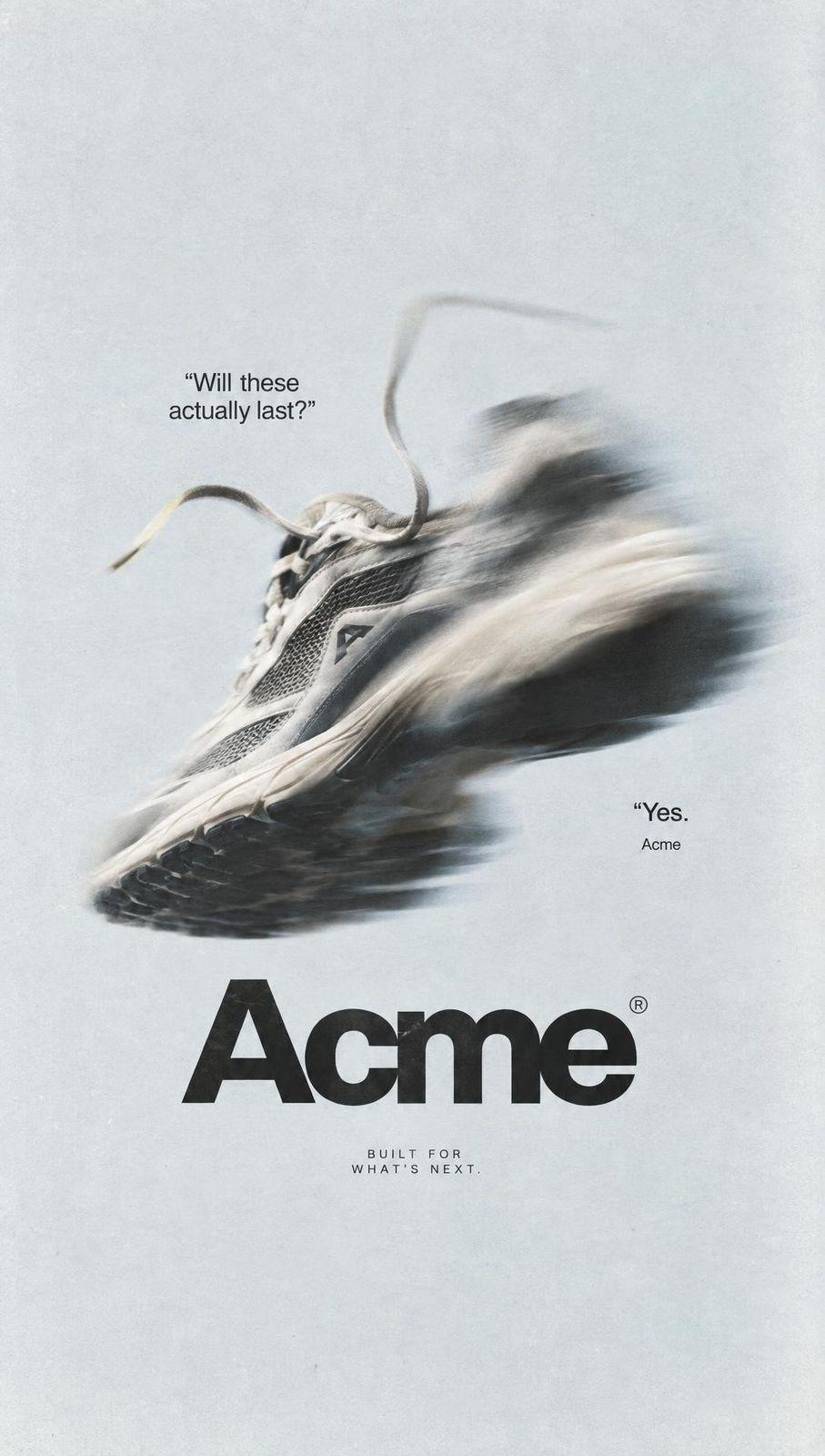
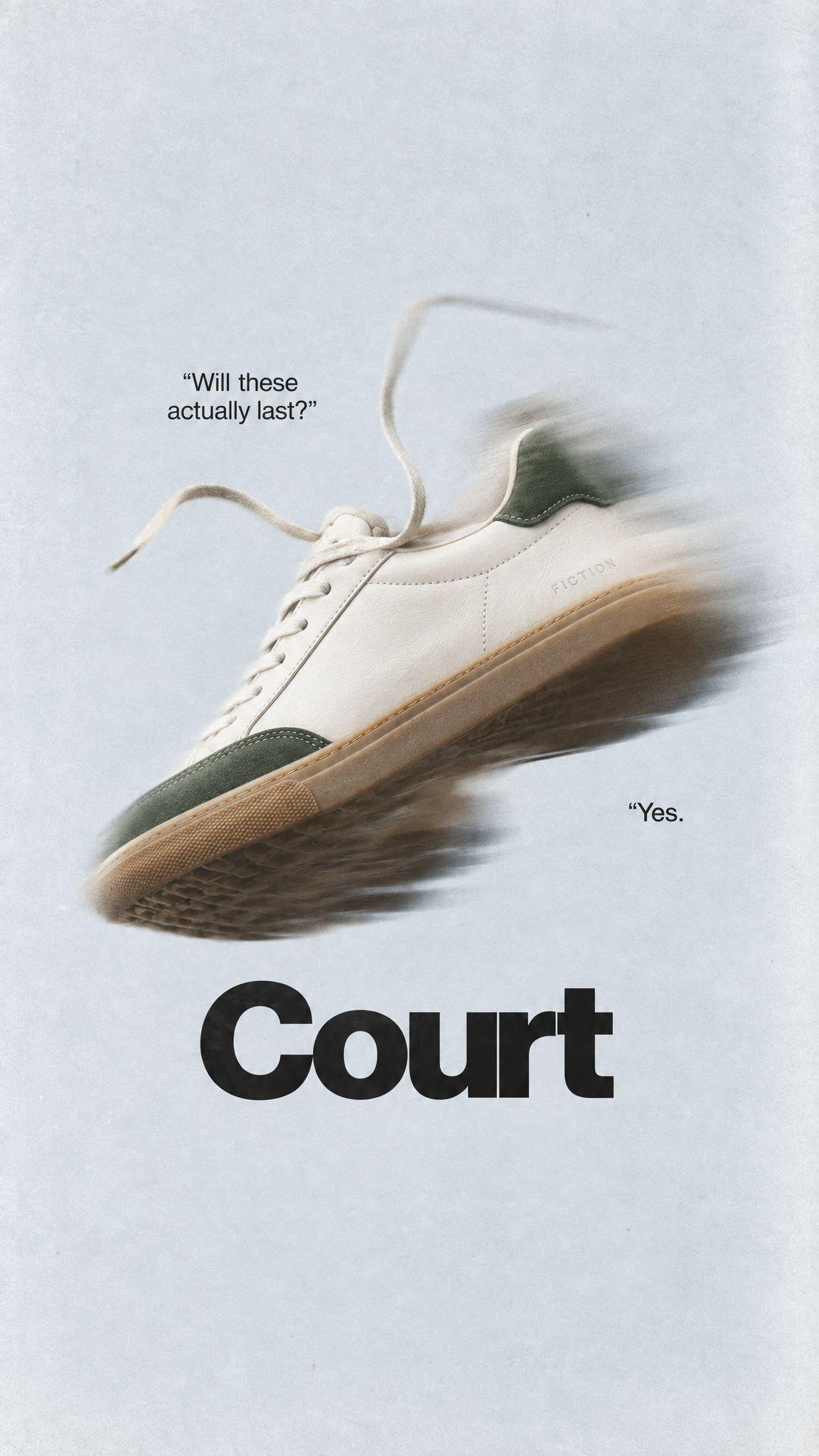
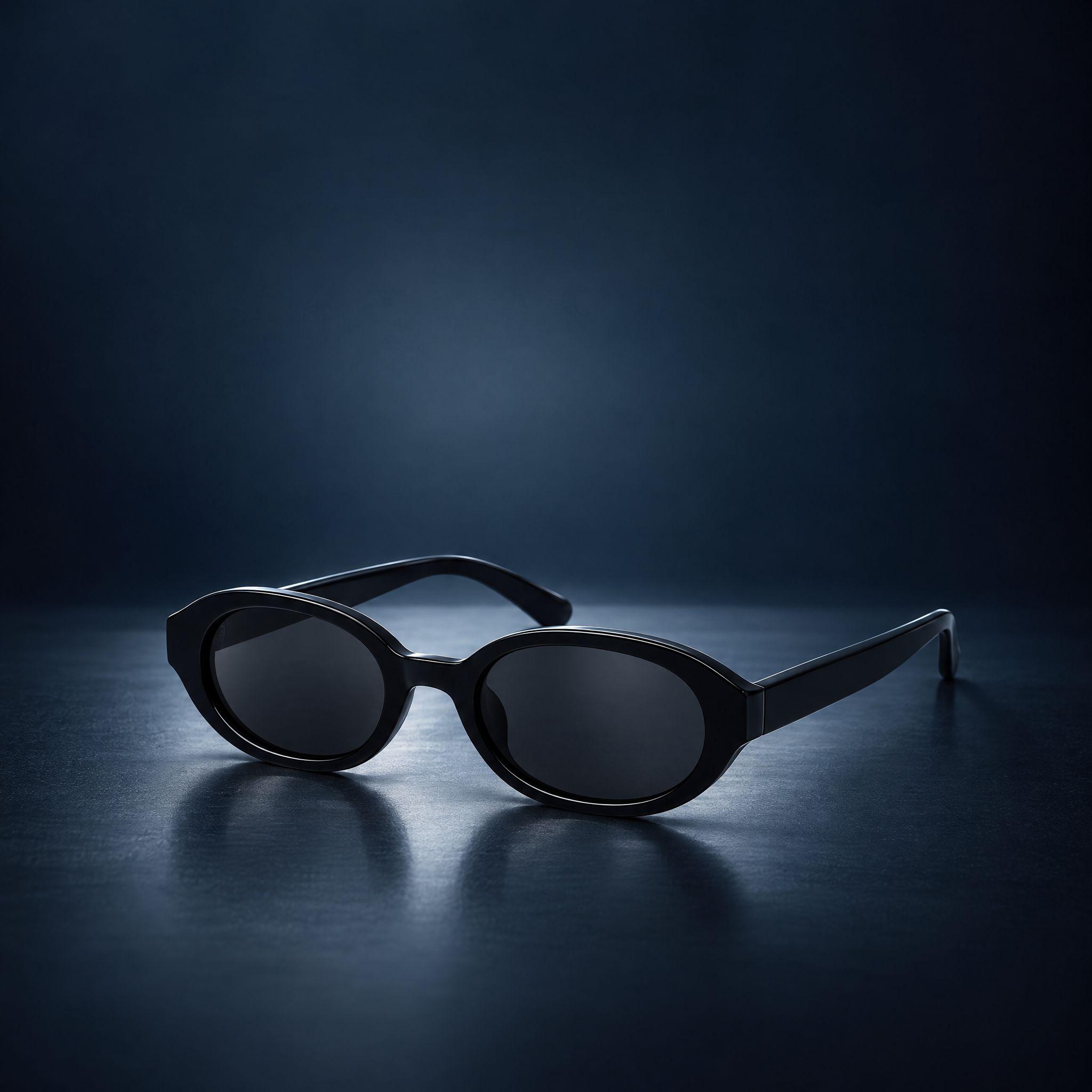
Kive puts your product into a photo or ad you found. Upload the scene and your product, and Kive replaces the product shown while the scene, light and angle stay.
A photo that works has already solved the setting, the light and the angle. Product swap keeps that frame and places your product where the original stood, with shadows, reflections and contact points rebuilt for the new object instead of pasted on top.
It works on a competitor ad, a stock lifestyle photo or one of your own older shots. Logos, brand names and copy from the original stay out; the composition stays in.
How it works
1Upload the photo or ad. One clear product in a simple scene swaps most cleanly.
2Add your product: one you saved in Kive, or a clean product photo. The result is anchored to it.
3Say what to keep. Kive redraws light and shadows for your product, then you download or keep iterating.
Photos to put your product into
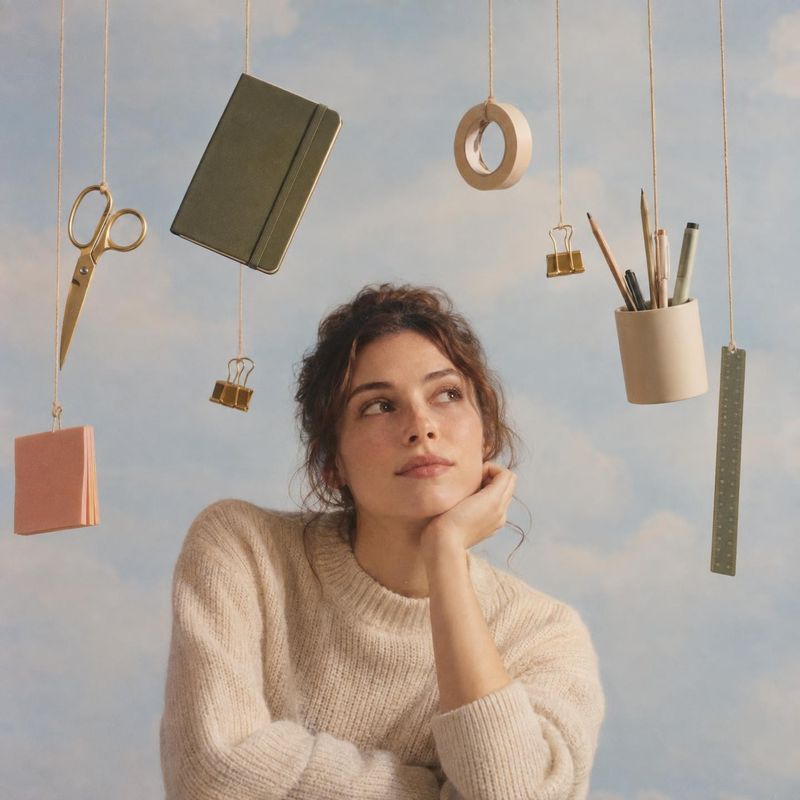
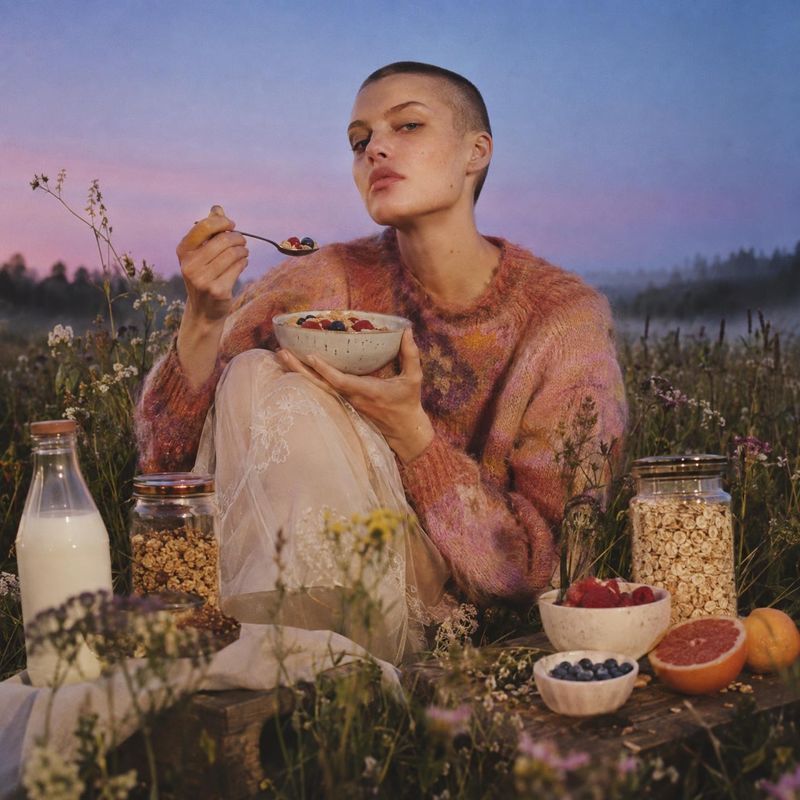
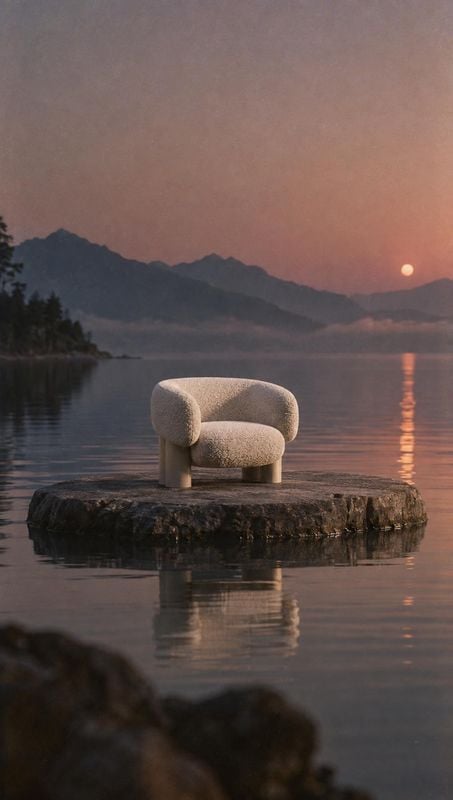
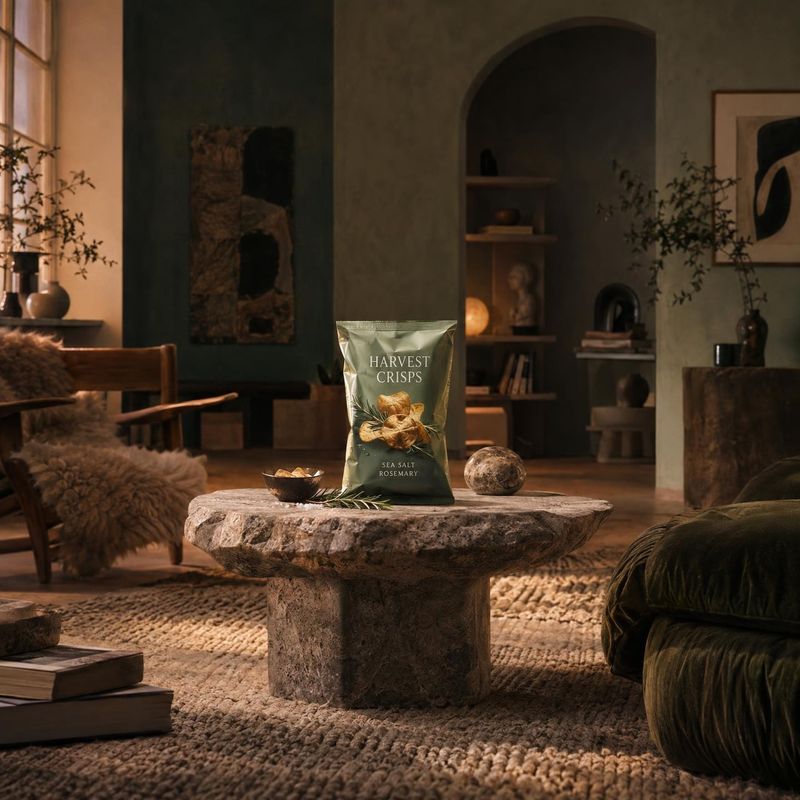
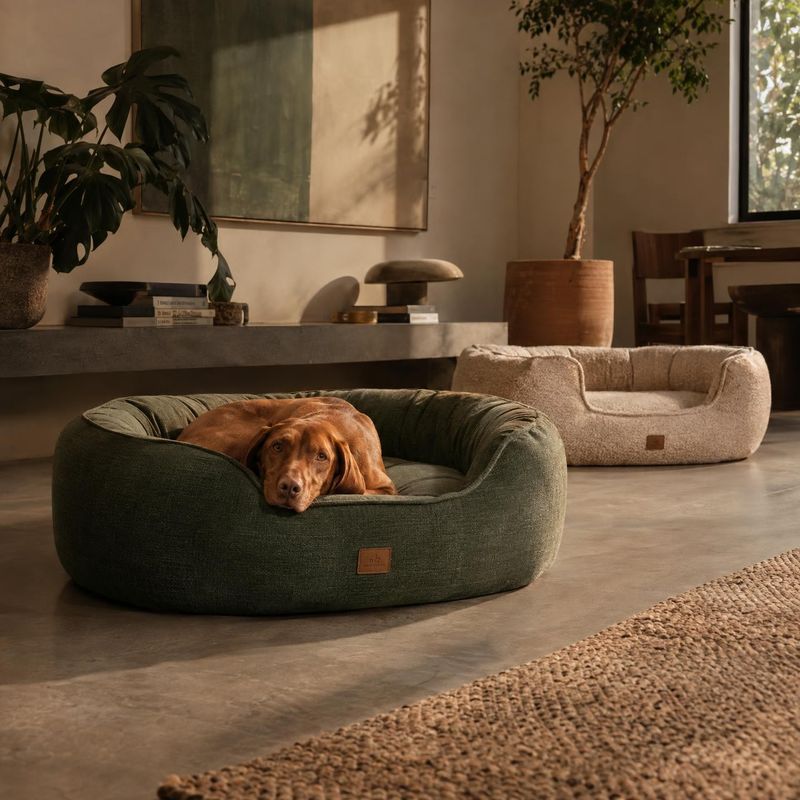
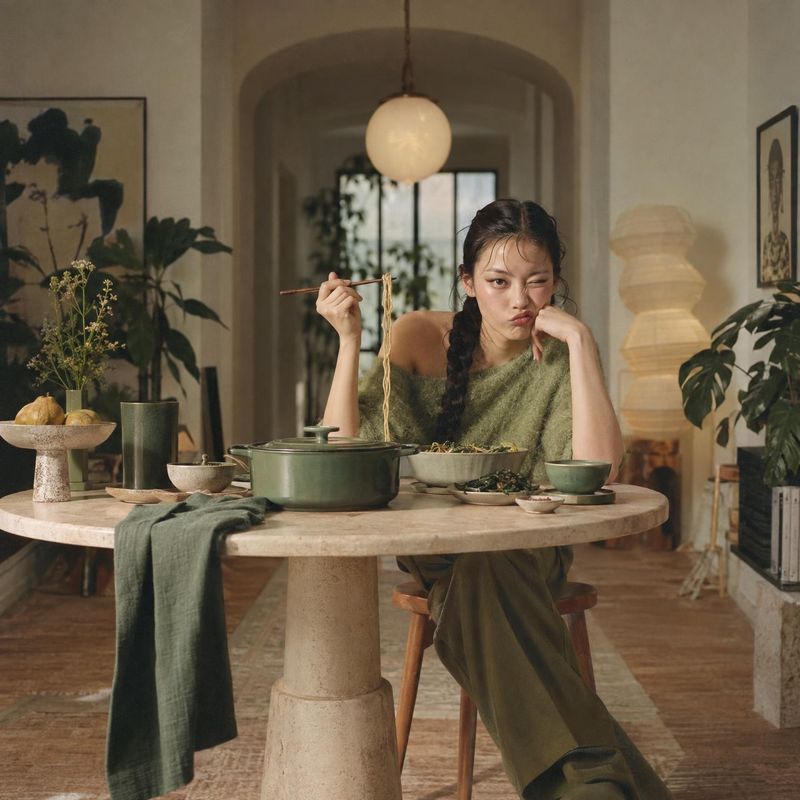
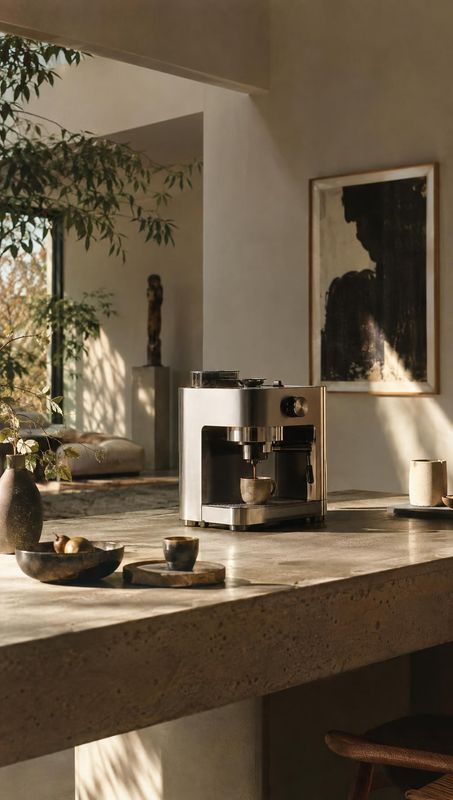
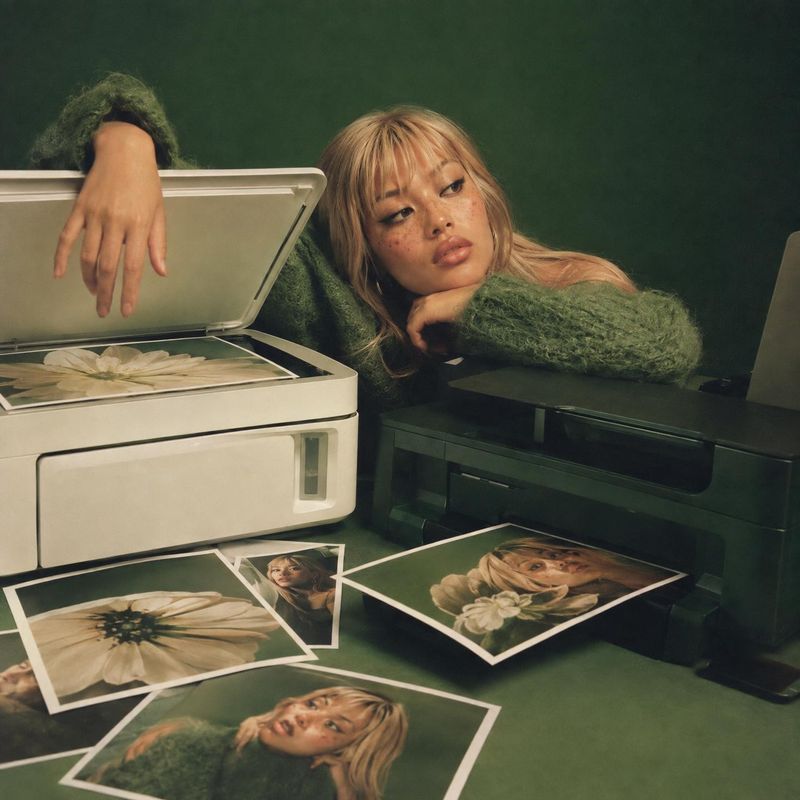
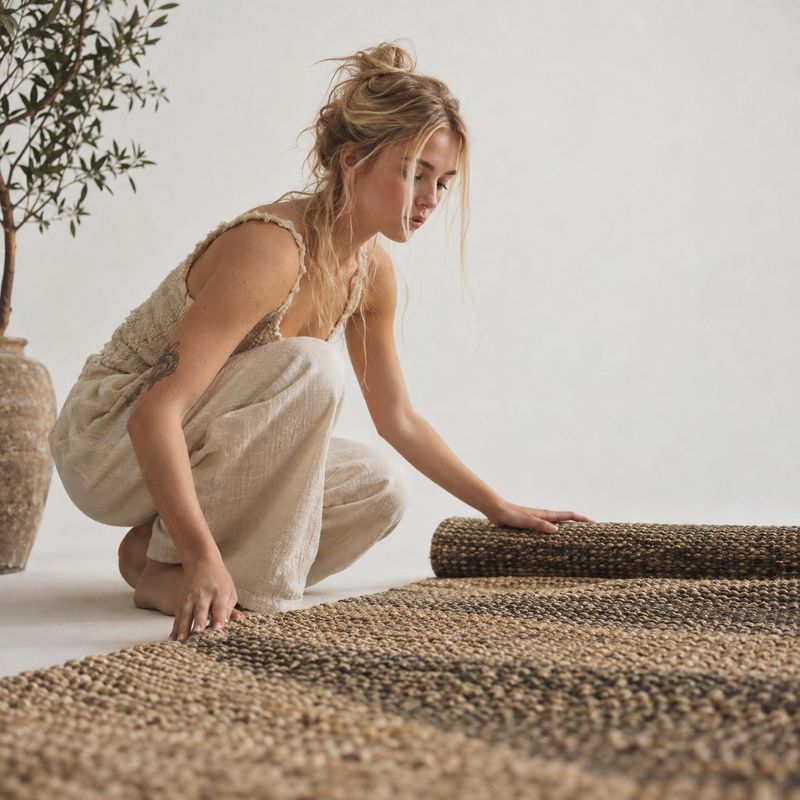
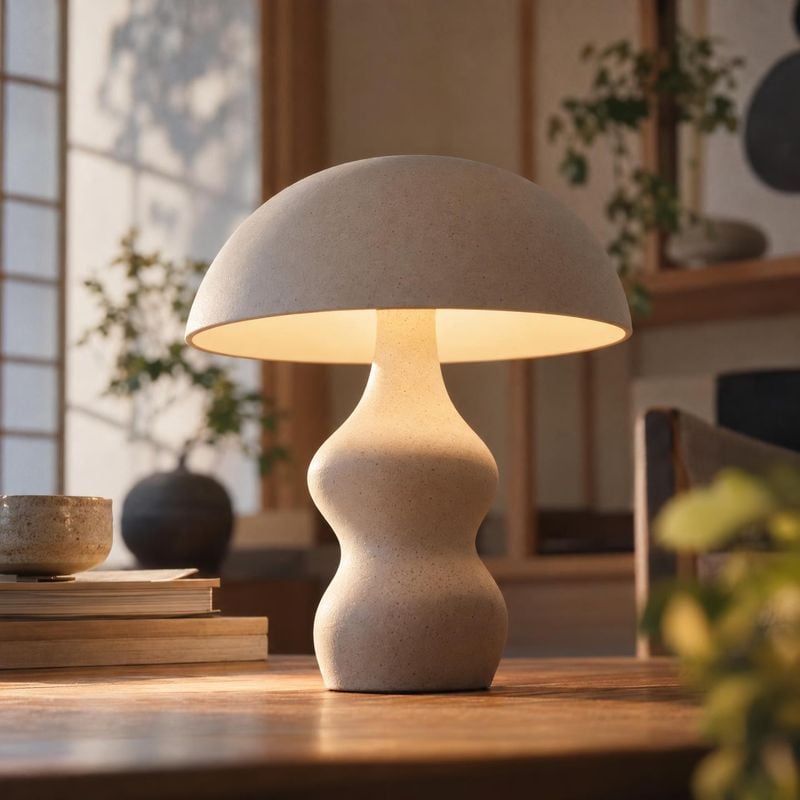
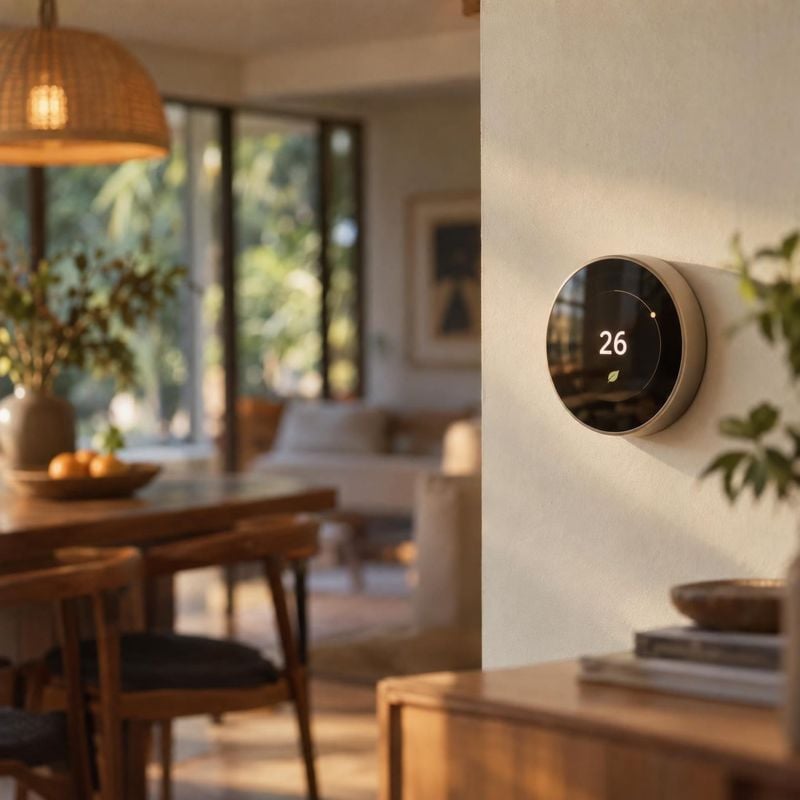
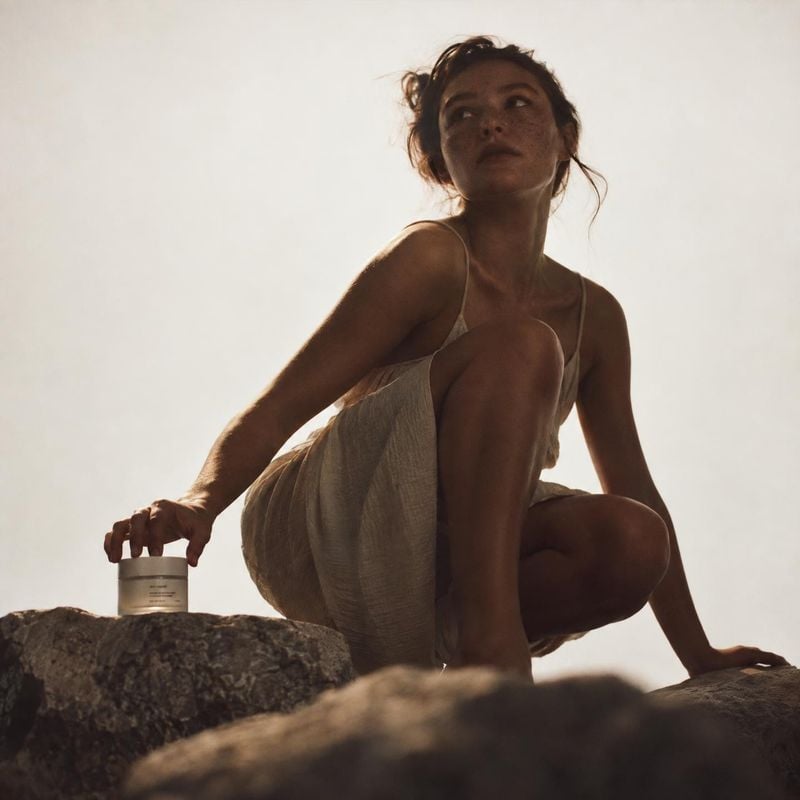
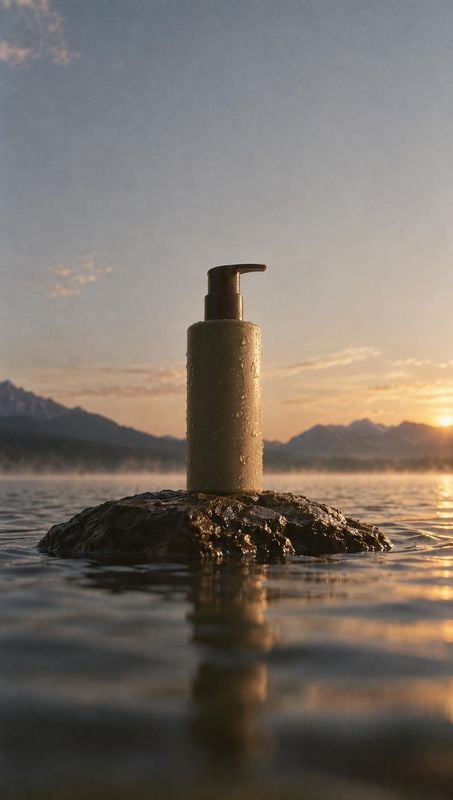
Lifestyle product photos place the product in a real moment: a bag on a cafe chair, sneakers on a doorstep, a skincare bottle on a sunlit bathroom shelf. These ideas show the product in use or in context so shoppers can picture it in their own life.
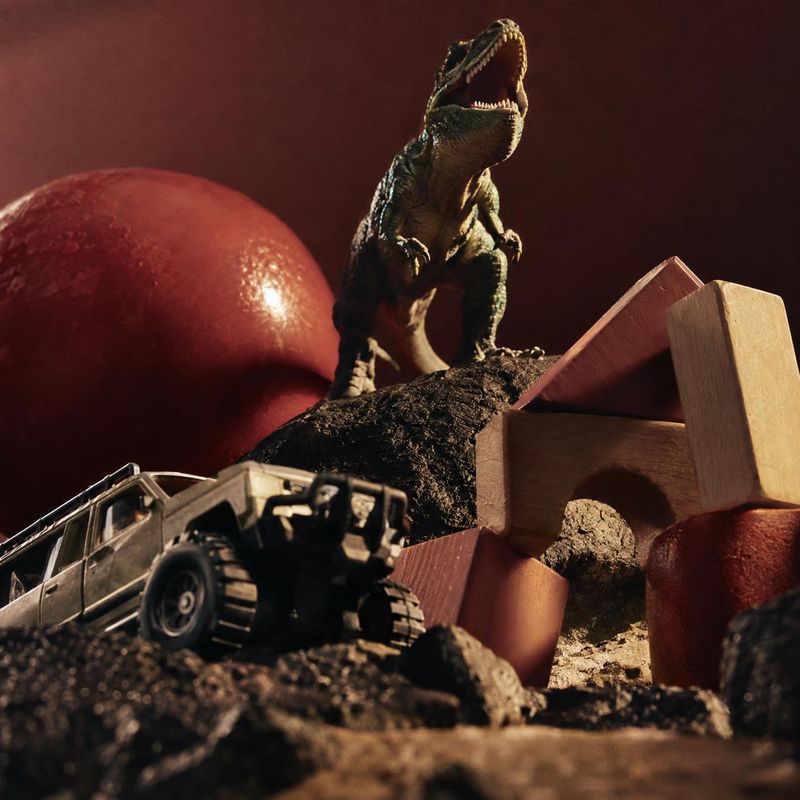
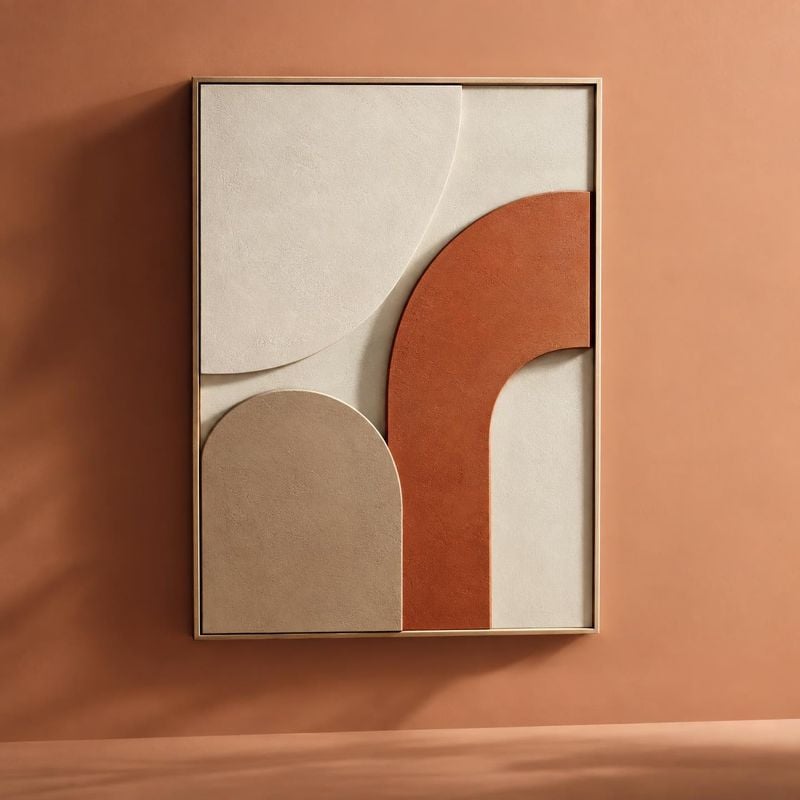
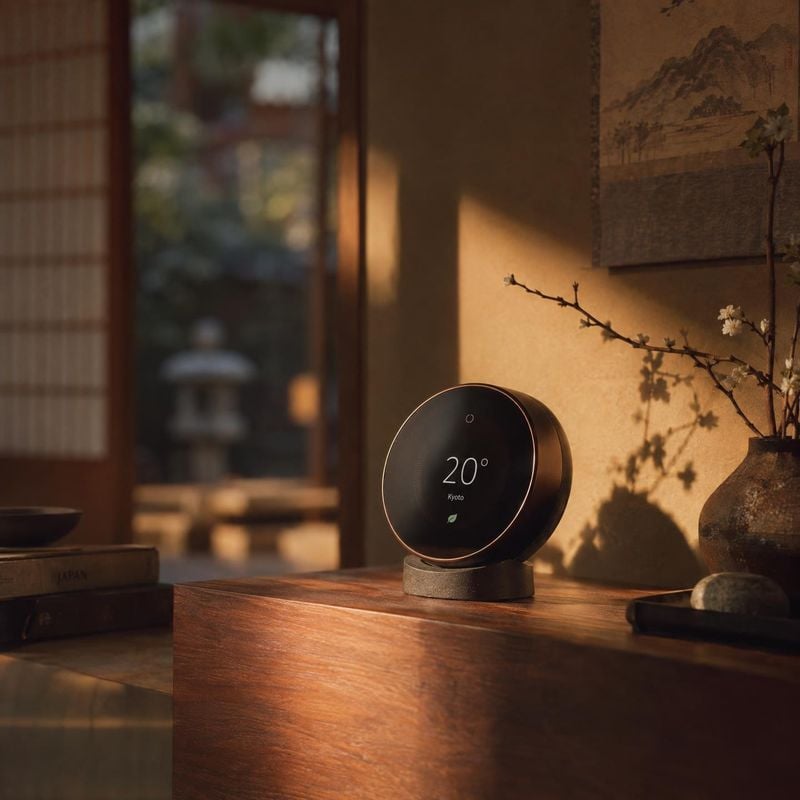
Product swap keeps the frame you chose and puts your product where the original one stood, with shadows and reflections redrawn for the new object.
Before / after
Before
After
Works on ads and photos alike
A competitor ad, a stock lifestyle photo or an older shot of your own: the composition and the light carry over, the original product, logo and copy do not.
Before / after
Before
After
Your product stays accurate
The swap is anchored to your product photo, not redrawn from a description, so the same product can be swapped into many scenes and stay consistent.
Before / after
Before
After
Common questions
Yes. Upload the photo, add a clean image of your product and ask Kive to replace the product shown. It keeps the scene and rebuilds light, shadows and contact points around your product, so the result reads as one photograph rather than a cutout.
You can use an ad as the scene. Kive keeps its composition and lighting and puts your product in place of the original one; logos, brand names and the original copy are replaced. Reusing an idea or a layout is generally fine, the original photo and copy belong to their owner, so replace them. This is general information, not legal advice.
A photo with one clear product and a simple scene swaps most faithfully. Busy collages, several products or a product held at an unusual angle are harder. For your product, a clean, evenly lit shot on a plain background works best.
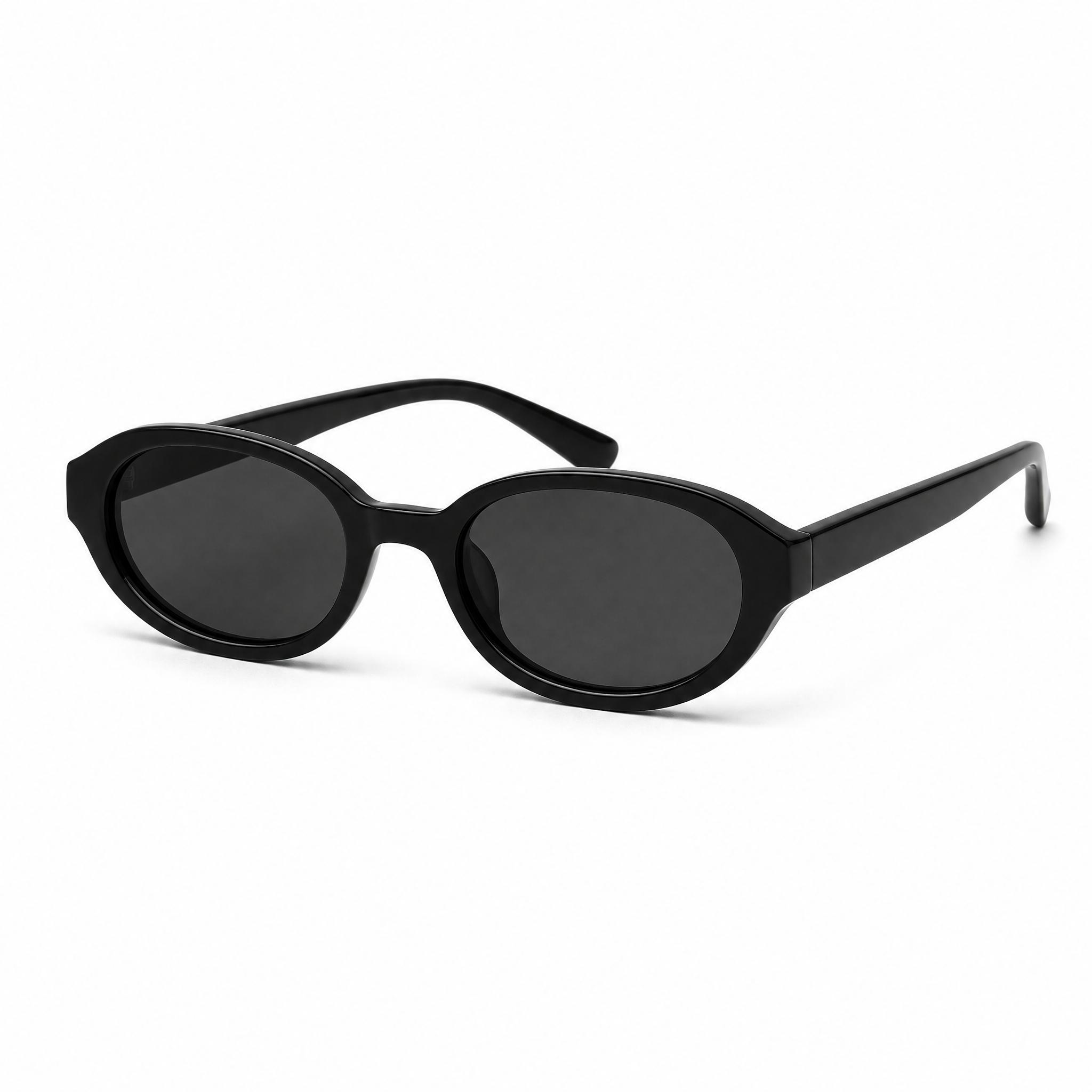
Add a sharp, evenly lit photo of your product. The swap is anchored to that photo rather than redrawn from a text description, so the label, shape and colors carry over. Zoom in on the logo and the edges before you publish, and ask for a fix if anything drifted.
Generative fill and AI replace paint whatever a text prompt describes into the area you select, so they invent the replacement. Product swap takes an image of your actual product as input and keeps it accurate, while the scene around it stays the same.
Use them as secondary images. Amazon’s main image has to show the product itself on a pure white background, so a lifestyle swap belongs later in the gallery. Check Amazon’s current image requirements for your category before you upload.
Ideas from the Kive library are royalty-free and yours to use commercially. When the starting image is someone else’s photo or ad, treat it as a reference: replace their product, logo and copy. Anything you add, such as your product, text or logo, is your responsibility. This is general information, not legal advice.
Yes. The try button opens Kive’s image generator with the prompt filled in, and an image made with your saved product costs 10 credits. The Free plan includes 40 credits once you verify your email; Basic is $40 a month for 2,000 credits.
Swap in your first product
Sign up for free, upload a photo you like and a photo of your product.