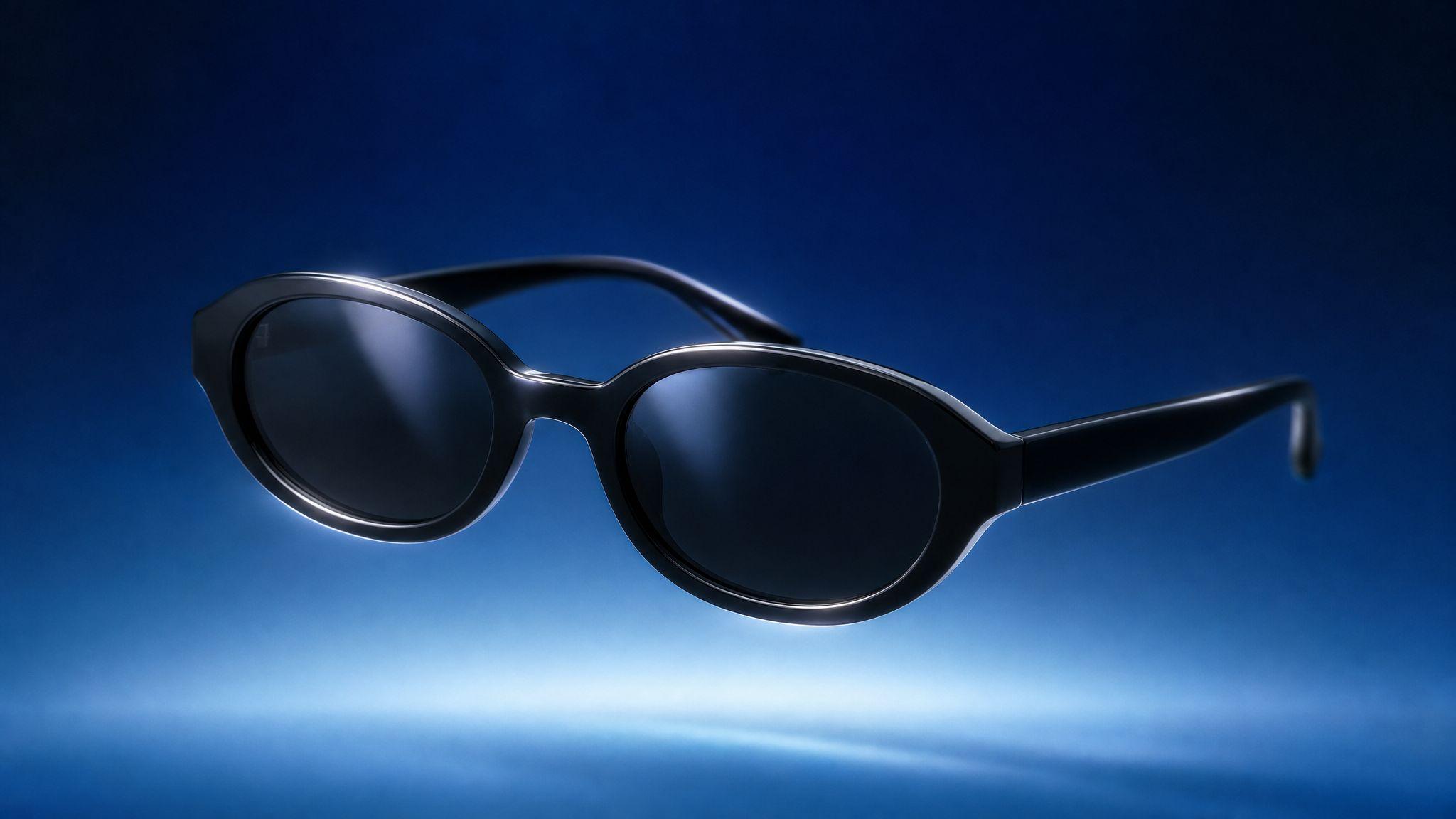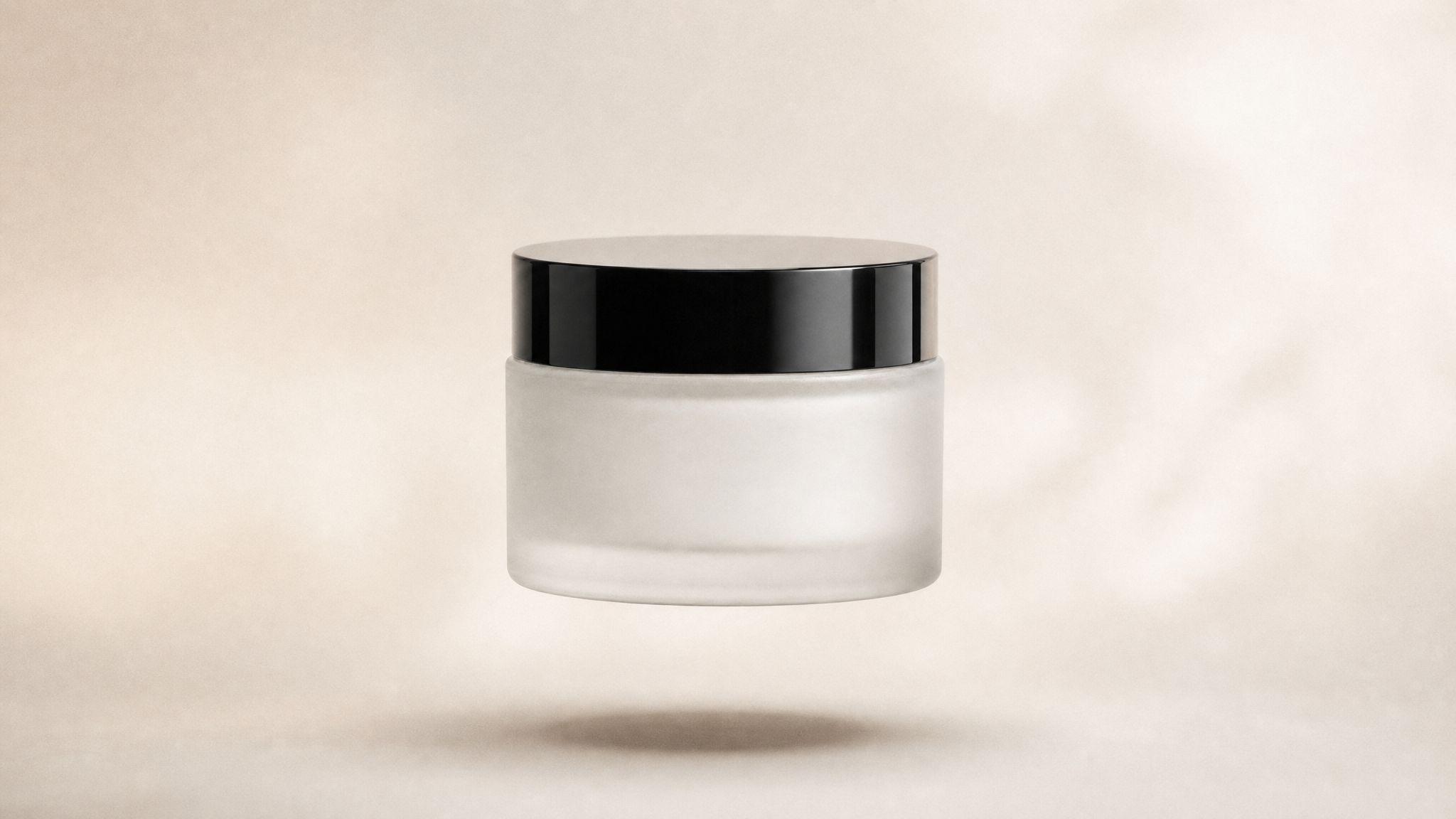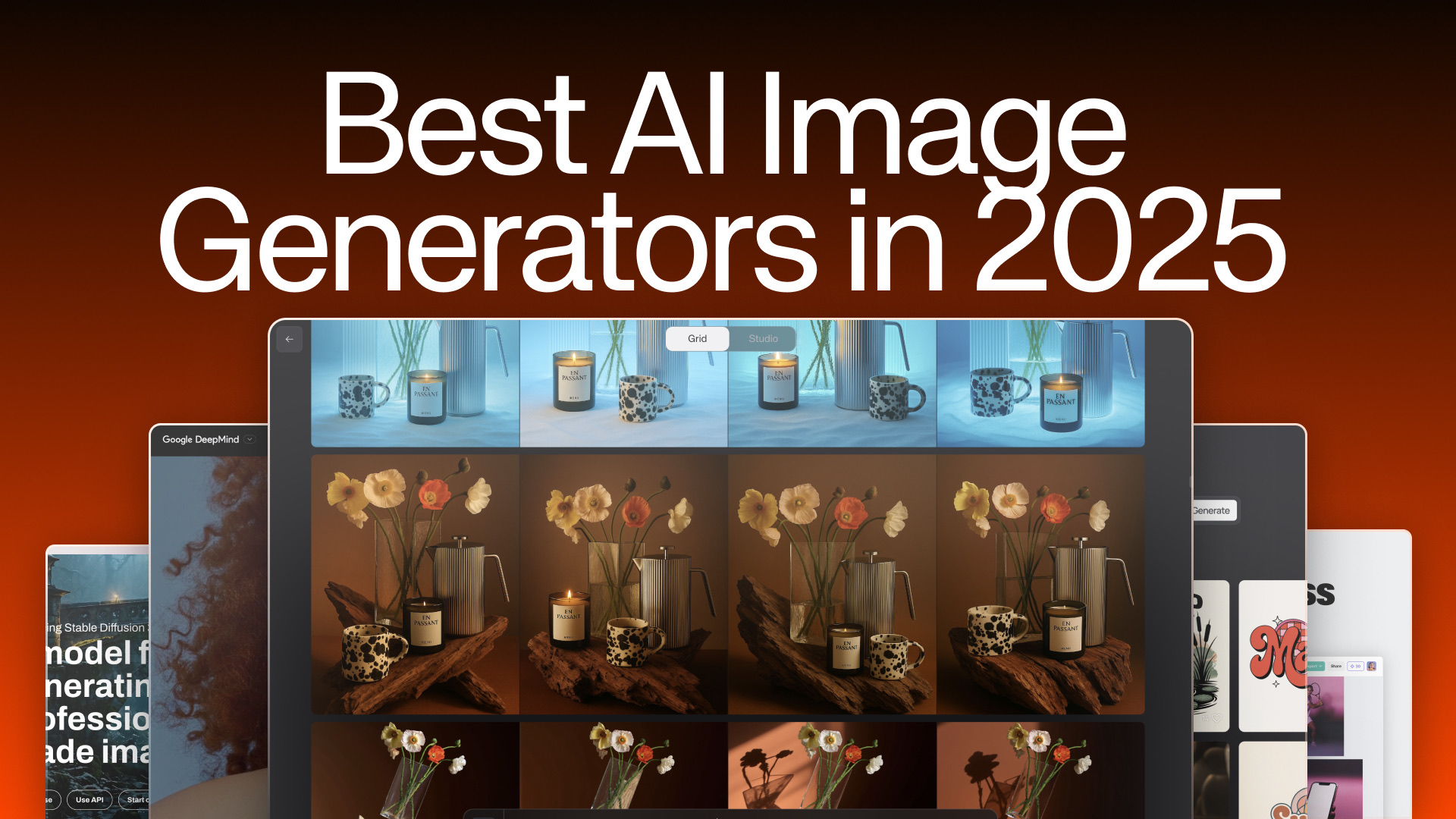

AI Studios are curated visual environments – presets that encode a specific combination of lighting, mood, camera angle, and setting – so that every image you generate inherits a consistent, professional aesthetic without writing a single line of complex prompt language. In 2026, platforms like Kive.ai offer a selection of AI Studios that creative teams can pick from to produce on-brand imagery at scale, turning what used to take a full photo production into a matter of seconds.
Table of Contents
- What Are AI Studios, Exactly?
- Studios vs. Prompts vs. Custom Models: What's the Difference?
- How Studios Encode Lighting, Mood, Camera, and Setting
- Same Product, Three Studios: A Practical Walkthrough
- When to Use Studios vs. When to Write Custom Prompts
What Are AI Studios, Exactly?
An AI Studio is a pre-configured visual preset that defines how an AI image generator renders a scene – including its lighting setup, background environment, camera framing, color grading, and overall mood. Think of it as the digital equivalent of booking a physical photo studio: the space, the lights, and the camera position are already arranged before your subject walks in.
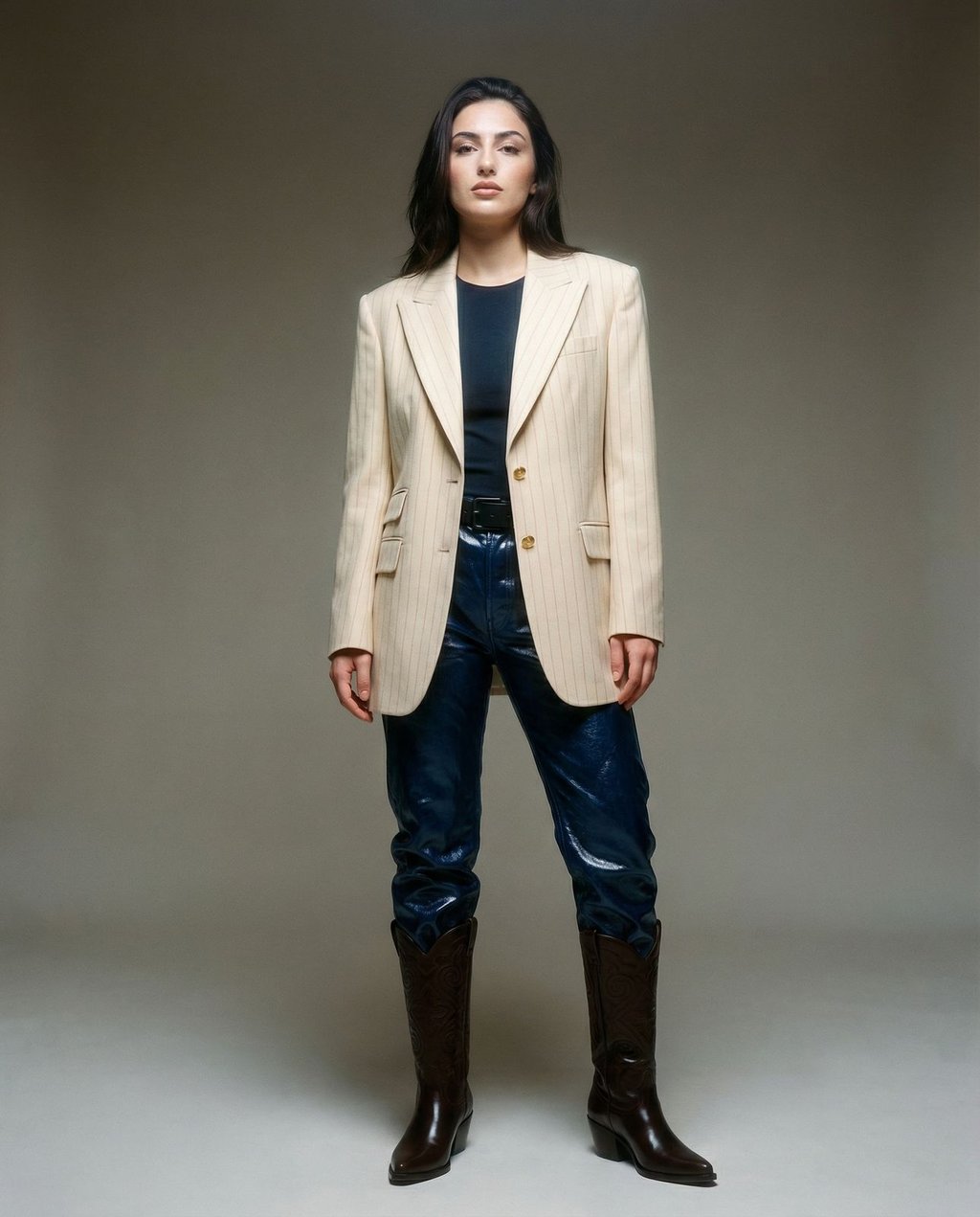
The Core Definition
Unlike a raw text prompt, which requires you to describe every visual parameter from scratch, a Studio bundles all of those parameters into a single, selectable option. When you pick a Studio, you're inheriting a carefully considered visual identity – the kind that would normally require an art director, a lighting technician, and a post-production team to replicate.
Kive's AI Studios are a curated library of these environments, covering styles that range from high-contrast editorial portraiture to clean, minimal e-commerce backdrops. Users browse the available Studios and select the one that best fits their creative direction.
Why This Matters for Creative Teams
Consistency is one of the hardest problems in AI image generation. Without a fixed framework, two prompts that seem identical can produce images with wildly different moods, color temperatures, or compositions. Studios solve this by acting as a locked visual contract:
- Lighting: The quality, direction, and color of light are pre-set (e.g., soft diffused overhead vs. dramatic side-key).
- Mood: Tone, contrast, and color grading are baked in.
- Camera: Focal length, angle, and framing conventions are encoded.
- Setting: Background type, depth, and environmental context are defined.
The result is that a team of five people using the same Studio will produce images that feel like they came from the same shoot – even if they're generating completely different subjects.
Studios vs. Prompts vs. Custom Models: What's the Difference?
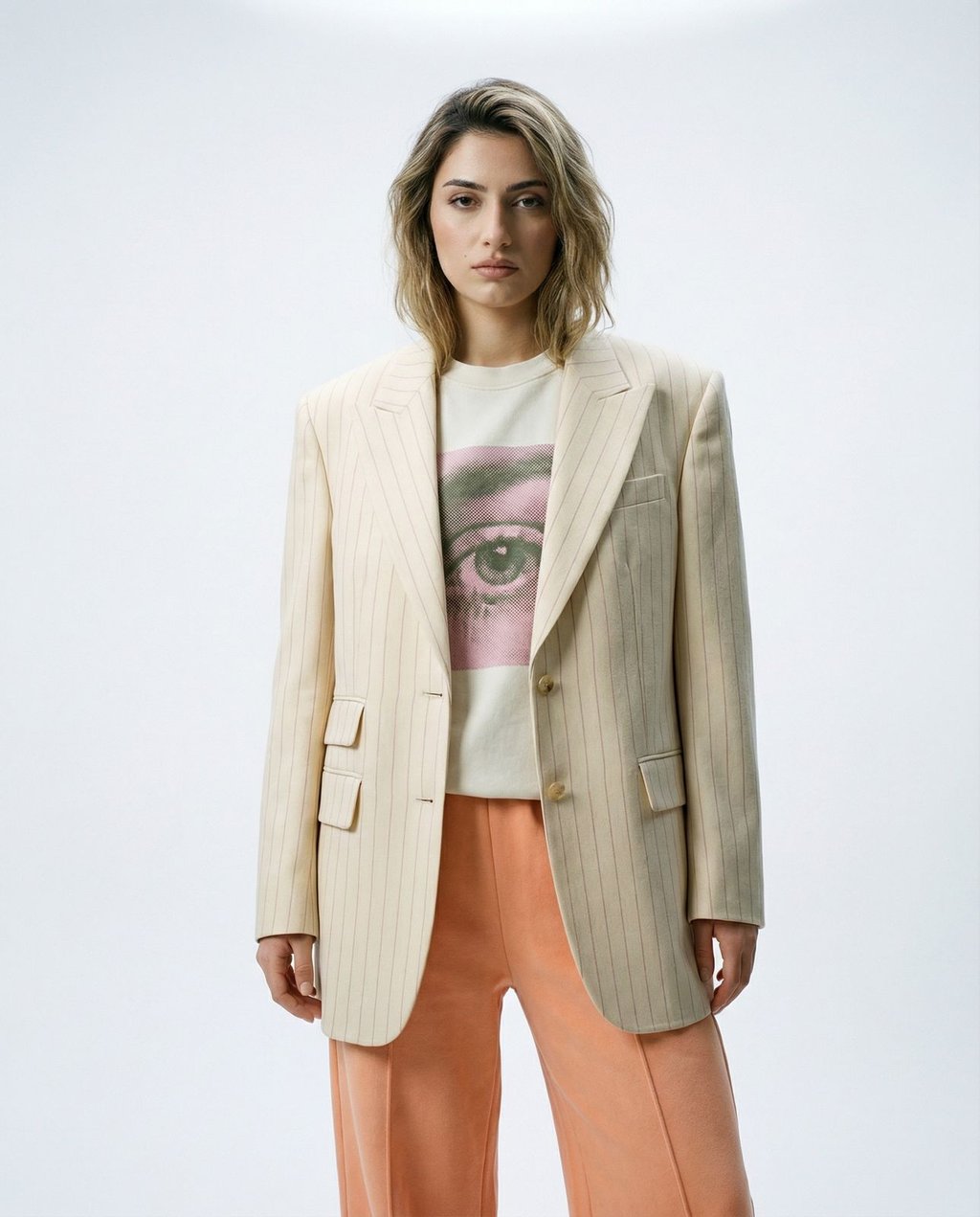
Studios, prompts, and custom-trained models are three distinct tools in an AI image workflow – and understanding when to use each one is what separates efficient creative production from trial-and-error frustration.
How They Compare
| Tool | What It Controls | Best For | Skill Level |
|---|---|---|---|
| Prompt | Subject, action, style descriptors | One-off creative exploration | Beginner–Advanced |
| Studio | Lighting, mood, camera, setting | Consistent visual identity across many images | Beginner |
| Custom Model | Subject identity (faces, products, logos) | Brand-specific subject consistency | Intermediate–Advanced |
Prompts tell the AI what to depict. Studios tell the AI how to light and frame it. Custom models tell the AI who or what the subject is. These tools are complementary, not competing.
When Prompts Alone Fall Short
Prompt engineering is powerful but fragile. Describing a lighting setup in text – "soft overhead key light with a subtle rim on the shoulders, neutral grey seamless backdrop, eye-level medium shot" – takes 20+ words and still doesn't guarantee the AI interprets it the way you intend. A Studio saves that setup, so every generation starts from the same look. Kive's docs describe the result as a consistent style, not identical outputs, so each image still gets a check.
For teams generating dozens or hundreds of images, the difference between a Studio and a free-form prompt is the difference between a consistent product catalog and a visually chaotic collection. That split – saved scenes versus prompt-by-prompt generation – is also the core divide in our Kive vs Higgsfield AI comparison and our Kive vs Photoroom comparison. To see one Studio applied to several different products, the campaign-consistency guide walks through a set. You can read more about writing effective prompts to combine with Studios for maximum control.
When to Layer All Three
The most powerful workflow combines all three tools: select a Studio for your visual environment, write a focused prompt for your subject and action, and apply a custom-trained model to lock in a specific product or character identity. This three-layer approach gives you environmental consistency, creative flexibility, and subject fidelity simultaneously.
How Studios Encode Lighting, Mood, Camera, and Setting
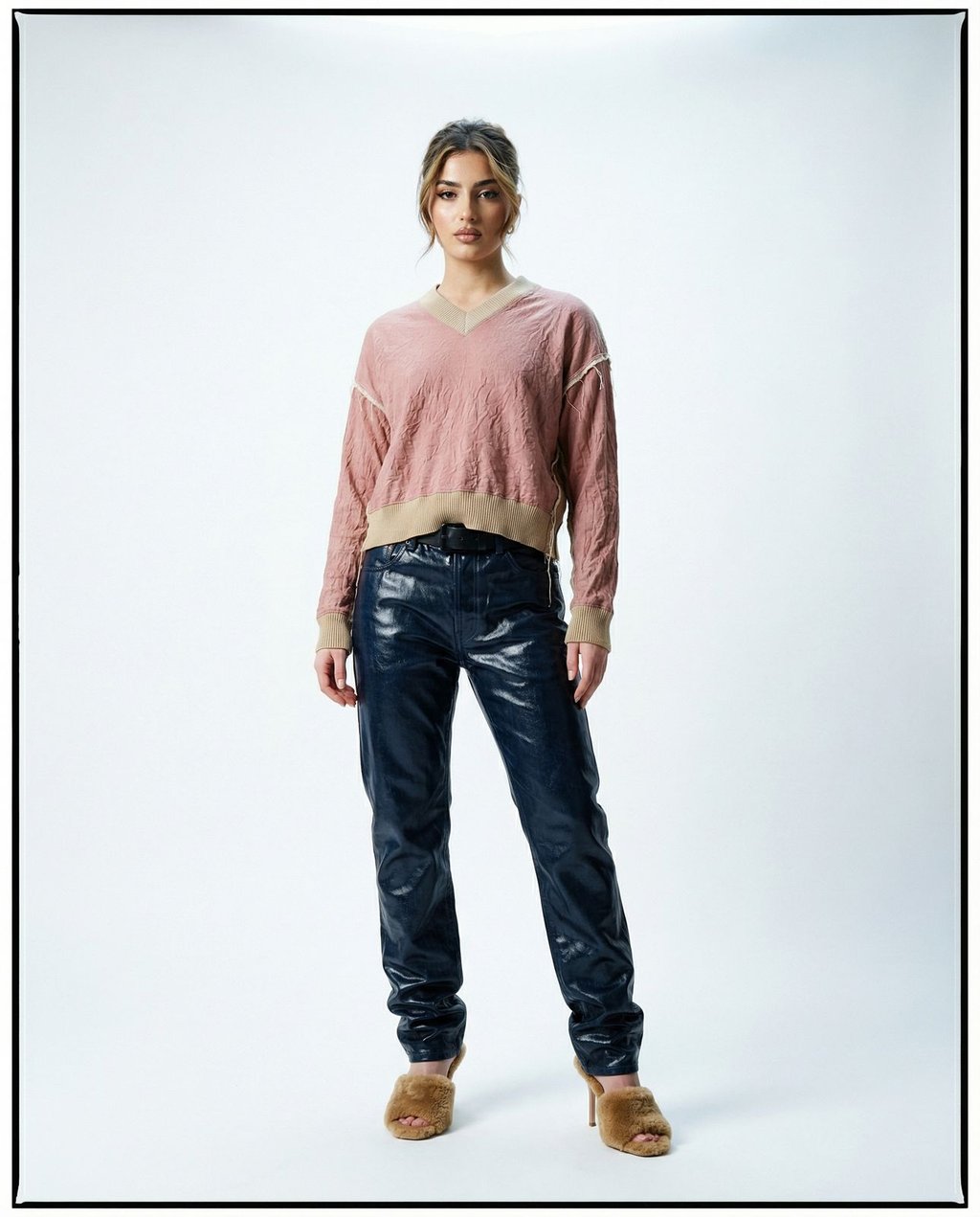
Every AI Studio is essentially a multi-dimensional visual specification that the image generation model reads before it processes your prompt. Understanding what each dimension controls helps you choose the right Studio faster and predict what your output will look like.
Lighting
Lighting is the single most impactful variable in photographic aesthetics. AI Studios encode lighting in terms of:
- Quality: Soft and diffused vs. hard and directional
- Direction: Overhead, side-key, front-fill, or backlit rim
- Color temperature: Warm tungsten, neutral daylight, or cool blue
- Contrast ratio: The difference between the lightest and darkest areas of the frame
A Studio described as "cinematic editorial" might encode dramatic overhead lighting with a 4:1 contrast ratio, while a "clean e-commerce" Studio encodes bright, even front-fill with near-zero shadow depth.
Mood and Color Grading
Mood in a Studio context refers to the overall emotional register of the image – empowered and sophisticated, playful and saturated, or minimal and clinical. This is achieved through color grading parameters: saturation levels, shadow tint, highlight rolloff, and film-grain simulation. Selecting the right mood ensures your generated images feel emotionally consistent with your brand voice.
Camera Angle and Framing
Studios also encode camera conventions: focal length (which affects perspective distortion and background compression), shooting distance (close-up, medium, full-body), and angle (eye-level, slightly elevated, low). These parameters directly affect how authoritative or approachable a subject appears in the final image.
Setting and Background
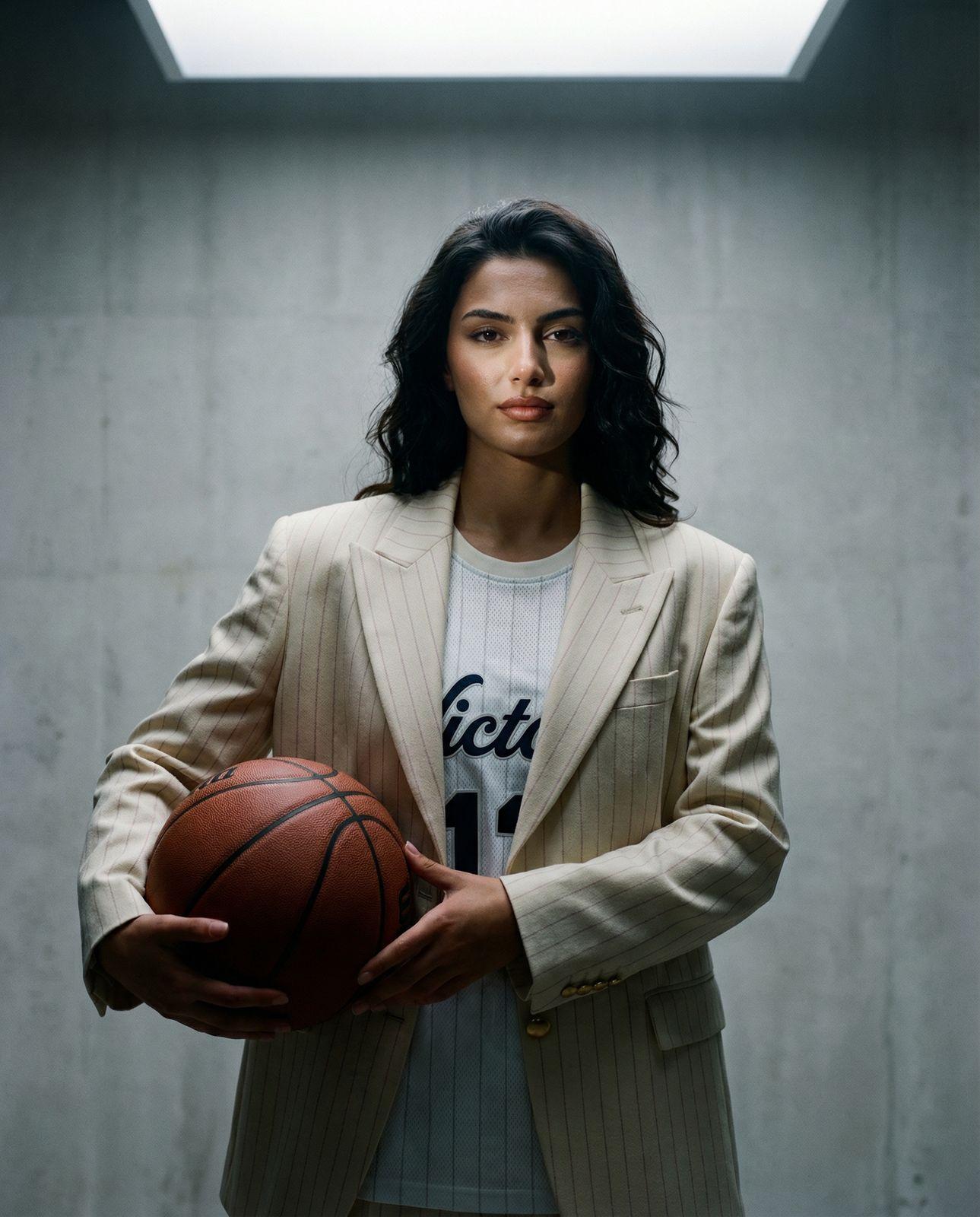
The environmental context – a seamless grey studio backdrop, a textured concrete wall with a skylight, an outdoor urban location – is part of the Studio specification. This is critical when comparing AI tools for product photography and planning fashion campaigns where the background must complement the subject without competing with it.
Same Product, Three Studios: A Practical Walkthrough
The fastest way to understand what AI Studios actually do is to see the same subject rendered through different ones. Here's a real-world example: a fashion brand generating imagery for an athletic-wear collection.
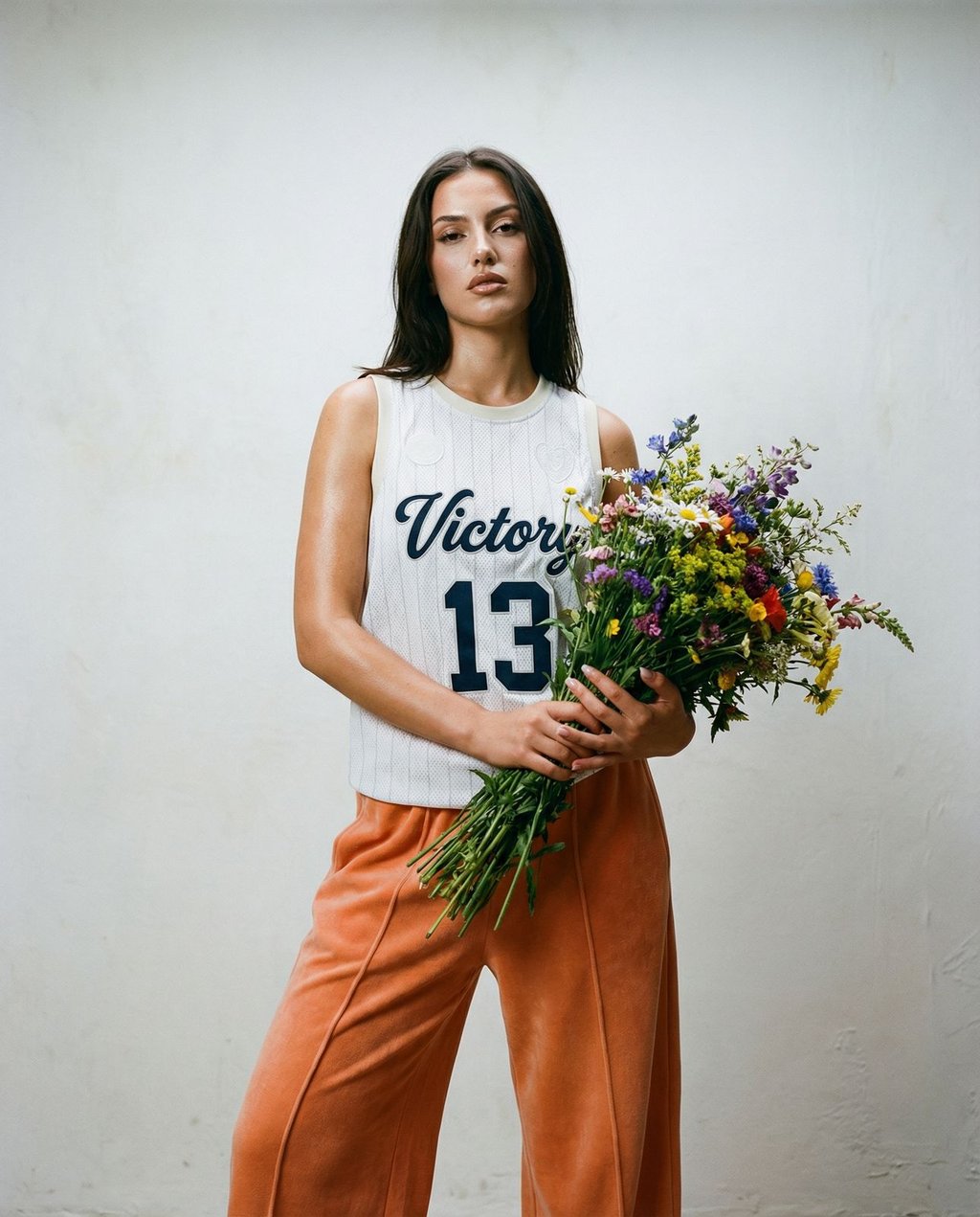
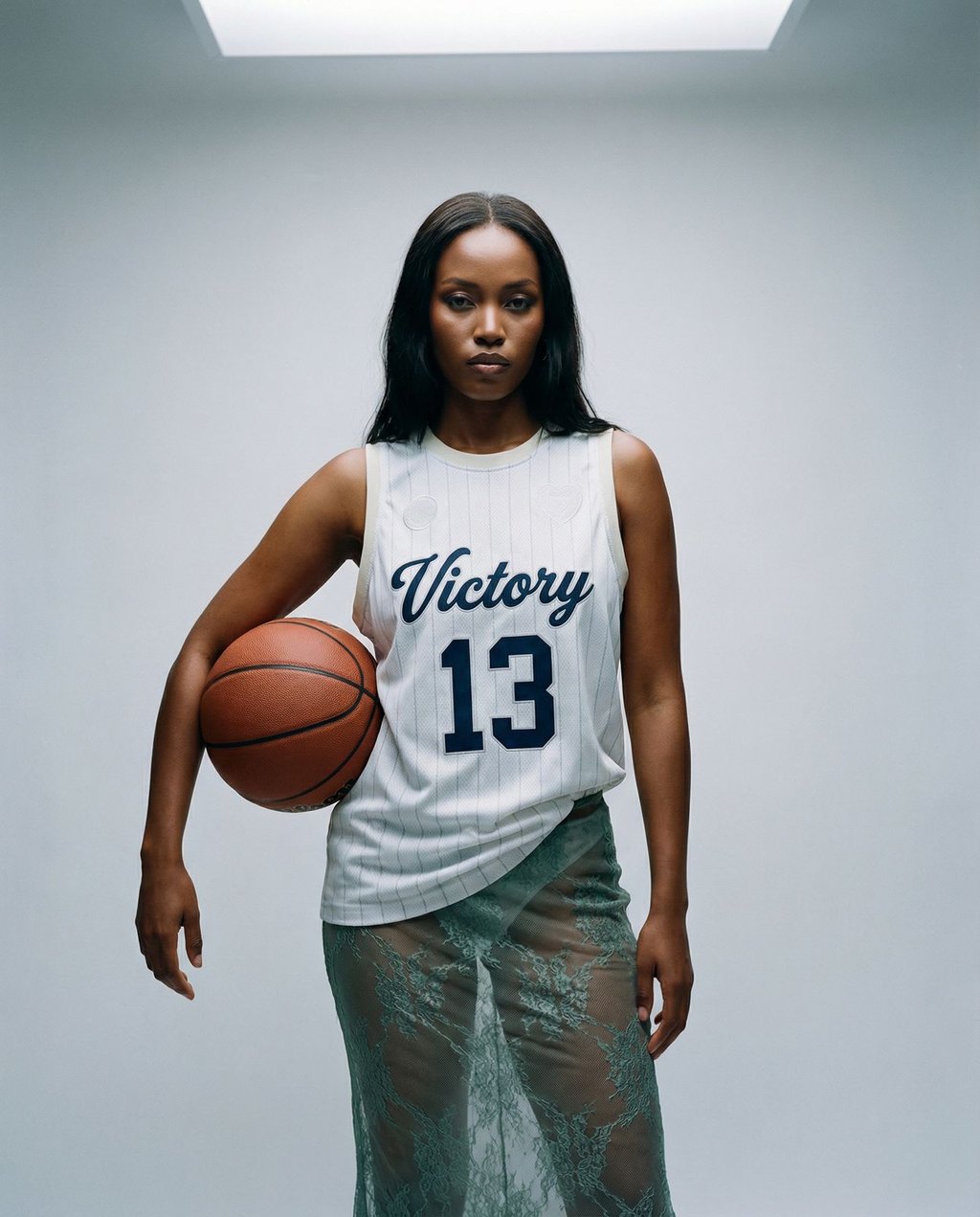
Studio 1 – Editorial Portrait (High Contrast, Cinematic)
With a cinematic editorial Studio selected, the AI generates a medium shot with dramatic overhead lighting, a 4:1 contrast ratio, and a textured concrete backdrop with an architectural skylight. The mood is empowered and sophisticated. The same jersey that looked casual in a phone snapshot now reads as a high-fashion editorial piece. This Studio is ideal for campaign hero images, lookbooks, and press materials – see our guide to AI lookbook and campaign imagery tools for the full lookbook-to-campaign workflow.
Studio 2 – Clean Studio (Soft Diffused, Minimalist)
Switching to a clean studio preset, the same garment is now rendered against a seamless light-grey backdrop with soft, even overhead lighting that eliminates harsh shadows. The mood is professional and precise. Texture details – stitching, fabric weave, the number print – are all legible and accurate. This Studio is the right choice for e-commerce product pages and size-guide imagery.
Studio 3 – Fashion Editorial (Filmic, High-Detail)
A filmic fashion Studio introduces a slight warm color grade, a full-body composition, and a seamless white background with subtle floor shadow. The mood shifts to sophisticated and poised. The longer focal length compresses the background and flatters the subject's proportions. This Studio suits social media content, editorial spreads, and brand campaign assets.
What This Demonstrates
The subject – the athlete, the jersey, the basketball – didn't change between these three outputs. The Studio did. That's the power of the preset: the same AI image generation request produces three meaningfully different, professionally rendered images simply by changing the Studio selection. Browse the full range of available Studios on Kive's Studio Presets page.
When to Use Studios vs. When to Write Custom Prompts
Studios and custom prompts aren't mutually exclusive – but each has situations where it clearly outperforms the other. Knowing which tool to reach for first saves significant generation time and credit spend.
Use a Studio When…
- You need visual consistency across a batch of images (e.g., a 20-image product catalog)
- You're working with a team and need everyone's outputs to feel on-brand
- You want professional-quality lighting and composition without learning prompt engineering
- You're generating images for a specific content format (e-commerce, editorial, social media) with established visual conventions
- You want a reliable starting point you can refine with a focused subject prompt
Write Custom Prompts When…
- You're exploring a new creative direction with no established visual reference – in that case, start by making a mood board with AI to define one
- You need a highly specific, unusual combination of elements that no single Studio covers
- You're experimenting with abstract or conceptual imagery where visual rules are meant to be broken
- You're iterating rapidly on a single concept and want to explore maximum variety
The Hybrid Approach (Recommended for Production)
For most professional creative workflows, the optimal approach is: Studio first, prompt second. Select the Studio that matches your intended environment and mood, then write a tight, subject-focused prompt that describes only what the Studio doesn't already define. This keeps your prompts short, your outputs consistent, and your generation process fast.
For example: Studio = Clean Editorial → Prompt = "White athletic jersey, female model, eye-level, holding basketball". The Studio handles the rest.
If you're also working on video content, Kive's image-to-video tool can animate your Studio-generated stills – a powerful next step for social content. You can also explore AI video generators to understand the broader landscape.
AI Studios represent a fundamental shift in how creative teams approach image generation – away from the blank-page anxiety of prompt engineering and toward a structured, curated selection of professional visual environments. By encoding lighting, mood, camera angle, and setting into a single selectable preset, Studios make it possible for anyone on a team to generate on-brand, production-ready imagery without needing to be a prompt engineer or an art director.
The practical implication is significant: brands that previously needed to coordinate photographers, studios, and post-production pipelines for every campaign can now generate consistent, high-quality visual assets by selecting the right Studio and writing a focused subject prompt. That's not a marginal efficiency gain – it's a structural change in how visual content gets made.
For creative professionals evaluating AI image tools in 2026, Studios should be a key criterion. The breadth and quality of a platform's curated Studio library determines how quickly you can move from brief to final asset – and how consistently your outputs will reflect your brand's visual identity across every piece of content you produce.
If you are weighing a preset workspace against shooting it yourself, DIY vs AI studio product photography compares the window-and-foam-board method against a saved scene.
Studios apply well beyond apparel and cosmetics. AI furniture and home decor product photography covers the scale and material problems specific to large pieces.