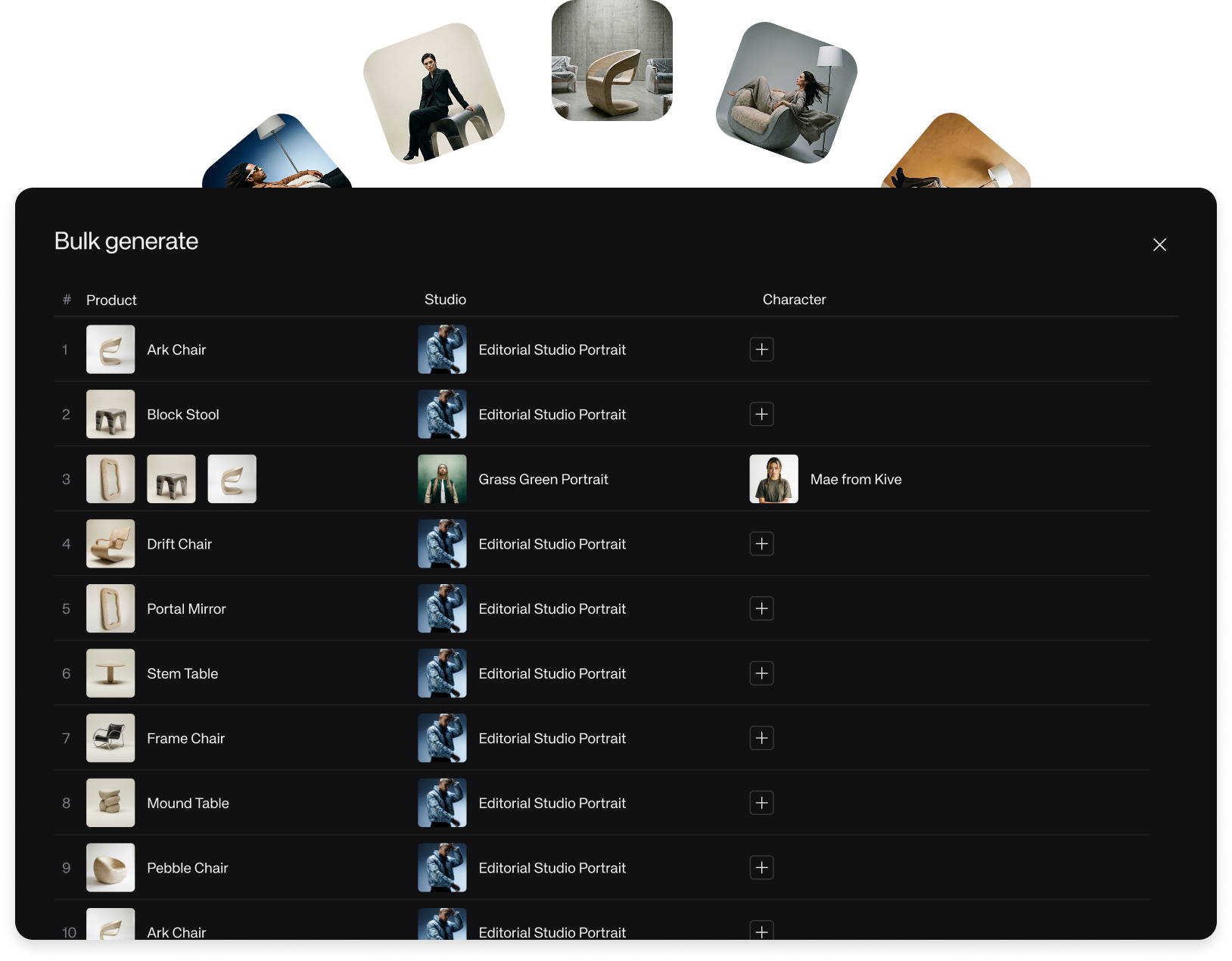
Start with a working setup
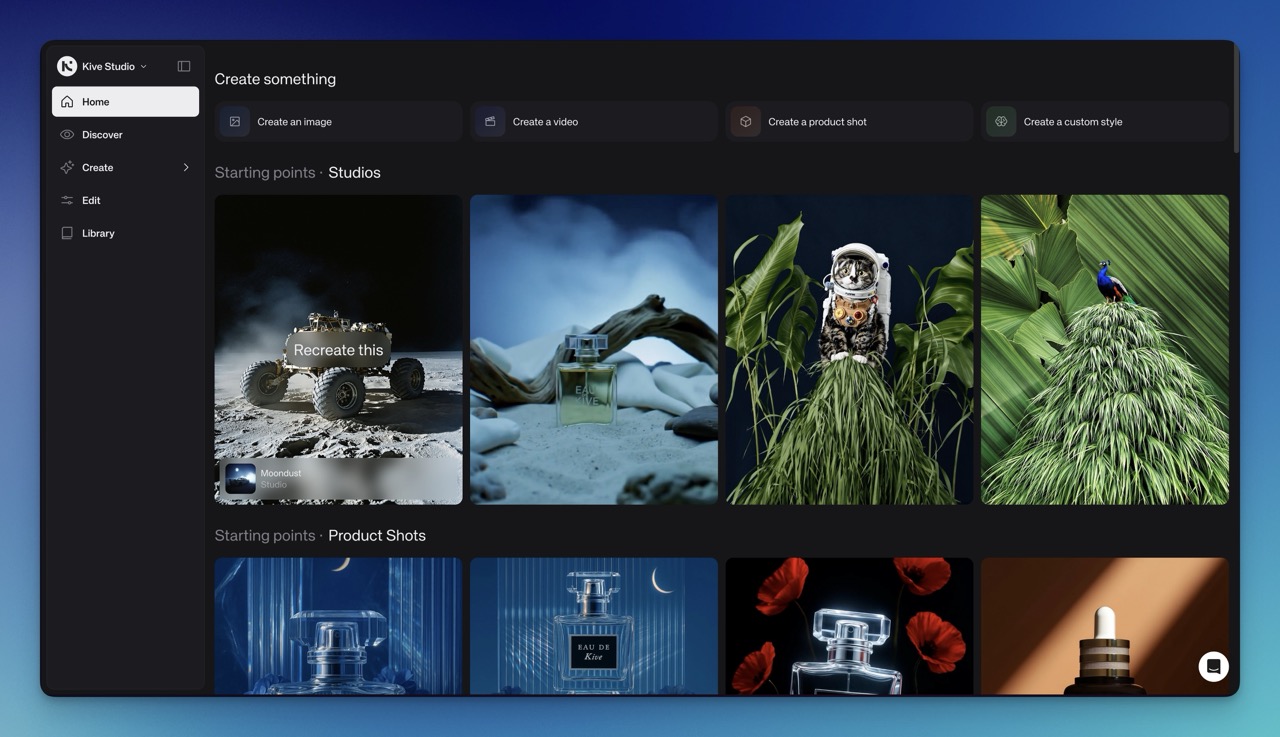
Starting Points make Home a more practical launch surface, helping teams begin from working setups, examples, and curated directions.
The blank first step
The hardest part of making something in Kive is often the first move. You may know the result you want, but still need to choose a tool, understand the setup, and decide how to shape the output.
Starting Points reduce that blank step. They give you a working setup for a specific kind of result, then leave room for you to swap the subject, product, or direction.
How to use them
Start in Home and choose a Starting Point that is close to the job. Treat it as a draft workflow, not a template you have to keep. Replace the product, adjust the prompt, change the Studio, and generate from there.
The tradeoff is that a starting point carries assumptions. If the result feels too close to the example, change one variable at a time so you can see which part is shaping the output.