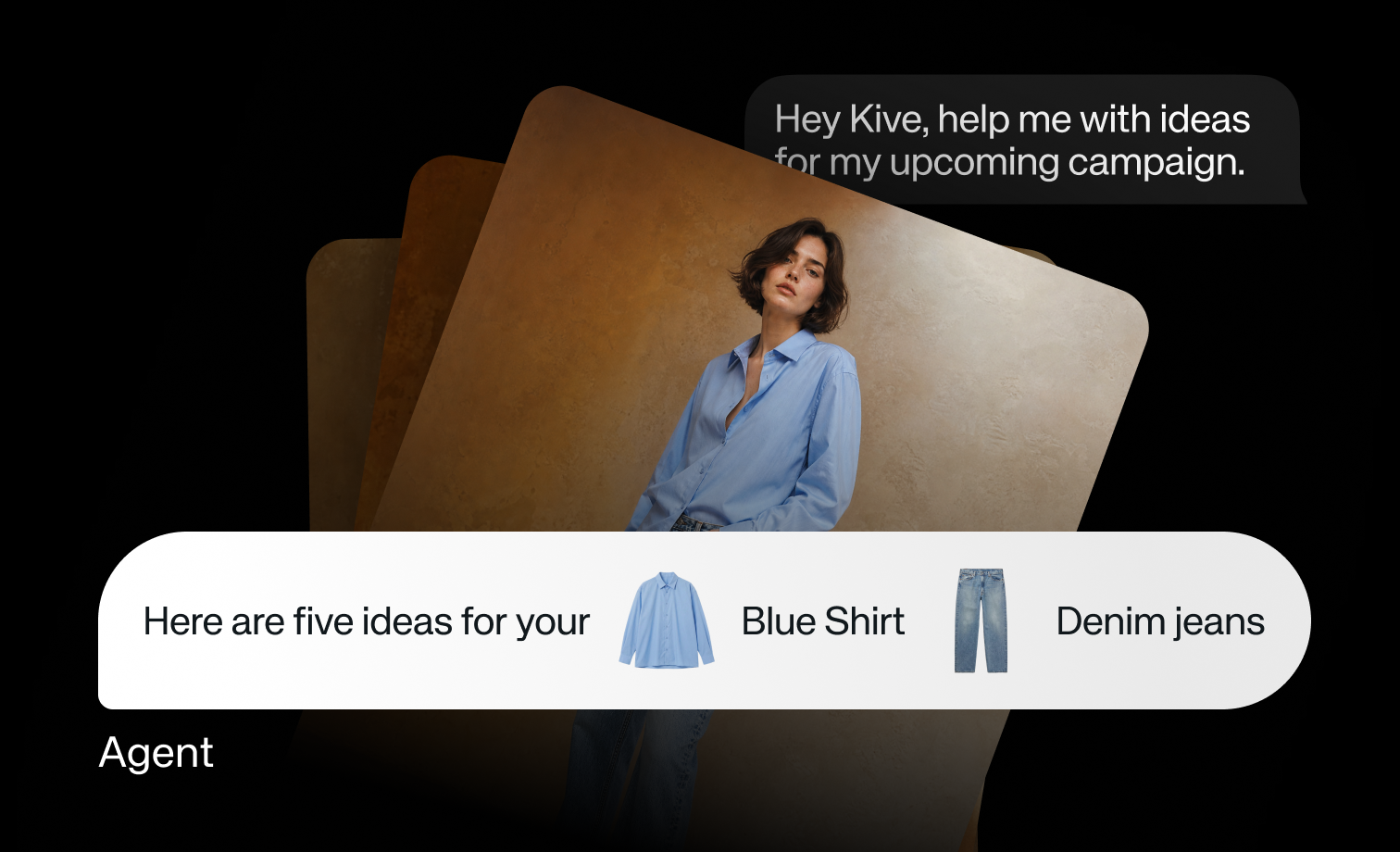
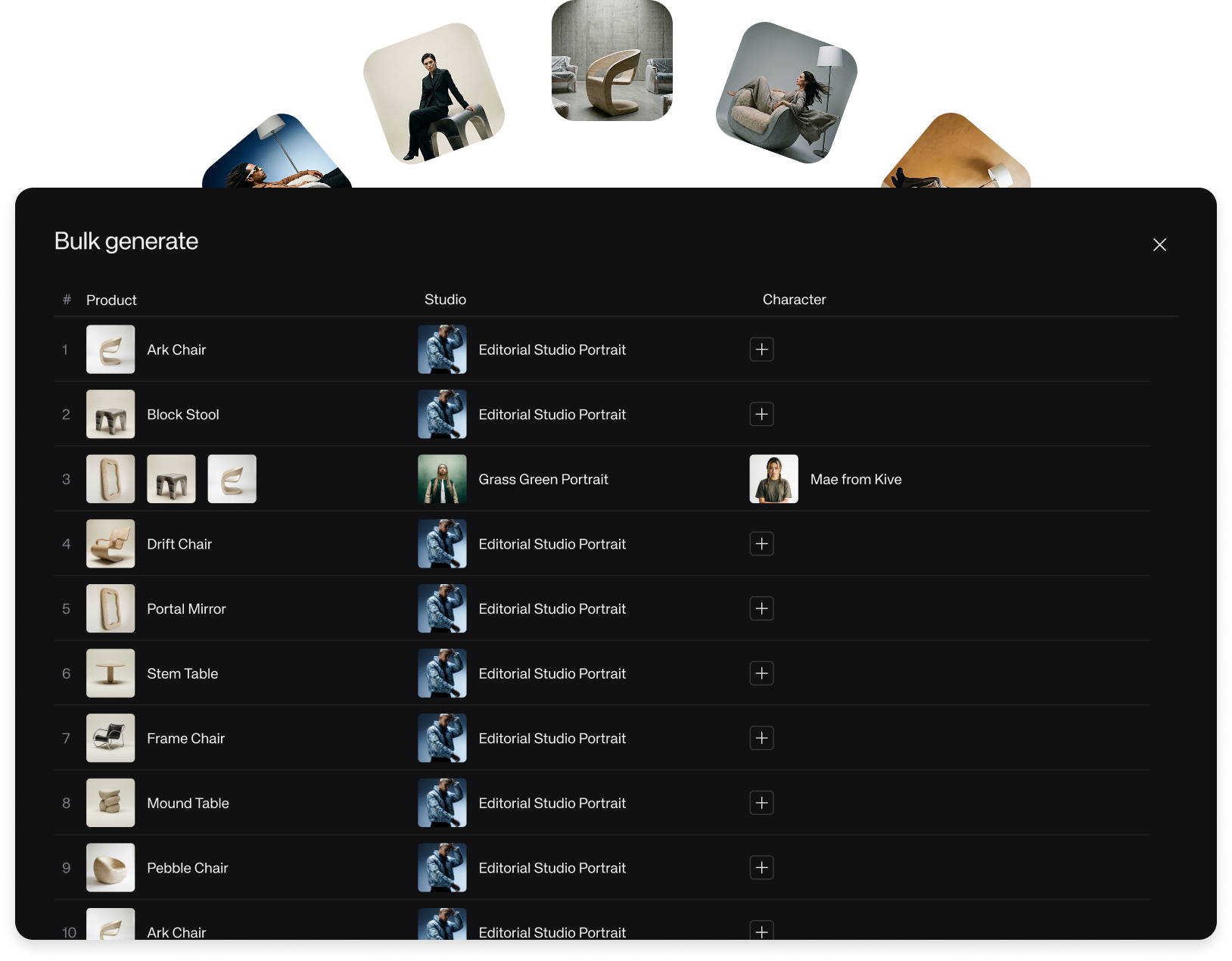
Introducing Chat mode
Chat mode lets teams create and edit through conversation, with quick tweaks, multi-step workflows, parallel tasks, and background work.
Chat mode
Creative work rarely ends with the first generation. You make a change, look again, adjust the direction, and decide what should happen next. Chat mode brings that loop directly into Kive.
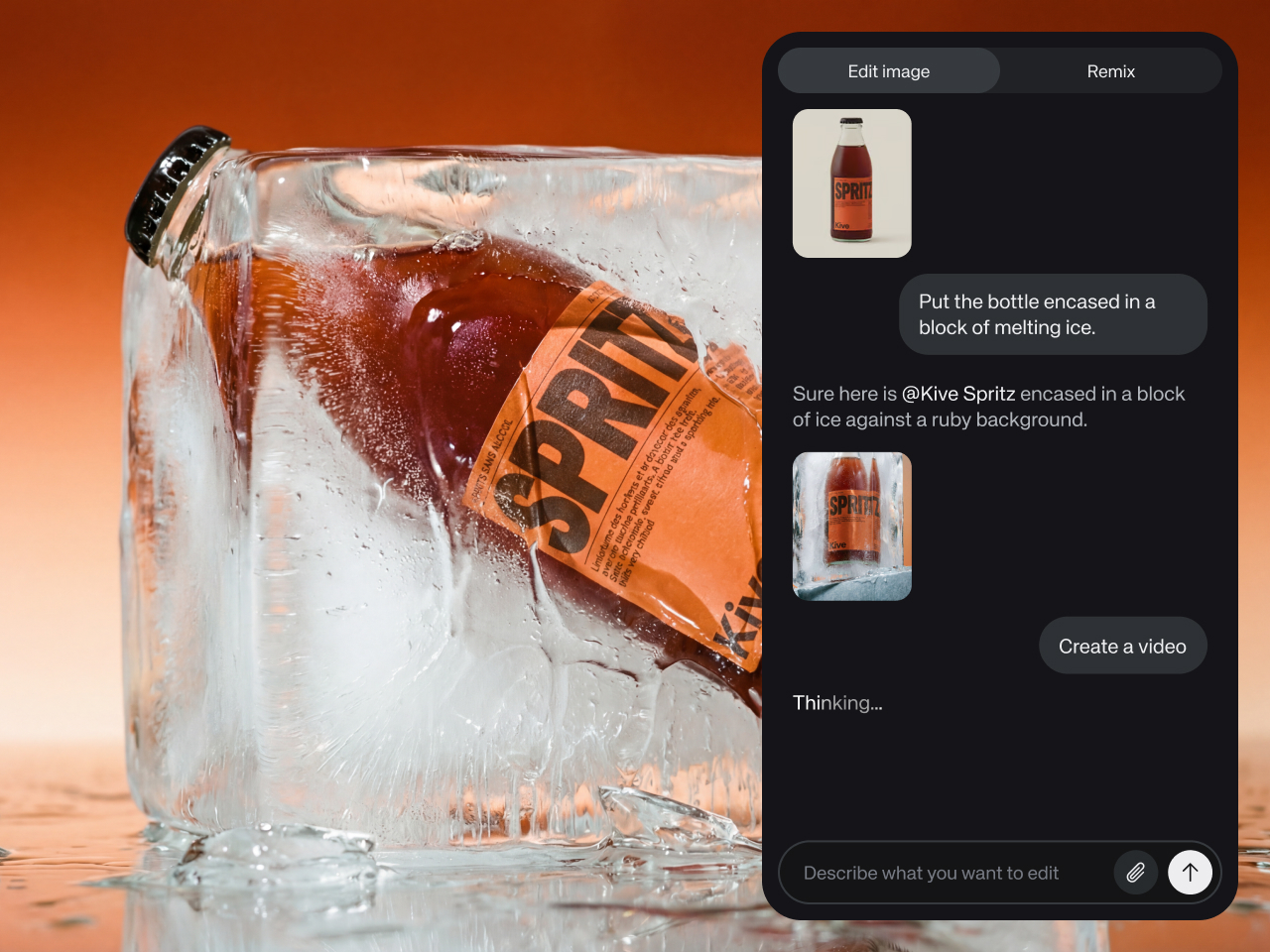
Open an image generation and use the chat on the right. From there, you can ask for a small change, set up a sequence of edits, or start longer work while you keep moving elsewhere.
What you can do
- Make quick tweaks, such as turning a shot into a close-up or removing an unwanted object.
- Create outfit variations by replacing a jacket with a saved model.
- Run multi-step workflows, such as generating different angles and then creating videos between those angles.
- Let parallel tasks run in the background while you work on something else.
- Set up sequential tasks so a series of edits can run automatically.
The tradeoff is that a conversation can wander if the goal is vague. Chat works best when each instruction is specific enough to inspect: one edit, one new angle, one variant, or one next step.