Introducing Creative Agent (Beta)
Give Kive a creative task and work through it in one place. The agent brainstorms with you, sequences multi-step work, and creates visuals grounded in your products and your brand.
A new way to work with Kive
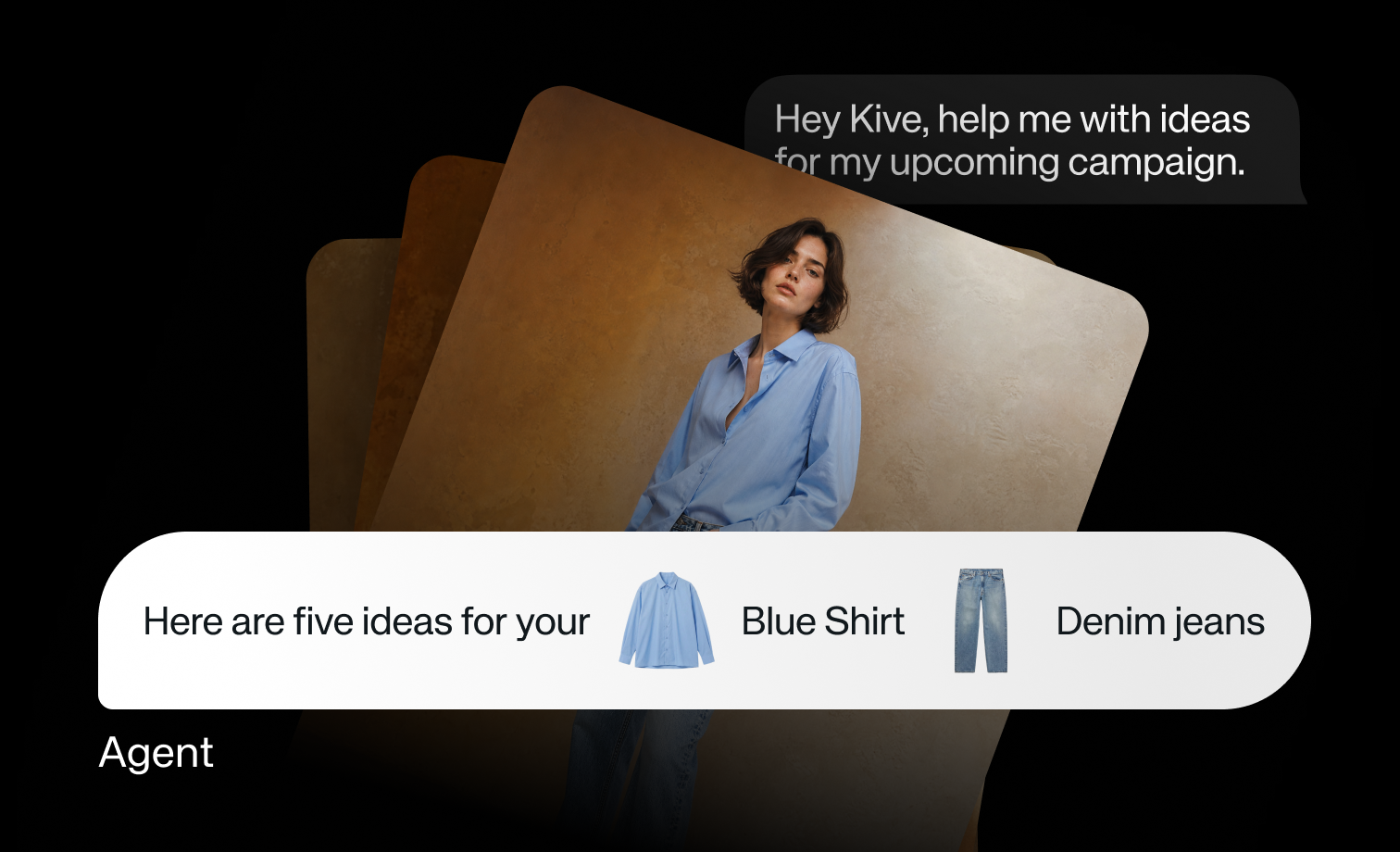
Creative Agent starts rolling out in beta today. It is the biggest change to how you work with Kive so far: until now you drove each tool yourself, picked the settings, and wrote a precise prompt. Now you talk with an agent that creates alongside you. It brainstorms with you, sequences multi-step work, creates in bulk, and pulls in the right context so you spend less time clicking through the app. One way of putting it: an AI creative director.
We built it because creativity should not feel like work. The tools we use for creativity should get out of the way, and the agent is exactly that: it uses the tools for you, so you can stay in the flow. Especially if you run a small brand or store and want to punch above your weight, this is for you.
It already knows your products and your taste
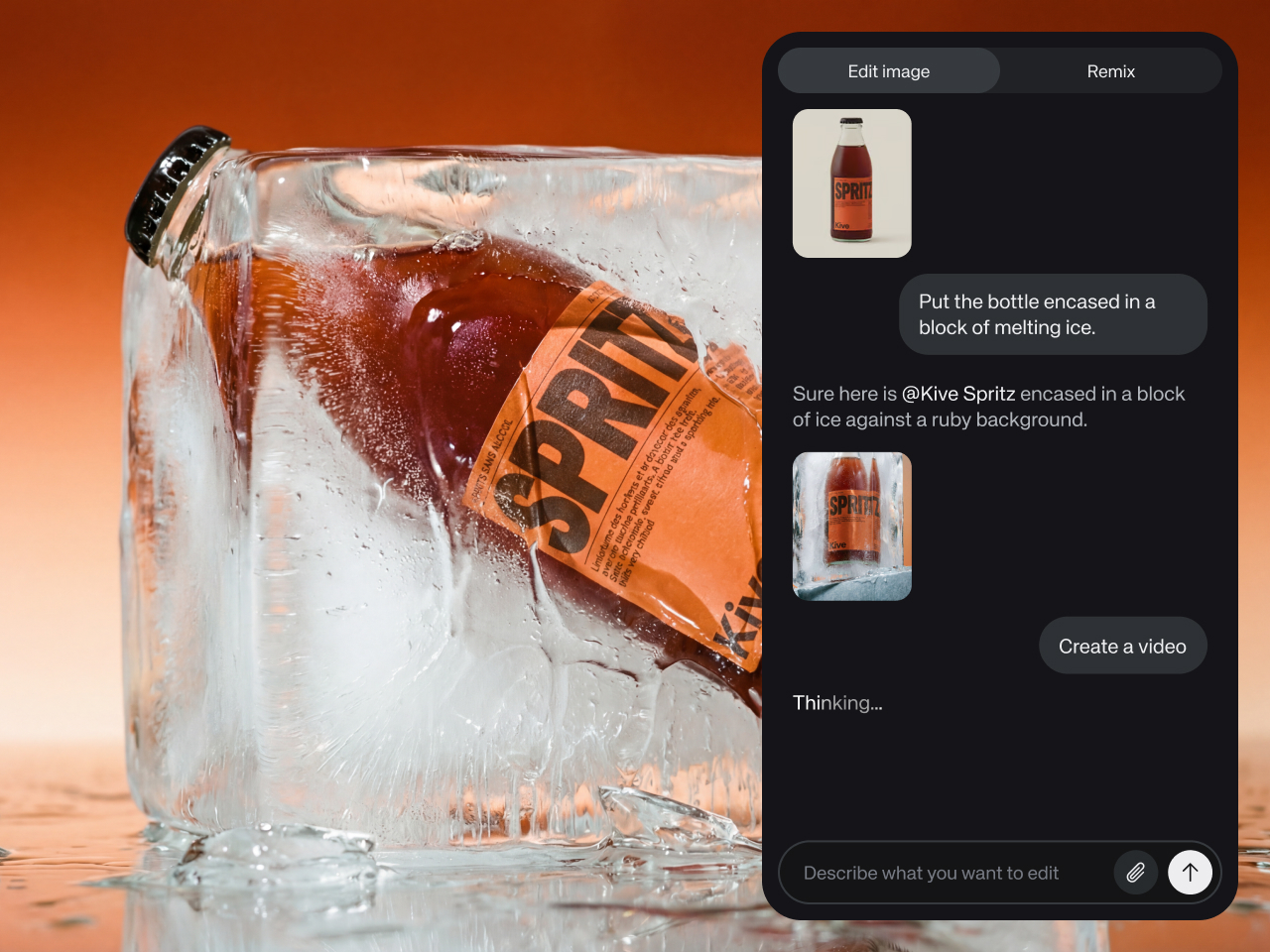
Since your products already live in Kive, the agent can work with them directly. Mention a product and it finds it, no re-uploading images, no re-explaining what you sell. And if something is missing from your catalog, paste a product page URL and ask the agent to bring it in, images and all.
The same goes for your style presets. The agent knows them, and it learns your preferences the more you use Kive: what works for your brand and what works for your products. When you ask for something, it reaches for the looks you already trust. Put simply, the agent has taste. Your taste.
From a loose idea to finished work
You do not need to arrive with a finished idea. Ask "how would my brand do this?" and keep bouncing until something clicks. State requirements in plain language: "make this the best possible quality," "keep it five seconds long," "this character needs to read this script," and the agent helps you get there.
When you want to explore first, it fans out. Try "use draft mode to create images for this product, but with twenty different ideas." The agent comes up with the ideas, drafts a quick image for each, and shows them back so you can see what each direction would look and feel like. Then pick one and take it all the way: full quality, right format, ready to use.
Hand off the long tasks
The agent also lets you take on more ambitious work: long chains of tasks that would have taken many hours to do by hand. You start it on a task and it keeps working until it is done. For example:
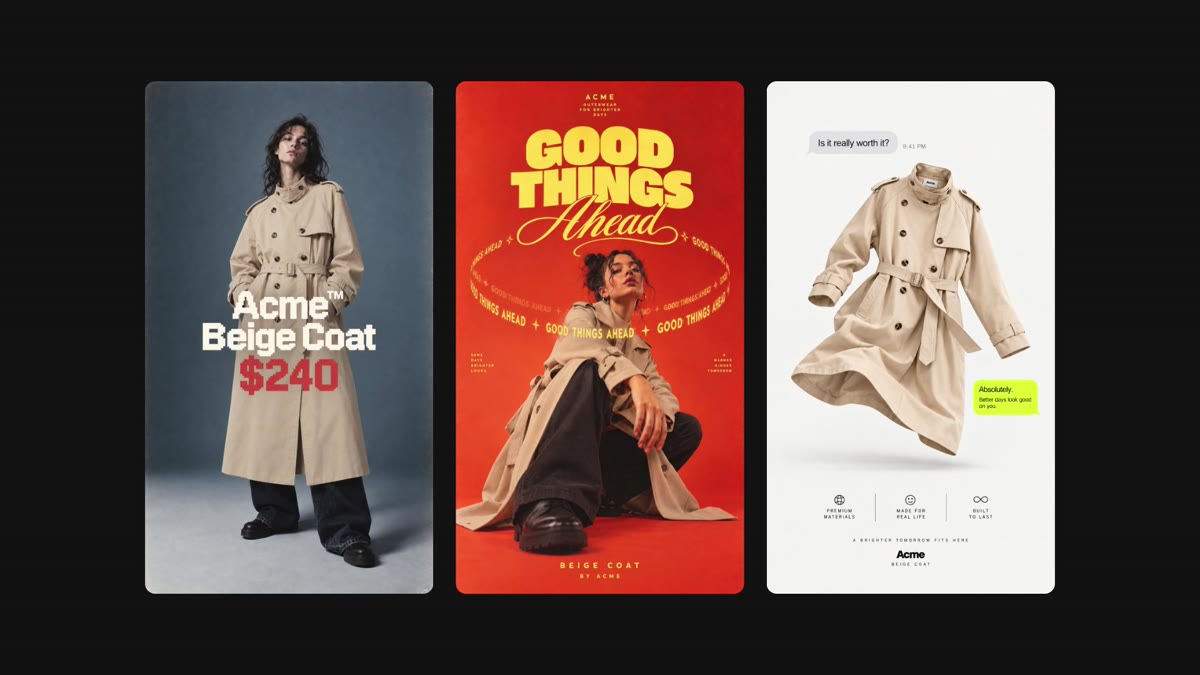
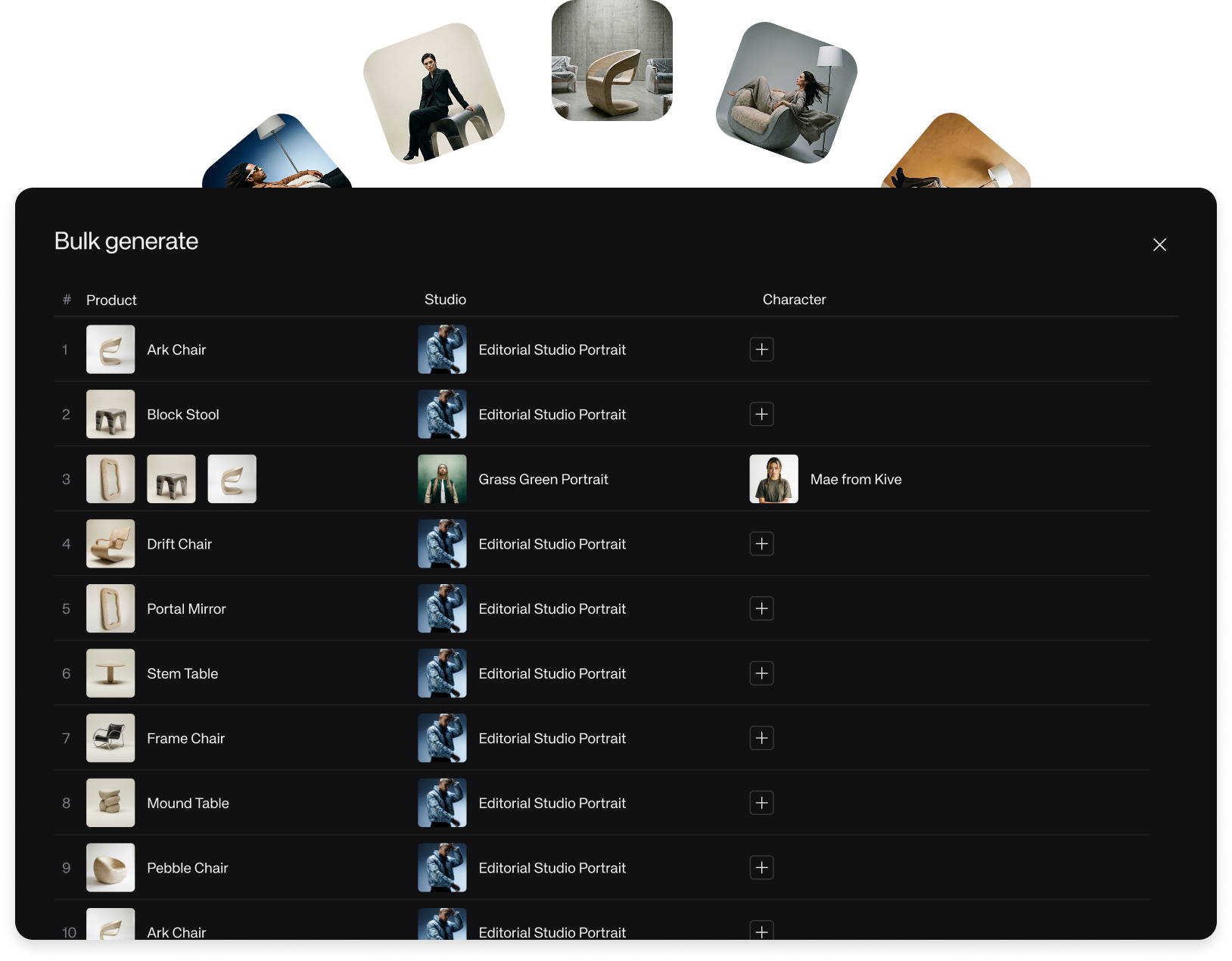
- Get the new products from my store that are not in Kive yet, add them to my catalog, then find a studio that fits springtime and generate fresh visuals for the whole catalog.
- Then create some fifteen-second story-format video ads for my top-selling products that I can use on Meta.
- I need an avatar to promote this product. Give me some ideas, then have that character promote my top product, create the videos, and add everything to a board I can share for approval.
Bulk work scales with you, up to 200 images in a single run. The agent checks with you before it runs a job, so you always know what is about to happen. And every session is saved, so you can step away and pick a task back up later.
How to try it
Creative Agent is in beta and rolling out gradually to eligible workspaces. If your workspace is in the beta, you will see Agent with a Beta badge in the sidebar, on desktop and on mobile.
- Open Agent from the sidebar.
- Take the short "Learn the basics" tour, or just start typing what you want to create.
- Attach products, characters, and studios with @ as you go.
If you do not see Agent in your workspace yet, the beta has not reached you. The Create flow you know keeps working exactly as before, and we are expanding access as the beta progresses.