AI Product Shots for Fashion
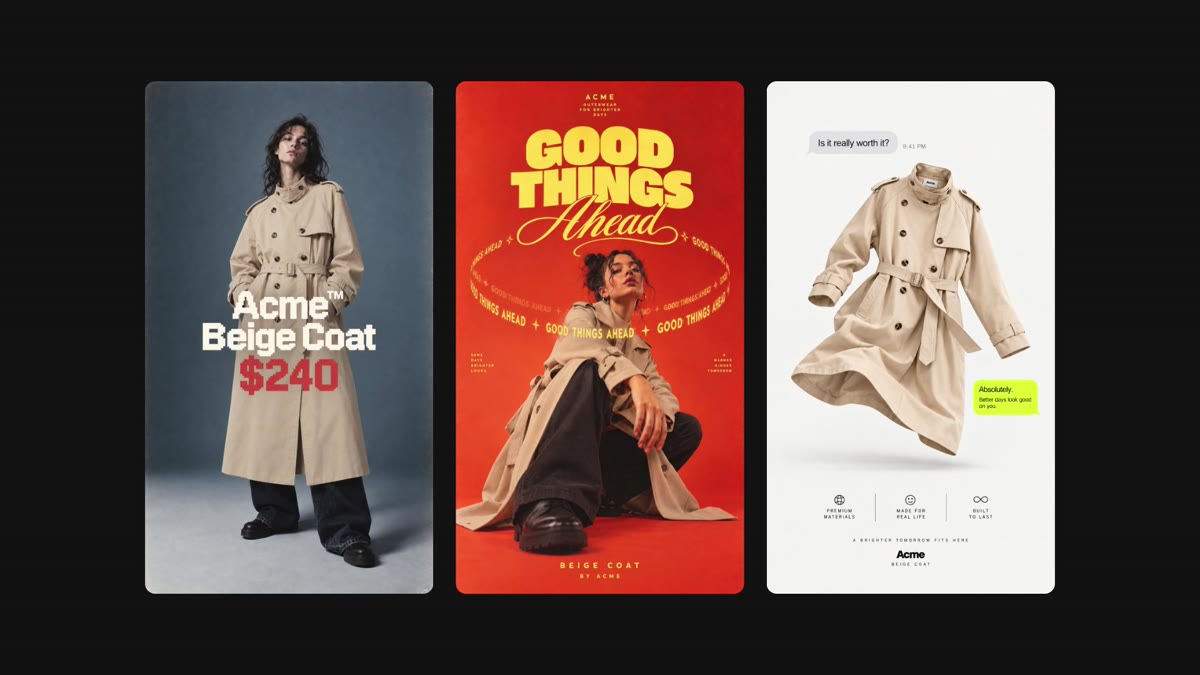
AI Product Shots for Fashion helps teams create lookbook images and campaign visuals from reusable product models, store imports, and Studio presets.
The fashion workflow
Fashion production has a specific constraint: the scene can change, but the garment cannot become a different garment. Product color, fabric, silhouette, stitching, and branding all need to survive the move from source image to campaign visual.
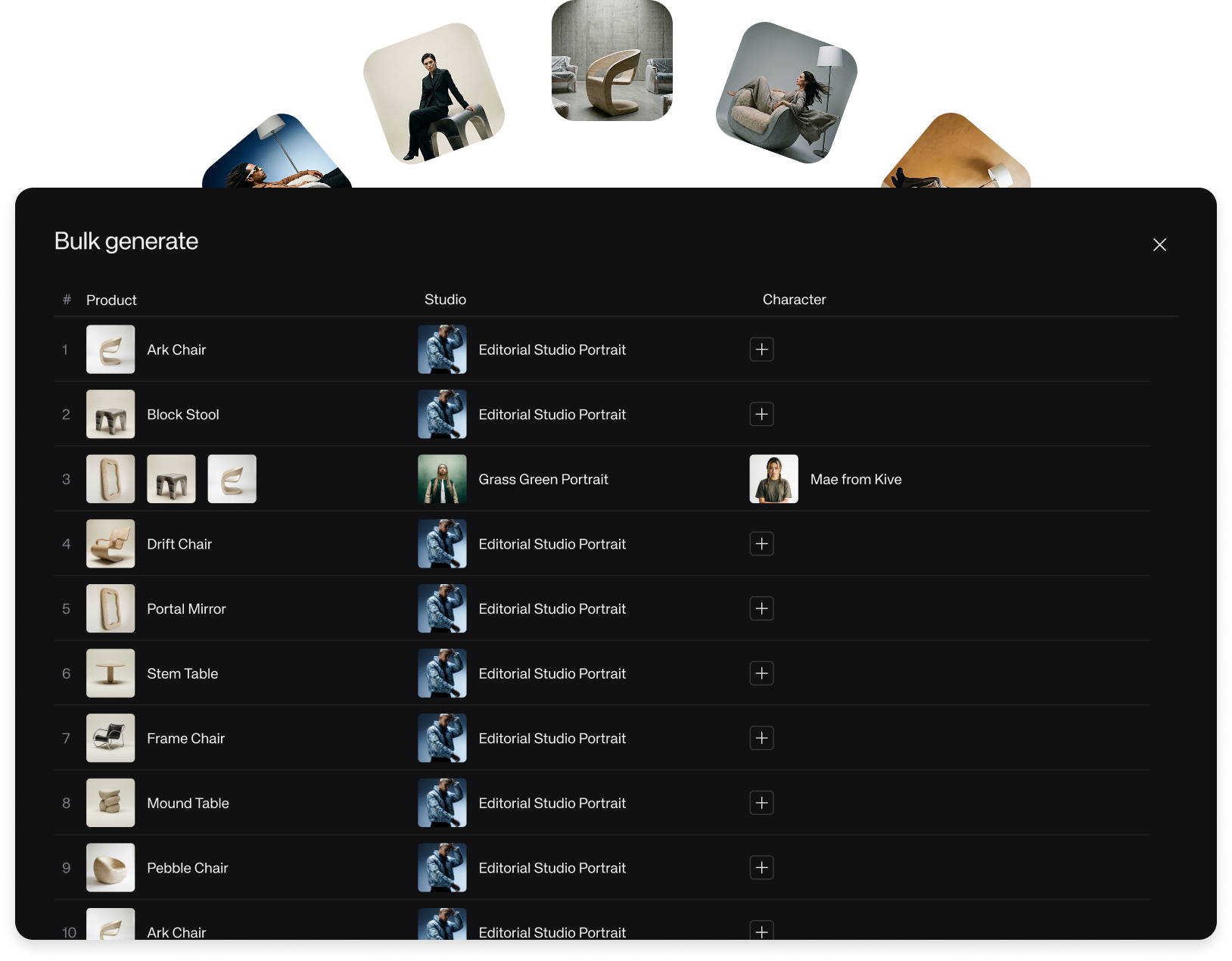
AI Product Shots for Fashion lets you import a product from a store or image, turn it into a reusable product model, then generate lookbook and campaign visuals with different models, scenes, poses, and Studio presets.
How to start
- Go to AI Models, choose New AI Model, and create a Product model from a link or image.
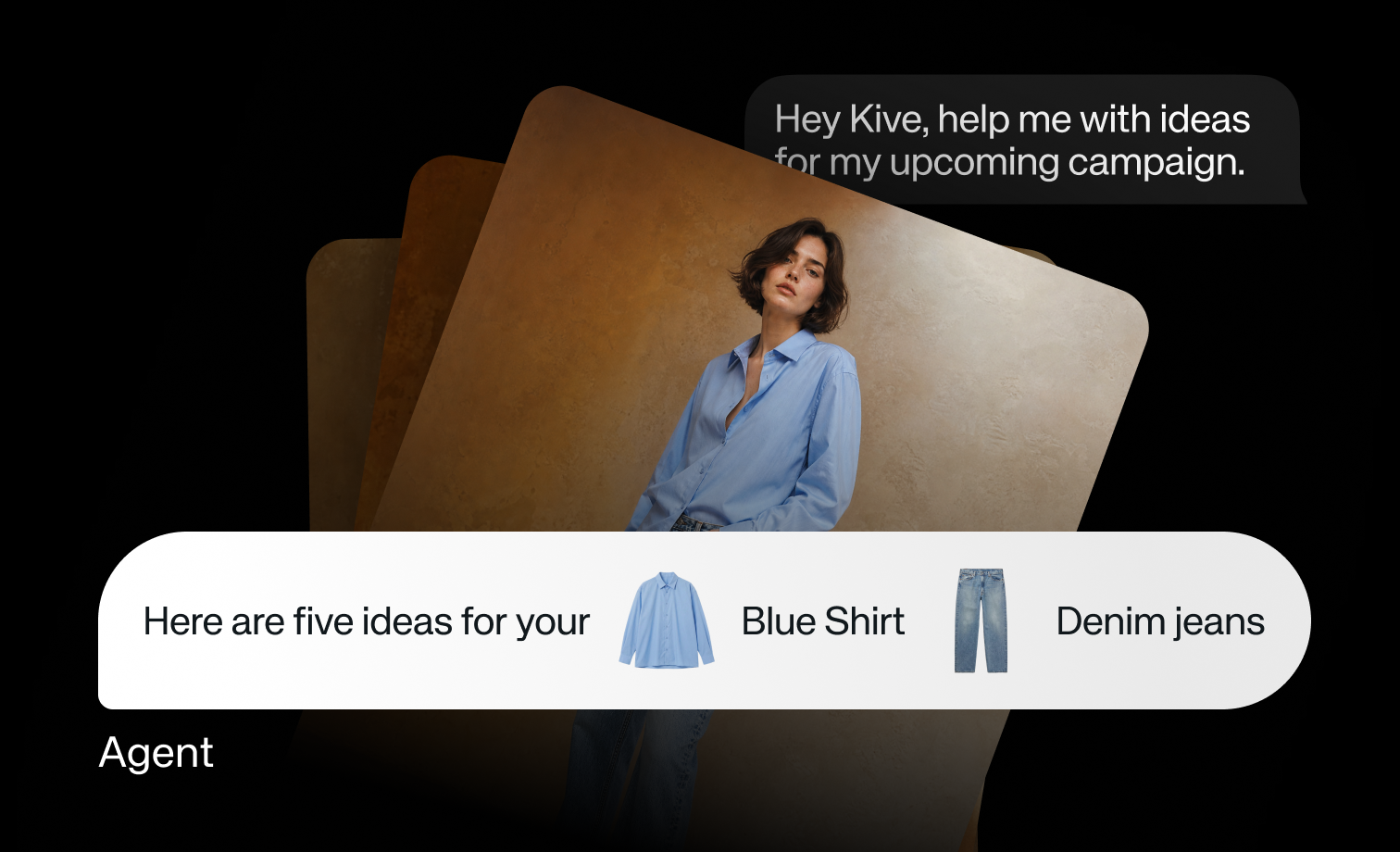
- Use the model directly, or @-tag it from the prompt input.
- Add a Studio preset when you want a faster visual direction.
- Generate a small set first, then use edits only on the most promising results.
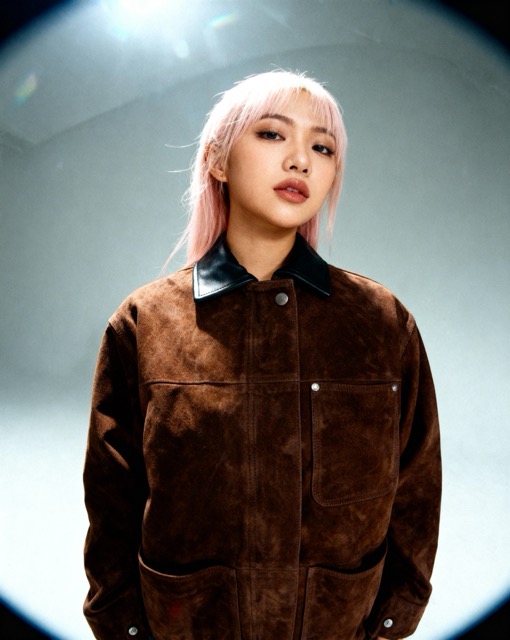
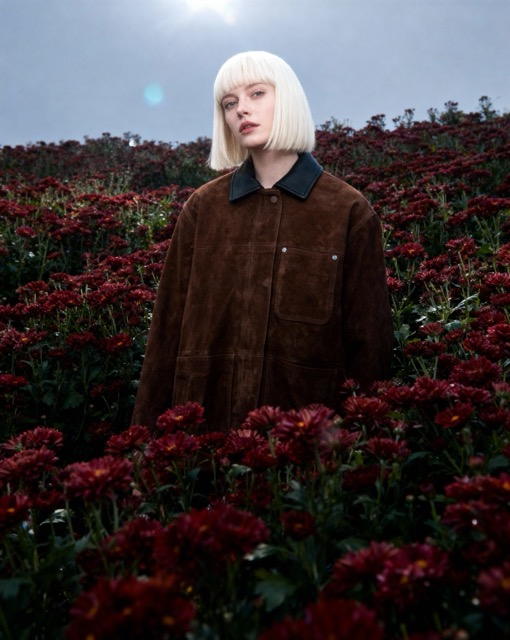
The workflow is not a substitute for review. It gives fashion teams a faster way to test product truth across more scenes, then choose which directions deserve additional editing or production time.