Introducing Video Presets
Pick a product, choose a motion idea, and make videos without starting from a blank prompt.
Why we built it
Product video is still out of reach for too many brands. Booking a shoot is expensive, planning it takes time, and the result is often that the shoot never happens. A product launches, the team has a few stills, and the marketing material never quite matches the quality of the thing they are trying to sell.
We think that is a shame. Ambitious product video should not belong only to the largest brands. Smaller consumer companies also need enough creative material to explain a product, make it feel desirable, test ideas, and compete with bigger teams.
AI video can help, but only if the workflow is usable. The technology is powerful, but prompting video from scratch is hard. You have to invent the idea, describe the movement, decide how the camera behaves, choose the product moment, and understand what the model is likely to do with your words. That is a cold start problem, and Video Presets are built to remove it.
How Video Presets work
A Video Preset is a reusable motion direction for product video. It can describe a camera move, a product reveal, a character action, a visual effect, a sequence of shots, or a combination of those things. Instead of starting with an empty prompt box, you start from an idea that already knows what kind of product moment it is trying to create.
- Attach a product image, product model, prompt, or reference.
- Add a character when the video needs a person wearing, holding, or presenting the product.
- Choose a style preset for the aesthetic, then choose a Video Preset for the motion idea.
- Generate a direction, review the product, and refine the prompt when the shot needs more control.
Built for product categories
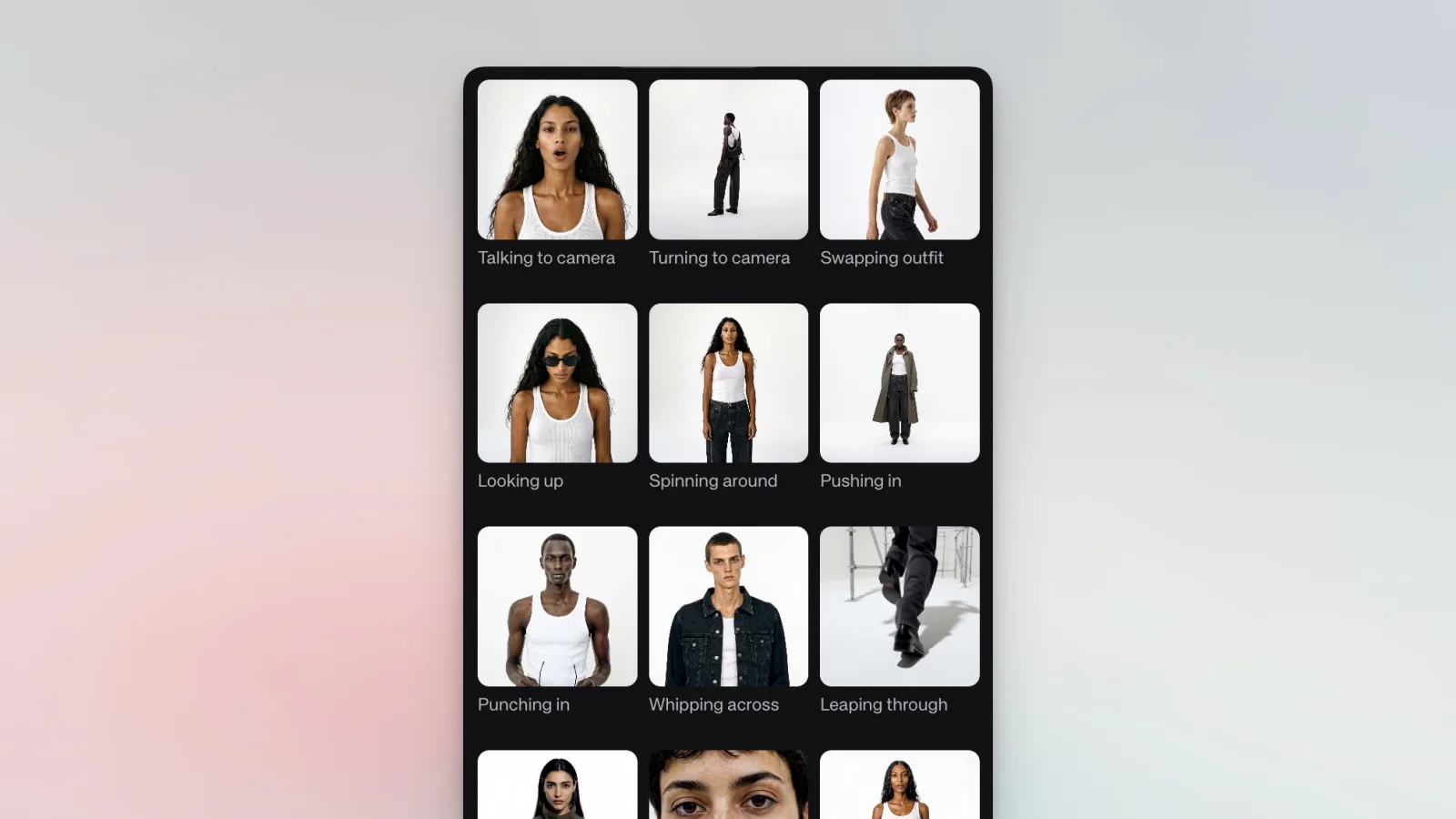
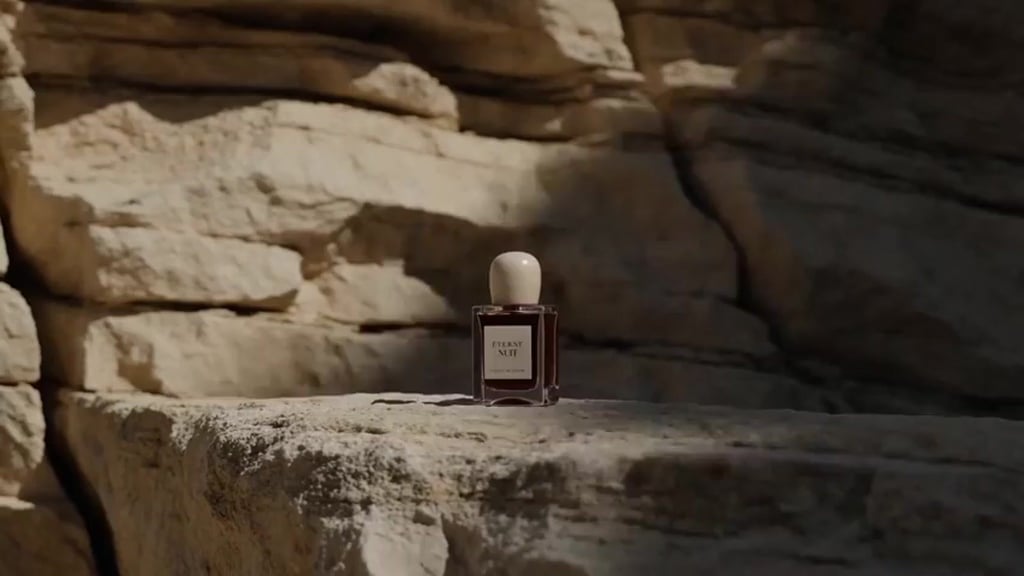
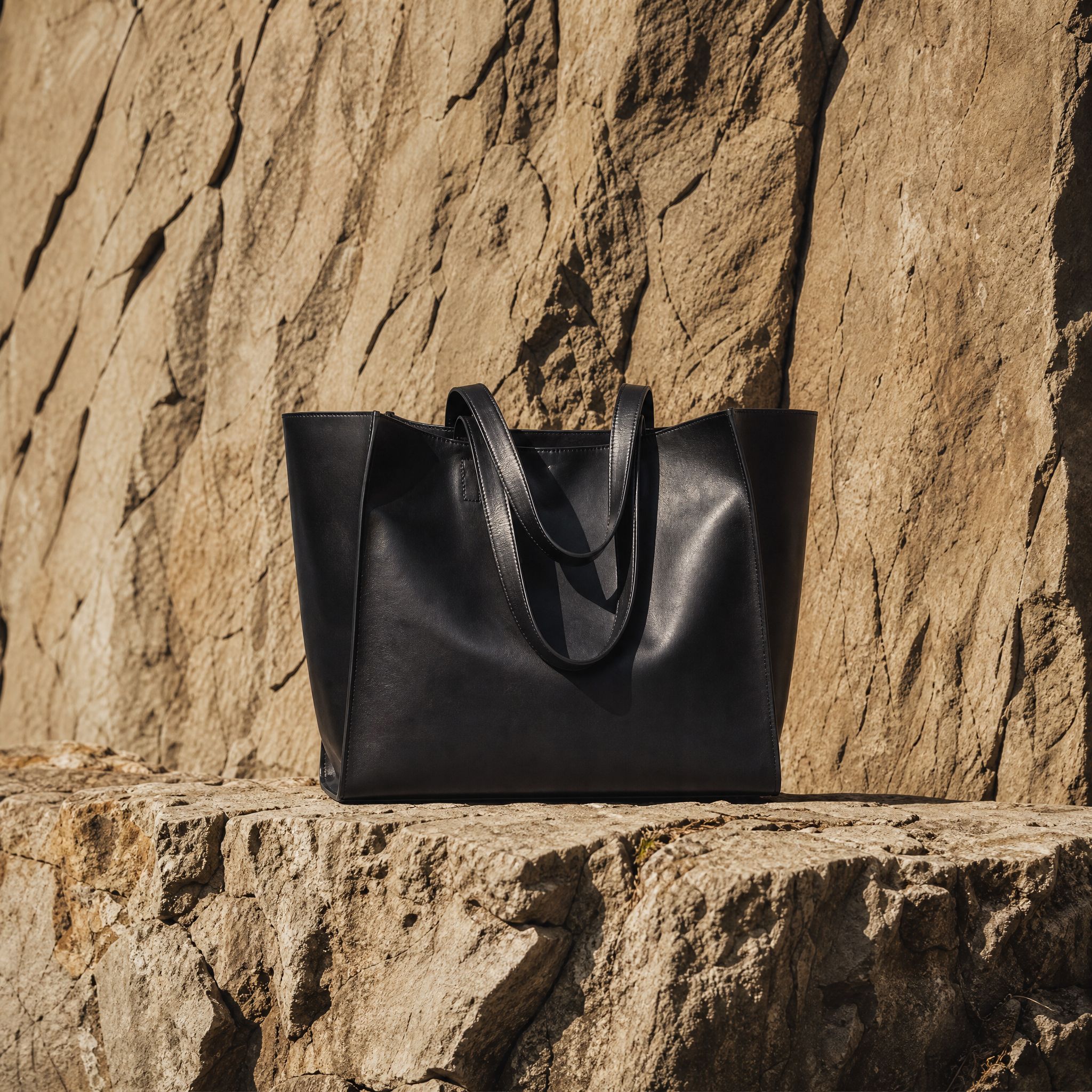
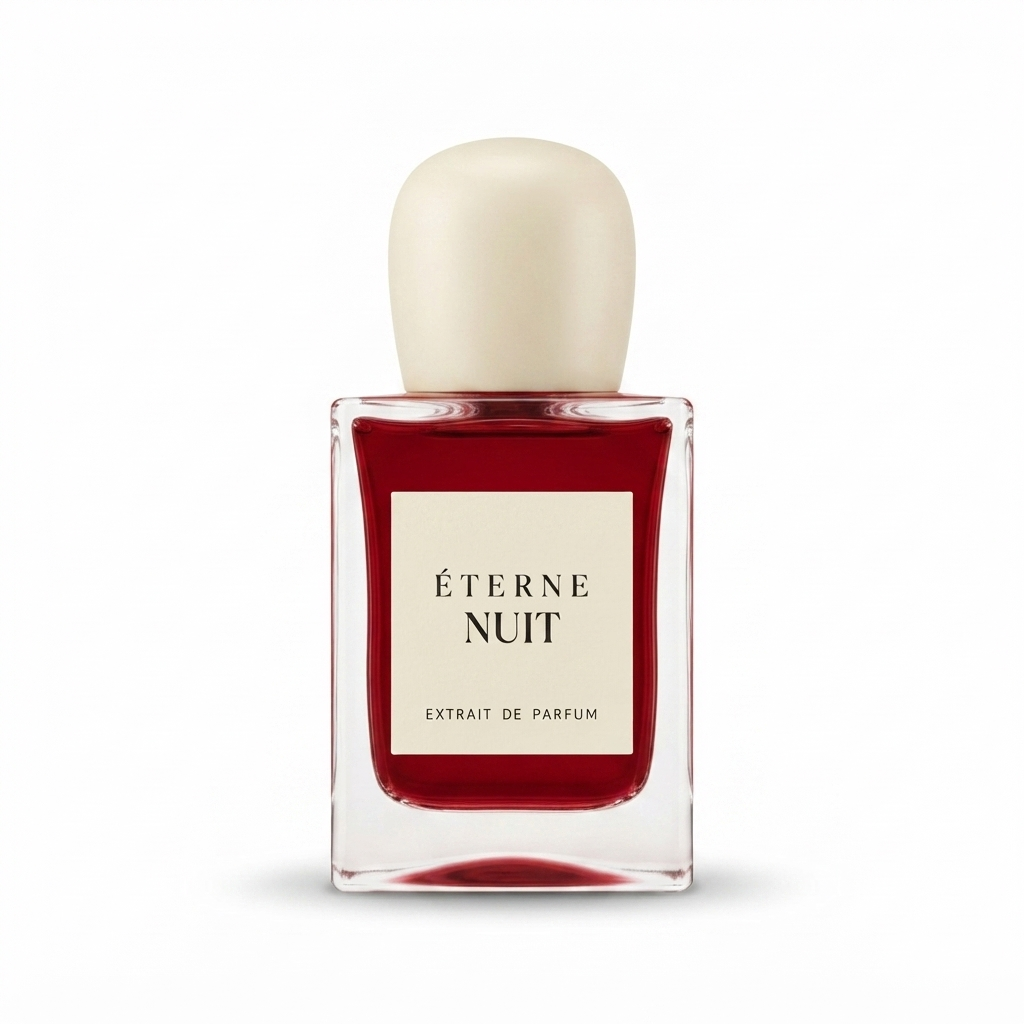
We studied successful product videos across common consumer categories and turned the repeated creative patterns into presets. There are presets for camera movement, product reveals, character actions, fashion videos, bags, eyewear, fragrances, beauty products, and other categories where the product needs a specific kind of motion to make sense.
Some presets are built for product-first shots: a reveal, a glide, a close-up, or a sequence that keeps the object readable. Others are built around people: a character dancing, trying on an item, presenting a product, or moving through a short scene.
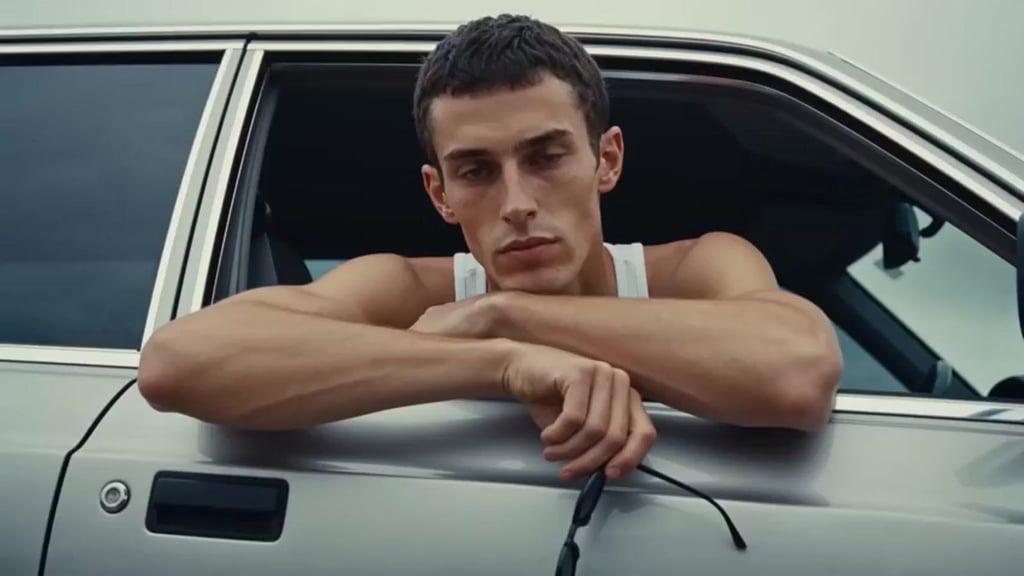
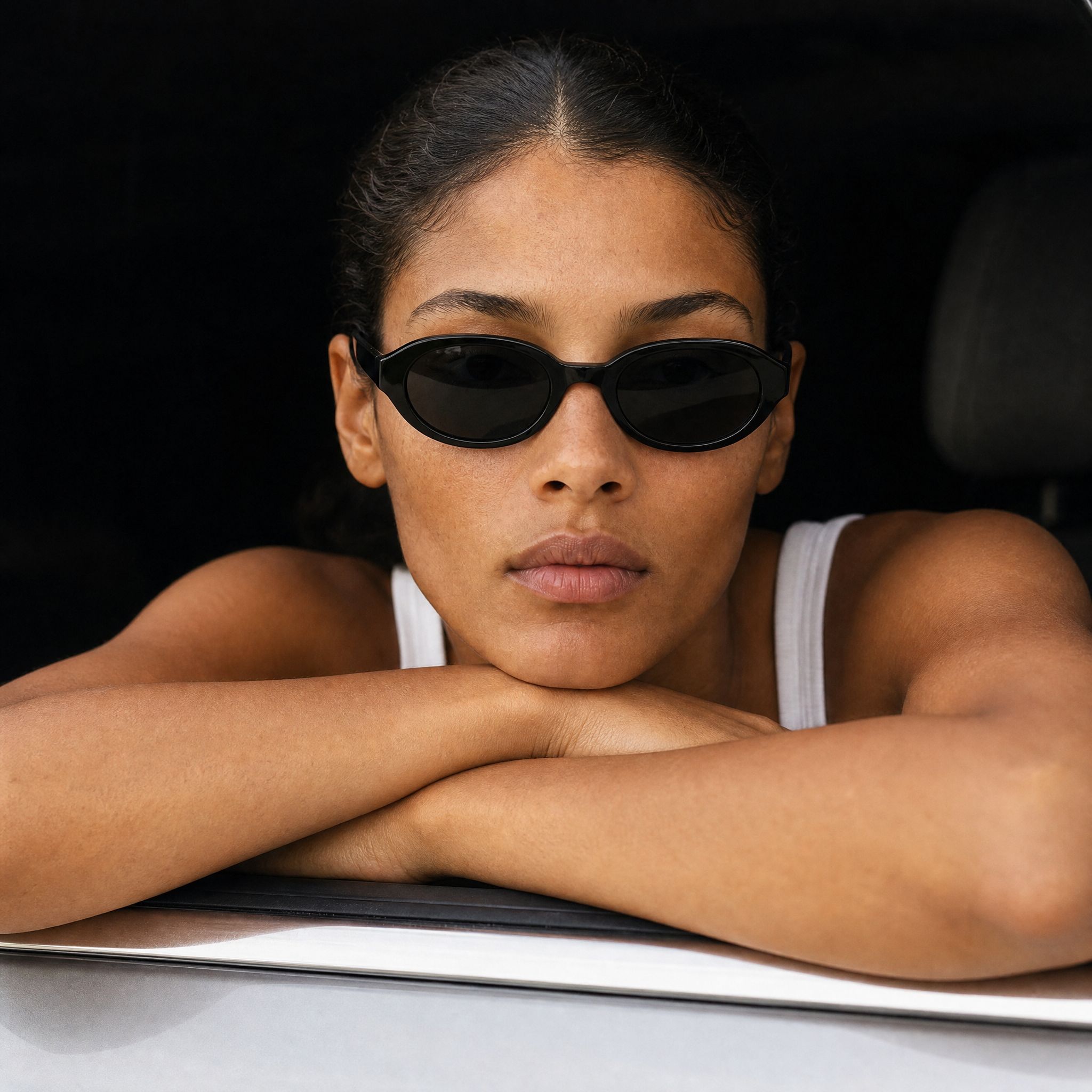
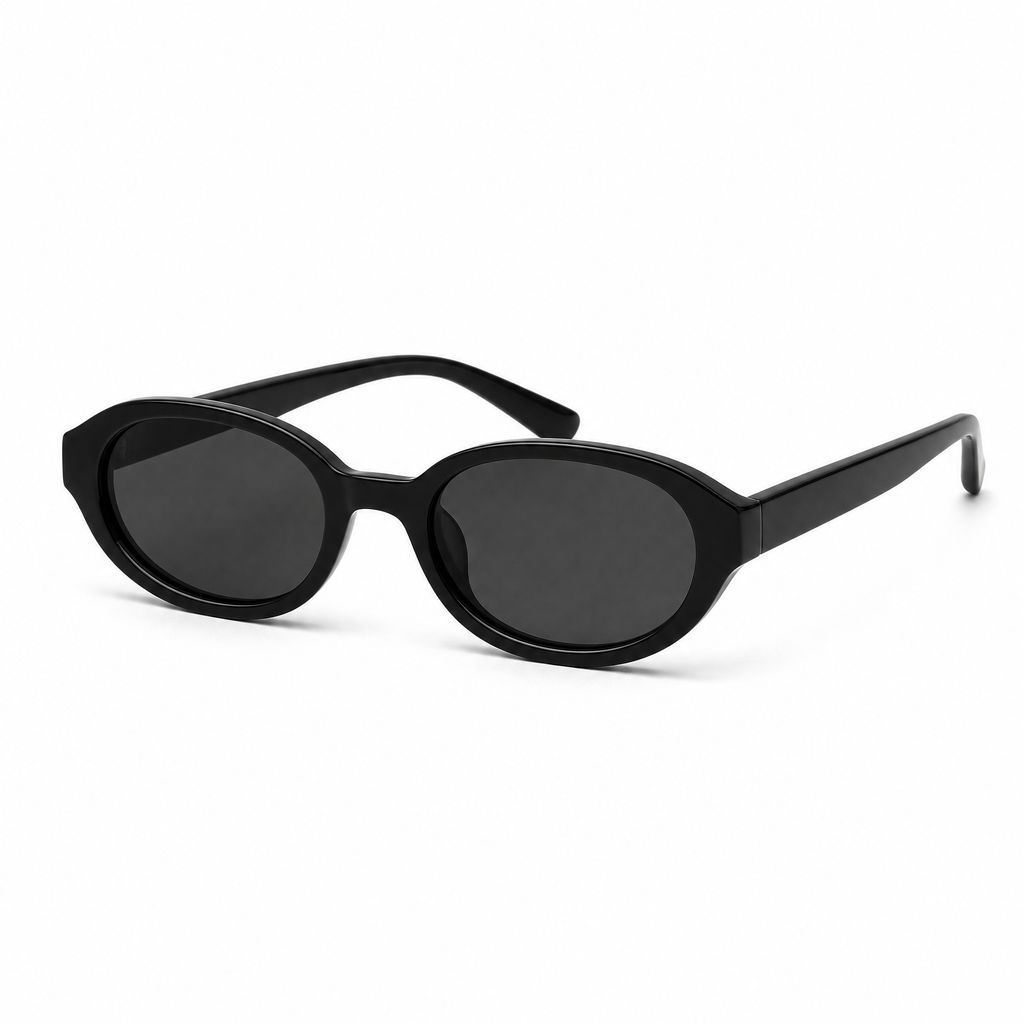
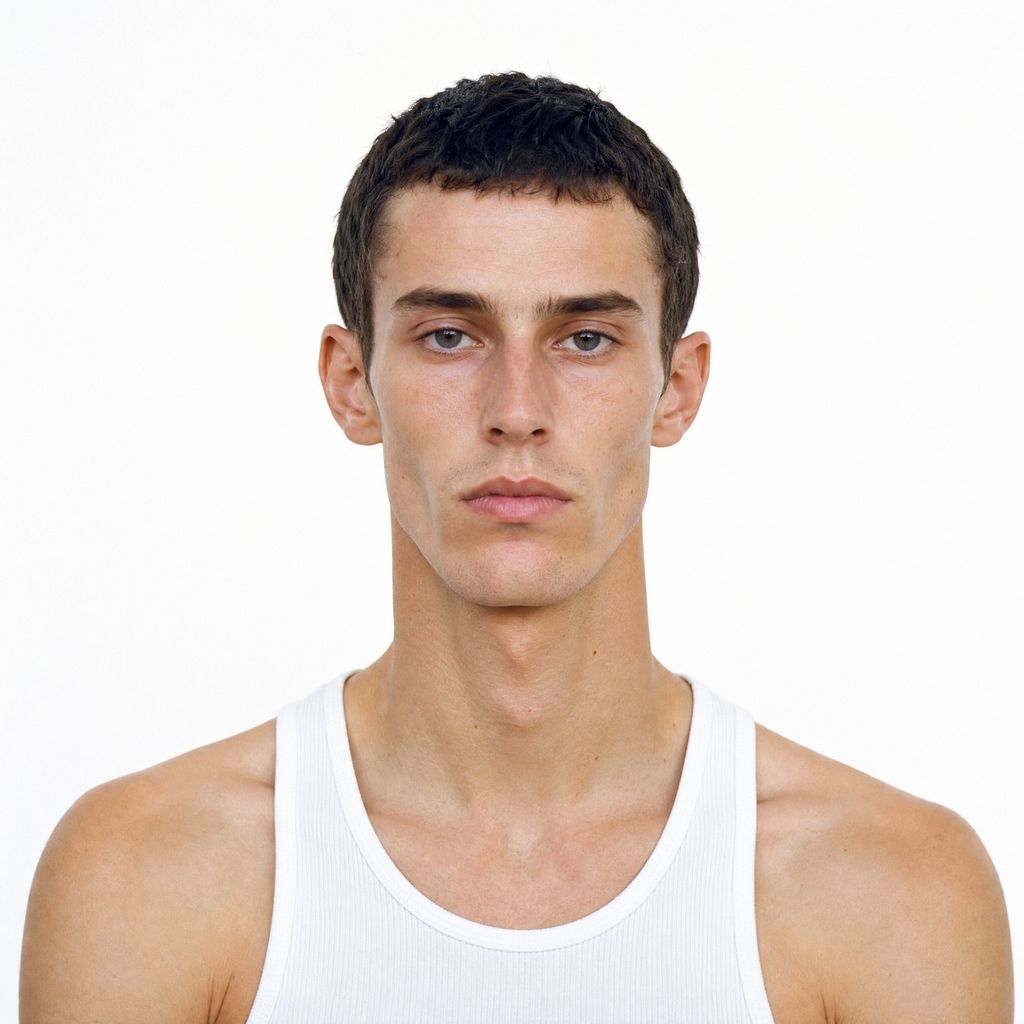
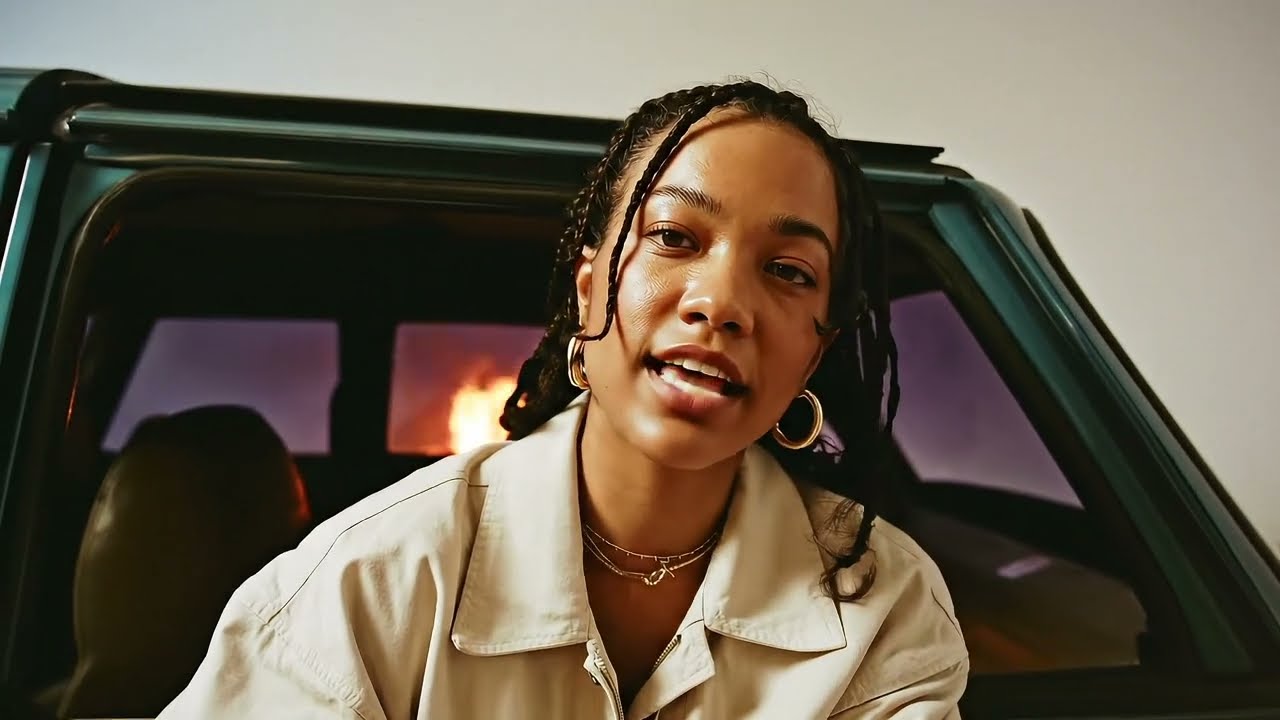
There are also influencer-style presets where a virtual character can talk about a product. Add a script, attach the product, and use the preset to create a short video where the character introduces or demonstrates it.
Combine with products and styles
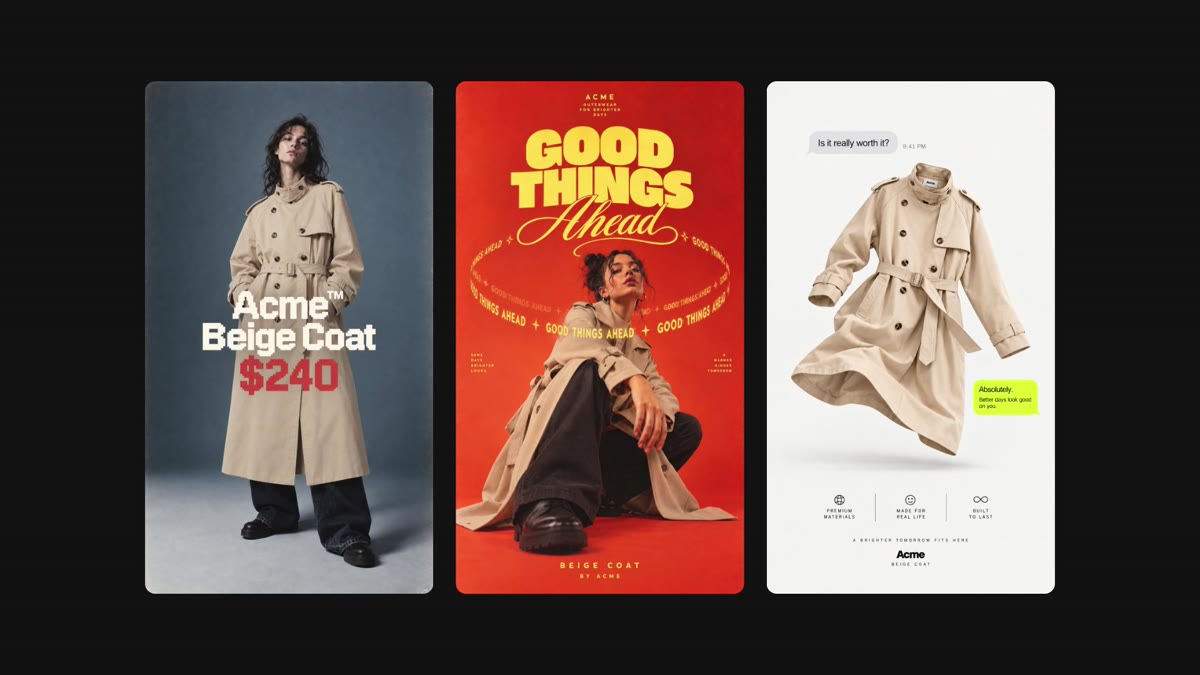
Video Presets work with the rest of Kive. Use a favorite style preset to keep the aesthetic consistent, then apply a Video Preset to give that look movement. A polished beauty direction can become a product reveal. A fashion setup can become a short try-on. A still campaign idea can become motion.
Video Presets also work with product sets. Attach multiple products when the goal is to show a collection instead of one item, or test a few camera behaviors to find the clearest product moment.
Get started with it
Video Presets are available in Kive today. Start with a product you already know, choose a preset that fits the category, and generate a few directions before writing a more detailed prompt.
Our hope is simple: more brands should be able to make product videos that give their work a fair shot. If Video Presets can help a small team create better launches, better ads, and more standout creative without booking a full production every time, they are doing their job.