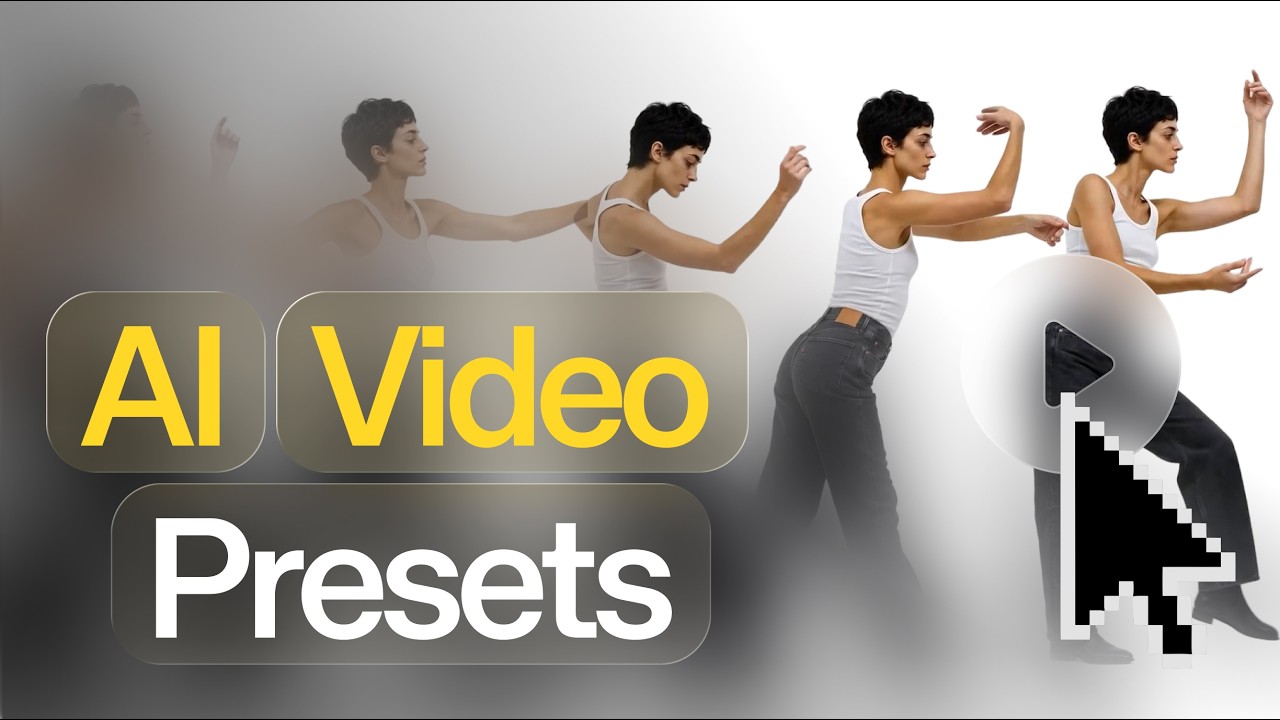
Image-to-video with sound
Image-to-video with sound lets teams start from an existing still and generate motion plus audio in one directed step.
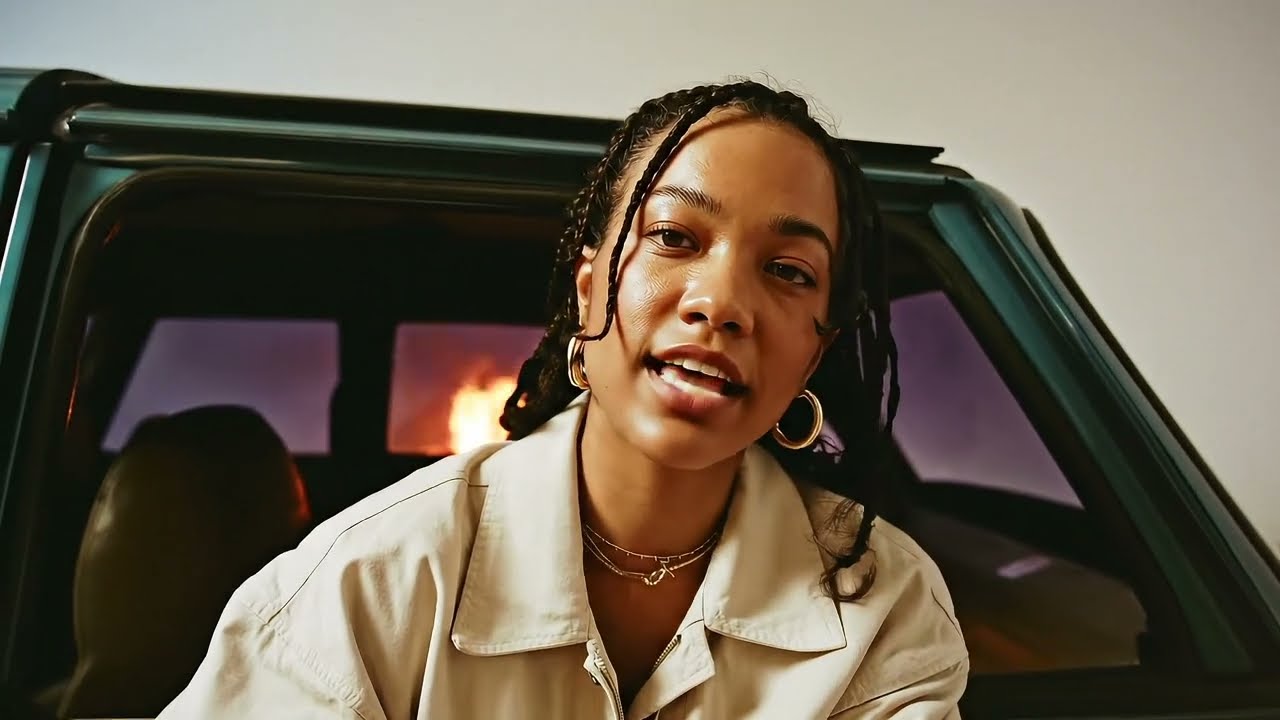
A visual anchor, now with audio
Sound in video is most useful when the image already exists. A product still, character frame, or campaign concept may have the right first moment, but it still needs motion and audio to become a scene.
Kive now supports sound in image-to-video generations. The image anchors the first frame, while the prompt describes both the action and what should be heard.
How it works
- Start in Create, choose Asset, then Video.
- Add an image start frame.
- Switch sound on.
- Describe both the movement and the audio in the prompt.
This opens up talking, singing, dancing, dialogue, music, and sound effects from an existing image. It also makes review more demanding: check whether the motion, voice, timing, and visual identity all work together before sharing the result.