Introducing Kive Product Shots
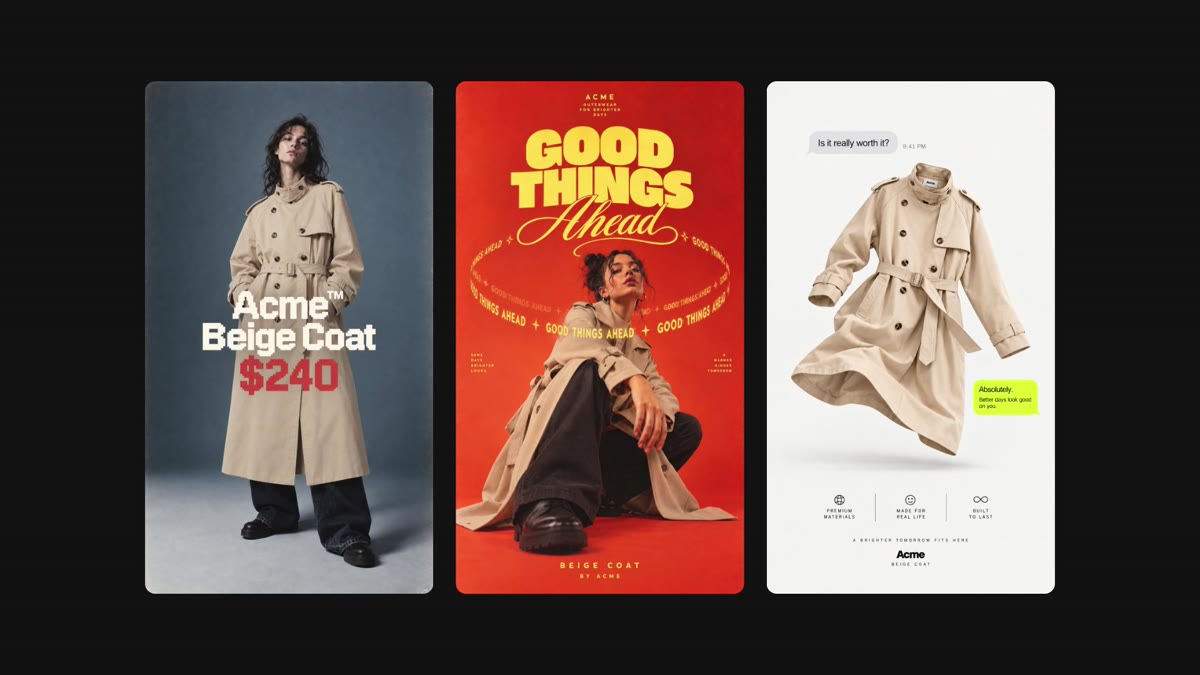
Kive Product Shots helps teams create on-brand product and campaign visuals by uploading product images, naming a custom model, and generating new shots in Kive.
Product Shots
Product visuals are often blocked by the same practical constraint: the product has to look right. A beautiful scene is not useful if the logo drifts, the shape changes, or the item no longer feels like the thing you sell.
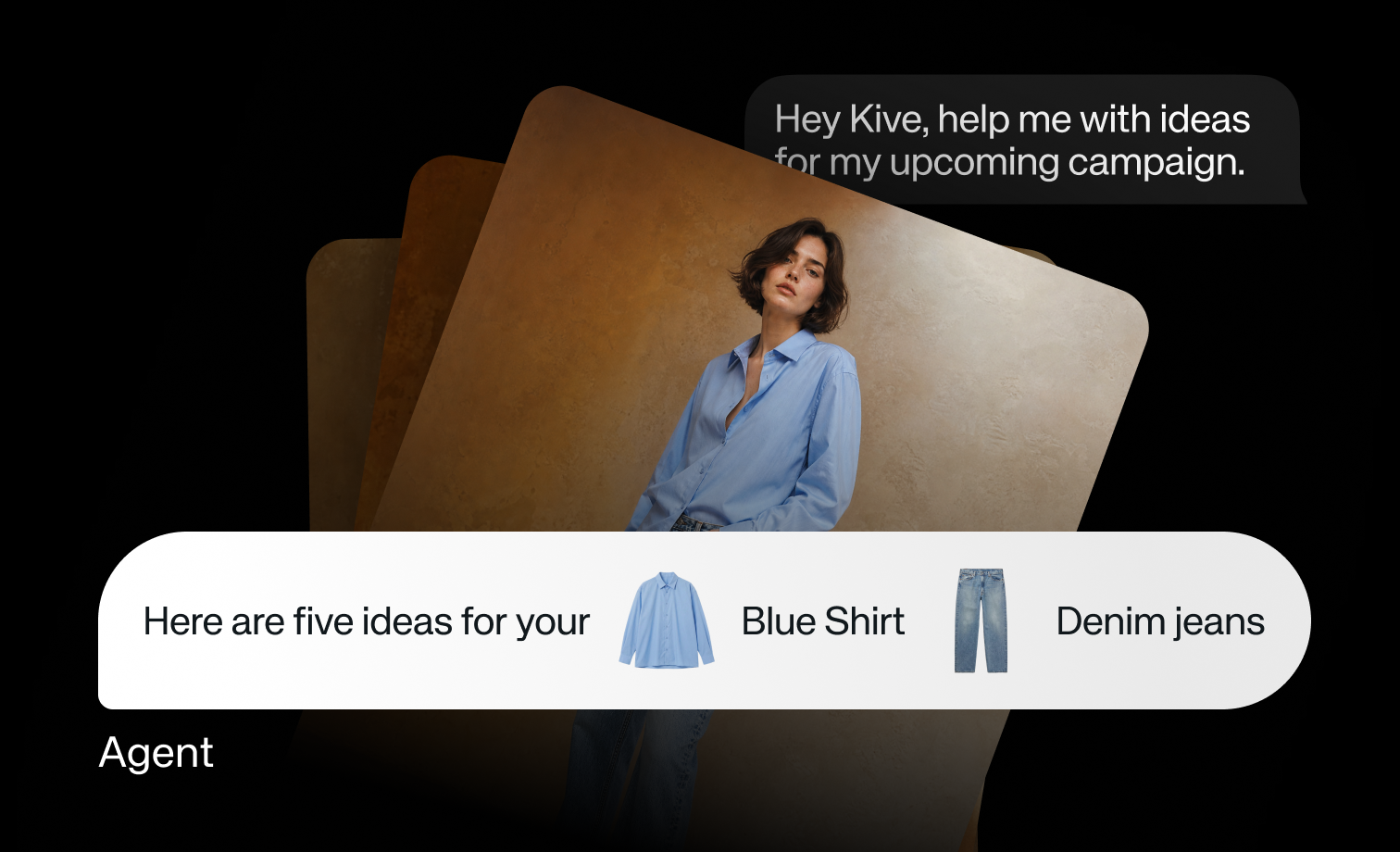
Kive Product Shots turns existing product images into a reusable model. Once Kive understands the product, you can place it into new scenes, styles, and campaign ideas without starting from a studio shoot each time.
How it works
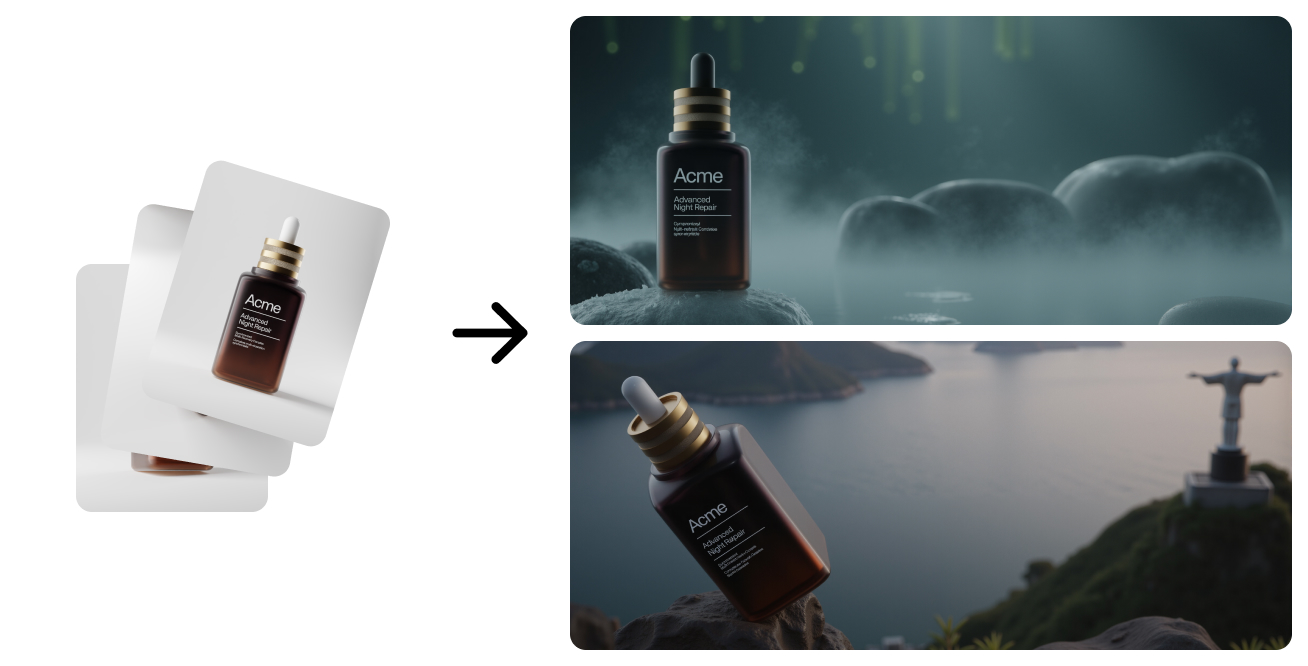
- Upload existing product images to Kive.
- Name your custom model so you can return to it.
- Wait while Kive prepares the model.
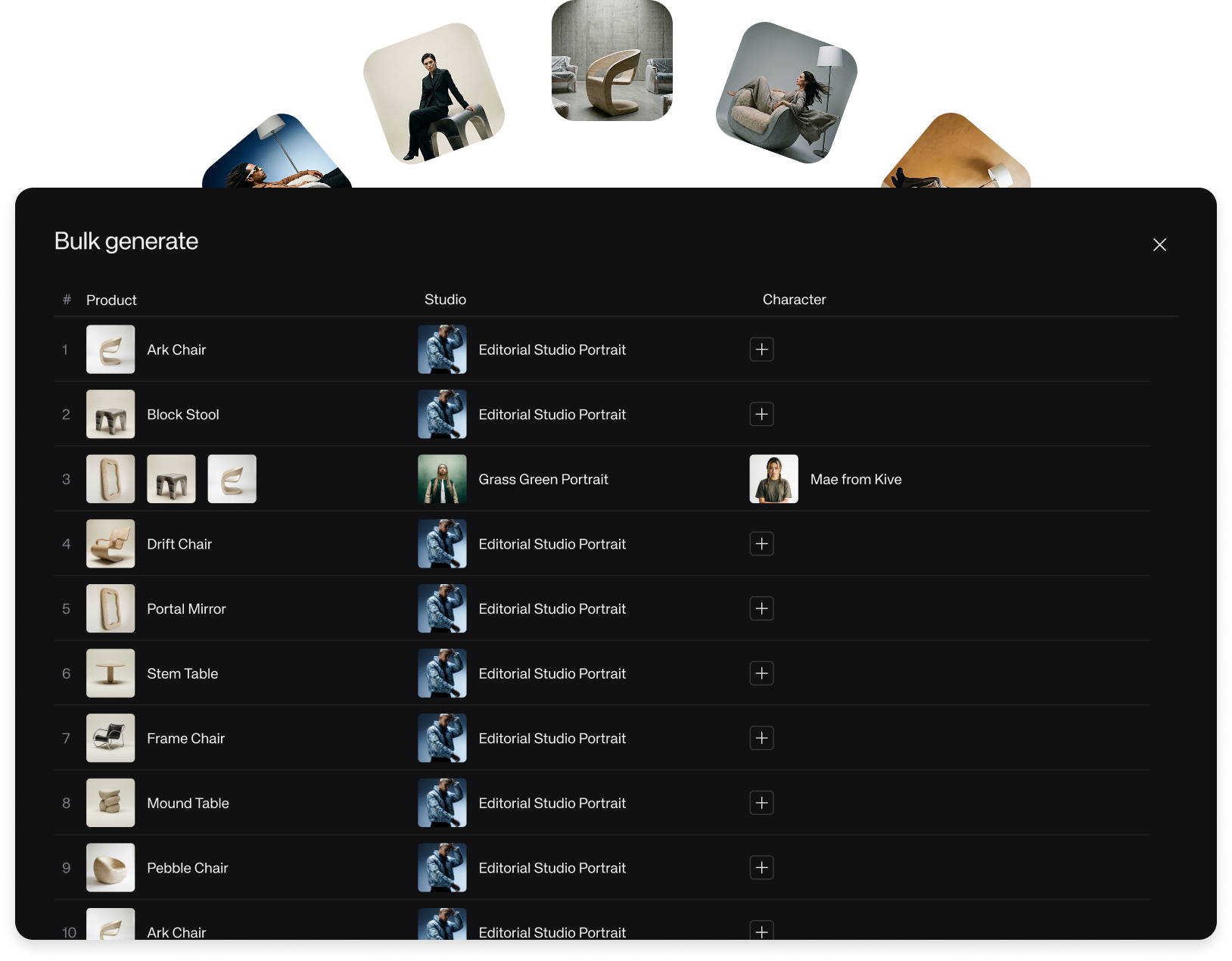
- Generate campaign-ready shots from that model.
The input still matters. Product Shots can work from practical source material, but better images give the model more useful information about shape, surface, details, and angles.
Two modes
- Standard models require little setup time and work best when uploaded angles are enough.
- Advanced models take longer to train, but can integrate products more deeply into a scene and generate new angles.
Start with the mode that matches the job. Use Standard when speed and existing angles are enough. Use Advanced when the product needs to behave more naturally inside a new scene.