Introducing Multi-Product Shots
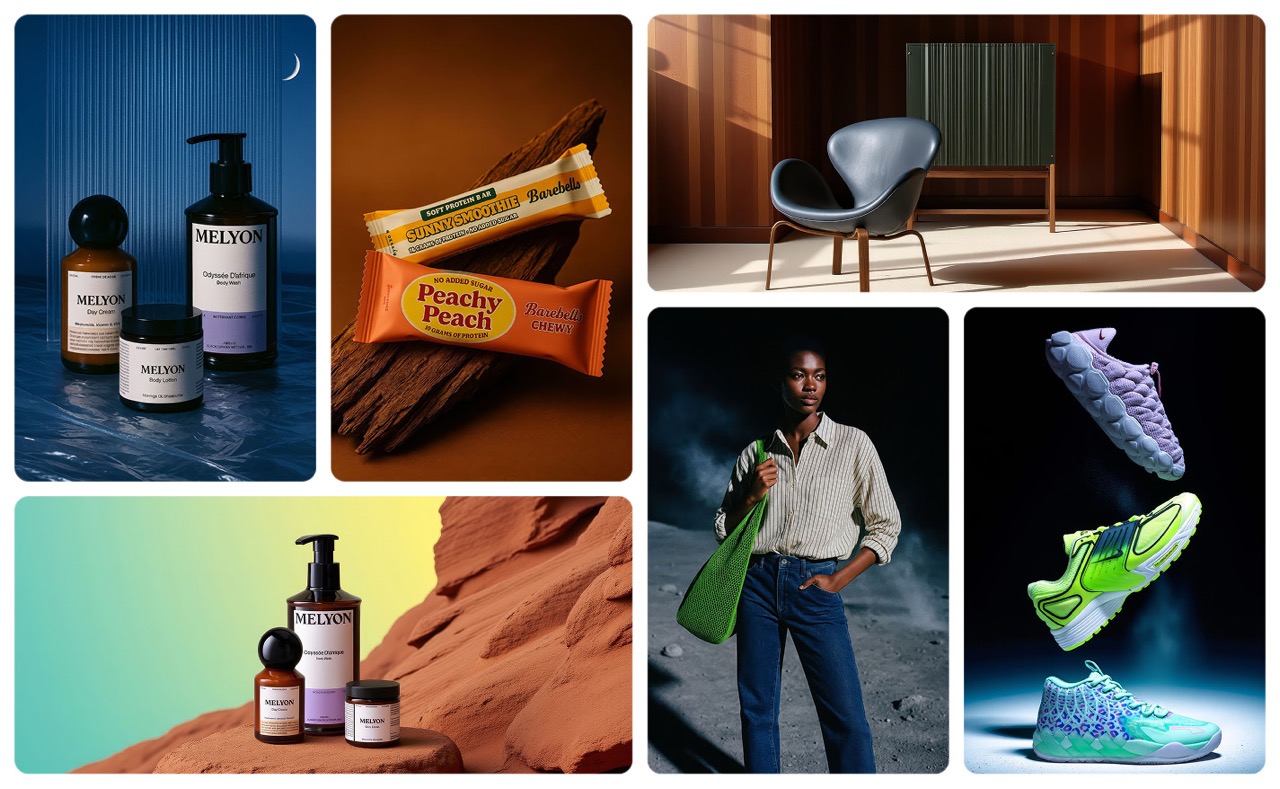
Multi-Product Shots expands Product Shots from one item to composed sets, so teams can arrange products together and generate visuals around the full group.
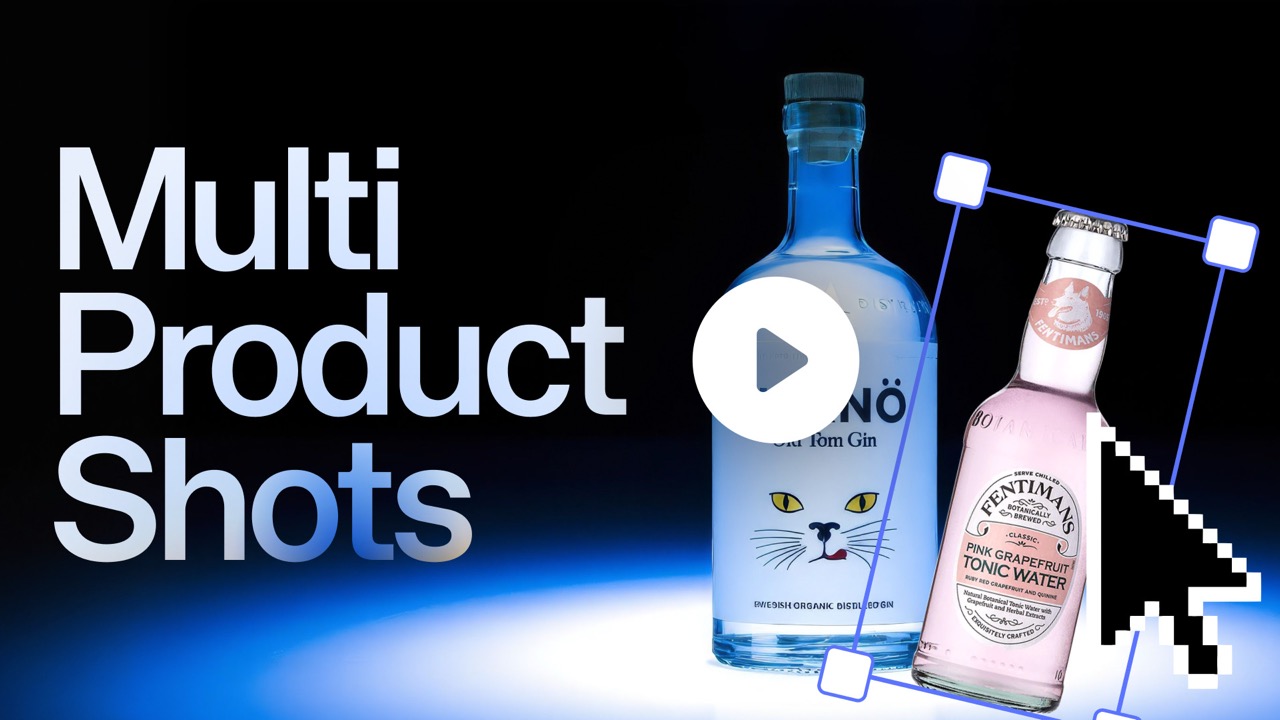
More than one product
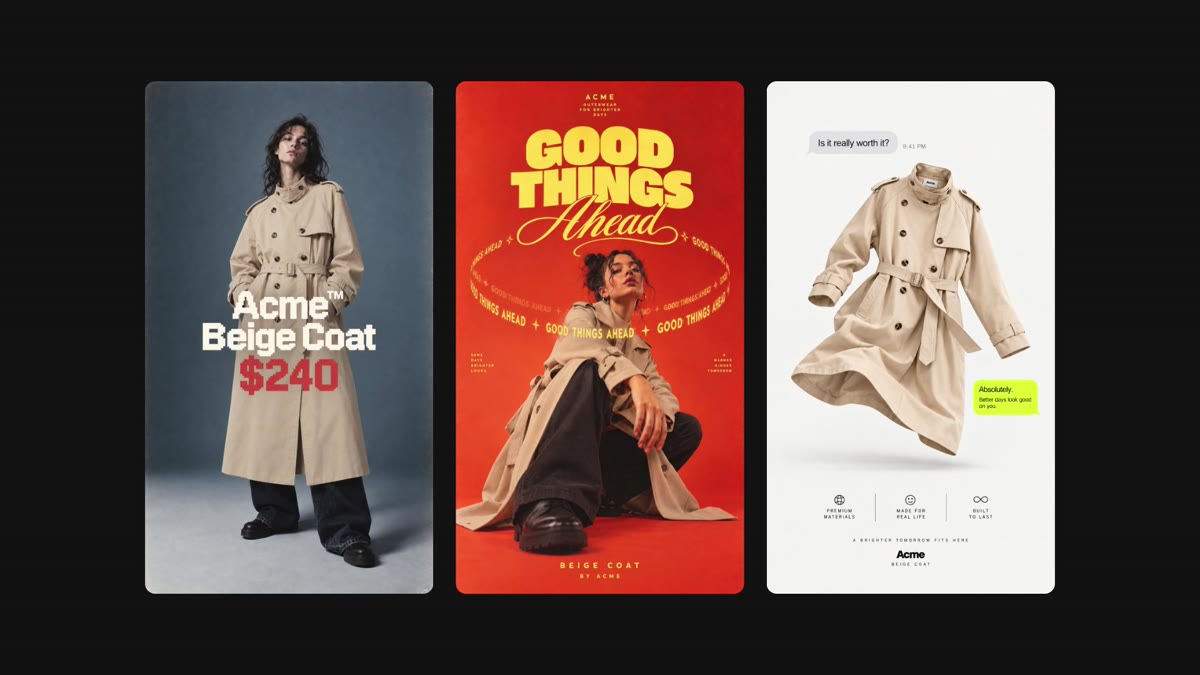
A single product shot is not always the commercial image. Sometimes the job is a bundle, an outfit, a seasonal set, or a category visual where the relationship between products matters.
Multi-Product Shots lets you add each product, arrange, resize, and stack the group, then choose a Studio preset so the generated background adapts to the composition.
How it works
- Go to Create, choose Asset, and add your products.
- Repeat the step for each product you want in the same composition.
- Arrange, resize, and stack the products until the set feels right.
- Pick a Studio preset or design your own.
- Optionally add a short prompt.
- Generate images or videos that frame every product.