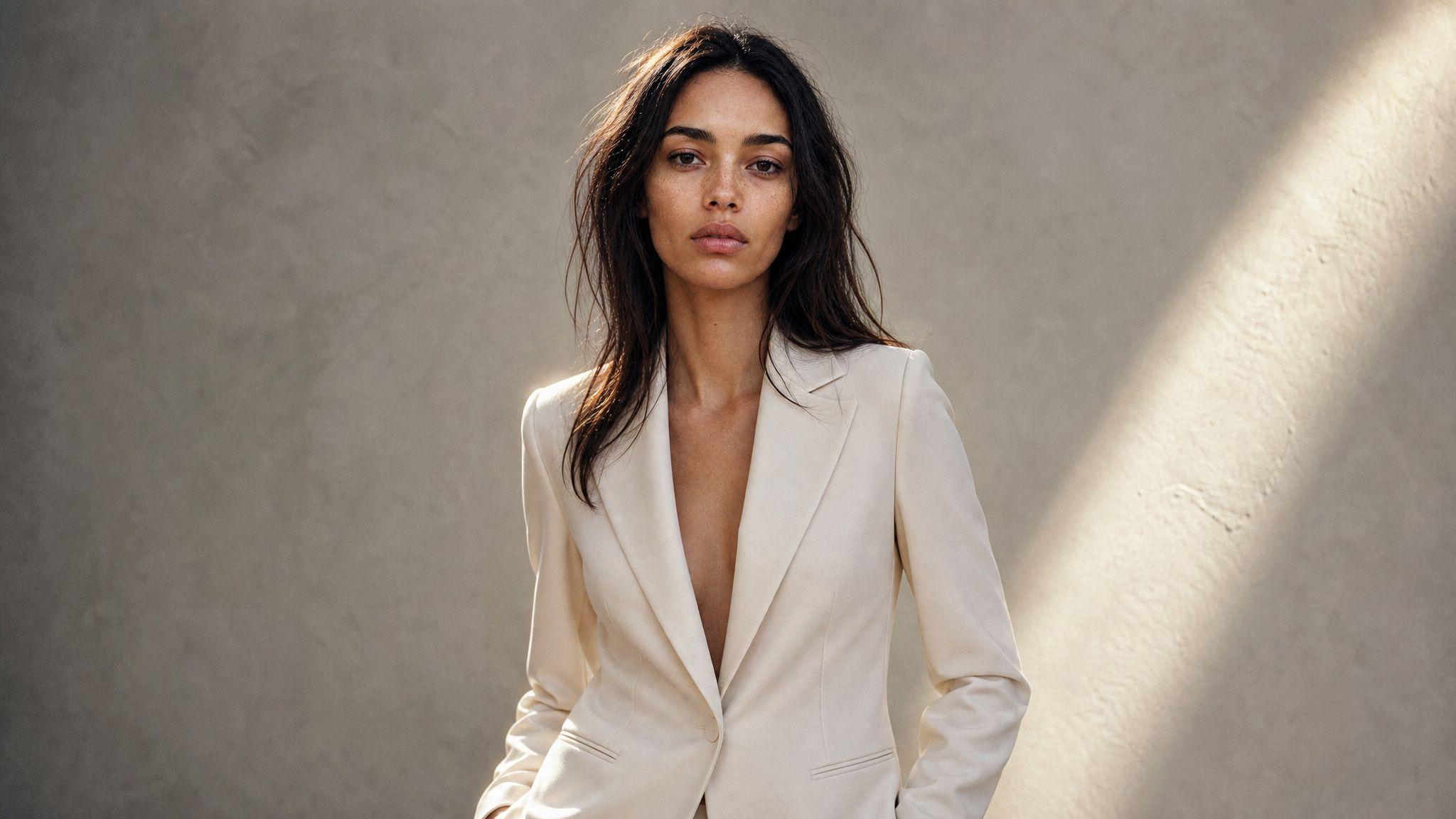

To keep the same model across multiple AI product photos, stop describing the person in each prompt and save them once as a trained character model you call by name. Prompt wording cannot hold a face steady across a campaign; a saved reference can, because the likeness becomes stored state instead of a sentence you retype and unintentionally reword.
Why prompt wording cannot hold a face
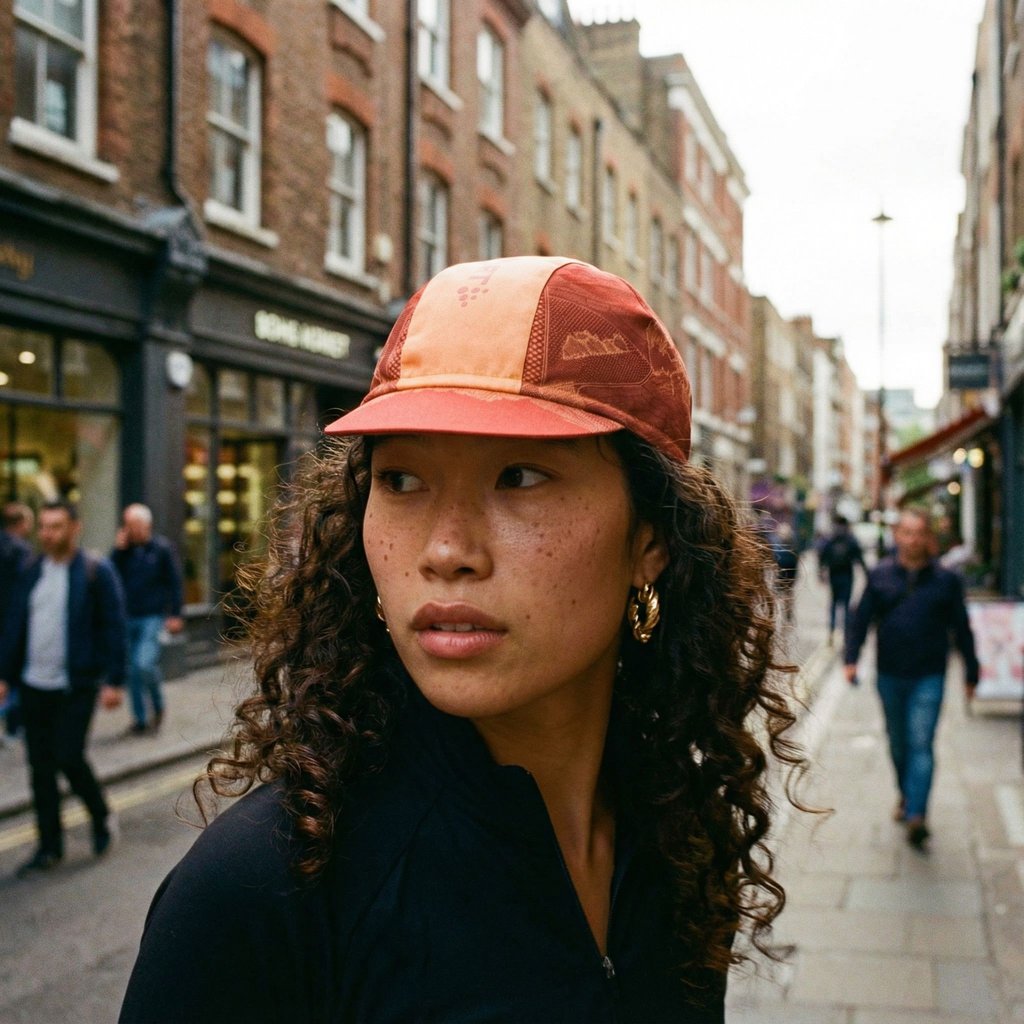
A prompt describes a type of person, not a person. "Woman, late twenties, dark wavy hair, freckles" narrows the space the model samples from, but every generation still samples fresh. Run it thirty times and you get thirty relatives, not one model on a thirty-shot call sheet.
The drift is not random noise you can prompt away. It compounds with everything else you change: a new studio, a new garment, a different aspect ratio all move the sampled face along with the scene. This is why campaign work fails where single hero shots succeed – nobody notices inconsistency in one image, and everybody notices it in a grid of twelve.
The two ways tools solve it
Every serious approach falls into one of two shapes. Per-prompt references attach an image to each generation and ask the model to match it, which is fast to start and re-specified every time. Trained models learn the subject once and store it, so later generations call a saved thing rather than re-describing it. The first suits exploration; the second is what campaign consistency actually needs.
Train the character once, then call it by name
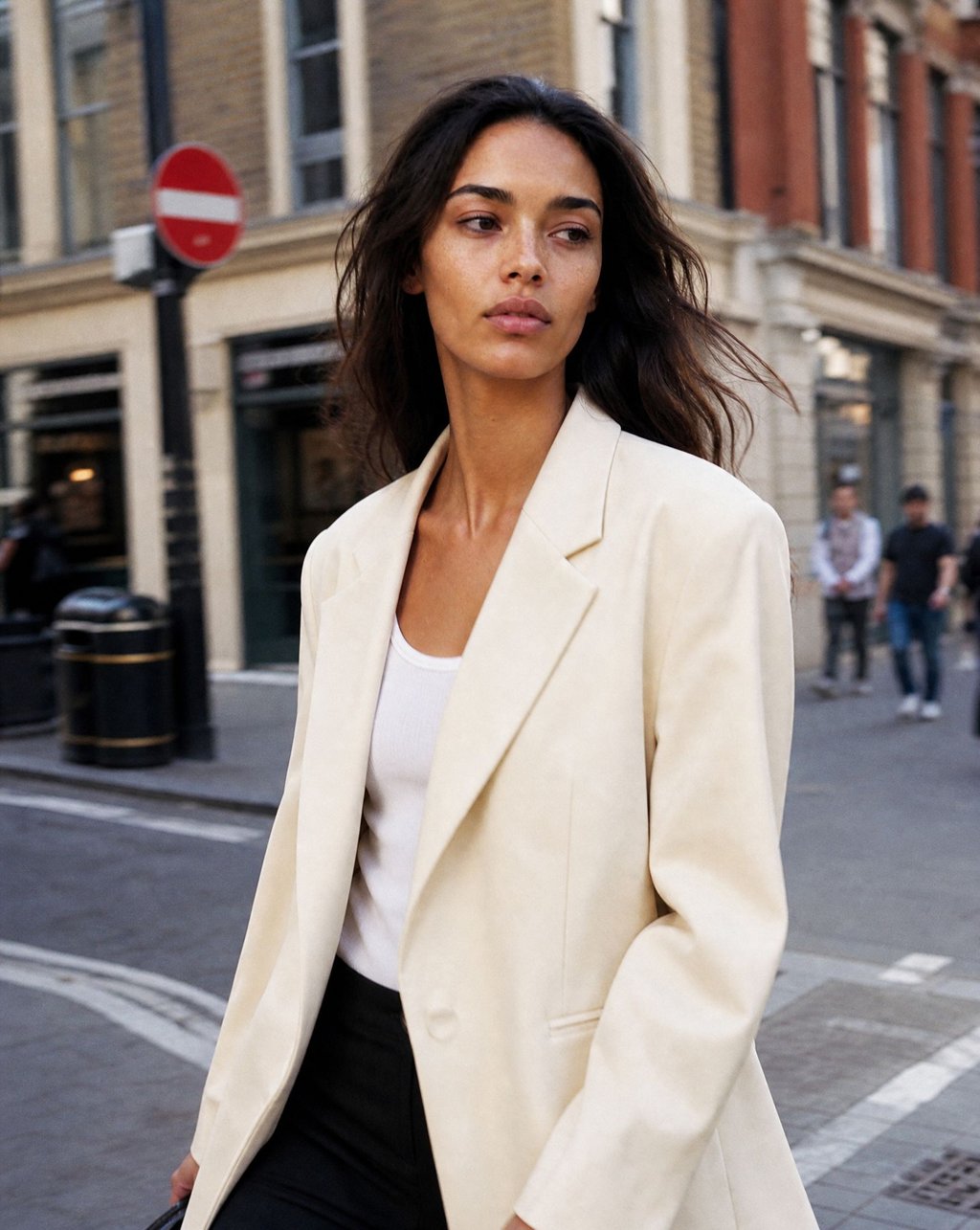
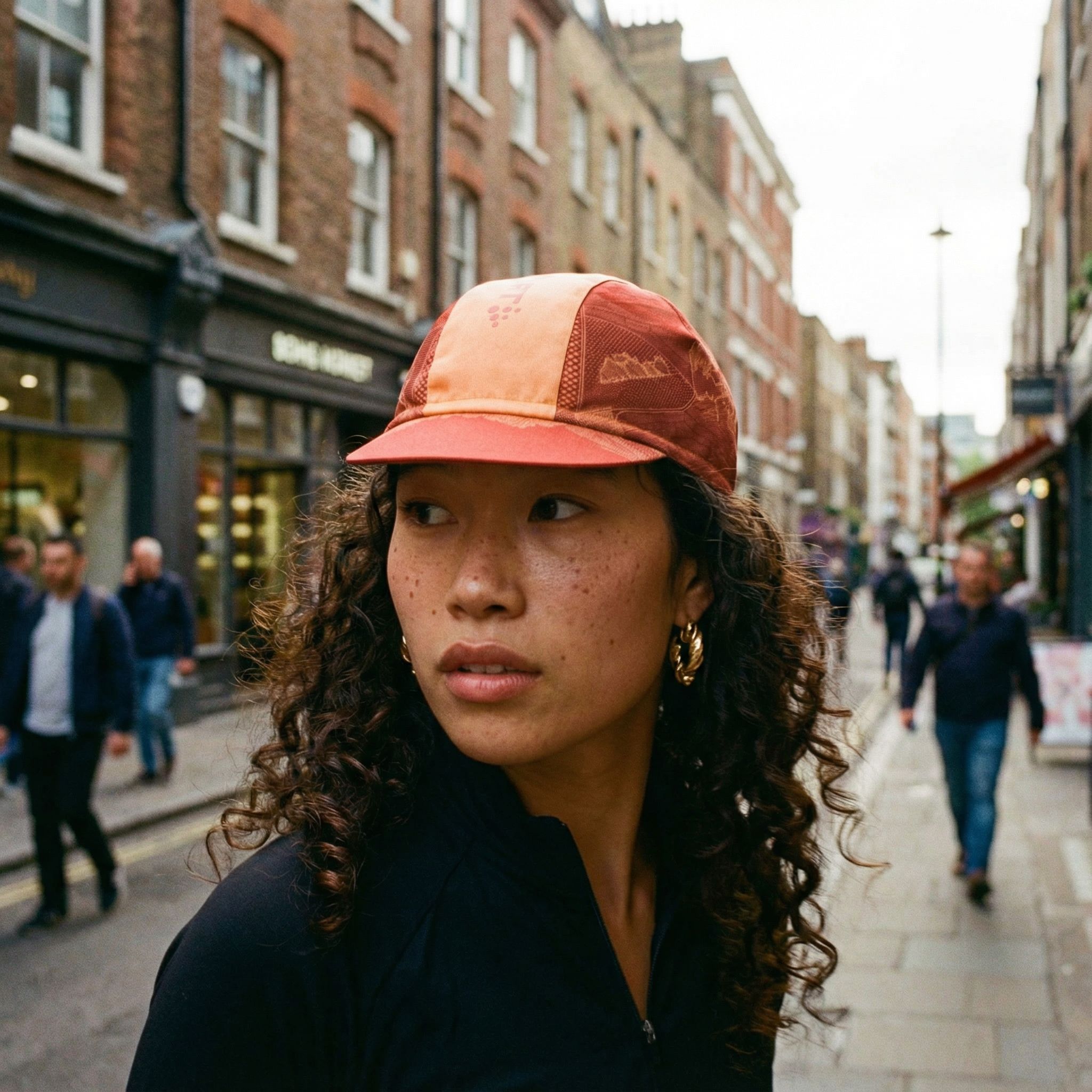
In Kive, a character model is created under Organize → AI models: choose Character, upload one to three clear, well-lit photos of the same person from different angles, name it, and create. Put the strongest photo first, since it anchors the model's appearance and angle. Training takes about ten seconds, and from then on the person is referenced in any prompt by typing @modelname – "@ada wearing a tailored blazer in an office" (kive.ai/docs).
That syntax is the whole point. The face is no longer a description competing with the rest of your prompt for the model's attention; it is a fixed reference the scene is built around. Change the garment, the location and the lighting, and the identity stays put.
Pair the character with a saved scene
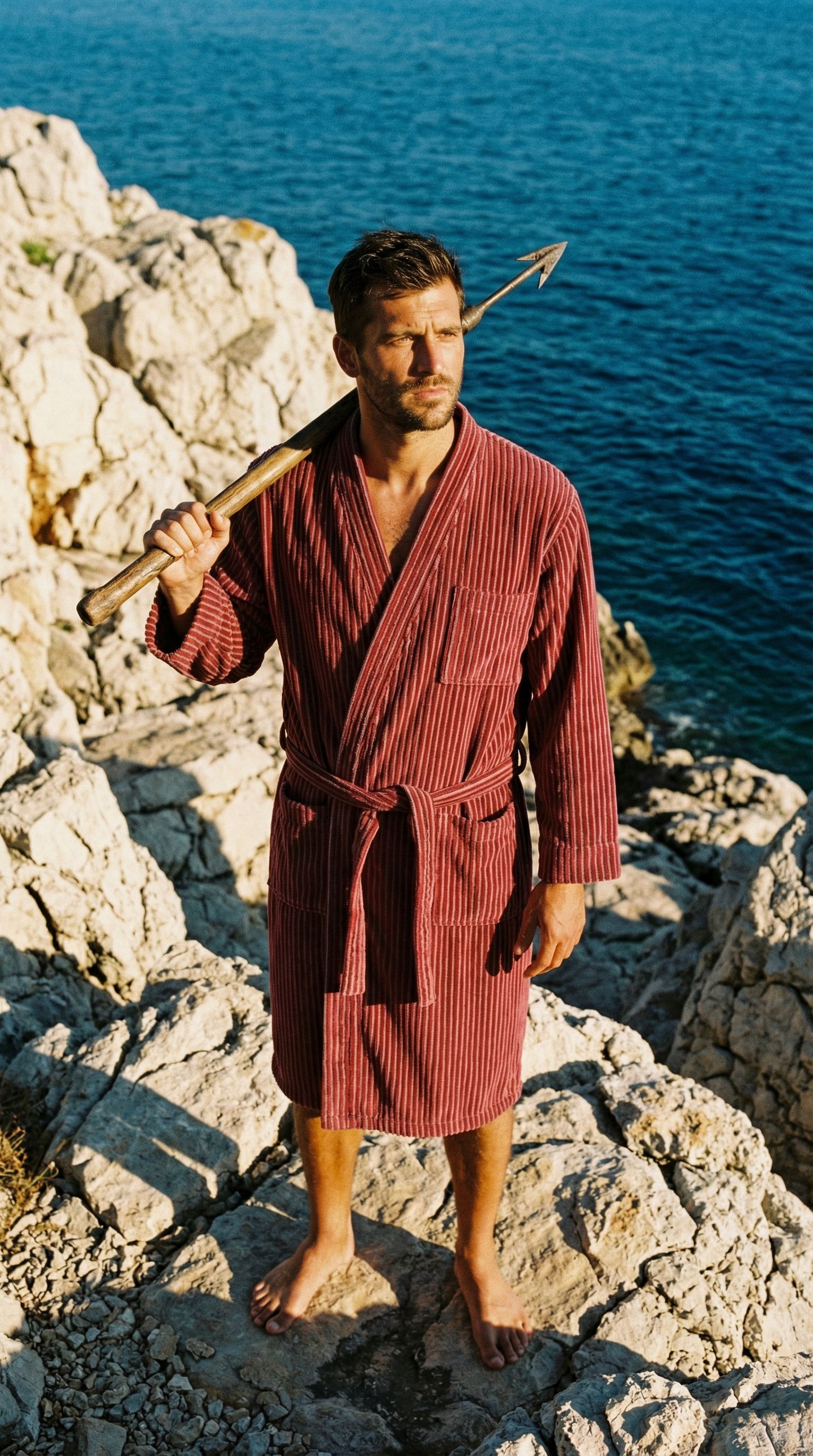
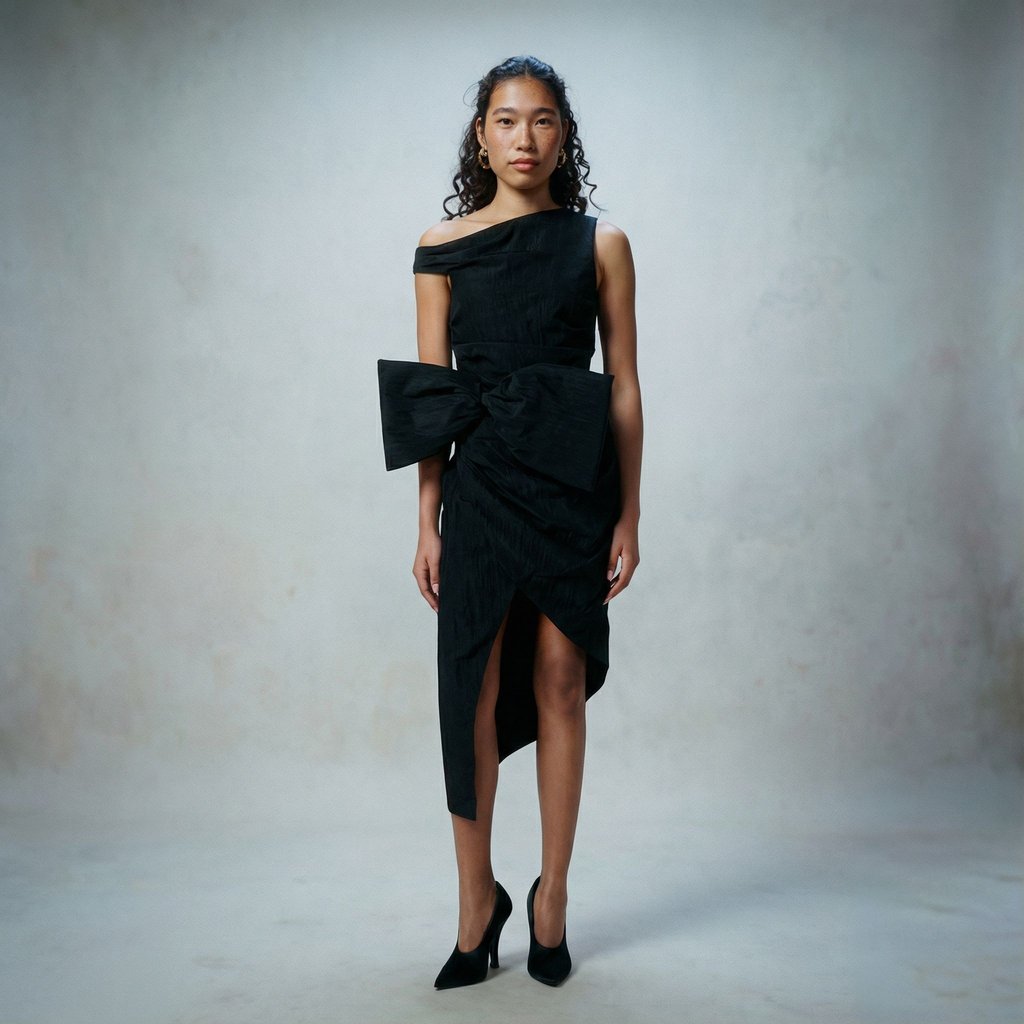
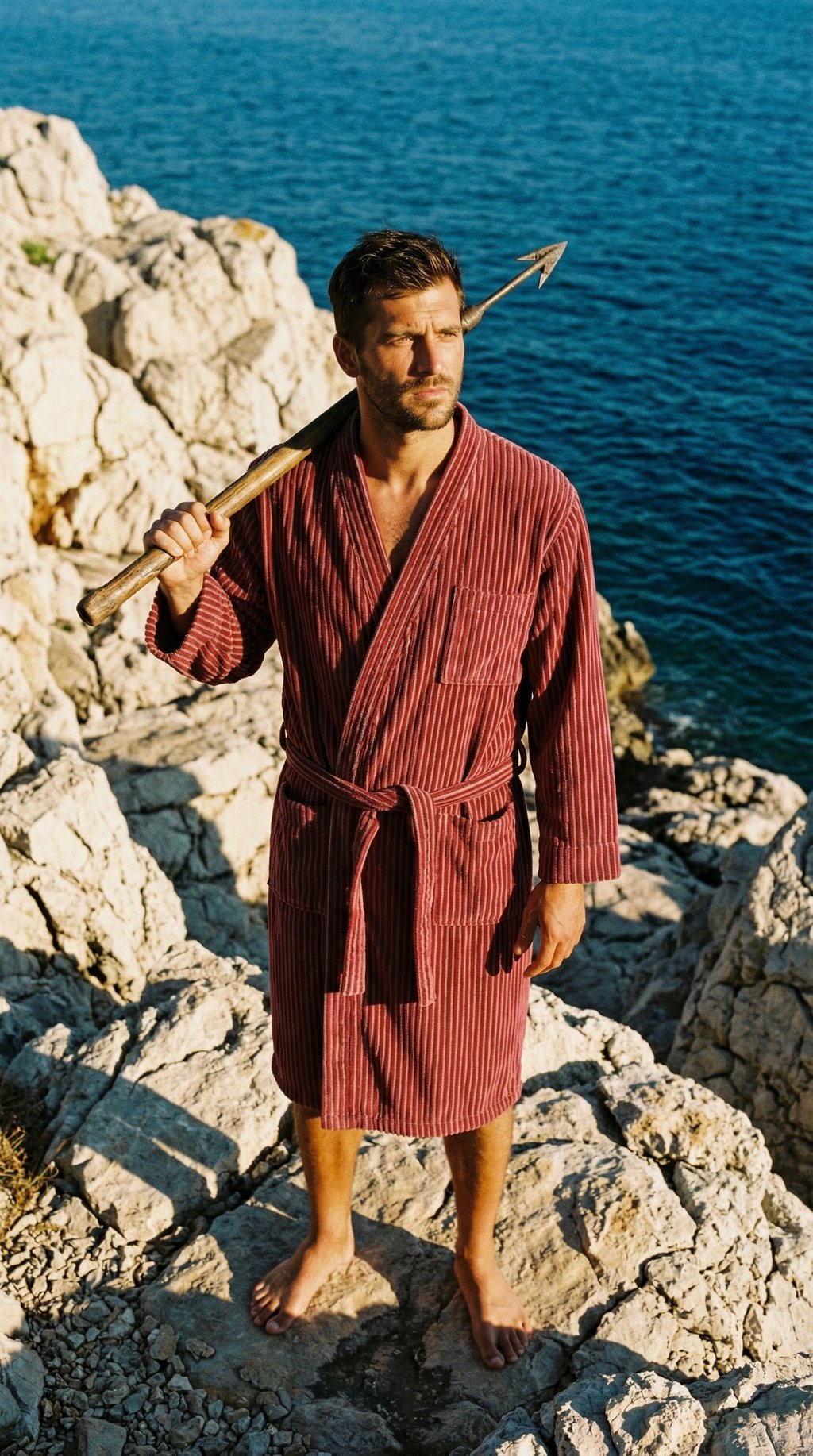
Consistency has two axes, and the model is only one of them. The other is the room. AI studios store lighting, framing and environment as a reusable preset, so a campaign locks the person and the setting independently: same character in three different studios for three different placements, or one studio across a whole collection with the character swapped per market.
Character models are available on Kive's paid plans – Basic, Pro and Enterprise – while free accounts get demo models to test the flow. Style models, which capture a look rather than a person, are Pro and Enterprise only (kive.ai/docs).

How the other tools handle it
Every major generator now ships something for this, and they differ more in method than in marketing. Verified against each vendor's own documentation in August 2026:
| Tool | Method | What you supply | Where it lives |
|---|---|---|---|
| Kive | Trained character model, called with @modelname | 1–3 photos, about 10 seconds to train | Paid plans; free accounts get demo models |
| Midjourney | Character Reference, or Omni Reference on V7 | One reference image per prompt, no training | All paid plans |
| Leonardo | Personal AI models | Trained from your own images | 10 on Essential ($12/mo), 20 on Premium ($30), 50 on Ultimate ($60) |
| Krea | LoRA training | Up to 50 images per LoRA, 2,000 on Max | Paid plans; LoRA training limited on free |
| Kling | All-in-One Reference | A 3–8 second character video, or several reference images | In-app plans |
Reading the table
The split that matters is training versus referencing. Midjourney's approach needs nothing up front and re-specifies the character on every prompt, which is excellent for exploring and weaker over a long shoot. Leonardo and Krea train, and their plan tiers cap how many subjects you can keep – a real constraint for an agency running several clients. Kling is the outlier in a useful way: it accepts a few seconds of video as the reference, which captures angles a still cannot.
Where consistency still breaks
No tool holds everything. Three failure modes show up across all of them, and knowing them is the difference between a campaign that ships and one that gets re-shot.
Hands, teeth and jewellery drift long after the face has locked, because they are small, high-detail and rarely well represented in a handful of reference photos. Review them per image rather than trusting the model.
Extreme angle changes stretch any reference. A character trained on three front-facing photos will hold a three-quarter turn and start inventing at full profile. If the campaign needs profile shots, include one in the training set.
Garment detail is not identity. A character model reproduces a person, not the clothes they wore in the reference. For the garment to stay exact, it has to be handled as a product in its own right – which is a different tool and a different reference.
A campaign workflow that scales
Sequence the work so the expensive decisions happen once. Train the character first and approve it in isolation, before any campaign context – a face you are not happy with will not improve once a garment and a location are competing for attention.
Then lock the scene. Pick or build the studio for each placement, and generate a single test frame per studio with the character in it. What you are checking at this stage is whether the character survives the lighting, not whether the image is finished.
Only then generate at volume. Batch by studio rather than by shot, because switching scenes is where drift creeps back in, and review the small details – hands, jewellery, garment seams – on every frame rather than on a sample. Teams comparing platforms for this kind of repeated production will find the wider field in our guide to AI product photography tools, and a fashion-specific head-to-head in Kive vs Flair AI.
The honest summary is that consistent character AI stopped being the hard part some time in the last year. Every serious tool now holds a face well enough for commercial work, and the differences are about where the reference is stored, how many subjects you can keep, and what it costs to keep them.
What has not been solved is everything around the face. Garment accuracy, prop continuity and hand detail still need a human pass, and the campaigns that look expensive are the ones where somebody checked. Treat the character model as the thing that removes one variable from the shoot, not as the thing that removes the review.
Studios for campaign consistency
References