Jewelry ads with every stone in place
Still lifes, on-hand shots and short video for rings, earrings and necklaces, made from the product photos you have. The setting, metal and stones stay yours.
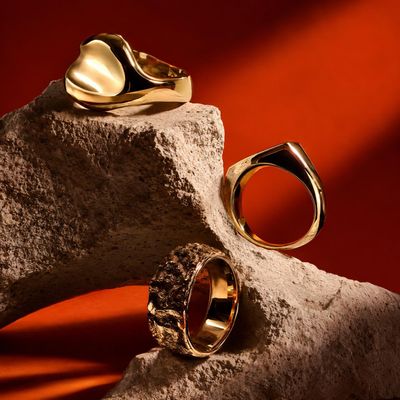
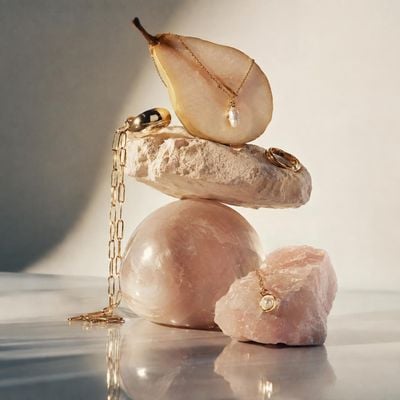
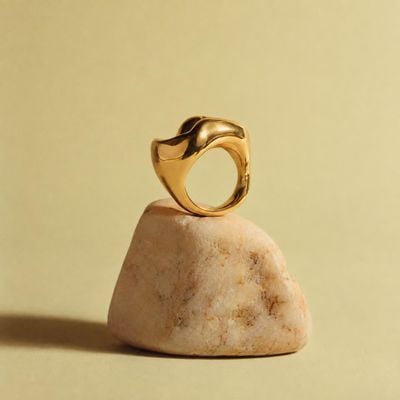
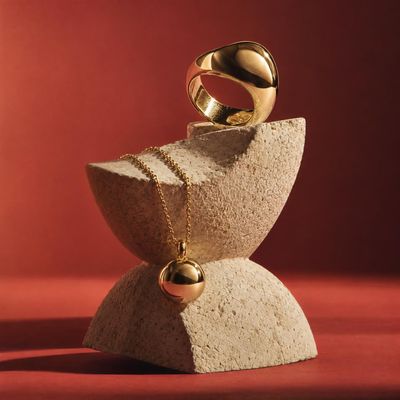
Jewelry looks from the Kive library
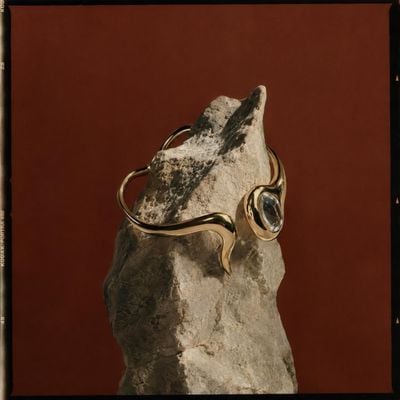
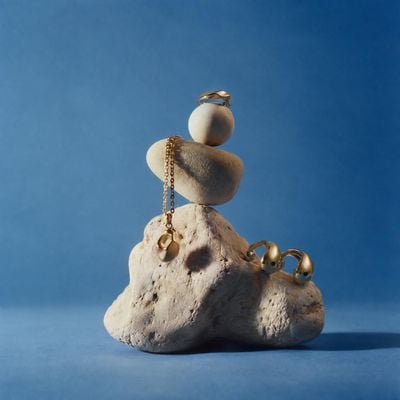
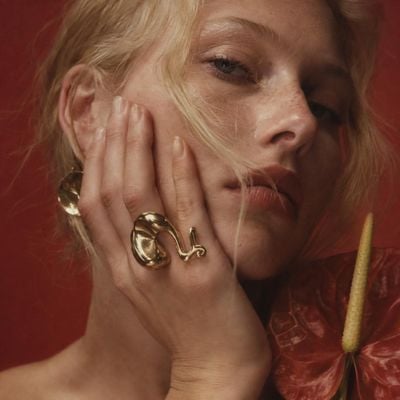
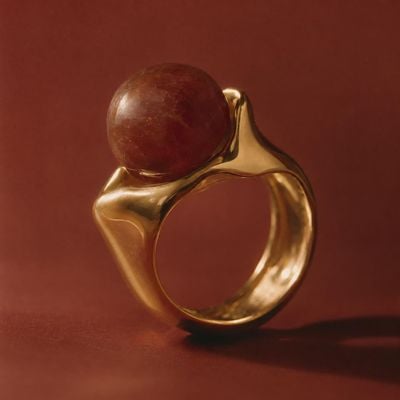
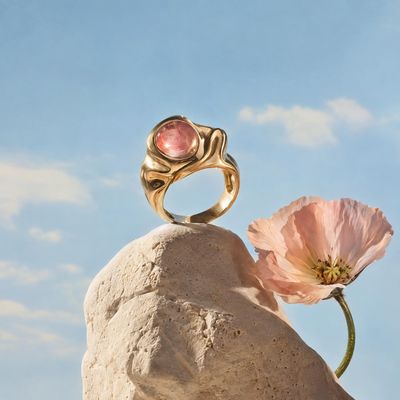
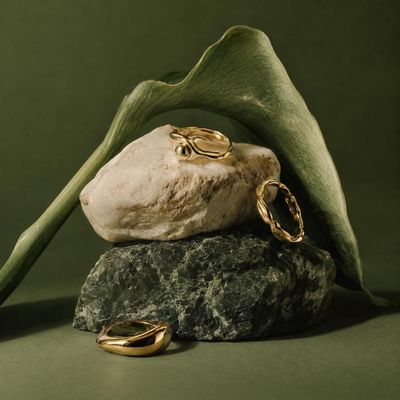
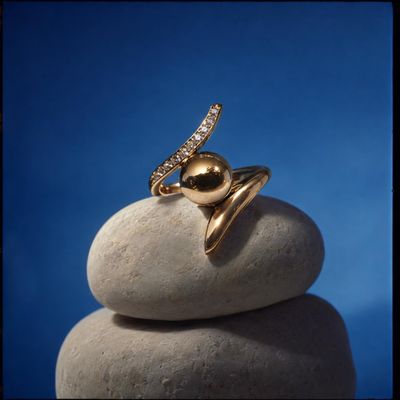
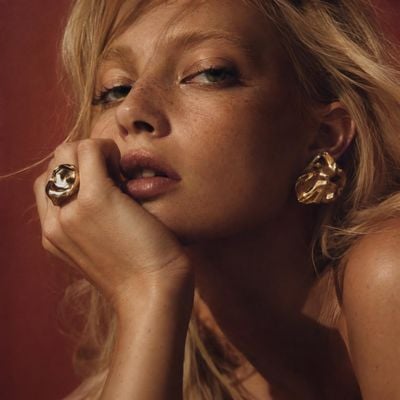
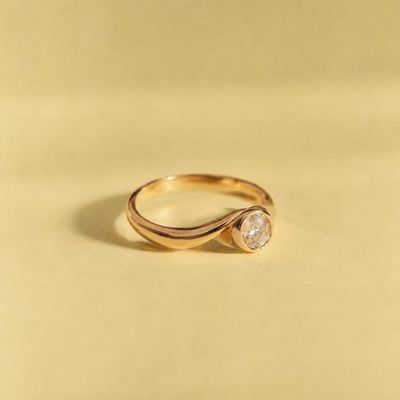
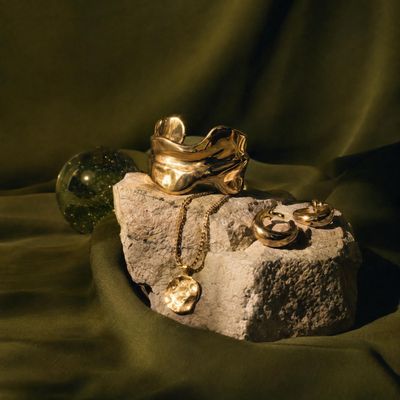
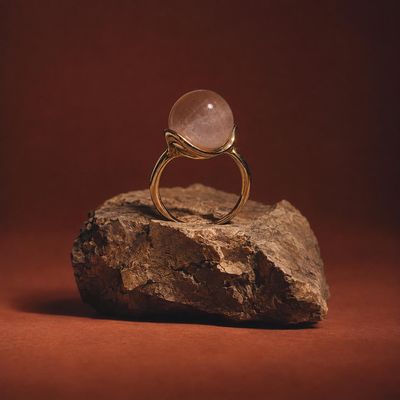
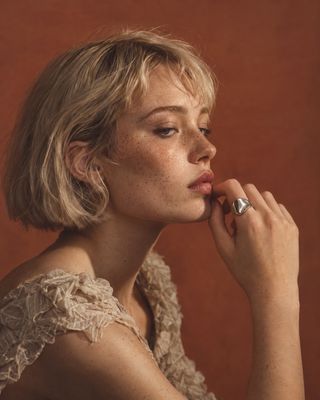
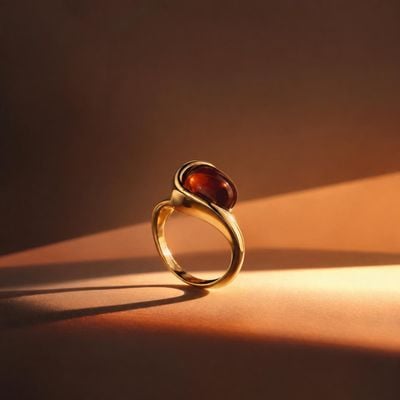
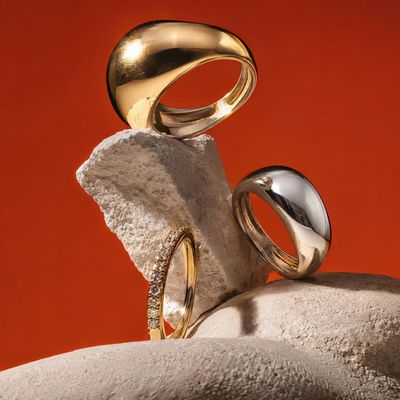
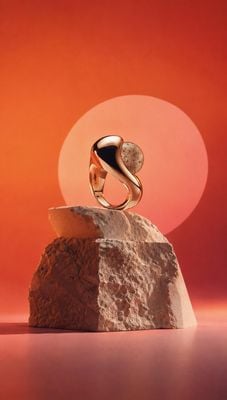
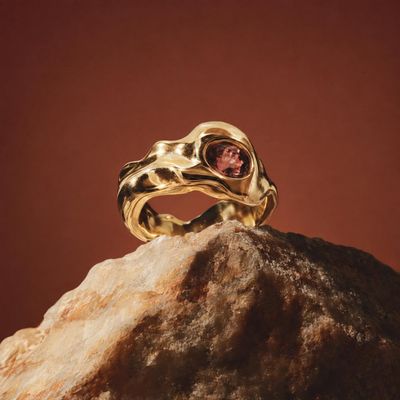
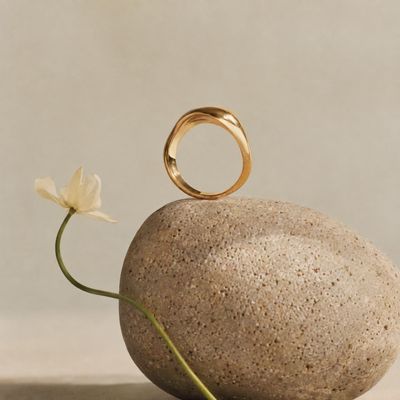
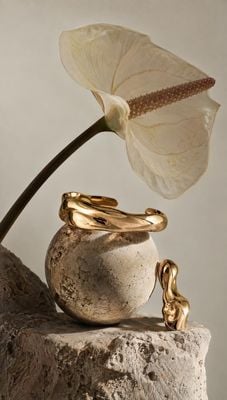
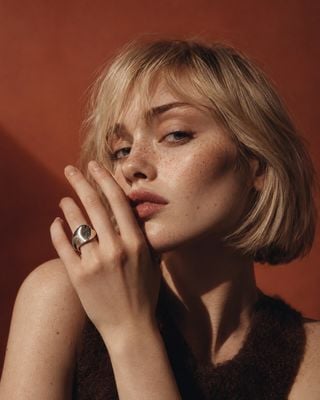
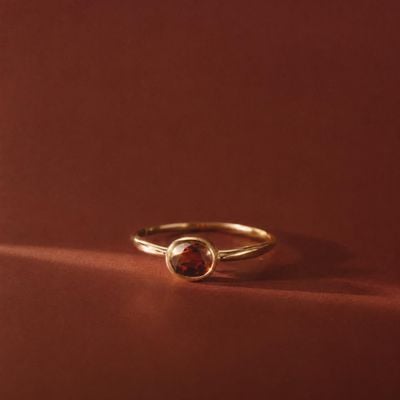
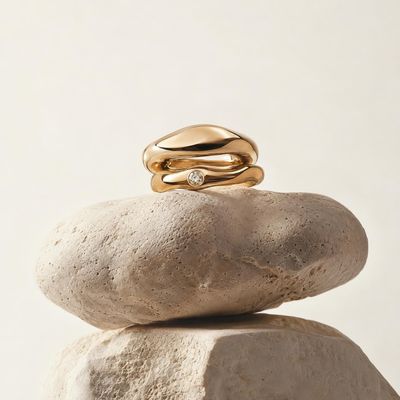
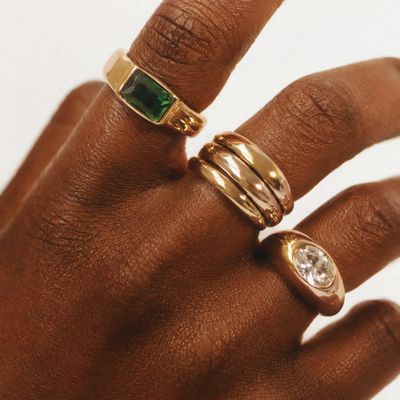
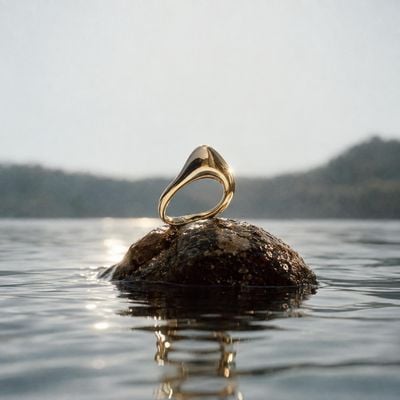
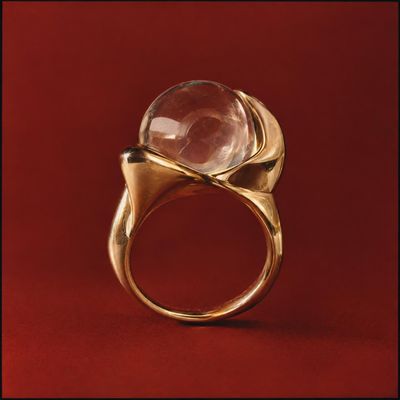
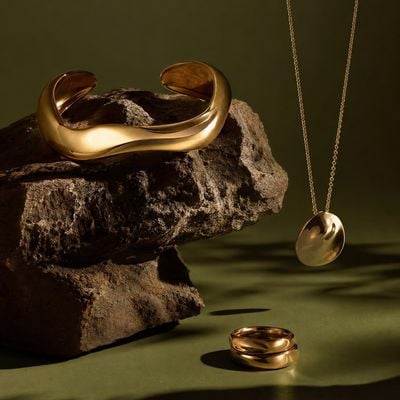
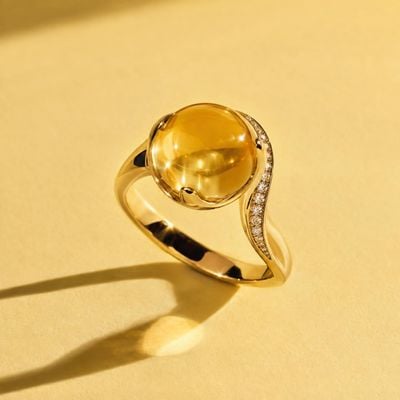
Rings on stone, hands in soft light and close portraits. Remix any of them with your own piece, then animate it.


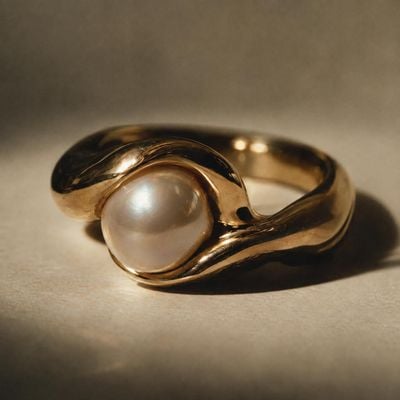
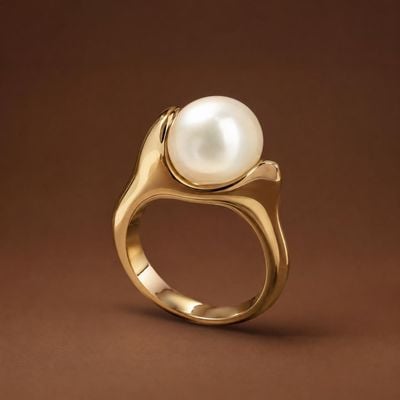
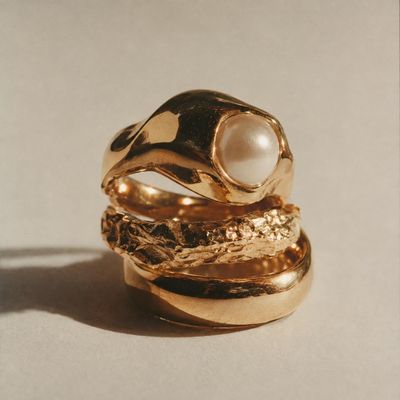
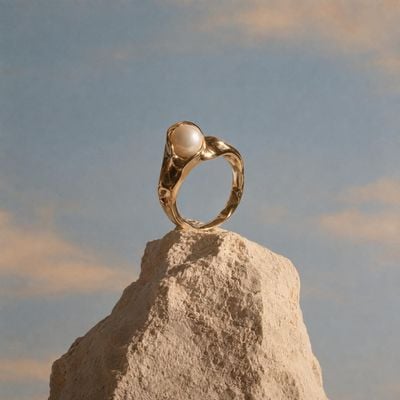
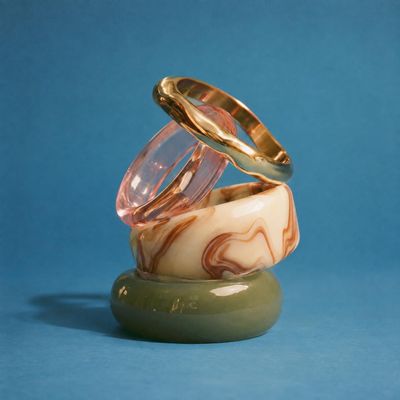
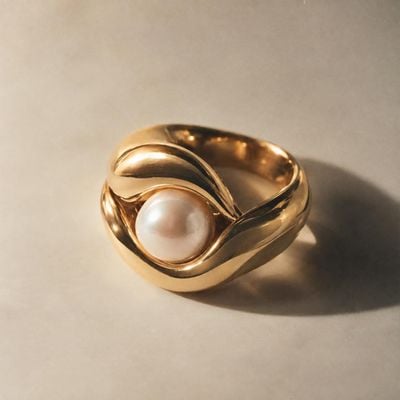
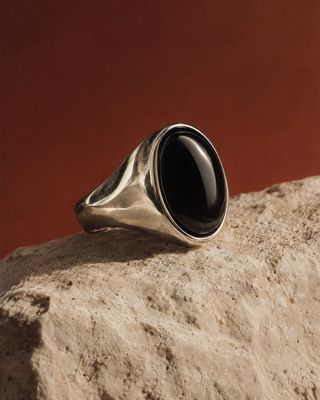
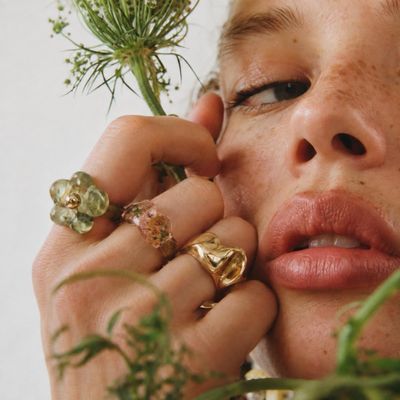
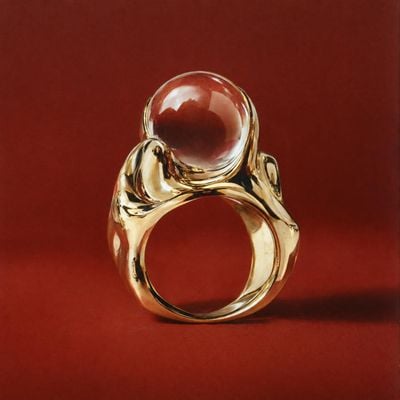
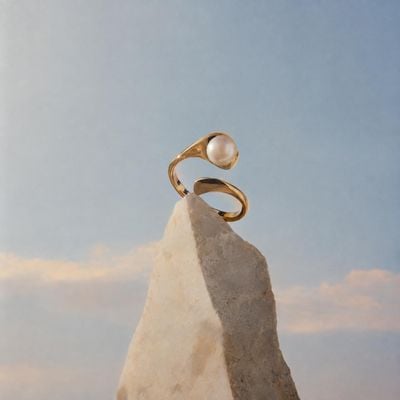
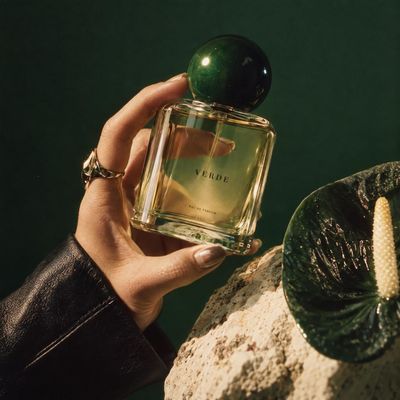
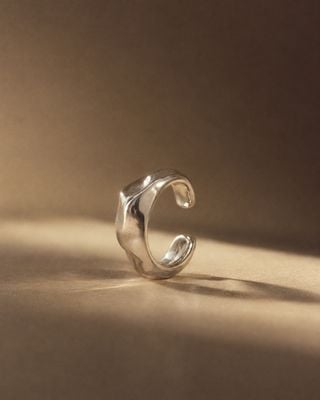
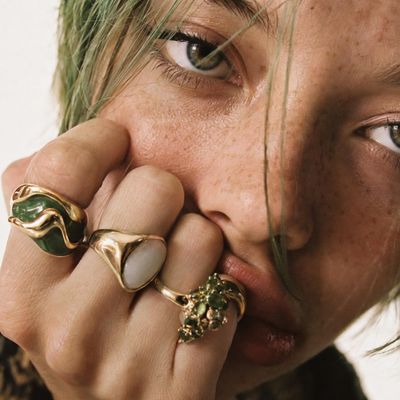
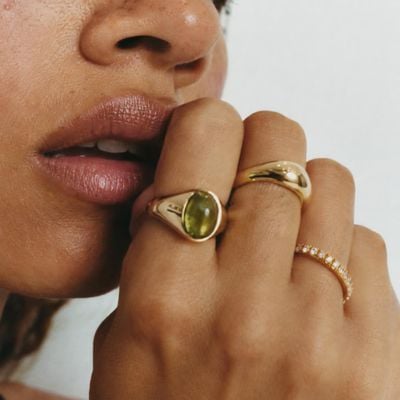
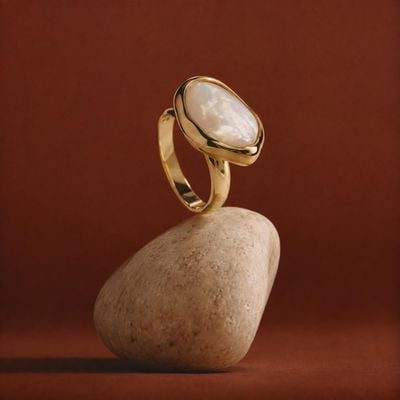
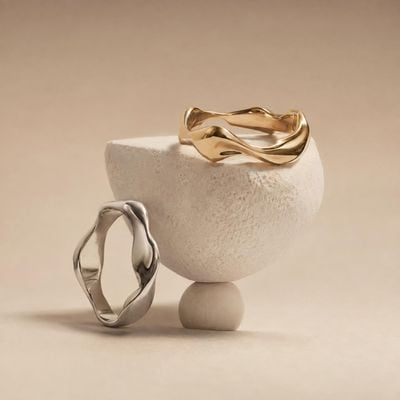
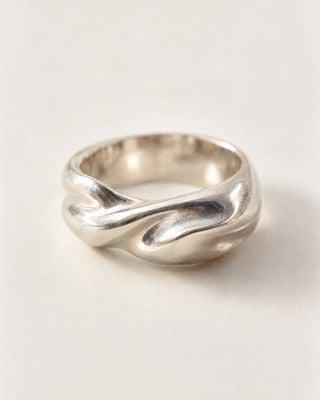
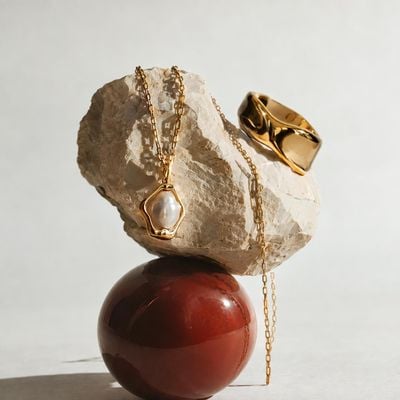
Campaign jewelry imagery without a macro studio
Jewelry is the hardest product to photograph: tiny, reflective, and judged on detail. A ring needs a macro lens, controlled reflections and a hand model, and every new piece in a collection needs the same set again so the line looks like one family.
Kive builds the shots from photos of your pieces. Pick a look from the Ideas library — a ring on stone, a hand in soft light, a close portrait — and remix it with your saved product. The piece is anchored to your photos while the scene and the model come from the look, and an approved still turns into a short clip where the light moves across the metal.
How a jewelry campaign gets made in Kive
- 1Save each piece: one to four sharp photos per ring, earring or necklace, showing the stones and the setting clearly.
- 2Pick the looks: still lifes on stone and fabric, on-hand close-ups and model portraits from the Ideas library.
- 3Remix and inspect: your piece replaces the one in each look; zoom in on prongs, stones and engravings before you approve.
- 4Animate and upscale: turn the approved still into a short clip with sound, and upscale stills to 16 or 24 megapixels for the product page.
One ring, three jewelry clips, made in Kive
Each one started as a look in the Ideas library, remixed with the same saved ring, then rendered as a short 9:16 clip with sound. Tap a clip to hear it.
Still life: a gold diamond ring upright on rough stone, with light moving across the band.
On hand: the same ring on a hand in soft light, turning slowly so the stone catches it.
On model: a close portrait against terracotta, the ring on her hand near her face.
What a jewelry shoot needs, built in
The shots that sell a piece, made from product photos and a short brief.
Your piece, not a lookalike
Generations are anchored to your saved product photos, so the band, setting and stones carry into every scene. Sharp source photos give the best detail.
Still lifes on stone and fabric
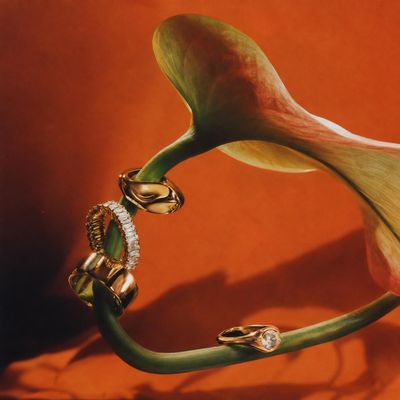
Sculptural rocks, silk, water and warm backdrops from the Ideas library, remixed with your piece.
On hand and on model
Show rings on a hand and earrings on a model, and keep the same face across a collection with a character model made from one to three photos.
Light that moves
Turn an approved still into a 4 to 15 second clip where light travels across the metal and the stone, with sound in the same render.
Product-page resolution
Upscale approved stills to 16 or 24 megapixels so shoppers can zoom into the piece on the product page.
One look per collection
Bulk generate runs a whole collection through one image direction on paid plans, so every piece shares the same light and set.
Start from a prompt
Three jewelry formats to adapt. Open one in Kive with the prompt filled in; nothing renders until you send it.
Light across the stone
Make a 6-second vertical 9:16 video of my jewelry piece, with sound. The piece rests on a rough stone against a warm backdrop; a slow beam of light moves across the metal and the stone catches it. Keep the piece exactly the same and show only the side visible in my photos. Soft ambient tone, no voice, no music, no text. Ask me which product to use.
On-hand turn
Make a 6-second vertical 9:16 video of my ring on a hand, with sound. A close, softly lit hand against a pale background turns slowly so the stone catches the light. Keep the ring exactly the same, no other jewelry. Quiet room tone, no voice, no music, no text. Ask me which product to use.
Portrait with earrings
Make a 6-second vertical 9:16 video of my earrings on a model, with sound. A close portrait in warm directional light; she turns her head slightly toward the camera so the earrings move and catch the light. Keep the earrings exactly the same. Quiet ambient sound, no voice, no music, no text. Ask me which product to use.
“I stumbled over Kive on Instagram and gave it a try. Today I don’t want to miss it anymore — it helps with my shop’s appearance and outstanding creatives.”
Karen Fleischmann, Founder, Let Go Flow
Read the Let Go Flow storyCommon questions
More ways to use Kive
AI fashion models wearing your products
Turn product shots into on-model photos and video with consistent AI models. No casting, no studio, no reshoots.
Beauty and skincare ads with the packaging kept true
Still lifes, on-model shots and short video for skincare, makeup and fragrance, made from the product photos you have. The bottle, the cap and the label stay yours.
Product video ads from the photos you already have
Turn a saved product into a short commercial: a scene from the Ideas library, camera motion and sound, in every ratio from 9:16 Stories to 16:9 YouTube.
AI product photography for high-end branded campaigns
Campaign-grade visuals and video from the products you already have. Art direction built in, no production crew required.
Your next collection, without the macro studio
Save a piece, pick a look and turn it into images and video with sound.