Black Friday campaign visuals from the product photos you have
One photo per product becomes the whole BFCM set: sale scenes, feed ads, Stories, banners, email heroes and short video, in one look, before November 27.
Black Friday ideas from the Kive library
Sale posters, dark product ads and headline layouts. Remix any of them with your own product and offer.
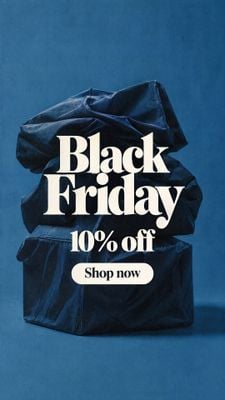
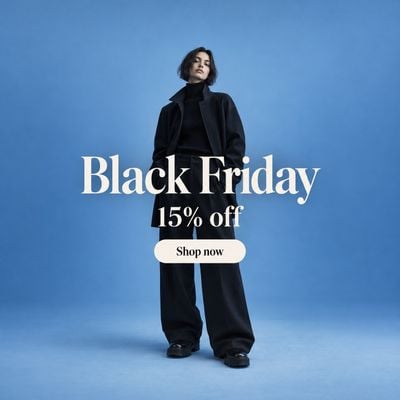
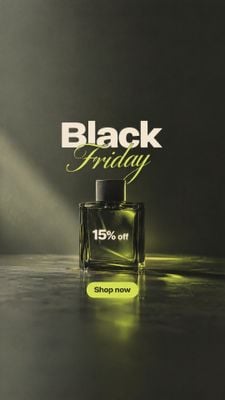
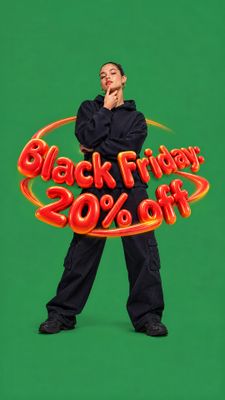
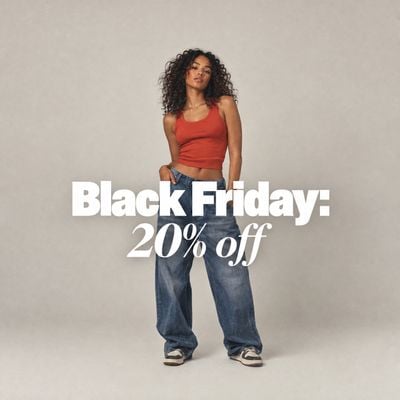
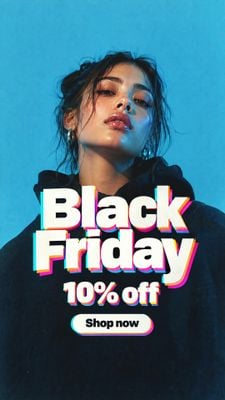
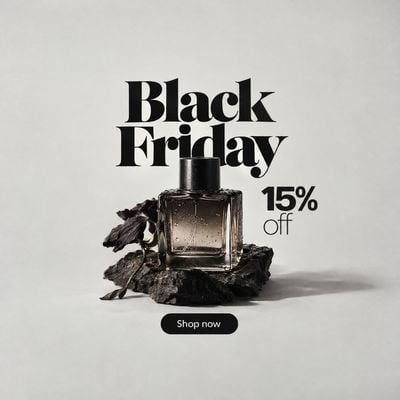

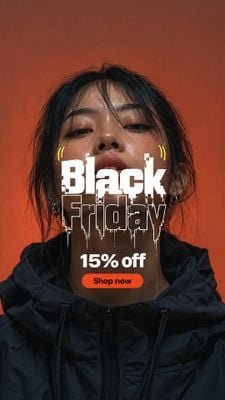
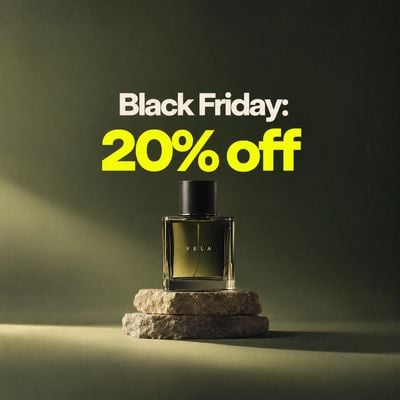


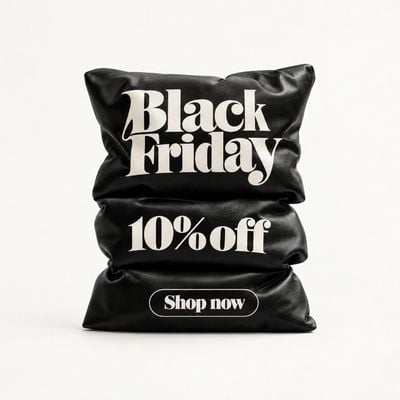
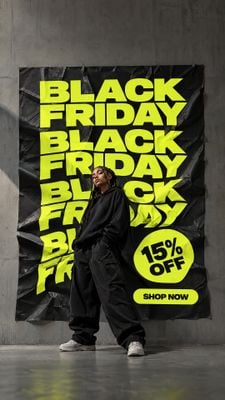
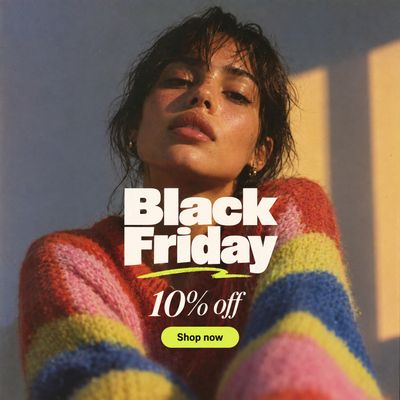
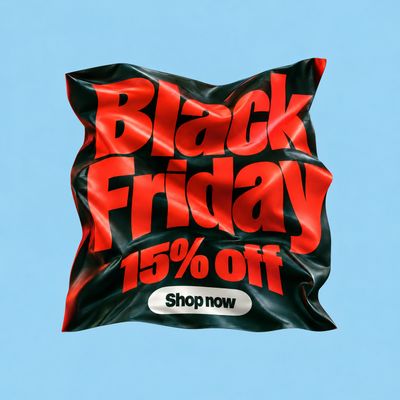

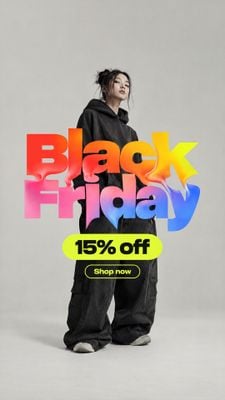
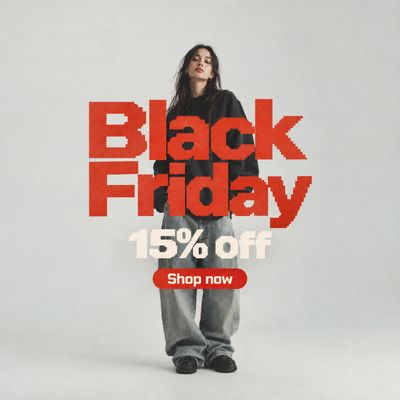
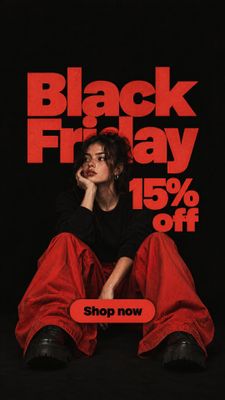
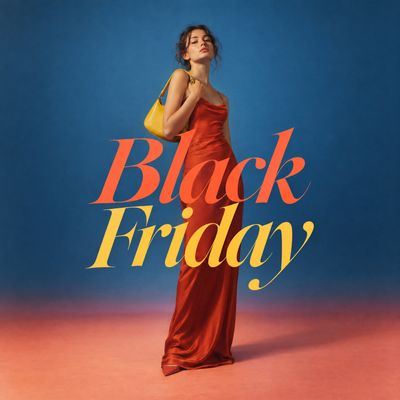
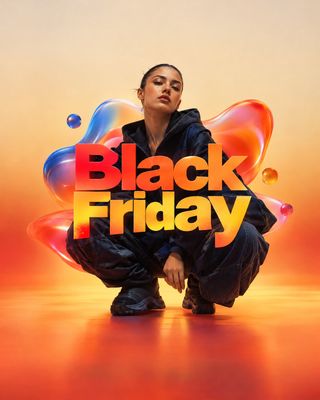
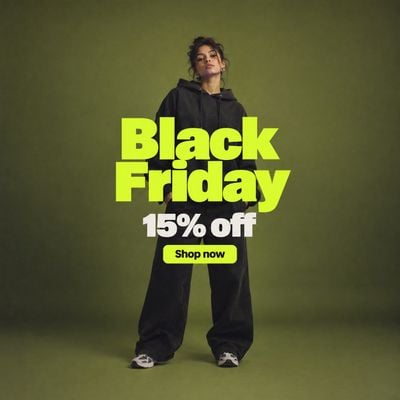
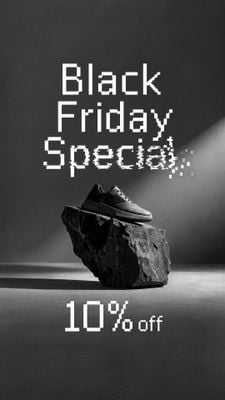
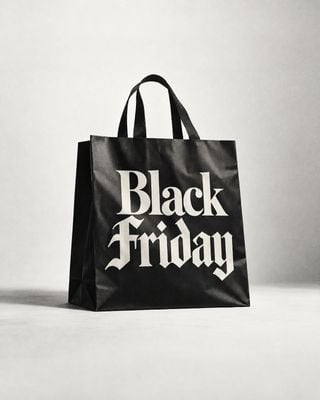
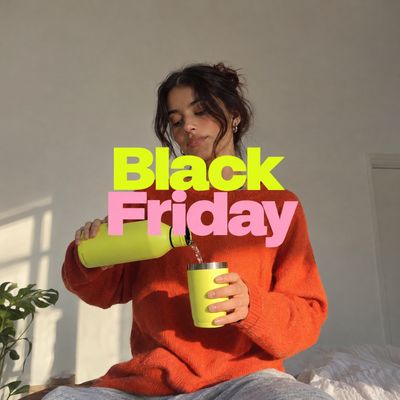
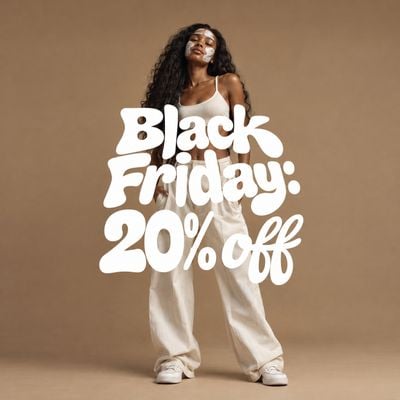
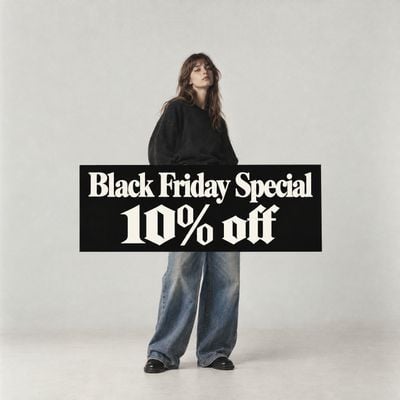
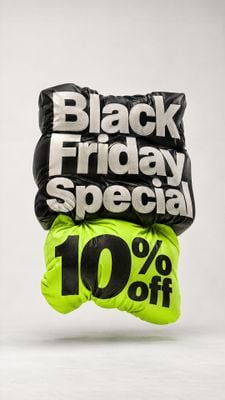
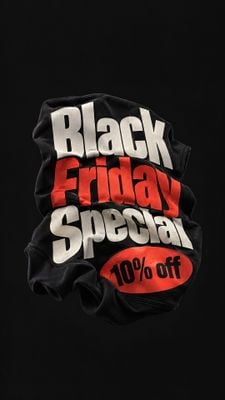
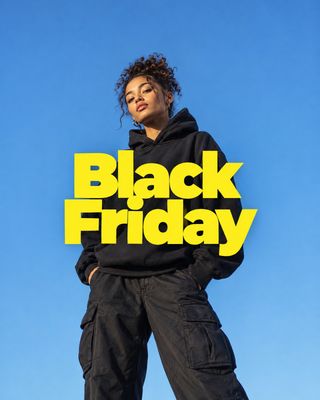
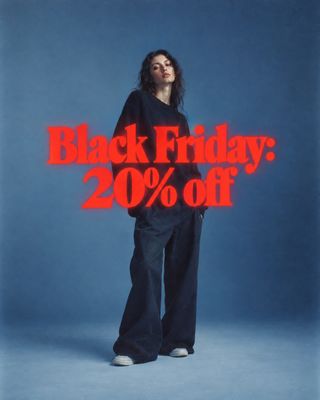
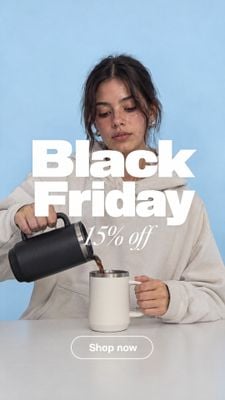

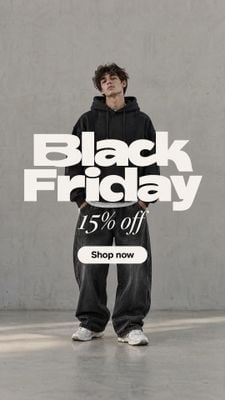

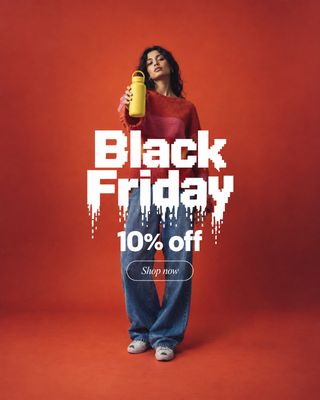
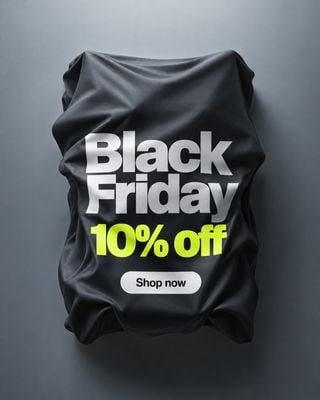




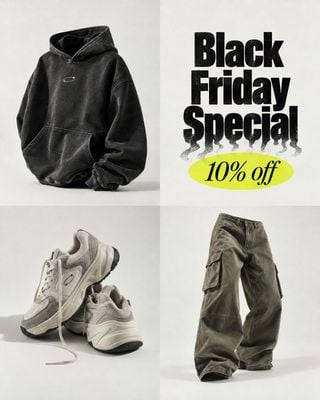
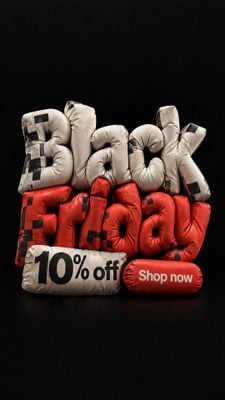
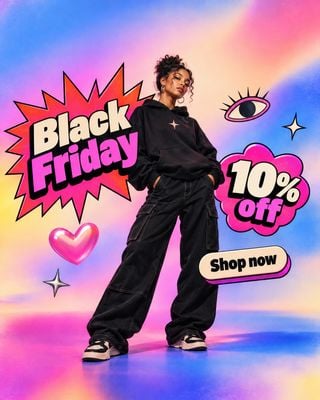
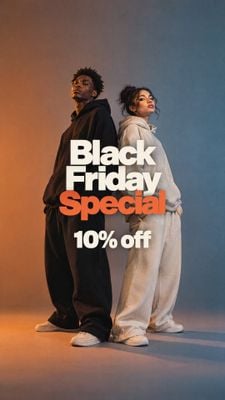
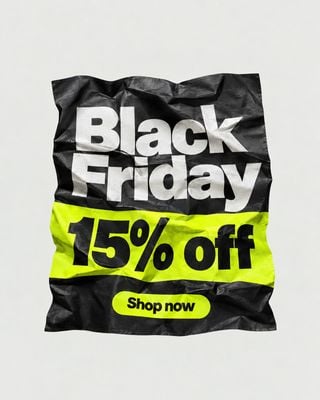
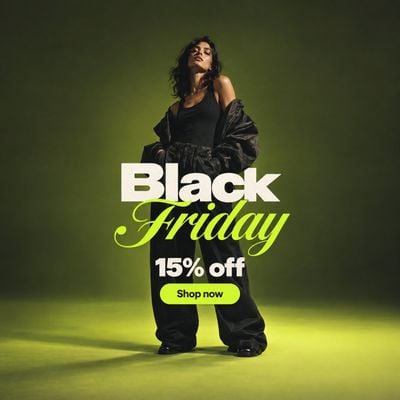
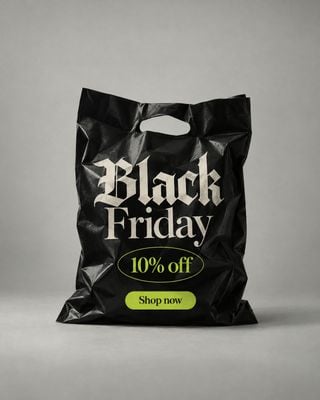

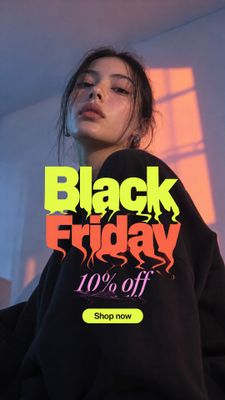
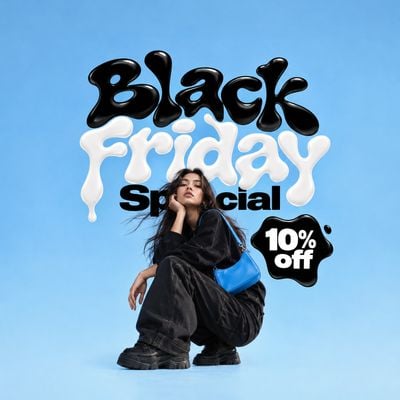
Built for a four-day sale with a six-week runway
Black Friday Cyber Monday 2026 runs November 27 to 30, and the creative for all four days has to exist before the first one opens. Most brands lose that race to production: a photoshoot per look, a designer per channel, and a discount that changes on Sunday night. Kive removes the shoot and keeps the change cheap.
You start from a reference in the Ideas library, a dark sale scene or a finished ad layout, and remix it with your saved product. The product stays exactly what it is; the scene, the light and the lettering come from the reference. Keep the offer on a separate text layer and the same file carries the teaser, the Friday price and the Cyber Monday extension.
How a BFCM set gets made in Kive
- 1Save the products: one to four clean photos per hero product, once. Every generation is anchored to them.
- 2Pick the references: Black Friday looks and ad layouts from the Ideas library, filtered to dark, gold, red or neon.
- 3Remix the set: your product replaces the one in each reference while layout, light and typography carry over; bulk generate applies one look across the catalog.
- 4Ship per placement: crop to feed, Stories, banner and email, turn the hero into a short video, and swap the copy layer when the offer changes.
Start from a prompt
Three Black Friday formats to adapt. Open one in Kive with the prompt filled in; nothing renders until you send it.
Dark sale scene
Make a 4:5 Black Friday image of my product on a glossy black plinth in a dark studio with a single warm gold rim light and subtle reflections. Keep the product exactly the same. Leave clean empty space at the top for the offer, which I will add later. No text. Ask me which product to use.
Story with space for the offer
Make a 9:16 Black Friday story image of my product in a moody scene with deep red and black tones, product in the lower half, the upper third left empty for the discount. Keep the product exactly the same. No text. Ask me which product to use.
Countdown clip
Make a 6-second vertical 9:16 video of my product in a dark studio where gold light pulses across it as the camera pushes in, with sound. Keep the product exactly the same. Low, building ambient tone, no voice, no text. Ask me which product to use.
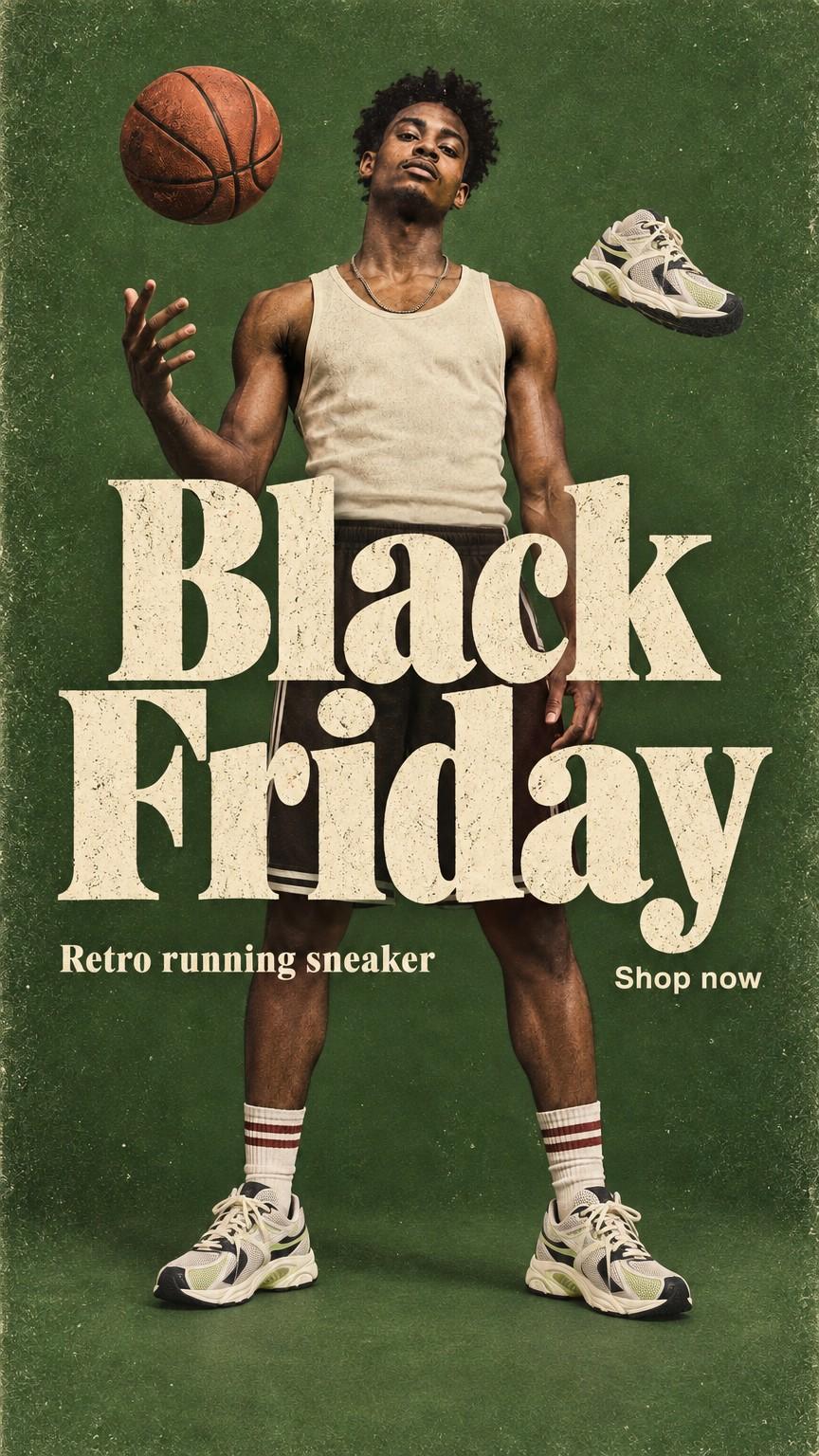
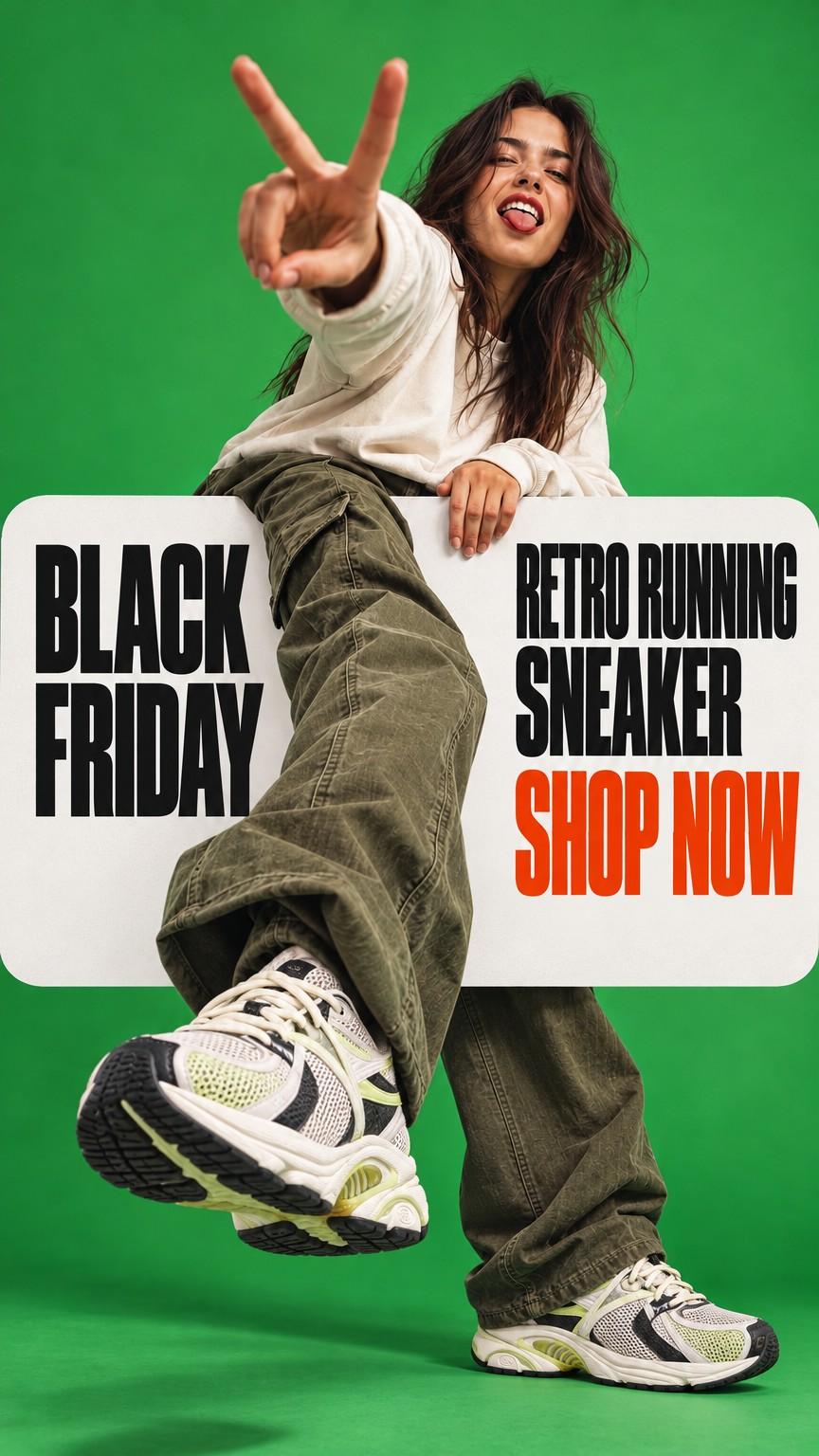
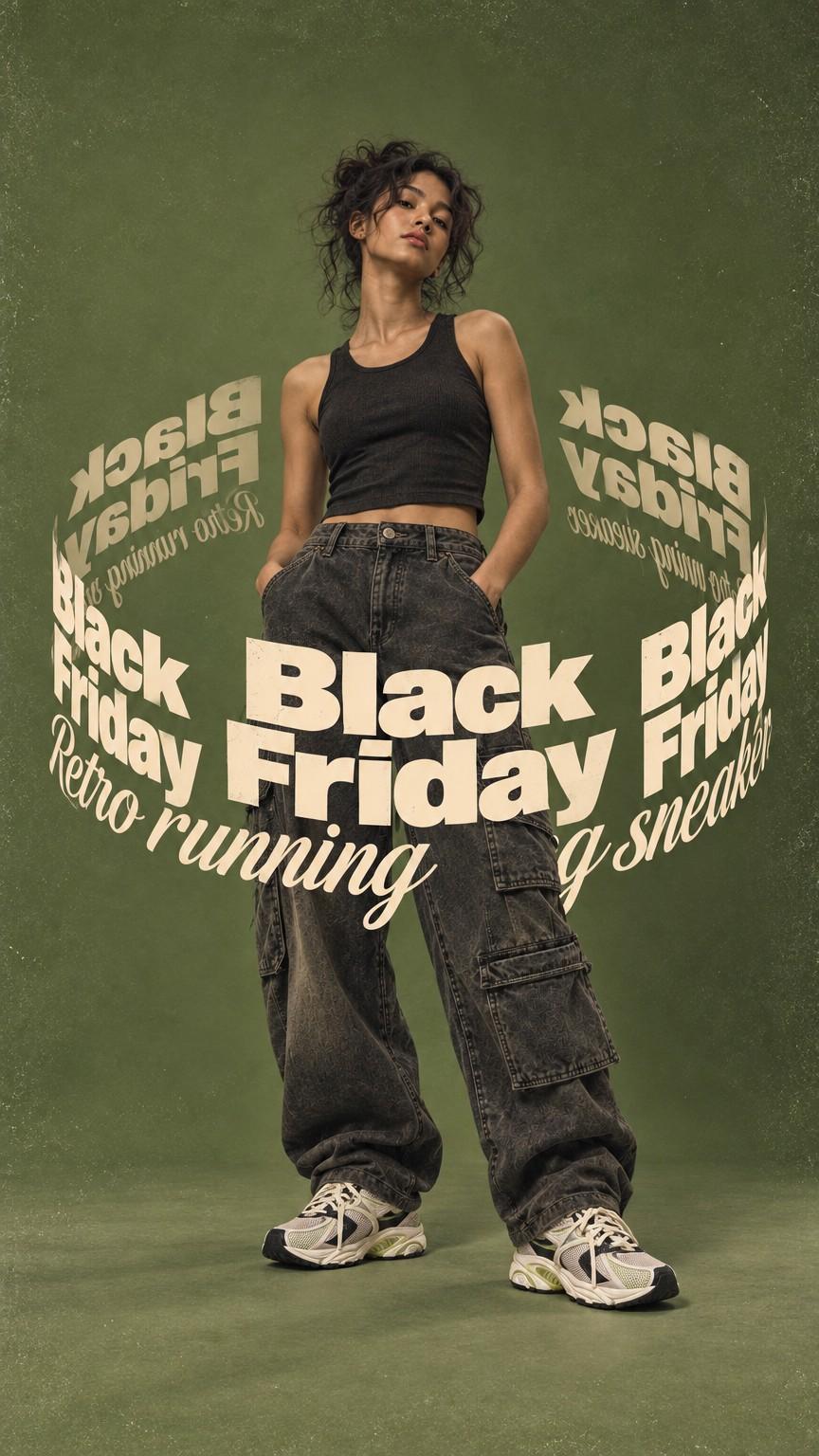
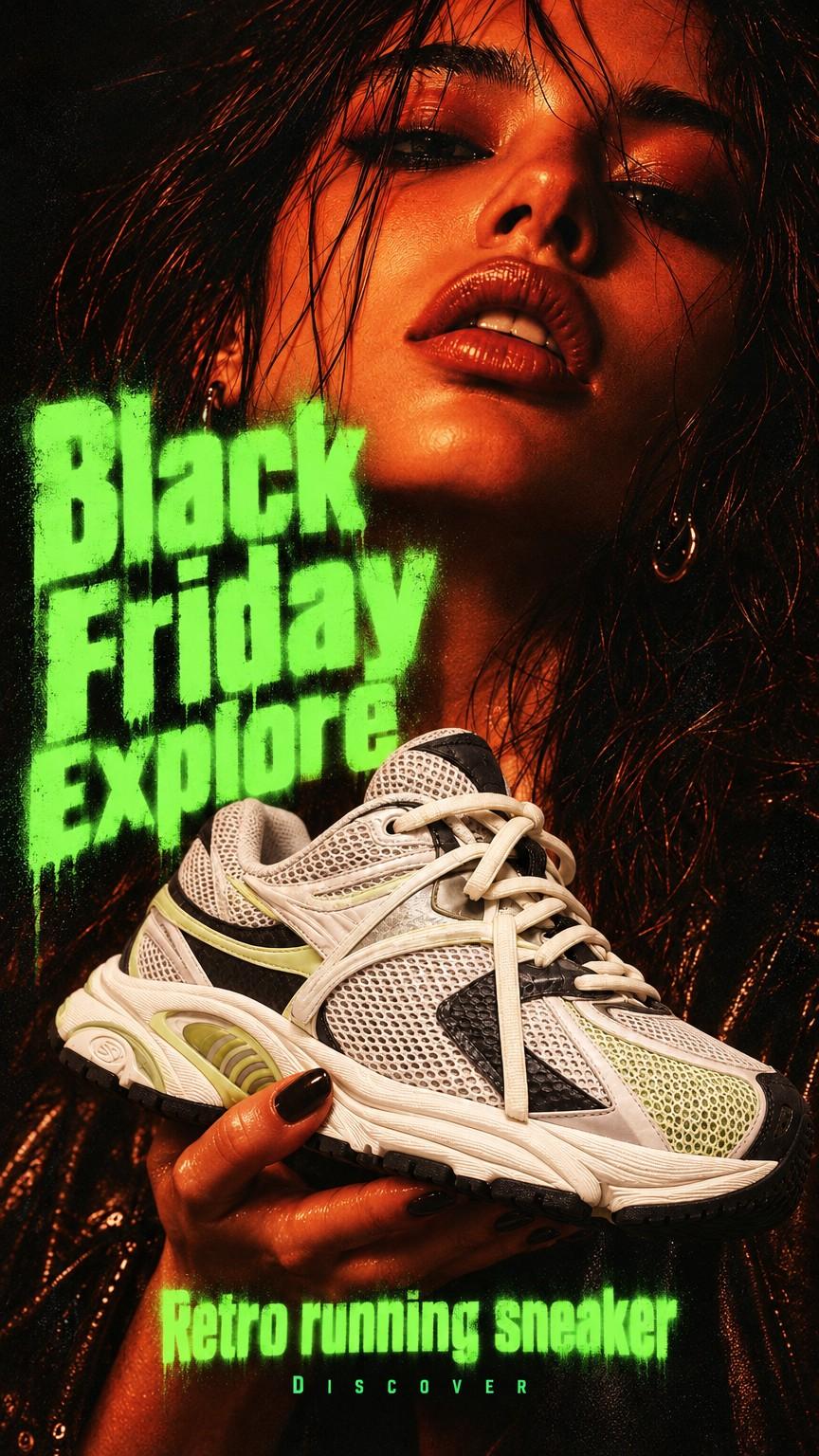
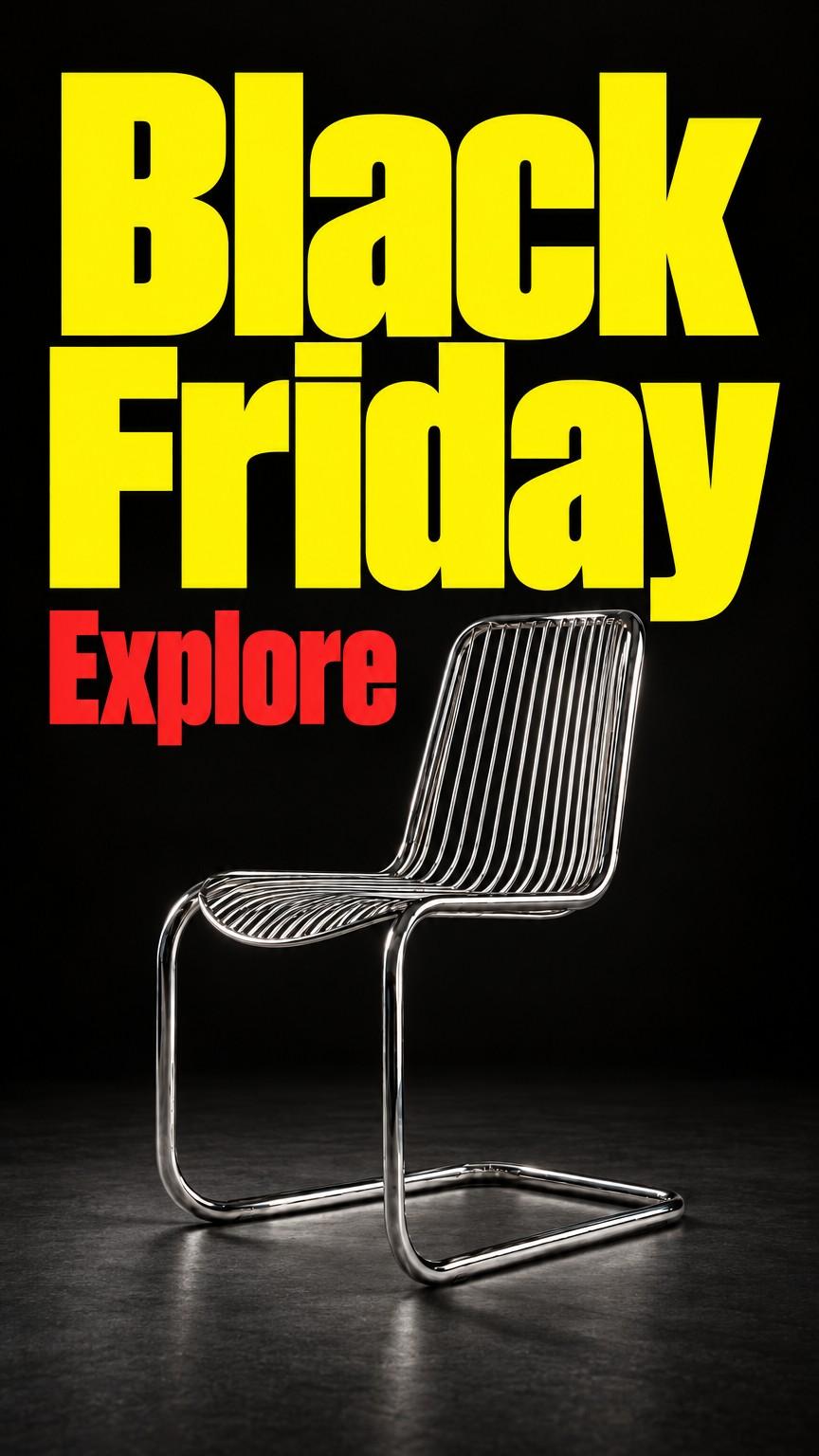
One product photo, four Black Friday ads
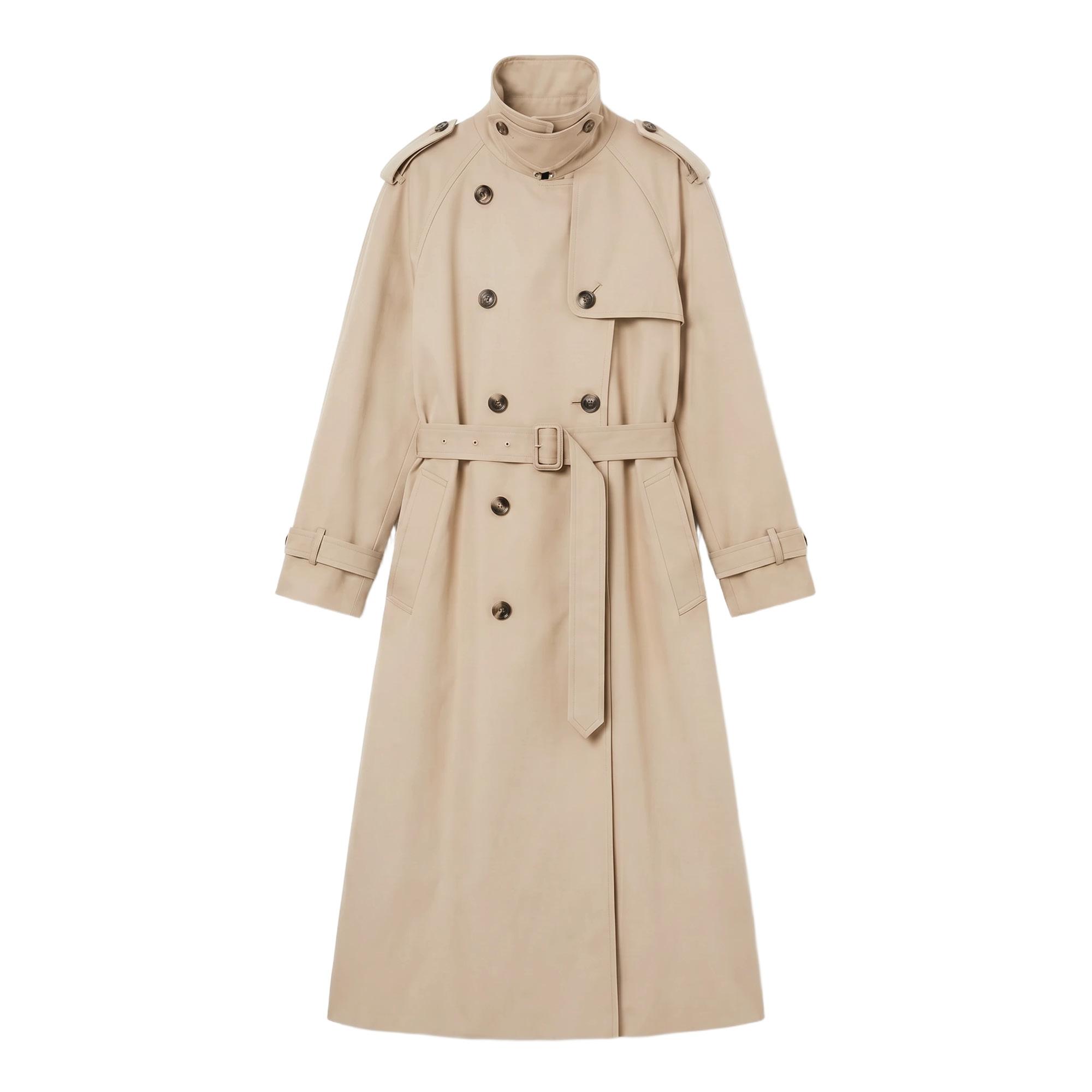
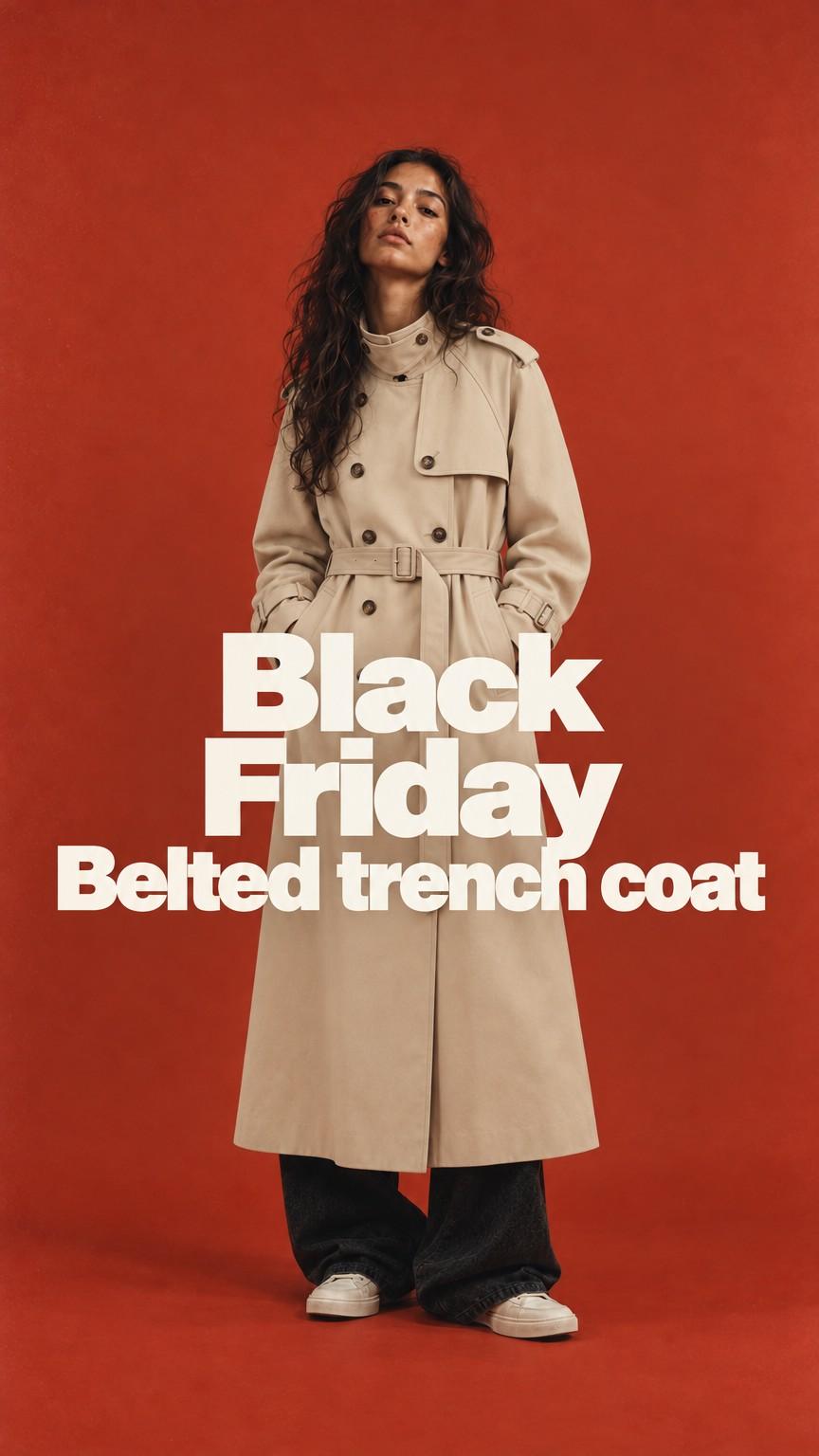
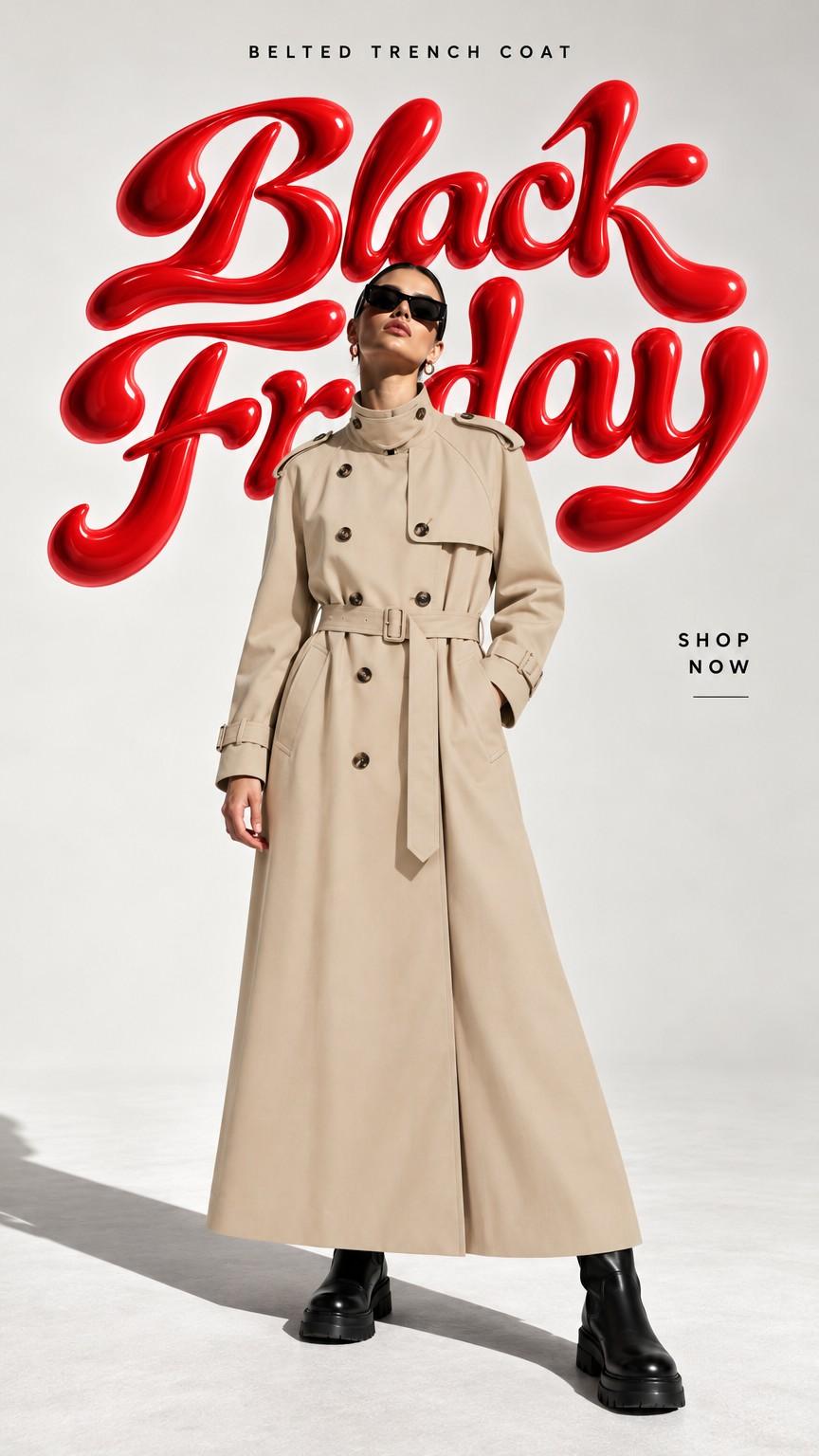
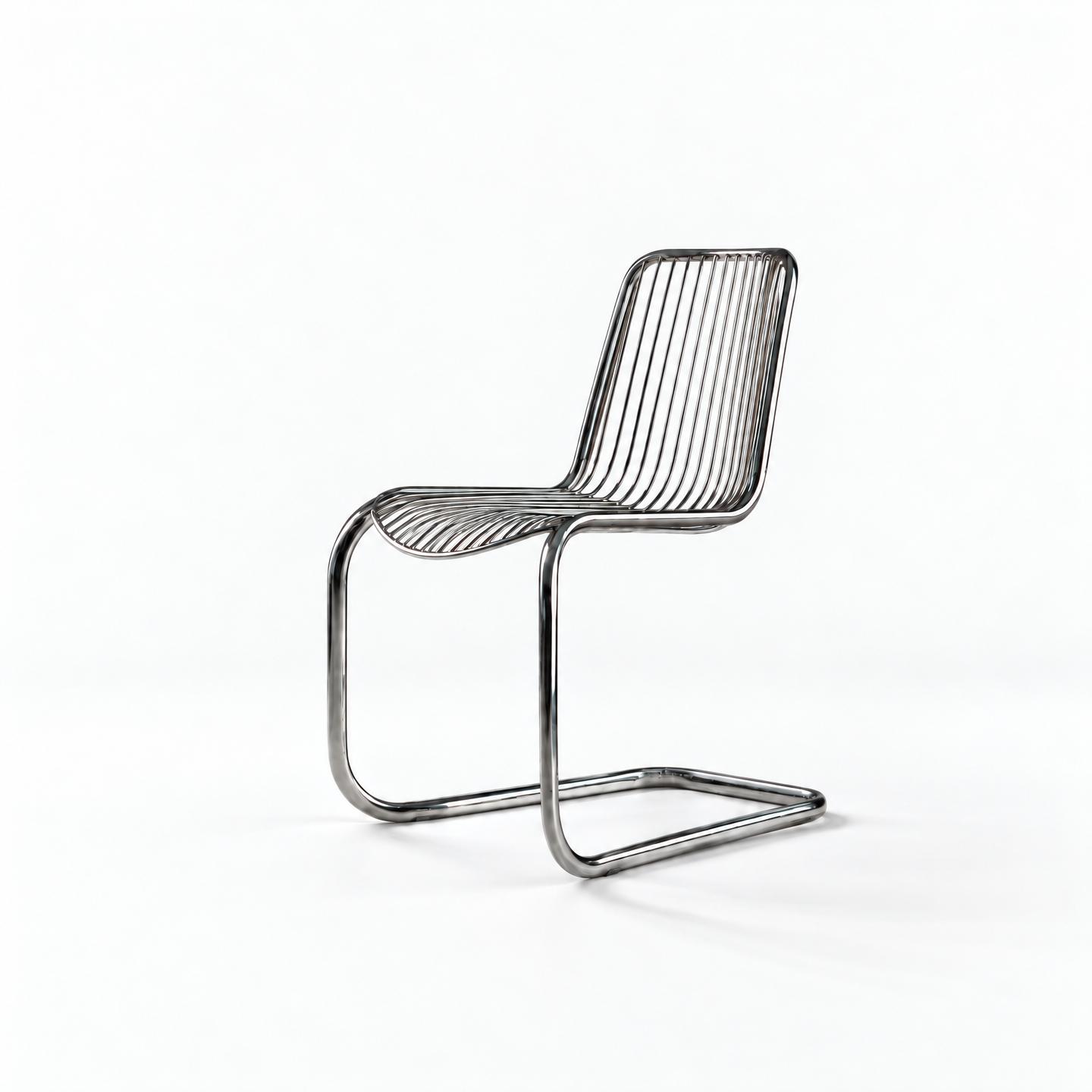
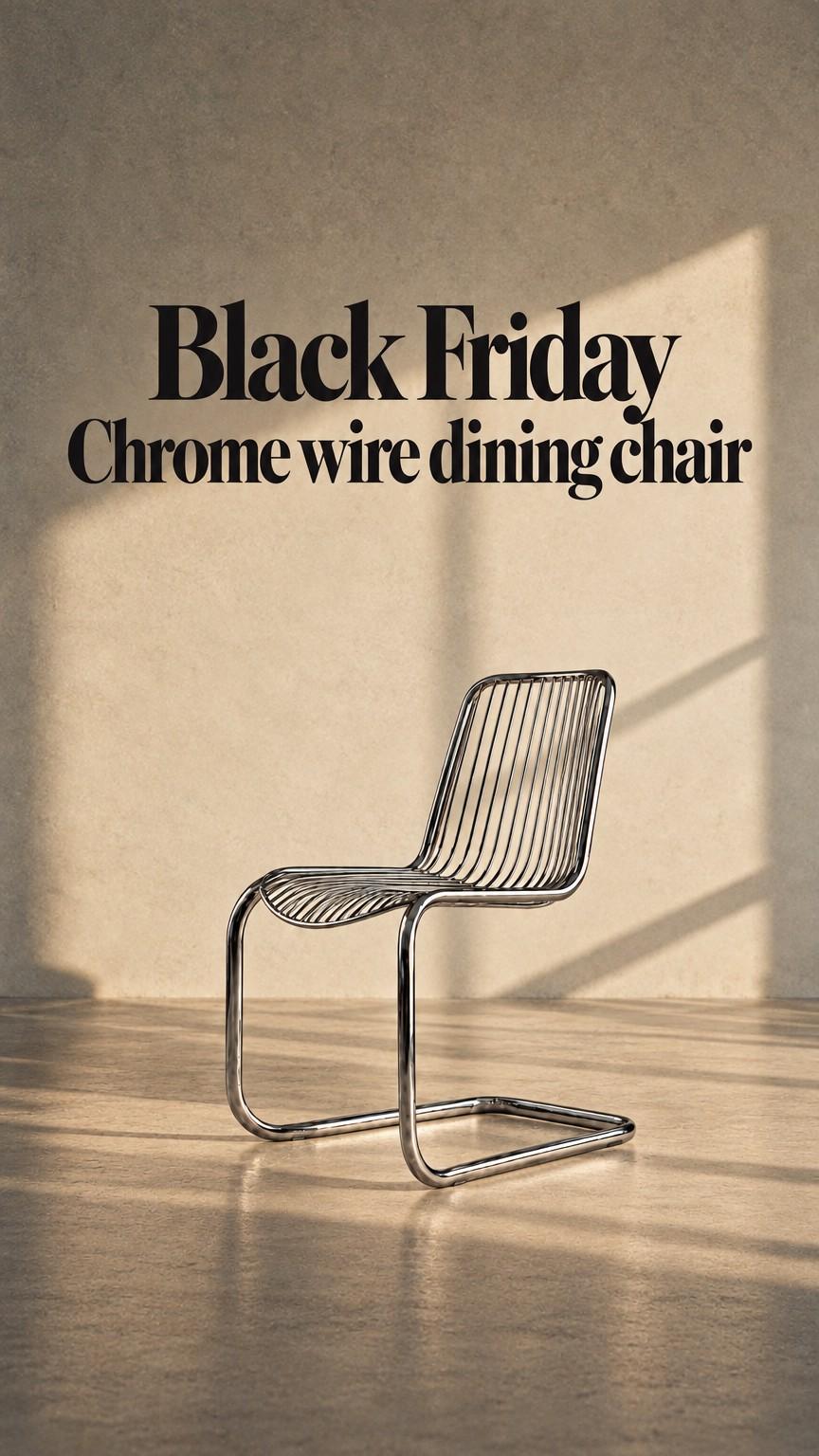
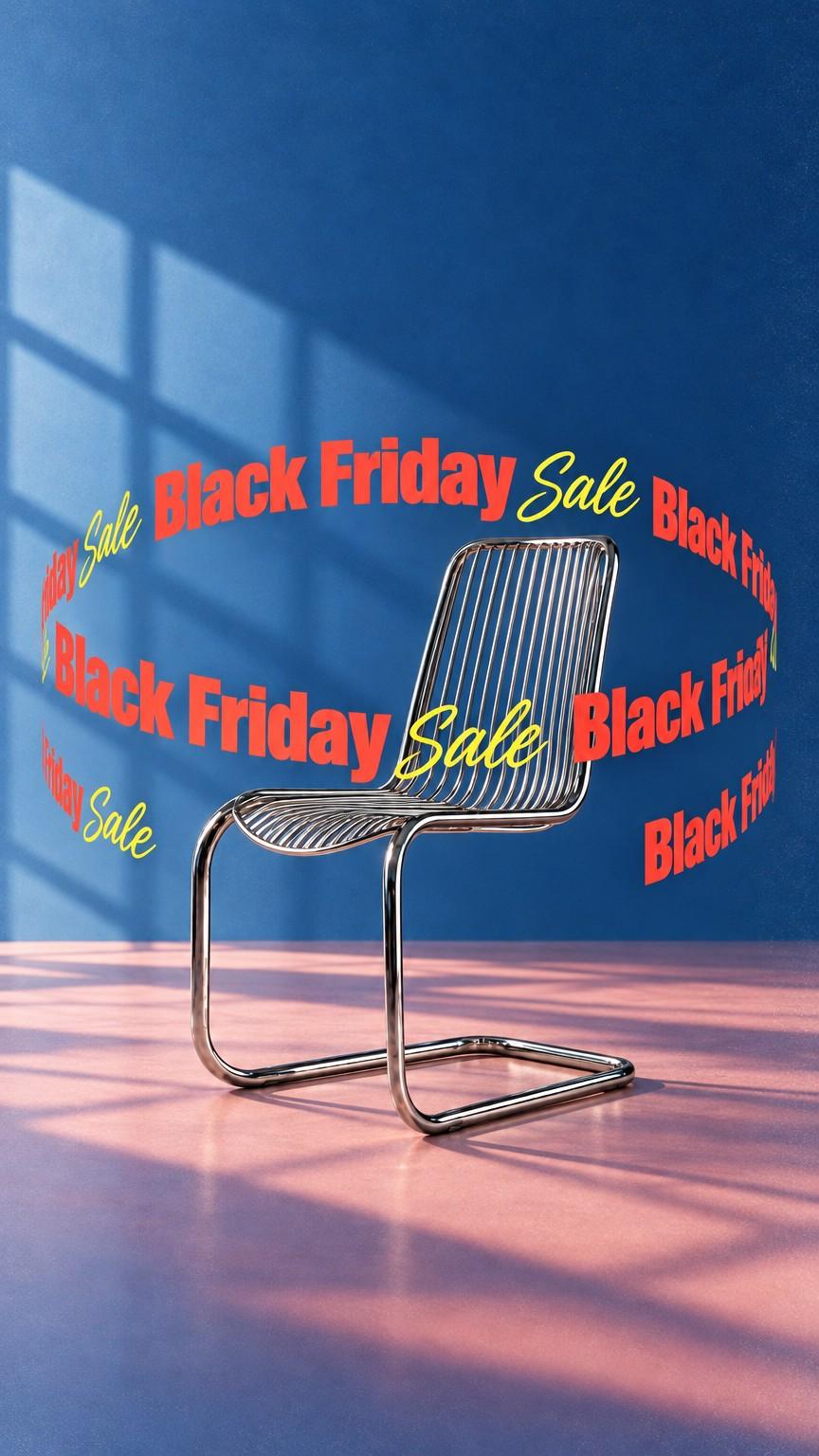
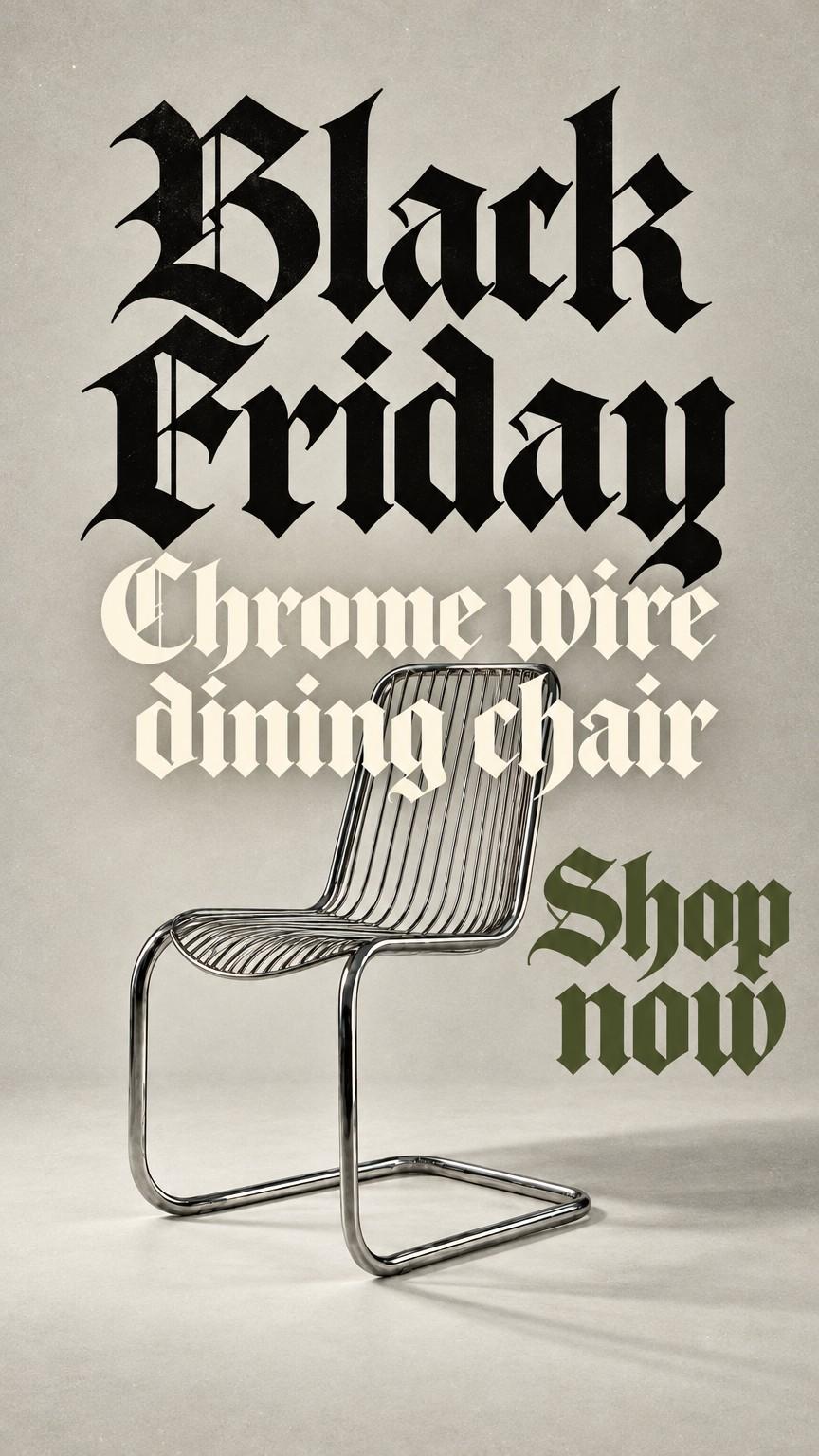
Made in Kive from a single saved product. The product stays exact; the scene, the light and the lettering come from the reference.
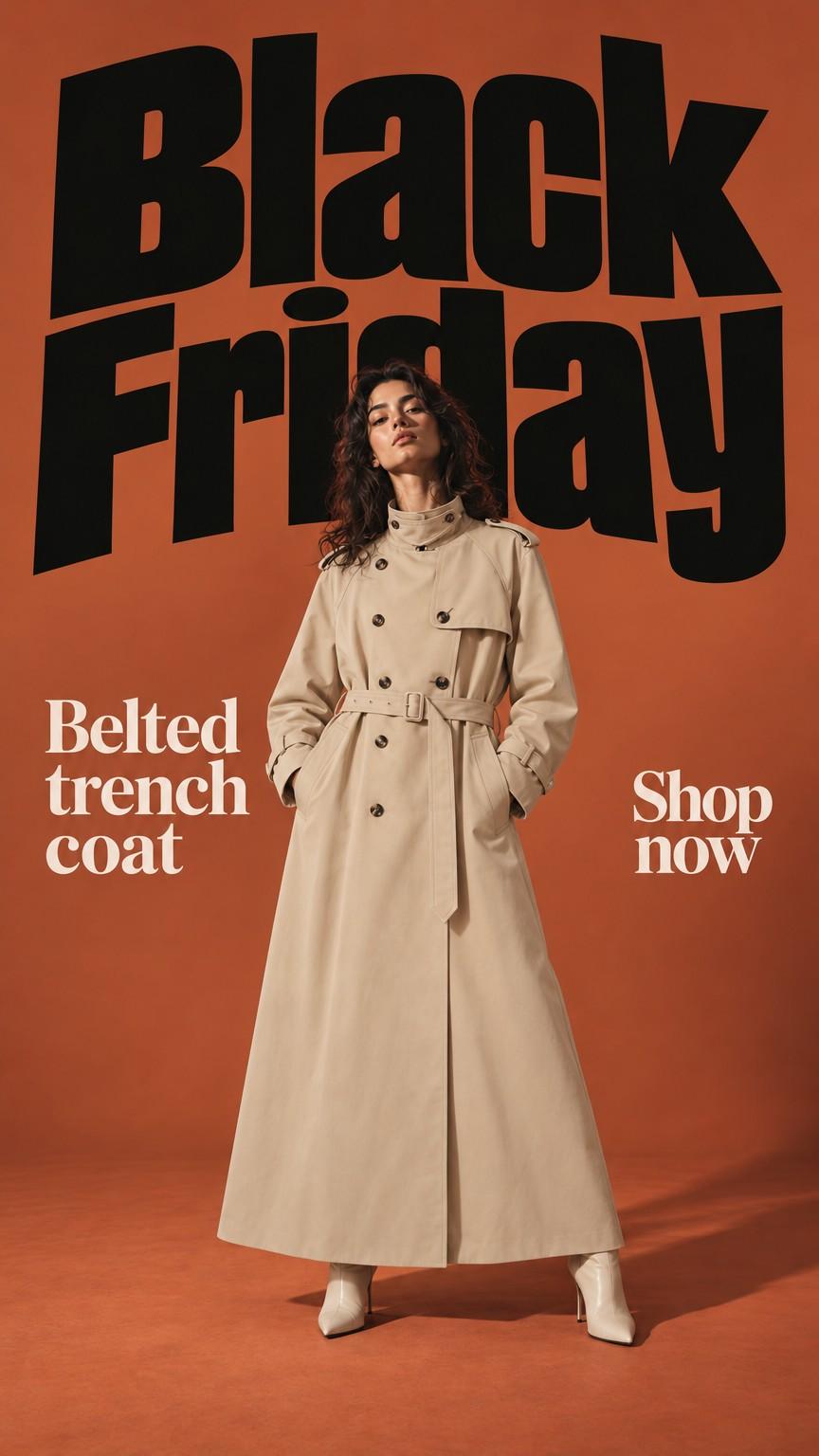
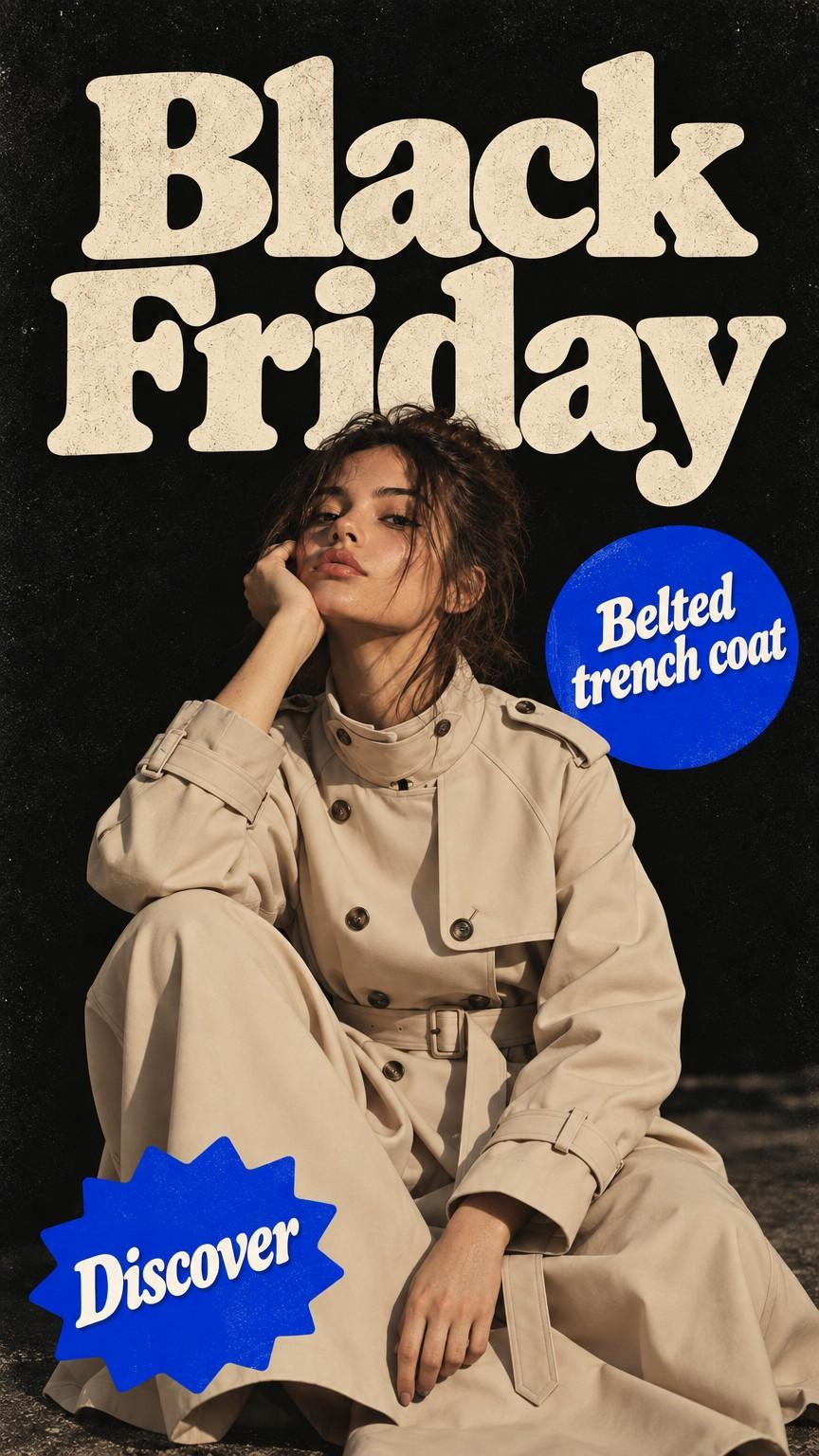
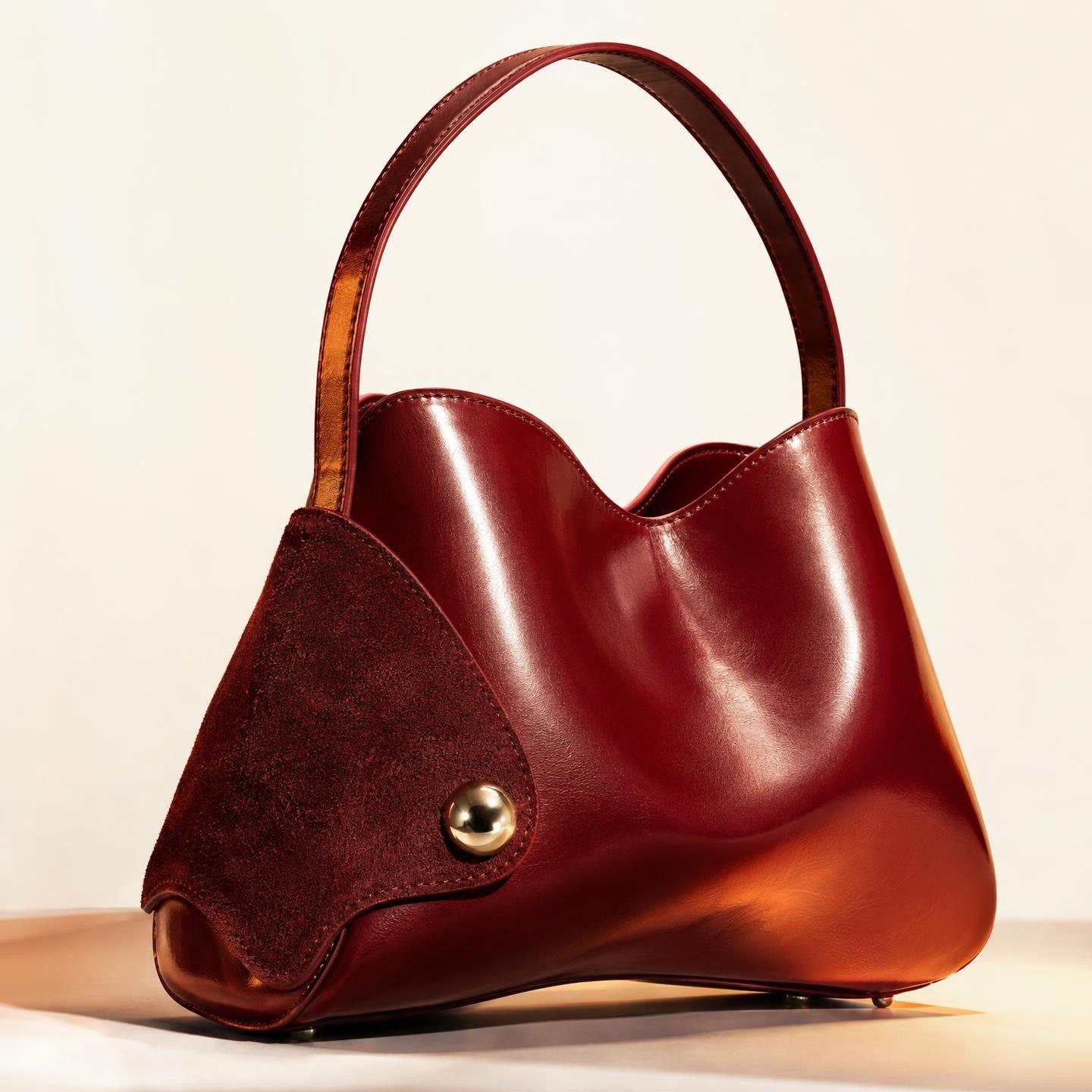
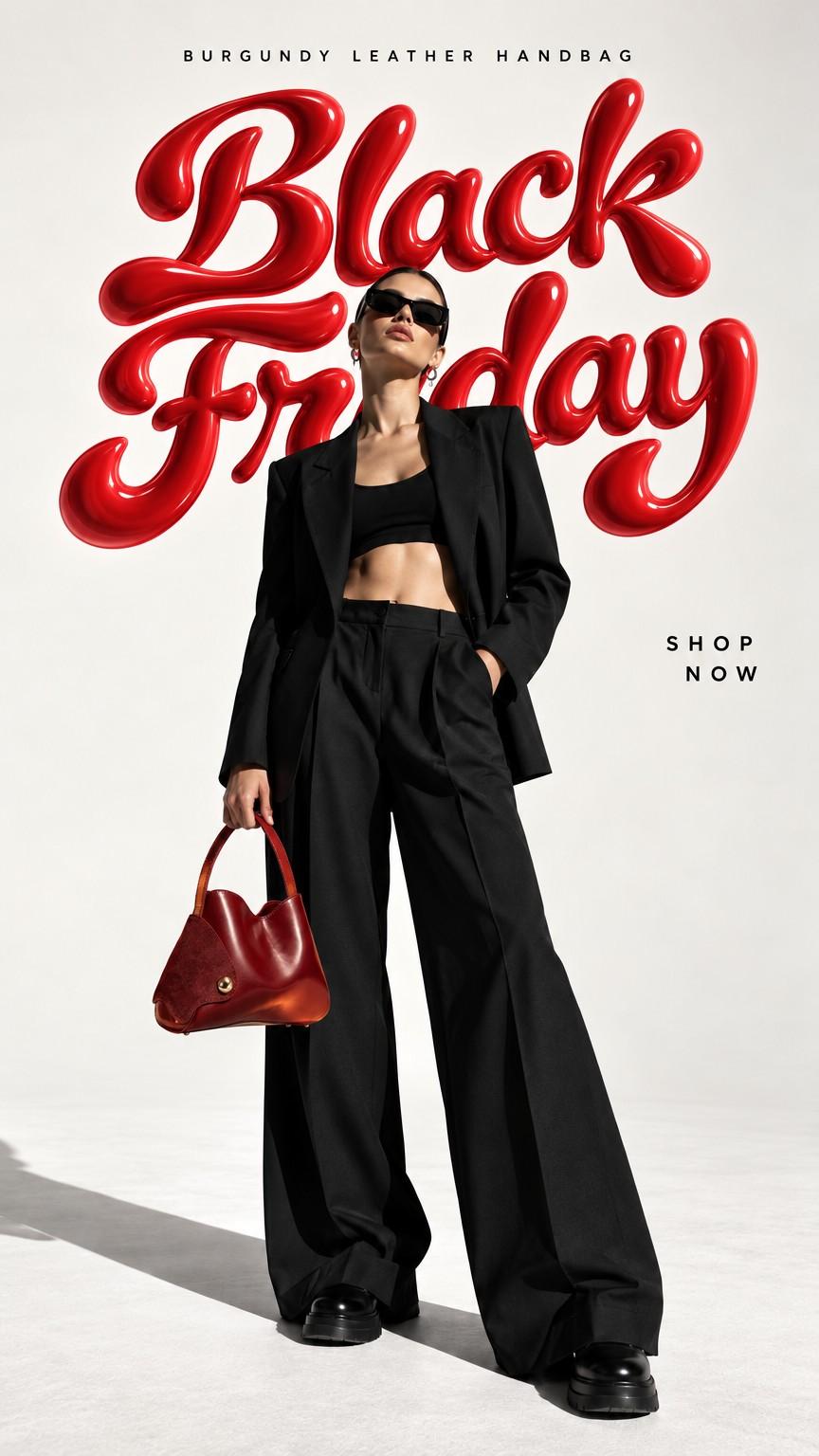
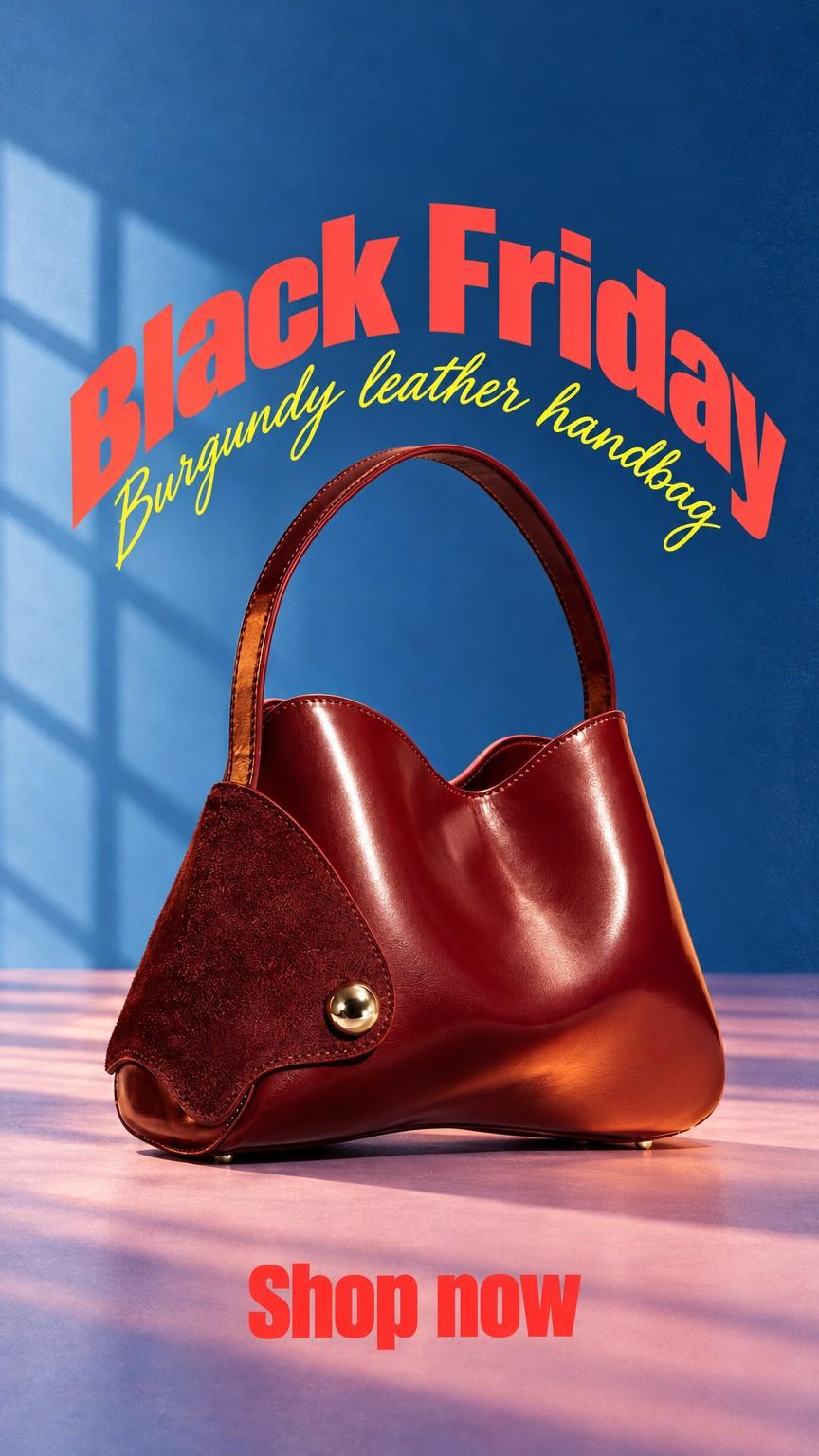
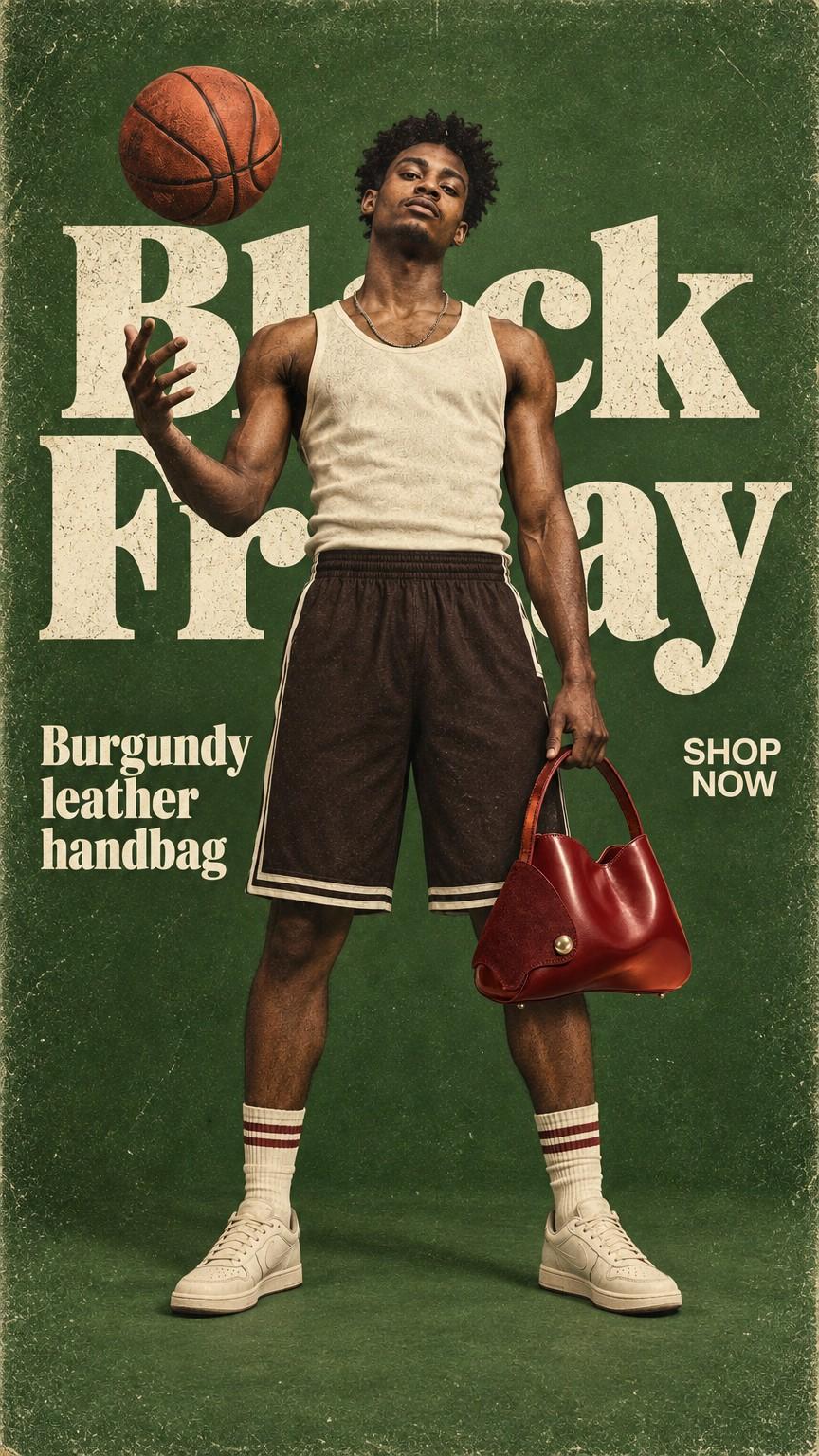
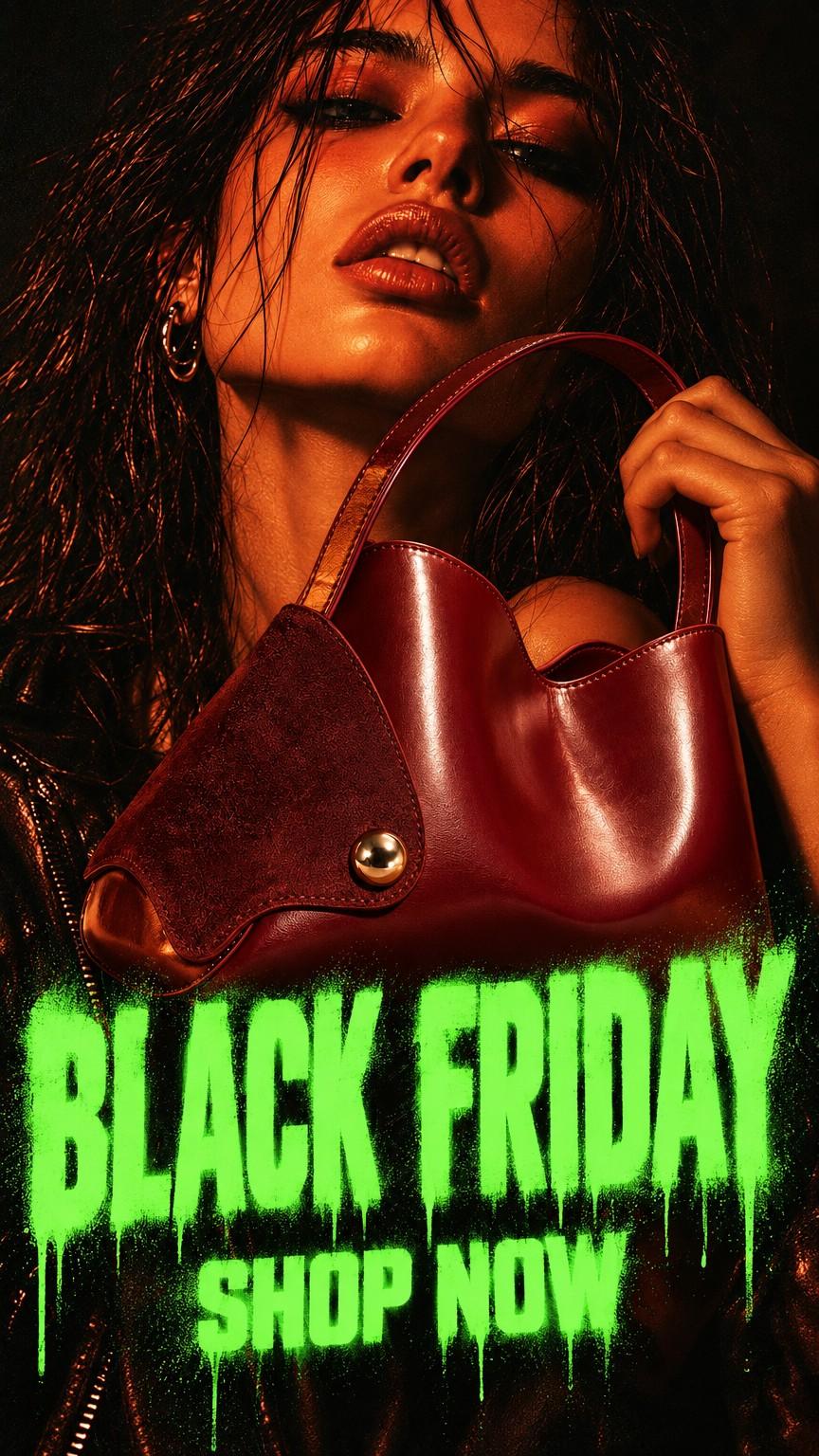
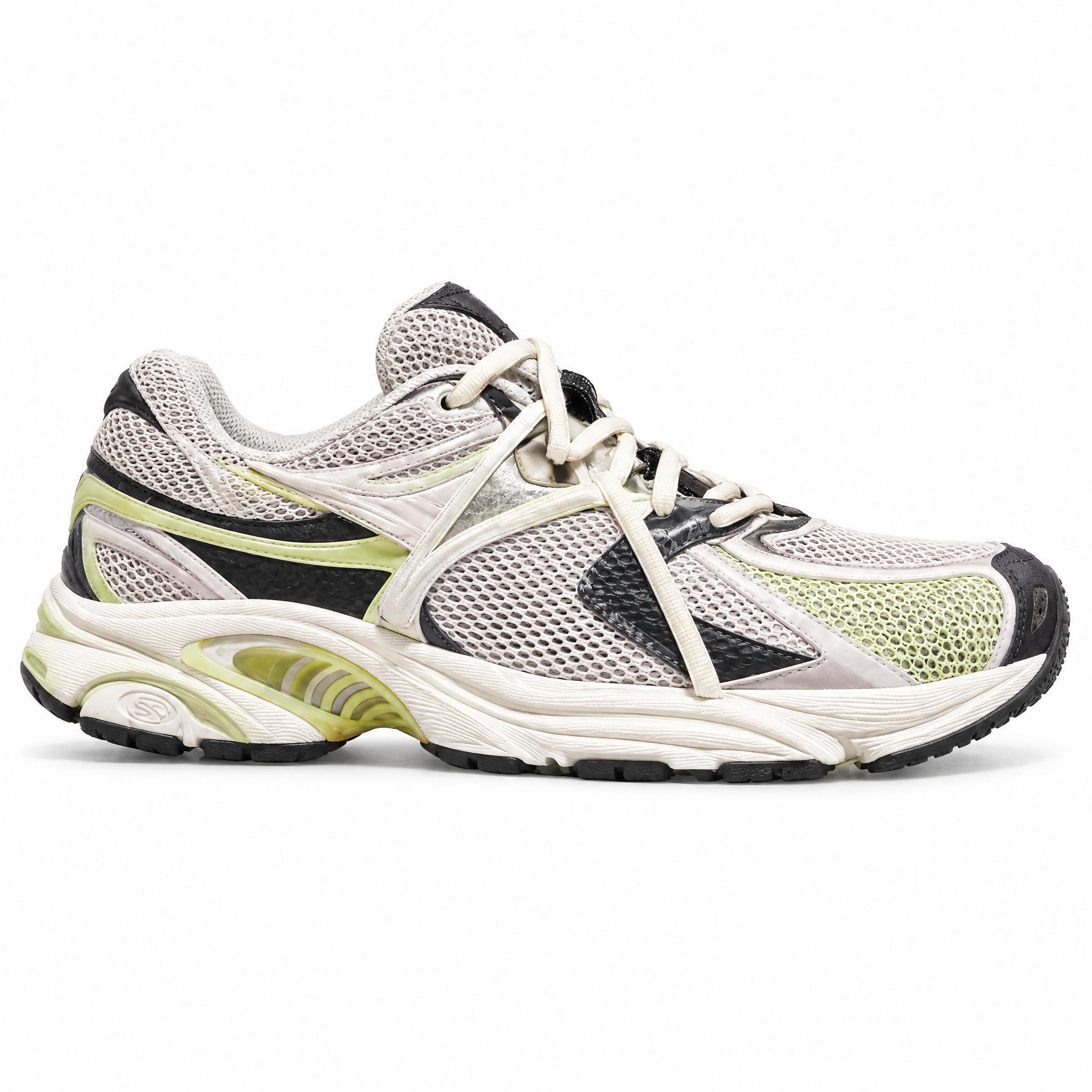
“We went from 1 EDM campaign per week to 3 per week, saving approximately $850 AUD per month compared to a freelance photographer.”
Sox Heng, Creative, AMR
Read the AMR storyCommon questions
More ways to use Kive
Product video ads from the photos you already have
Turn a saved product into a short commercial: a scene from the Ideas library, camera motion and sound, in every ratio from 9:16 Stories to 16:9 YouTube.
UGC video ads with your product in hand
Phone-shot, talking-to-camera ads for TikTok, Reels and Shorts, made from your product photos. Vertical from the start, with sound, and a new hook whenever you need one.
AI product photography for high-end branded campaigns
Campaign-grade visuals and video from the products you already have. Art direction built in, no production crew required.
AI product photography for enterprise SKU catalogs
Turn one product shot per SKU into a full catalog of on-brand photos and video. No studio, no reshoots.