Introducing Kive Studios
Kive Studios helps teams create visually by starting with pro-designed presets, then remixing the parts of a scene instead of writing technical prompts from scratch.
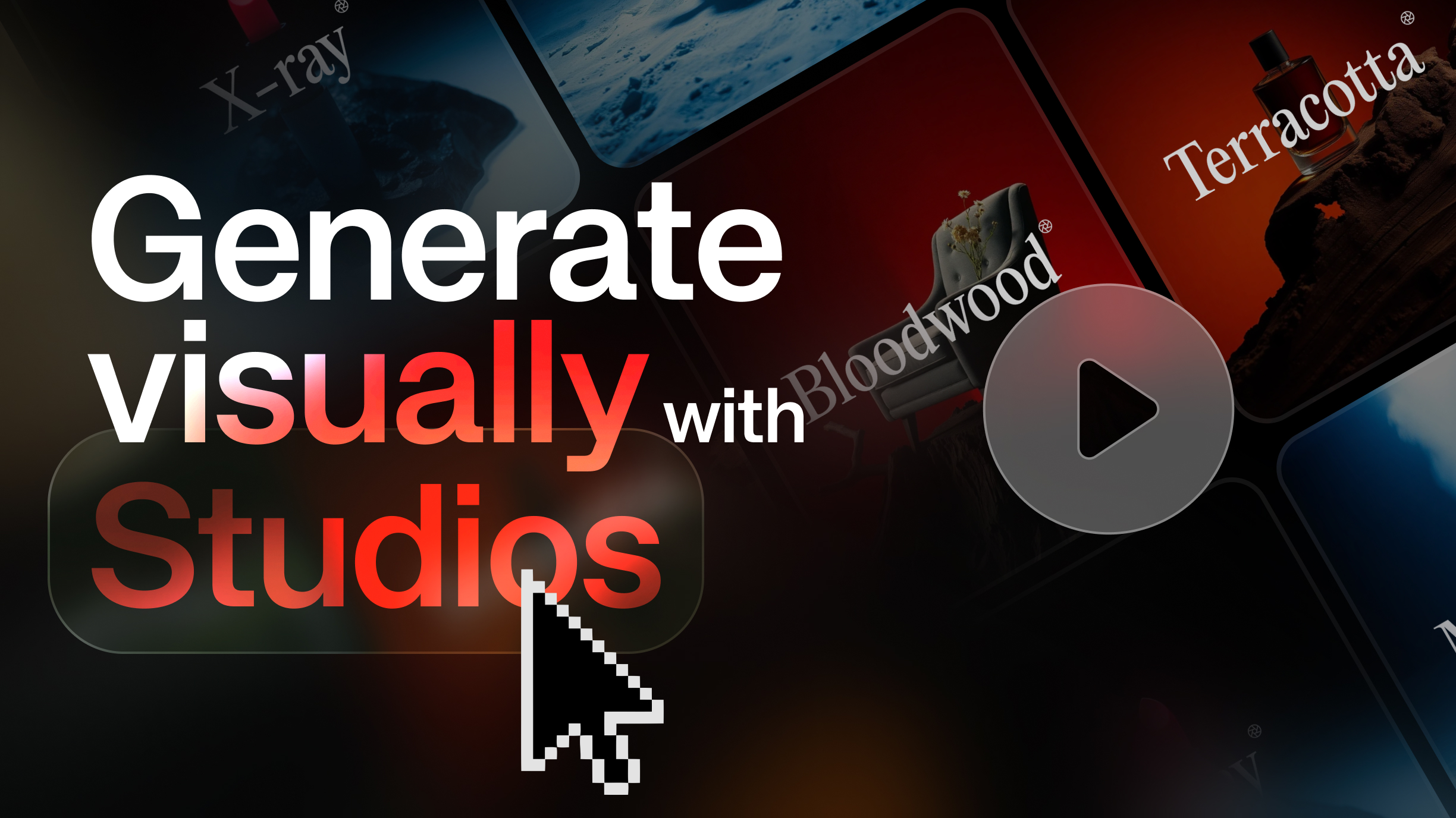
Studios
Today we are launching Kive Studios, a more visual way to create images and videos in Kive.
The problem is familiar to anyone who has tried to direct AI visuals: the idea is creative, but the prompt can become technical fast. Lighting terms, camera references, props, and background language can make creation feel closer to coding than making.
How it works
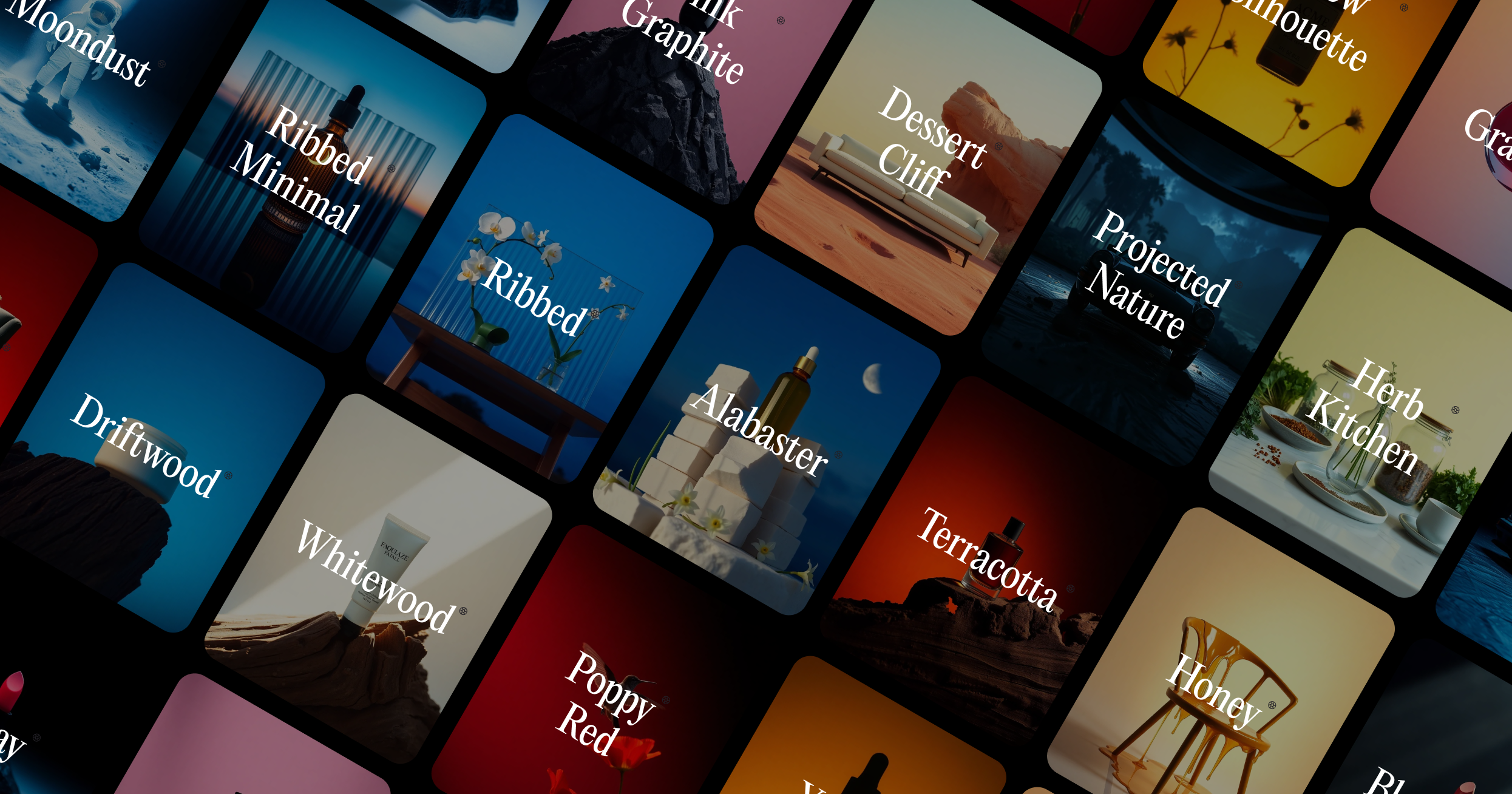
A Studio is a reusable visual setup. Give Kive a quick description of your subject, choose a Studio, then remix scene blocks such as lighting, props, angles, and backgrounds.
The useful part is that creative decisions become visible choices you can change, compare, and reuse. Start with one subject, choose a Studio, and change one block at a time so you can see what each control is doing.