Kive vs Adobe Firefly, ecosystem or system
Firefly is Adobe’s gateway to many AI models. Kive is one system built around your products. Different purchases wearing the same demo.
A model menu against a product system
Firefly has become Adobe’s aggregator: one subscription meters generative credits across Adobe’s own models and partner models from Google, Kling, Runway, and others, wired into the Adobe ecosystem – Firefly Standard is $9.99 a month for 2,000 credits and up to 20 five-second videos, Pro is $19.99 for 4,000, and Pro Plus at $49.99 adds full Photoshop on web and mobile (adobe.com, August 2026, with first-year promotions running until October 21). Free daily generations exist without any plan.
Kive is not a model menu; it is a product photography system. A saved product model anchors generations to your capture, trained characters keep the same person across a campaign, studio presets hold the scene, and the same library produces stills and video. Basic is $40 a month ($30 billed annually) for 2,000 credits, about 200 generations (kive.ai/pricing, October 2026).
The split is what you are actually buying. Firefly buys breadth – many models, Adobe integration, credits that spend anywhere. Kive buys depth on one job: imagery of your real products that stays accurate and coherent at catalog scale. Creative Cloud teams exploring AI broadly fit Firefly; brands producing product imagery weekly fit the system built for it.
| Kive | Adobe Firefly | |
|---|---|---|
| Entry paid plan | Basic $40/mo ($30 annual): 2,000 credits, about 200 generations | Firefly Standard $9.99/mo: 2,000 credits, up to 20 5s videos |
| Free way in | 40 credits on email verification | Free daily generations without a plan, limits reset daily |
| Built around | One system: saved products, characters, studios, one library | A model menu: Adobe plus partner models (Google, Kling, Runway) |
| Product accuracy | Generations anchor to a saved product model from your capture | Per-model prompting and editing; no saved product asset |
| Ecosystem | Standalone workspace plus MCP for assistants like Claude and ChatGPT | Adobe apps: Express Premium included, Photoshop from Pro Plus ($49.99/mo) |
| Video | Image-to-video from the same saved assets, on every plan | Counted 5s videos per tier: 20 on Standard, 40 on Pro, 100 on Pro Plus |
Choose Kive when
- The job is recurring product imagery: catalog, campaign, on-model – accurate to the real item every time.
- Consistency is the bar: the same saved product, character, and scene family across the whole set.
- You want one library feeding stills and video, not credits spread across a menu of models.
Choose Firefly when
- Your team lives in Adobe – Photoshop, Express, and Firefly credits in one subscription is real convenience.
- You want to sample many frontier models under one roof rather than commit to one system.
- Free daily generations cover your exploration and the work is not product-critical.
Common questions
One system, one look
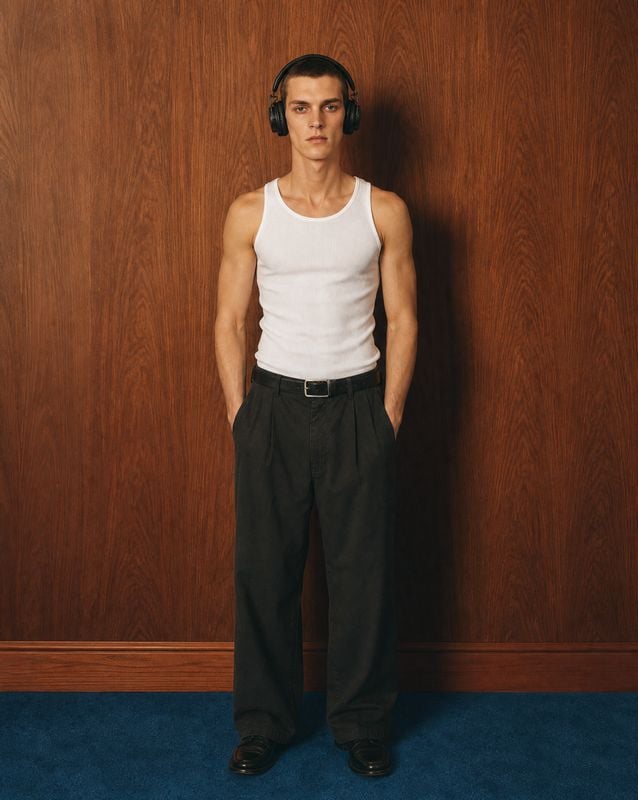
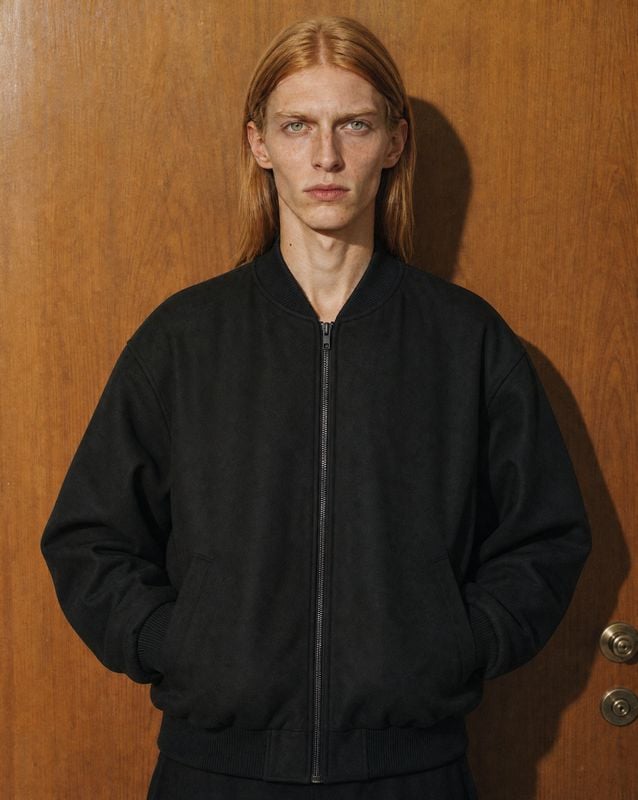
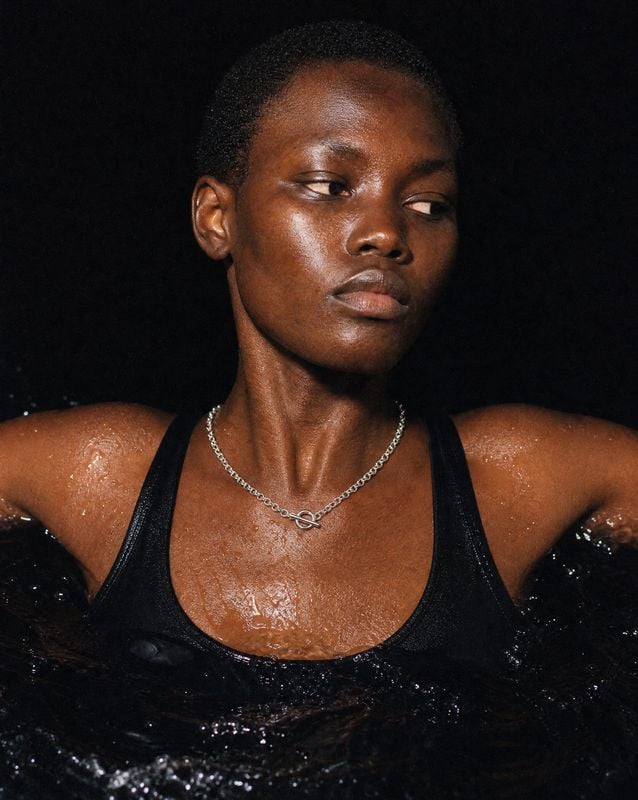
Curated studios from the Kive gallery – directions the whole catalog inherits.
Browse presets →





Depth over breadth
Generate your first product shots free – 40 credits on signup, no card required.